
Get any PDF form from the DocHub library of ready-made templates - Page 2085

Certified Bill of Sale for a Vehicle - Brevard County Tax Collector
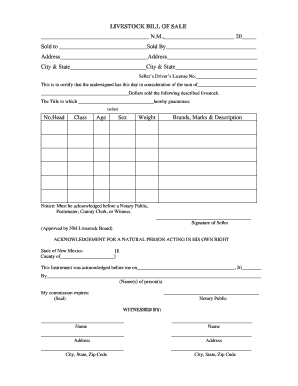
Livestock bill of sale nm
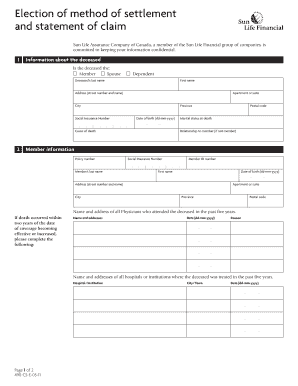
Election of method of settlement and statement ... - Sun Life Financial
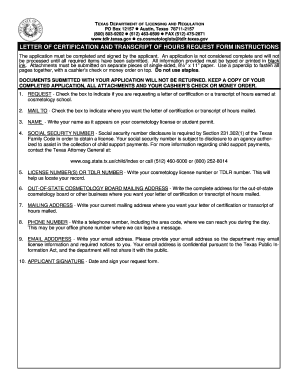
Request for discovery template texas
Fa 4152v form
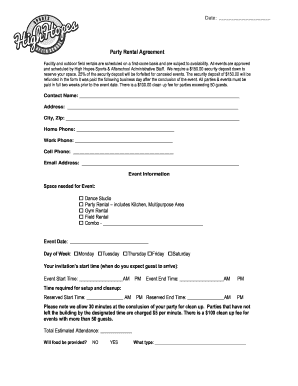
Party rental clause

New york attorney poa
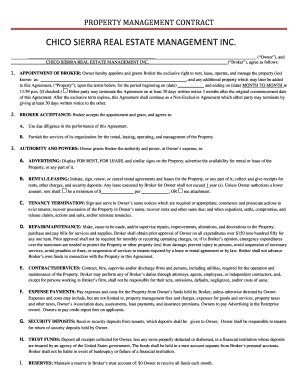
California real estate management
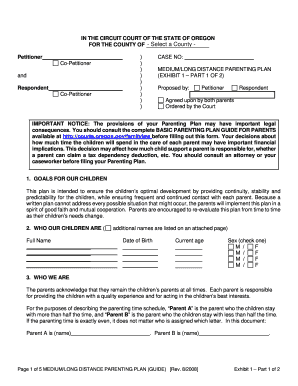
Tennessee parenting plan calculator

Entergy vendor set up
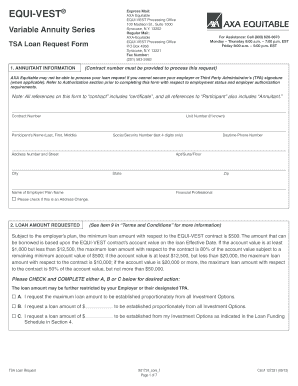
Axa equi vest loan

Internship evaluation form
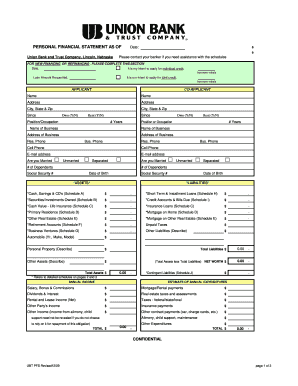
Union bank statement sample
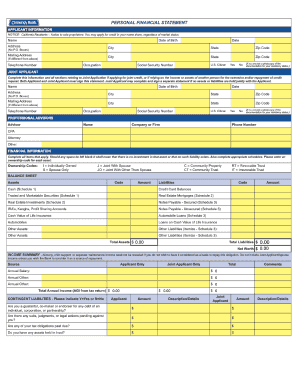
Comerica bank form statement
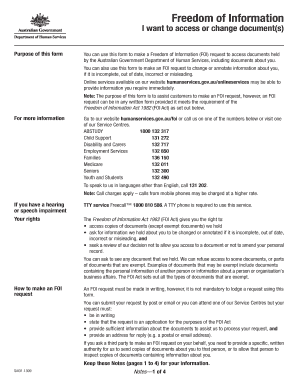
Si031
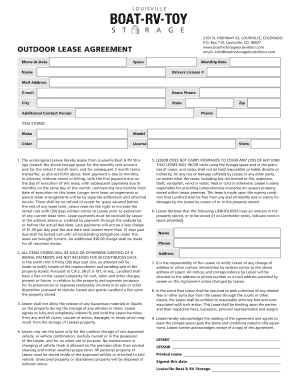
Louisville rv storage
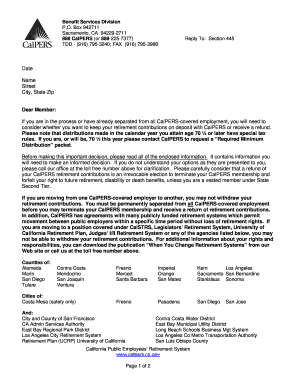
Calpers refund
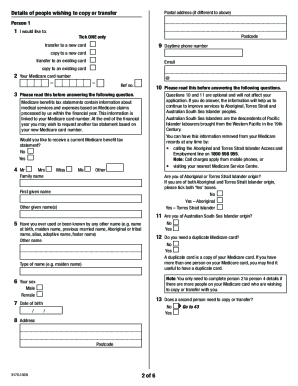
Blank medicare card
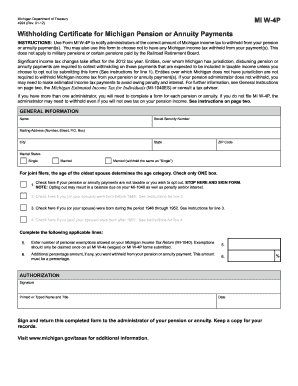
Mi w4p
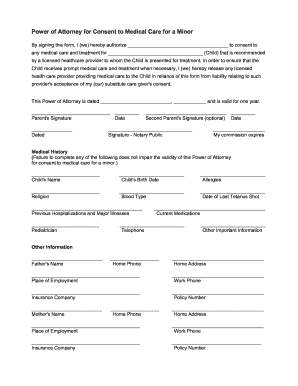
St louis children hospital power attorney
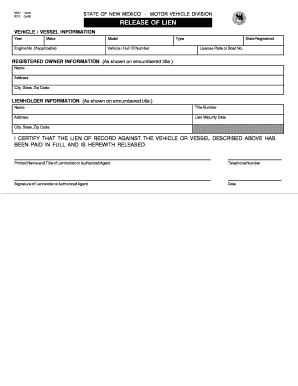
New mexico lien release form
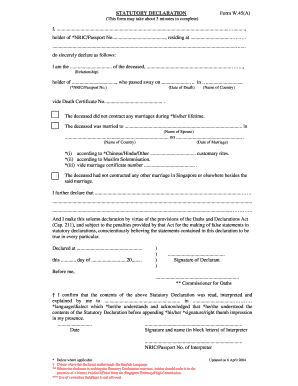
Declaration form format in word
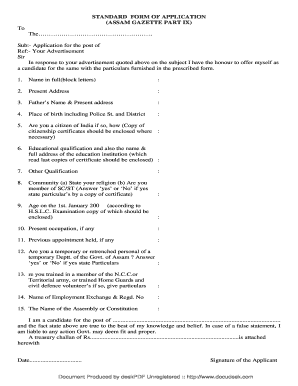
Form assam
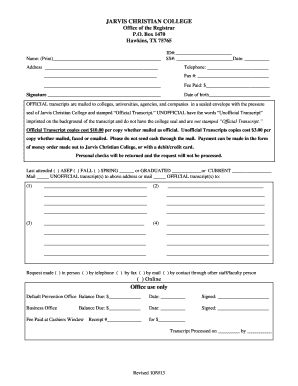
Jarvis christian college transcript request
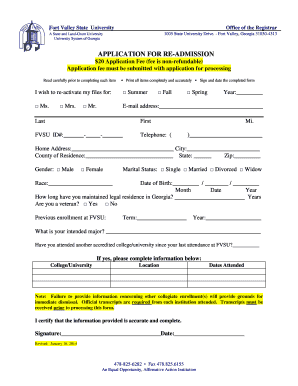
Application for Re-Admission Form - University System of Georgia - fvsu

Two-Step PPD Form - Drexel University - drexel
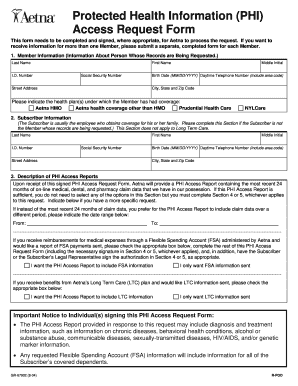
Protected Health Information (PHI) Access Request Form
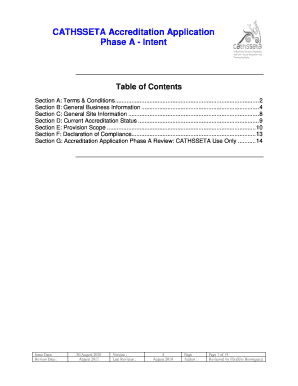
Cathsseta registration
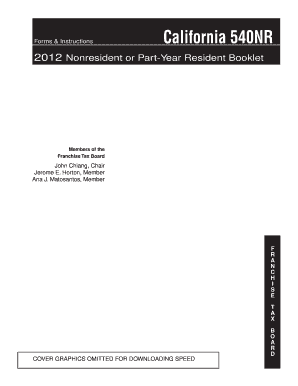
2012 california form 540nr
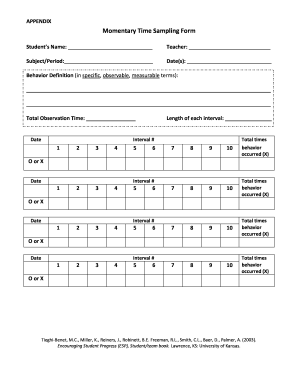
Momentary time sampling
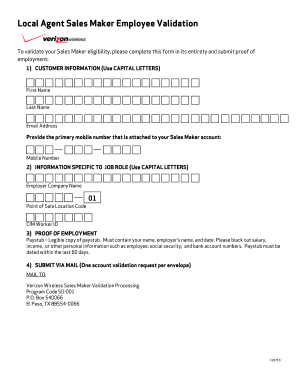
Verizon sales maker
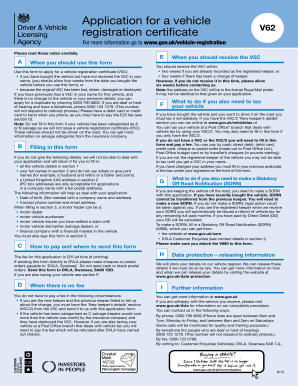
V62 2013 form
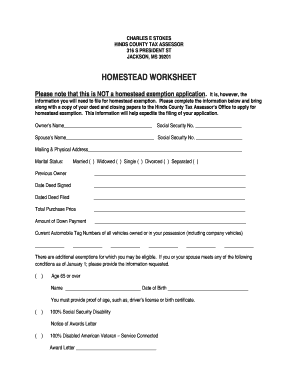
How to file homestead exemption hinds county ms
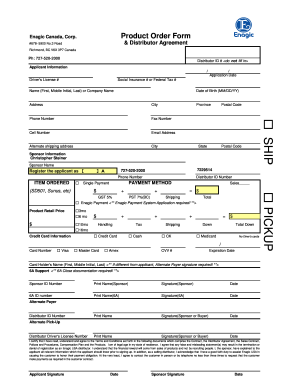
Enagic forms canada
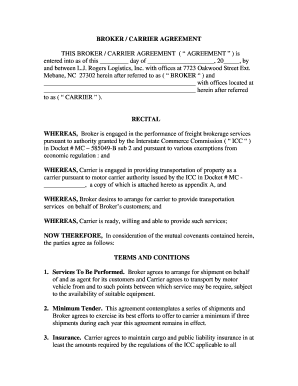
Broker carrier agreement template
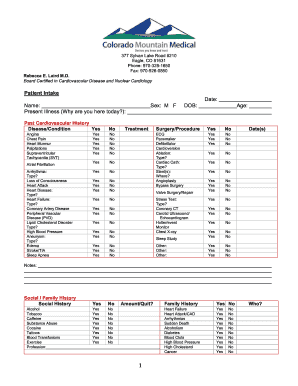
Cardiology patient intake form
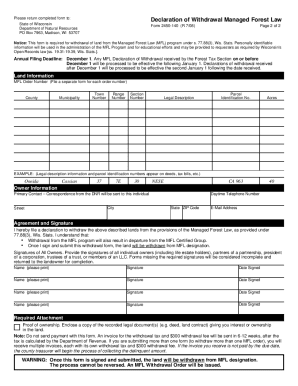
Wisconsin boat registration transfer form
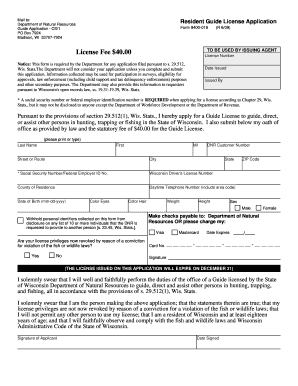
Wisconsin guide license
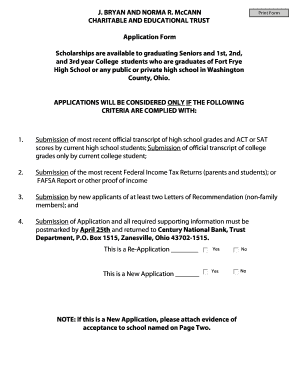
Mccann scholarship
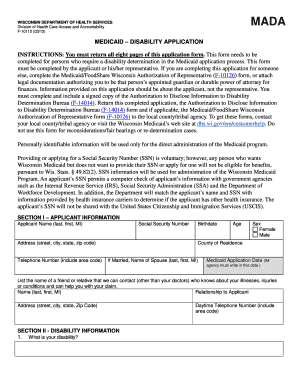
F medicaid
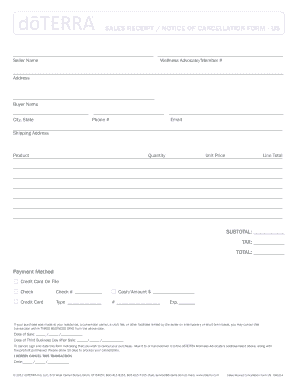
Receipt cancellation
Fashion show registration form
Bit ly exit interview midi
Nlrb petition
Drag race audition tape requirements

Direct deposit form scotiabank
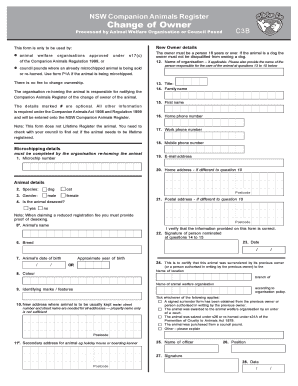
C3b form

Pnc beneficiary designation form
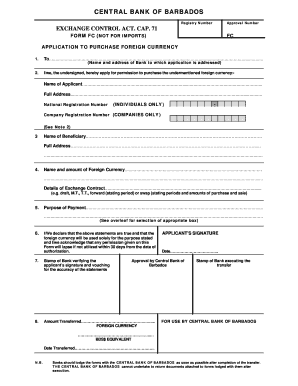
Central bank of barbados forms
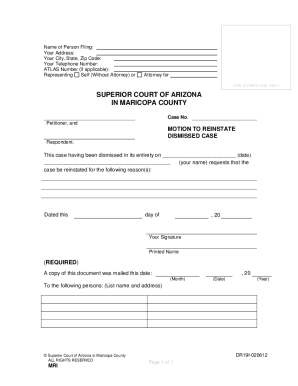
Motion to Reinstate - Superior Court - Maricopa County - superiorcourt maricopa
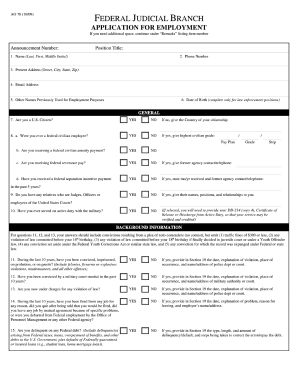
Judicial Branch Application for Employment

Fire alarm test form
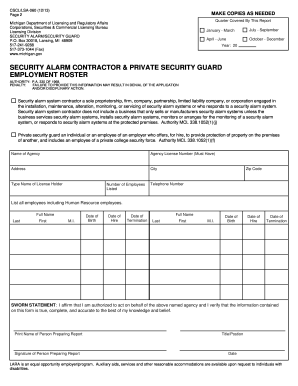
Cscl lsa 060
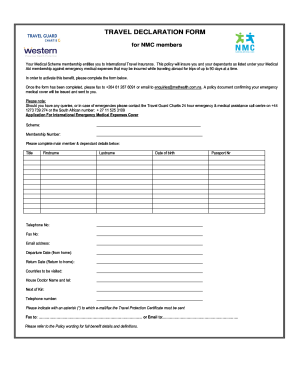
Travel declaration form puerto rico pdf
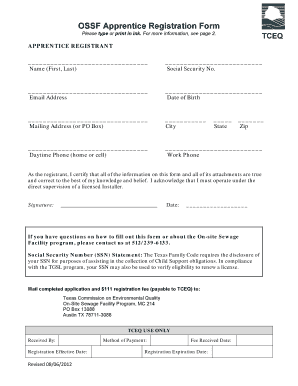
Ossf form
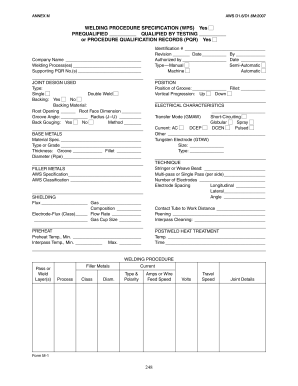
Prequalified wps
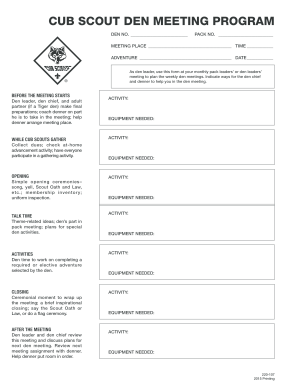
Den meeting program
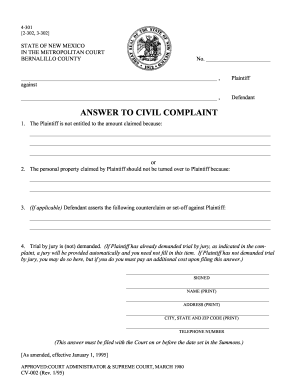
New Mexico Answer To Civil Complaint - State Legal Forms
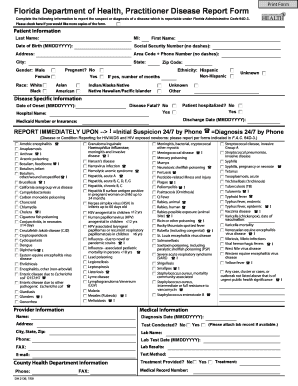
Practitioner disease report form
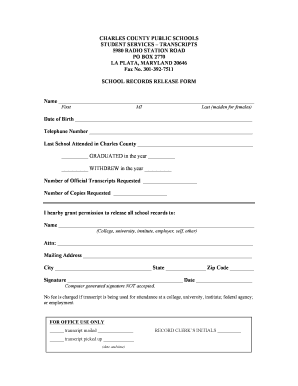
Authorization to release school records form
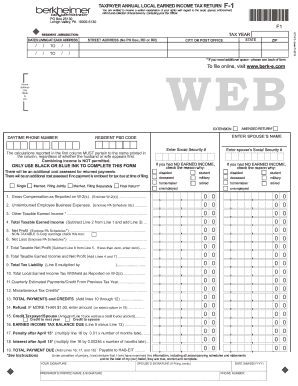
2015 pa berkheimer tax form
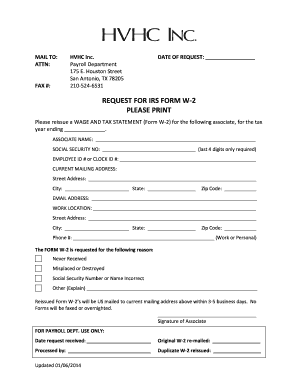
Visionworks admission form
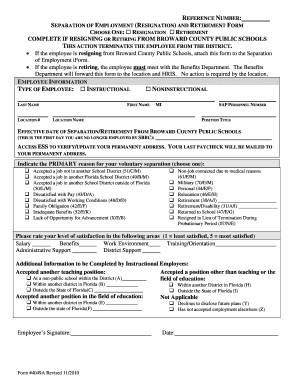
Broward schools seperation of employment iform
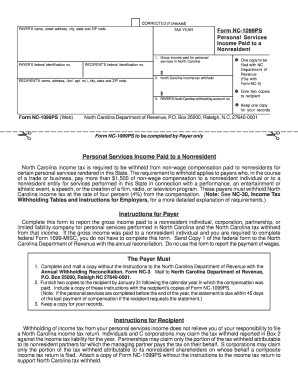
Form NC-1099PS Personal Services Income Paid to a Nonresident
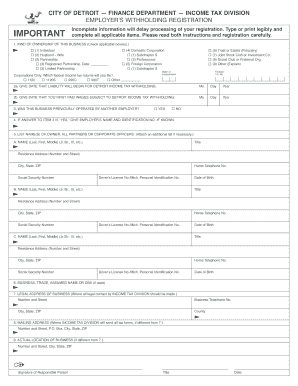
Employers withholding registration

Biometric screening form
Examples of behavior charts
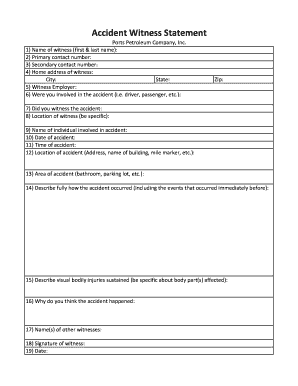
Witness statement form
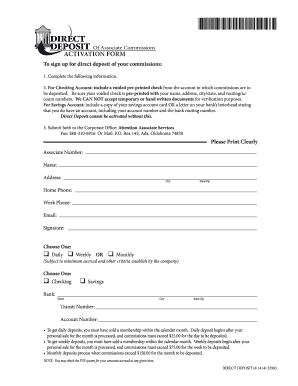
ActivAtion Form - LegalShield
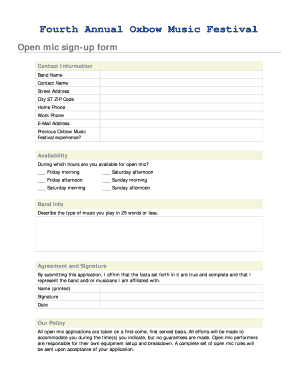
Open mic sign up sheet
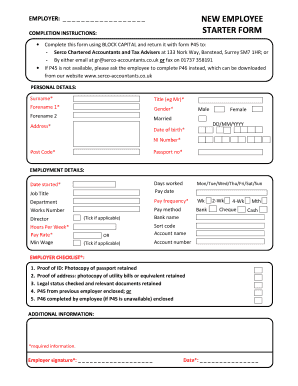
Employee starter form
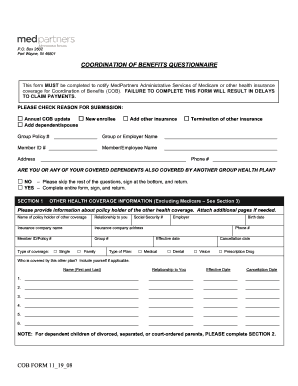
Coordination of form cob
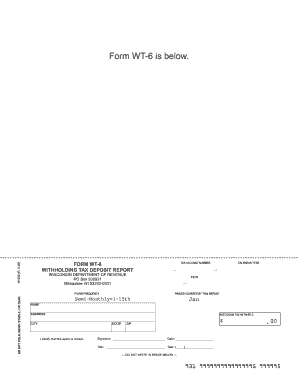
Form wt 6 2008
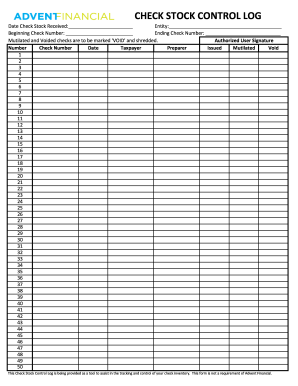
Check log template
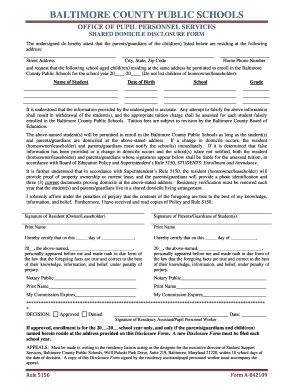
Baltimore county public schools shared domicile form
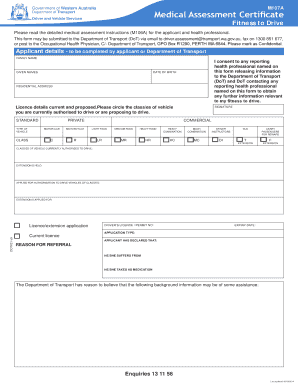
M107a
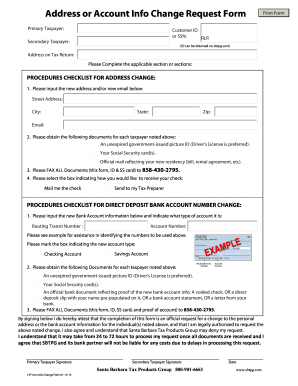
Sbtpg reviews
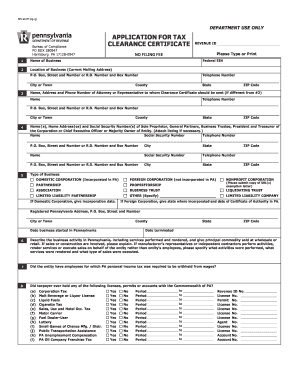
Rev 181 instructions
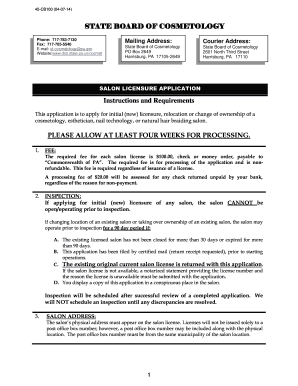
STATE BOARD OF COSMETOLOGY - Enterprise Portal Information - portal state pa
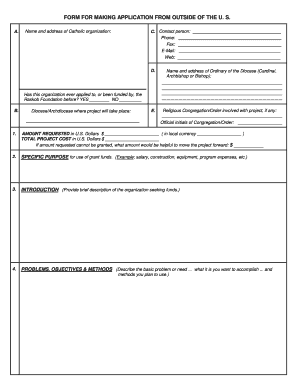
Raskob foundation grant application form
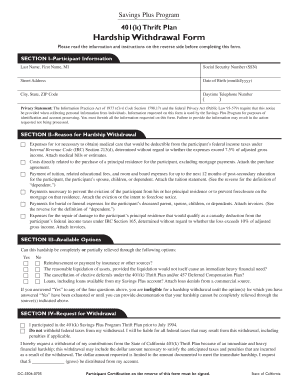
Nationwide 401k withdrawal form
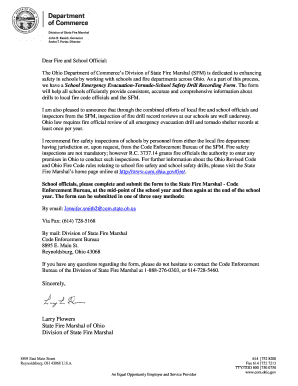
Emergency evacuation drills

Nh annual reports form online
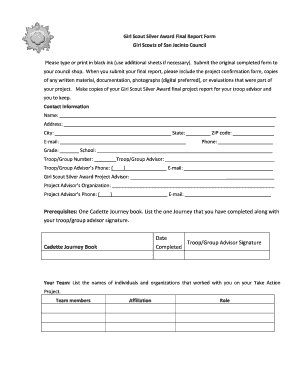
Form award final report
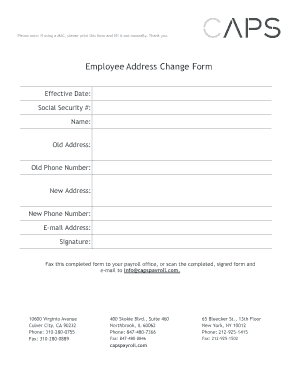
Caps payroll state id number

Lifeworks application
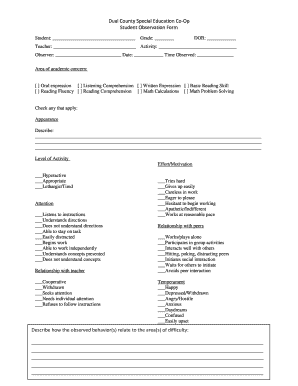
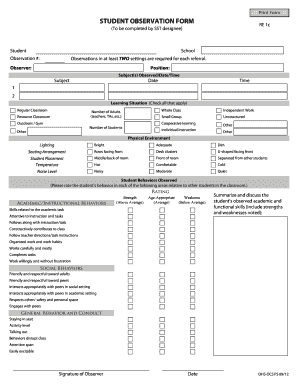
Printable student observation form
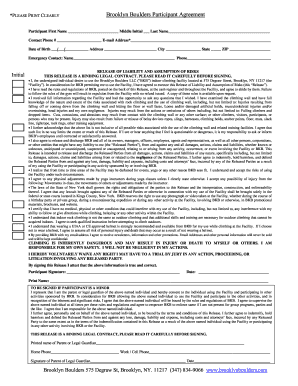
Brooklyn boulders waiver
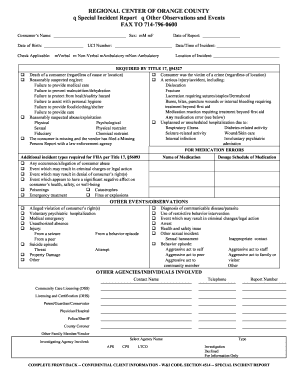
Incident report other sample
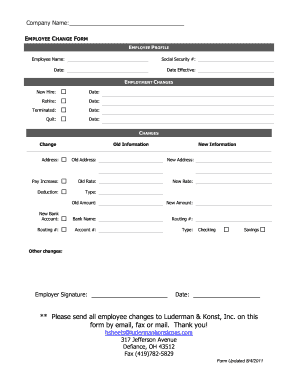
Pay rate change form template
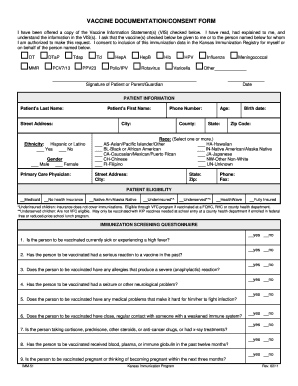
Vaccine lodger forms
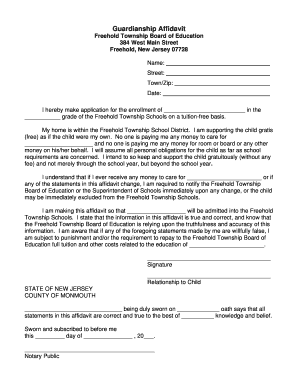
Guardian affidavit for school admission
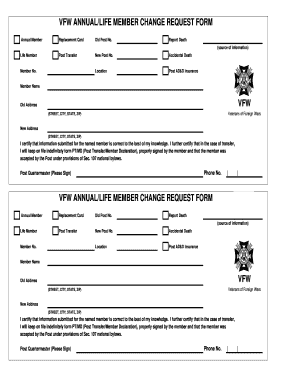
Vfw member at large

Dd 2215

Administrative Office - Massachusetts General Hospital - massgeneral

Self employment income

Uhc waiver of liability form editable
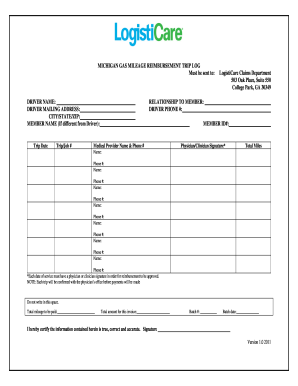
Logisticare gas reimbursement schedule michigan 2011 form
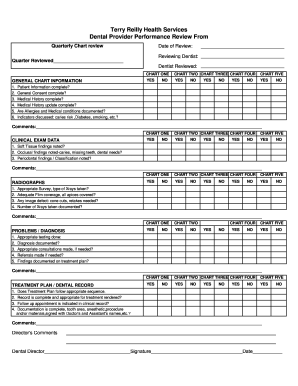
Dental provider performance review
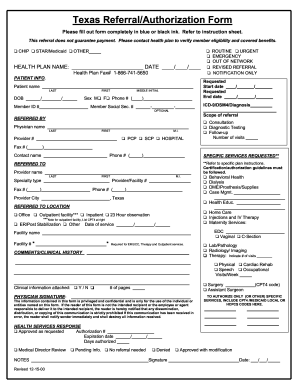
Driscoll prior authorization form
Benefit from the DocHub online library of fillable PDF forms
Searching the PDF forms doesn't have to be a tedious and time-consuming process. With the DocHub online library, it has become easier to find the fillable PDF forms and modify them in your browser. The service allows you to adjust the document to your needs using powerful editing tools.
You can use online document editing features to modify almost any type of document with ease. You just need to find the template of your choice, open it in the editor, and use the toolbar to make the necessary corrections.
Follow this guide to get your document done with DocHub:
- Find the PDF template you need.
- Click the Get Form button to open the file in the editor.
- Use the toolbar to fill out and edit the document.
- Easily add and highlight text, insert images, checkmarks, and symbols.
- Drop new fillable fields, and rearrange or delete pages from your file.
- Save changes and download your record.
DocHub empowers everyone to streamline document editing, signing, and distribution, and form completion. Create an account and benefit from our well-organized PDF Forms library and comprehensive editor.