




01. Edit your medicare card replacement online
Type text, add images, blackout confidential details, add comments, highlights and more.

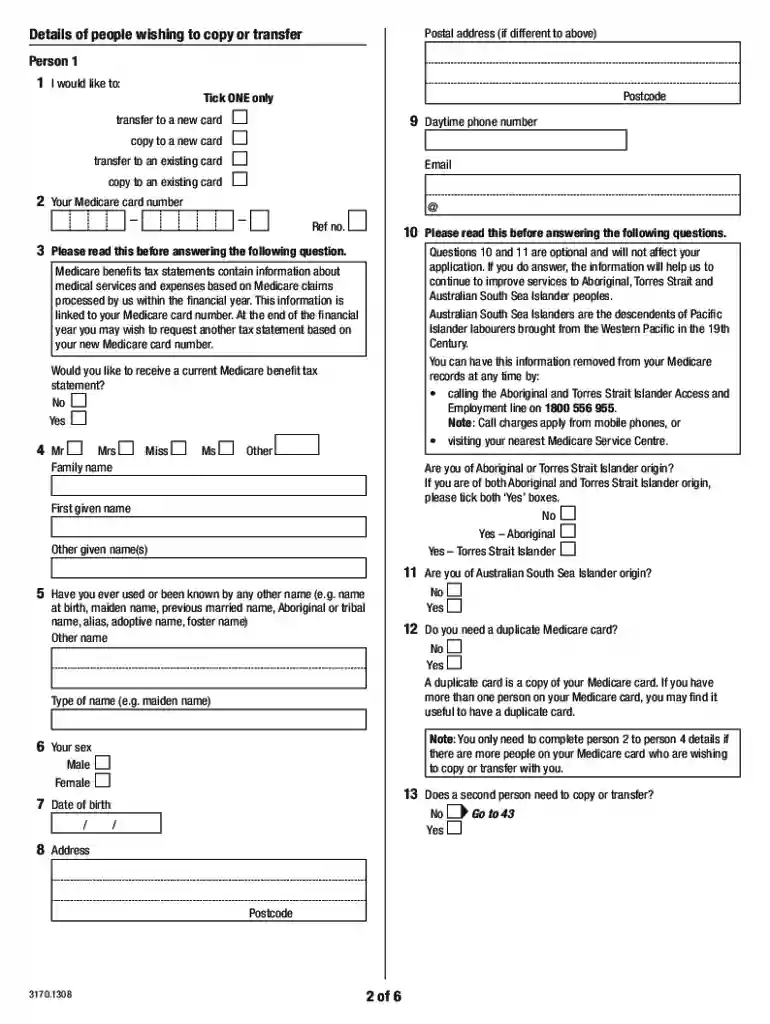
Type text, add images, blackout confidential details, add comments, highlights and more.

Draw your signature, type it, upload its image, or use your mobile device as a signature pad.

Send medicare card template via email, link, or fax. You can also download it, export it or print it out.

Start filling out your blank Medicare card today for free on our platform!
We've got more versions of the medicare card replacement form. Select the right medicare card replacement version from the list and start editing it straight away!
According to eSignature laws, documents signed digitally have the same validity as those approved with pen and paper. You can eSign almost any business and private documentation. Four types of documents still demand handwritten signatures only - wills and testamentary trusts, court orders and other court papers, state statutes governing divorce, adoption, or other family law, and notice of cancellation of utility services. If you adhere to the guidelines and use a reliable and compliant software solution, like DocHub, you can eSign your blank medicare card without printing it.
If you want to edit your blank medicare card on the internet quickly, it does not matter what internet browser you employ. DocHub’s straightforward editing tools are accessible using any internet browser. Just open the appropriate tab in the editor, add your document, and fill it out without stress.
At DocHub, your data security is our priority. We follow HIPAA, SOC2, GDPR, and other standards, so you can work on your documents with confidence.
A federal government website managed and paid for by the US Centers for Medicare and Medicaid Services. 7500 Security Boulevard, Baltimore, MD 21244Read more
Jul 19, 2005 Code 1 No Medicare involvement. Field 24J should contain the amount charged and field 24K must be left blank. Code 1 No Other Insurance.Read more
Under My Account Settings, select the option to print a temporary ID card or request a new ID card by postal mail. 4. Follow the easy directions via the siteRead more


