
Get any PDF form from the DocHub library of ready-made templates - Page 892
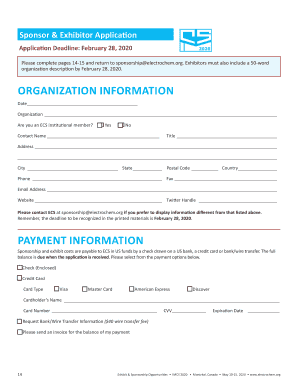
Montreal, Quebec, Canada LOWER ATRIUM Palais des Congrs

Special accommodation requet form
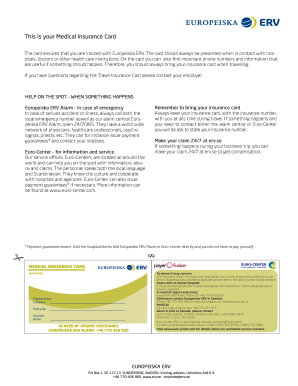
Se insurance card
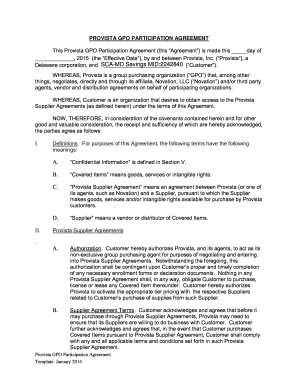
Agreement service contract

Asnt level 3 exam

Formulaire 3517 remplissable
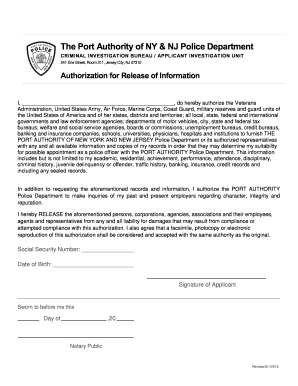
241 Erie Street, Room 311, Jersey City, NJ 07310

Terms of Use - Penn Vet
Client medical history form

Gillian ortega mary kay

Youth parental consent release form

Junior bison volleyball
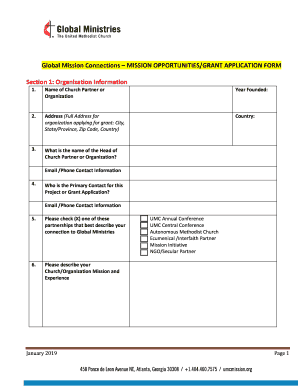
Apply for an ARDF GrantThe Anglican Relief and
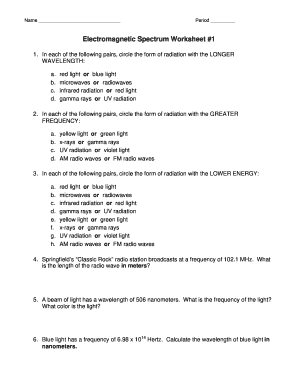
Spectrum worksheet

Referee evaluation form
Fr form contrat dapprentissage pdf

Congratulations on your new clinic
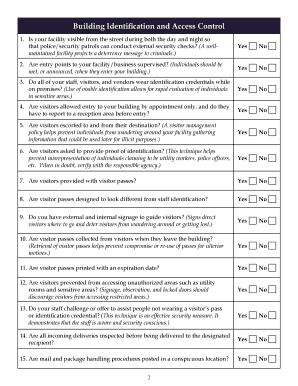
Facility Self-Assessment
2019 Summer Camp Volunteer Application

Guidance on the use of concentration ranges pursuant to the
Carolina Tax, Trusts & Estates EP Intake Form
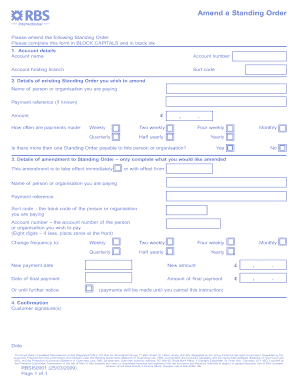
Rbs standing order form

Usra license 2023

Certified vehicle inspection form

Activity: Faith Church Students Lock in: Which includes among other things, basketball, dodge ball,
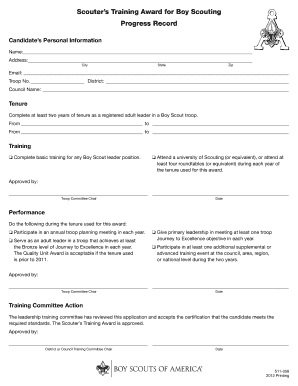
Scouters training

Mighty flier

Usli liquor
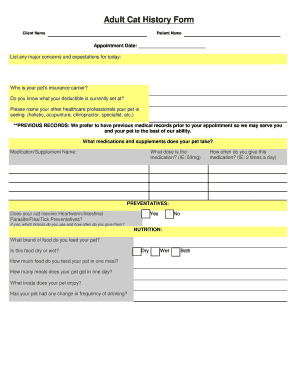
Cat history form
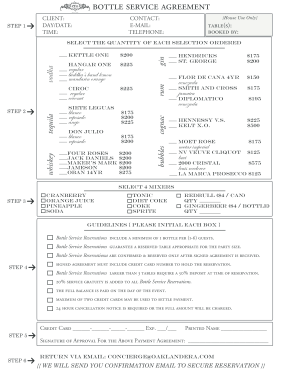
Bottle agreement create

Lettre avis

Animal & Veterinary Sciences Internship Learning Contract

Successor trust

PARTICIPANT AGREEMENT D6 NIGHT MARKET VILLAGE OF
Aeon credit merchant application form fill

APPOINTMENT OF SHORT-TERM GUARDIAN BY A PARENT
Claim seniority
Volunteer Agreement Form 9-19-17 docx

Waves worksheet two

Worksheet download

NTRP Self-Rate Appeal Form - USTA TennisLink Default Page

Premier athlete

Registered form

Service dog application

Risk management and financial institutions 5th edition pdf
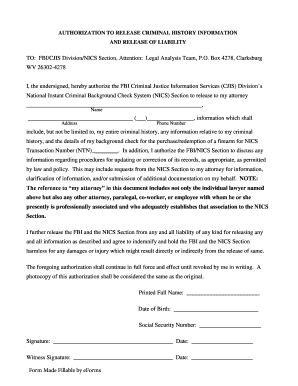
Fbi release form

Community & Civic Engagement Small Grants ProgramThe

ADC 05 - Bank of Valletta
Esitiedot ajokyvyn arviota varten
Tem621 pdf
T mobile dispute form

Fillable Online Each student and his or her parent
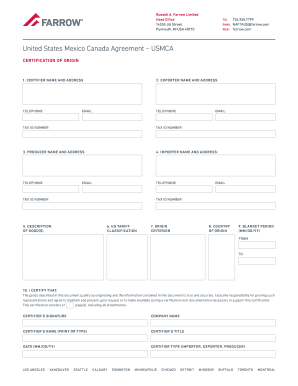
Usmca document of origin
Robert F Smith School dedicated in inspiring ceremony

Single importation
Laferla form
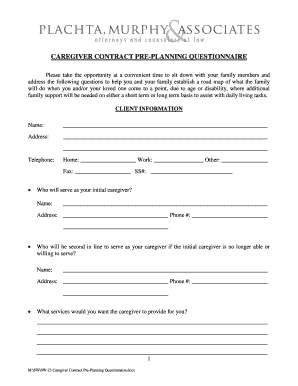
Caregiver contract pre planning

Myriad financial form

Fnha invoice

Operator funds provider form

Society insurance policy kit workers
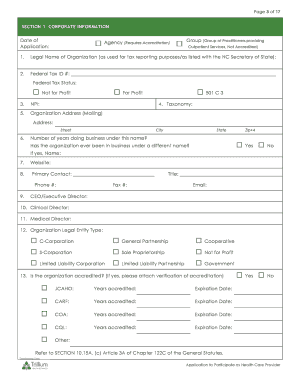
Trillium participate

Mri form
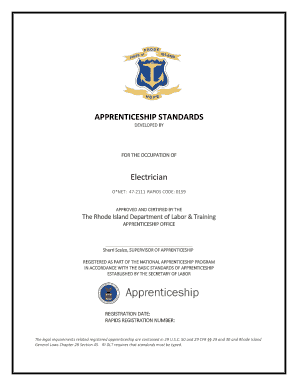
Register an Apprentice - RI Department of Labor and Training - RI

Wa dol refund request
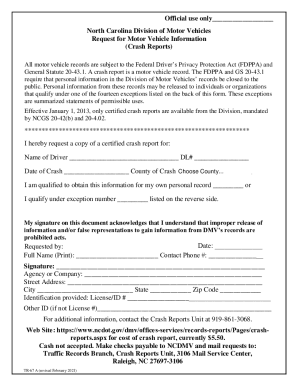
Fill ioNorth-Carolina-Division-of-MotorFill - North Carolina Division of Motor Vehicles Request for

Vehicle Restoration Permit - Spring Lake - spring-lake

H2b application
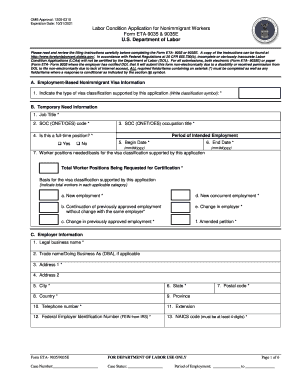
Labor condition application
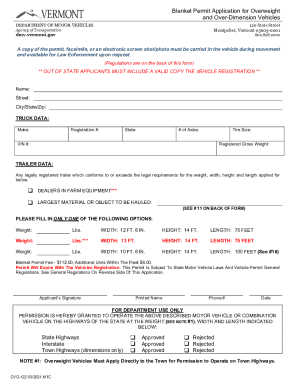
Vermont Overweight Vehicle Permit Application

Airport badge application

Proof of residency maine

Maine abandoned vehicle

Bureau of Motor Vehicles, Forms & Applications
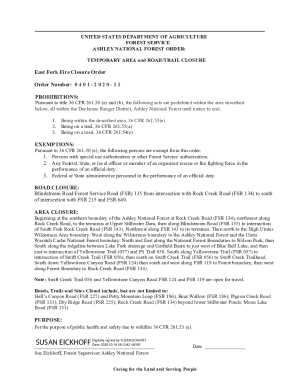
East Fork Fire Closure Order Order Number: 0 4 0 1 - InciWeb

Monument Knob Fire Closure Order Forest Order No 14-21-35

Arizona adot motor vehicle
Arizona medical form

AZ ADOT 96-0143

Supplement 18-2 TITLE 17 TRANSPORTATION CHAPTER 5

Servicearizona

80 day hiring timeline

State common law marriage

Dos foreign service family reserve corps
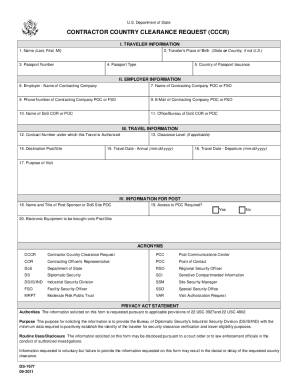
Country Clearance Request State Department

State release medical form
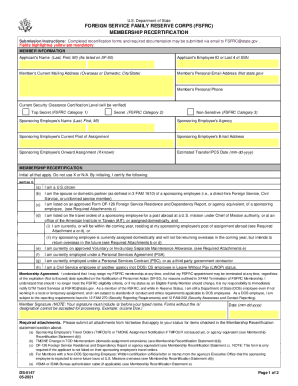
Foreign service family reserve corps
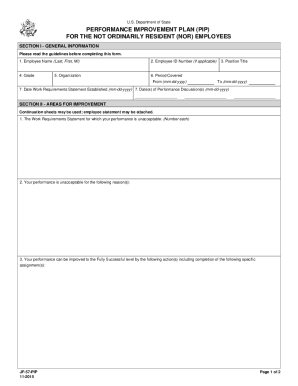
State performance improvement plan

PORT COURTESIES REQUEST
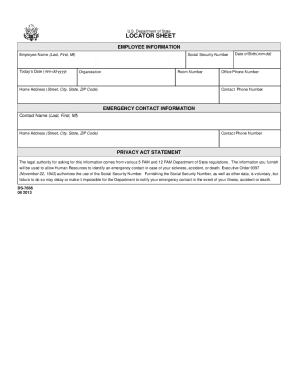
Locator sheet
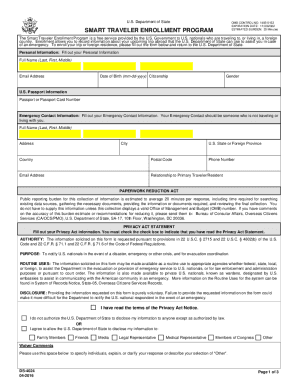
State smart traveler program

Management case file checklist

Health ucdavis academicpersonneldocumentsEMPLOYEE NAME LAST FIRST MIDDLE INITIAL DEPARTMENT COST CEN
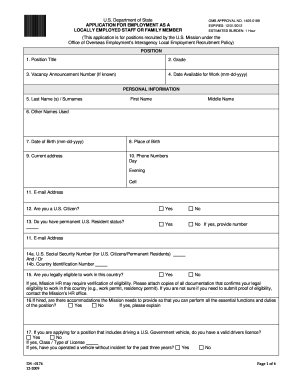
Download uae form ds 174

Fillable Print Form Submit by E-mail
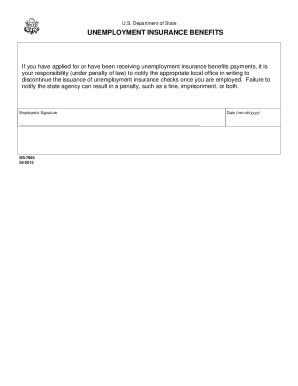
State unemployment insurance benefits

Continued service form
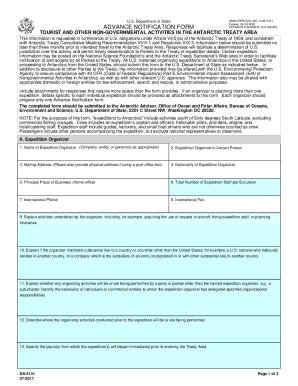
Advance notification form

Certificate loss
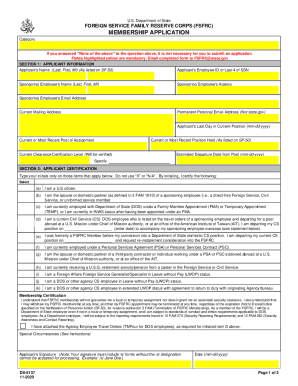
State foreign service family reserve corps
Benefit from the DocHub online library of fillable PDF forms
Searching the PDF forms doesn't have to be a tedious and time-consuming process. With the DocHub online library, it has become easier to find the fillable PDF forms and modify them in your browser. The service allows you to adjust the document to your needs using powerful editing tools.
You can use online document editing features to modify almost any type of document with ease. You just need to find the template of your choice, open it in the editor, and use the toolbar to make the necessary corrections.
Follow this guide to get your document done with DocHub:
- Find the PDF template you need.
- Click the Get Form button to open the file in the editor.
- Use the toolbar to fill out and edit the document.
- Easily add and highlight text, insert images, checkmarks, and symbols.
- Drop new fillable fields, and rearrange or delete pages from your file.
- Save changes and download your record.
DocHub empowers everyone to streamline document editing, signing, and distribution, and form completion. Create an account and benefit from our well-organized PDF Forms library and comprehensive editor.