
Get any PDF form from the DocHub library of ready-made templates - Page 893

State fair labor standards act

Eforms state Formsds63EDUCATION ALLOWANCE QUESTIONNAIRE INSTRUCTIONS

Release privacy act form

State signature card

Post employee

Award form

Ds 1663

Statement interest foreign

State promissory note
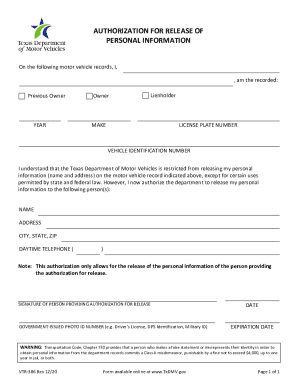
VTR-386 Authorization for Release of Personal Information
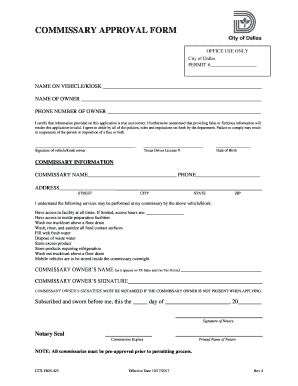
COMMISSARY APPROVAL FORM

Veteran plates form
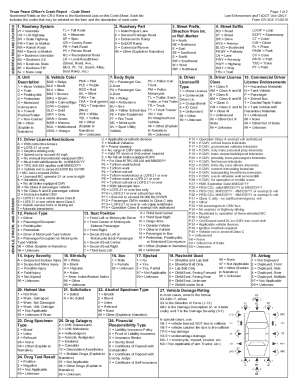
Crash report code sheet
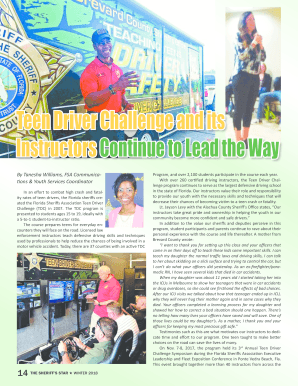
Teen Driver Challenge and its Instructors Continue to Lead
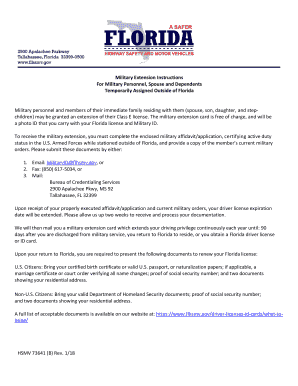
Military Extension Instructions For Military Personnel, Spouse

Sbir agreement
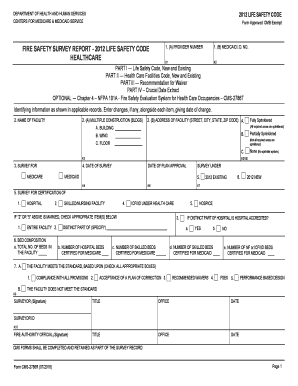
Fire safety survey report
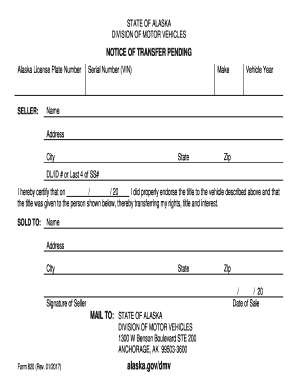
Notice of Transfer Pending - Alaska Department of
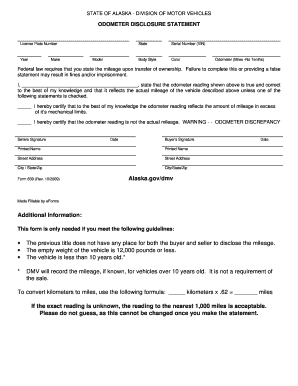
Alaska odometer statement
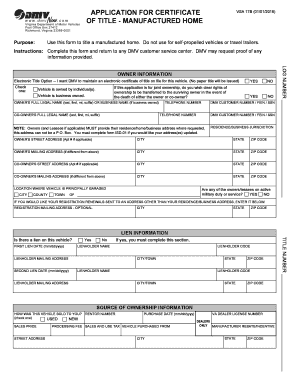
APPLICATION FOR CERTIFICATE OF TITLE - MANUFACTURED

Wipe sampling procedure
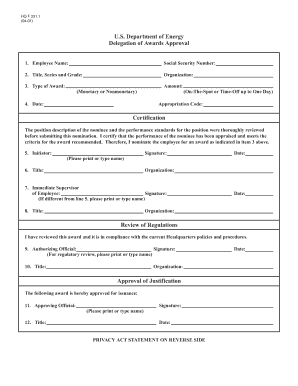
HQ F 331 1 Delegation of Awards Approval
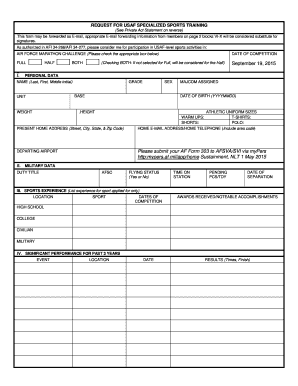
Request for usaf specialized sports training - Air Force Marathon
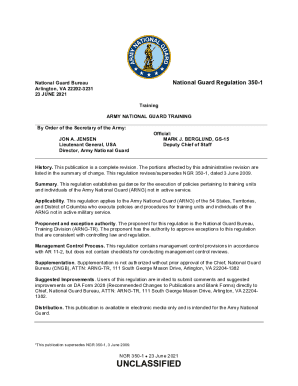
350 1 army training

PDF MILPERSMAN 1070-330 NAVPERS 1070 615, R - MyNavyHR
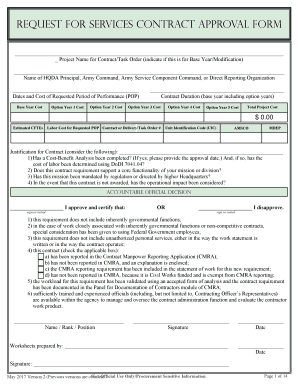
REQUEST FOR SERVICES CONTRACT APPROVAL FORM
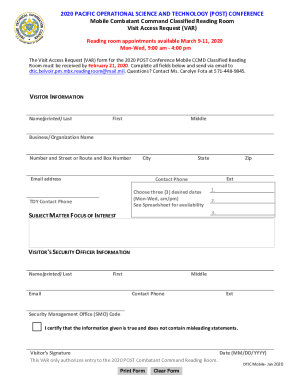
Discover dtic milwp-contentuploads2020 PACIFIC OPERATIONAL SCIENCE AND TECHNOLOGY (POST - DTIC

Dd 1494 instructions
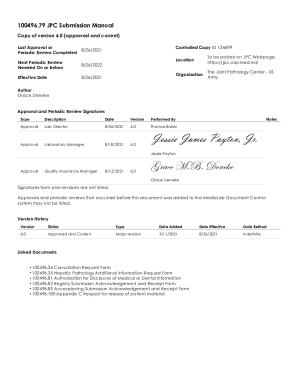
Medicare Claims Processing ManualMedicare Claims Processing ManualMedicare Claims Processing ManualM

Da2410

Safe release form

Aviation employment
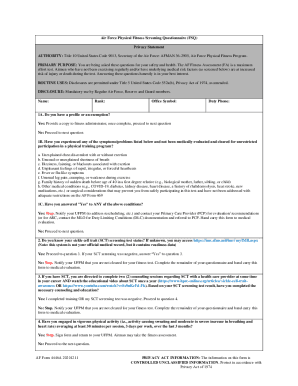
Fitness screening
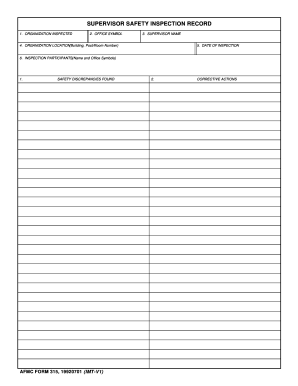
Afmc form 315

553 form
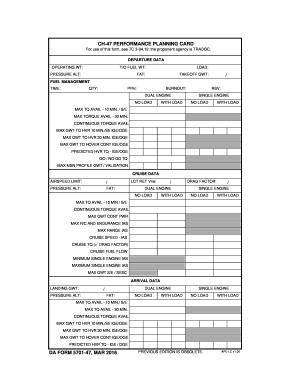
Performance planning card

Lessee designation form
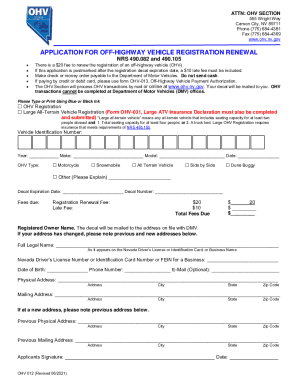
OHV 12 - APPLICATION FOR OFF-HIGHWAY VEHICLE REGISTRATION RENEWAL

How to change adress

Salvage title tennessee

Verification disability

Lease addendum section 8

Standard form 270 rev 7 97

Nh guardian form
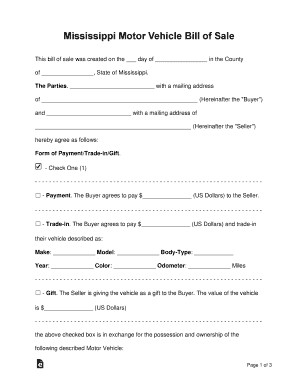
Payable bearer
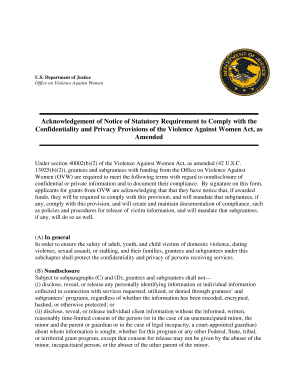
Acknowledgement notice

Form atf

Solicitud permiso licencia conducir

Mv 82d
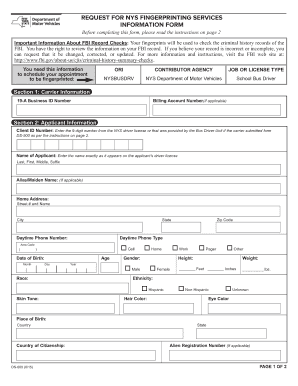
Dmv fingerprinting
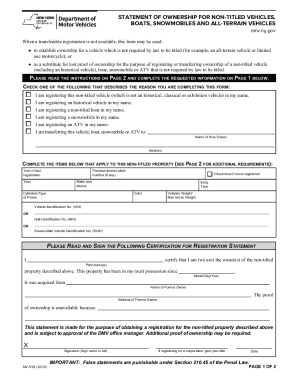
Mv51b form
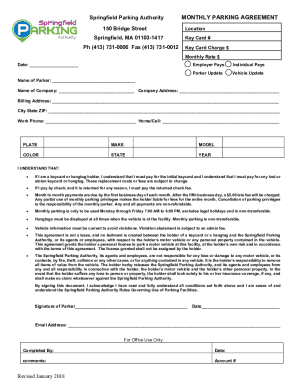
Monthly-Parking-Agreement docx
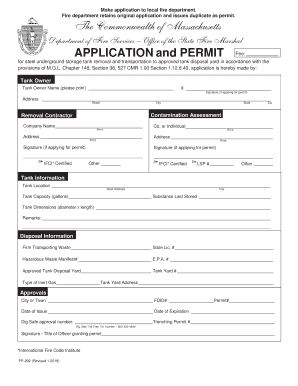
Fp 292

- dmv de
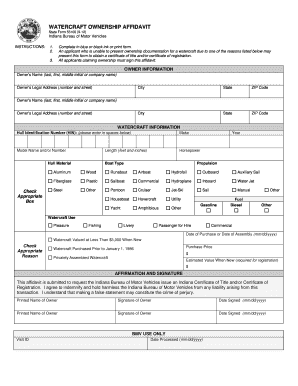
Indiana form 55100

Oklahoma tdf2 intrastate
Oklahoma serial boat

Oregon dmv veteran
Oregon form 735 175

Affidavit of Motor Vehicle Sale
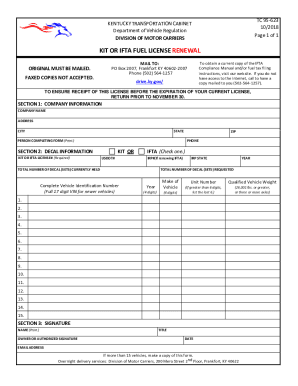
Ky ifta renewal
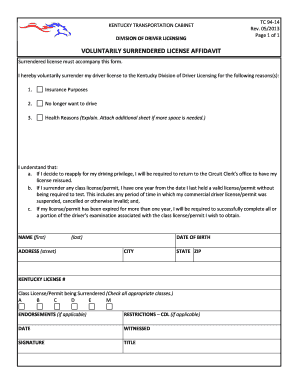
Tc 94 14
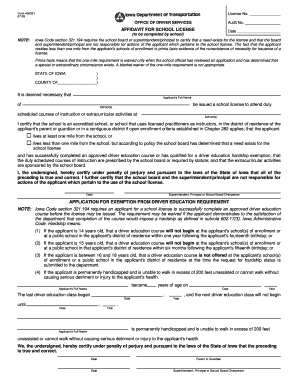
Form school license

DR 0734 - Colorado

Off Road Vehicle Inspection Exemption Form 8-17
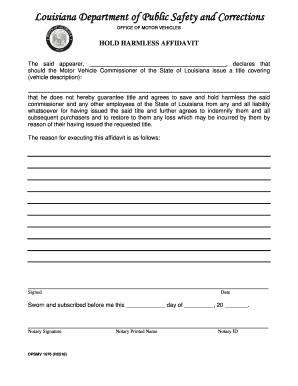
Hold harmless affidavit
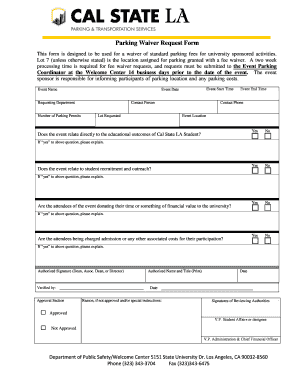
Parking waiver form

Illinois secretary state vehicle
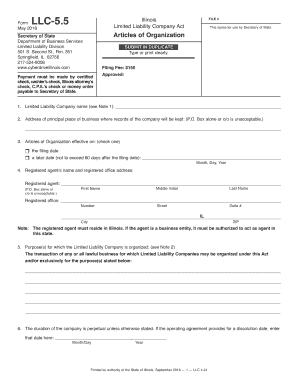
Illinois llc 55
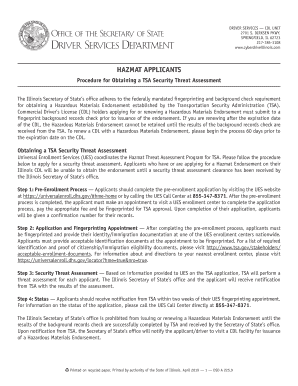
Fillable Online Hazmat Applicants -Procedure for Obtaining

Agreement vehicles
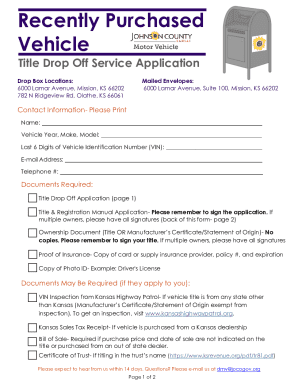
Kansas title application vehicle

DR-1 Rev
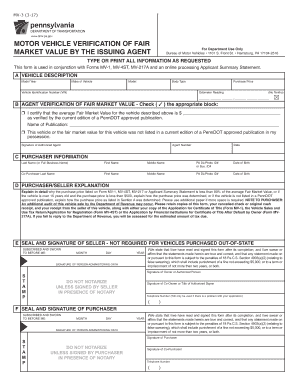
Pennsylvania mv form
Nebraska odometer statement

GRATIS REGISTRATION APPLICATION FOR DISABLED VETERANS,

Com ohio staticdocumentsPUBLIC SAFETY VEHICLE INSPECTION FORM This section must be

FRA Announces $73 Million Available for - transportation
Ohio bmv 3722
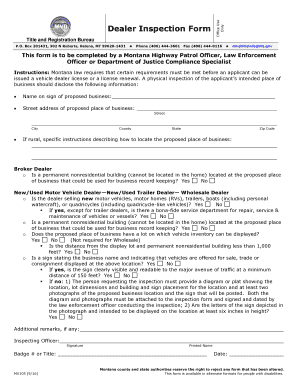
Montana dealer form

Montana mv1a vessel
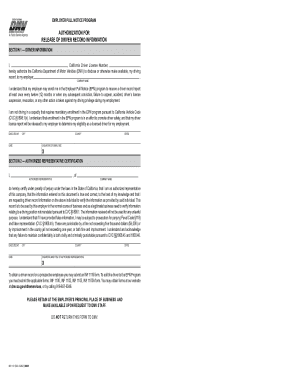
California vehicle registration template
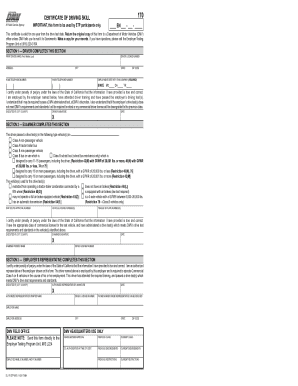
Dl 44 form pdf
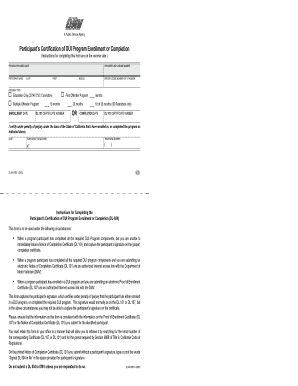
Certification dui completion

Release liability
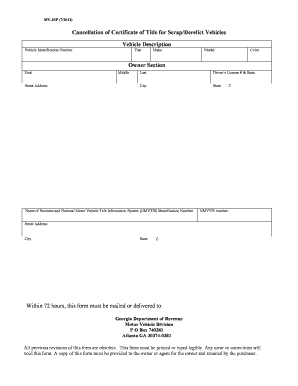
Georgia cancellation title
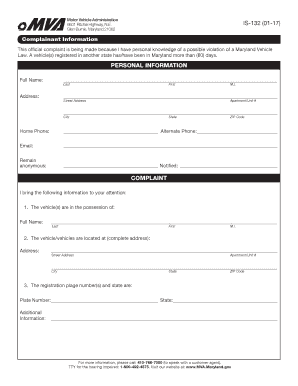
IS-132 (01-17)
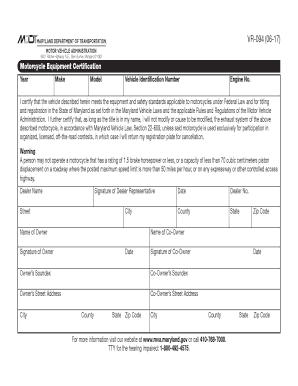
VR-094 (06-17) - MVA - Maryland

Motor vehicle connecticut

Missouri Skill Performance Evaluation Certificates - modot
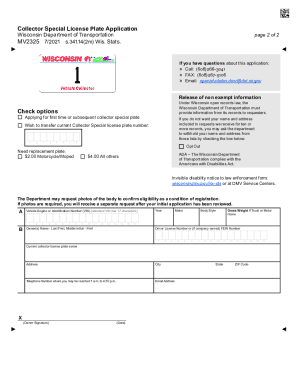
Wisconsin Collector Special License Plate Application
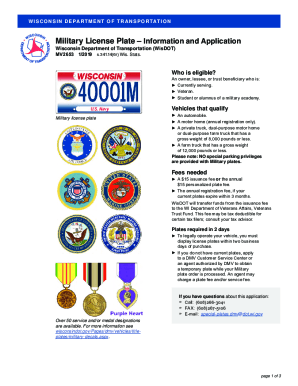
Wisconsin military license plate

Driver condition report
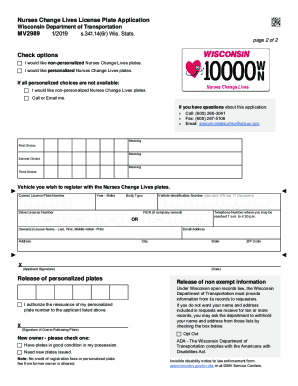
Chrome-extension: oemmndcbldboiebfnladdacbdfmadadm

Wisconsin physical form

Wisconsin vision form

Wisconsin pars
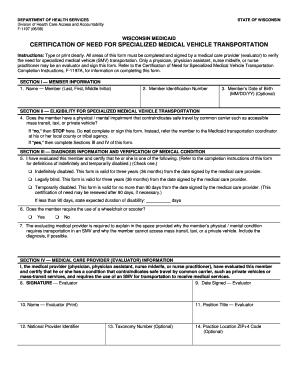
Wisconsin f certification vehicle form
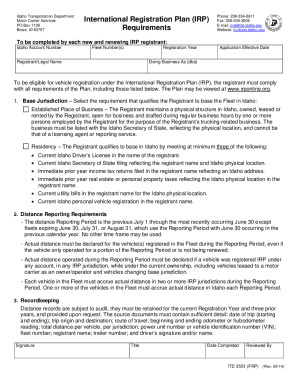
International Registration Plan (IRP) Requirements FormITD3551 International Registration Plan (IRP)
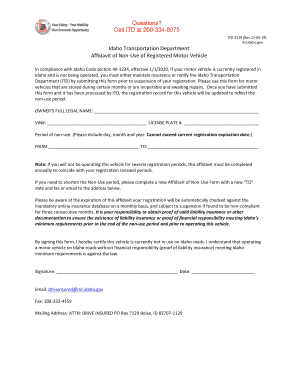
Id motor vehicle
Benefit from the DocHub online library of fillable PDF forms
Searching the PDF forms doesn't have to be a tedious and time-consuming process. With the DocHub online library, it has become easier to find the fillable PDF forms and modify them in your browser. The service allows you to adjust the document to your needs using powerful editing tools.
You can use online document editing features to modify almost any type of document with ease. You just need to find the template of your choice, open it in the editor, and use the toolbar to make the necessary corrections.
Follow this guide to get your document done with DocHub:
- Find the PDF template you need.
- Click the Get Form button to open the file in the editor.
- Use the toolbar to fill out and edit the document.
- Easily add and highlight text, insert images, checkmarks, and symbols.
- Drop new fillable fields, and rearrange or delete pages from your file.
- Save changes and download your record.
DocHub empowers everyone to streamline document editing, signing, and distribution, and form completion. Create an account and benefit from our well-organized PDF Forms library and comprehensive editor.