Type text, add images, blackout confidential details, add comments, highlights and more.
02. Sign it in a few clicks
Draw your signature, type it, upload its image, or use your mobile device as a signature pad.
03. Share your form with others
Send it via email, link, or fax. You can also download it, export it or print it out.
How to use or fill out claim seniority with our platform
Ease of Setup
DocHub User Ratings on G2
Ease of Use
DocHub User Ratings on G2
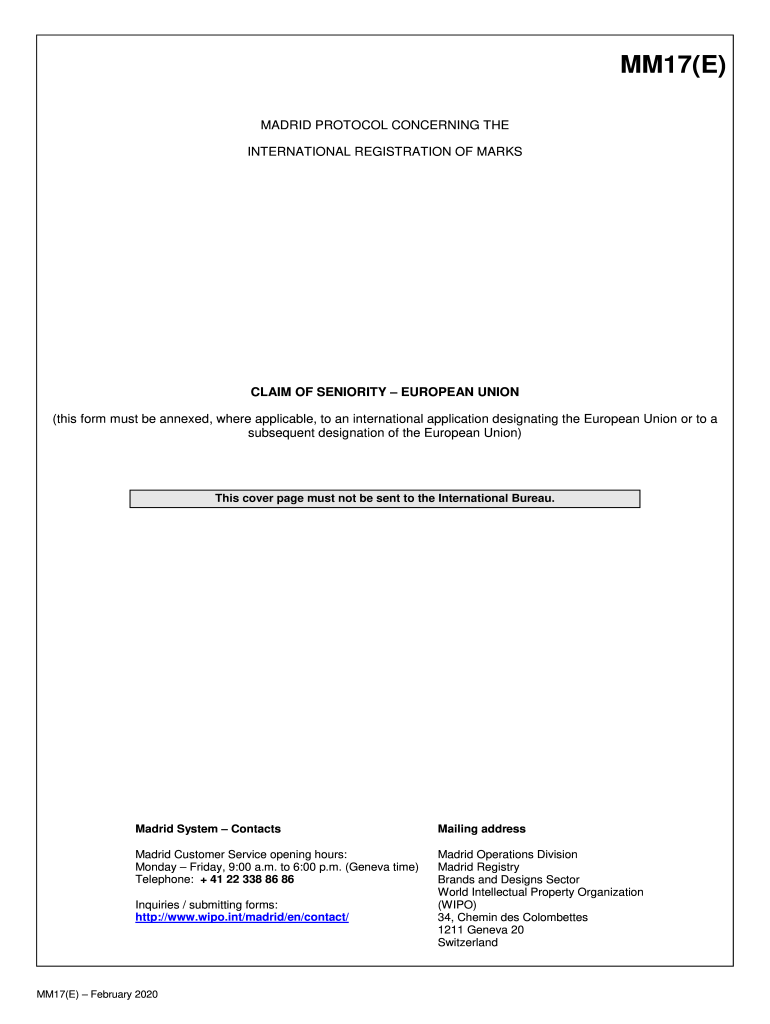
Click ‘Get Form’ to open the claim seniority document in the editor.
Begin by filling in the applicant's name and holder's name in the designated fields. Ensure accuracy as this information is crucial for your application.
Next, provide the basic application or registration number as indicated in item 5 of your international application form. This links your claim to the correct registration.
Select whether you are claiming seniority from an international application or a subsequent designation by checking the appropriate box.
Indicate the Member State of the European Union where your earlier mark is registered by checking one box only. If claiming from multiple states, complete separate forms for each.
Specify whether it’s a national or international registration having effect in that Member State by checking the corresponding box.
Fill in the registration number and filing date (dd/mm/yyyy) accurately to ensure proper processing of your claim.
List goods and services for which your earlier mark is registered, using semicolons to separate items clearly. Follow formatting guidelines provided in the form.
Start using our platform today to streamline your claim seniority process effortlessly!
Jan 2, 1989 The seniority system establishes a ranking or hierarchy among the employees based on relative length of employment, so that when two or moreRead more
The first hiring platform that sources engineers. Narrow results by seniority, location, and specific repositories. Every profile is built from actual code,
Cookie consent notice
This site uses cookies to enhance site navigation and personalize your experience.
By using this site you agree to our use of cookies as described in our Privacy Notice.
You can modify your selections by visiting our Cookie and Advertising Notice.