
Get any PDF form from the DocHub library of ready-made templates - Page 611

Form MN1 - Gio Legal Services

Mn1 form online
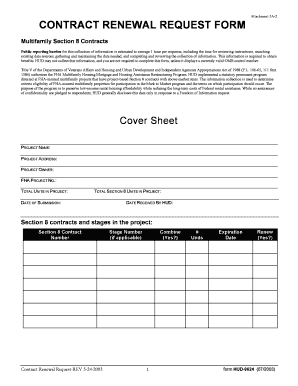
Hud 9624
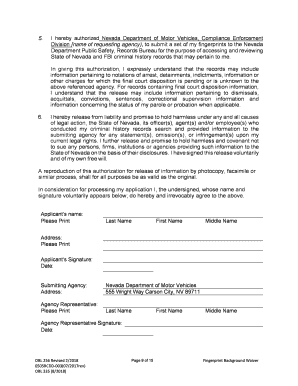
Nevada fingerprint background
BOSTON xinet BosWork Jobs 30804 PIECE55 1982922FRMNPDistrib

Ask the Court to Waive or Lower Court Fees

Sde 0088 form pdf
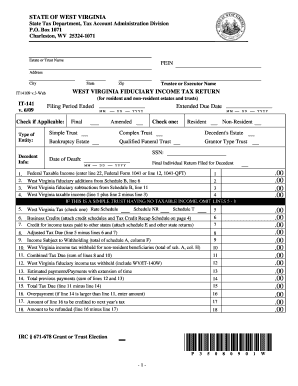
Wv state tax department fiduciary estate tax return forms 2009

It 141 2013 form
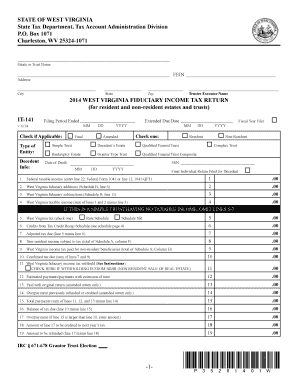
It 141 2014 form

It 141 2015 form
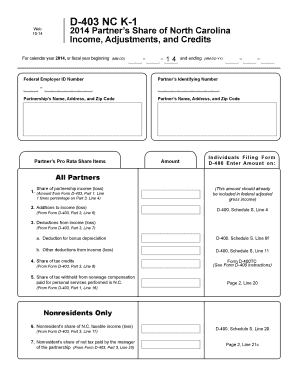
D 403 north carolina 2014 form

Sf 3113 form

Ct nr1040 fillable form 2014
What You Need to Know About Refurbished Technology
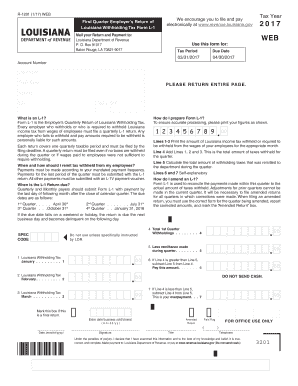
L 1 tax 2017 form

F0012CCP-Prior-Authorization-Request-Form doc
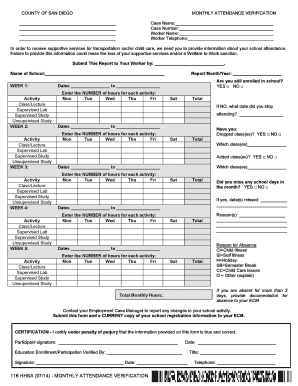
Worker Telephone - swccd

Cf2 philhealth
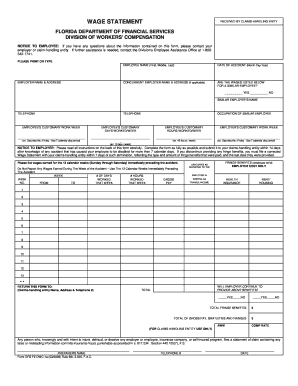
Wage dwc florida form
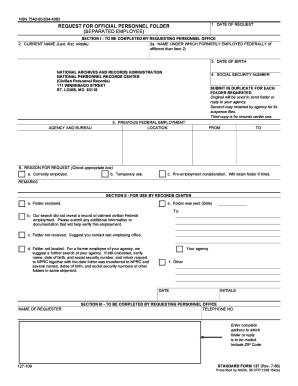
Nsn 7540 00 634 4083

8130 3 instructions

Dc form sales tax 2014
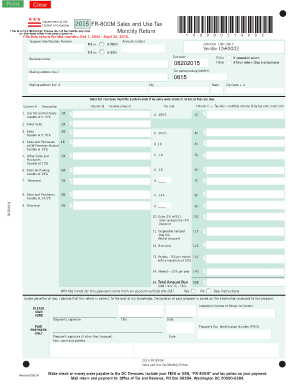
2015 dc form sales
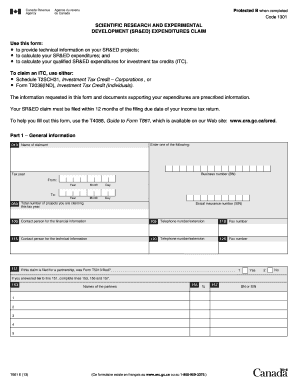
T66113 fillable form

South carolina state withholding form 2014
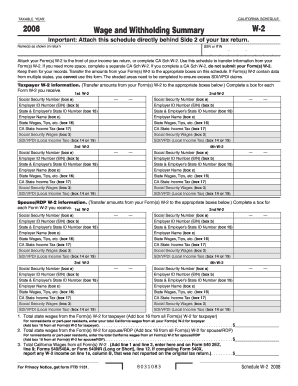
2008 Schedule W-2 -- Wage and Withholding Summary - ftb ca
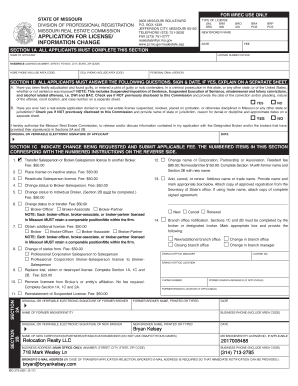
Application for license
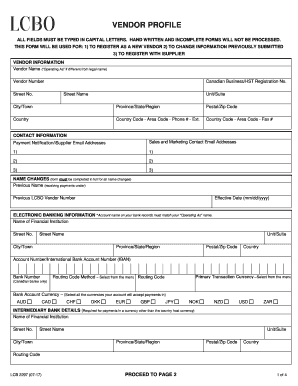
HAND WRITTEN AND INCOMPLETE FORMS WILL NOT BE PROCESSED

Medical abstract

Emblem - GM (23236301) GMPartsDirect
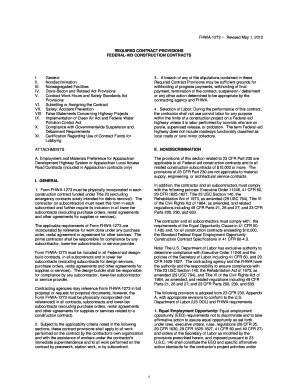
Fhwa 1273

Live plant license
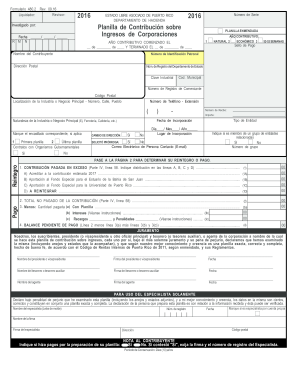
- hacienda pr

Pr 1391
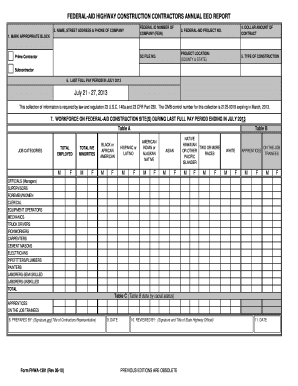
Fhwa 1391
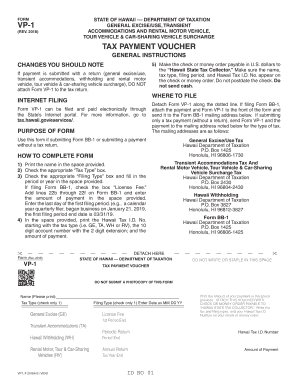
Form VP-1 Rev 2018 General Excise Use, Employer's Withholding, Transient Accommodations and Rental M

Sf 424 dot 1997 form
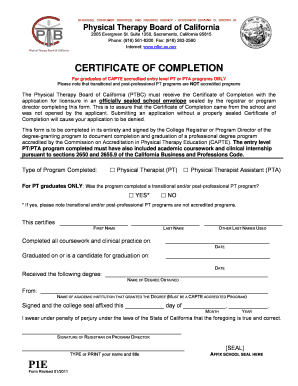
P1e
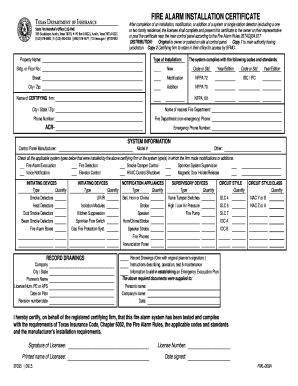
Fire Alarm Installation Certificate - Texas Department of Insurance - tdi texas

Aging department texas small assisted living type c form
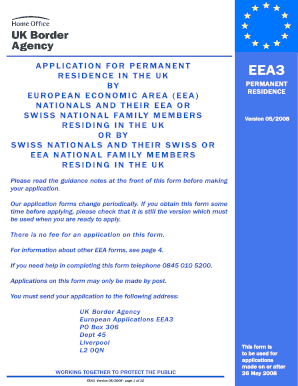
Eea3 form

Iowa title application pdf

HRSA NHSC Site Data Form 2018 NHSC Site Data Report

Travel and subsistence claim form Bruker- Vedleggsnr - nmbu

Guidelines on travelrelated venous thrombosis Request PDF
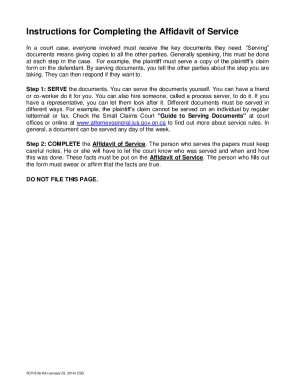
2014 Ontario SCR 8 06-8A

Sfa3784

Seniors' forms and publications - Alberta Seniors and Housing
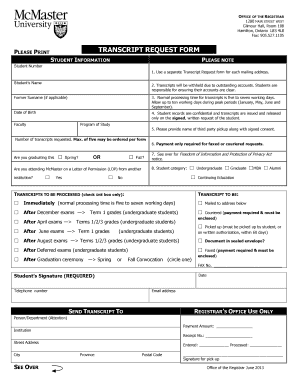
Mcmaster transcript request form

INTERNATIONAL FUEL TAX AGREEMENT - IFTA Tax and Revenue

Rc151 form 2014

TO REPORT ADDITIONAL INFORMATION CPD-11 383 (Rev 5 13
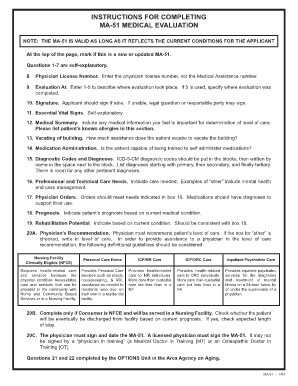
MA 51 qxd - Department of Public Welfare - temple

Self-employment (Short) (2014) If you're self-employed, have relatively simple tax affairs and your

Social Work Intake Form - Fill and Sign Printable Template

Cmps mai rodocumentsCarieraTabel nominal cu rudele i soul soia - Guvernul Romaniei

The Inspection Department TEZVT LVV St

Mylicensesite

Dtop dis 328

518, Michigan Business Taxes Registration Book - State of Michigan
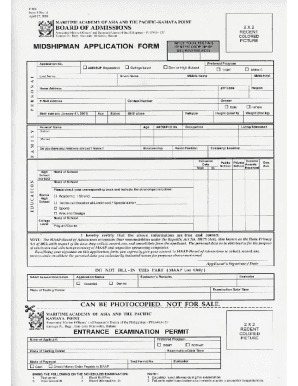
ApplicationForm

Vsa 529 2015 form
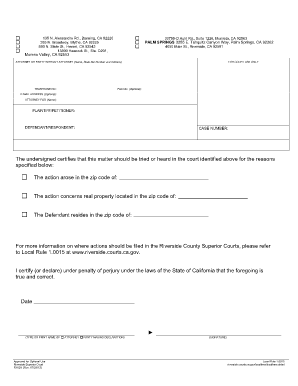
Los angeles superior court appear in court forms 2013

Florida injunction 2013 form

Form CG1 - 2003 - Capital Gains Tax Return for - revenue

PAYEE DATA RECORD - documents dgs ca - documents dgs ca
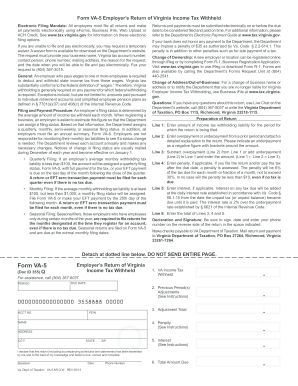
Va 5 2013 form

Foc case 2014 form
Colorado form 112 2013

Ri dmv tr1 form

Tr 1 Form Ri - Fill Online, Printable, Fillable, BlankDocHub

PTAX-340 2016 Senior Citizens Assessment Freeze Homestead Exemption Application and Affidavit JULY 1

2014 kansas k 120s form

Uc 1 delaware
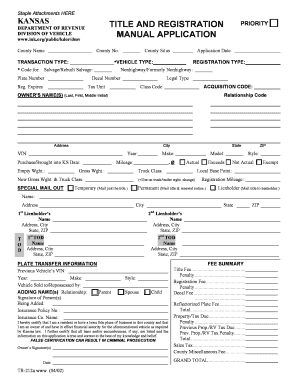
Kansas Department of Revenue Division of Vehicles - Vehicle

Forms - NJ Division of Taxation
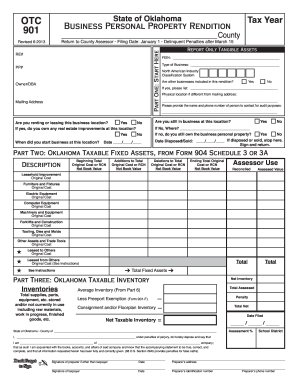
Otc 901 2013 form

OTC 901 2015 - Oklahoma Tax Commission - State of Oklahoma
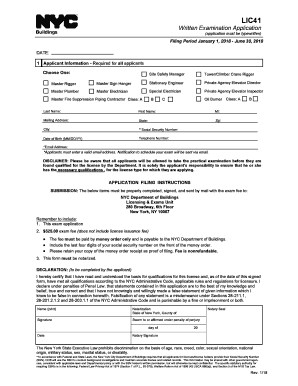
Lic41

LIC41 - Written Exam Application - NYC

Fiilable sc1041 online
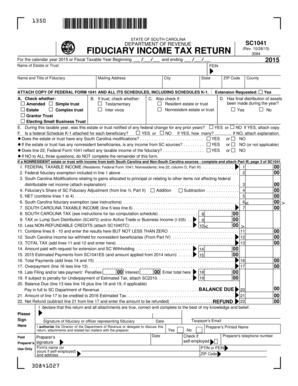
2015 sc form number 1041
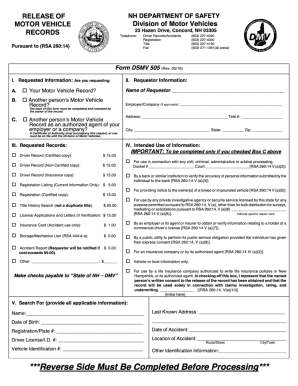
NH DSMV 505
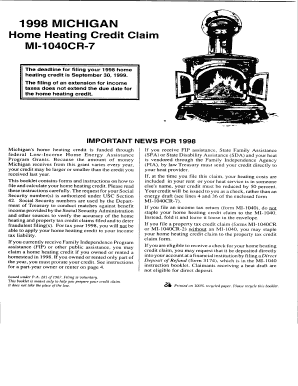
2009 michigan home heating credit form pdf
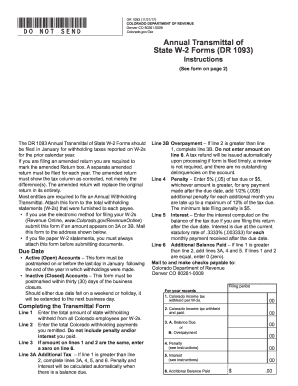
Form dr 1093 2014
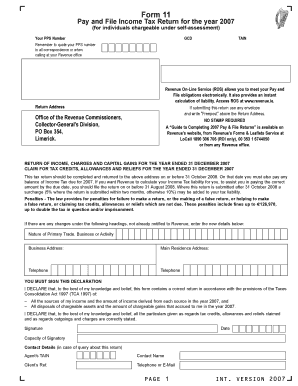
Revenue form 11

Dr1778

Tb questionnaire form nj in word format
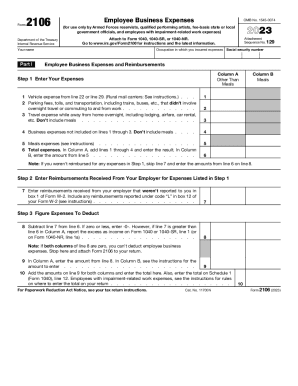
Form 2106
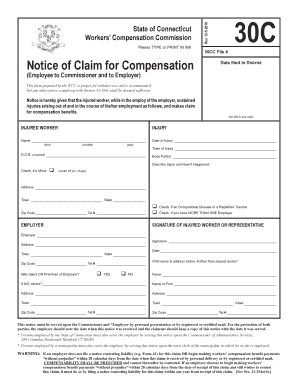
Information Packet - State of Connecticut Workers' Compensation - wcc state ct

PD F 4000 E OMB No 1535-0023 REQUEST TO REISSUE UNITED

US DOD Form dod-bnavpersb-1910-31 - US Federal Forms
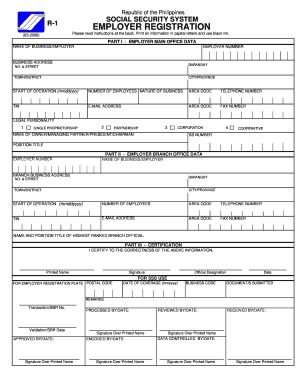
Sss r1a fillable form 2017

2014 Form 990-T Exempt Organization Business Income Tax Return and proxy tax under section 6033e - i

Oklahoma Form 511 (Individual Resident Income Tax Return)

6252 internal
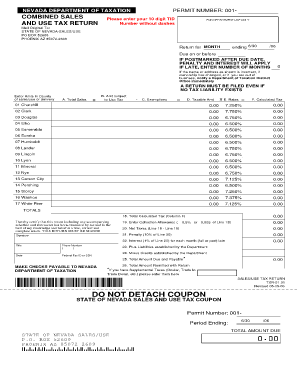
2006 NV TXR-01 01
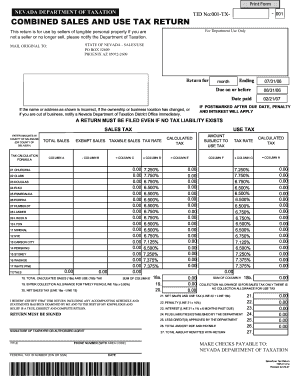
State of nevada tax forms 2007

Identification Waiver form - CITB
Benefit from the DocHub online library of fillable PDF forms
Searching the PDF forms doesn't have to be a tedious and time-consuming process. With the DocHub online library, it has become easier to find the fillable PDF forms and modify them in your browser. The service allows you to adjust the document to your needs using powerful editing tools.
You can use online document editing features to modify almost any type of document with ease. You just need to find the template of your choice, open it in the editor, and use the toolbar to make the necessary corrections.
Follow this guide to get your document done with DocHub:
- Find the PDF template you need.
- Click the Get Form button to open the file in the editor.
- Use the toolbar to fill out and edit the document.
- Easily add and highlight text, insert images, checkmarks, and symbols.
- Drop new fillable fields, and rearrange or delete pages from your file.
- Save changes and download your record.
DocHub empowers everyone to streamline document editing, signing, and distribution, and form completion. Create an account and benefit from our well-organized PDF Forms library and comprehensive editor.