
Get any PDF form from the DocHub library of ready-made templates - Page 527
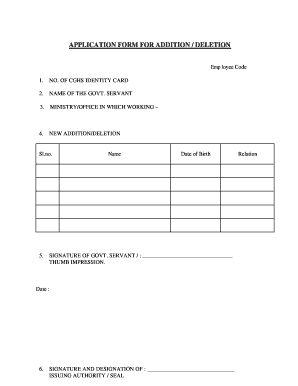
Cghs add family member form
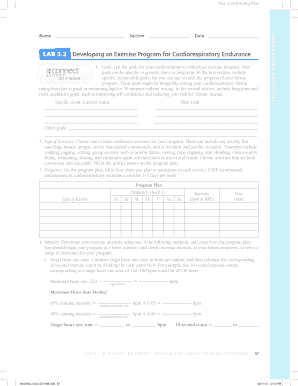
Lab 3 2 developing an exercise program for cardiorespiratory endurance

OTOTA Continuing Education Tracking Form

Cornell necropsy form

CV-450: Petition for Name Change for Adult or Minor 14 or Older

Montgomery properties ranch guided hunt contract - mprhunts

USA Wrestling Practice Planner - AWS

Calendario memento mori pdf

MerSETA job application form cdr

Erie Insurance Personal Property Inventory Form

Ohio Durable Power of Attorney Form

The Gottman 19 Areas Checklist for Solvable and Perpetual

Aarto 07 driver nomination form

Maine Quit Claim Deed Form - eForms

Summaries of Transactions Use this table to see a summary

French Withholding Tax on Dividends Form 5001

Form 5001
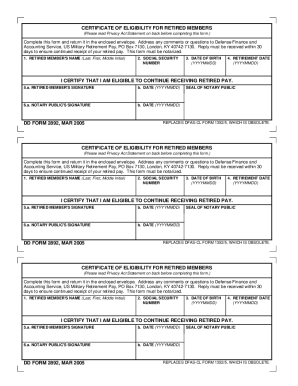
Dd form 2892

Dd form 2892

Pif form

Reasonable Suspicion Testing: Process, Forms, and Tips

Customer Complaint Form xls

Stf online apply

Customer Complaint Form

English Worksheet on Modals

Ipc medical review request form

Loyalsock pool

Tulsa alarm permit

APPLICATION FOR INTRUSION ALARM CERTIFICATE

North Carolina Workers' Compensation Exemption Affidavit

Eagles landing family practice new patient forms

32-127 - Renewal of certification or registration; penalty fee

Arizona Sanitarians Council

School Medication Administration Record
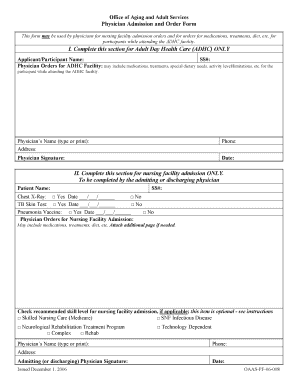
Oaas pf 06 008

Service Hours Worksheet - NYC Lab School for Collaborative Studies

ECS 300 R2 ORLEANS PARISH SCHOOL BOARD EXCEPTIONAL
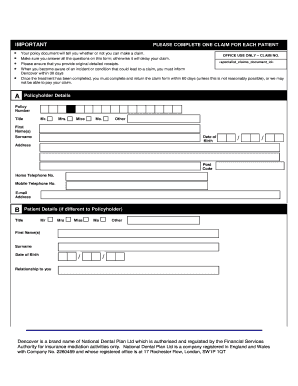
Dencover claim form

Rrap fillable form

Hrto form 10

Request for an Order During Proceedings Form 10

Election form sample 2022
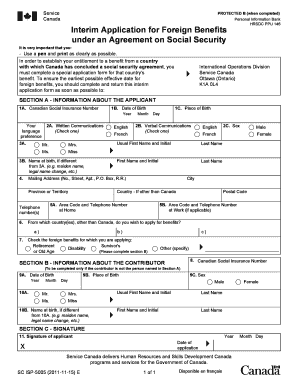
Sc isp 5005

Client suitability assessment form

Centrelink DVA Aged Care Fees Form SA485

Alberta PT - Progress Report (Form AB-3)
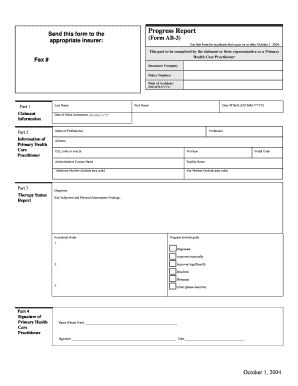
Ab3 form

OPHTHALMOLOGY REFERRAL FORM - Animal Eye Doctor

Deepwater Drilling, Intervention and Completions - spe

How to fill NSNP 200 Form for Nova Scotia PNP?

STATE OF WASHINGTON DEPARTMENT OF NATURAL RESOURCES (DNR)

Fire protection assessment (fpa) refund form - Kitsap County
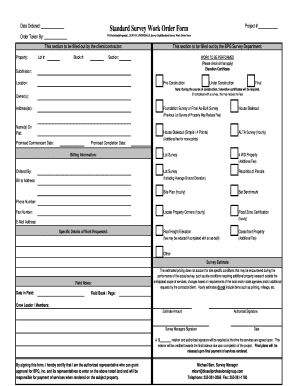
Standard Survey Work Order Form - Outer Banks Engineering

Standard Survey Work Order Form
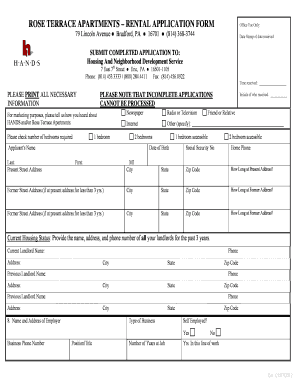
Rose terrace apartments

DOE OTM 600-009

Employment application signature form
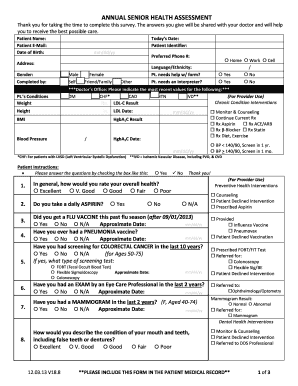
Annual health assessment form
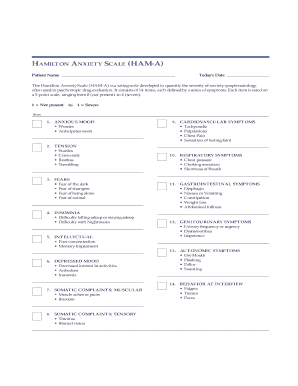
Ham a pdf
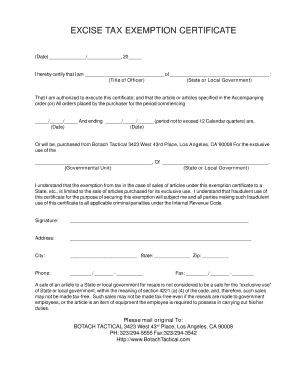
Federal excise tax exemption certificate for trucks
County packet 14
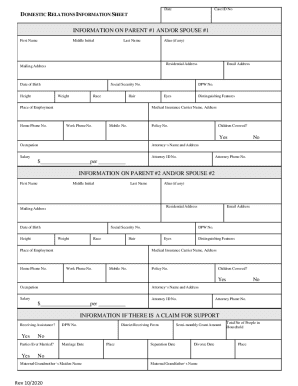
DOMESTIC RELATIONS INFORMATION SHEET

Psychology - Pa Department of State

INITIAL NOTIFICATION OF APPLICABILITY REPORT - NH - des nh
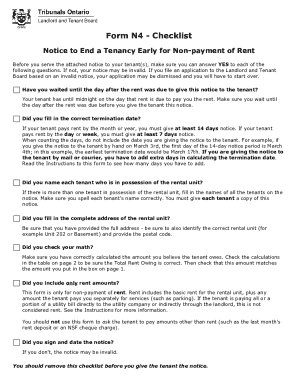
LTB Form N4: Notice to End a Tenancy Early for Non-

Residential Aged Care Property details for Services Australia and

Form 1195: Fill out and sign online

Pa gun permit application

ARREST and BOOKING SHEET

Charakterreferenz

ATandT Bill Statement

Commission Addendum - R-CI Builders

Family reunion registration form

Download CAAH Donation and Pledge Form - SAR Foundation

Consent form

Enclosed is the application for the Assistance Program
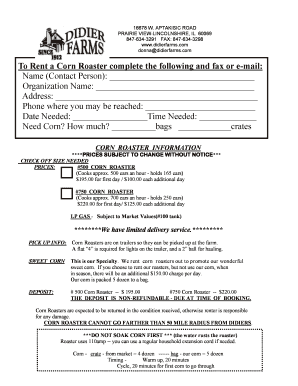
Corn roaster rental near me
Download The Inner Journey Home - crowdcivil

CA TRF docx

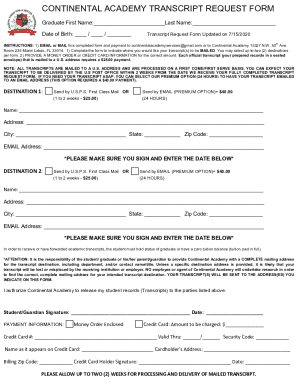
Continental academy transcripts
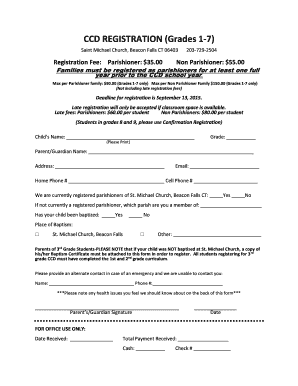
CCD REGISTRATION Grades 1-7 - bsaintmichaelsonlinebborgb

Inter Intra District Transfer - Marysville Joint Unified School

Tuition Reimbursement Form - Certificated - Longview School District

Standard release form for video

Sponsorship template for an airline
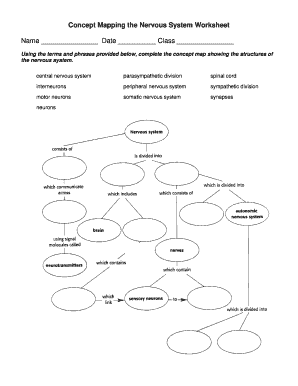
Mapping the nervous system

Episcopal confirmation sponsor

Nita attachment
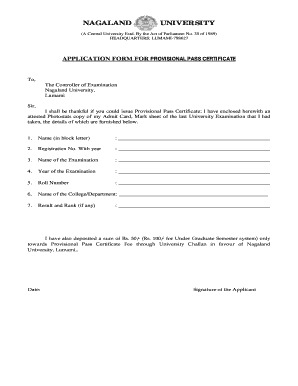
Passing certificate format

Slow pitch softball lineup template

LEVEL B APPLICATION for RENEWAL Skilled Trades BC

Implementing the New Optometry Services Agreement

Major eye exam form

LEVEL B APPLICATION for RENEWAL - Fulford Certification

Fact Sheet: Disposable Nitrile Gloves in Chemical Labs

Form 11F CRO Statement of Particulars - Section 882 Taxes Consolidation Act 1997 Form 11F CRO Statem

Forms Clayton County, Georgia

PURSUANT TO SECTION 1113 OF THE FAMILY COURT ACT AN APPEAL - nycourts

LOS MEDANOS VILLAGE PRE-APPLICATION - rcdev

Form med1-a PHYSICAL EXAMINATION REPORT REPUBLIC OF VANUATU
Benefit from the DocHub online library of fillable PDF forms
Searching the PDF forms doesn't have to be a tedious and time-consuming process. With the DocHub online library, it has become easier to find the fillable PDF forms and modify them in your browser. The service allows you to adjust the document to your needs using powerful editing tools.
You can use online document editing features to modify almost any type of document with ease. You just need to find the template of your choice, open it in the editor, and use the toolbar to make the necessary corrections.
Follow this guide to get your document done with DocHub:
- Find the PDF template you need.
- Click the Get Form button to open the file in the editor.
- Use the toolbar to fill out and edit the document.
- Easily add and highlight text, insert images, checkmarks, and symbols.
- Drop new fillable fields, and rearrange or delete pages from your file.
- Save changes and download your record.
DocHub empowers everyone to streamline document editing, signing, and distribution, and form completion. Create an account and benefit from our well-organized PDF Forms library and comprehensive editor.