
Get any PDF form from the DocHub library of ready-made templates - Page 526

Sponsorship declaration letter sample for pcc india

International student application form - Queensford College

Travel Diary TR5 - University of New South Wales

Arizona department of public safety

Tax Free Cash and Income - LV

Surgical case log template
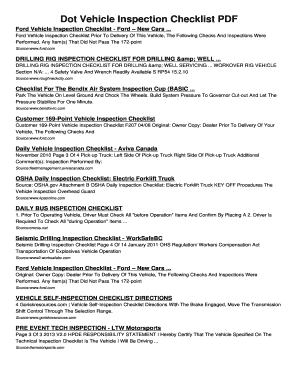
Dot Vehicle Inspection Checklist PDF Dot Vehicle Inspection Checklist

Church of god exhorter study guide

UWC APPLICATION CONSENT FORM APPLICATION TO STUDY

California statement of interest addendum explained

Middle school transcript

12000 gallon fuel tank chart

Treasury pay in slip

Printable application for the university of houston form

School Notes - Hello Cuteness Printable School Notes - boe mine k12 wv
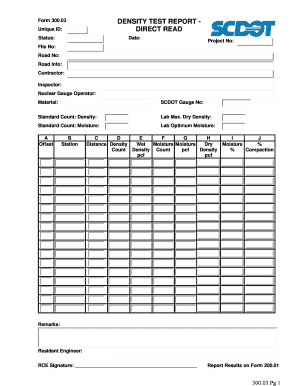
Nuclear gauge training log sample
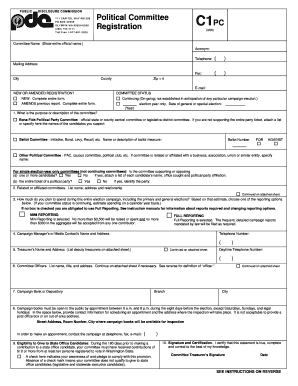
C1pc - PAC Registration - pdc wa
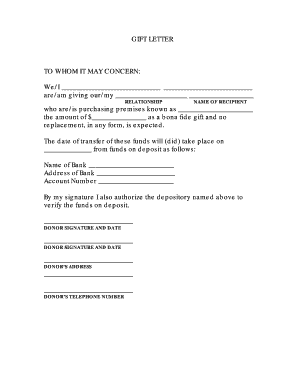
To whom it may concern letter
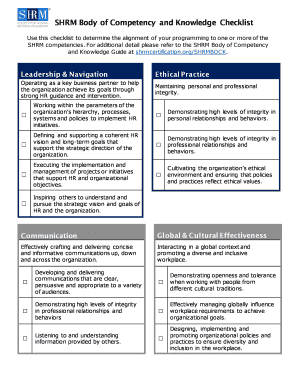
SHRM Body of Competency and Knowledge Checklist
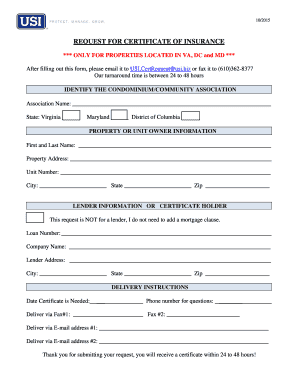
COI Request Form
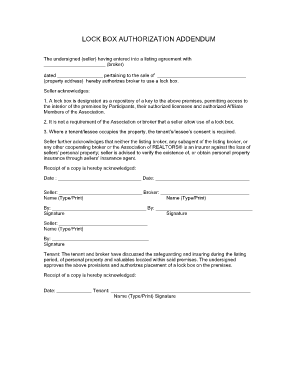
LOCK BOX AUTHORIZATION ADDENDUM - rrar

HMO REFERRAL REQUEST FORM - buckinghamdocs

Example Blank Form Duct Leakage Test Form - apgescom

Sample letter to debt collector

Form 1399
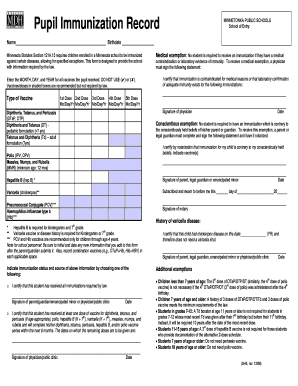
Pupil Immunization Record, English - Minnesota Dept of Health Form for parents to record a child's s

Walmart pharmacy complaint form

Hsmv 82101

Supplemental Open Negotiation Request Form - UnitedHealthcare Commercial Plans As part of the No Sur

Dpics coding sheet

Annual inspection checklist

Form: #2135va, VA Loan Provision Rider Previous Version: 01 20

St 10c virginia

Affirmative Action Plan Affirmative Action Plan - phfa
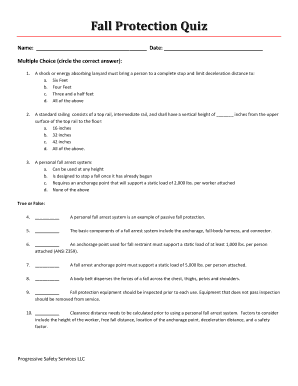
Osha fall protection test answers

Declaration of truth
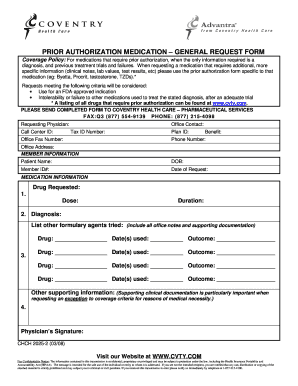
Omnicare forms

Mtpp manual

Safety Training Verification Form
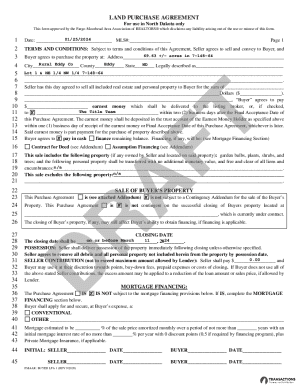
North Dakota Disclosure of Agency relationships in real
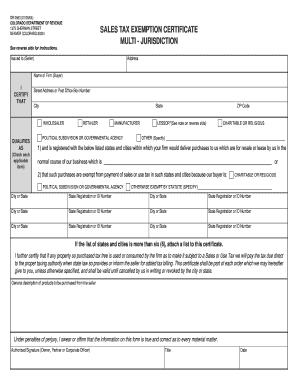
Colorado resale certificate pdf

Garda Vetting Application Form - St Mary's College RFC

IDAHO DEPARTMENT OF LANDS APPLICATION FOR RECLAMATION PLAN

Cat record for - Paw Prints Animal Rescue

Motorcycle checklist form

Physicians Mutual Insurance Company Dental Insurance Claim Form Dental Insurance Claim Form

Certificate of fact

Pizza should never be served for lunch at school because it is not a healthy choice

Einkommensbescheinigung

Formular r0120 pdf
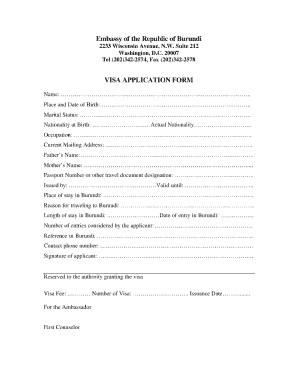
Burundi visa application

Medical Release Form www - Allergy Free Table
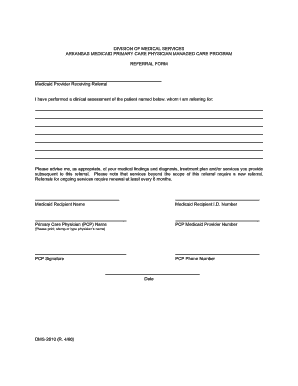
Arkansas medicaid referral form
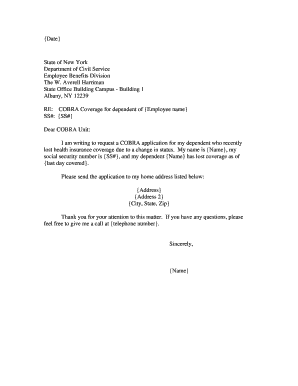
Example b307 notice of termination form

Form a1

High School Student Information Sheet - The Foundation for - tfec
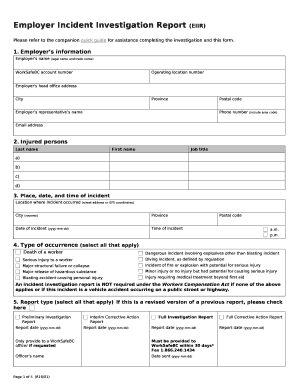
Investigation report template
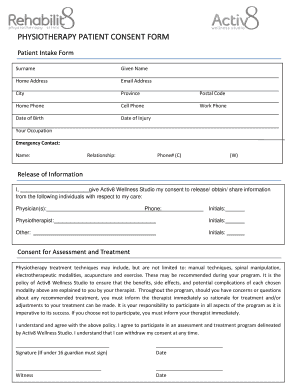
Physiotherapy consent form

Cmr worksheet
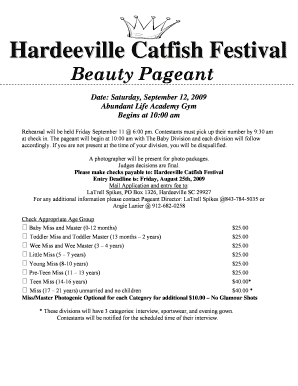
Pageant biography examples

Osha complaint form pdf
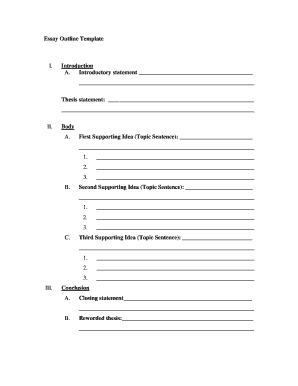
Essay outline template

Pool score sheet template

Self employment certificate

Mayor's permit marikina

Presentation scoring sheet

Lehrvertrag Berufliche Grundbildung mit eidg

Formular 3809 pdf

The electromagnetic spectrum answer key

Printable Temporary License Plate Template Florida

School counseling group consent form

Balanced and unbalanced forces worksheet 1 docx

Oklahoma FARM LEASE AGREEMENT - oces okstate

Cashier training checklist

Client information questionnaire

Concomitant medication log
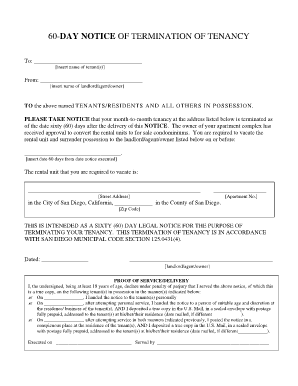
60 day notice

Dimensional Analysis:

Chain of Custody Form (pdf) - Ana-Lab

Internal Control Best Practices
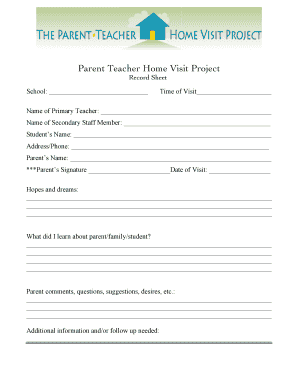
Home visit form

Pangasinan state university eteeap

Sche application pdf

Imo crew list pdf

5k waiver template

Appendix 3 form

Spanish demographic form

Physical therapy screening form

Elders quorum presidency meeting agenda

State farm payment plan

Cpr record sheet

Play it again sports donation request

Dental exam form
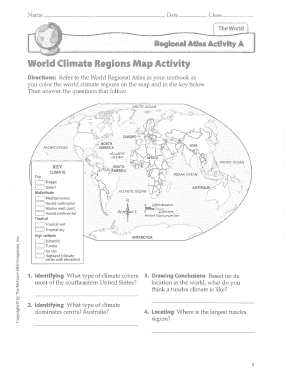
World climate regions map activity

Stanford prison experiment consent form
Csg1 form
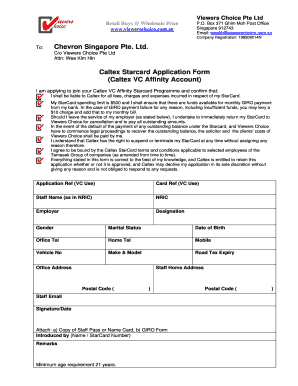
Chevron job application form pdf

Kvb kyc form

Assessment of functional living skills
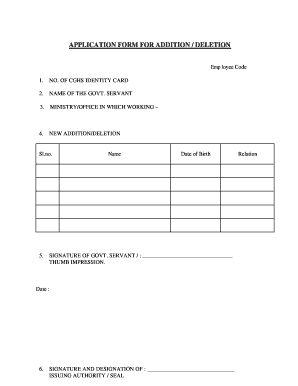
Cghs add family member form
Benefit from the DocHub online library of fillable PDF forms
Searching the PDF forms doesn't have to be a tedious and time-consuming process. With the DocHub online library, it has become easier to find the fillable PDF forms and modify them in your browser. The service allows you to adjust the document to your needs using powerful editing tools.
You can use online document editing features to modify almost any type of document with ease. You just need to find the template of your choice, open it in the editor, and use the toolbar to make the necessary corrections.
Follow this guide to get your document done with DocHub:
- Find the PDF template you need.
- Click the Get Form button to open the file in the editor.
- Use the toolbar to fill out and edit the document.
- Easily add and highlight text, insert images, checkmarks, and symbols.
- Drop new fillable fields, and rearrange or delete pages from your file.
- Save changes and download your record.
DocHub empowers everyone to streamline document editing, signing, and distribution, and form completion. Create an account and benefit from our well-organized PDF Forms library and comprehensive editor.