




01. Edit your helb remittance online
Type text, add images, blackout confidential details, add comments, highlights and more.

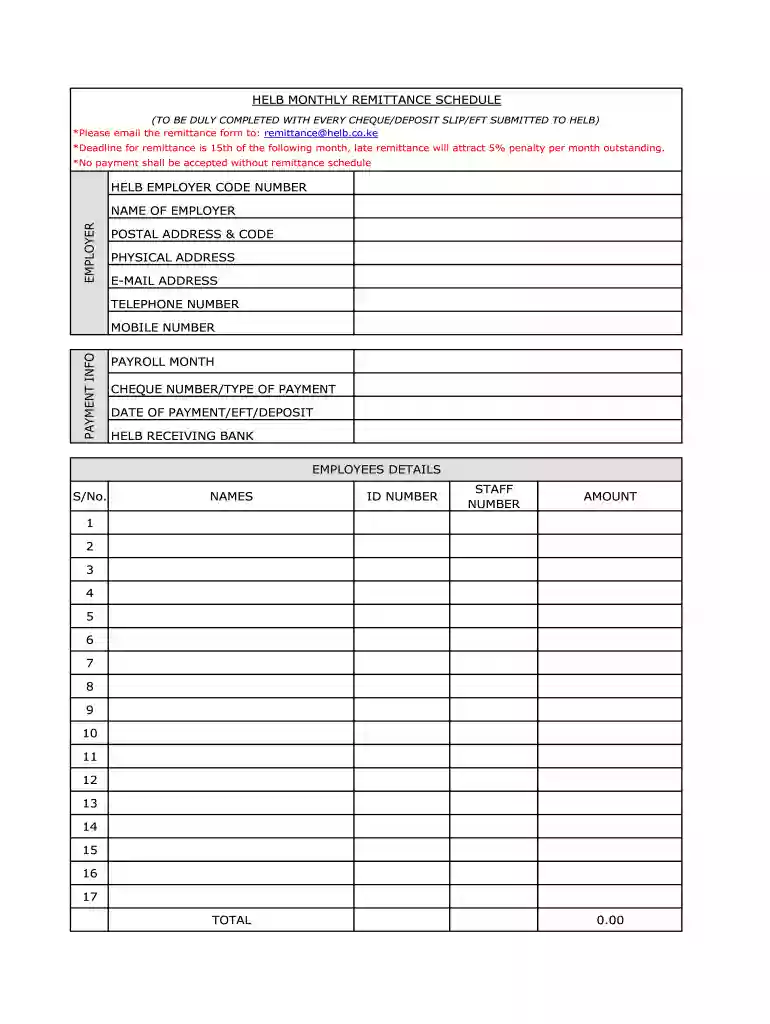
Type text, add images, blackout confidential details, add comments, highlights and more.

Draw your signature, type it, upload its image, or use your mobile device as a signature pad.

Send monthly remittance schedule via email, link, or fax. You can also download it, export it or print it out.

Start using our platform today to streamline your HELB schedule completion for free!
At DocHub, your data security is our priority. We follow HIPAA, SOC2, GDPR, and other standards, so you can work on your documents with confidence.
5 days ago For instance, the 21st Annual Peptide Therapeutics Symposium is scheduled for October 20-21, 2026, and will be held in a hybrid format, a trendRead more
I am sorry to say that we are behind on the audit schedule. We have a schedule revision email for the audit in concurrence right now. I would like to


