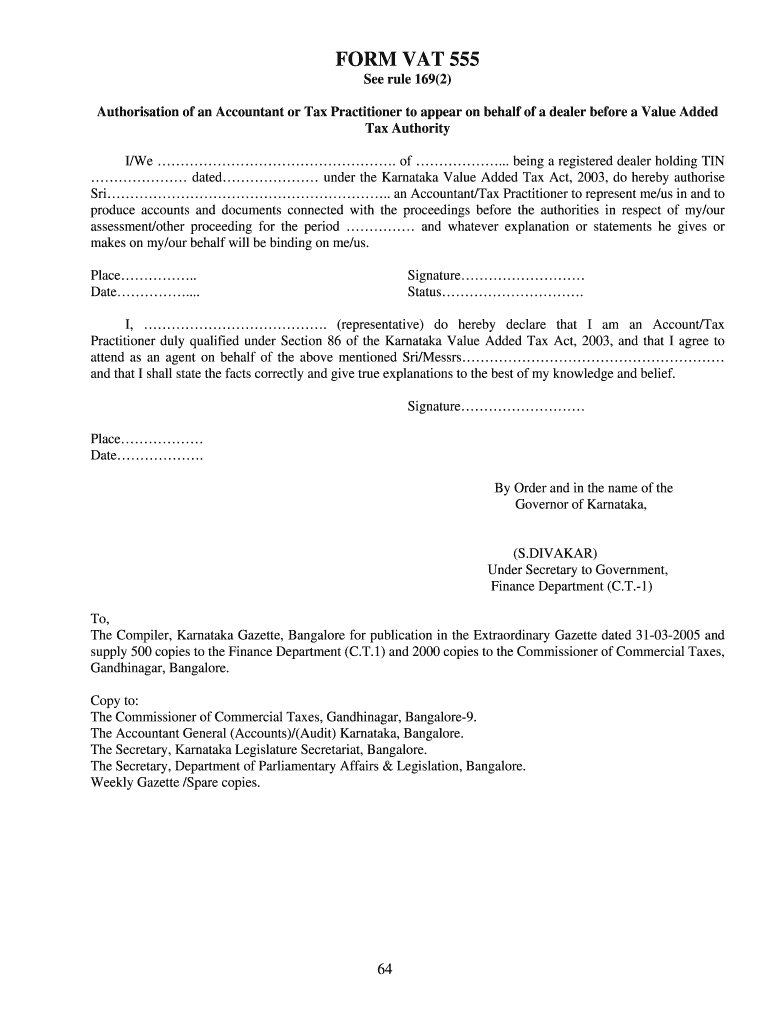
Vat 555 form 2026

Get Form
income tax act Preview on Page 1

Here's how it works

01. Edit your income tax act online
Type text, add images, blackout confidential details, add comments, highlights and more.
02. Sign it in a few clicks
Draw your signature, type it, upload its image, or use your mobile device as a signature pad.
03. Share your form with others
Send income act via email, link, or fax. You can also download it, export it or print it out.

How to use or fill out vat 555 form with our platform

Form edit decoration
9.5
Ease of Setup
DocHub User Ratings on G2
9.0
Ease of Use
DocHub User Ratings on G2
  1. Click ‘Get Form’ to open the VAT 555 form in the editor.
  2. Begin by entering your name and address in the designated fields. Ensure that your details match those registered with the Value Added Tax Authority.
  3. Input your Tax Identification Number (TIN) and the date of registration under the Karnataka Value Added Tax Act, 2003. This information is crucial for proper identification.
  4. Authorize your accountant or tax practitioner by filling in their name in the appropriate section. This grants them permission to represent you before the authorities.
  5. Specify the period for which this authorization is valid. This helps clarify the timeframe of representation.
  6. Sign and date the form at the bottom, ensuring that all information is accurate and complete before submission.

Start using our platform today to fill out your VAT 555 form online for free!

be ready to get more

Complete this form in 5 minutes or less

Get form

Got questions?

We have answers to the most popular questions from our customers. If you can't find an answer to your question, please contact us.
Contact us
How do you claim VAT Exemption? To claim for VAT exemption the supplier will usually ask you to sign a form declaring that the item is for a person with a disability or chronically sick. A Declaration form can be download from HM Revenue and Customs or from one of their local offices.
VAT exemption is a mechanism that allows certain goods and services to be exempt from VAT altogether. This means that when a business provides a VAT-exempt product or service, it doesnt charge VAT to the customer, and it cannot recover any VAT incurred on related expenses.
Completing the VAT652 Form Step-by-Step Guide Step 1: Personal and Business Details. The first step involves providing basic information about yourself and your business. Step 2: Detailing the Errors. Step 3: Explanation for the Errors. Step 4: Calculation of the Total Error Amount. Step 5: Declaration and Signature.
How to apply Contact HMRC by telephone to request form VAT1. Well ask you why you need the form. Tell us that you want to apply for exception from registering for VAT . Well send you form VAT1 and form VAT5EXC. Youll need to complete both these forms and return them to us to apply for exception.
Step-by-Step Guide to File VAT Return Online Log in to the Portal. Visit the Commercial Taxes portal for your state and log in using your VAT credentials. Password Change (First Time Users) Download Form 14D. Fill the Form. Generate XML File. Upload the Files. Rectify Mistakes. Download Acknowledgment.

Security and compliance

At DocHub, your data security is our priority. We follow HIPAA, SOC2, GDPR, and other standards, so you can work on your documents with confidence.

Learn more
ccpa2
pci-dss
gdpr-compliance
hipaa
soc-compliance
be ready to get more

Complete this form in 5 minutes or less

Get form

People also ask

Step 3: Form 14D This is the VAT return filing form which you need to fill completely, along with the annexures.
To receive VAT exemption you need to have a long term illness or disability. For example, a physical or mental impairment which affects you being able to undertake activities, a condition which is considered to be a chronic sickness, such as disabilities or you are terminally ill.
To apply, your doctor should provide you with an application form. If youre not sure about the name of your condition, speak to your doctor.

income documents