
Get any PDF form from the DocHub library of ready-made templates - Page 2007
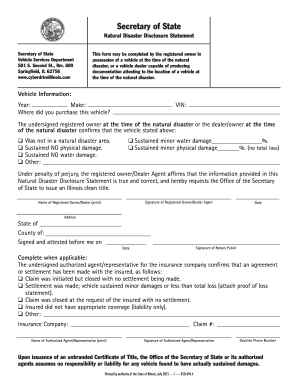
Il secretary of state natural disaster disclosure statement 2015 form
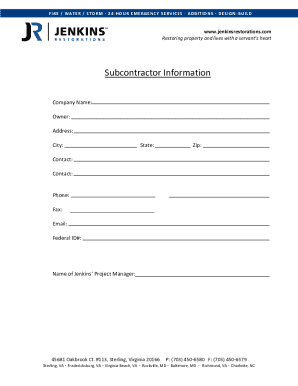
Jenkins restorations subcontractor packet form

Little league player verification form
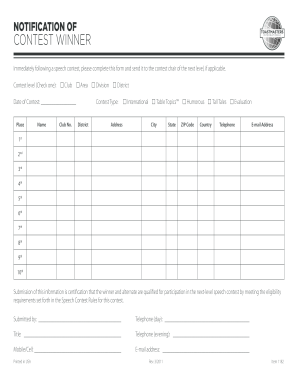
Notification of winners toastmasters
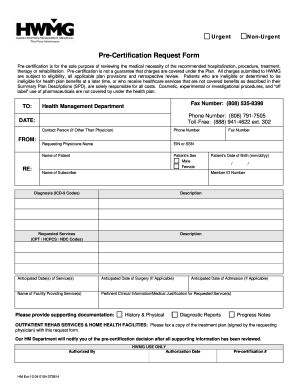
Hmaa prior authorization form
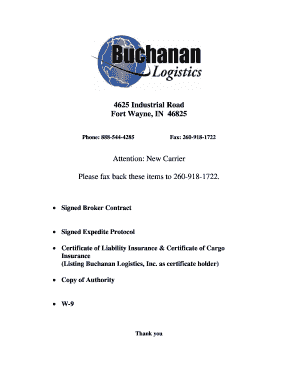
Buchanan hauling and rigging carrier setup
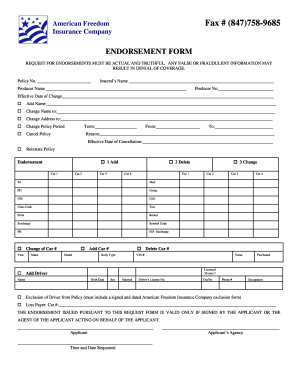
Insurance endorsement example
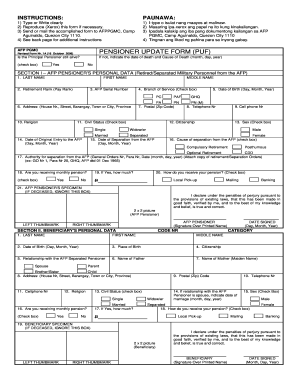
Afppgmcupdatingyahoocom 2006 form
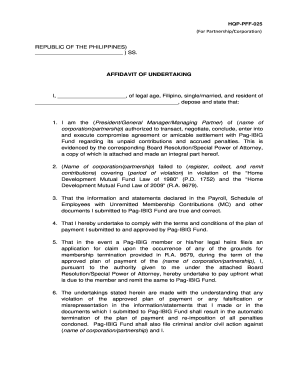
Affidavit of undertaking pag ibig
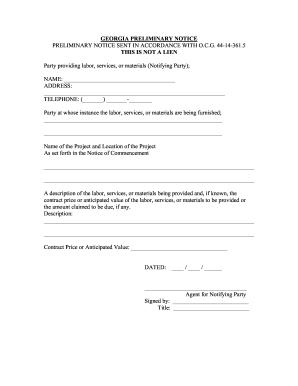
GEORGIA PRELIMINARY NOTICE
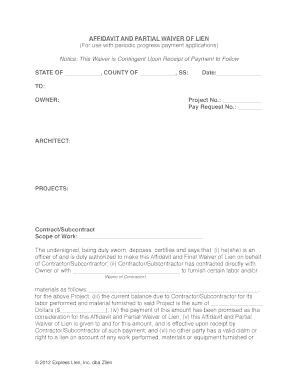
Partial release of liens
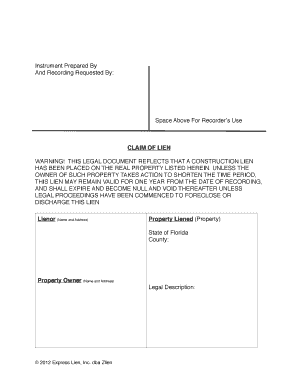
Lien to be placed example
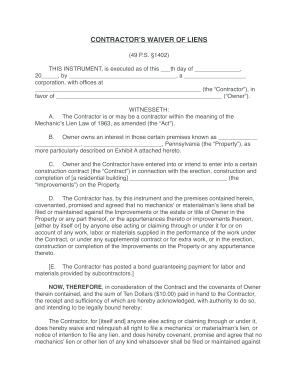
Pennsylvania lien waiver form

Pilot license template
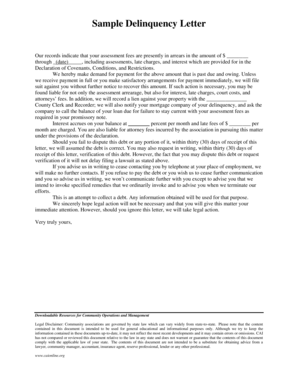
Sample Delinquency Letter - Property Manager Pages
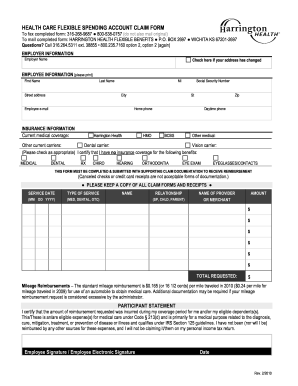
Harrington care flexible spending account
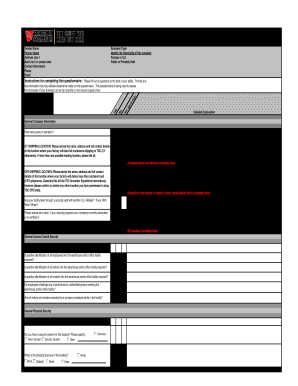
C tpat risk assessment checklist

Permit application form folsom
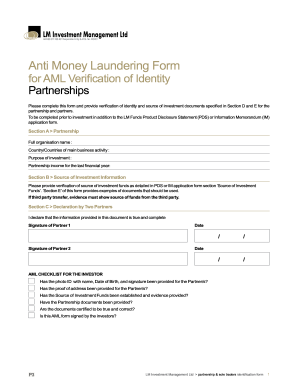
Lm anti money laundering
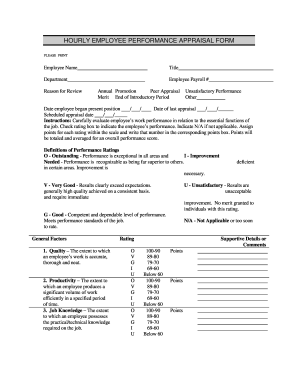
Hourly appraisal

THE QUAKER CHEMICAL FOUNDATION Grant Program bApplicationb

Independent contractor ppp loan
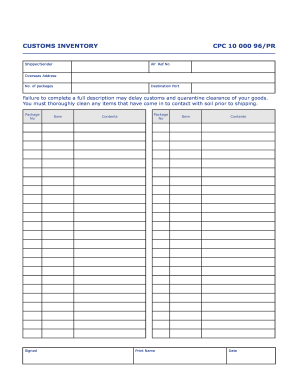
Customs inventory
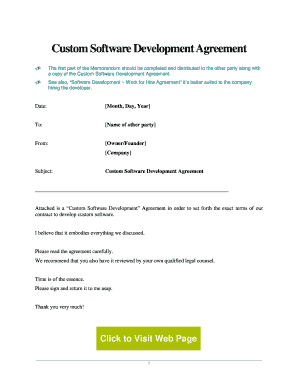
Software development contract template pdf
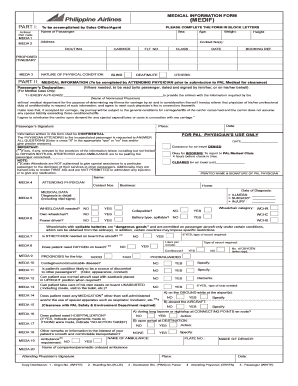
Qatar airways medif form
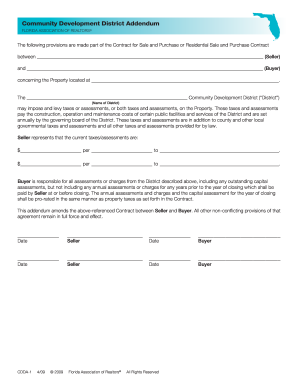
Community Development District Addendum

Ci estate claim form
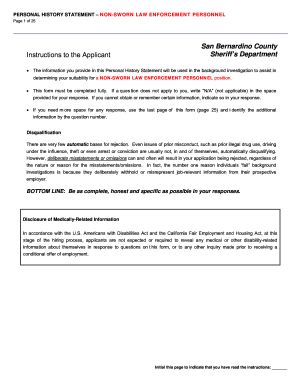
History statement personnel
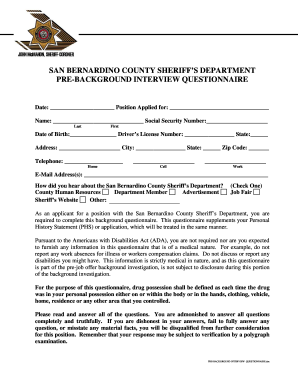
Pre background questionnaire
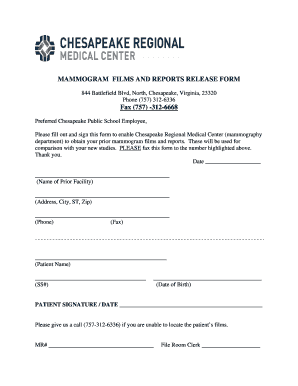
Medical release form - Chesapeake Public Schools
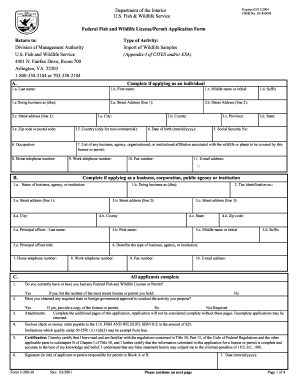
Fws 3 200 38
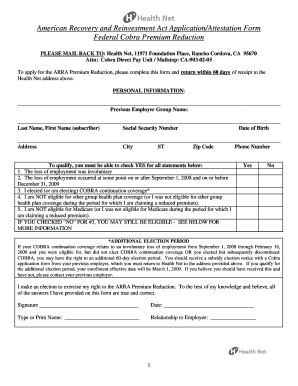
Stimulus application form
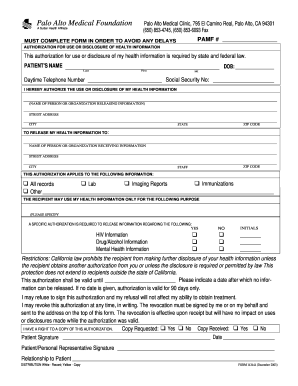
Palo alto medical form
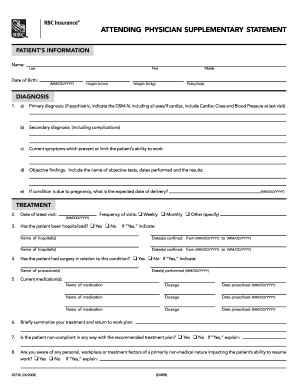
Insurance attending supplementary statement
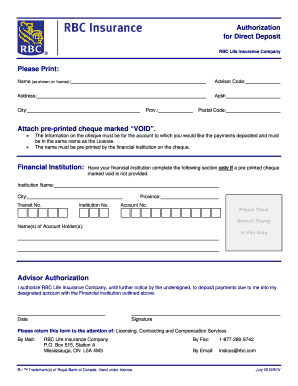
Rbc direct deposit form
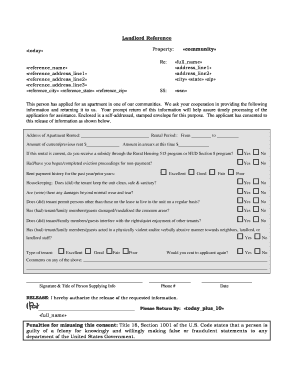
Fillable landlord reference
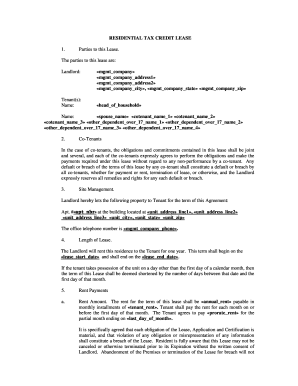
Tax credit lease form
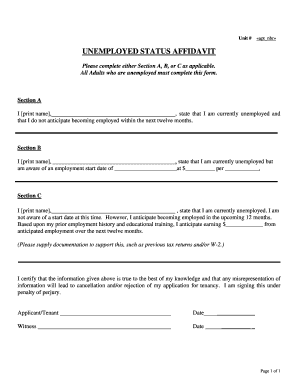
Affidavit of unemployment

Dga cplf
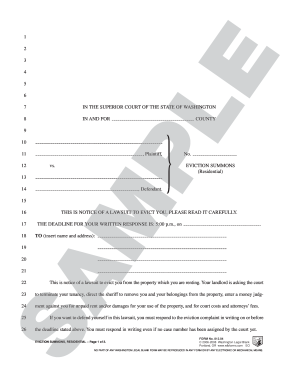
Wa.812.04
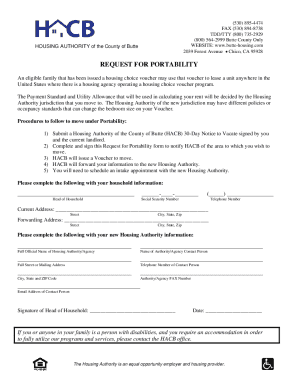
Butte housing authority

Police clearance sample
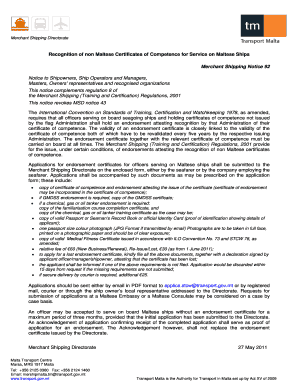
Malta coc endorsement
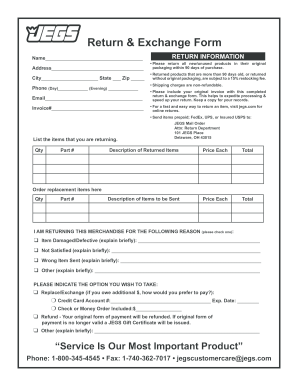
Jegs return form
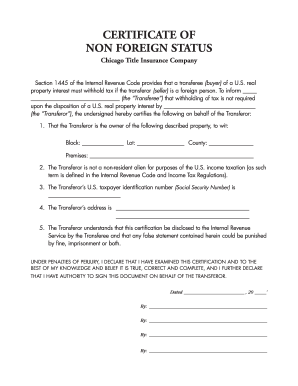
Foreign chicago title

Letter to bank manager for home loan 2nd installment
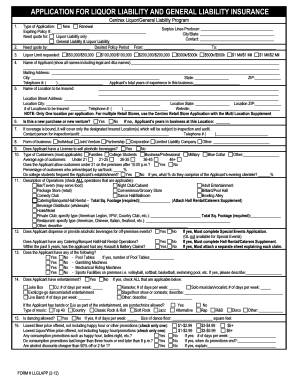
Liquor application liability
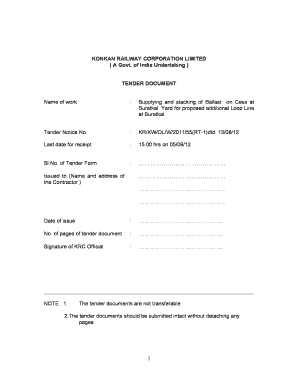
Florida hospital discharge papers
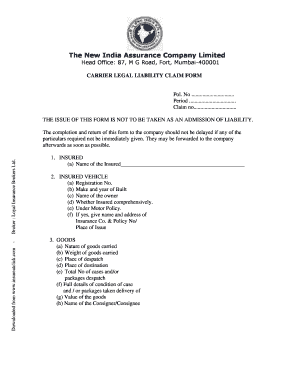
United india insurance satisfaction voucher

Car show registration form
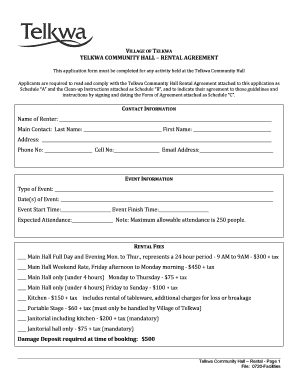
Community hall rental agreement template
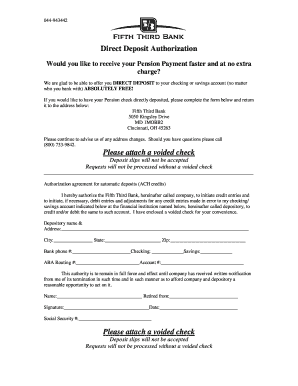
Fifth third bank authorization form
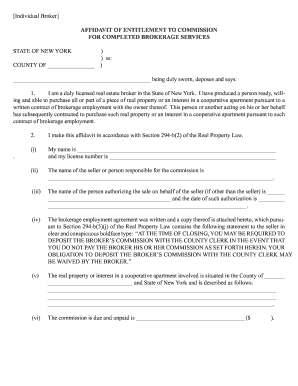
Affidavit entitlement
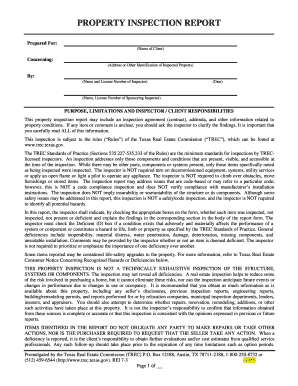
Property trec ni get
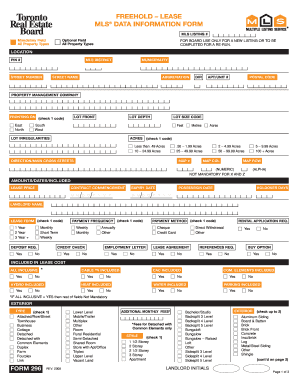
Form mls data information lease

I car merchandise

1300 4

Schlumberger employment
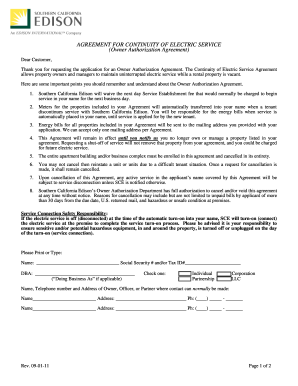
Authorization agreement form
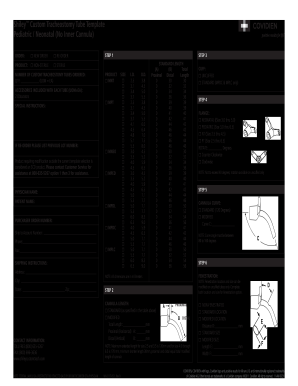
Shiley custom order form
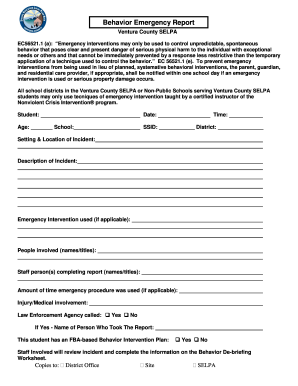
California behavior emergency report
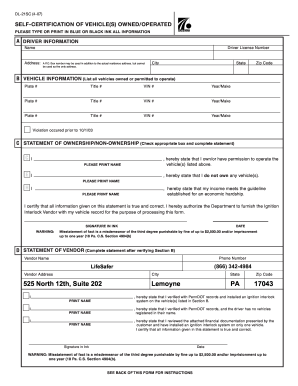
PennDOT - Self-Certification of Vehicle(s) Owned/Operated - LifeSafer
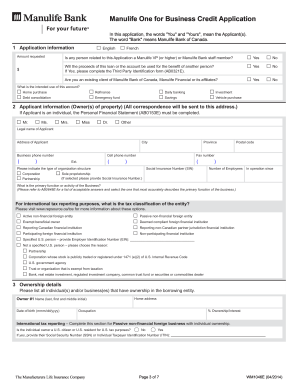
Ab0648e
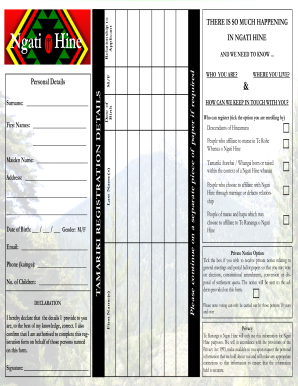
Hine registration pdf
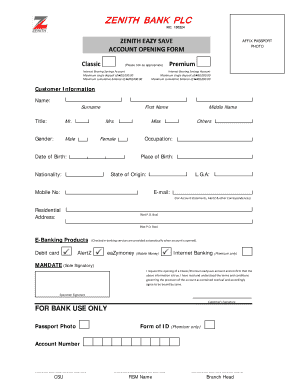
Zenith bank savings account limit
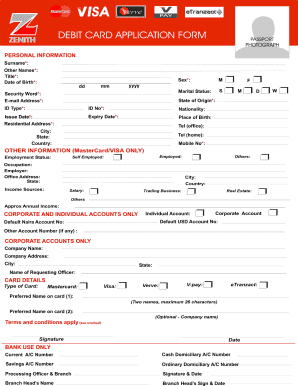
Zenith bank virtual card
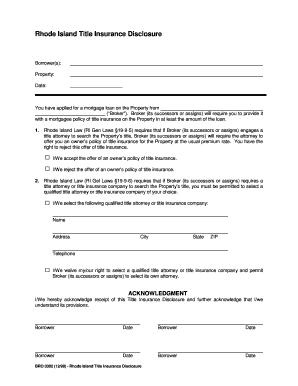
Form: Rhode Island Title Insurance Disclosure (BRO ... - STM Partners
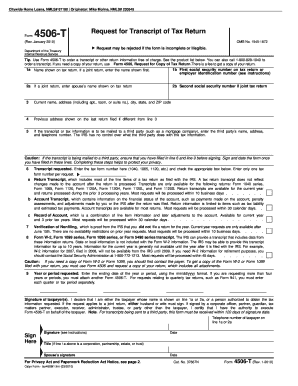
IRS Form 4506-T
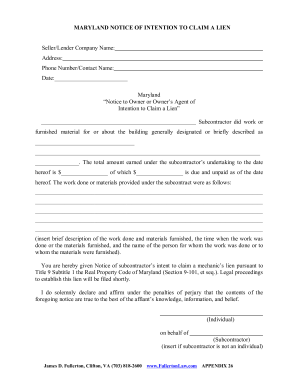
Maryland notice of intention to claim a lien

Captain d application form

Bill of sale wisconsin

Maryland odometer statement
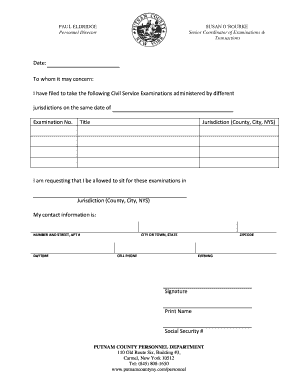
Cross Filing Form - Putnam County Online

Next of kin form
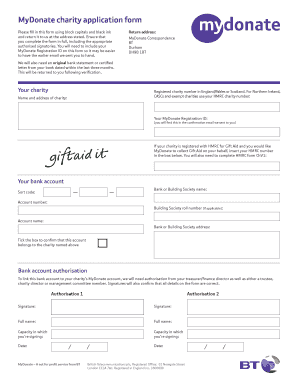
Charity application form
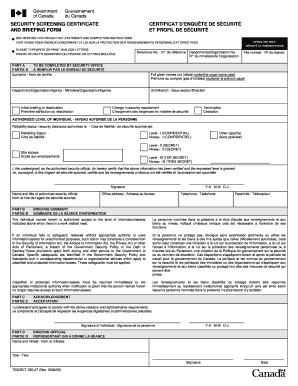
SECURITY SCREENING CERTIFICATE AND BRIEFING FORM ...
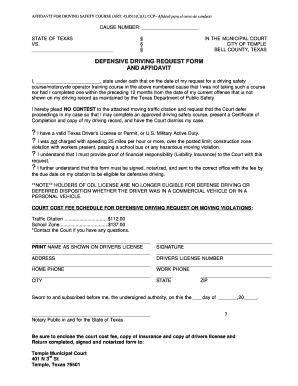
Mycitation
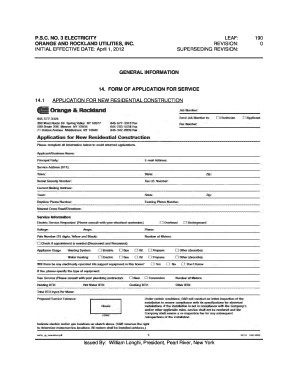
Orange and rockland new service application
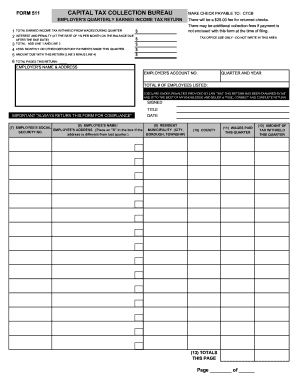
Bureau form 511

Ecology restriction form pdf
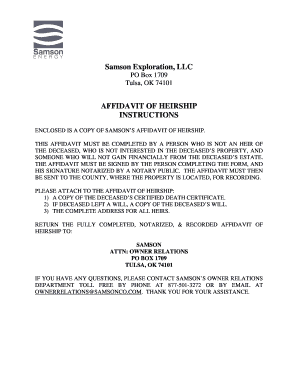
Affidavit of heirship kansas

Evidence list template

UNIFORM RESIDENTIAL LOAN APPLICATION - Independent Bank

M t bank beneficiary form

Form ST-105 General Sales Tax Exemption Certificate

Fortis bc pre authorized payment form
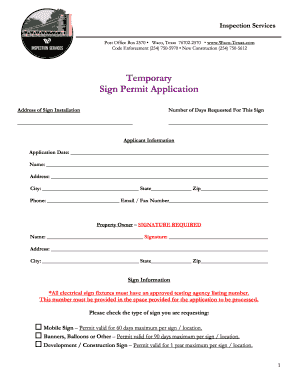
City of waco portal

City of decatur liquor tax form
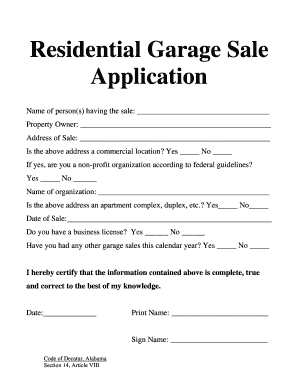
Yard sale decatur al
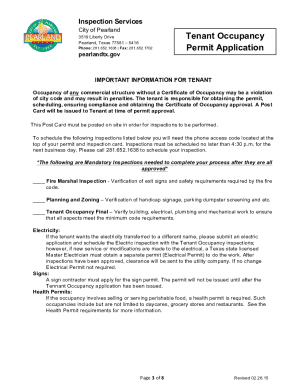
Letter of occupancy for tenants
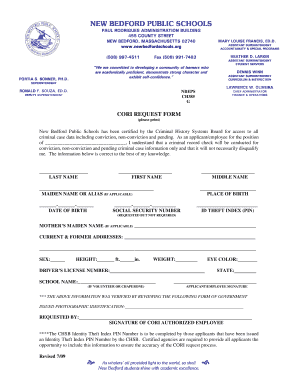
Cori form bedford public blank
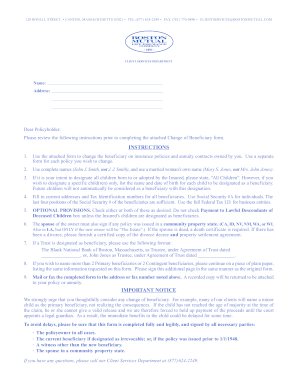
Boston Mutual Beneficiary Change Form.pdf - Mark III Brokerage
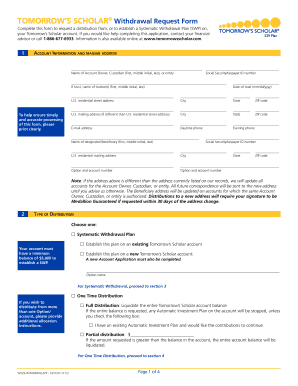
Tomorrow's scholar forms
Capf civil patrol form
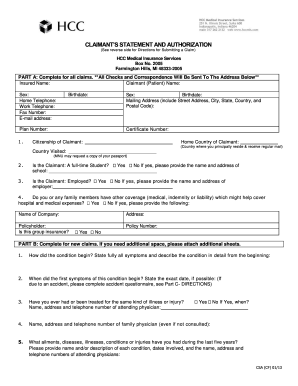
Claimants statement
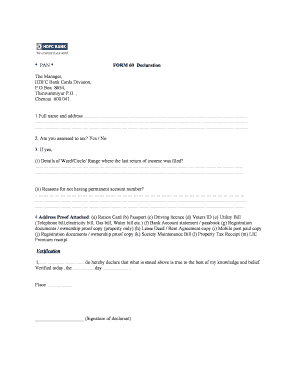
Bank form 60
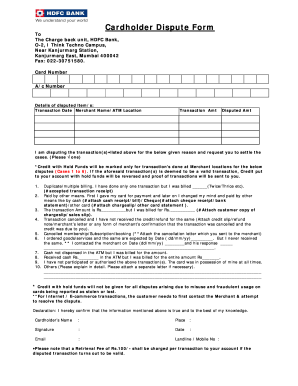
Hdfc dispute email id
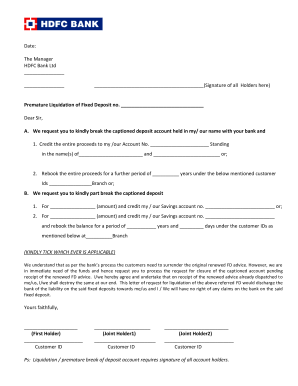
Hdfc account closure form
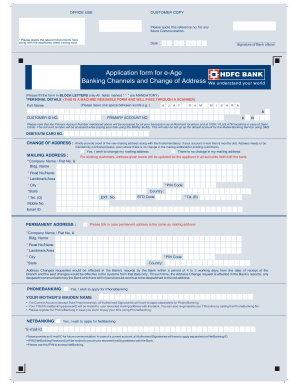
Hdfc net banking

Pasco county eviction records
Benefit from the DocHub online library of fillable PDF forms
Searching the PDF forms doesn't have to be a tedious and time-consuming process. With the DocHub online library, it has become easier to find the fillable PDF forms and modify them in your browser. The service allows you to adjust the document to your needs using powerful editing tools.
You can use online document editing features to modify almost any type of document with ease. You just need to find the template of your choice, open it in the editor, and use the toolbar to make the necessary corrections.
Follow this guide to get your document done with DocHub:
- Find the PDF template you need.
- Click the Get Form button to open the file in the editor.
- Use the toolbar to fill out and edit the document.
- Easily add and highlight text, insert images, checkmarks, and symbols.
- Drop new fillable fields, and rearrange or delete pages from your file.
- Save changes and download your record.
DocHub empowers everyone to streamline document editing, signing, and distribution, and form completion. Create an account and benefit from our well-organized PDF Forms library and comprehensive editor.