
Get any PDF form from the DocHub library of ready-made templates - Page 2008

Tsx 4e

Empire blue cross blue shield authorization to release information

Stamp agreement
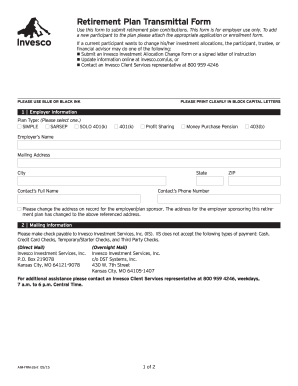
Retirement plan transmittal form
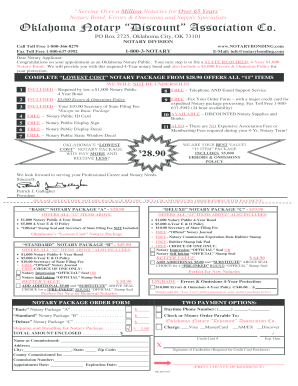
Oklahoma notary discount association
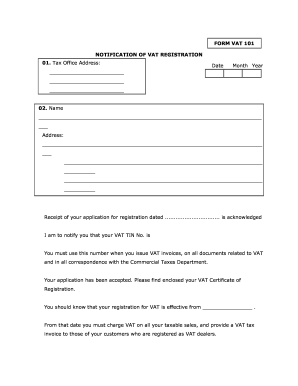
Vat 101 form
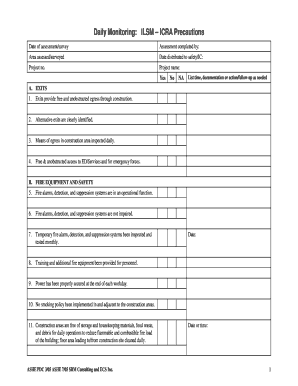
Icra daily monitoring form
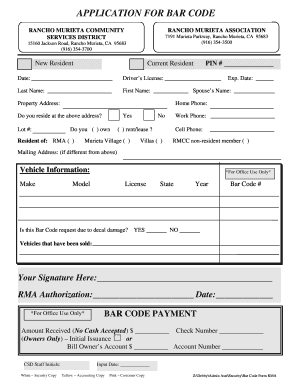
Bapplicationb for bar code - Rancho Murieta Community Services

Dumpster permit philadelphia
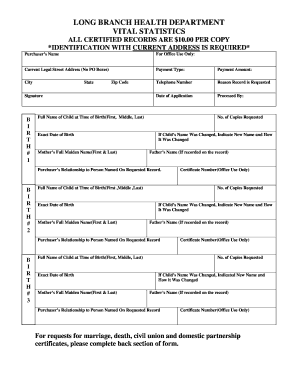
New jersey vital statistics

Method statement template civil engineering
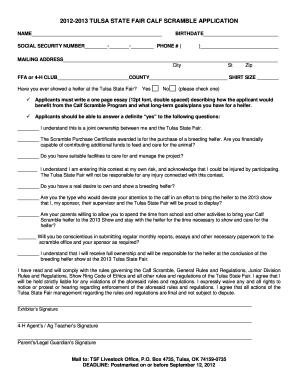
Golf scramble form

Kyc form download

Ally ira transfer
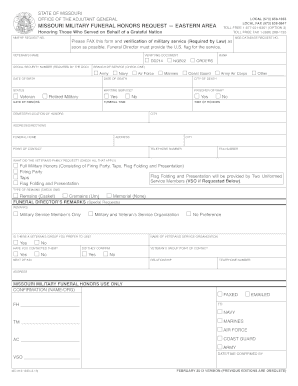
Eastern Area Request Form (PDF) - Missouri National Guard
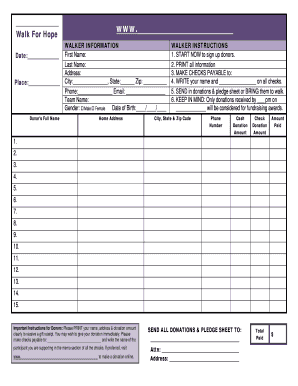
Where can i get an empty donation form for churches
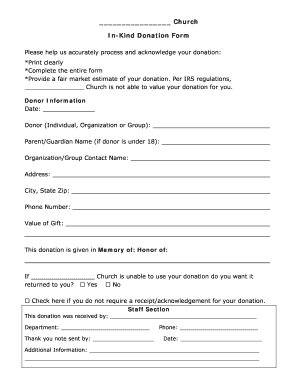
Church in kind donation form
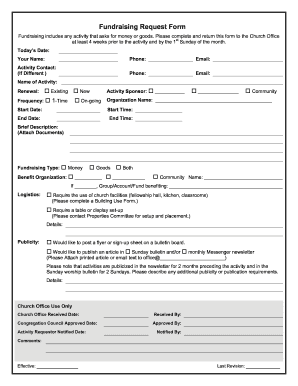
Church forms fundraising form
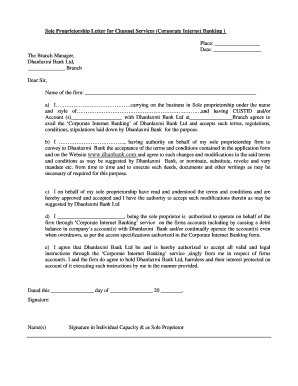
Sole proprietorship declaration letter format
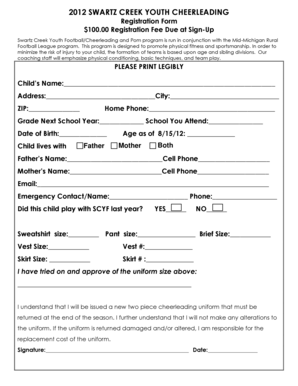
Youth football registration form template
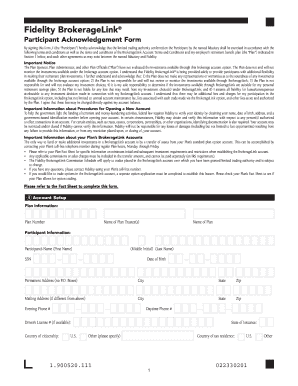
Brokeragelink participant acknowledgment form
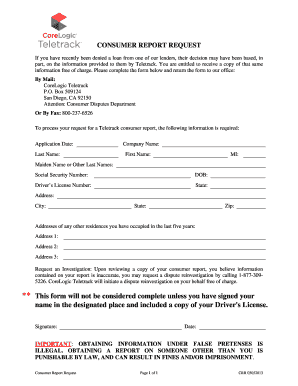
Consumer dispute form corelogic

Mississippi visitation application
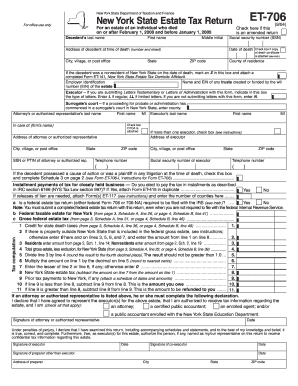
Form ET-706: September 2004, New York State Estate ... - FormSend
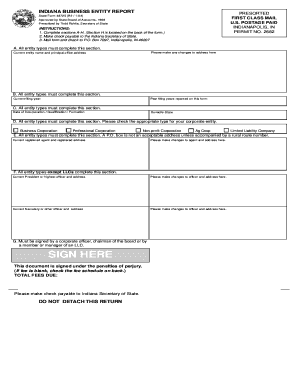
INDIANA BUSINESS ENTITY REPORT - FormSend
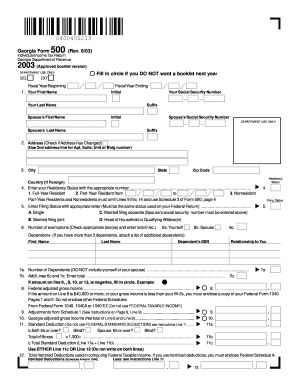
Georgia Form 500 (Rev. 6/03) . . . . . Fill in circle if you ... - FormSend
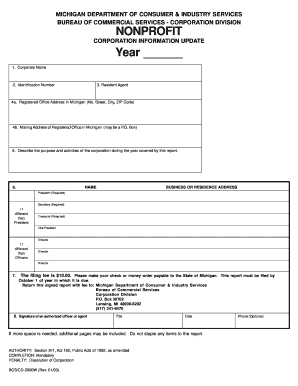
Form bcs cd 2000

West virginia estimated tax 1999 form
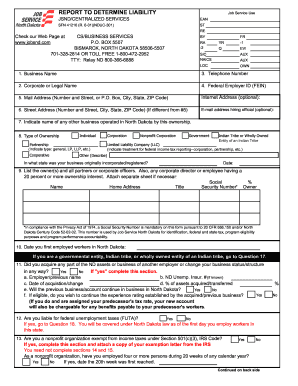
Sfn41216 report to determine liability 2001 form
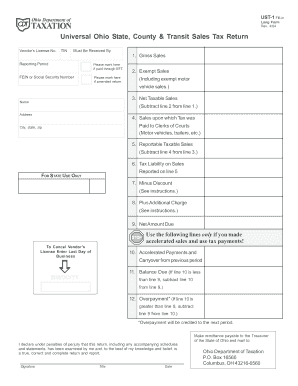
How to fill out the ohio state county & transit sales tax return 2004 form
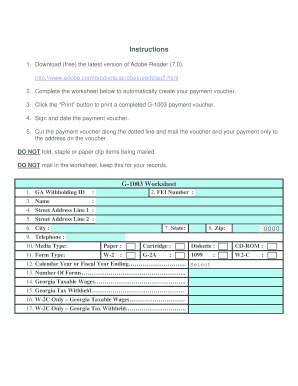
Form g 1003 instructions 2006
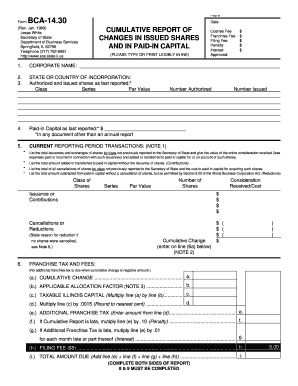
Bca 1430 illinois 1999 form
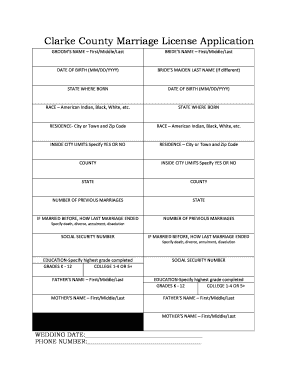
Marriage license clarke county alabama

Blue cross of kc forms
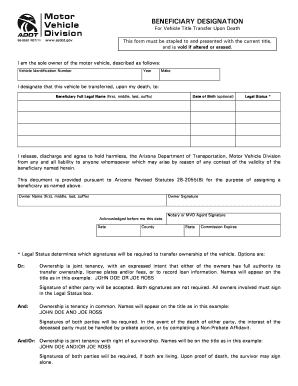
Adot beneficiary designation form
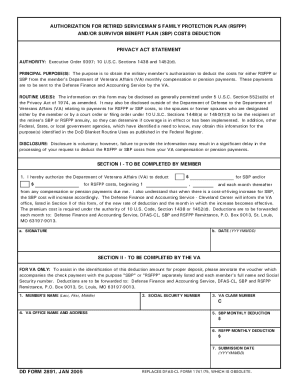
DD Form 2656-8, SBP Automatic Coverage Fact Sheet, 20110106

Human form 4497

Da form 7415 2002

Dd file form

U.S. USDA Form usda-rd-1955-45. Free download
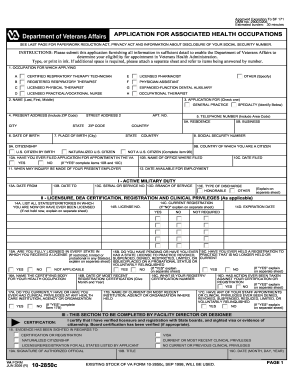
Approved Exception To SF 171 OMB No

Fsa 2038 farm business plan worksheet 2005 form
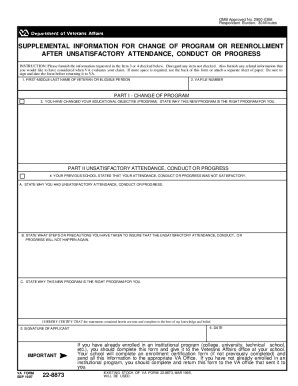
Va form 22 8873

Printable usda form 3550 4

Form vs 145

Va form 22 1919

Da form 3294

Usda real property form printable

Da child clearance form

Form 3560 31

Form fmha 1924 2

Rural development form 3560 7 2005

U.S. DOC Form doc-pto-1595

Ars 372 form

Dd form 1547

U.S. OPM Form opm-opm-71. Free download

1187

Fax number pto 2038 2003 form

Sf1420

U.S. DOD Form dod-da-759-1 - Usa-federal-forms.com

Form rd 3560 13 2005
Air force af1417 form
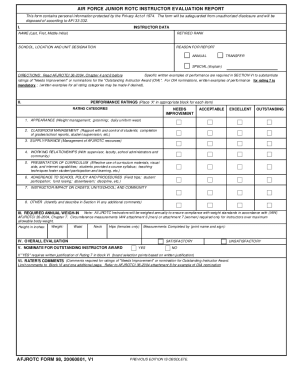
Afjrotc form 98
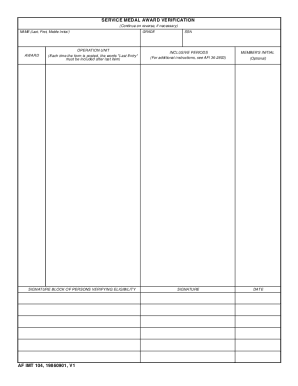
Air force 104

Af imt 2586

Form 5646

Va 26 1820 form

16 3

Sf 2803

Navmc 10964

Opmform1496a 2001

Renewal staff

Ad 1046
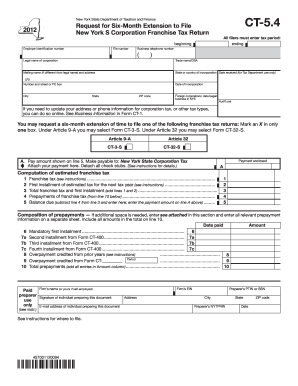
Ct 5 4 2012 form

Medically supervised weight loss documentation
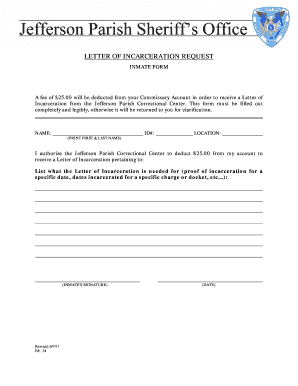
Proof of incarceration form
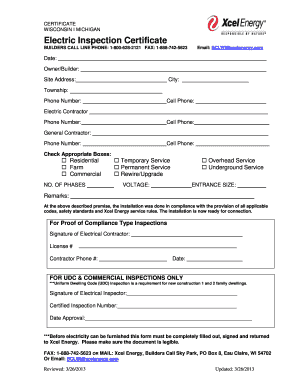
Xcel builders call line
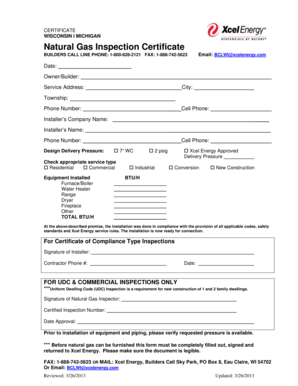
Natural Gas Inspection Certificate - Xcel Energy
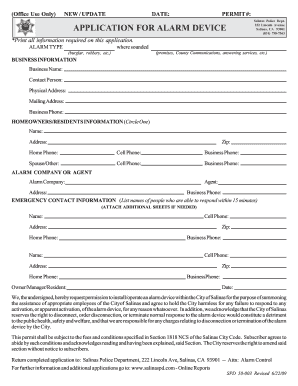
Salinas police department alarm permit
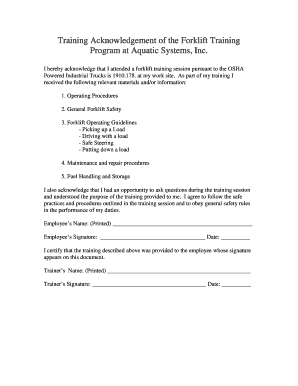
Training acknowledgement aquatic make
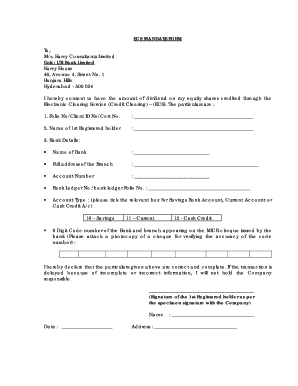
Bank mandate form in word format

Nc dhhs public cacfp
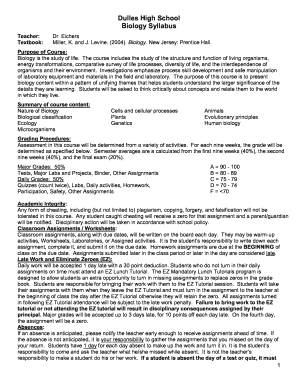
Prentice hall biology pdf

Fbisd physical form

High school field trip permission slip
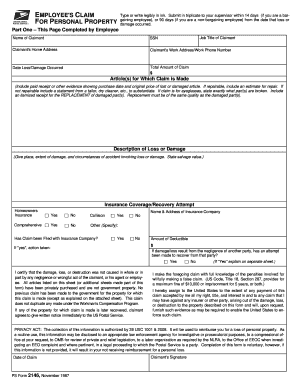
Form 2146

Automatic sprinkler systems weekly inspection form inspection year
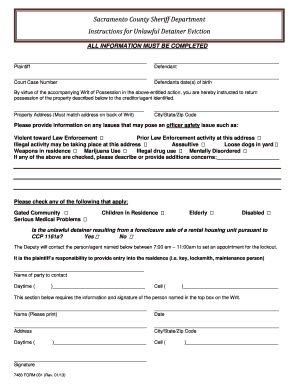
Sac co courts unlawful detainer 2013 form

Dbs form
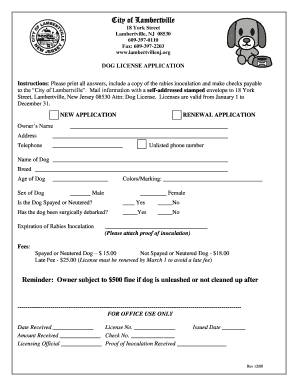
New jersey dog license
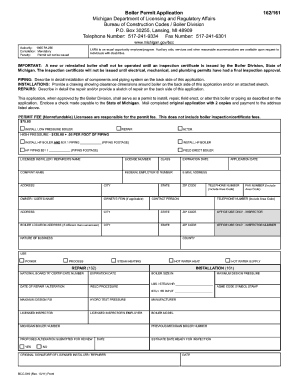
Boiler Permit Application - State of Michigan

File small claims court

Fs 2 snap review form

Form 470-2965 - Iowa Medicaid Enterprise - ime state ia
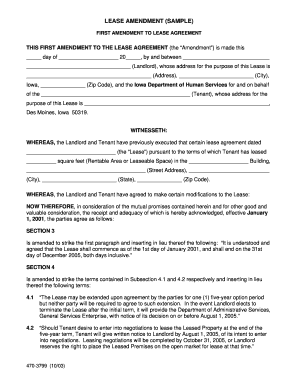
Sample amendmend on a rental agreement
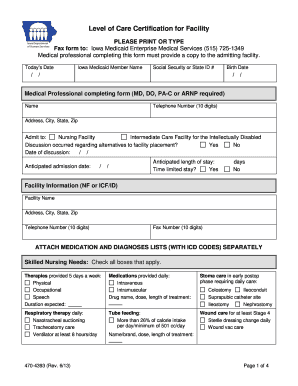
Level of Care Certification for Facility - Iowa Department of Human ... - dhs state ia
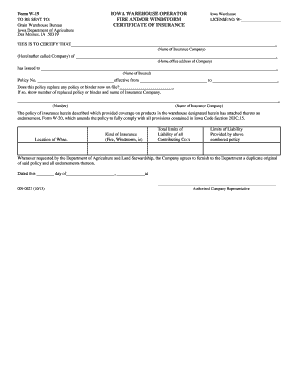
W 19 form

Single trip oversize load permit - The City of Lakewood Washington
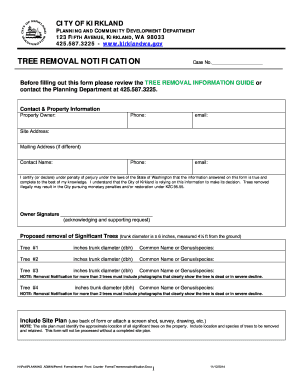
Tree removal form
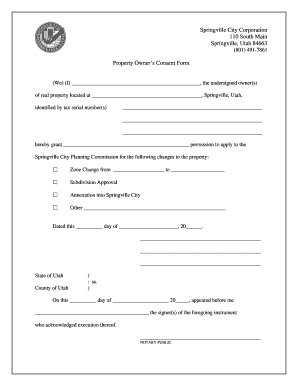
Property consent form
Benefit from the DocHub online library of fillable PDF forms
Searching the PDF forms doesn't have to be a tedious and time-consuming process. With the DocHub online library, it has become easier to find the fillable PDF forms and modify them in your browser. The service allows you to adjust the document to your needs using powerful editing tools.
You can use online document editing features to modify almost any type of document with ease. You just need to find the template of your choice, open it in the editor, and use the toolbar to make the necessary corrections.
Follow this guide to get your document done with DocHub:
- Find the PDF template you need.
- Click the Get Form button to open the file in the editor.
- Use the toolbar to fill out and edit the document.
- Easily add and highlight text, insert images, checkmarks, and symbols.
- Drop new fillable fields, and rearrange or delete pages from your file.
- Save changes and download your record.
DocHub empowers everyone to streamline document editing, signing, and distribution, and form completion. Create an account and benefit from our well-organized PDF Forms library and comprehensive editor.