




01. Edit your form ad 1048 online
Type text, add images, blackout confidential details, add comments, highlights and more.

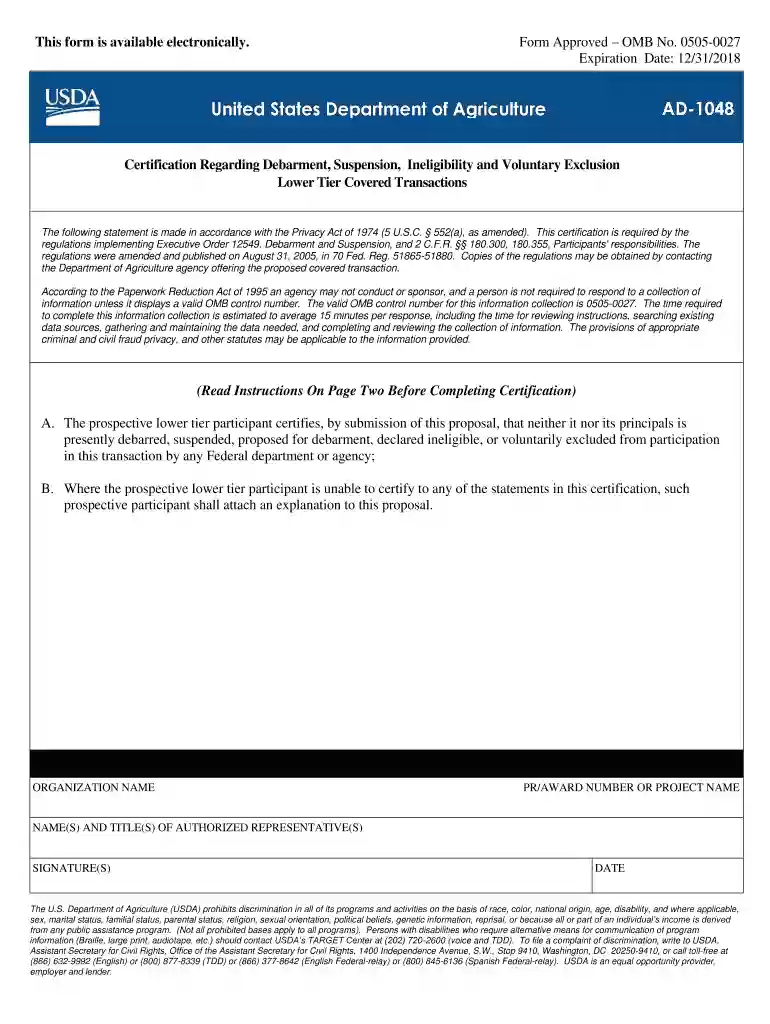
Type text, add images, blackout confidential details, add comments, highlights and more.

Draw your signature, type it, upload its image, or use your mobile device as a signature pad.

Send usda ad 1048 via email, link, or fax. You can also download it, export it or print it out.

Start using our platform today to fill out form AD-1048 quickly and efficiently!
We've got more versions of the form ad 1048 form. Select the right form ad 1048 version from the list and start editing it straight away!
At DocHub, your data security is our priority. We follow HIPAA, SOC2, GDPR, and other standards, so you can work on your documents with confidence.
May 5, 2025 This certification is required by the regulations implementing Executive Order 12549, Debarment and Suspension, 7 CFR part 3017, Section 3017.510, ParticipantsRead more
Form AD-1048 (1/92). Print Form. Page 2. Instructions for Certification. 1. By signing and submitting this form, the prospective lower tier participant isRead more
The lightning flash with arrowhead symbol, within an equilateral triangle, is intended to alert you to the presence of uninsulated dangerous voltageRead more


