
Get any PDF form from the DocHub library of ready-made templates - Page 1913
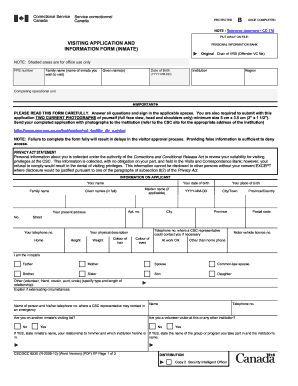
Csc visiting application
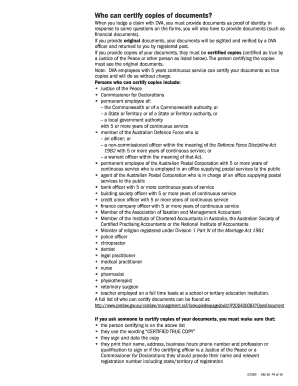
Forms by number Department of Veterans' Affairs

Jhargram cv list form

Mobility allowance form

Ir880
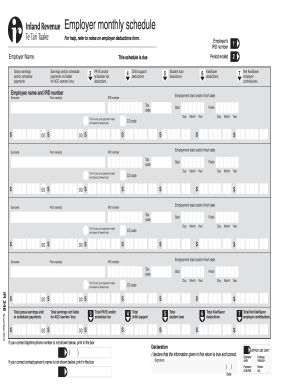
Employer monthly schedule - Inland Revenue... - ird govt

Moj0533 download
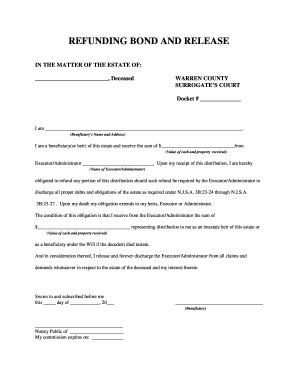
Refunding bond form

Payment south holland

Transient of tifton online
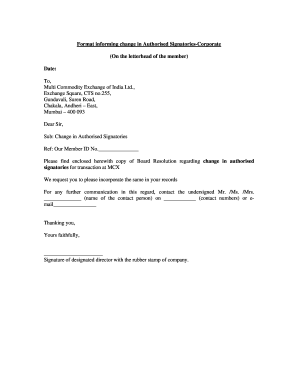
Format informing change in Authorised Signatories

Mega Sports Camp Registration Form - Radiant WebTools
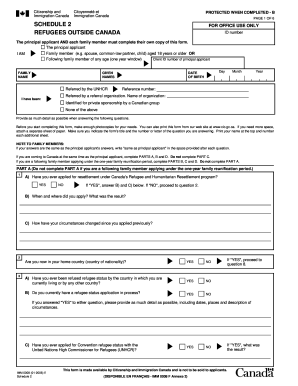
IMM 0008E_2 : Schedule 2 - Refugees Outside Canada - Megatoronto
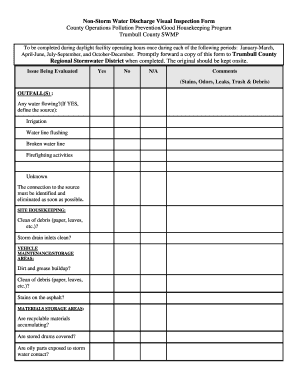
Oh non storm form

4 h acceptance
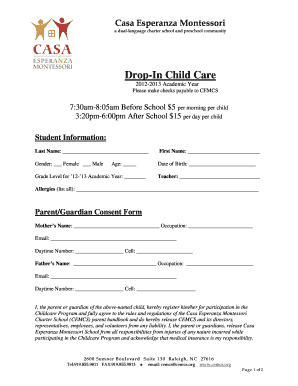
BASC Drop-In Childcare Form 2012-2013.doc - cemcs

FFL Transfer & Confirmation Form - Able's

Tire tractor restoration
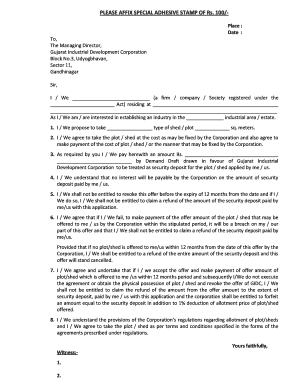
Special adhesive stamp online

Housing stabilization fund odsp

Inside the Vault Entrepreneurship Lesson Plan - financeintheclassroom

Simple release of claims all
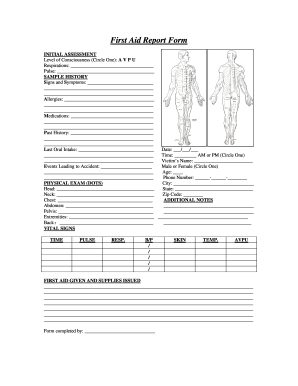
First Aid Report Form.PDF

Eagle scout letter of recommendation form

Freak the mighty final test pdf

School narrative writing rubric

Maybank2u biz application form

Teen Contestant Contract - Miss Michigan - missohio

Subventionsansuchen (Bildung und Integration) - in Graz! - graz

TESTIMONIAL OF SEA SERVICE DECK DEPARTMENT
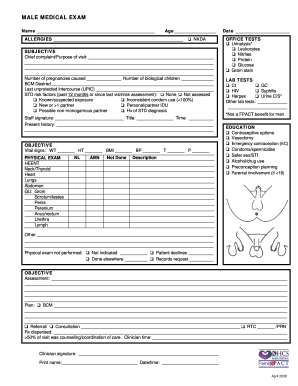
Male medical exam family pact form

THE IOWA STATE BAR ASSOCIATION Official Form No

Dcs forms

Incoming Fill Application - Bluff City Materials
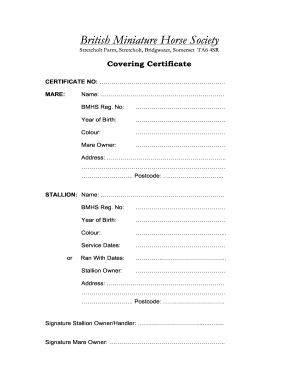
British miniature horse society
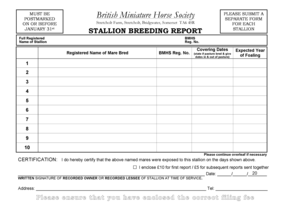
British Miniature Horse Society - bmhs co

Tiger donation sheet
Form blue fish

Eligibility form

Kiit refund application form 2022
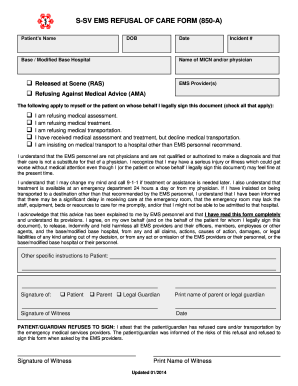
S-SV EMS REFUSAL OF CARE FORM (850-A)

Acap counselling applicant screening questionaire
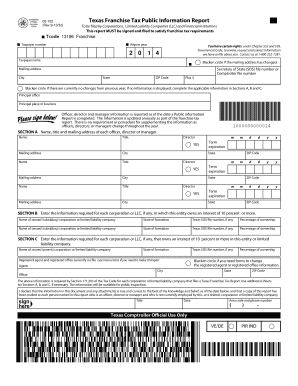
05-102 Texas Franchise Tax Public Information Report. 05-102 Texas Franchise Tax Public Information Report
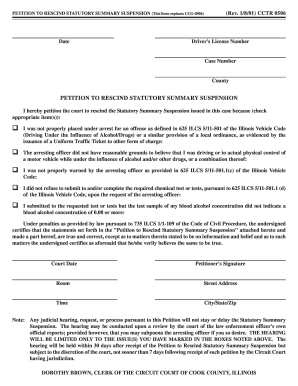
Illinois statutory summary suspension

Physical clearance form

VYSA Player/Team Status Form - BRYC Travel Soccer

Campground lease agreement
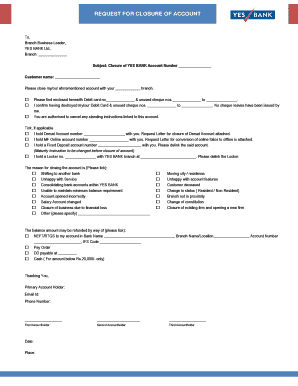
Yes bank account closure form online
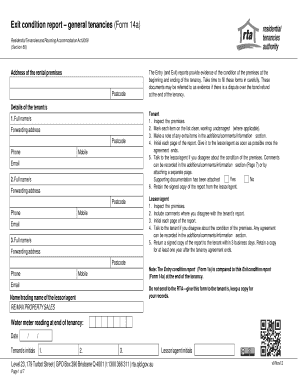
Exit Condition Report - General Tenancies - (FIRB), firb
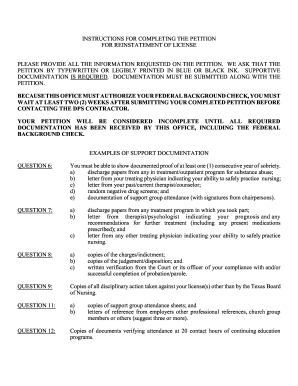
Petition for Reinstatement of License - Texas Board of Nursing
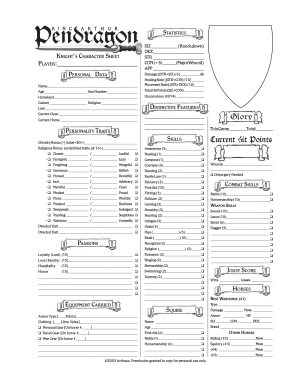
Pendragon character sheet

Rentlaw
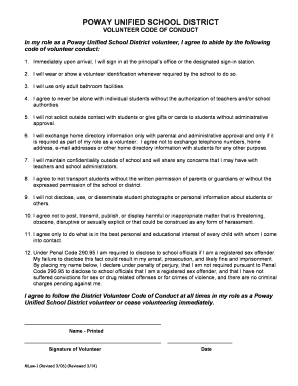
California unified school district

Tournament Team Roster - Dizzy Dean Baseball, Inc. - dizzydeanbbinc

Scgaa
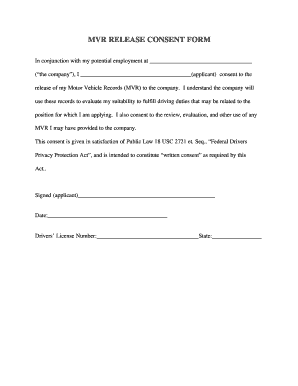
MVR RELEASE CONSENT FORM.doc
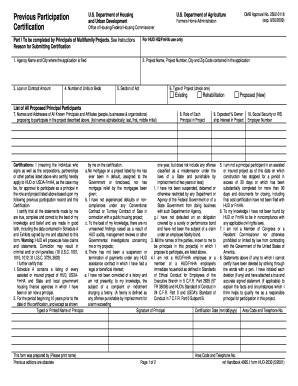
Hud form 2530 fillable
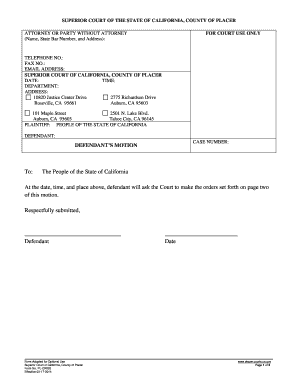
Ca cr003 court county online

Formular r0100 pdf

Ouachita Parish Occupational License Application - oppj
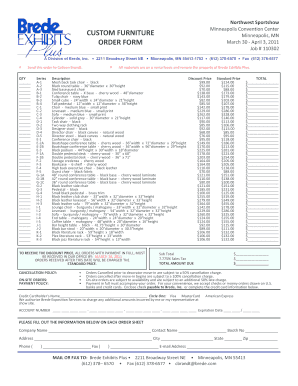
Furniture order form

Home owners association usa rent questionnaire

Antrag auf krankengeld formular
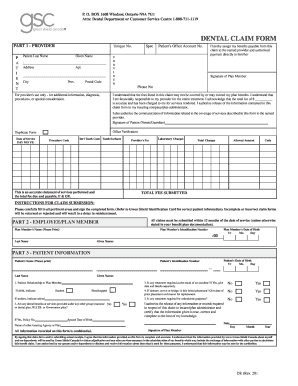
Greenshield claim forms

AP Calculus Final Review Sheet
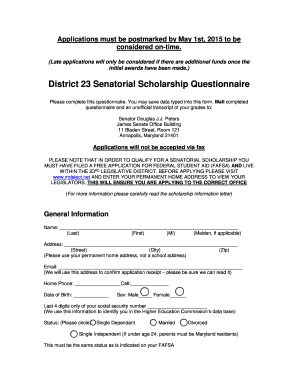
District senatorial scholarship form
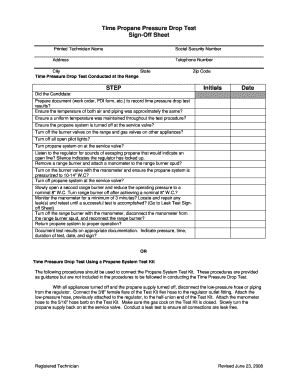
Propane drop test

ADULT MEDICAL RELEASE FORM.doc - dolr
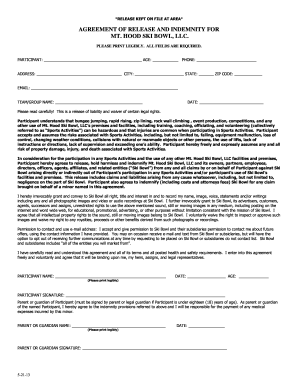
Liability Release Form - Mt. Hood Skibowl
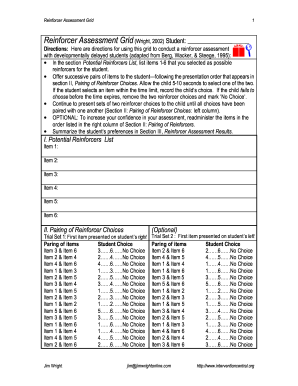
Printable reinforcer assessment forms
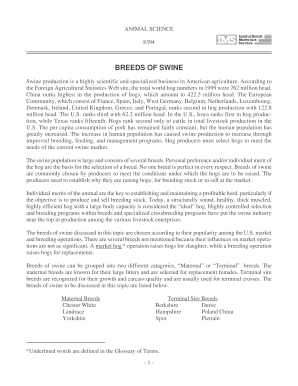
Breeds swine
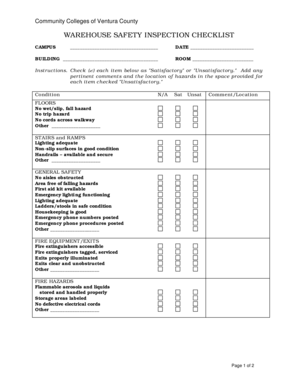
Warehouse checklist
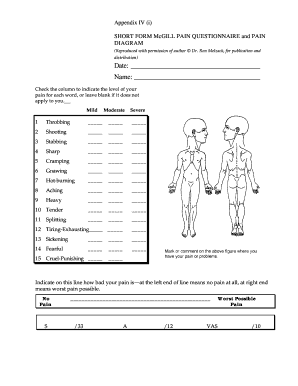
Amazon
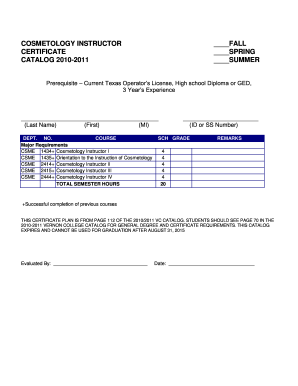
COSMETOLOGY INSTRUCTOR - vernoncollege
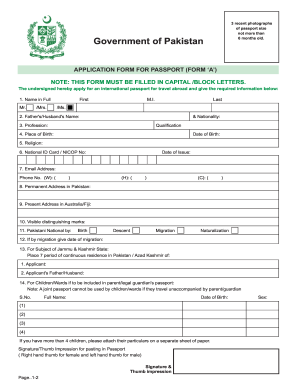
Pakistan application passport form online

British army application form 2021 fiji
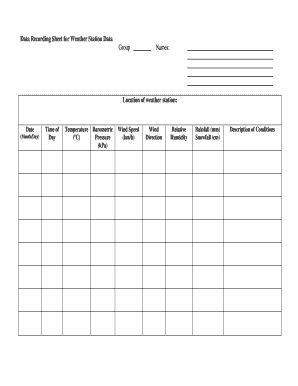
Weather data collection sheet
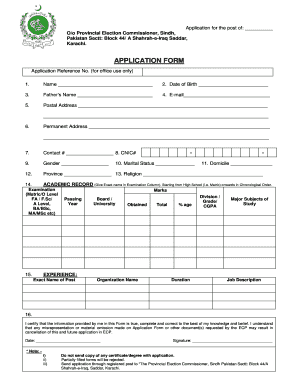
Ecp application form

Pearl service begleitschein
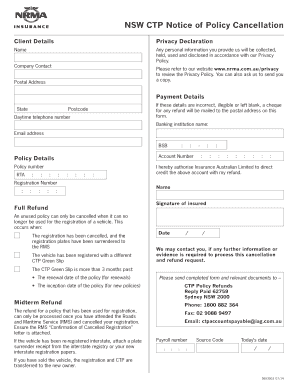
Nrma ctp cancellation form
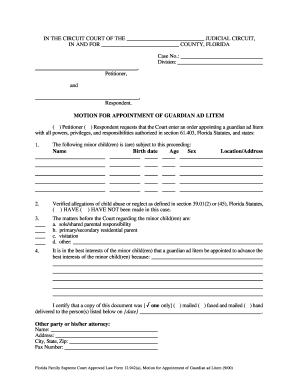
Motion for Appointment of Guardian ad Litem - Forms - gal alachua fl
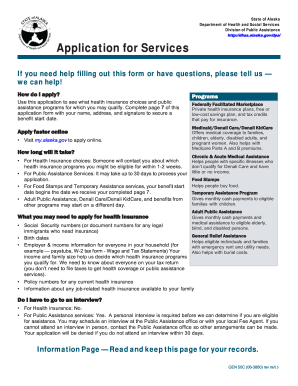
Dpaweb

Hk government
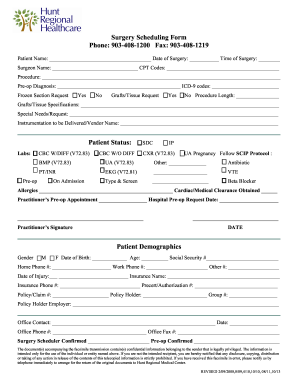
Surgery scheduling form
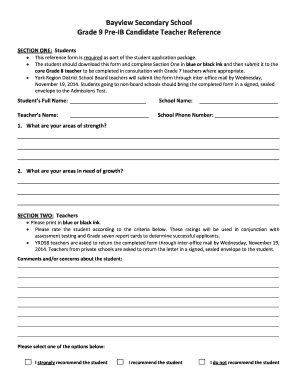
Bayview secondary school
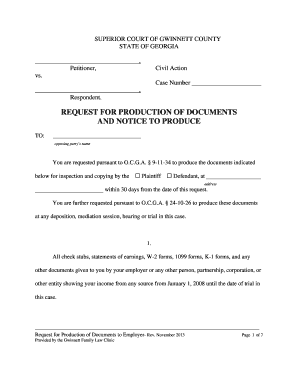
Request for production of documents sample georgia

Hs200 form
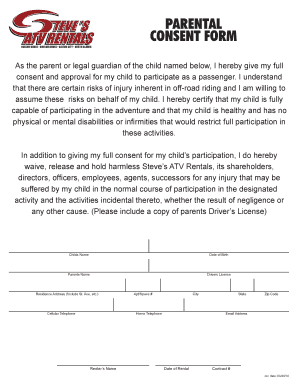
Rental waiver letter

Uwi cave hill transcript

Identifying prepositional phrases worksheet

Fhsaa state series pass
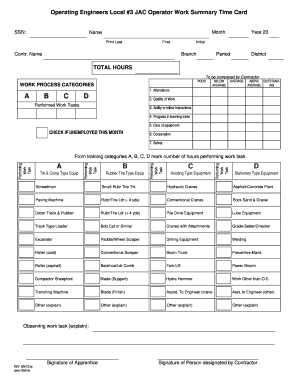
Task b trk
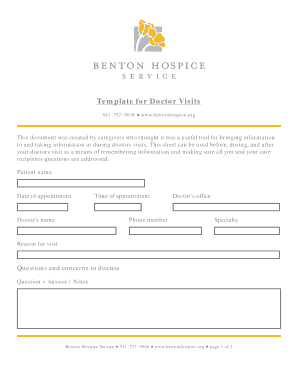
Template doctor visits
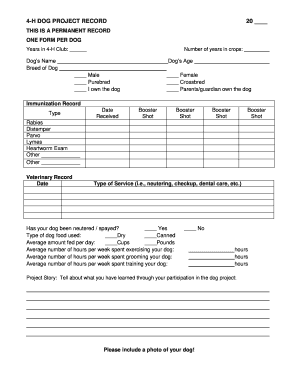
Tory
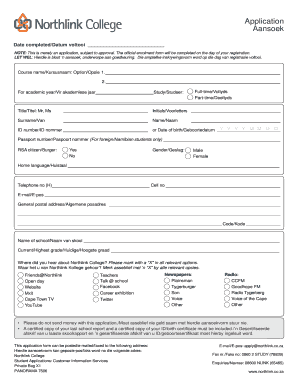
Registratio from north link

Structured abc data sheet

Financial Disclosure Statement - Cuyahoga County Domestic ... - domestic cuyahogacounty
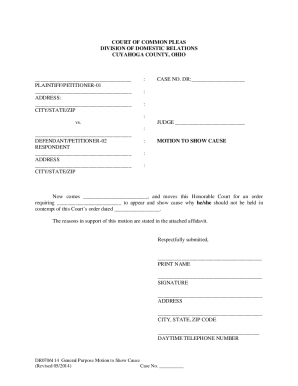
Ohio motion cause

Wholesale agreement template
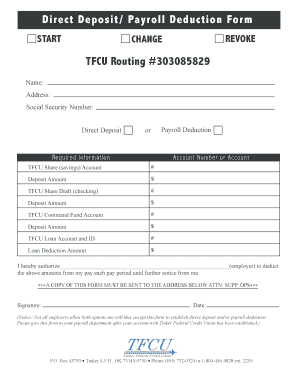
Tinker federal credit union direct deposit form
Benefit from the DocHub online library of fillable PDF forms
Searching the PDF forms doesn't have to be a tedious and time-consuming process. With the DocHub online library, it has become easier to find the fillable PDF forms and modify them in your browser. The service allows you to adjust the document to your needs using powerful editing tools.
You can use online document editing features to modify almost any type of document with ease. You just need to find the template of your choice, open it in the editor, and use the toolbar to make the necessary corrections.
Follow this guide to get your document done with DocHub:
- Find the PDF template you need.
- Click the Get Form button to open the file in the editor.
- Use the toolbar to fill out and edit the document.
- Easily add and highlight text, insert images, checkmarks, and symbols.
- Drop new fillable fields, and rearrange or delete pages from your file.
- Save changes and download your record.
DocHub empowers everyone to streamline document editing, signing, and distribution, and form completion. Create an account and benefit from our well-organized PDF Forms library and comprehensive editor.