
Get any PDF form from the DocHub library of ready-made templates - Page 1912

Wa exemption field

Ef003 form
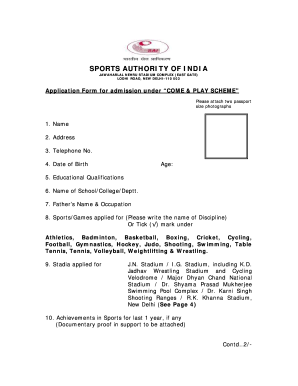
Jawaharlal nehru stadium admission form 2022
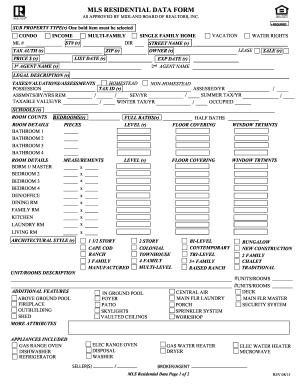
Midland data form
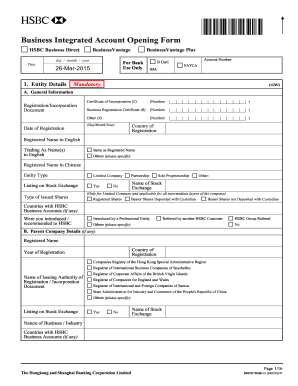
Integrated account form
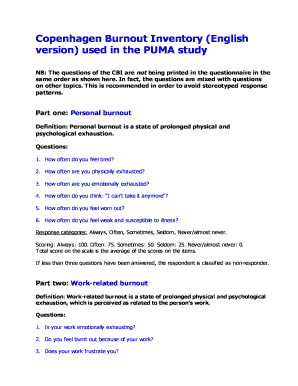
Copenhagen Burnout Inventory (English

Capital gift letter
PayCover Income Protection Claim Form - coverforce.com.au
Skierowanie na badanie profilaktyczne - Grupa LUX MED ...
WELCOME TO ISAGENIX
Gde 2r form 2022 word
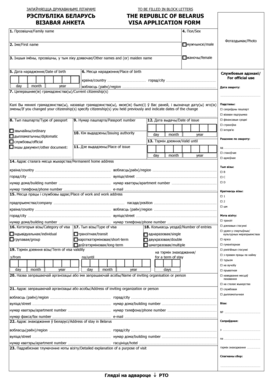
???????I?? ???????? THE REPUBLIC OF BELARUS
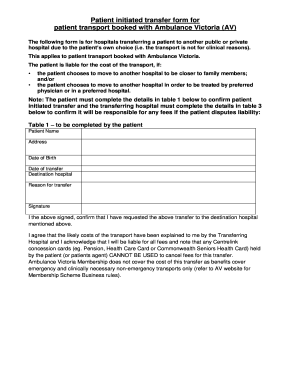
Vic ambulance cover

Irata assessment form

Unfallanzeige berufsgenossenschaft pdf
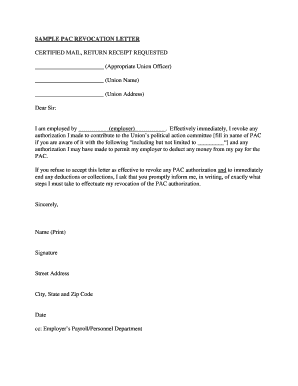
Sample letter revoking consent

Girl scout permission slip
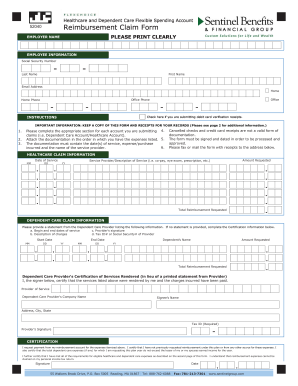
Sentinel benefits reimbursement claim form
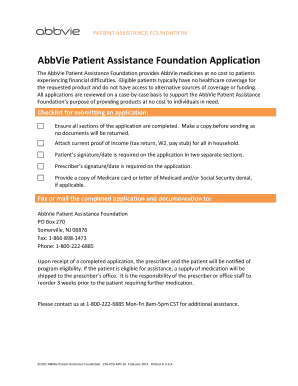
Abbvie patient assistance form 2021
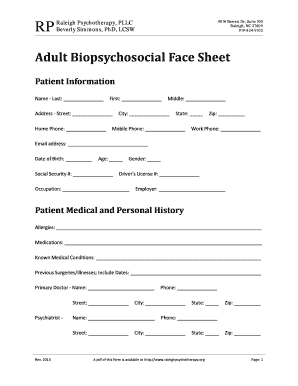
Beverly simmons raleigh nc
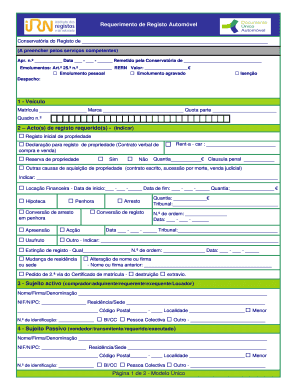
Dua form
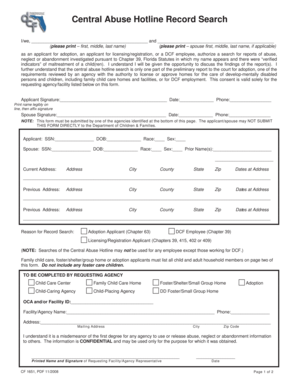
Cf 1651 pdf

Filler peachtree corners
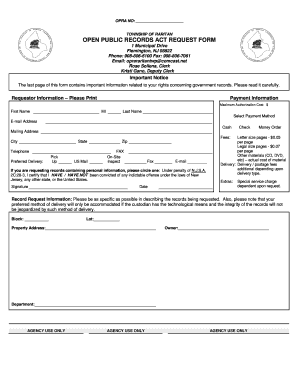
OPEN PUBLIC RECORDS ACT REQUEST FORM - Raritan Township

Nc birth certificate

Fungi graphic organizer
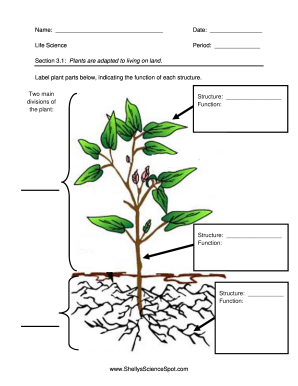
Plants are adapted to living on land - Shelly39s

Das 7
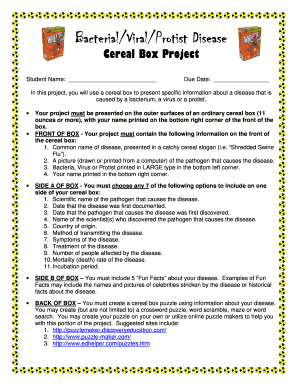
Virus cereal box project

Wahoo area application online
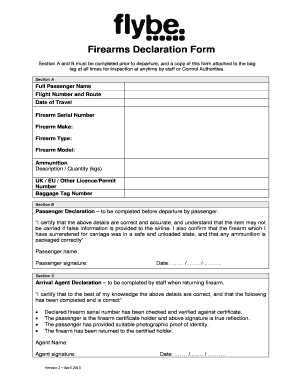
Flybe firearms declaration form
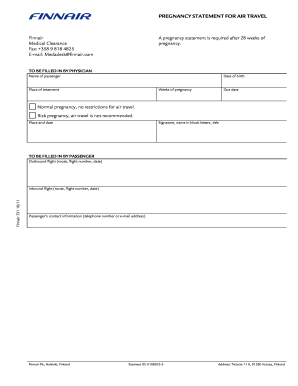
Form 721 air travel
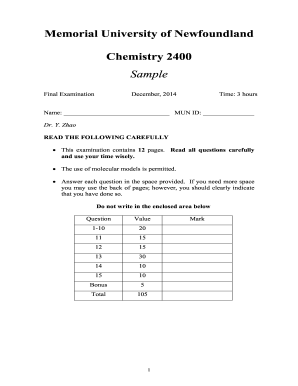
Chem 2400 mun
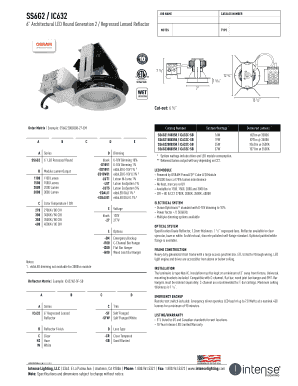
SS6G2 / IC632 JOB NAME CATALOG NUMBER 6 Architectural LED Round Generation 2 / Regressed Lensed Reflector NOTES TYPE 7 1/2 12 3/4 1 5/16 7 WET Location 13 1/2 Cut-out: 6 1/2 Order Matrix Example: SS6G22000308-27-EM A B A Catalog Number C D

Personal injury intake form
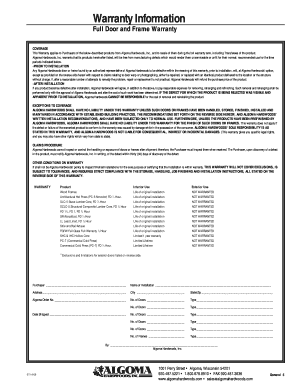
Algoma hardwoods inc doors
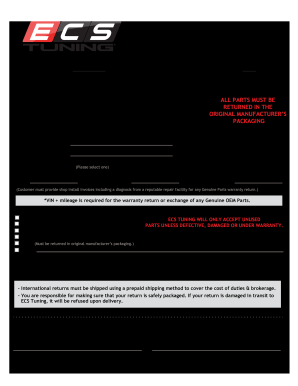
Ecs tuning return policy
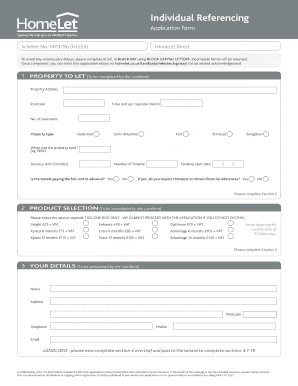
Private Landlord Referencing Application Form - HomeLet
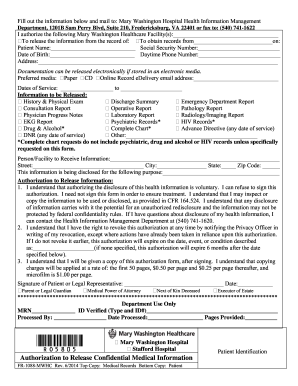
Fill out the information below and mail to: Mary ...

Bonfattos Wing Man Hot Wing-Eating Contest Accident Waiver and Release of Liability
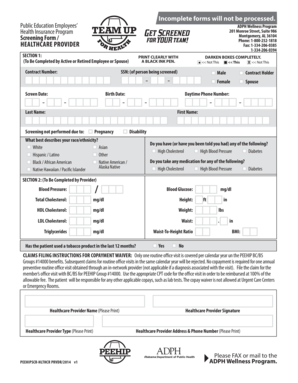
Peehip wellness form
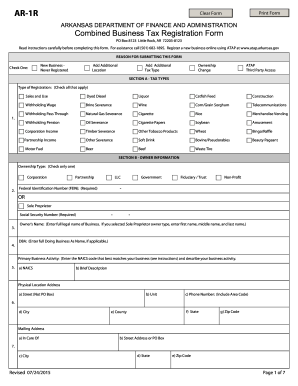
Ar arkansas form
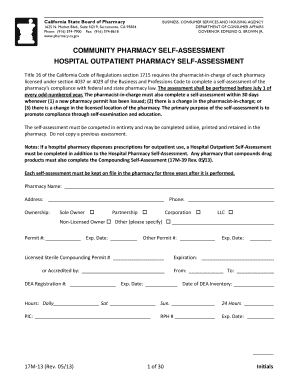
California pharmacy
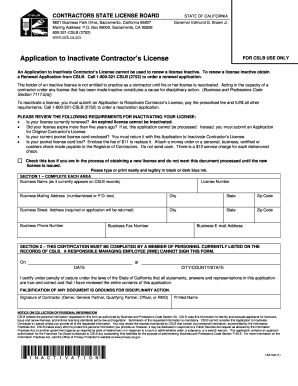
Application license form ca
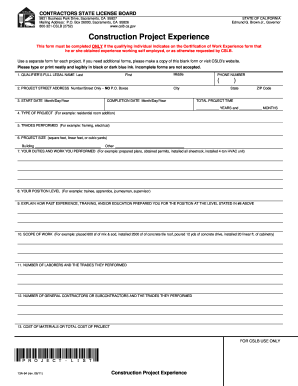
Construction Project Experience
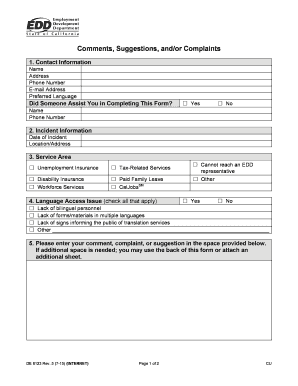
8123 online apply
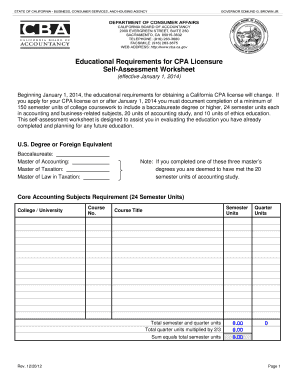
California cpa education requirements worksheet
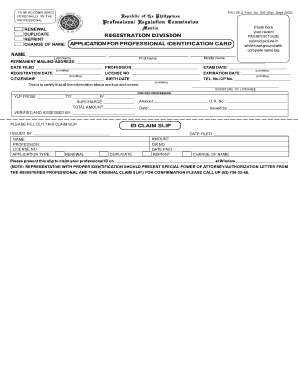
Prc renewal

To download the Baking Contest entry form! - Atchison Chamber of ... - atchisonkansas

CAO RFLPPi 1-3 Affidavit re: Motion for Temporary Orders - isc idaho

NOTICE TO PAY RENT OR VACATE PREMISES

Maintenance request mainlander pdf

Wla notice pay vacate
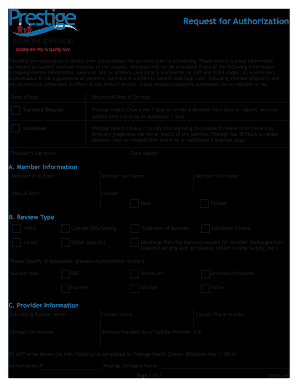
Medicaid prior authorization form

Agreement to provide insurance pdf

Requests teddcycle com

Hazardous Materials/Waste Storage Area Inspection Form
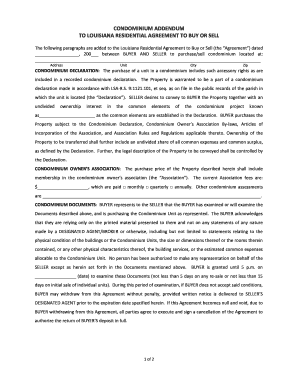
Condominium addendum louisiana

APPROVED APPLICATOR AGREEMENT - KEMPER SYSTEM
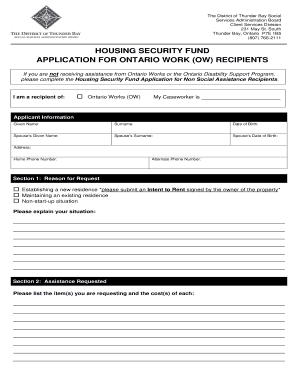
Thunder bay housing application
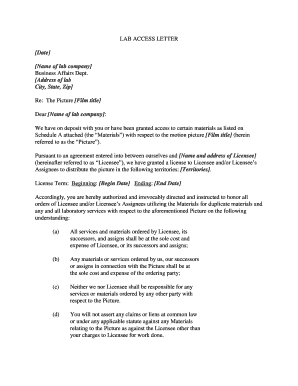
Request letter for testing

Untermietvertrag schweiz

Vision registration

Babysitter Request Form - Solanco School District
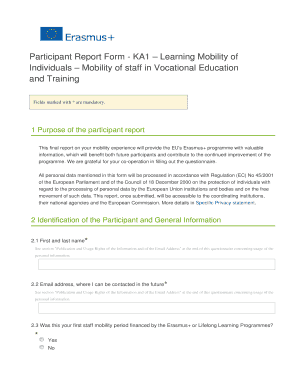
Participant Report Form - KA1 Learning Mobility of
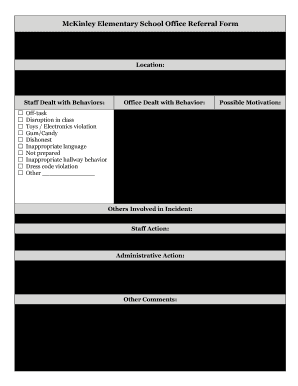
Office referral form elementary school
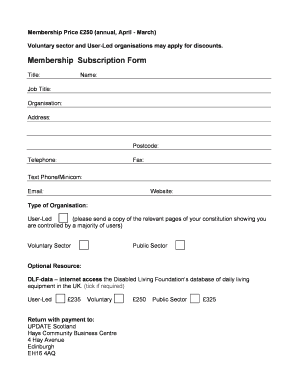
Membership Subscription Form
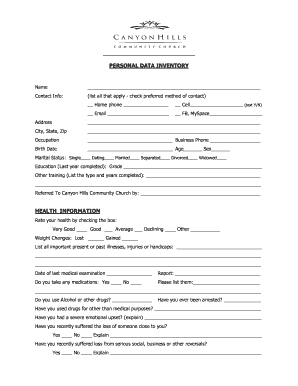
Church data form

80 - Homeowner 2010 05. DCM Annual Report 2012-13

Order appointment of form
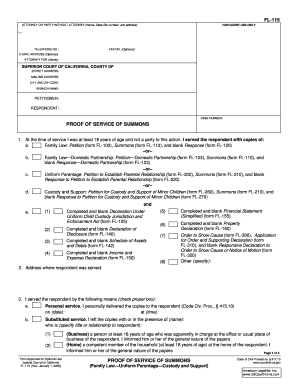
Fl 115 template form
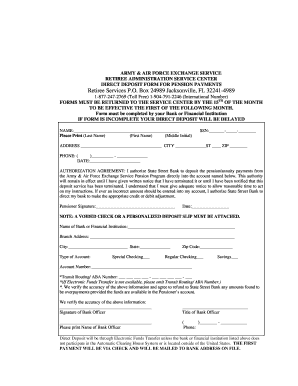
State street retiree services 1099 r 2020

Ny epic application

REGISTRATION FORM The Ritz-Carlton, New Orleans ...
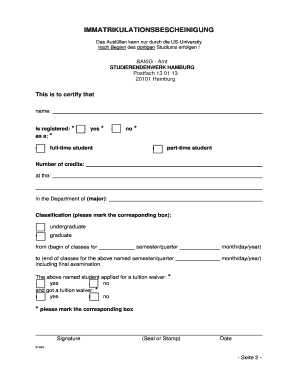
Immatrikulationsbescheinigung

Accommodation inspection checklist
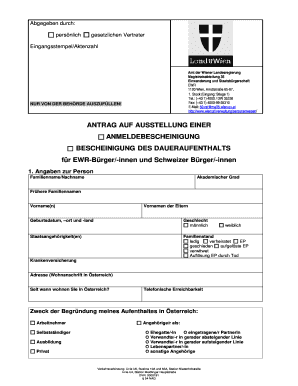
Anmeldebescheinigung wien
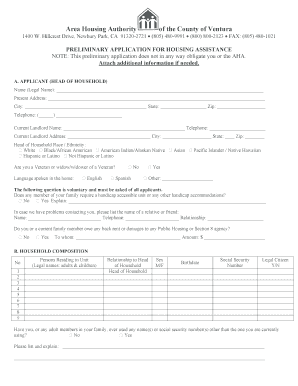
Ahacv
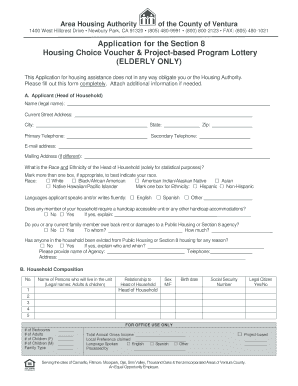
BApplicationb for the Section 8 Housing Choice Voucher amp Project bb - ahacv
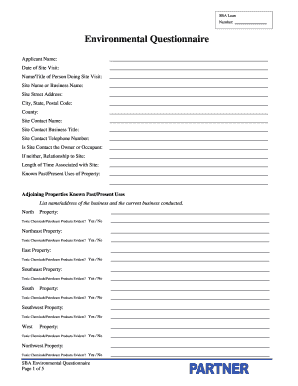
Sba environmental questionnaire pdf
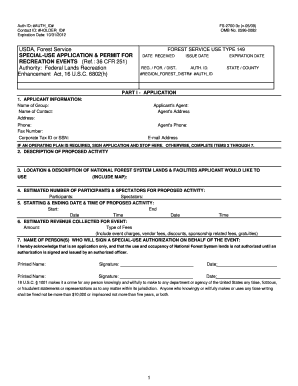
Fs 2700 3c form
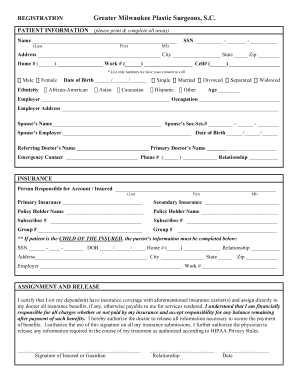
Greater milwaukee plastic surgeons
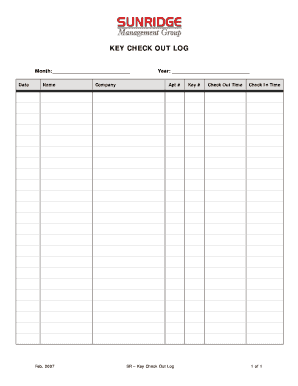
Key check out log
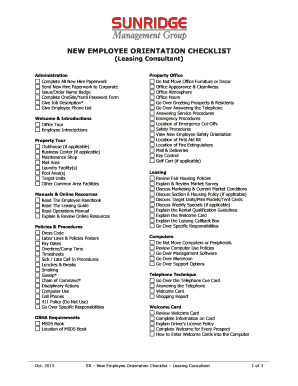
Leasing agent daily checklist
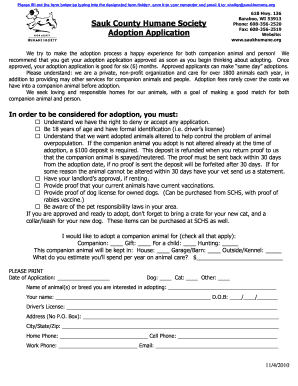
Sauk county humane society adoption
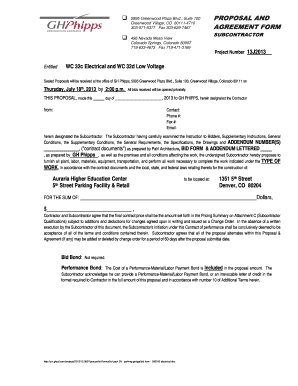
Voltage bid form
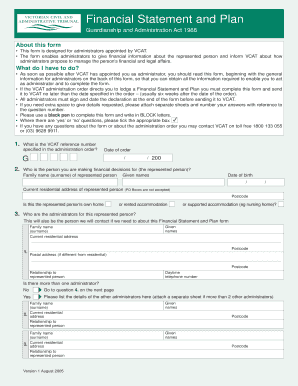
Vcat financial statement and plan
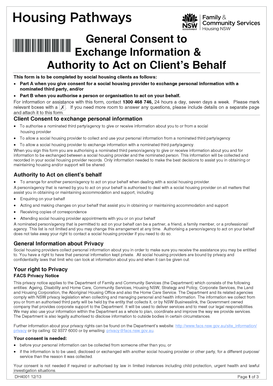
General consent to exchange information
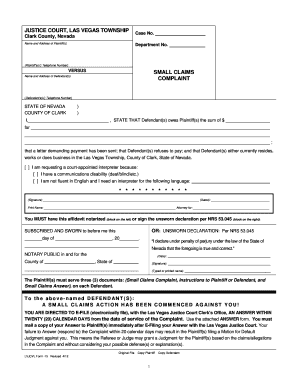
Small claims court las vegas forms

Form applicants form
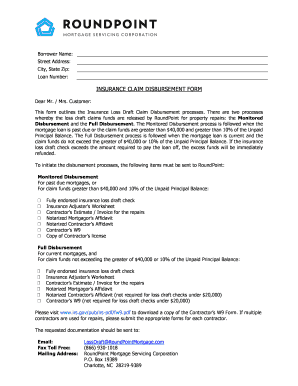
Loss draft department
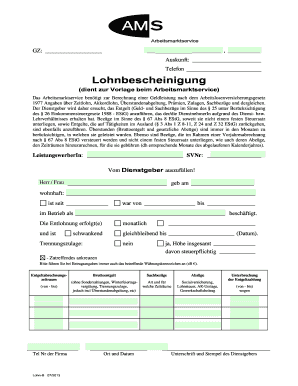
Lohnbescheinigung ams
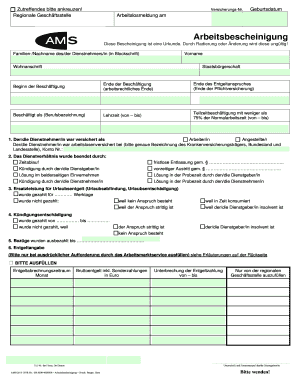
Ams arbeitsbescheinigung
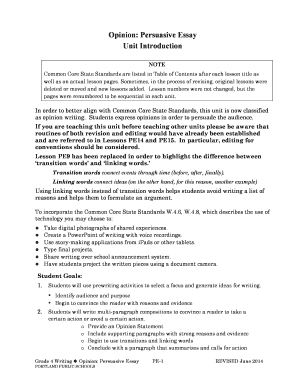
Opinion: Persuasive Essay Unit Introduction - Portland Public Schools - pps k12 or
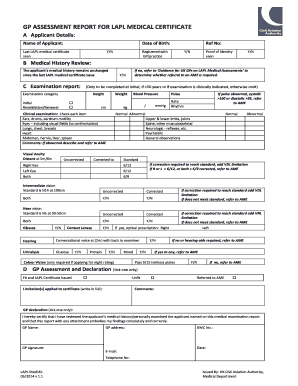
Frontal battery assessment
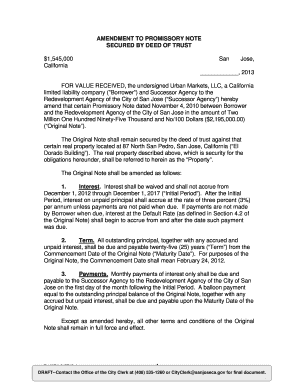
Virginia promissory note amendment
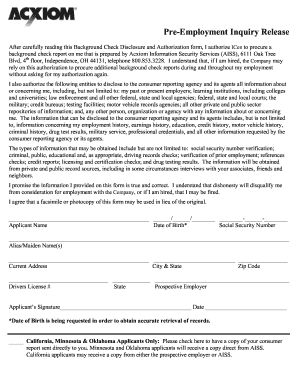
Pre employment inquiry release form

Marion county iowa building permits
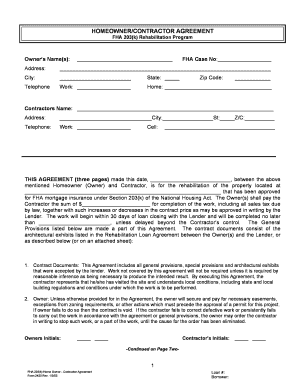
203 K Homeowner Contractor Agreement.doc
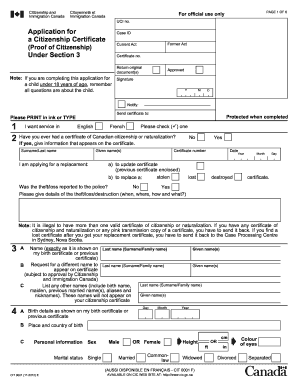
Cit 0001
Benefit from the DocHub online library of fillable PDF forms
Searching the PDF forms doesn't have to be a tedious and time-consuming process. With the DocHub online library, it has become easier to find the fillable PDF forms and modify them in your browser. The service allows you to adjust the document to your needs using powerful editing tools.
You can use online document editing features to modify almost any type of document with ease. You just need to find the template of your choice, open it in the editor, and use the toolbar to make the necessary corrections.
Follow this guide to get your document done with DocHub:
- Find the PDF template you need.
- Click the Get Form button to open the file in the editor.
- Use the toolbar to fill out and edit the document.
- Easily add and highlight text, insert images, checkmarks, and symbols.
- Drop new fillable fields, and rearrange or delete pages from your file.
- Save changes and download your record.
DocHub empowers everyone to streamline document editing, signing, and distribution, and form completion. Create an account and benefit from our well-organized PDF Forms library and comprehensive editor.