
Get any PDF form from the DocHub library of ready-made templates - Page 1915

Formulaire wes

Eversourcerebatesefiorg form
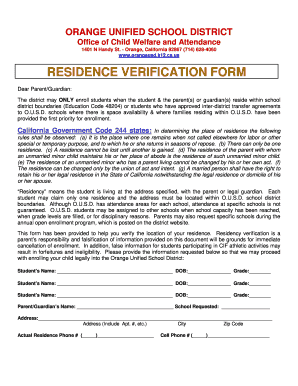
ORANGE UNIFIED SCHOOL DISTRICT Office of Child Welfare and ... - orangeusd k12 ca
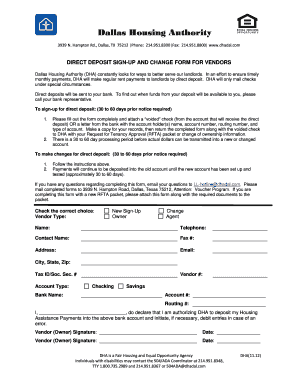
Dha deposit bank printable

Illinois annual report co operative

Kangen tools
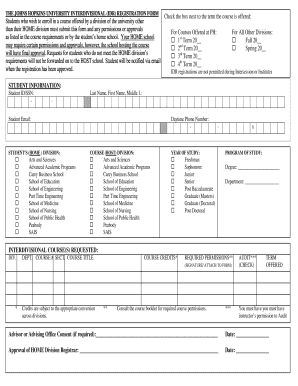
THE JOHNS HOPKINS UNIVERSITY INTERDIVISIONAL (IDR) REGISTRATION FORM - jhsph
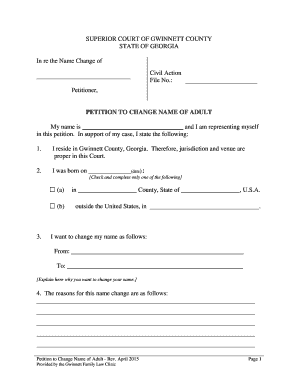
PETITION TO CHANGE NAME OF ADULT - Georgia
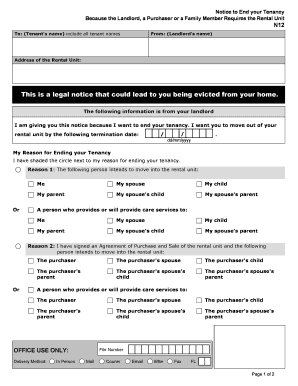
Eviction - Know Your Rights - Tenants Union of Washington State
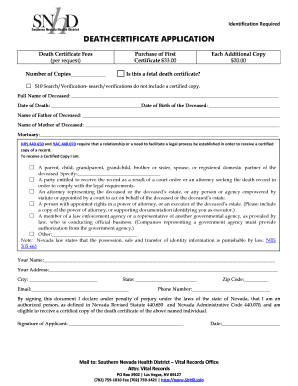
Blank nevada death certificate
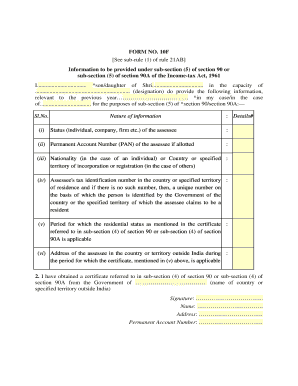
Form 10f example
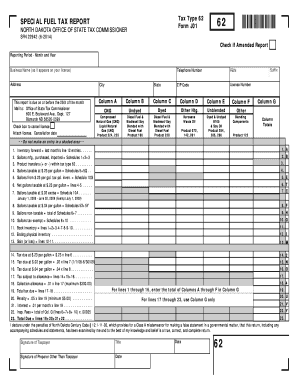
Special Fuel Tax Report and Schedules - State of North Dakota

Eyeglass application form
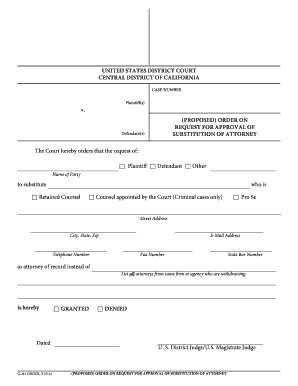
California order proposed form
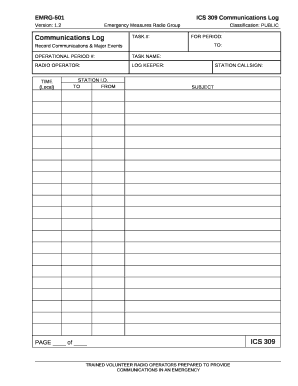
Ics 309 fillable
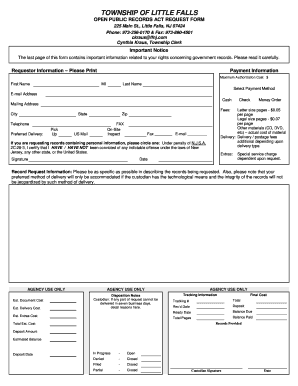
OPRA Request Form - Little Falls
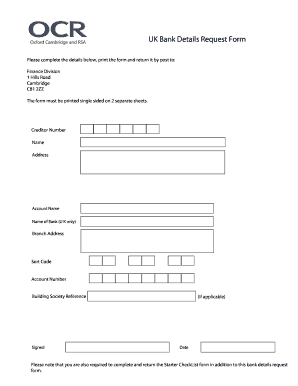
Bank details request form
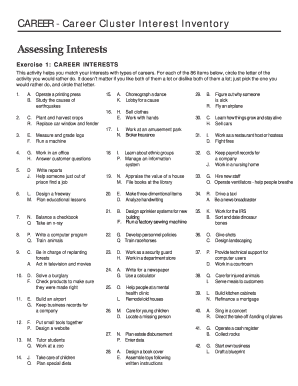
Career Cluster Interest Inventory Assessing
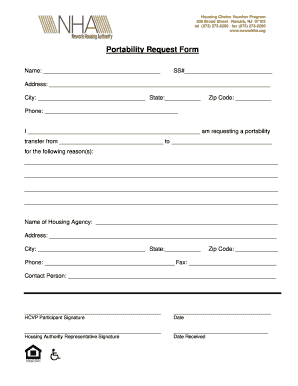
Housing request form

Fieldwork Experience Form.pdf - University of Lethbridge - uleth
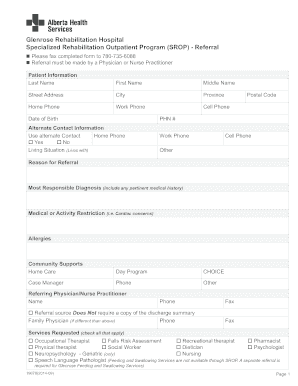
Alberta health sevices audiology referral form
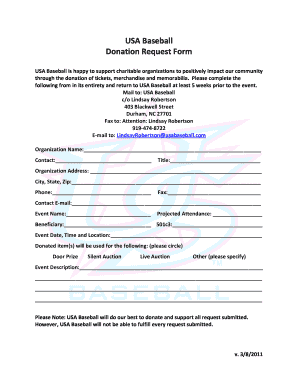
Usa baseball donation request form
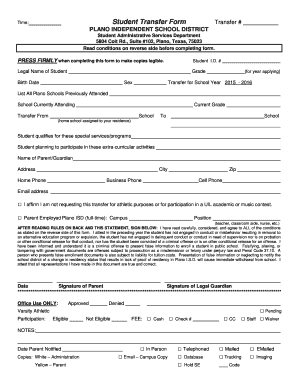
Student Transfer Form - Plano Independent School District - pisd
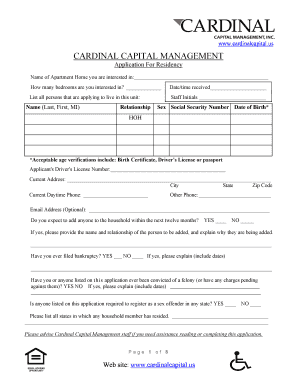
Rental Application - Cardinal Capital Management, Inc. - cardinalcapital

Debate assessment rubric

Form 56 tasmania

Oklahoma city ok dup title form for vehicle
Southridge middle school fontana ca

Unify forms
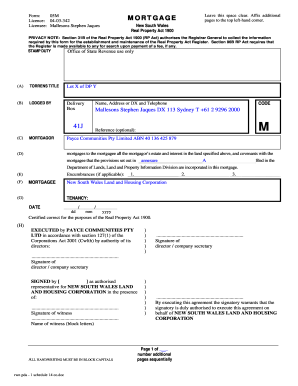
Mortgage 05m

Asme viii care form
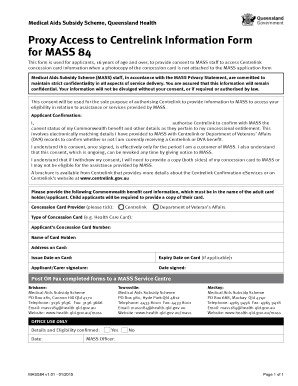
Mass 84

Australian Disability Parking Permit Application - Department of ... - support transport qld gov
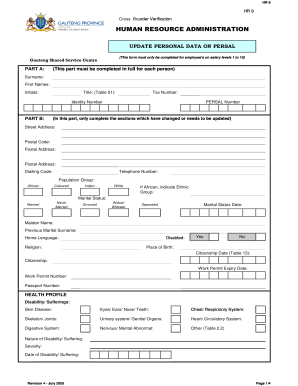
Fill annexure h online

Download gde research application form

Fillable forms
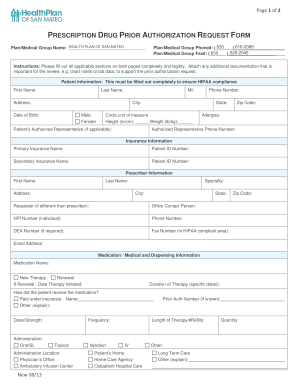
San mateo care advantage vision insurance forms
Pretune sim card bursary

Naeyc conference form
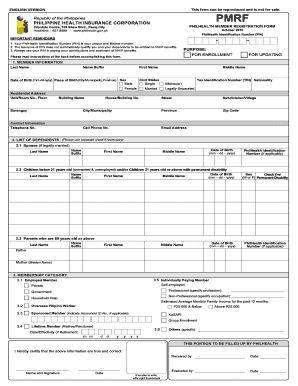
Philhealth cec
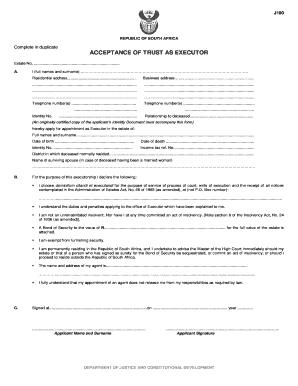
J190 form
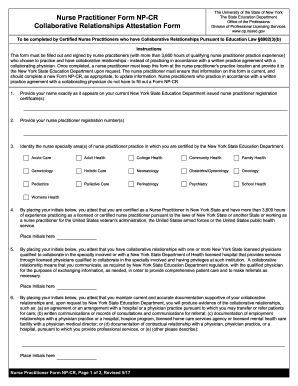
FORM NP-CR Collaborative Relationships Attestation Form - op nysed

Form 30 mental health act

Nv fictitious firm name

Nevada support 2008 form

Home inspection release form
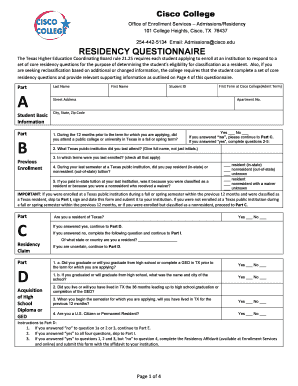
Cisco college residency questionare
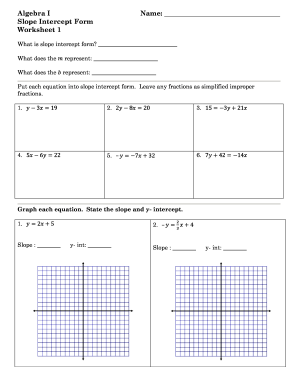
Algebra 1 slope intercept form worksheet answer key

X ray request form
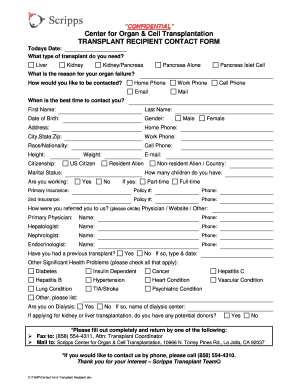
Contact Form Transplant Recipient - Scripps Health - scripps

Kaiser permanente emergency room discharge papers template

Independent school district permission
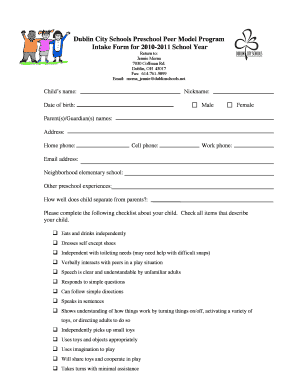
Questionnaire for child swallow eval intake

Hep forms
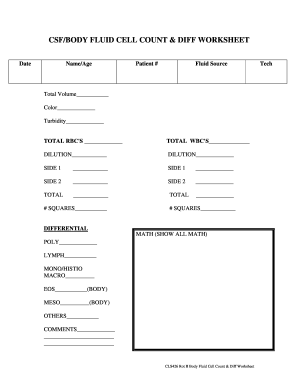
Fluid count worksheet
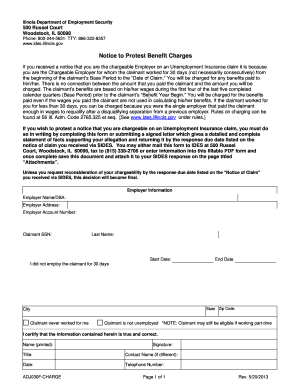
Form adj030f
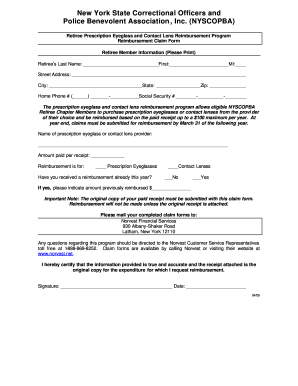
Nyscopba retiree dental program
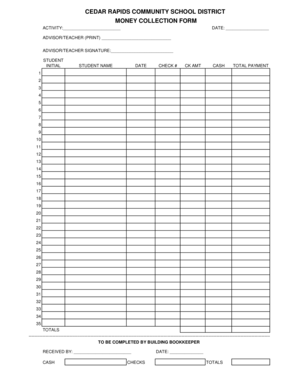
CEDAR RAPIDS COMMUNITY SCHOOL DISTRICT MONEY - cr k12 ia

Identity and Statement of Educational Purpose (FISEP) - hccs
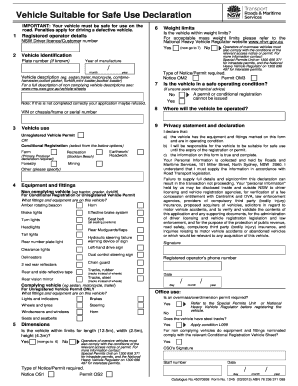
Vehicle suitable for safe use declaration 2015-2019 form
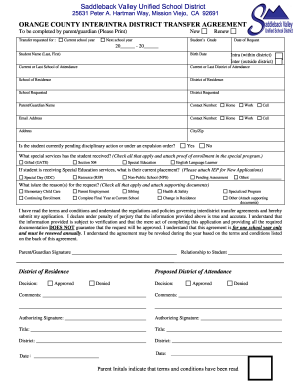
Intra district transfer agreement
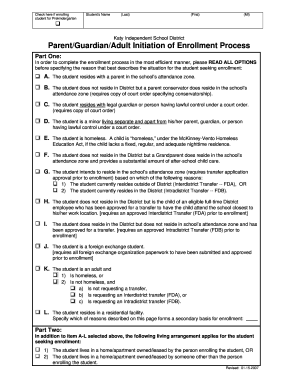
Kisd guardian enrollment online
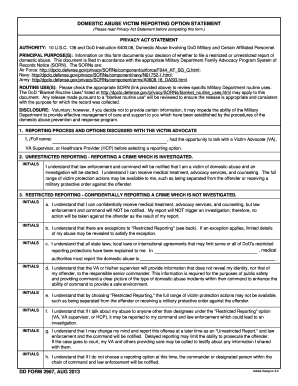
Dd form 2967
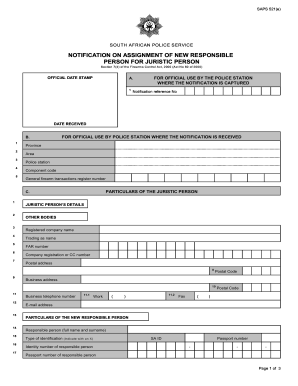
Notification on assignment of new responsible person for juristic ...
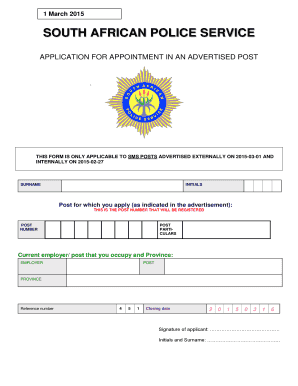
Police forms

Icc ac85

Doh 5090
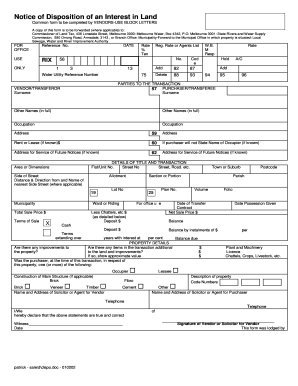
Notice of Disposition
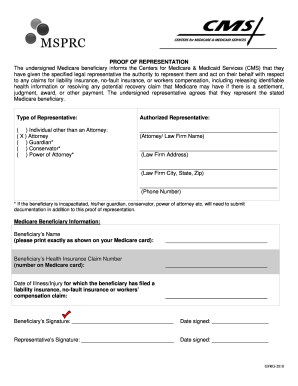
P ROOF OF REPRESENTATION Authorized Representative

For office use only template
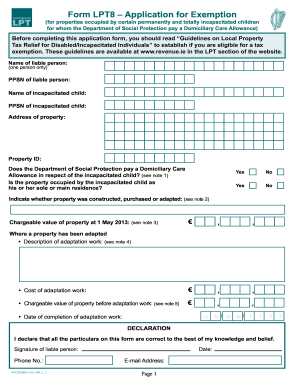
Lpt8

Dma-5007pdf Medical Assistance to the Aged Blind and Disabled Redetermination Document - info dhhs state nc

Occupational license galveston county form

Turning Point Program - bergen
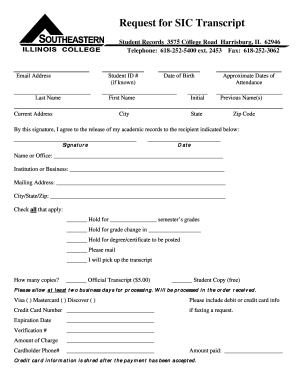
Sic transcript

SBSD TOW SERVICE AGREEMENT - cms sbcounty
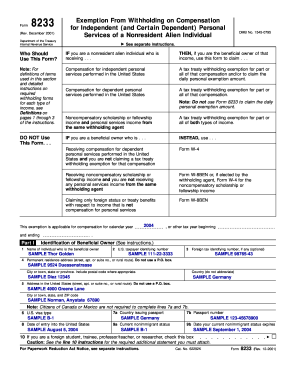
Irs 8233 form
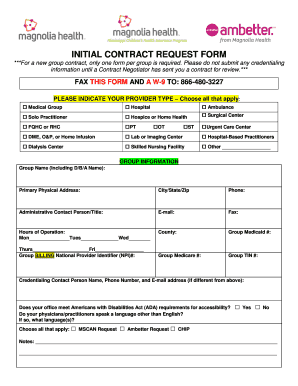
Contract Request Form (PDF) - Magnolia Health Plan
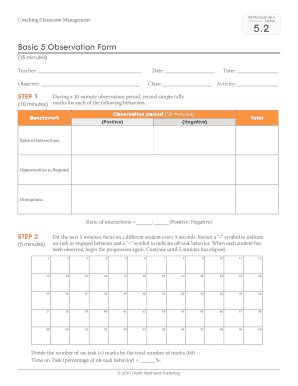
Basic 5 observation form
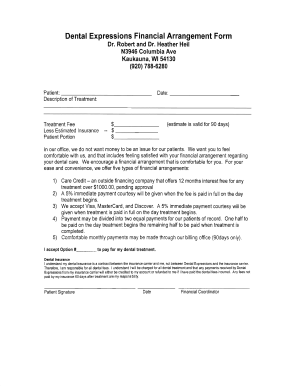
Pacific dental services financial arrangment form

MRI Requisition form - St. Michael's Hospital

Specimen signature format for treasury

SKINMEDICA PEEL CONSENT FORM8 17 09 2doc
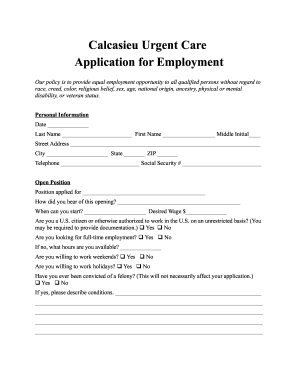
Clinics near me
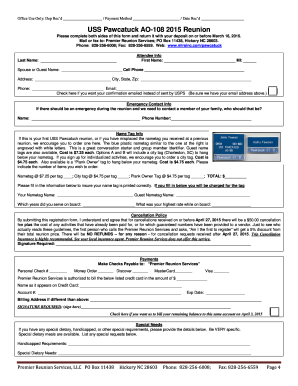
Photos of uss pawcatuck
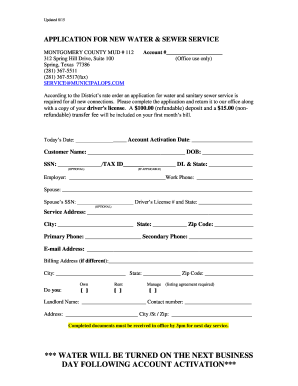
Municipalops
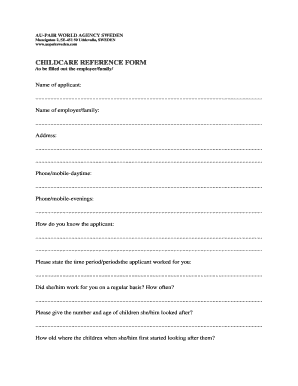
CHILDCARE REFERENCE FORM
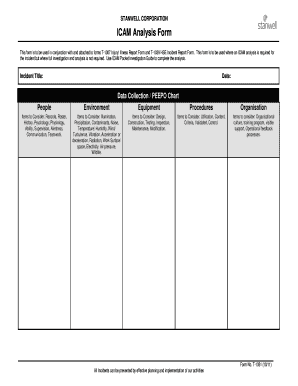
Peeposign

Baseball Tryout Scoring Sheet

NLRB RC Petition Form

Pet prescriptions

I I I - Alderman Building
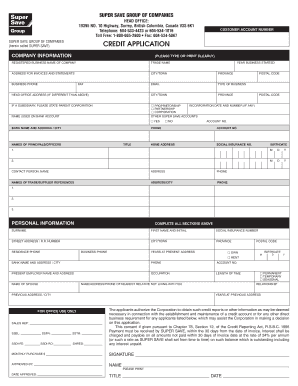
Download our Credit Application - Super Save Group - supersave
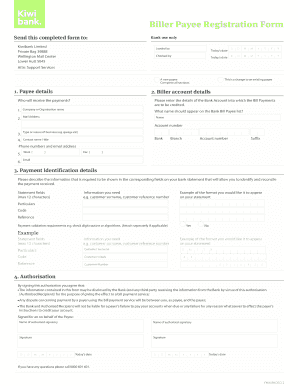
Bill payee registration form - Kiwibank

Birth certificate waco tx
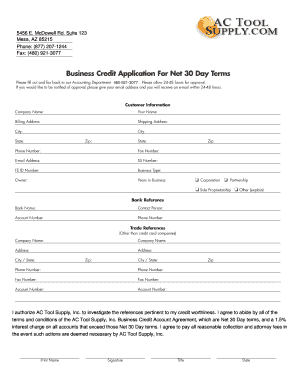
Business Credit Application For Net 30 Day Terms
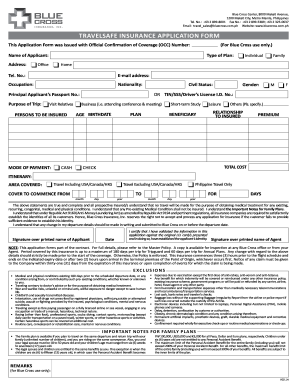
Cross travelsafe application

City of peoria municipal tax return
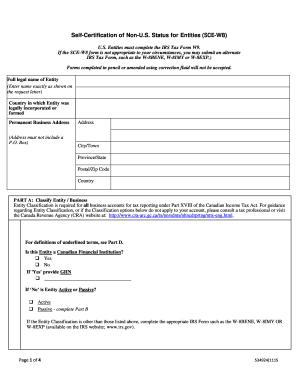
Sci w8

Village of Lake Delton Building Permit Application
Benefit from the DocHub online library of fillable PDF forms
Searching the PDF forms doesn't have to be a tedious and time-consuming process. With the DocHub online library, it has become easier to find the fillable PDF forms and modify them in your browser. The service allows you to adjust the document to your needs using powerful editing tools.
You can use online document editing features to modify almost any type of document with ease. You just need to find the template of your choice, open it in the editor, and use the toolbar to make the necessary corrections.
Follow this guide to get your document done with DocHub:
- Find the PDF template you need.
- Click the Get Form button to open the file in the editor.
- Use the toolbar to fill out and edit the document.
- Easily add and highlight text, insert images, checkmarks, and symbols.
- Drop new fillable fields, and rearrange or delete pages from your file.
- Save changes and download your record.
DocHub empowers everyone to streamline document editing, signing, and distribution, and form completion. Create an account and benefit from our well-organized PDF Forms library and comprehensive editor.