
Get any PDF form from the DocHub library of ready-made templates - Page 1798

PartybeCAUSE procurement form - Wordpress Wordpress

Rmft 5 2011 form
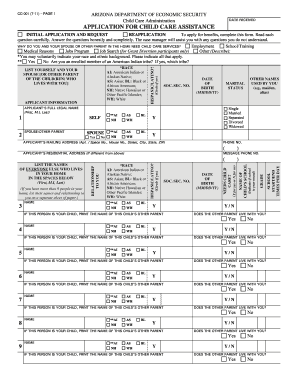
Print dea application
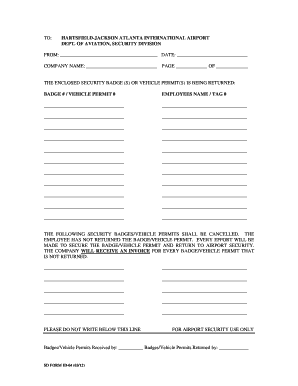
Atlanta airport badge return form
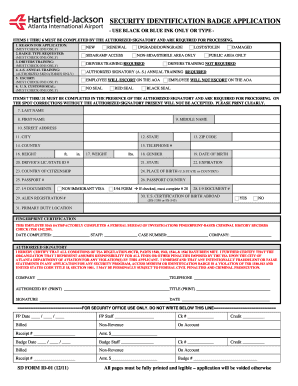
Hartsfield jackson reneu badge form

Genetic family history questionnaire
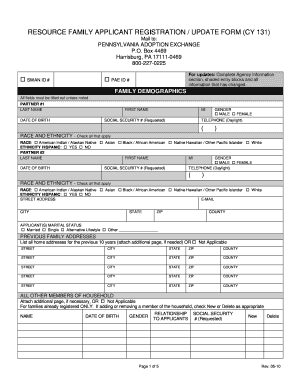
Cy131
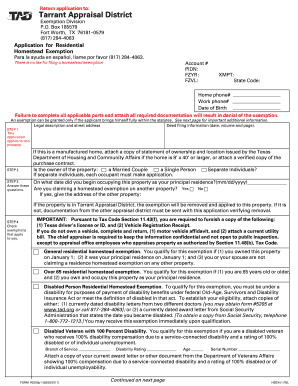
Fzyr 2011 form
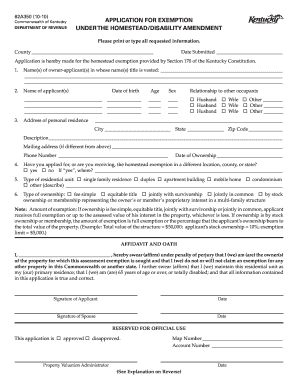
Hardin county homestead exemption

DALLAS CENTRAL APPRAISAL DISTRICT - dallascad
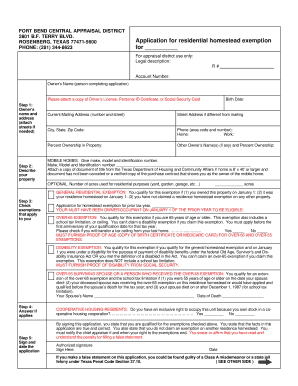
Homestead exemption form.pub - City of Meadows Place
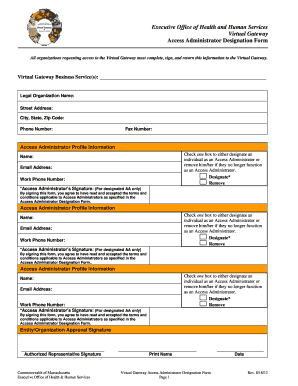
Eohhs access administrator designation form 2013
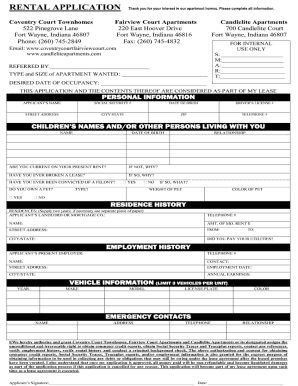
One page indiana lease word

North carolina service animal

NC DHSR HCPR: Nurse Aide I Packet Information - NC Department ... - ncdhhs
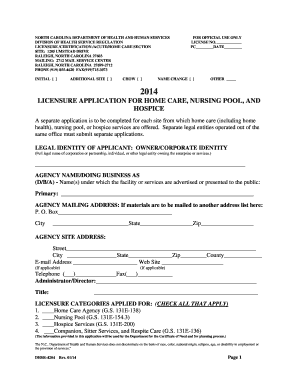
Dhsr 4204
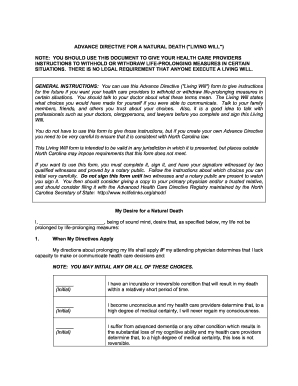
Advance directive for a natural death ("living will") - North Carolina ... - ncmedsoc

Rmv of mass 2010 form
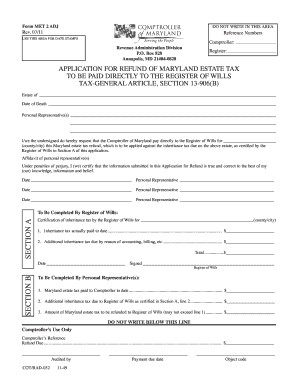
MET 2 ADJ - the Comptroller of Maryland
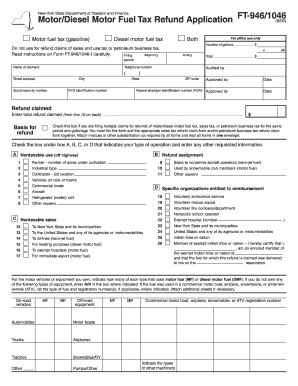
New york motordiesel fuel tax refund application 2002 form
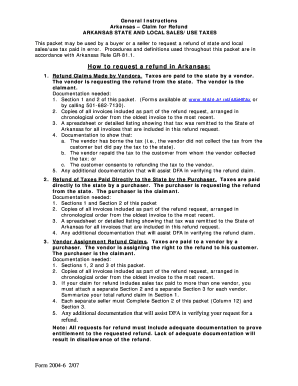
Refund arkansas col

Refund form

Louisville occupational tax refund
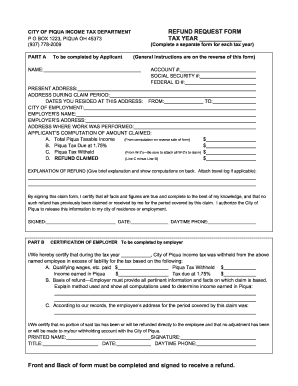
Oh refund request

St 14 sc claim for refund 2006 form
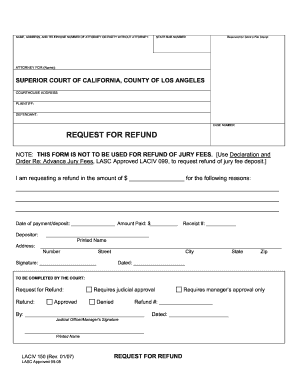
Jury laciv court
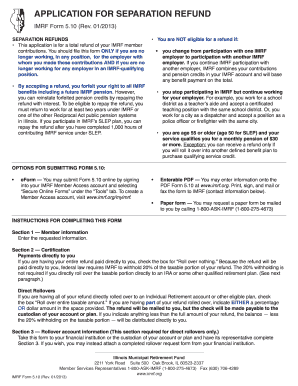
Imrf form 2012

Az form 131
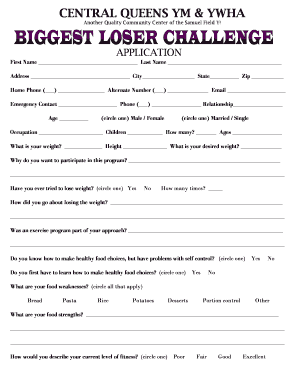
Biggest loser sign up sheet template

Dot f 1380

Horse Training and Lease Agreement - Meredith Manor ...

Va form feb 2005 26 6705 2008
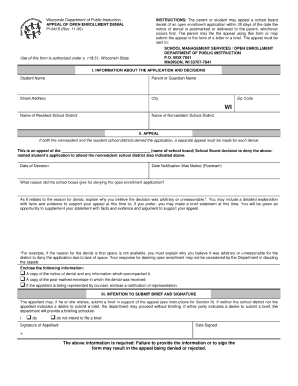
Dpi form 9418 2005

Nhra license

Mclean hospital medical records fax form
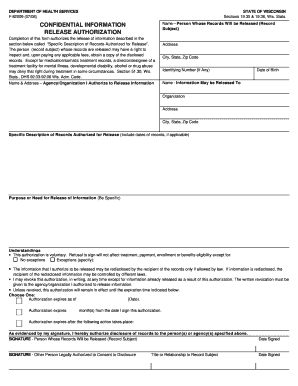
F 82009 form
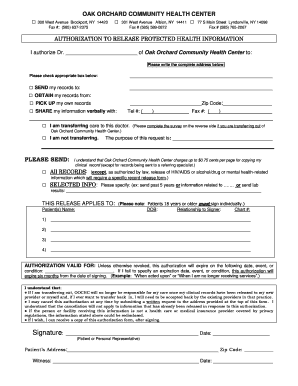
Record Release Form ( PDF ) - Oak Orchard Community Health Center - oakorchardhealth
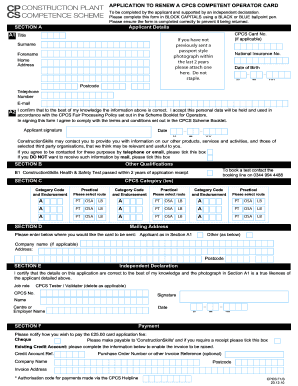
Application renew cpcs 2010 form
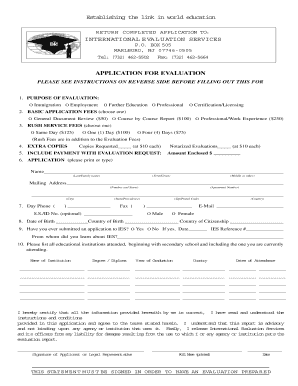
Ies evaluation international evaluation services

DIRECT PAYMENT PLAN - South Dakota State Employee Health Plan - benefits sd

Noaa pacific permit hms

One letter in one box form
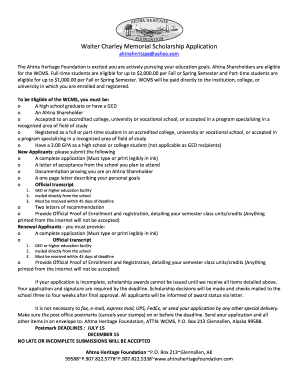
Ahtna you tahf download
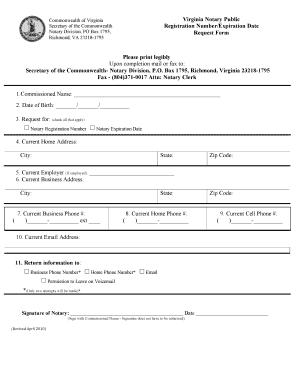
Virginia notary application pdf
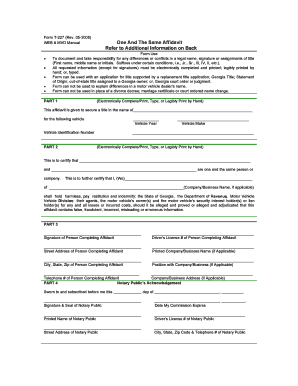
Form t 227 web & mvd manual
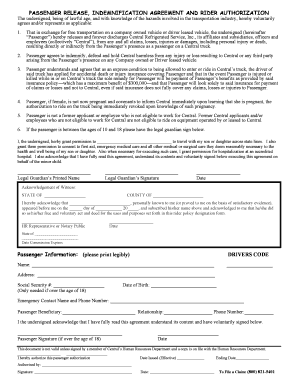
Passenger release indemnification agreement and rider authorization
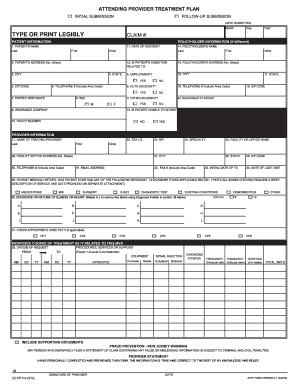
Aptp form
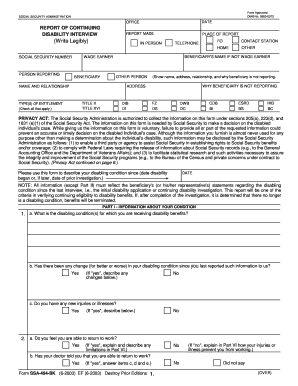
Ssa form 0960 0072 2003
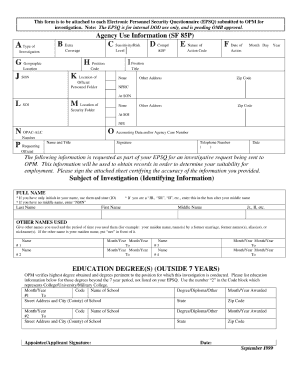
Epsq
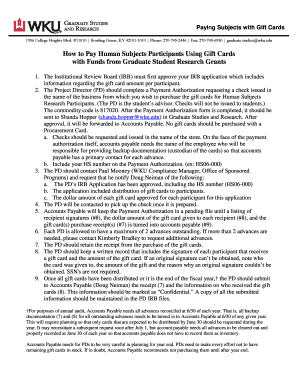
Wku irb
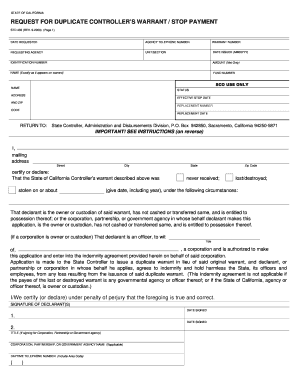
How to fill out a request for duplicate controllers warrantstop payment 2000 form
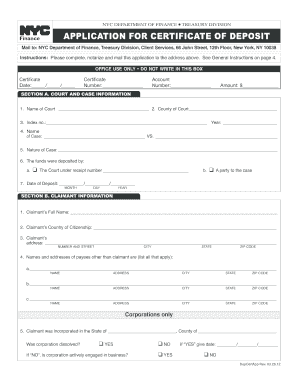
Certificate of deposit forms 2012
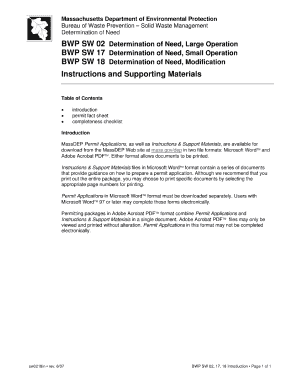
Massachusetts bwp fact sheet

Soc 342
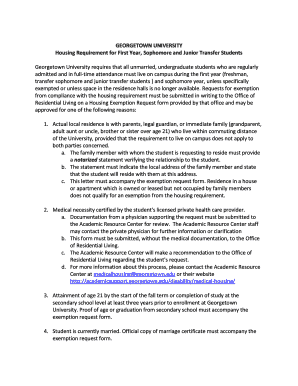
College housing exemption letter sample
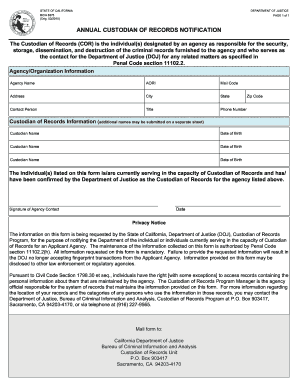
Bcia 8375
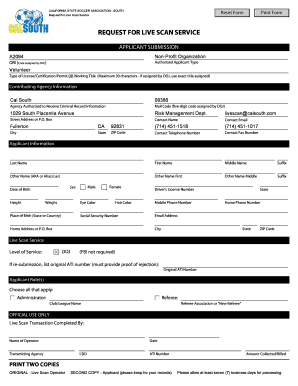
Cal south live scan form
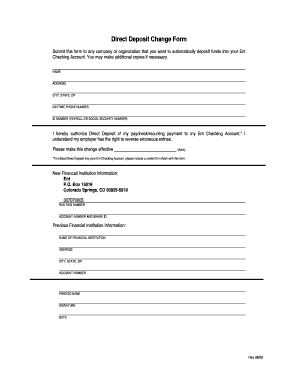
Ent direct deposit form
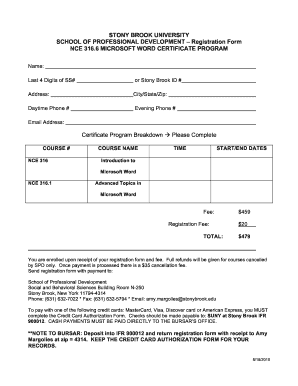
Stony brook 1098 t
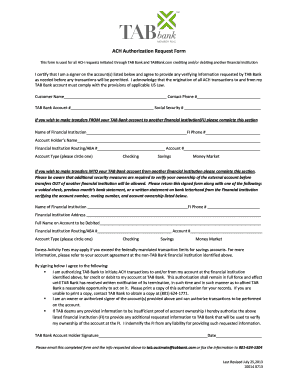
Ach payment form
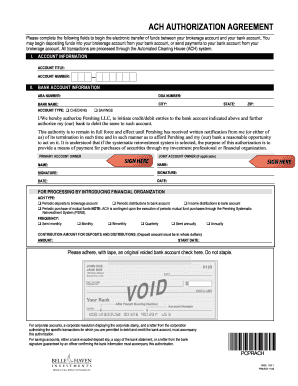
Ach form to use for clients
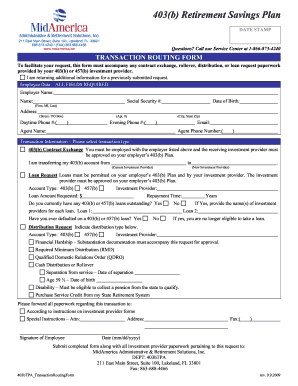
Mid america transaction routing form 2009
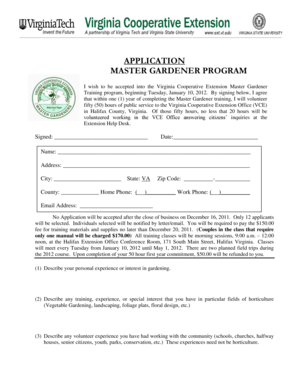
APPLICATION MASTER GARDENER PROGRAM - Local Offices ... - offices ext vt
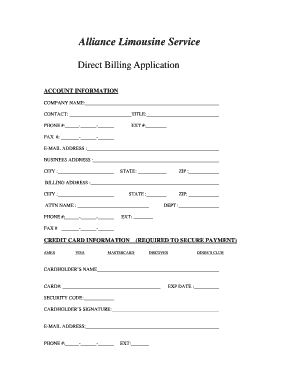
Direct billing form
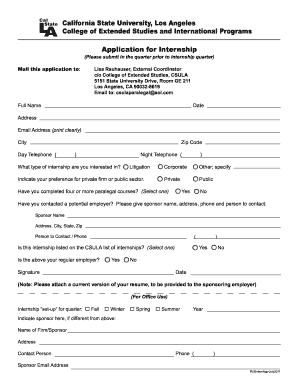
Application for Internship California State University, Los Angeles ... - calstatela

Library card application form pdf
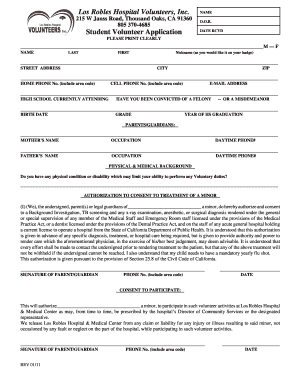
Los robles volunteer

Los robles volunteer application

Form aab100
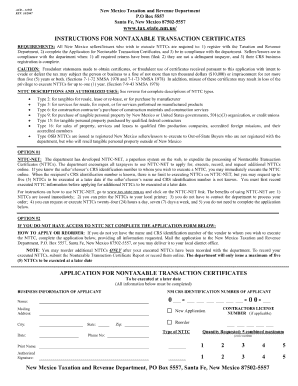
Acd 31050 nm taxation
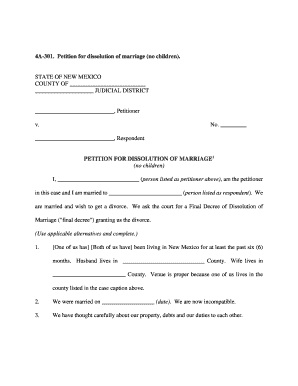
4a 301 nmra form

How to fill out a crs 1 form online 2000
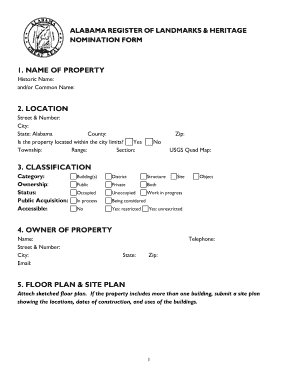
Alabama register of landmarks heritage
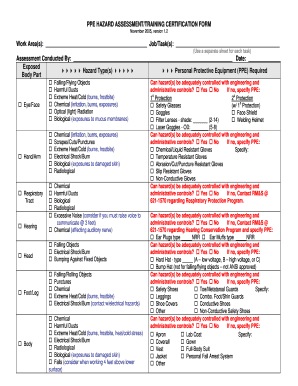
PPE HAZARD ASSESSMENT/TRAINING CERTIFICATION FORM ... - cbc arizona
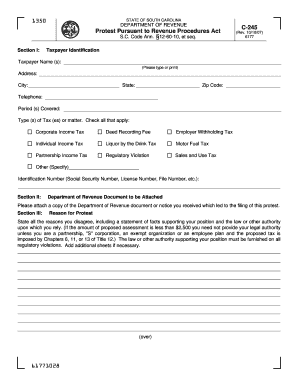
C 245 form south carolina
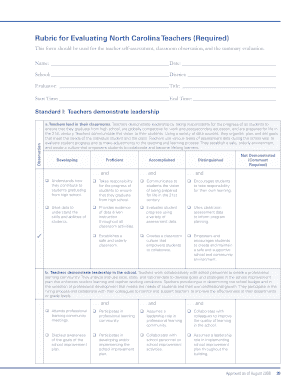
Walk through form nc teachers
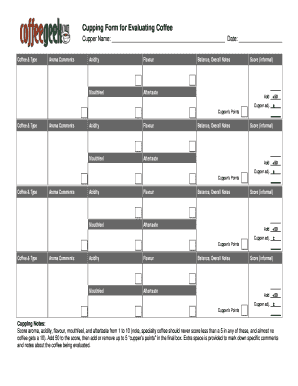
Coffee tasting notes template

Were do i get a dor 1576 form 2012

Arizona real estate forms
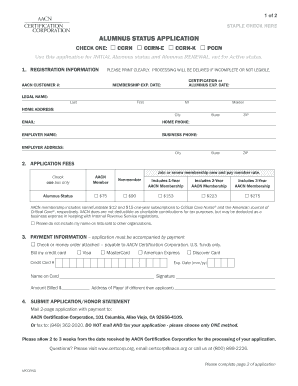
Apccrng
Alabama supplement exp 102011 form
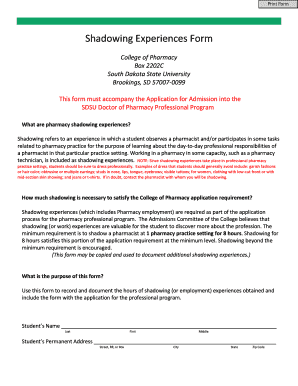
Pharmacy shadowing
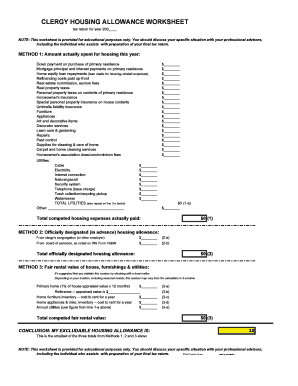
Minister housing allowance worksheet
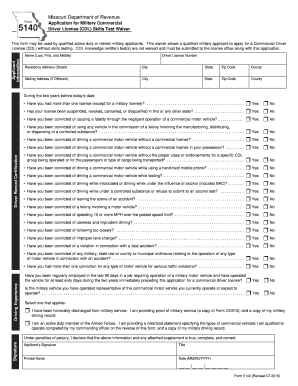
Dor 5140 2007 form

The iatan conversion

Ky moratorium certificate online
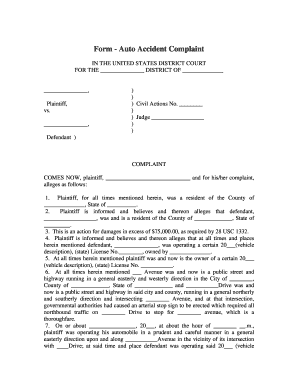
Form - Auto Accident Complaint - ocw kaplan

Ny 99 r
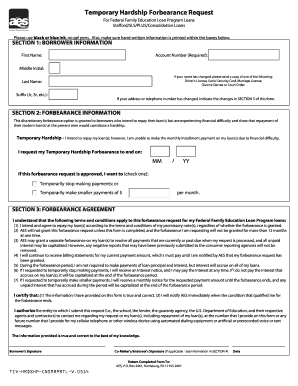
Aes temporary form education services
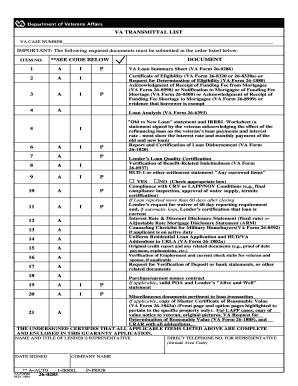
Va transmittal

Instructions for va form 21 601 2005
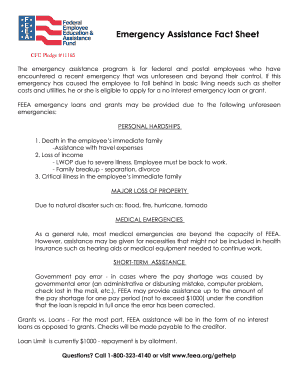
Emergency fact form

Sf 329 wage garnishment

Notice of court proceedings to collect debt

Degre lag de 174 fase wala halkolhe beradre
Siu hrss
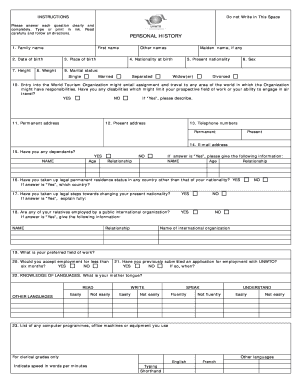
Unwto form

Tenant guarantors application for residency form
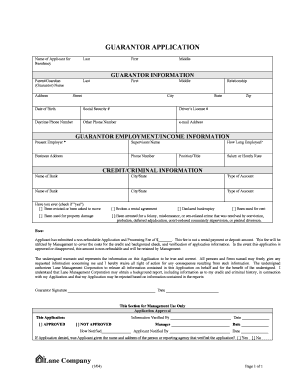
Guarantor form for driver

Collage forms
Benefit from the DocHub online library of fillable PDF forms
Searching the PDF forms doesn't have to be a tedious and time-consuming process. With the DocHub online library, it has become easier to find the fillable PDF forms and modify them in your browser. The service allows you to adjust the document to your needs using powerful editing tools.
You can use online document editing features to modify almost any type of document with ease. You just need to find the template of your choice, open it in the editor, and use the toolbar to make the necessary corrections.
Follow this guide to get your document done with DocHub:
- Find the PDF template you need.
- Click the Get Form button to open the file in the editor.
- Use the toolbar to fill out and edit the document.
- Easily add and highlight text, insert images, checkmarks, and symbols.
- Drop new fillable fields, and rearrange or delete pages from your file.
- Save changes and download your record.
DocHub empowers everyone to streamline document editing, signing, and distribution, and form completion. Create an account and benefit from our well-organized PDF Forms library and comprehensive editor.