
Get any PDF form from the DocHub library of ready-made templates - Page 1799
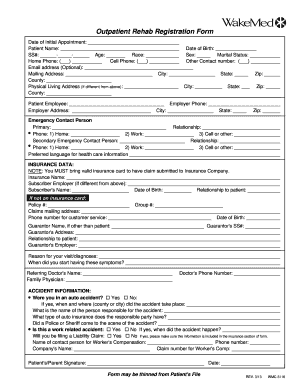
Wake outpatient rehab

Post Office in Blacksburg, VA - Hours and Location - Postal Locations
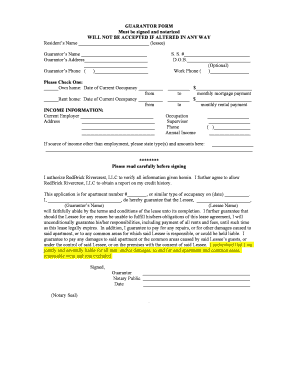
GUARANTOR FORM Must be signed and notarized WILL NOT BE ...
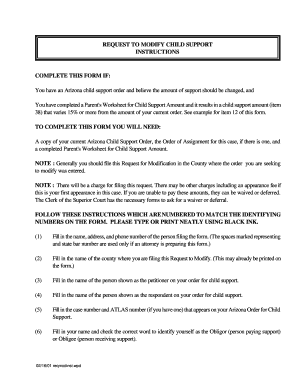
Employment verification letter for child support
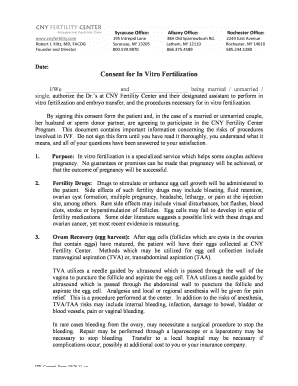
Consent for In Vitro Fertilization - CNY Fertility Center

Arizona voluntary remediation program
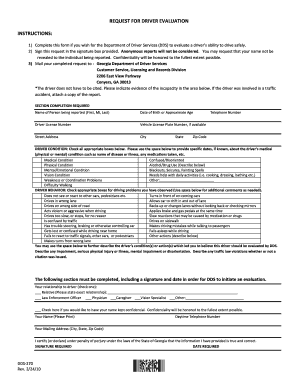
Dds request for driver evaluation form

Kentucky ado
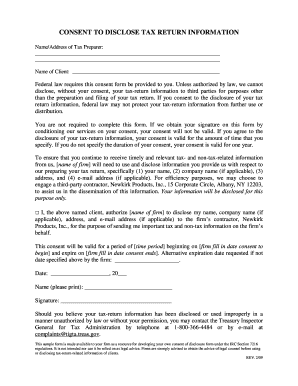
Form 7216
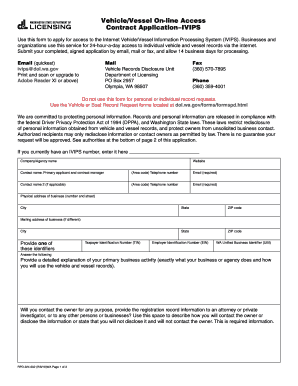
Dolwagov 2011 form

Lexisnexis personal reports
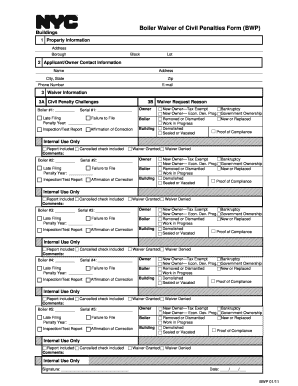
Bwp form get

Trimet honored citizen form

Ccbma application

Texas southern university affidavit of support form
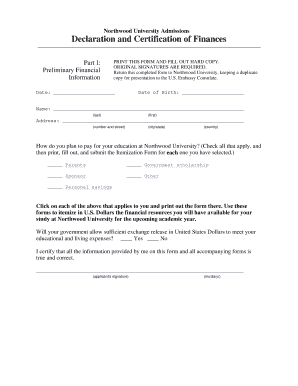
Declaration and Certification of Finances - northwood

Nrc form 526
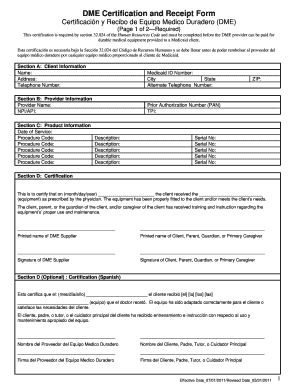
Dme order form pdf
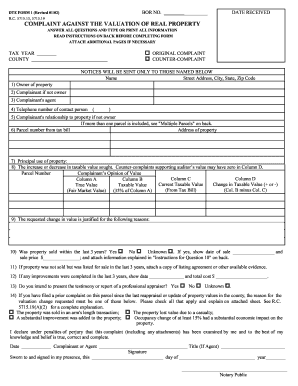
Dte complaint form 1 lake county ohio

Eoir28 2014 form
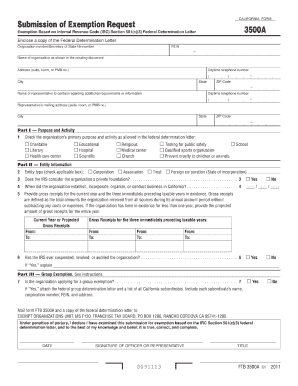
Ftb 3500a fillable 2011 form
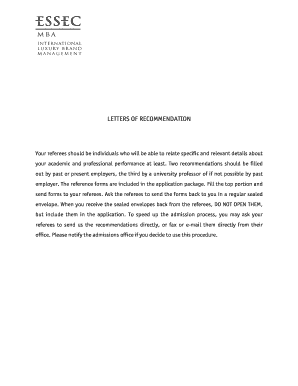
Essec recommendation

Ftb 7275 sample letter 2010 form
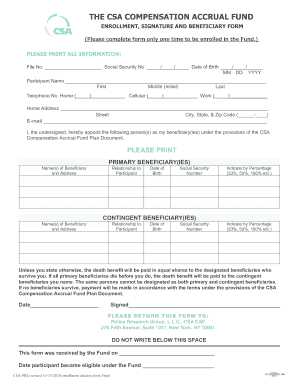
Compensation accrual fund

SF424C - Budget Information Construction Programs - nps
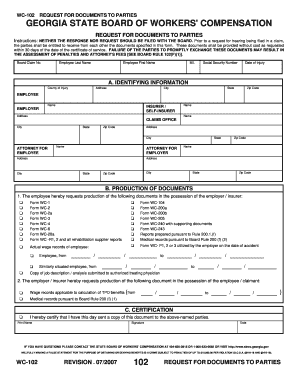
Wc102 fillable form 2007
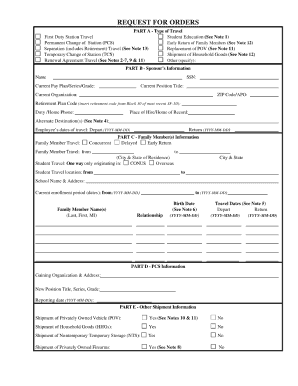
Fillable pdf request for orders army

Mv 1 form

Usda form 8 print
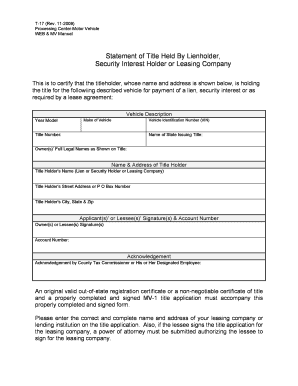
T 17 form
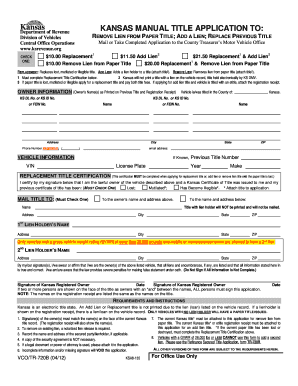
Form tr 720 b printable

How to remove a lien from a title certificate
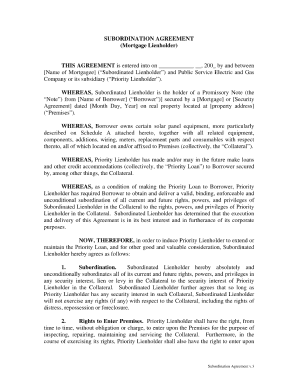
Mortgage subordination agreement template

Form 13h fillable
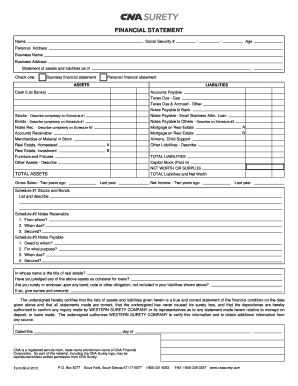
Cna renewal application form
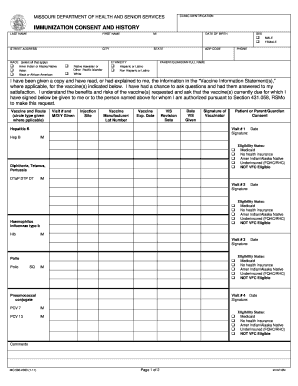
IMMUNIZATION CONSENT AND HISTORY - Missouri Department of ... - health mo
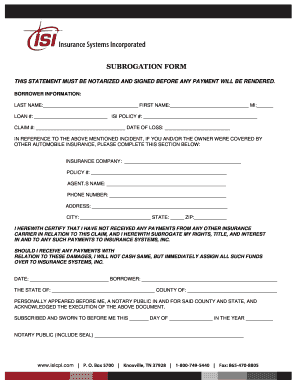
Deed of subrogation

Florida Fixed Rate Note (Form 3210): PDF

Online application for jamaica defence force 2012 form
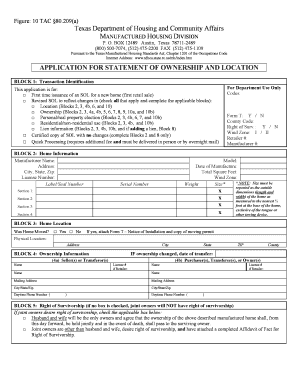
Statement of ownership location
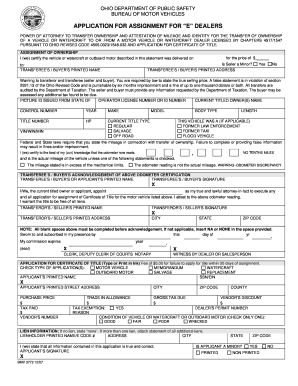
Bmv 3772 2007 form

Boe 502 ah oakland form

RIGHT-OF-WAY EASEMENT - Forms - forms sc egov usda

Illinois statutory short form power of attorney for property - mwrdrf

Blm form 3000 3a 2006

Ma film credit transfer or sale application 2007 form
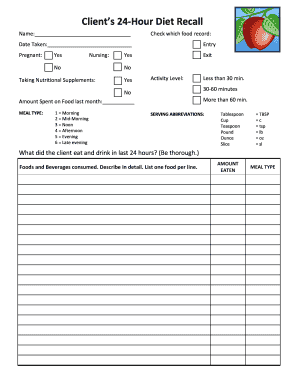
Recall list template

Lay off form printable
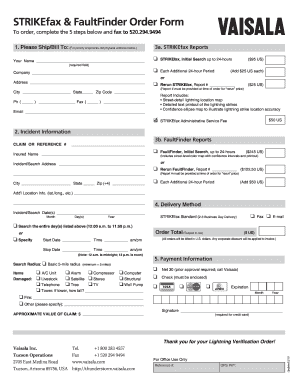
Faultfinder form

Baruch college transcript form
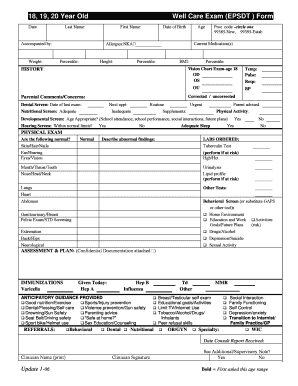
18, 19, 20 Year Old Well Care Exam (EPSDT ) Form - chnct
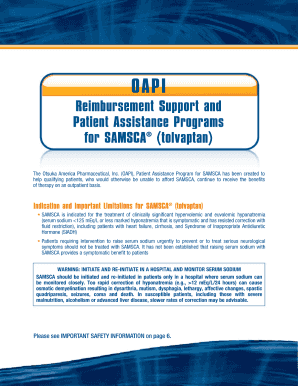
Oapi support assistance programs

Limited power of attorney form
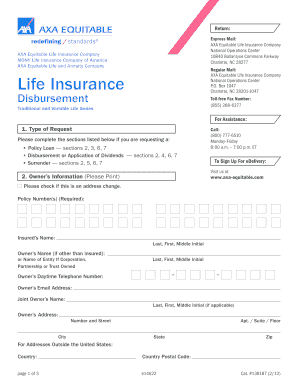
Axa fillable form life

Homesteps checklist pdf
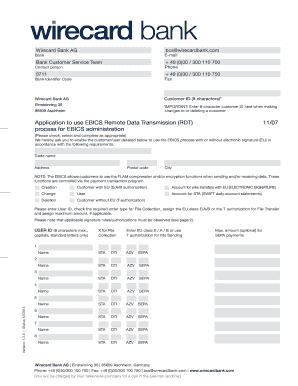
Wirecard ag
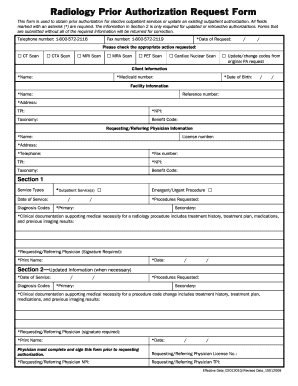
Radiology Prior Authorization Request Form - TMHP.com
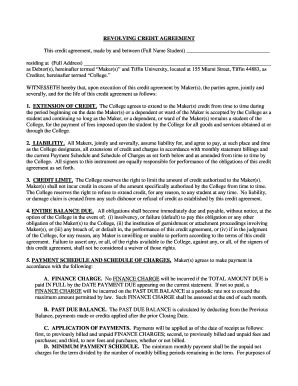
Tiffin revolving credit agreement
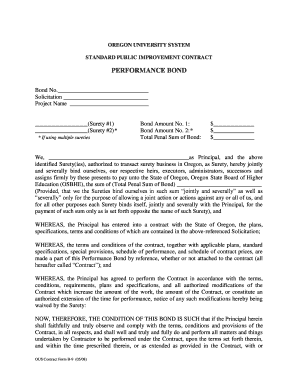
Performance bond format
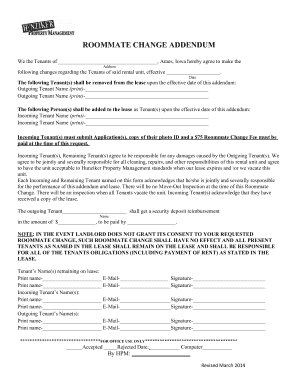
Hunziker property management

Forms to fill in

Blank will forms printable

Ucla w 9
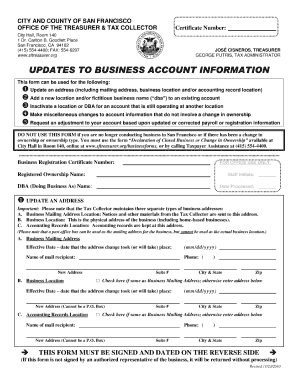
Updates to business account information pdf 2010
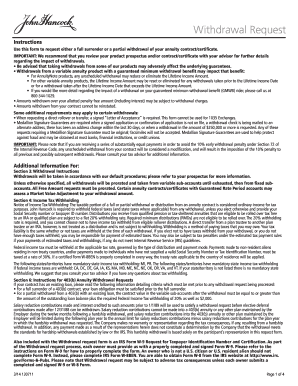
Jhannuities form
Tsp 90

Qr7 form los angeles

Blank document

Mississippi homeschool form

DocHub llc form
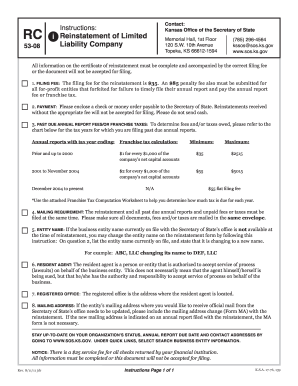
State of kansas form rc 2011

Dcrb form

How to claim farm wineries and vineyards tax credit 2013 form

Sc 1120 2008 form
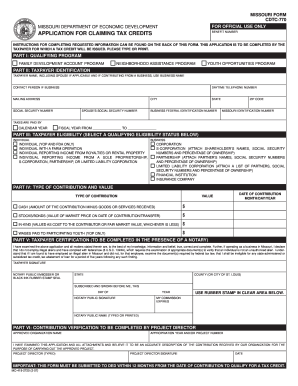
Missouri form cdtc 770 2007

APPLICATION FOR EXTENSION TO FILE FIDUCIARY INCOME TAX ...

Ct 588 fillable version 2010 form

Ct 6 1
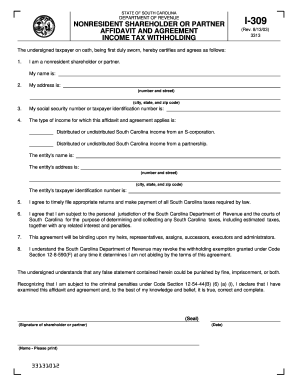
South carolina form i 309 2003
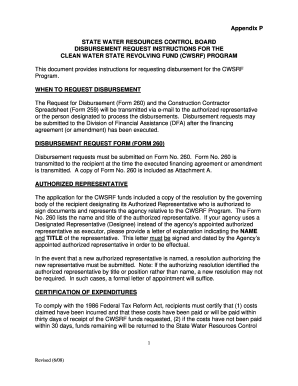
260 disbursement program form

Va form 26 1820
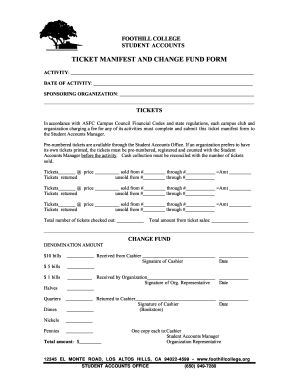
Ticket manifest
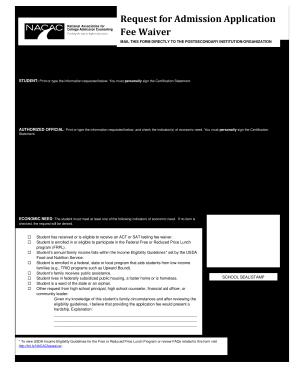
Ksu fee waiver
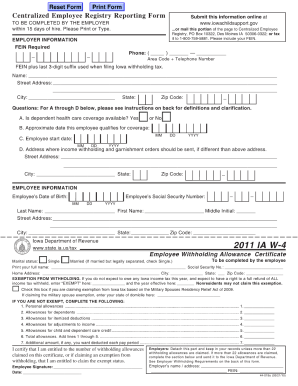
Iowa w4 form 2011
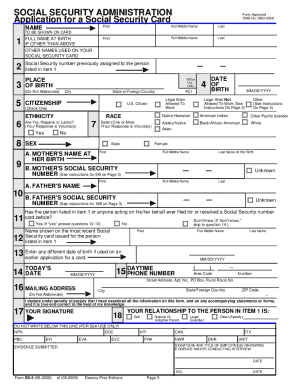
Social security ineligibility letter online
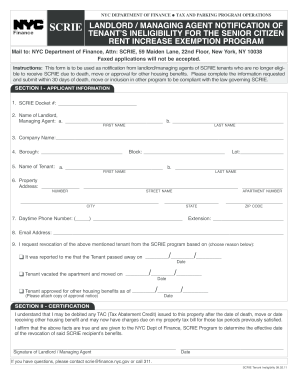
Scrie tenant

Ca admission

Form 113

Alfillableeformsforoverweightoverwidthpermits

Missouri disease case report form

Application for Undergraduate - Saint Xavier University - sxu

Fieldup resume form
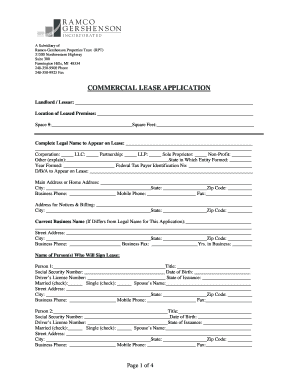
Rpt realty

Fda prior notice for wine
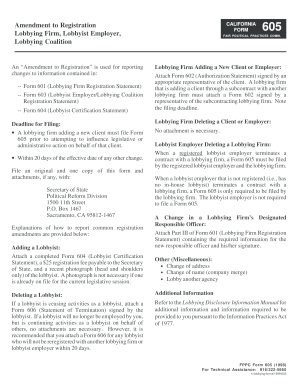
Amendment to Registration Lobbying Firm, Lobbyist Employer ... - fppc ca
Tero compliance lummi

Form i 730 download 2005
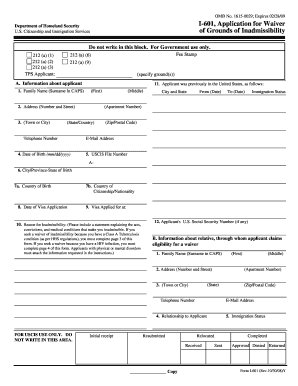
Form 601
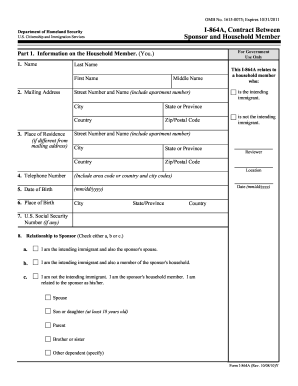
I864a form barcode 2010

Letter of intent to join the military pdf
Benefit from the DocHub online library of fillable PDF forms
Searching the PDF forms doesn't have to be a tedious and time-consuming process. With the DocHub online library, it has become easier to find the fillable PDF forms and modify them in your browser. The service allows you to adjust the document to your needs using powerful editing tools.
You can use online document editing features to modify almost any type of document with ease. You just need to find the template of your choice, open it in the editor, and use the toolbar to make the necessary corrections.
Follow this guide to get your document done with DocHub:
- Find the PDF template you need.
- Click the Get Form button to open the file in the editor.
- Use the toolbar to fill out and edit the document.
- Easily add and highlight text, insert images, checkmarks, and symbols.
- Drop new fillable fields, and rearrange or delete pages from your file.
- Save changes and download your record.
DocHub empowers everyone to streamline document editing, signing, and distribution, and form completion. Create an account and benefit from our well-organized PDF Forms library and comprehensive editor.