




01. Edit your prabhar report online
Type text, add images, blackout confidential details, add comments, highlights and more.

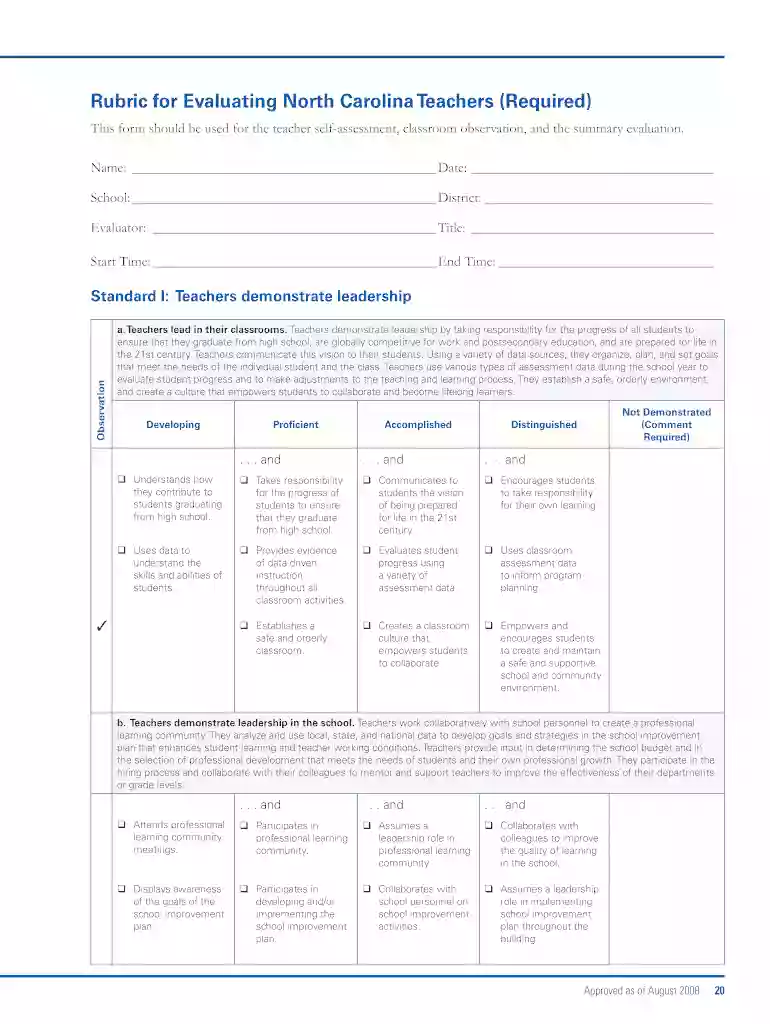
Type text, add images, blackout confidential details, add comments, highlights and more.

Draw your signature, type it, upload its image, or use your mobile device as a signature pad.

Send prabhar report form 202 pdf download via email, link, or fax. You can also download it, export it or print it out.

Start using our platform today to streamline your document editing and enhance your workflow!
We've got more versions of the prabhar report form. Select the right prabhar report version from the list and start editing it straight away!
At DocHub, your data security is our priority. We follow HIPAA, SOC2, GDPR, and other standards, so you can work on your documents with confidence.
Within a few weeks of submitting the completed, signed and DocHubd 6E Form, the State Retirement System will send a congratulatory email to your UNC account.Read more
Read the instructional page and form carefully prior to submitting the completed and signed document to apply for or update a license in NCDPI Online LicensureRead more
We created a six week mentorship program for students at the local middle and high school levels who were interested in participating in the Genes in spaceRead more


