
Get any PDF form from the DocHub library of ready-made templates - Page 1797
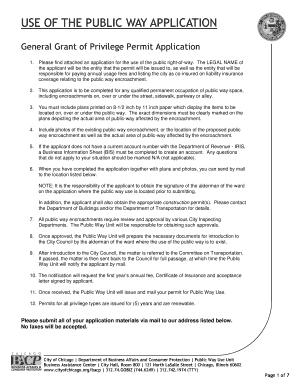
Grant of privilege city of chicago

Strateworks
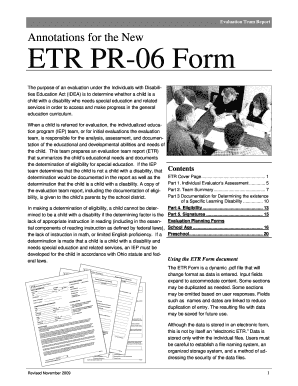
Pr06 form download
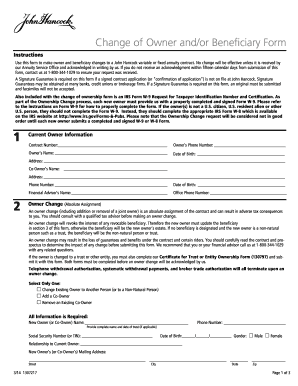
John hancock beneficiary change form
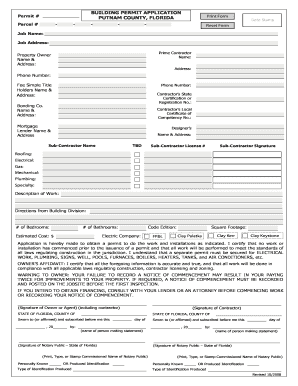
Putnam county permitting
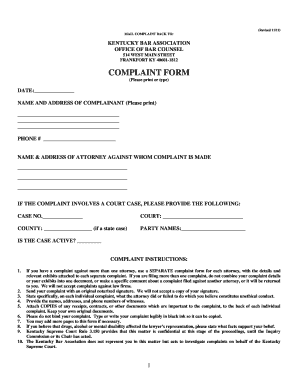
Ky bar association
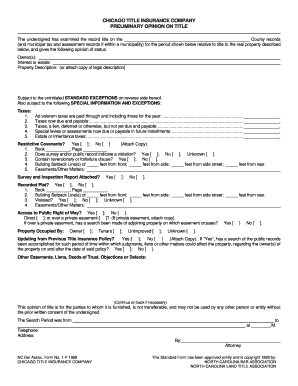
PRELIMINARY OPINION ON TITLE - North Carolina Title Services
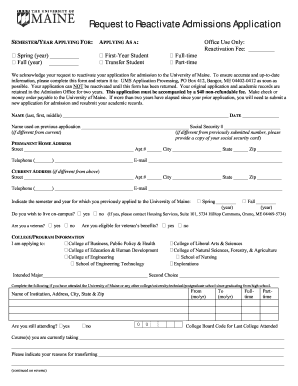
To reactivate application
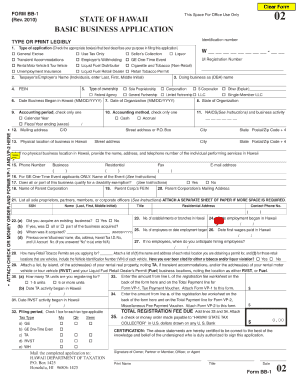
Hawaii bb 1 2010 online form

At need written statement of person having the right to control disposition in oregon

University of fort hare application forms 2016 pdf
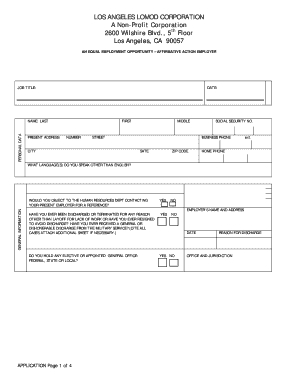
Lomod

Download PDF format - Gavilan College - gavilan

Ct 941 form 2011
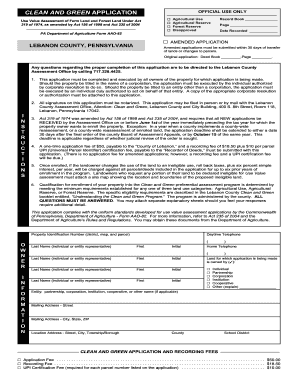
Pa green app

Health4all pnline reoister custom form 132
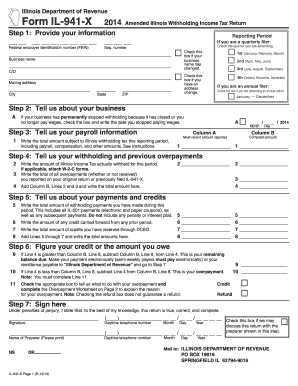
2014 il 941 x form

Bail assignment 2011 form
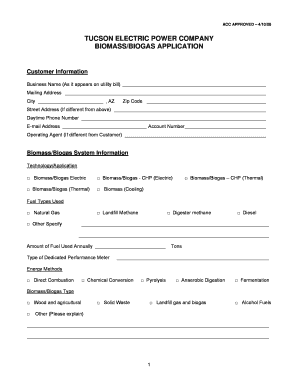
Printable tep bills for tucson form

Doj no longer in possession form 2012
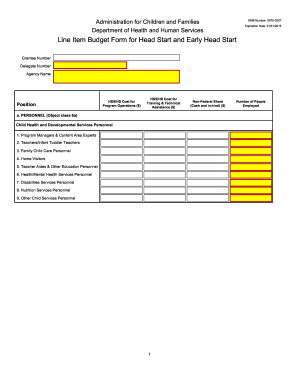
Line item budget form

Iusb housing application form
Creek grant application fillable
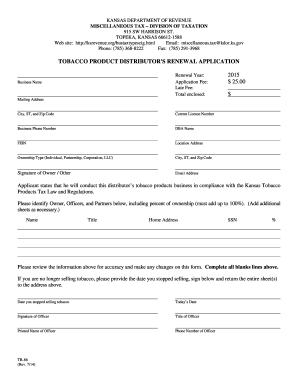
What happens if my tobacco license expires in georgia form
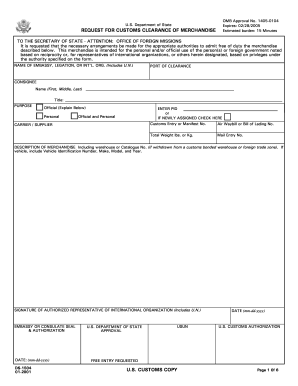
Ds 1504 form & instructions 2001
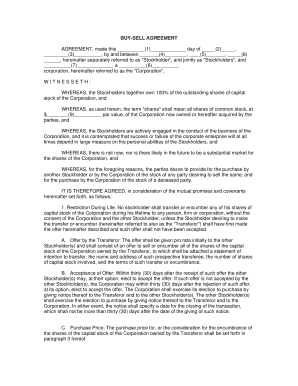
Buy sell agreement template
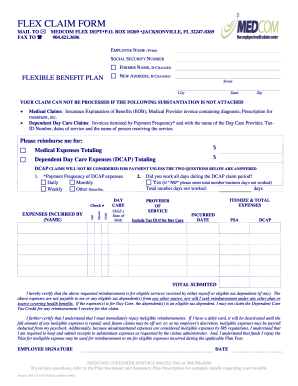
Medcom forms
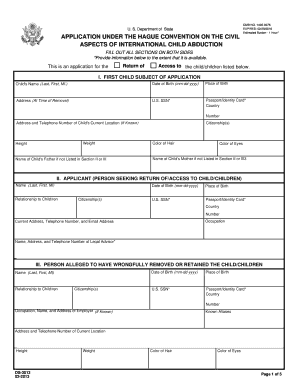
Instructions form ds 3013 2013
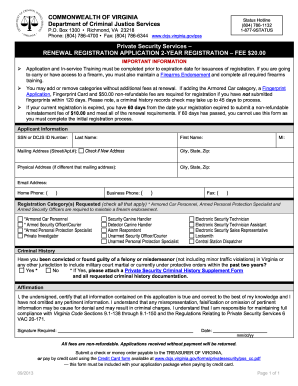
Form long term disability

Mid atlantic swimming
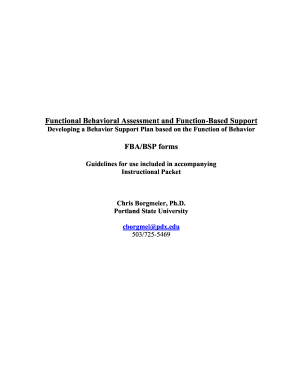
Based bsp forms download

PER11 Manual Appointment Request and Drop Off Request Form - nyc

Windham collection agency online paperwork form
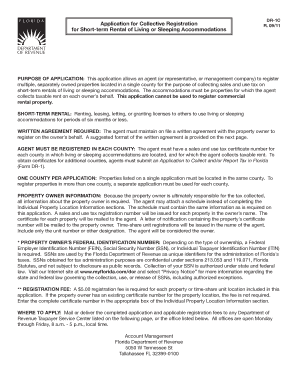
Florida sales and use tax on rental of living or sleeping accommodations online form

California form 3533 2011
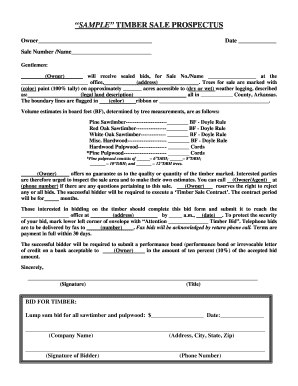
Timber contract template

Form 3160-5 - Bureau of Land Management - blm
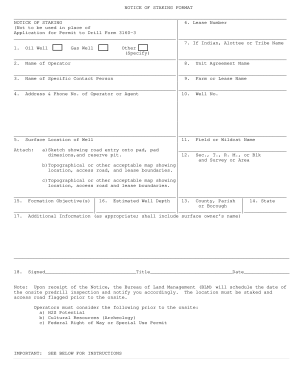
Sttakig

64a department pilot form
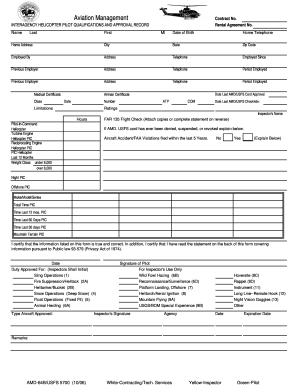
Amd form 64b

Fs 6500 0229
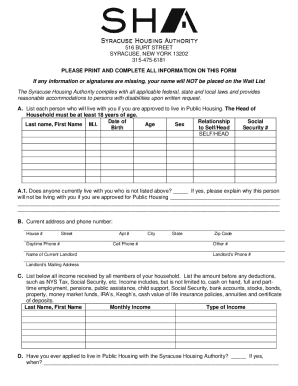
Syracuse housing application

Appleton police
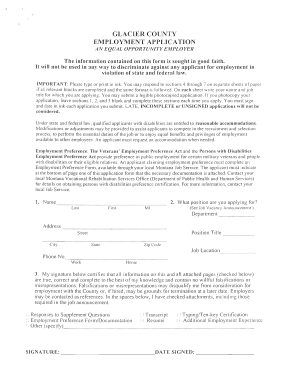
GLACIER COUNTY EMPLOYMENT APPLICATION - wsd dli mt
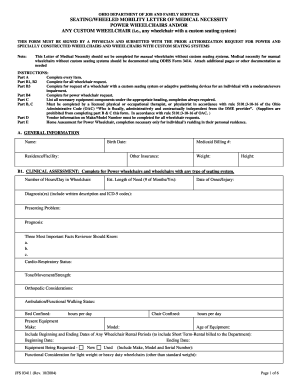
Ohio letter medical necessity
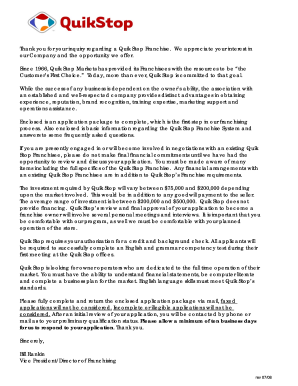
California franchise quik

Outreach training program report maritime fillable form
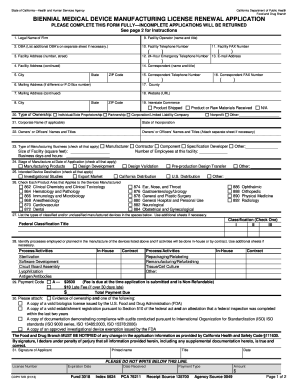
Biennial medical device manufacturing license renewal application 2009 form

Dbs payment form
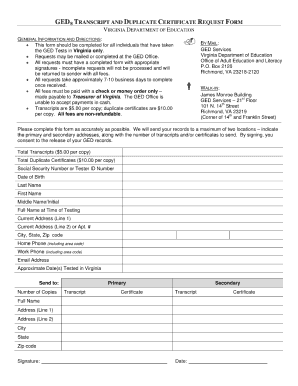
How to get a copy of my ged for
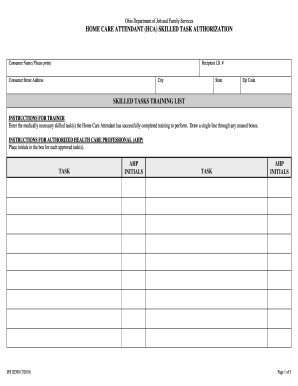
Carestar ohio home care waiver

Hca hope application
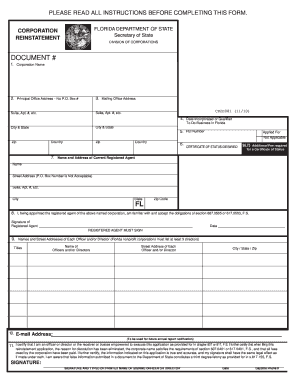
Sunbizprofit form
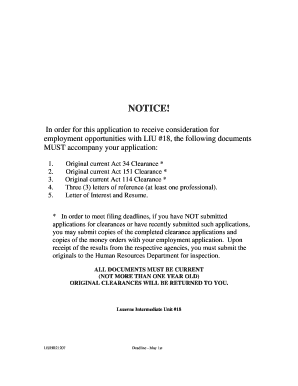
Liu18
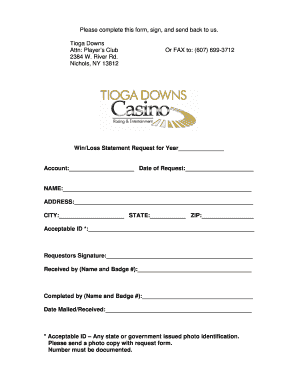
Dover downs win loss statement
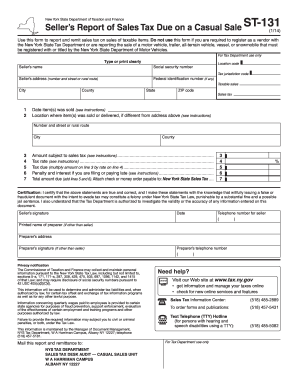
Form st 131 2011
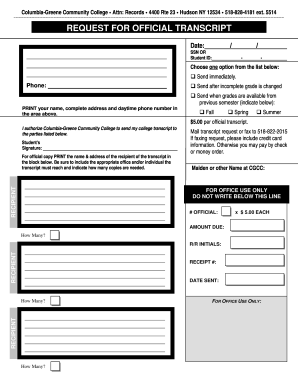
Columbia greene community college transcript
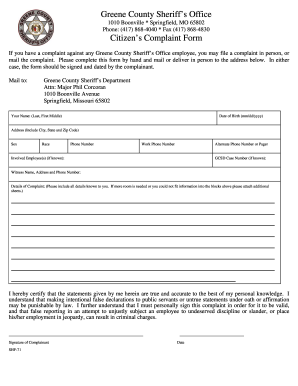
Unlawful detainer action form in greene county missouri
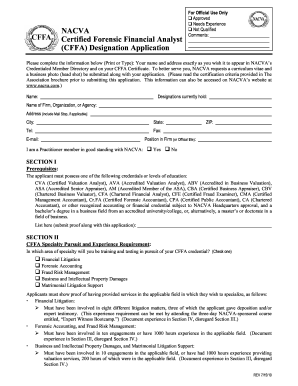
Cffa designation application online

Fms form 194
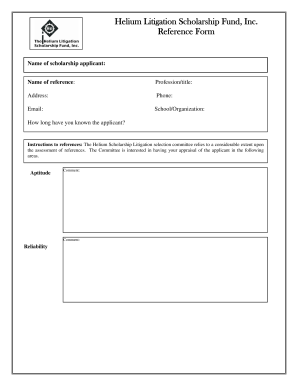
Litigation reference form

Herndon police dept
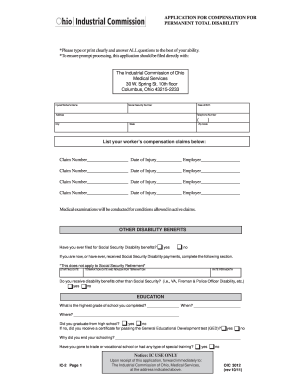
ATTENTION - The Industrial Commission of Ohio
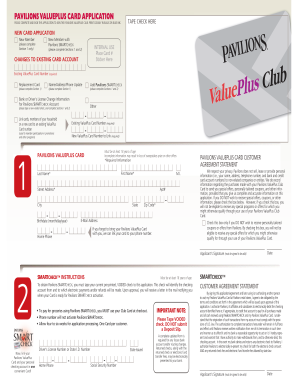
Pavilions club card
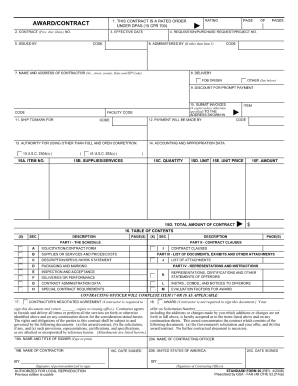
Sf 26 fillable 2008 form
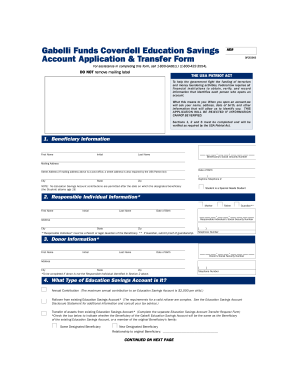
Beneficiary gabelli number pdf
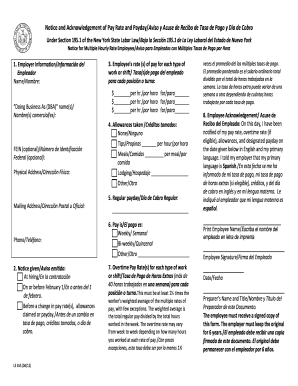
Notice and Acknowledgement of Pay Rate and Payday/Aviso y ... - labor ny
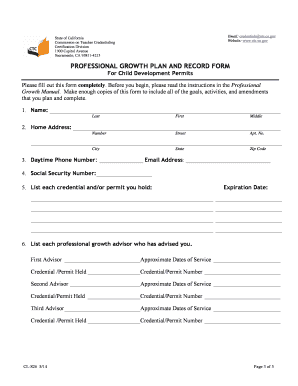
Professional growth plan
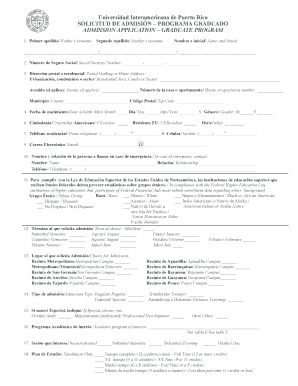
Calculadora igs interamericana
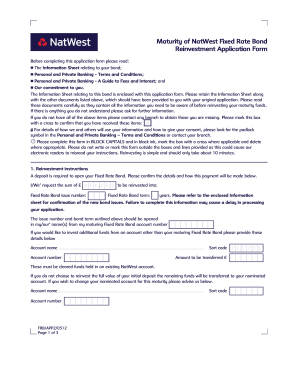
Premium bonds application form
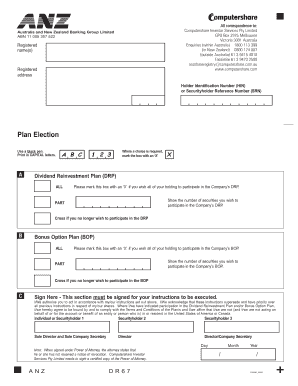
Anz dividend reinvestment plan
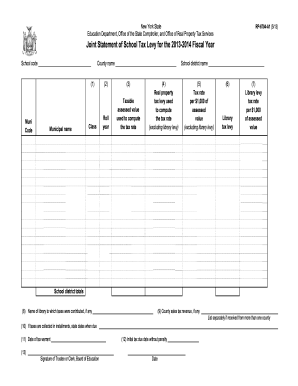
Form rp 6704 a1 2013
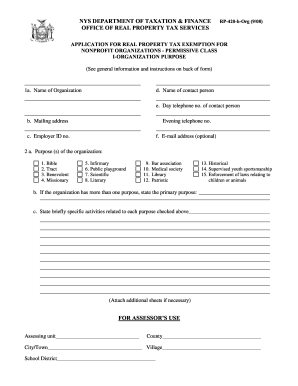
Rp 420borg
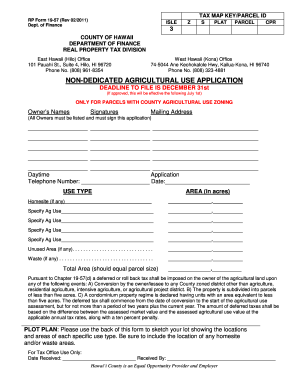
Rp form 19 57

Hawaii form 19 71
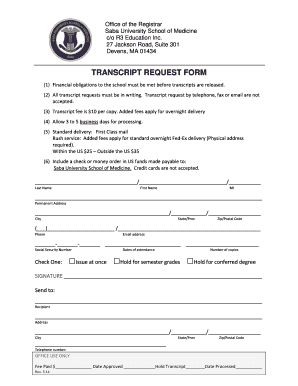
Transcript request

Mediation court form
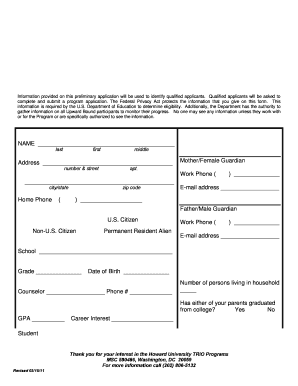
Upward bound howard university
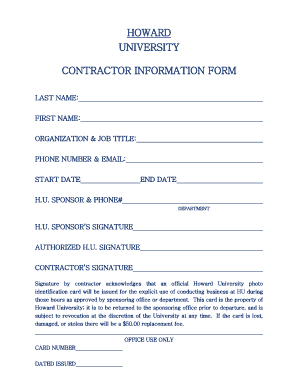
Contractor information form

Anza form

Spoa application
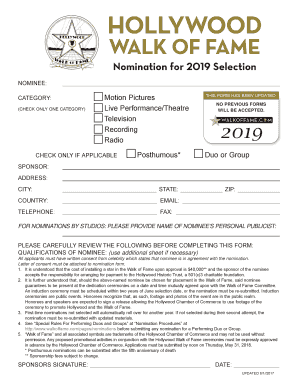
Hollywood star generator

Laciv 108

Medal of Honor Application PDF , 101KB - The Office of the Illinois ... - sfm illinois
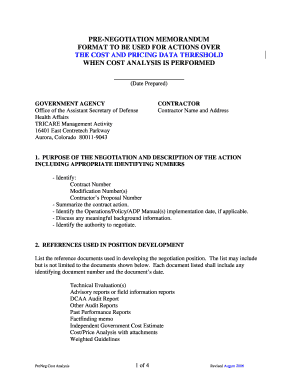
Pre negotiation memorandum

Ncblpc 2010 form

Florida temporary relief
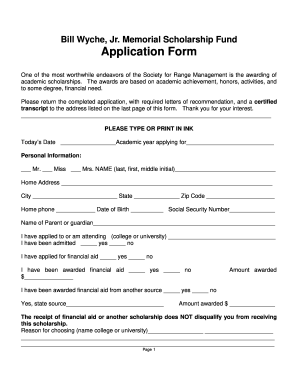
Bill Wyche, Jr. Memorial Scholarship Fund Application Form
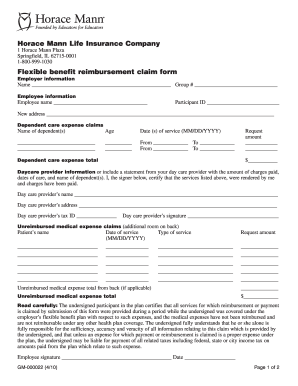
Horace mann insurance printable life ins beneficiary forms

Form 009
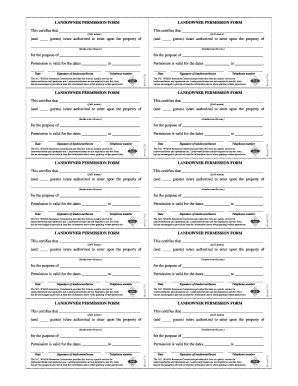
Hunting permission slips
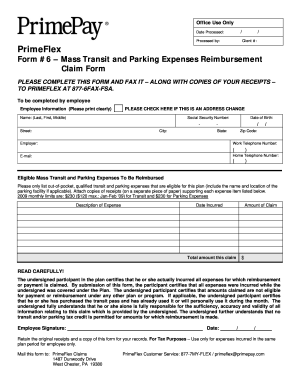
Form 6 mass transit form
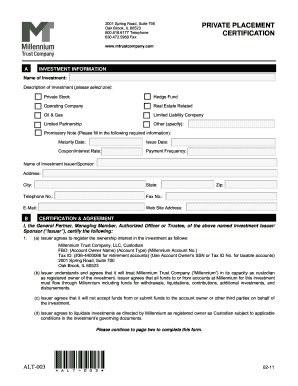
Amazon
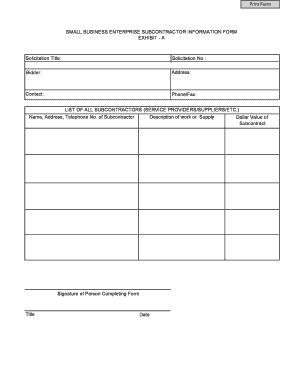
SBE Subcontractor Information Form - Doing Business with L.A. ... - doingbusiness lacounty
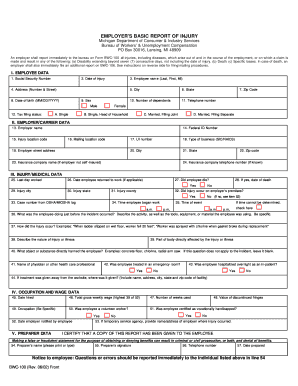
Bwc 100 form 2002
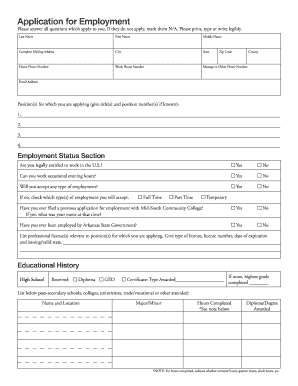
Mid-South Community College Employment Application - midsouthcc
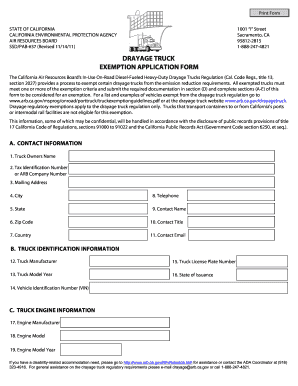
Truck drayage arb
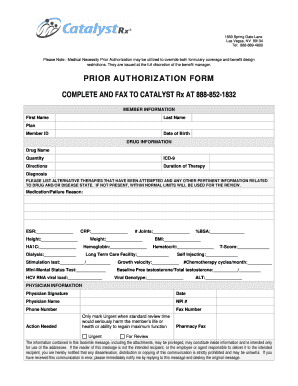
Catalyst rx prior authorization form

Phs 398 2590

Customer feedback form
Benefit from the DocHub online library of fillable PDF forms
Searching the PDF forms doesn't have to be a tedious and time-consuming process. With the DocHub online library, it has become easier to find the fillable PDF forms and modify them in your browser. The service allows you to adjust the document to your needs using powerful editing tools.
You can use online document editing features to modify almost any type of document with ease. You just need to find the template of your choice, open it in the editor, and use the toolbar to make the necessary corrections.
Follow this guide to get your document done with DocHub:
- Find the PDF template you need.
- Click the Get Form button to open the file in the editor.
- Use the toolbar to fill out and edit the document.
- Easily add and highlight text, insert images, checkmarks, and symbols.
- Drop new fillable fields, and rearrange or delete pages from your file.
- Save changes and download your record.
DocHub empowers everyone to streamline document editing, signing, and distribution, and form completion. Create an account and benefit from our well-organized PDF Forms library and comprehensive editor.