




Here's how it works

01. Edit your how long does it take arkansas to issue tax refund online
Type text, add images, blackout confidential details, add comments, highlights and more.

02. Sign it in a few clicks
Draw your signature, type it, upload its image, or use your mobile device as a signature pad.

03. Share your form with others
Send it via email, link, or fax. You can also download it, export it or print it out.
How to use or fill out refund arkansas col with our platform

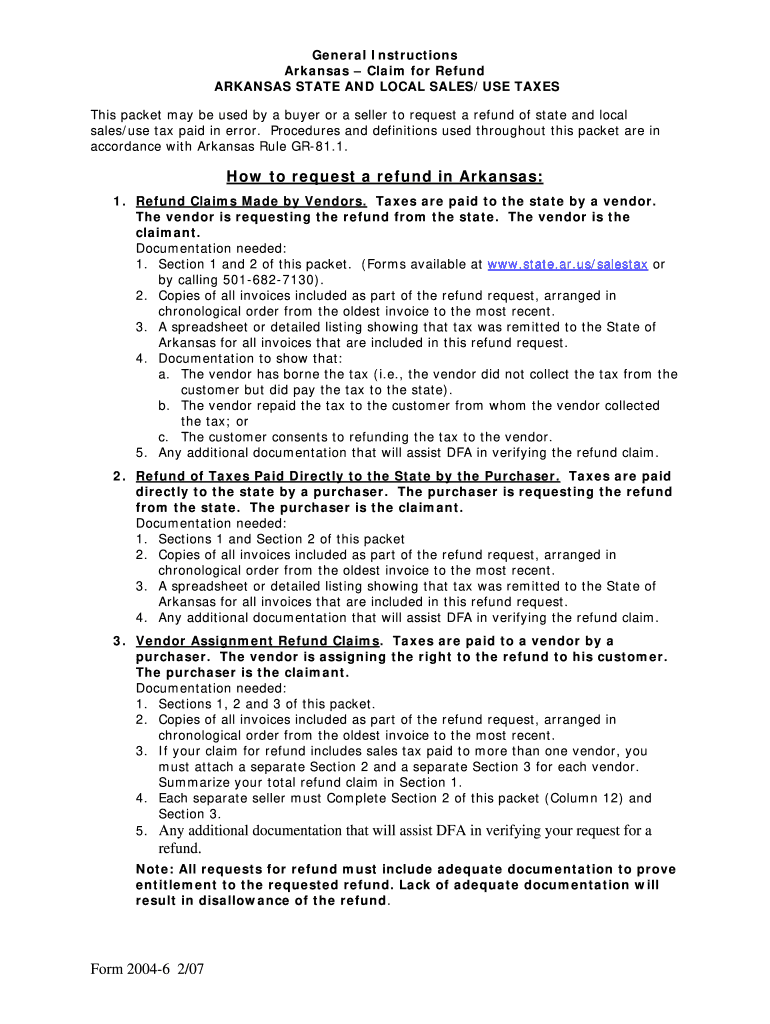
- Click ‘Get Form’ to open the refund arkansas col in the editor.
- Begin with Section 1, entering your Claimant’s Name, Federal I.D. Number, and Address. Ensure all fields are filled accurately for a smooth process.
- In Section 1, indicate the total amount of refund you are requesting and provide the period during which the sales/use tax was paid.
- Move to Section 2, where you will list each invoice chronologically. Fill in details such as Invoice Date, Vendor Name, and Invoice Number in their respective columns.
- For each item listed in Section 2, provide a brief description and detailed explanation of how the goods/services were used or what exemption is being claimed.
- Complete Columns for amounts related to state tax, county tax, and city tax as applicable. Ensure all totals are accurate before submission.
- Finally, review all sections for completeness and accuracy before submitting your request for refund through our platform.
Start using our platform today to easily fill out your refund arkansas col form online for free!
Fill out refund arkansas col online
It's free
It's free
Security and compliance
At DocHub, your data security is our priority. We follow HIPAA, SOC2, GDPR, and other standards, so you can work on your documents with confidence.
Learn more




