




01. Edit your state of ohio tax refund direct deposit schedule online
Type text, add images, blackout confidential details, add comments, highlights and more.

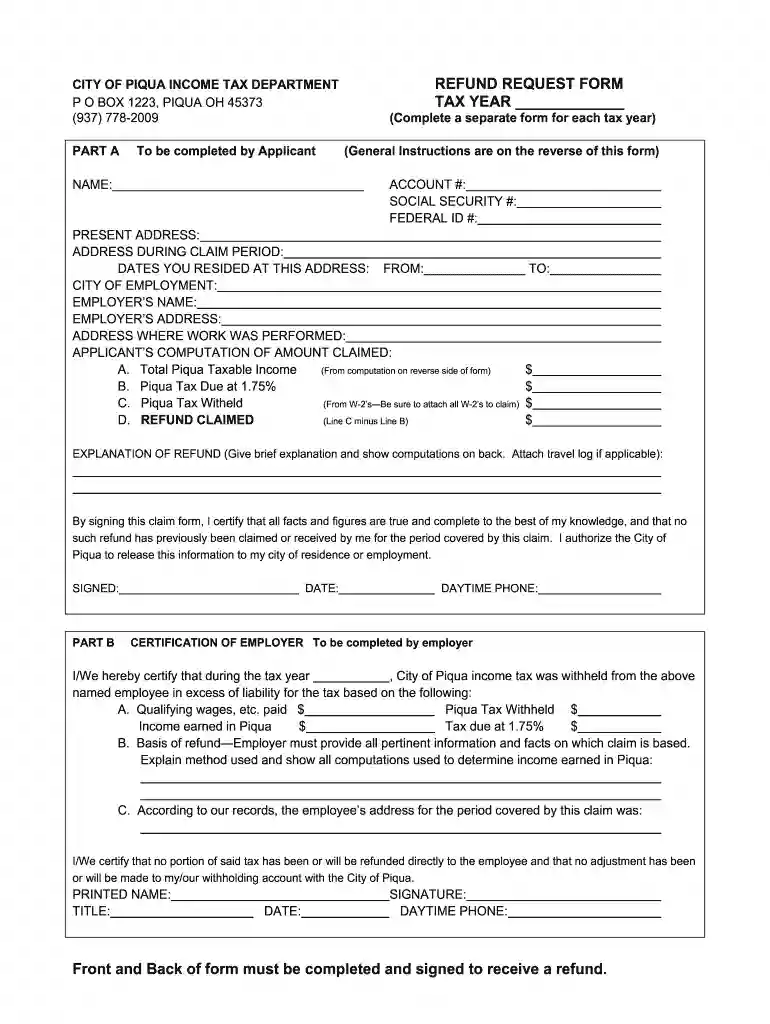
Type text, add images, blackout confidential details, add comments, highlights and more.

Draw your signature, type it, upload its image, or use your mobile device as a signature pad.

Send what day of the week does ohio deposit tax refunds via email, link, or fax. You can also download it, export it or print it out.

Start using our platform today to easily fill out your oh refund request for free!
At DocHub, your data security is our priority. We follow HIPAA, SOC2, GDPR, and other standards, so you can work on your documents with confidence.
(iii) If you request the cancellation of this Plan after the first thirty (30) days of the Plan term, Apple may impose the cancellation fee described in theRead more
Refund request forms can be submitted by mail to Athens City Income Tax, 8 E Washington St #303, Athens, OH 45701. 2021 OU Refund Req Permanent Remote [PDF]Read more


