
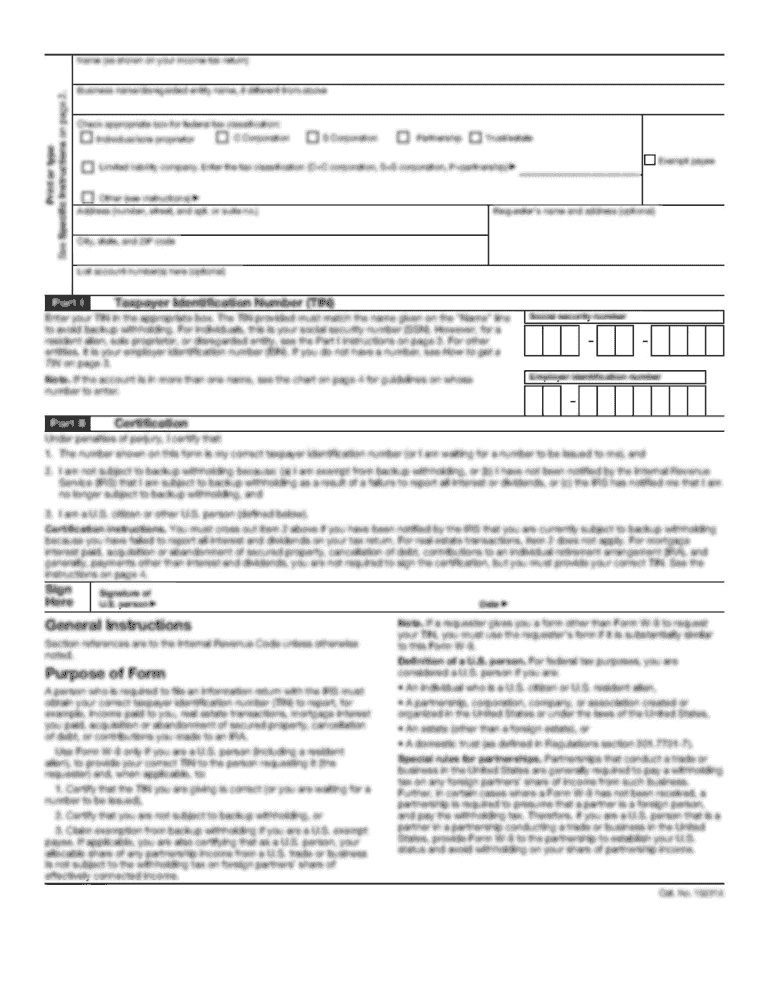


Bank account update form for all account holders ... - Butterfield Bank 2026

Get Form
butterfield bank online Preview on Page 1

Here's how it works

01. Edit your butterfield bank online online
Type text, add images, blackout confidential details, add comments, highlights and more.
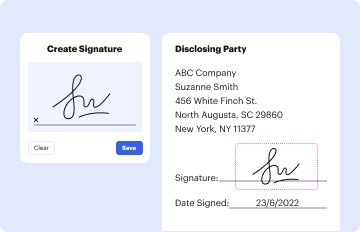
02. Sign it in a few clicks
Draw your signature, type it, upload its image, or use your mobile device as a signature pad.
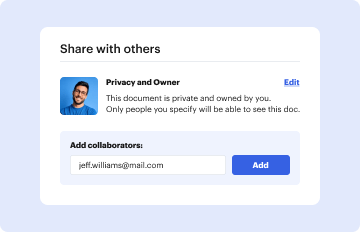
03. Share your form with others
Send bank of butterfield bermuda online via email, link, or fax. You can also download it, export it or print it out.

How to use or fill out bank account update form for all account holders - Butterfield Bank

Form edit decoration
9.5
Ease of Setup
DocHub User Ratings on G2
9.0
Ease of Use
DocHub User Ratings on G2
  1. Click ‘Get Form’ to open it in the editor.
  2. Begin by entering your Account Name and Mailing Address, followed by your Account Number(s). This information is crucial for identifying your account.
  3. In the CUSTOMER INFORMATION section, provide details for both Primary and Joint account holders. Fill in first & middle names, last name, previous name (if applicable), and street address with postal code.
  4. Indicate gender and complete the ID type and number fields. Include your date of birth, country of birth, and citizenship details.
  5. Answer residency questions regarding Bermuda and tax purposes. If applicable, list countries of residency along with Taxpayer Identification Numbers.
  6. Provide phone details (work, home, mobile) and email address. Also include occupation and employer information.
  7. Complete the OPERATION OF ACCOUNT section by stating the purpose of the account(s) and whether it benefits another party.
  8. Fill in ACCOUNT FINANCIAL DETAILS with estimated monthly incoming and outgoing funds along with expected wire activity.
  9. Select the Right of Survivorship option if applicable for joint accounts.
  10. Review the DECLARATION section carefully before signing to confirm accuracy and compliance with regulations.

Start using our platform today to easily fill out your bank account update form for free!

See more bank account update form for all account holders ... - Butterfield Bank versions

We've got more versions of the bank account update form for all account holders ... - Butterfield Bank form. Select the right bank account update form for all account holders ... - Butterfield Bank version from the list and start editing it straight away!
Versions Form popularity Fillable & printable
2021 4.6 Satisfied (73 Votes)
2018 4.6 Satisfied (49 Votes)
be ready to get more

Complete this form in 5 minutes or less

Get form

Got questions?

We have answers to the most popular questions from our customers. If you can't find an answer to your question, please contact us.
Contact us
Updating your name in your bank account is a straightforward process: Legal Name Change. Ensure that your name change is legally recognised before approaching the bank. Prepare Required Documents. Write an Application. Submit the Application. Verification and Confirmation. Update Passbooks and Cards.
Dear Sir/Madam, I would like to request a transfer of my [Current Account Type] account, [Current Account Number], to [Destination Bank Name] located at [Destination Bank Address]. I have attached all the required documents with the application. Kindly let me know if any further details are needed from my side.
I/We have changed the financial institution account into which my direct debits are deducted. With immediate effect, please amend your records to make sure all my future payments are debited to my/our new account.
[BANK NAME] [BRANCH ADDRESS] [CITY, STATE, ZIP] Subject: Request for Bank Transfer Dear [Bank Managers Name], I am writing to request a transfer of [Amount in Words and Numbers] from my account [Your Account Number] to [Recipients Name] who holds an account [Recipients Account Number] at [Recipients Bank Name and
I have recently gotten married to the love of my life and have changed my name. My name was Taniya Mehra before. I would kindly request that you please update my new name in your bank records so that I dont face any inconvenience in the future because of different names on my documents.

Security and compliance

At DocHub, your data security is our priority. We follow HIPAA, SOC2, GDPR, and other standards, so you can work on your documents with confidence.

Learn more
be ready to get more

Complete this form in 5 minutes or less

Get form

People also ask

Log in to your banks website or app and find the option to link or add an external account. The option may be on the dashboard or in settings. Select or type in the bank or financial institution you want to link. You might need to log in to the other bank youre linking.
You can do this by visiting a branch, calling customer service or sending an official communication through the banks online banking platform. Before closing your old account, make a list of all automatic payments, direct debits, debit or stop orders and scheduled payments linked to your old account.

butterfield cayman online