




01. Edit your acs form online
Type text, add images, blackout confidential details, add comments, highlights and more.

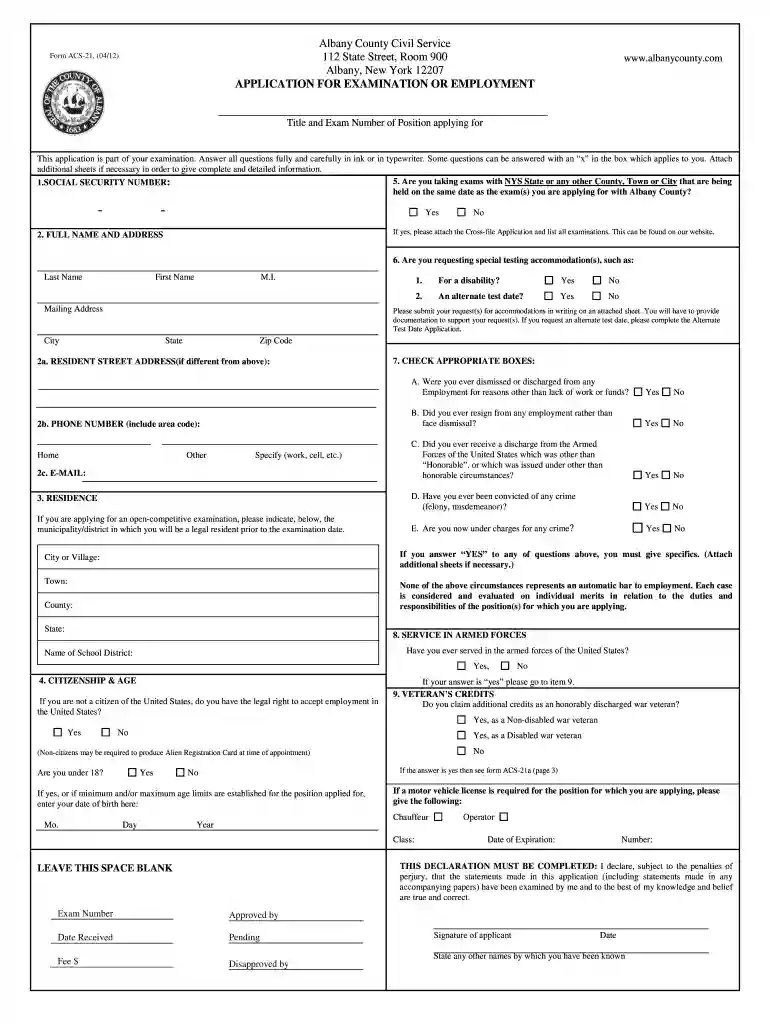
Type text, add images, blackout confidential details, add comments, highlights and more.

Draw your signature, type it, upload its image, or use your mobile device as a signature pad.

Send acs 21 via email, link, or fax. You can also download it, export it or print it out.

Start filling out your acs 21 form online for free today!
We've got more versions of the acs form form. Select the right acs form version from the list and start editing it straight away!
eSignatures are a perfect alternative to traditional signing, as they save time, effort, and money people spend on printing, scanning, and paper delivery. You can eSign your acs full form utilizing a reliable and robust online document management tool like DocHub. It complies with major eSignature policies (ESIGN and UETA), so all documents approved there are legally binding and have the same validity as physically signed ones.
If you choose analog methods of completing your acs 21 form, it is simple to download your file for printing. Search DocHub’s Forms & Templates catalog to locate the exact document template you need and open it for editing or download it on your gadget in the format of your choice. It is easy to complete your form electronically and place your handwritten signature on it right after printing or eSign your document with DocHub.
At DocHub, your data security is our priority. We follow HIPAA, SOC2, GDPR, and other standards, so you can work on your documents with confidence.
Health. (WORKSHOP DATES). (WORKSHOP LOCATION). (Agency Name. and Logo). Workshop Facilitator. Date. Workshop Facilitator. Workshop Facilitator. ACS-21. SEP 11.Read more
Feb 27, 2025 Munition compounds (MCs) often contain one or more nitro (-NO2) functional groups which makes them susceptible to abiotic reduction, i.e.,Read more
Score Reporting Form. Full Name *. Institution Name *. Email Address *. Phone Number *. Exam *. Select. Validate Email. Entry Method *.


