
Get any PDF form from the DocHub library of ready-made templates - Page 1682
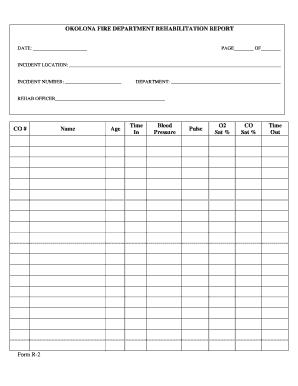
General Rehabilitation Reports - Okolona Fire Department

Va form 1902n
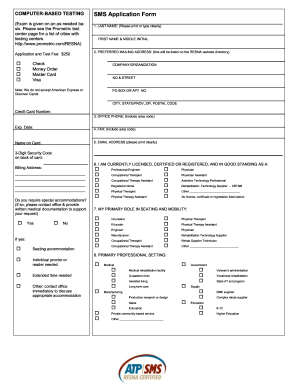
SMS Application Form - Resna - resna
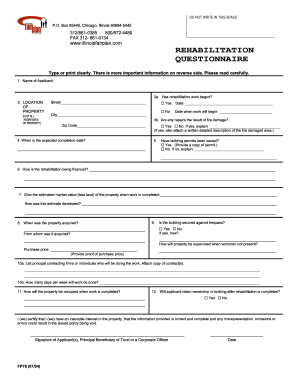
Illinois fp76 form
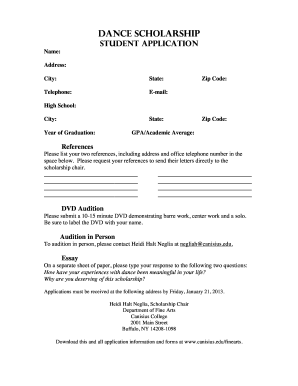
DANCE SChOLARShIP STUDENT APPLICATION - Canisius College - canisius
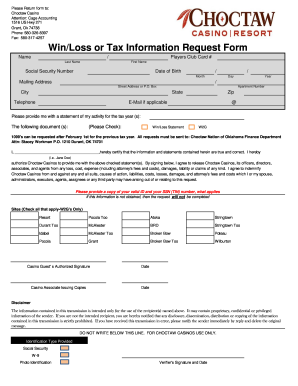
Code aw casino form
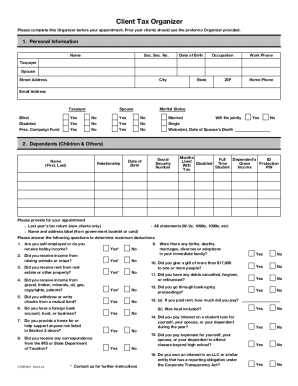
Tax organizer template excel
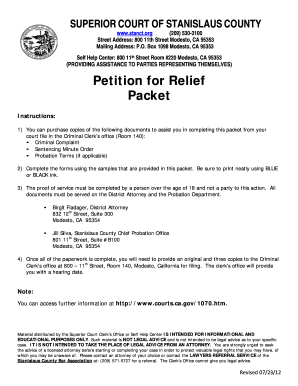
Form cr 001 stanislaus 2012
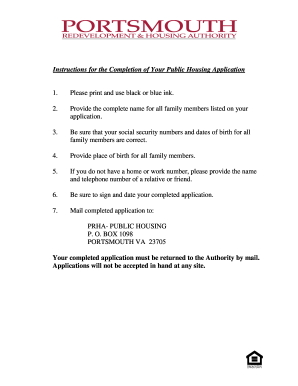
Portsmouth va redevelopment housing authority

Rwm707 2011 form
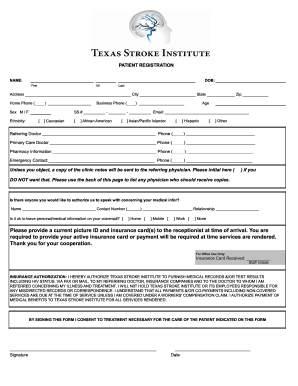
TSI form - Texas Stroke Institute

Connecticut department of mental health and addiction servicesddap 2010 form

Tdcrs
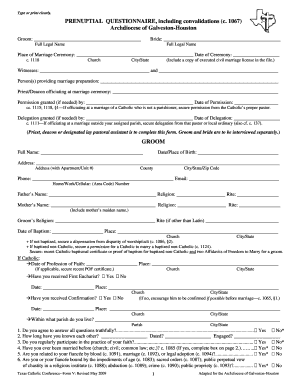
Prenuptial form catholic church
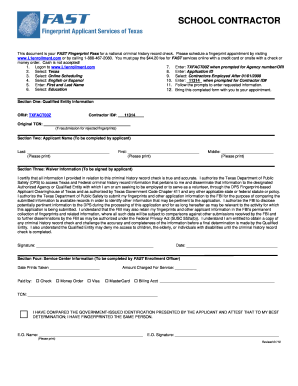
Fingerprint application form for Subcontractors to work at NEISD ...
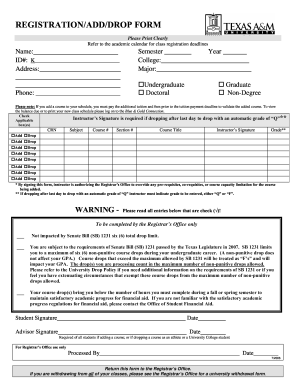
Tamuk drop form

CITY OF HOUSTON Instructions For Filing: FORM PWE 100 - documents publicworks houstontx

Riverwalk acknowledgment form
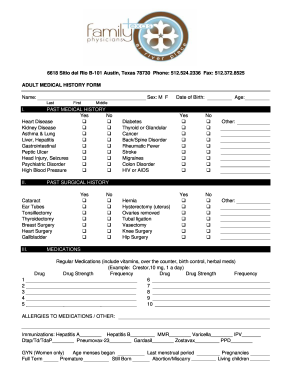
ADULT MEDICAL HISTORY FORM Name - Texas Family Physicians

San antonio tree affidavit

Respiratory Protection Program - Office of the Vice President for ... - research uthscsa

Fit Testing Form - Frank Phillips College - fpctx
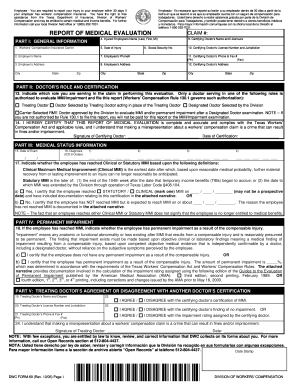
69 form 2005
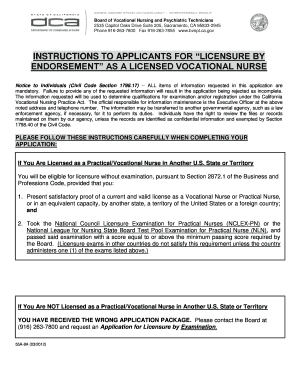
Bvnpt approved ceu online

Tceq 0723 form
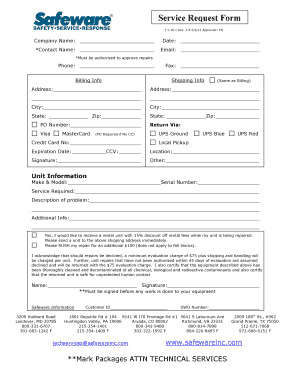
Service Request Form.pdf - Safeware, Inc
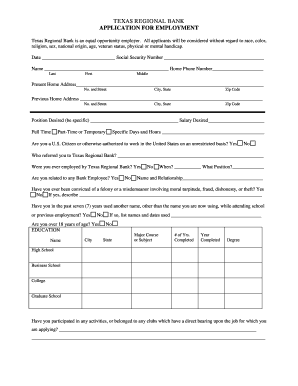
Texas employment application
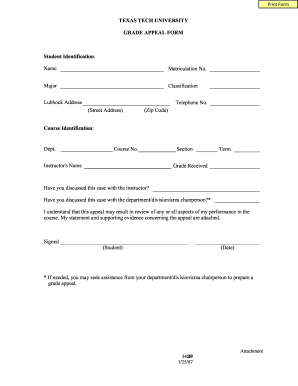
Texas tech university appeal
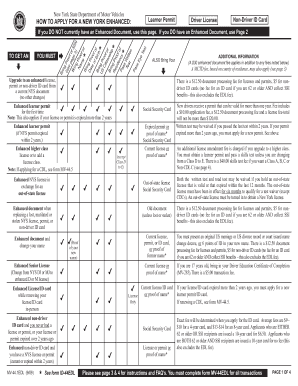
Mv 44edl
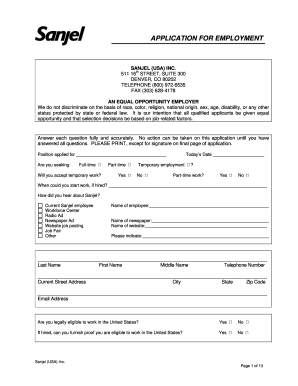
Sanjel employment
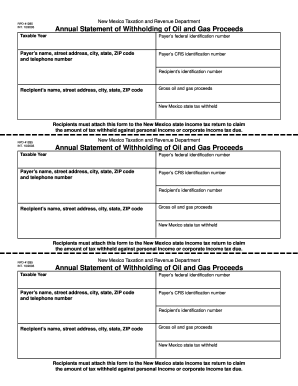
Form rpd 41285 2003
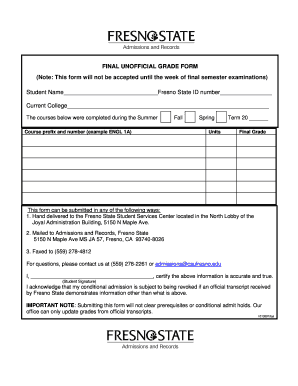
Fresno state unofficial grade report form
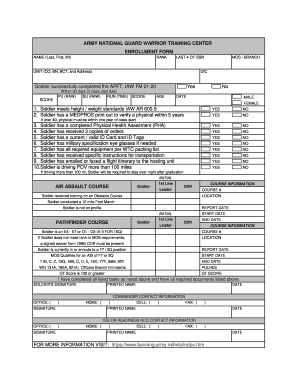
Wtc form 100
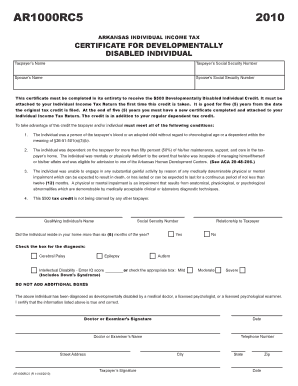
Form ar1000rc5

Centerpoint energy rebate forms 2011
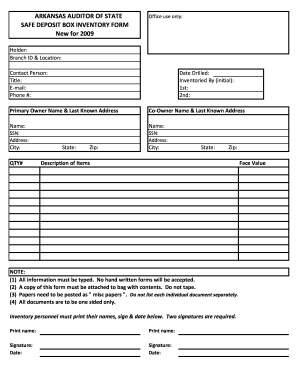
Inventory sheet form
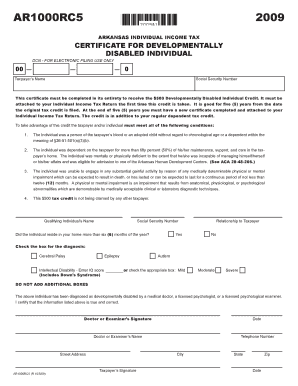
Ar1000rc5
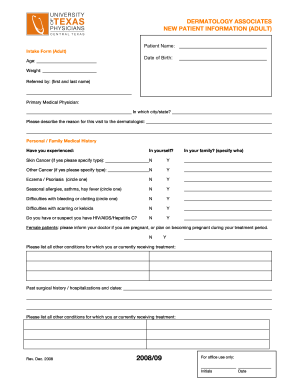
Dermatology form

City of jonesboro privilege license
Cervical ripening template for documentation
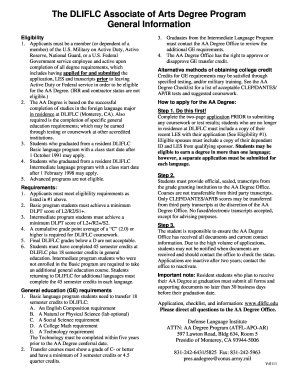
Dliflc associate arts degree

Arkansas abc forms
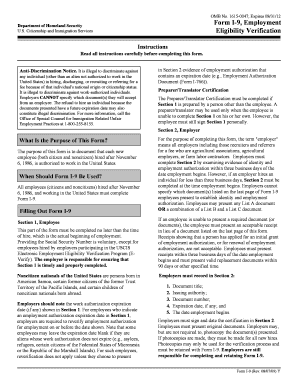
Arkansas i 9 forms
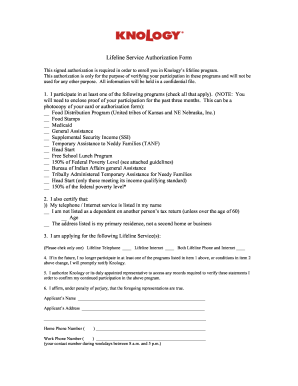
Knology lifeline
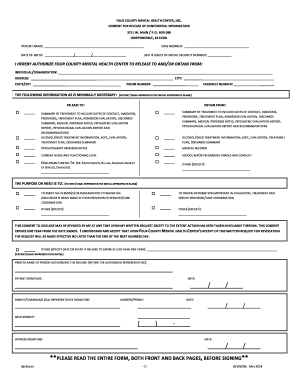
Release of Information Form - Four County Mental Health Center
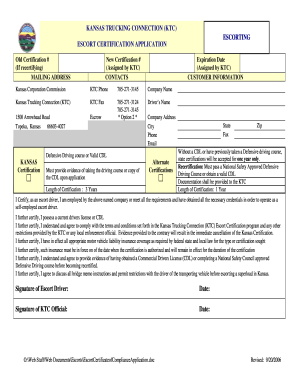
818 306

State and capital in us form

Release levy printable form irs
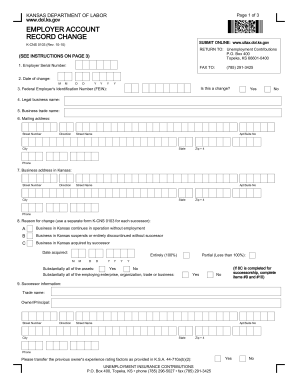
Kansas k cns form

Credit form
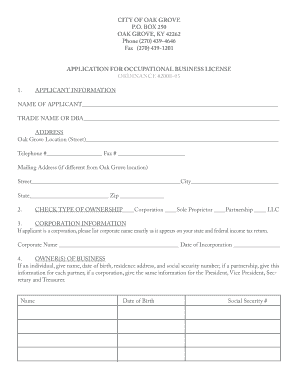
City of oak grove ky business license
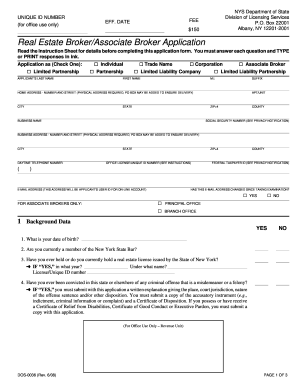
Brokers application nys
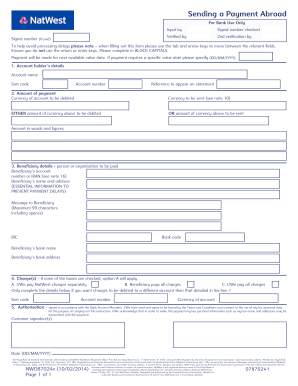
Sending a Payment Abroad For Bank Use Only Input by Verified by Signal number (if used) Signal number checked 2nd verification by To help avoid processing delays please note when filling out this form please use the tab and arrow keys to

Utah tc 559 ext form

Vaf1g

Michigan gov form r0452g
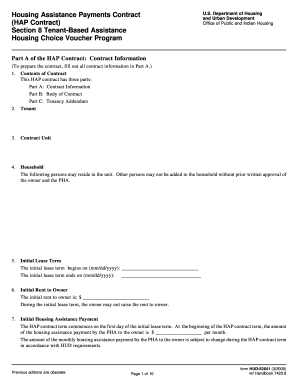
Hud 52641 form

Jv 195
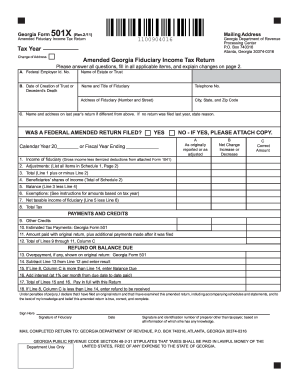
Ga income tax form
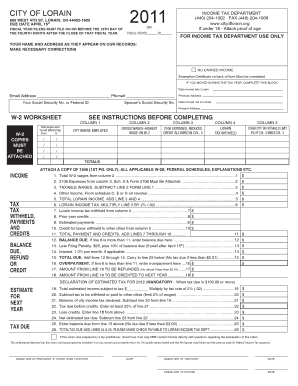
Lorain city tax forms

Bancorp hsa
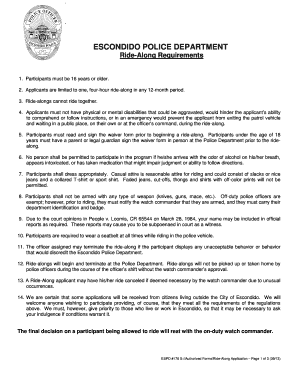
Police ride along form
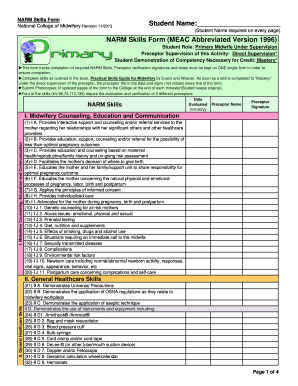
National college of midwifery narm skills form
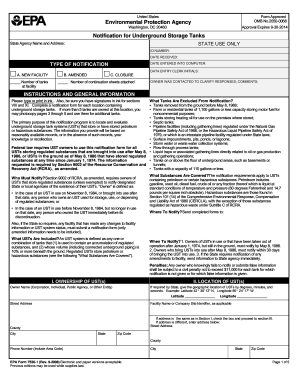
Epa 7530 form
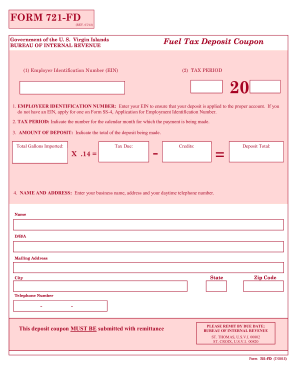
Form 721 virgin islands

Registration Form.pdf - Ogden City School District
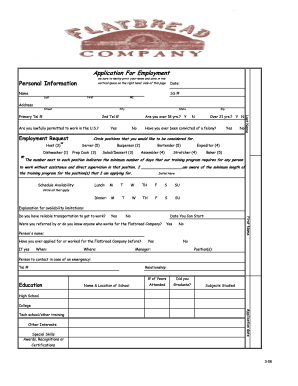
Flatbread employment
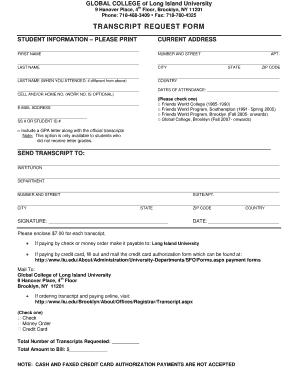
Liu transcript request
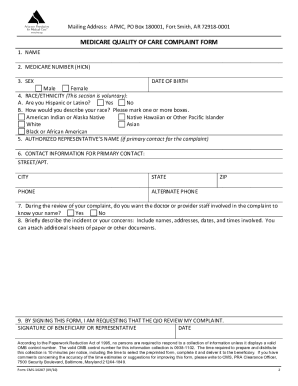
Medicare complaint form pdf
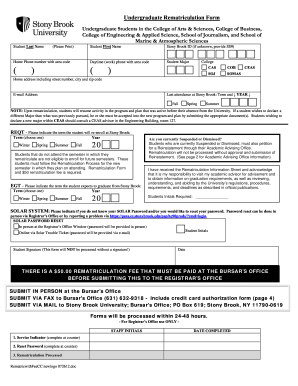
Stony brook rematriculation form
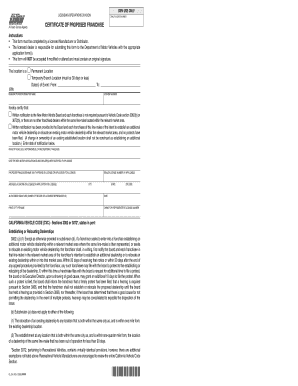
Ol124
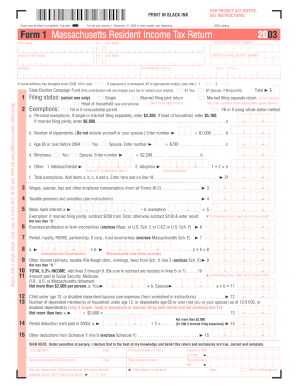
2003 form 1
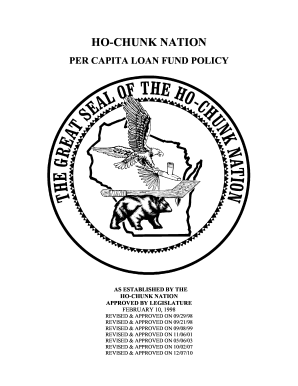
Ho chunk loan forms

2booli application form

Prescription Drug Pedigree

Drug pedigree

R2 wc
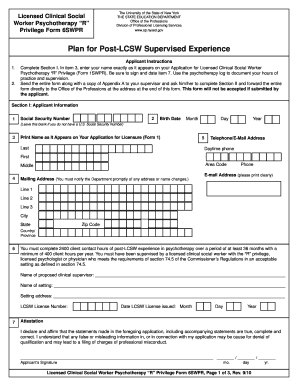
Lcsw r form 6swpr

Medical clinics for thoseunemployed

Xvbeios
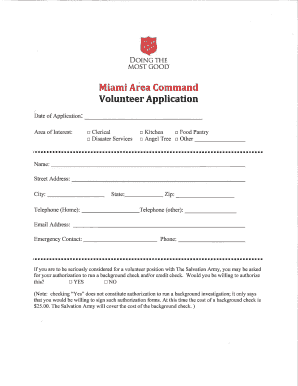
Salvation army job application pdf
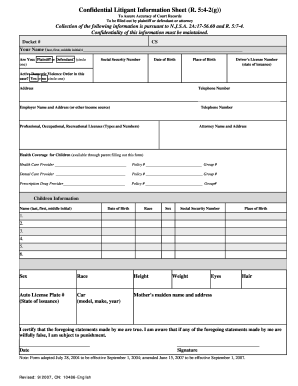
New Jersey Confidential Litigant Information Sheet
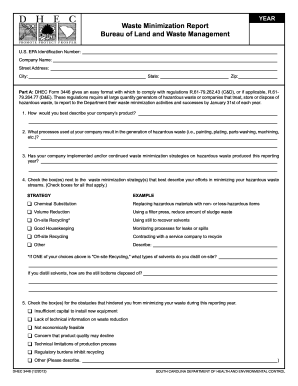
Dhec form 3446

CT-709, 2000 Connecticut Gift Tax Booklet - CT.gov

Unum form cl 1008
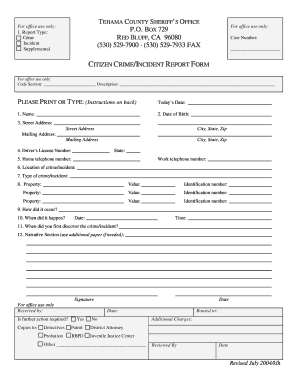
Crime incident report form
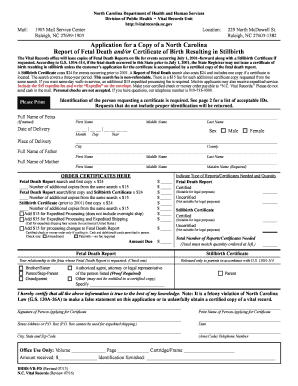
Application for a Copy of a North Carolina - NC Vital Records - North ... - vitalrecords nc
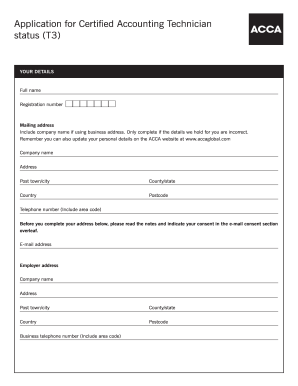
Technican job applicatication form
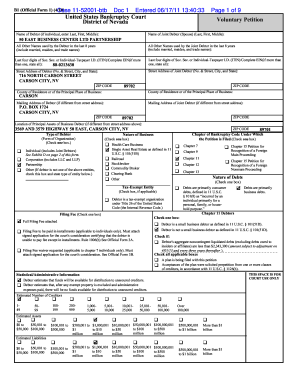
List of equity security holders form fillable
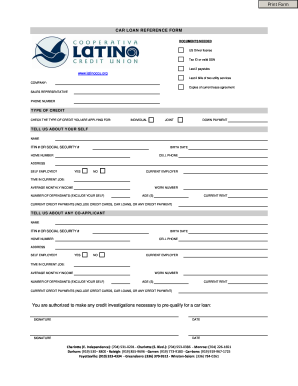
CAR LOAN REFERENCE FORM
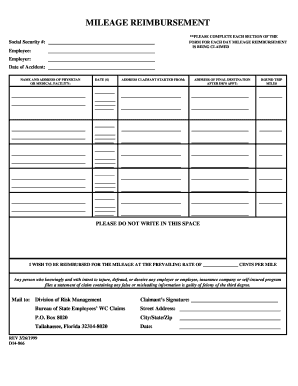
Rev 01 2017 d14 866
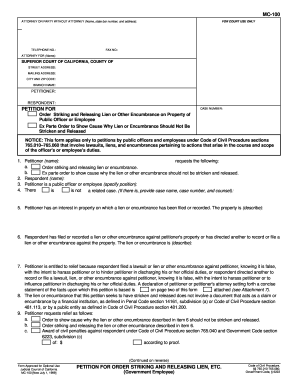
Mc100 form word doc
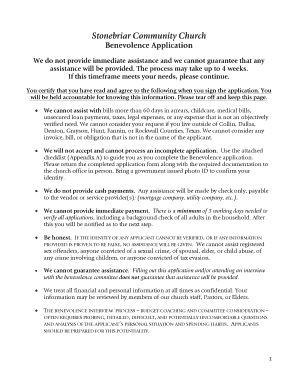
Stonebriar community church benevolence form
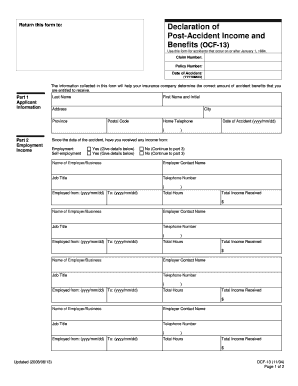
Ocf 13 fillable form
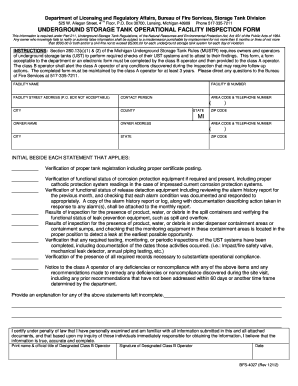
Lara bfs 4027 form
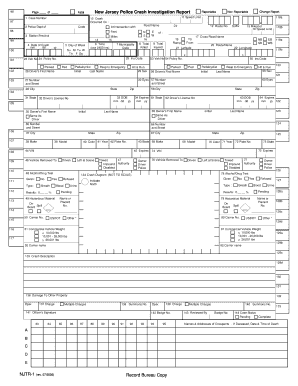
Record Bureau Copy New Jersey Police Crash Investigation Report - actar
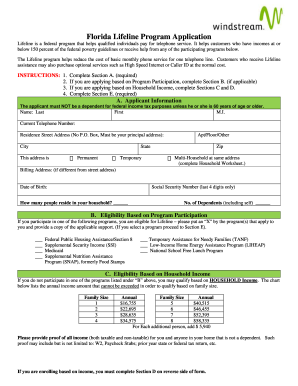
Lifeline florida form
Hmbp california
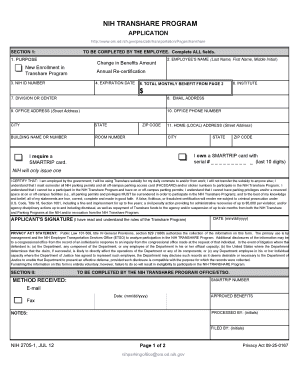
NIH Form 2705-1 Transhare Program Application - ORS - ors od nih
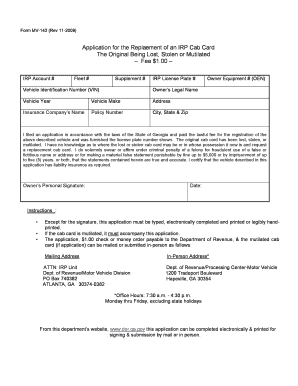
Ga 41 form rajasthan government pdf
Benefit from the DocHub online library of fillable PDF forms
Searching the PDF forms doesn't have to be a tedious and time-consuming process. With the DocHub online library, it has become easier to find the fillable PDF forms and modify them in your browser. The service allows you to adjust the document to your needs using powerful editing tools.
You can use online document editing features to modify almost any type of document with ease. You just need to find the template of your choice, open it in the editor, and use the toolbar to make the necessary corrections.
Follow this guide to get your document done with DocHub:
- Find the PDF template you need.
- Click the Get Form button to open the file in the editor.
- Use the toolbar to fill out and edit the document.
- Easily add and highlight text, insert images, checkmarks, and symbols.
- Drop new fillable fields, and rearrange or delete pages from your file.
- Save changes and download your record.
DocHub empowers everyone to streamline document editing, signing, and distribution, and form completion. Create an account and benefit from our well-organized PDF Forms library and comprehensive editor.