
Get any PDF form from the DocHub library of ready-made templates - Page 1680
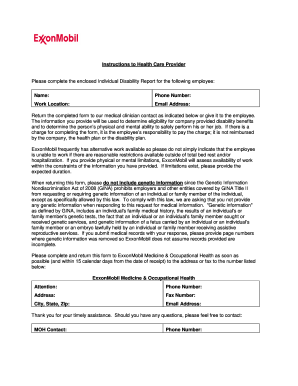
EXXONMOBIL INDIVIDUAL DISABILITY REPORT (IDR) FORM AND
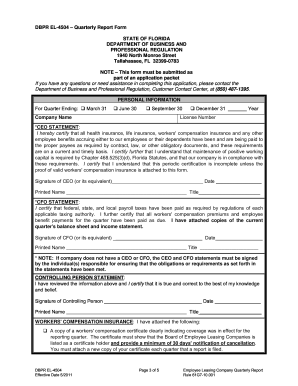
Dbprel online
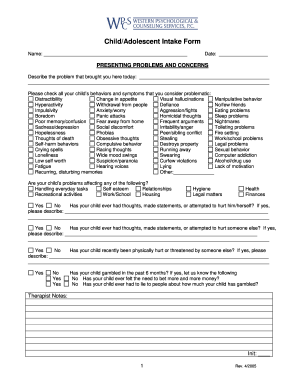
ChildAdol Intake Form - Western Psychological and Counseling ...
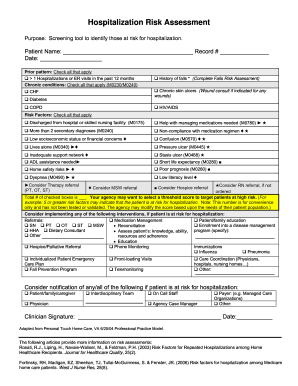
Hospitalization risk assessment form

Generic college physical form for sports
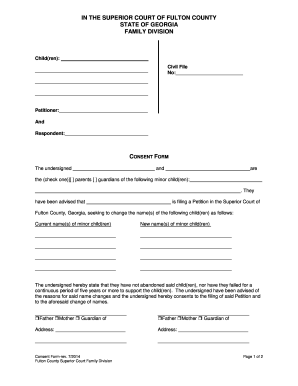
Ga fulton consent form
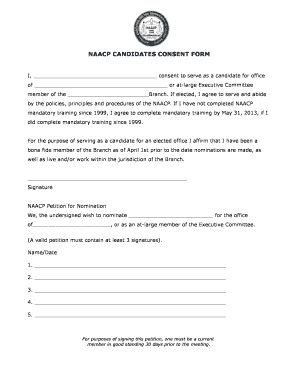
National naacp candidates consent form

Cook county eds
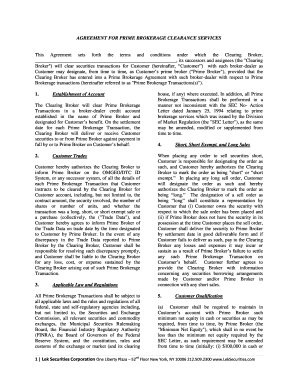
Form 151 agreement
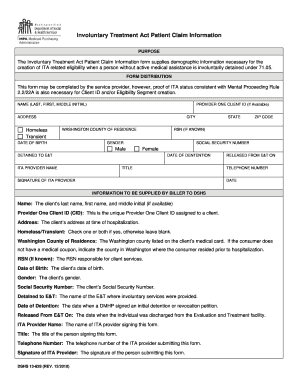
Dshs ita form

Maryland state register of wills
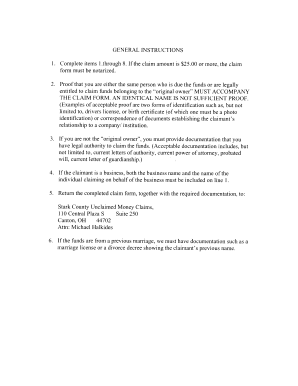
Oh unclaimed claim stark

Notice Under Fictitious Name Law NOTICE IS HEREBY GIVEN that ...
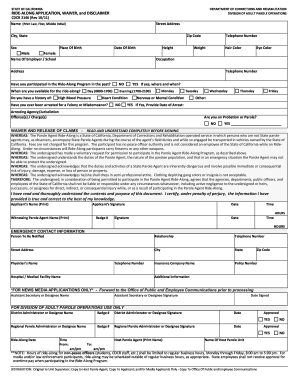
Ride along form corrections
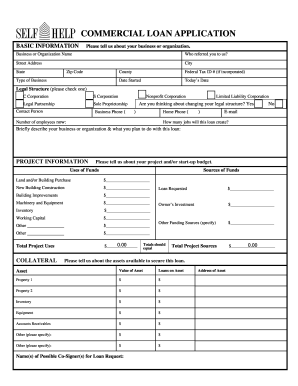
COMMERCIAL LOAN APPLICATION - Self-Help Credit Union - self-help

CPT Recertification Application - nasm
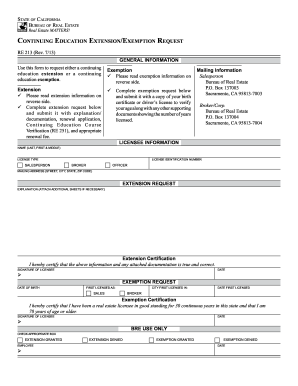
Continuing education extension exemption request re 213 form

Triwest prior authorization form 2021
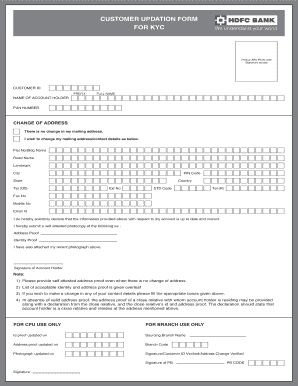
Hdfc bank kyc form for current account
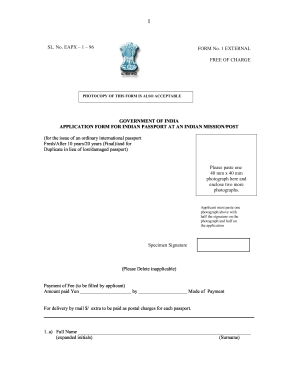
Indian passport form eapx 1 04
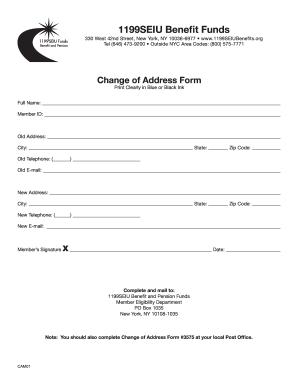
1199 address

Form on line nko
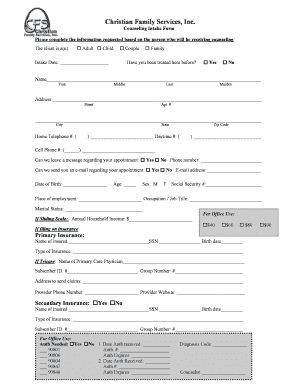
Family intake
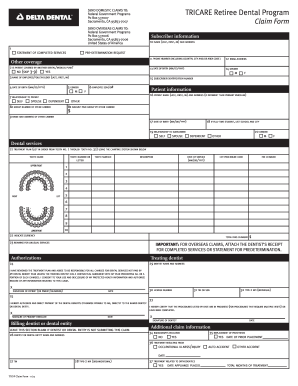
Tricare dental claim form
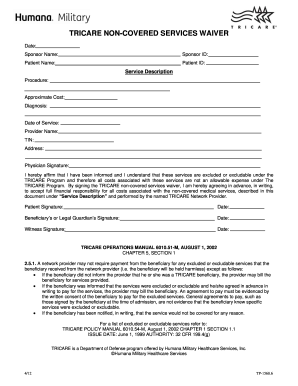
Tricare non covered services waiver 2012 form
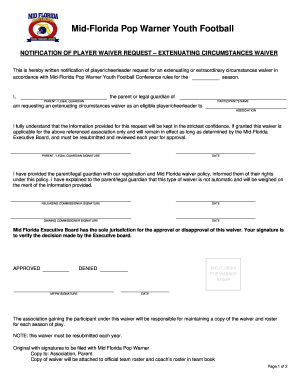
Waiver Form - LeagueLineup.com

All souls plate offering
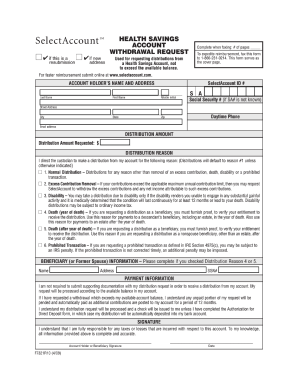
Resubmission savings requesting

West valley college transcript form pdf 2012
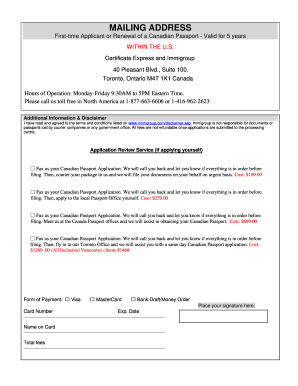
Pptc 326 pdf
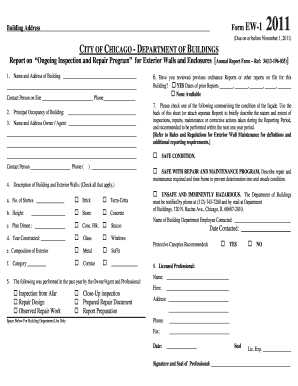
CITY OF CHICAGO - DEPARTMENT OF BUILDINGS - cityofchicago

Lac la biche building permit
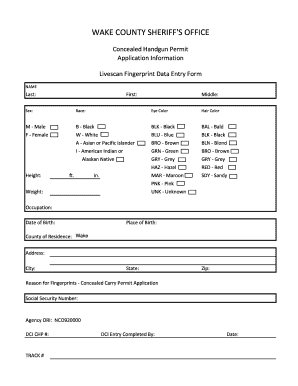
Wake county gun permit online application

CMS-1500 Form for BlueCard - Dgaplans.org - dgaplans
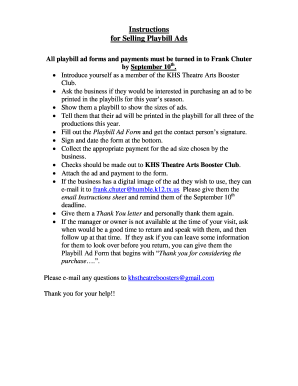
Playbill for sale
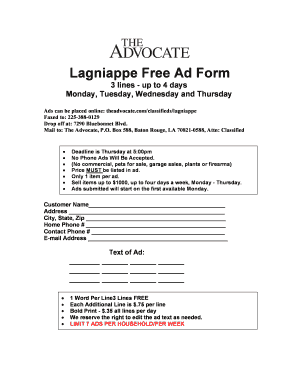
The advocate garage sales
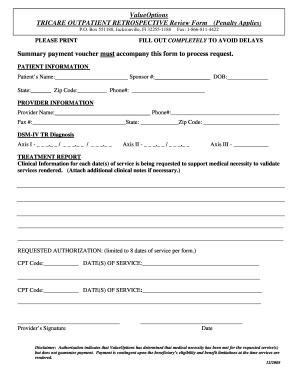
Tricare retro outpatient treatment report 2005 form

100866_Downtime HSF Encounter Form ... - University of Virginia - virginia
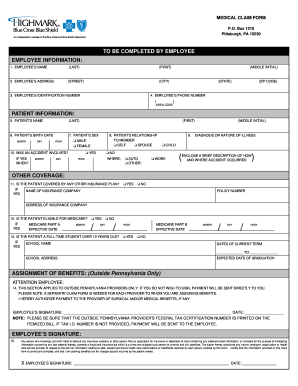
Highmark claim form

Connecticut ddap

Wv dhhr form ew 212

La dpssp application

Bge service application for residential modificationrelocation projects form

Google and georgia medical board aprn registration forms 2009
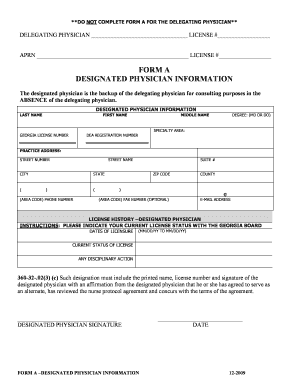
Form a designated physician information
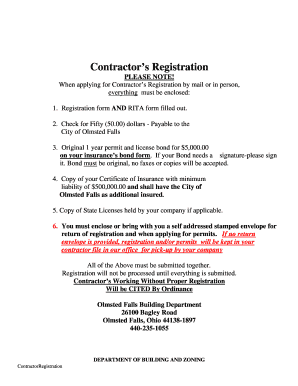
Contractor license olmsted falls form
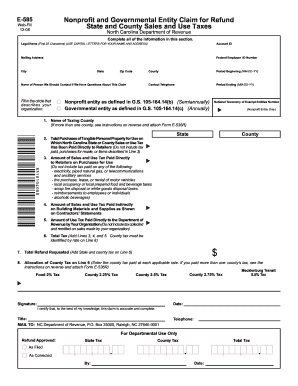
Ncdor form e 585 fillable 2008
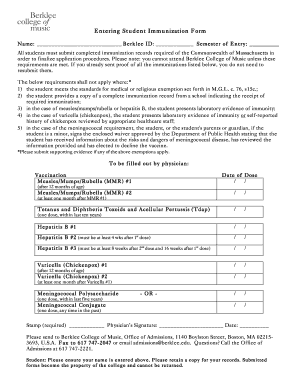
Massachusetts berklee college music student immunization
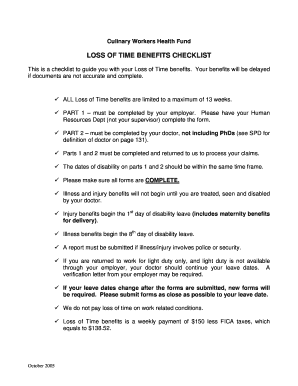
Loss of time form with the culinary union
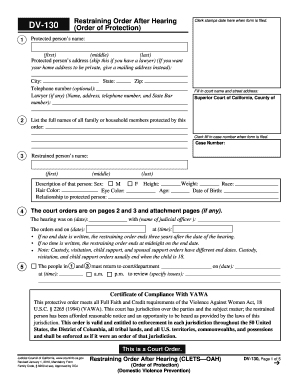
DV-130 Restraining Order After Hearing (CLETS--OAH) (Order of Protection). Judicial Council forms
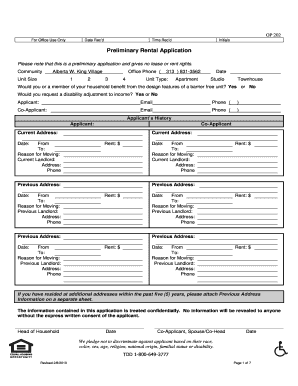
Rental application alberta 2010 form
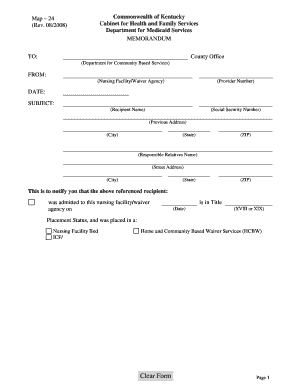
Kentucky map 24 form
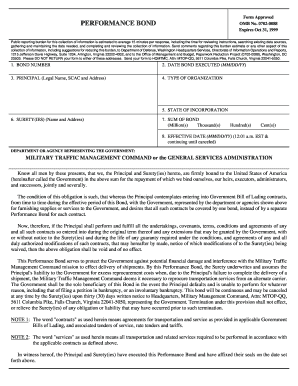
Omb no 0702 088 performance bond
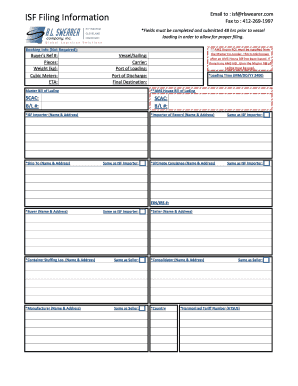
Isf full form

Police report online
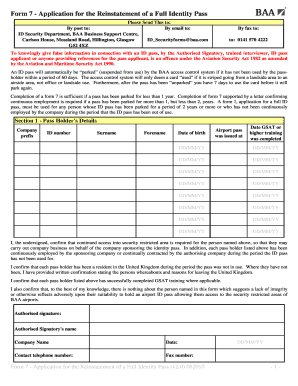
How to get furlough form

Pre admission evaluation tennessee
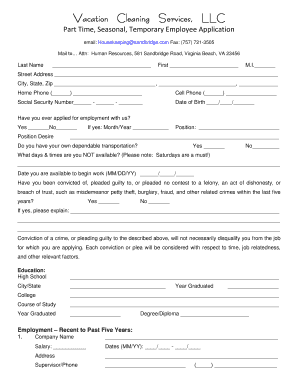
Siebert realty cleaner login
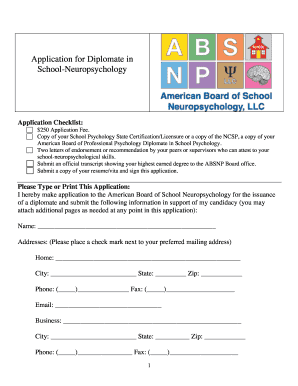
State professional absnp
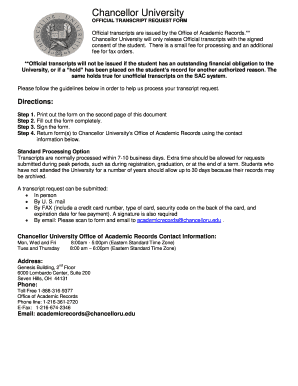
Chancellor university transcript request
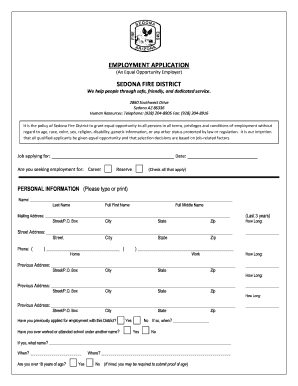
EMPLOYMENT APPLICATION SEDONA FIRE DISTRICT - sedonafire
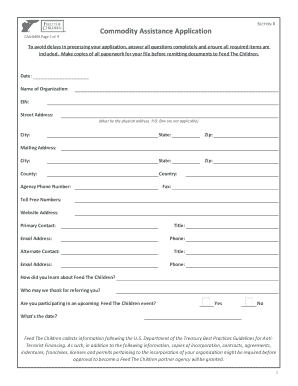
Feed children commodity assistance
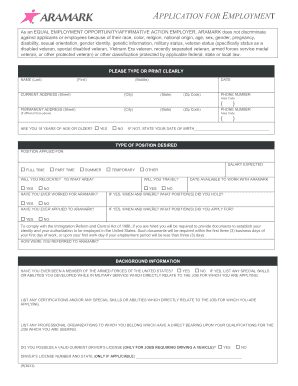
Aramark job application form

Railworks application
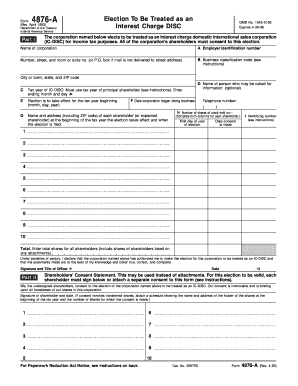
4876 a online 1993 form
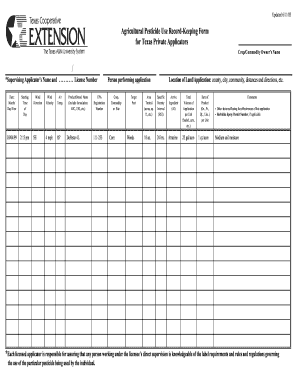
Agricultural pesticide use recordkeeping texas blank form DocHub

Pompano beach alarm registration

Los angeles regional water quality control board noi form 2008

Tm 1 form nyc 2010
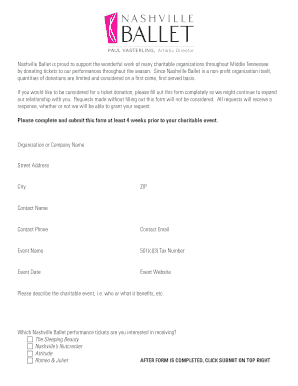
Nashville ballet donation request
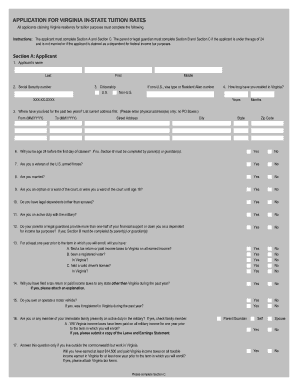
Jmu in state tuition form
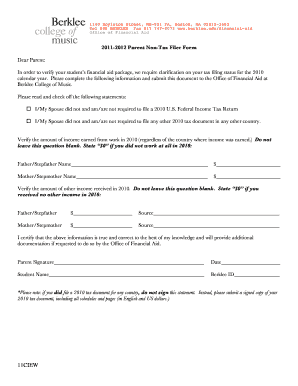
Berklee 1098 t

Form pw 2 wisconsin 2012
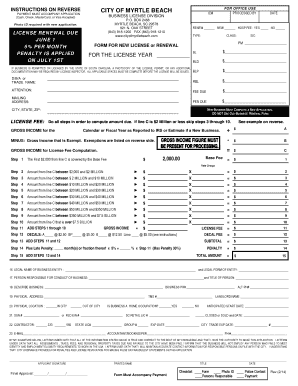
Business License Application Packet - the City of Myrtle Beach

MDL SECTION 286 (12) SALES RECORD FORM A This ... - NYC.gov - nyc
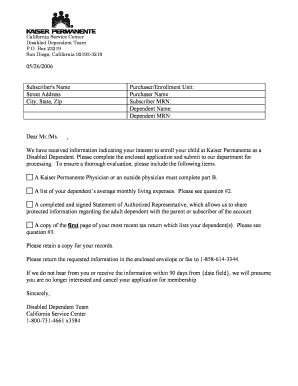
Kaiser dependent certification form

California calepa 220 form
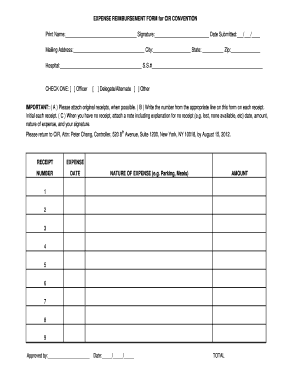
Cir form

Court update address name
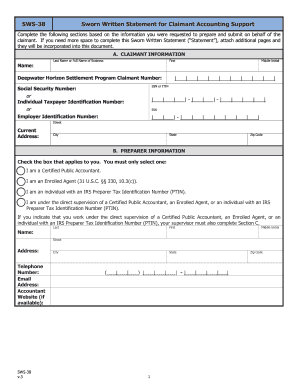
Sworn support

Monument cafe georgetown

Metropolitan life insurance company gul beneficiary form
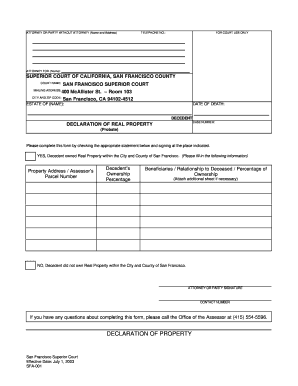
Of real property form
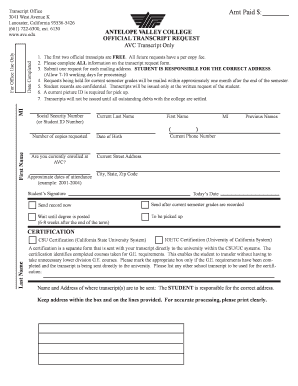
Antelope valley college transcripts

Dance competition form
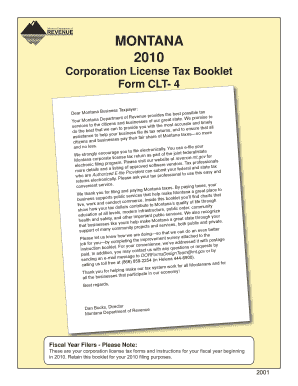
Montana clt 4 instructions 2010 form

Or tem multnomah
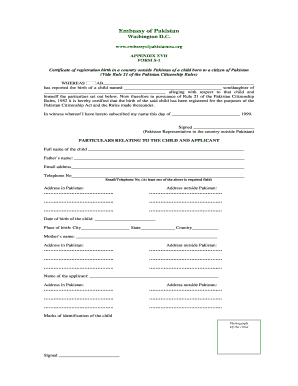
Pakistan s

Dc board of physical therapy form
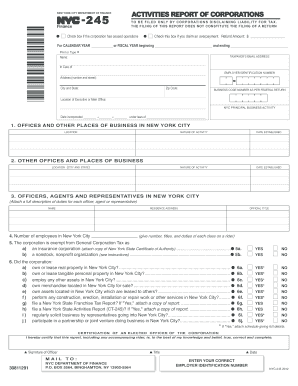
Nyc form nyc 245 2012
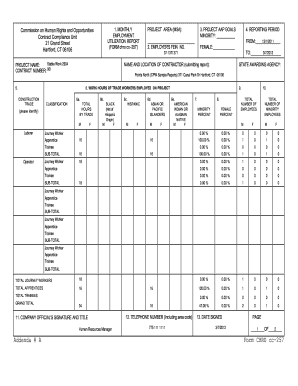
Inmate visiting application ct

2012 h ez form
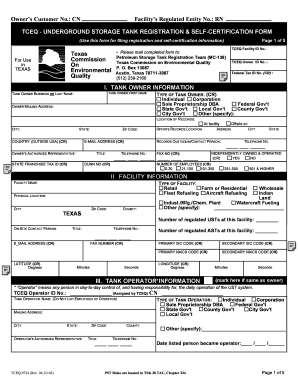
Tceq 0724 form
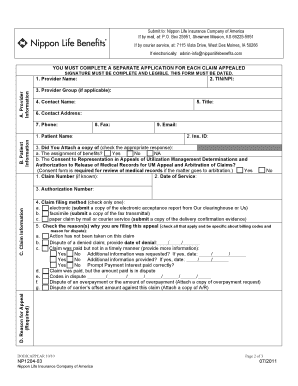
Health provider application form
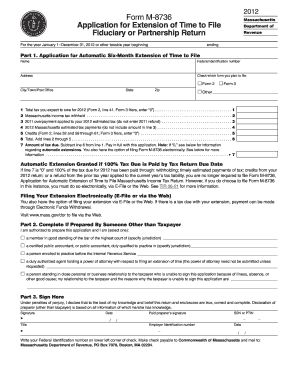
2012 form m 8736
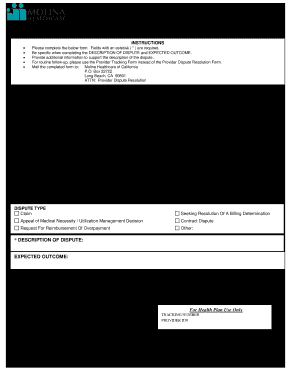
Molina appeal form
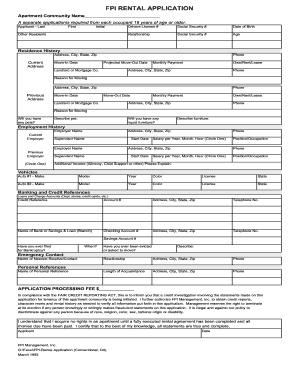
Fpi management rental application 1993 form
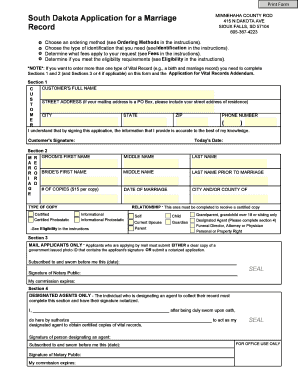
Minnehaha county sd separation document where to file form
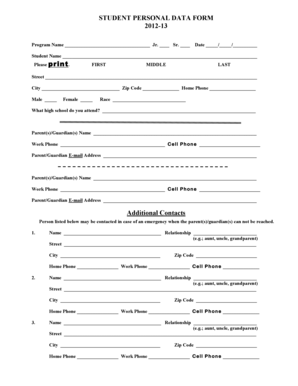
Personal data form

Az divorce petition 2013 form
Benefit from the DocHub online library of fillable PDF forms
Searching the PDF forms doesn't have to be a tedious and time-consuming process. With the DocHub online library, it has become easier to find the fillable PDF forms and modify them in your browser. The service allows you to adjust the document to your needs using powerful editing tools.
You can use online document editing features to modify almost any type of document with ease. You just need to find the template of your choice, open it in the editor, and use the toolbar to make the necessary corrections.
Follow this guide to get your document done with DocHub:
- Find the PDF template you need.
- Click the Get Form button to open the file in the editor.
- Use the toolbar to fill out and edit the document.
- Easily add and highlight text, insert images, checkmarks, and symbols.
- Drop new fillable fields, and rearrange or delete pages from your file.
- Save changes and download your record.
DocHub empowers everyone to streamline document editing, signing, and distribution, and form completion. Create an account and benefit from our well-organized PDF Forms library and comprehensive editor.