
Get any PDF form from the DocHub library of ready-made templates - Page 1679

Judwin payrent
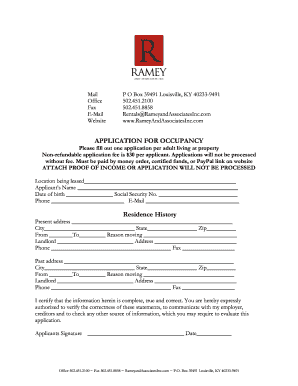
Rameyandassociatesinccomapplication form
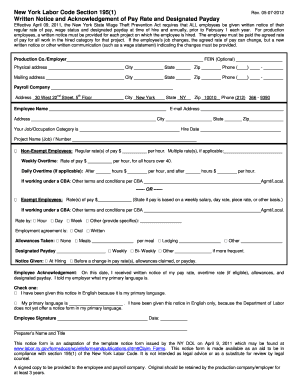
Media services new york state wage theft prevention act form
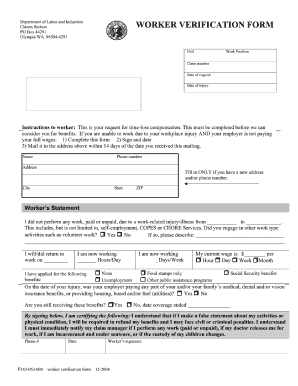
F242-052-000 worker verification form
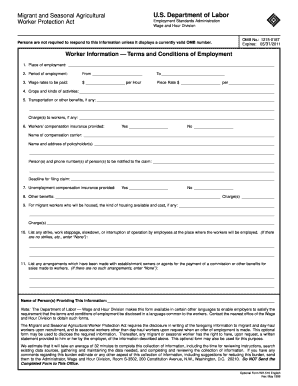
Form 516
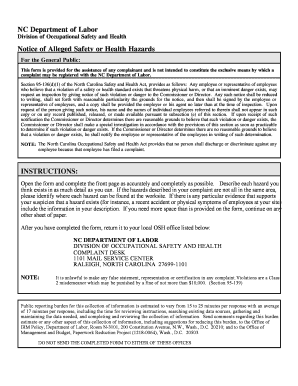
Nc separation notice

Form I-131, Application for Travel Document - USCIS
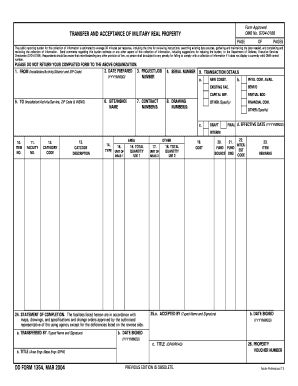
1354 form

Texas lady bird deed form
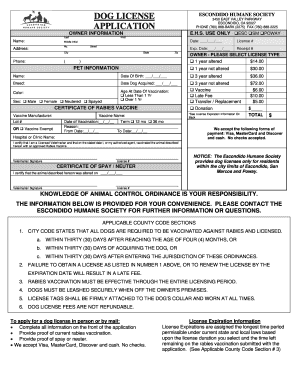
Escondido dog license
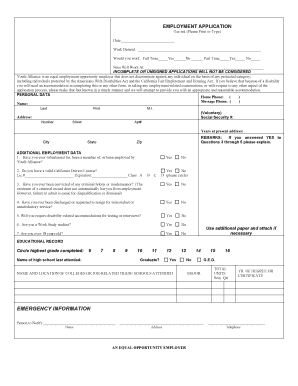
Hollister online job application
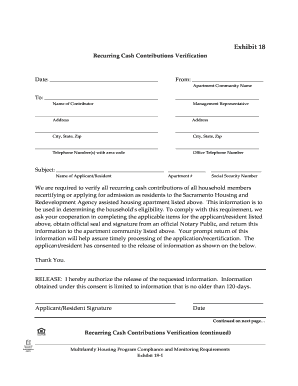
Recurring cash contribution verification form
Promenades 3e pdf
Healthfirst insurance renewal
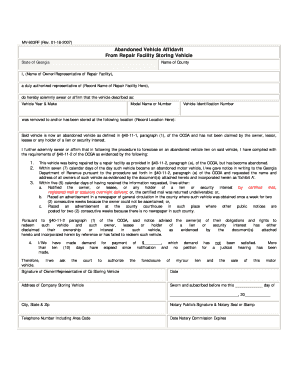
Mv 603rf form ga

E verify affidavit 2019
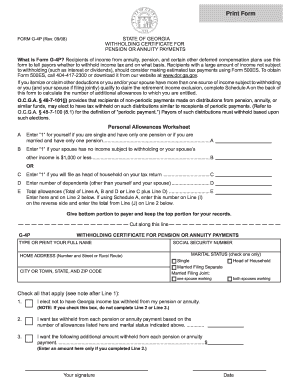
Ga tax g4p form 2008

Mdad badge application
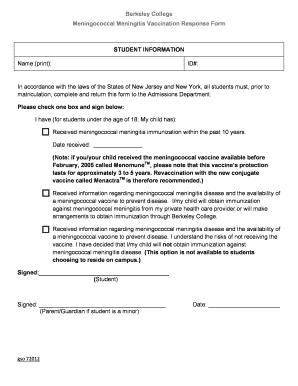
Meningococcal Meningitis Vaccination Response Form (PDF) - berkeleycollege

Secret santa printable forms
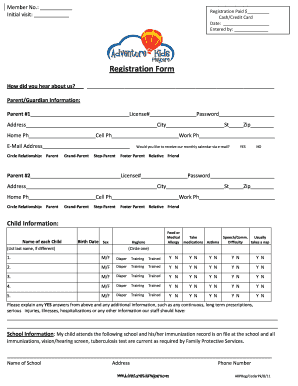
Adventure kids playcare pdf 2011 form

Bentley university financial appeal form
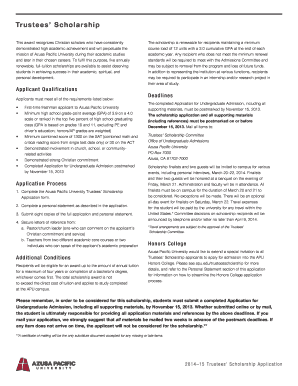
Azusa pacific trustees scholarship

Sbcrecorder
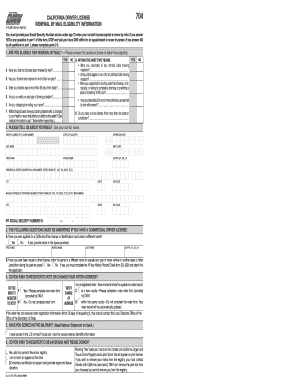
Ca dmv id renewal form 2012

Charles county md special exception form
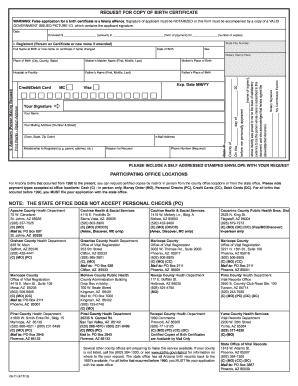
Online birth certificate copy
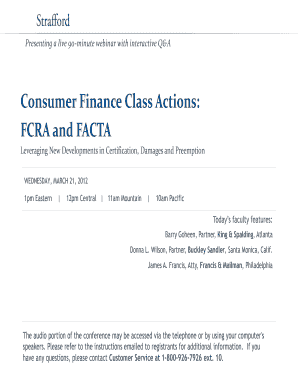
Strafford actions facta
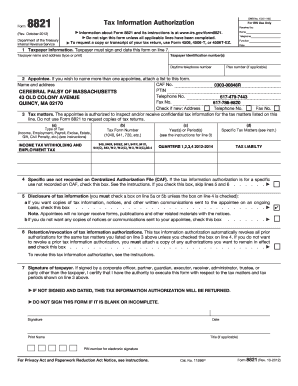
Massachusetts w2 form 2021 pdf
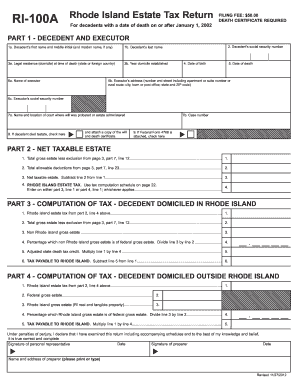
Form ri 100 2012
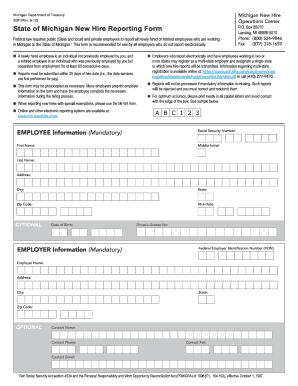
Michigan hire
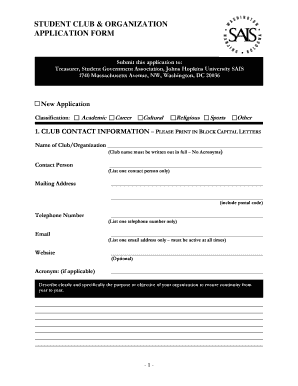
What to fill in organisation column for students
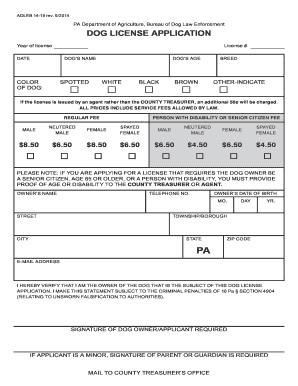
Dauphin county dog license
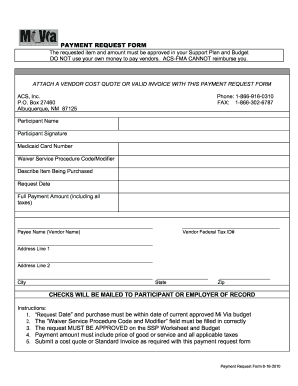
Nm mi via vendor packet
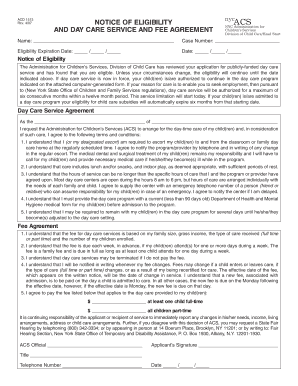
Acs notice of eligibility and fee agreement
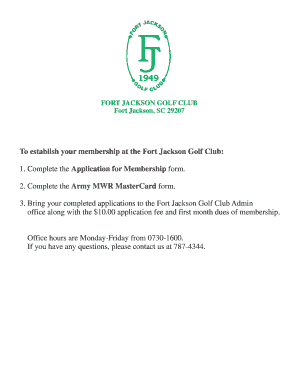
Fort jackson golf
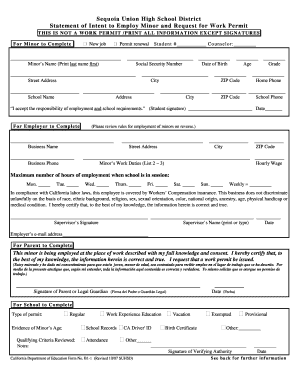
B1 1 sequoia
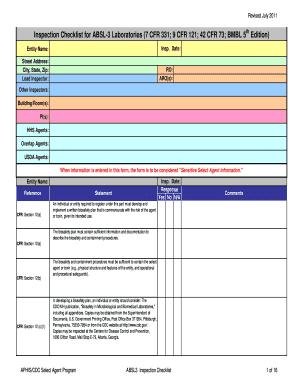
Absl3 checklist

2013 personal property tax form
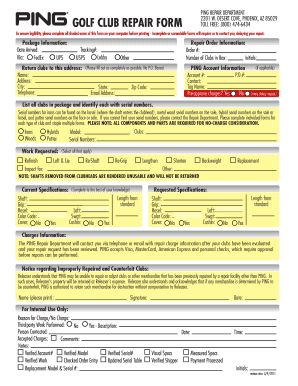
Ping golf club repair
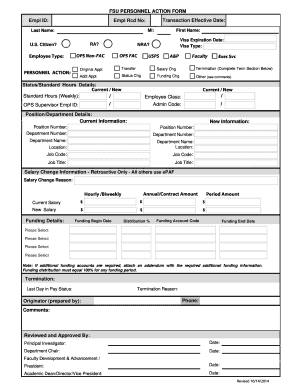
Fsu personnel action
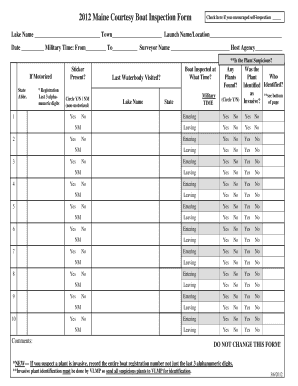
Printable boat inspection checklist
Online event registration form

Ps form 3972
To Form - ladbs

CALIFORNIA STATE UNIVERSITY, FRESNO FOUNDATION - Auxiliary
Camilla rietman scholarship 2013 form

2090 appraisal form
30 day notice to vacate d c template
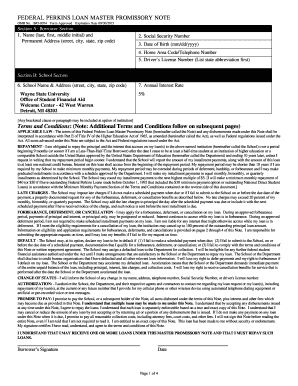
Omb no 1845 0074 expiration date 09302015 form
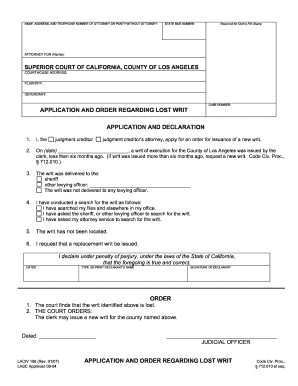
Application and Order Regarding Lost Writ - Los Angeles Superior ... - lasuperiorcourt
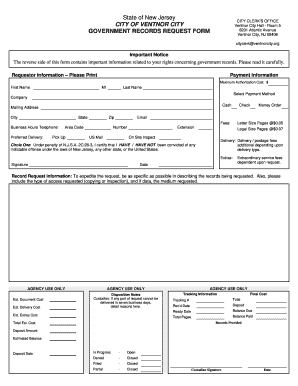
New jersey city government records

Out of Sequence Petition - University of Michigan School of Social ... - ssw umich
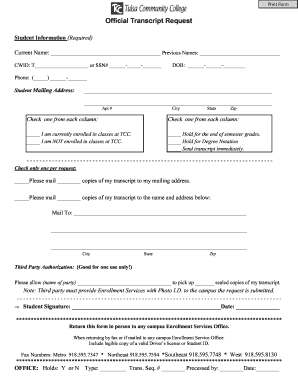
Valid tulsa community college login info
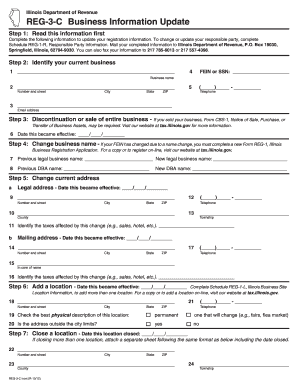
Illinois department of revenue reg 3 c 2012 form

Paskal blank download
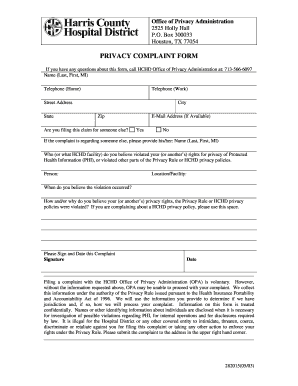
Patient complaint form pdf
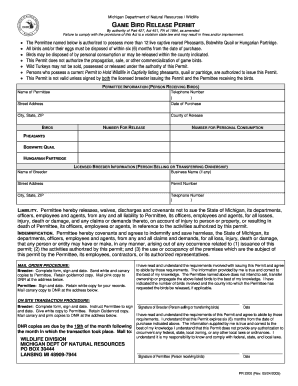
Game bird release permit in michigan form
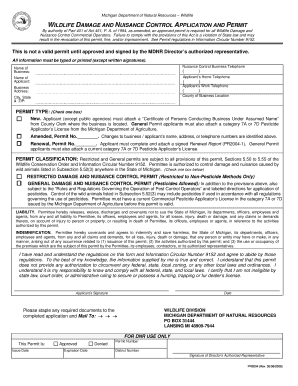
Michigan nuisance animal permit

Woodmans third shift hours

Doh 4328 pdf
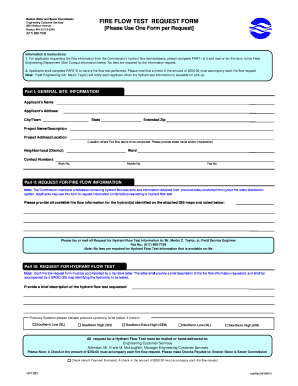
Fire flow test request form boston
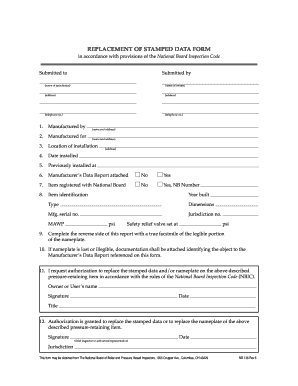
Nb 136 form
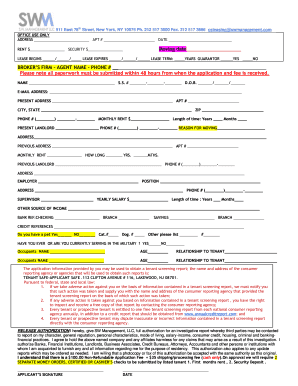
New york sw management

Benedictine university springfield il transcript request
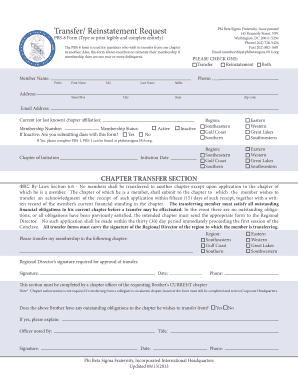
Transfer/ Reinstatement Request PBS-8 Form (Type or print legibly and complete entirely) 145 Kennedy Street, NW Washington, DC 20011-5294 Phone: (202) 726-5424 Fax: (202) 882-1681 Email: membership pbs1914
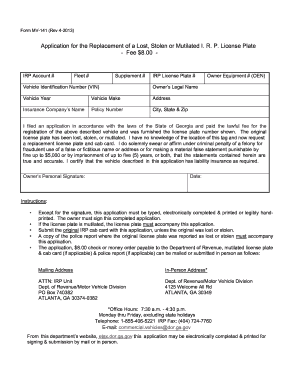
Form mv 141 2013

Lorain county common pleas fillable subpoena 2008 form

Teddy bigger burgers employment form
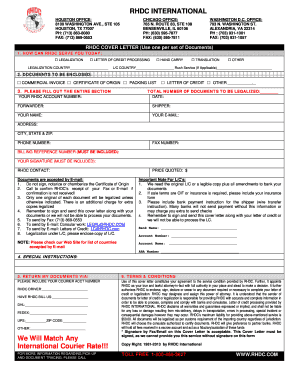
Rhdc cover letter
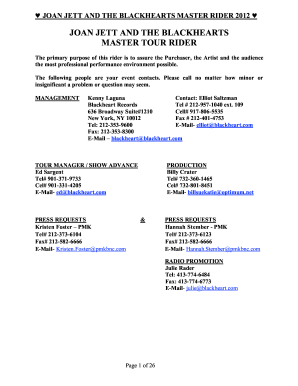
Elliot saltzman
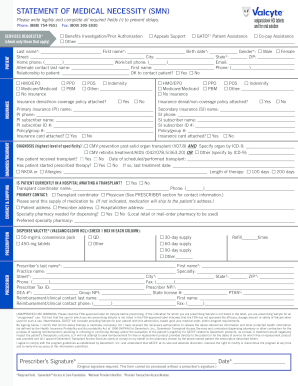
STATEMENT OF MEDICAL NECESSITY (SMN)
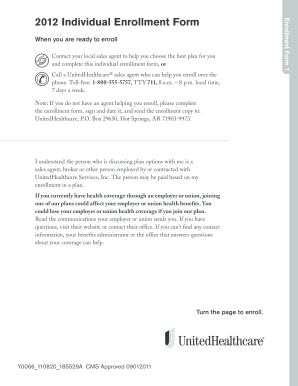
Application medicare part b form
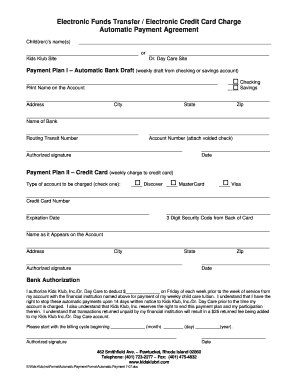
Credit card payment form
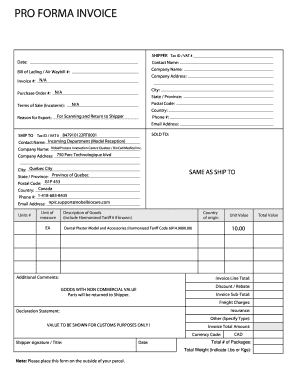
Quebec invoice template
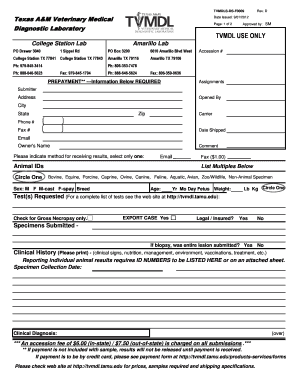
Tvmdl submission form
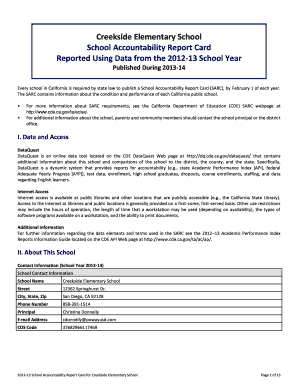
Report card form
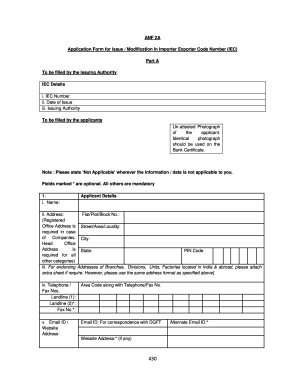
Application form iec
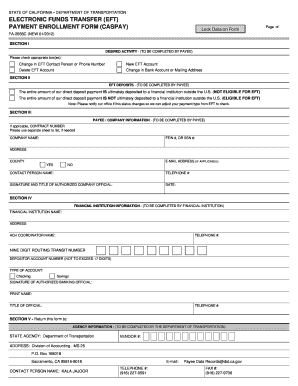
Electronic funds transfer (eft) payment enrollment form ... - Caltrans - dot ca

Nalc grievance forms

OCCUPATION LICENSE APPLICATION - Oklahoma Horse Racing ... - ohrc
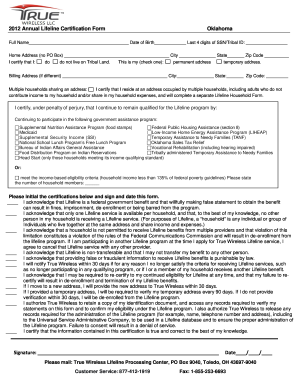
True wireless arkansas
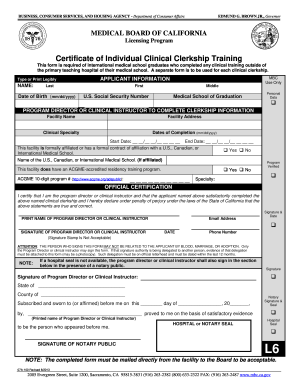
Clinical facility clerkship
Manulife physician statement

Transfer form
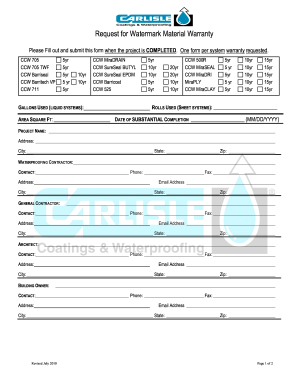
CCW - MATERIAL Request for Warranty Form.docx
Association information exchange forms
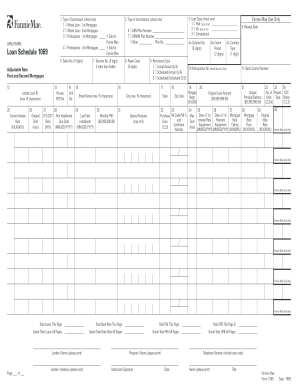
Form 1069
Oacett road construction work experience log form
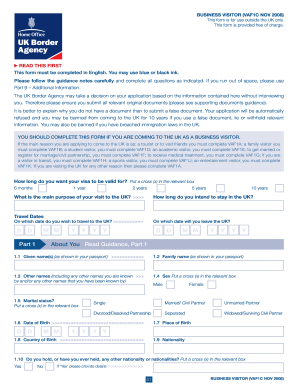
Business visitor vaf1c nov 2008 form
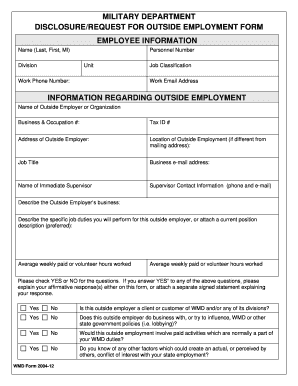
Forms in millitary veteran
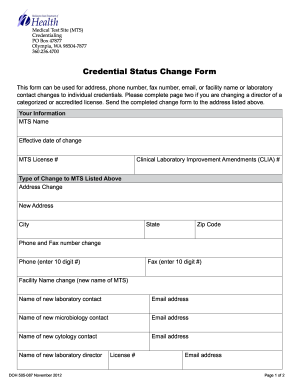
Address and Laboratory Contact Change Form 505-087 - doh wa
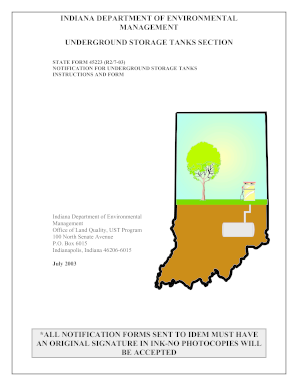
Indiana form 45223 2003
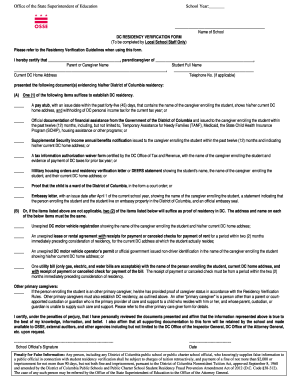
Dc residency verification form
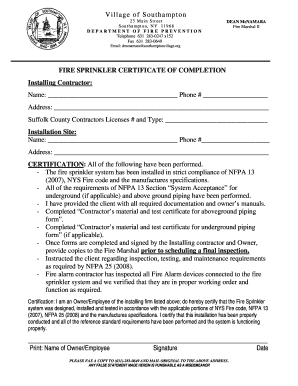
Fire sprinkler certificate of completion
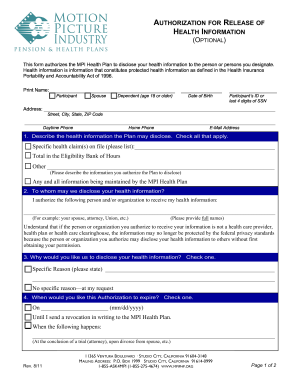
Mpiphp forms
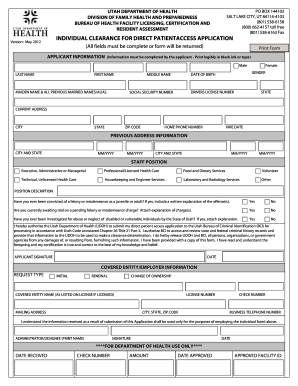
Utah clearance direct form
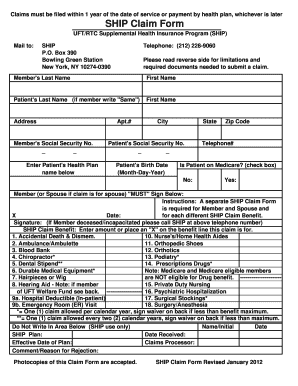
Ship claim form
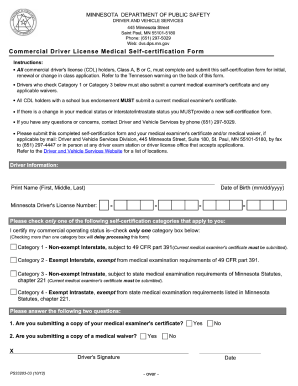
Mn self certification form 2012

Doh 5003 form
Benefit from the DocHub online library of fillable PDF forms
Searching the PDF forms doesn't have to be a tedious and time-consuming process. With the DocHub online library, it has become easier to find the fillable PDF forms and modify them in your browser. The service allows you to adjust the document to your needs using powerful editing tools.
You can use online document editing features to modify almost any type of document with ease. You just need to find the template of your choice, open it in the editor, and use the toolbar to make the necessary corrections.
Follow this guide to get your document done with DocHub:
- Find the PDF template you need.
- Click the Get Form button to open the file in the editor.
- Use the toolbar to fill out and edit the document.
- Easily add and highlight text, insert images, checkmarks, and symbols.
- Drop new fillable fields, and rearrange or delete pages from your file.
- Save changes and download your record.
DocHub empowers everyone to streamline document editing, signing, and distribution, and form completion. Create an account and benefit from our well-organized PDF Forms library and comprehensive editor.