




01. Edit your form online
Type text, add images, blackout confidential details, add comments, highlights and more.

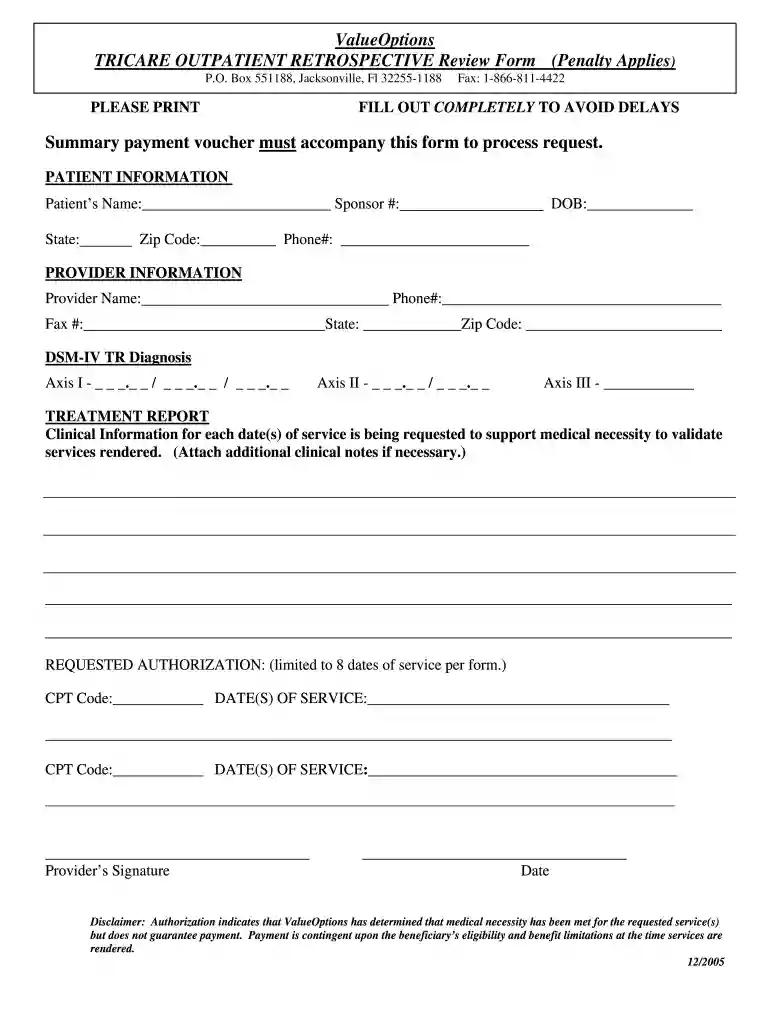
Type text, add images, blackout confidential details, add comments, highlights and more.

Draw your signature, type it, upload its image, or use your mobile device as a signature pad.

Send it via email, link, or fax. You can also download it, export it or print it out.

Start using our platform today for free to streamline your document editing and completion process!
We've got more versions of the tricare retro outpatient treatment report 2005 form form. Select the right tricare retro outpatient treatment report 2005 form version from the list and start editing it straight away!
With DocHub, it’s pretty simple. The service offers users an add-on called DocHub for Gmail, which you can locate in the Google Workspace Marketplace without being charged. Set it up and grant it access to your Google account. Open your email with your tricare retro outpatient treatment report 2005 form attached and click on the add-on button in the right-side panel. Log in to your DocHub account, and upload the form to our editor, where you can complete it and sign.
Apart from an extensive toolset for editing PDFs on mobile phones, DocHub allows you to sign your tricare retro outpatient treatment report 2005 form along the way. Open our editor in your web browser, make changes using DocHub’s toolset, and finish your editing by eSigning the completed form.
At DocHub, your data security is our priority. We follow HIPAA, SOC2, GDPR, and other standards, so you can work on your documents with confidence.
Nov 7, 2005 The reporting entity is the Department of Defense (DoD) Medicare Eligible Retiree Health Care Fund. (the Fund or MERHCF).Read more
(CHAMPVA): Under CHAMPVA, certain dependents and survivors can receive reimbursement for most medical expenses such as inpatient, outpatient, mental health,Read more


