
Get any PDF form from the DocHub library of ready-made templates - Page 1678
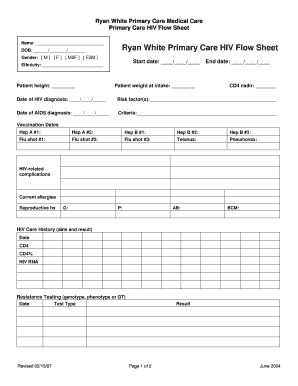
Veterinary treatment flow sheet
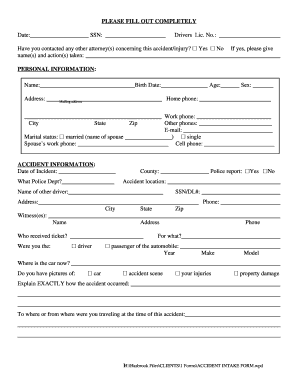
Intake form

General Education Worksheet - California State University ... - csudh

2012 form 8854
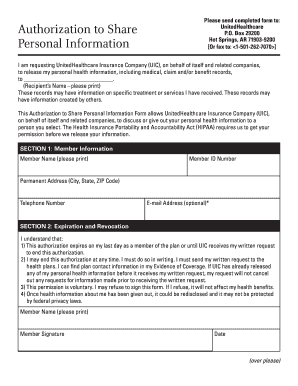
Personal data form template download
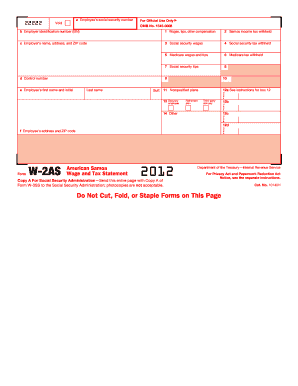
Da 31 2012 form
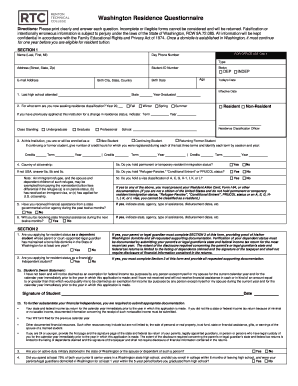
Questionnaire citizenship fillable printable
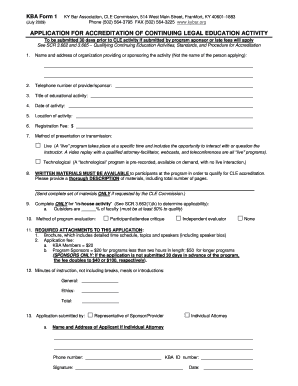
Kba form 1

Mcps form 565
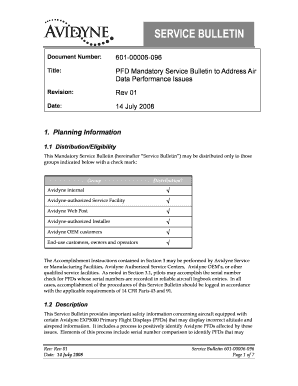
Avidyne servicebulletin no 601 00006 096
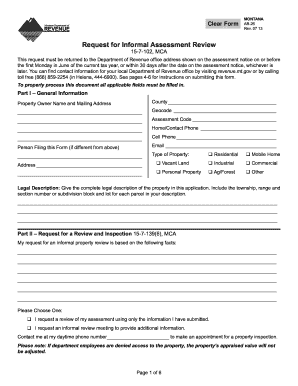
Montana ab 26 form 2013
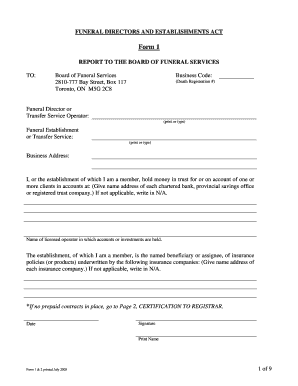
Form 1 funeral
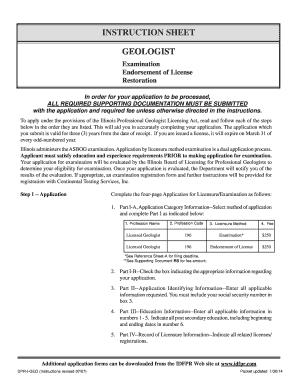
Geologist - Illinois Department of Professional Regulation

Printable letter of testamentary form

Tribal form
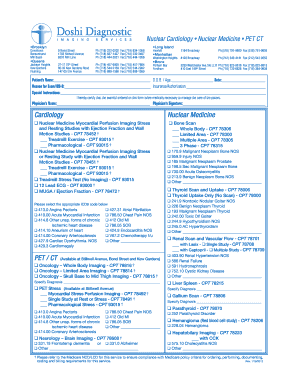
Doshi referral

Coraluzzo form

That sunday school girl

Tennessee state university change term form
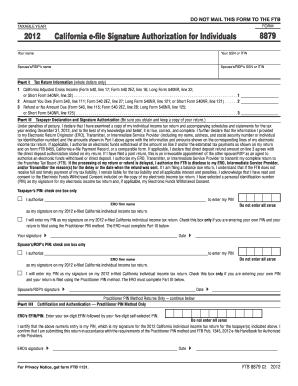
California tax form 8879 2012
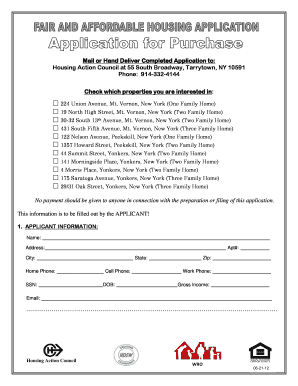
Action housing council
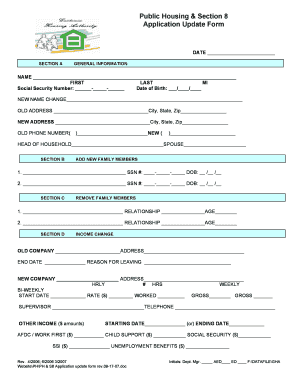
Section 8 housing application form
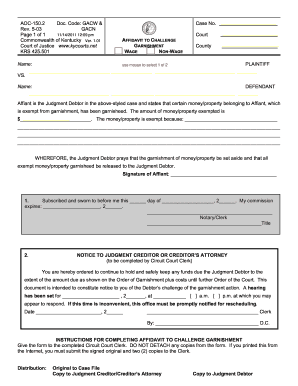
Kentucky garnishment wage form
Nevada joint petition for divorce

Guilford county police scanner

Where can i apply for guardianship in yavapai county
Application for disproportionate share hospital program dsh and medicaid kchip screening form 2013

H s property management

Wyoming wyo117 search

Office of Student Financial Aid - Northern Arizona University - nau
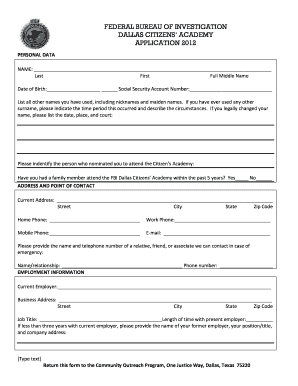
Fbi application form 2021
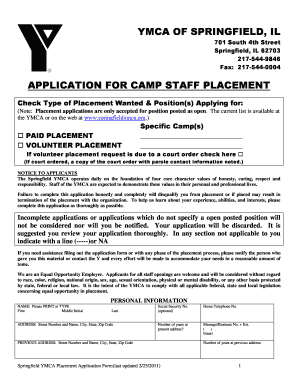
Ymca springfield il
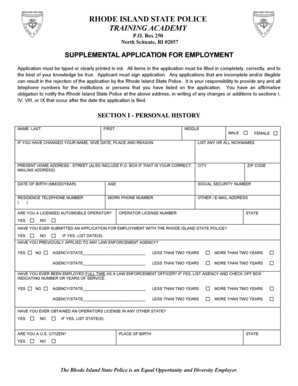
Supplemental Application for Employment - Rhode Island State Police - risp ri
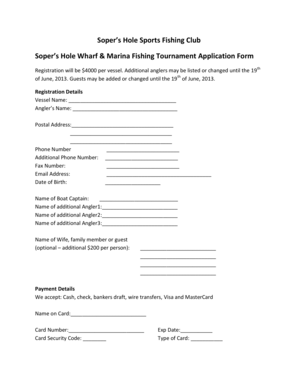
Tournament Registration Form.pdf - Soper's Hole Marina
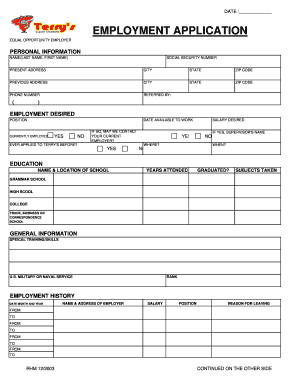
Fiesta application form
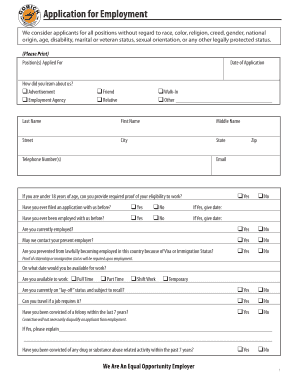
Gorick Employment Application PDF - Gorick Construction Co., Inc.

Nantucket application form
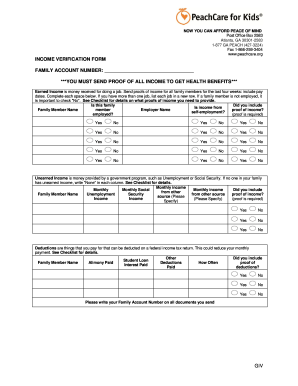
Peachcare verification form

Mo wc65b
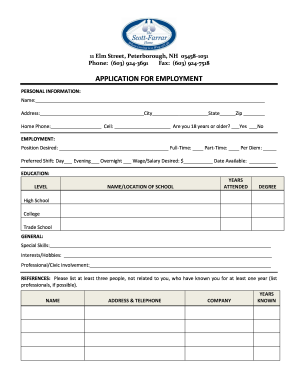
Farrar application form
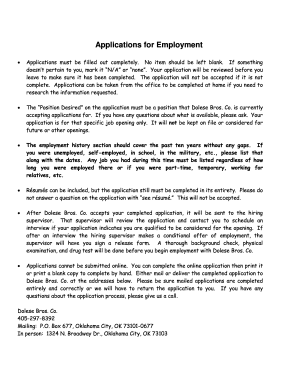
Dolese application
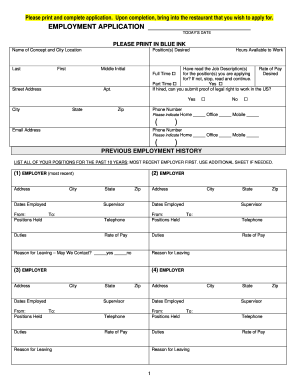
Wokcano form

Fire safety checklist form

Kentucky business license

Assistant practice form
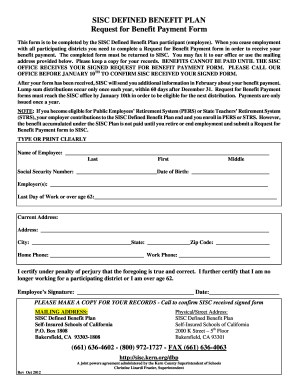
Sisc kern

Warwick township lst quarterly tax return

Fidelis care pa form for medication
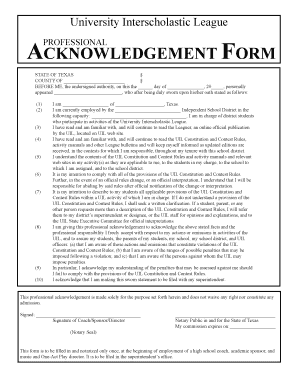
Uil professional acknowledgement form
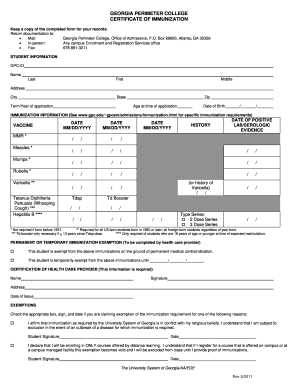
Georgia health form 3231
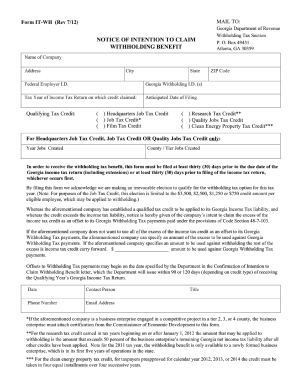
Revenue form 530 printable

Ancillary and Facility Provider Credentialing Application

School district occupancy

Dba license
Northern tool credit application

2012 Kickball Waiver Form.pdf - YMCA of Greater Rochester - rochesterymca

Wyoming mine foreman application

Huntsville gas service request

Application for Readmission - Gordon State College
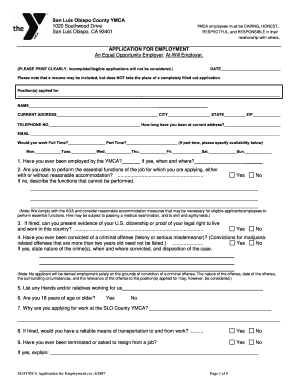
Sloymca application employment
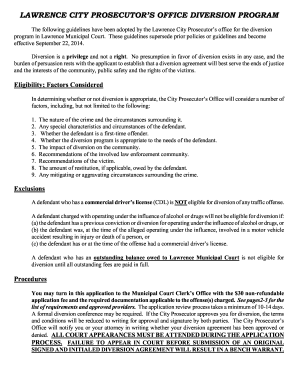
Diversion Application - City of Lawrence - lawrenceks

Proof of Funds Form - Santa Fe College - dept sfcollege

Nelnet economic hardship deferment form
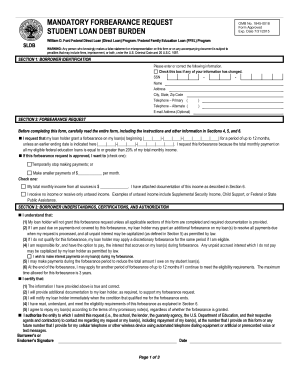
Mandatory forbearance request writable pdf form

Affidavit of person acting as parent

Car travels bill format in excel

Lawsuit template
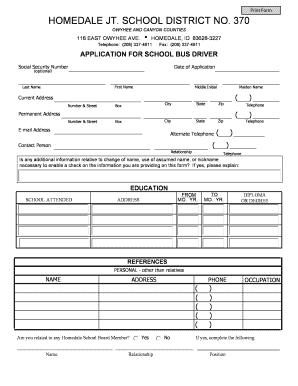
Application for bus driver form
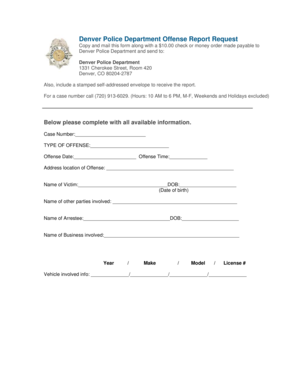
Denver police report request

Nc aoc forms

Kentucky form tc 94 farmer certification

Kleinpeter application

EMPLOYMENT APPLICATION - Tavern+Bowl

Expungement of criminal records

Mail Payment Form - Franklin County Municipal Court Clerk Website

Employment Application - The Country Club of Scranton
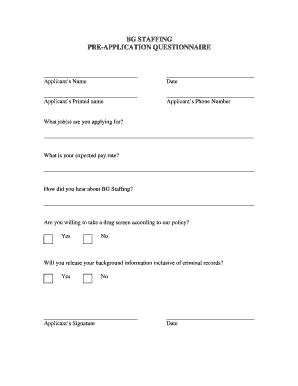
Bg multifamily drug test
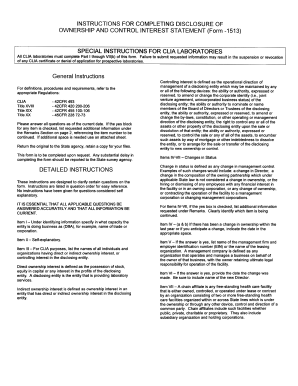
Disclosure of Ownership and Control Interest Form - azdhs

Power properties
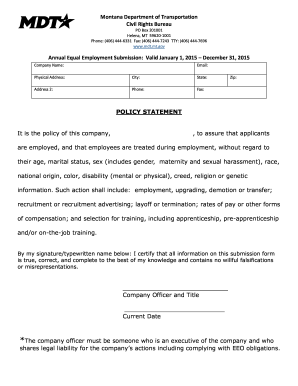
Montana submission
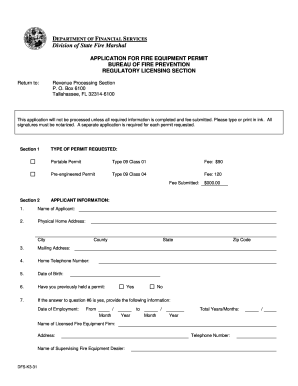
Application for Fire Equipment Permit - Florida's Department of ...
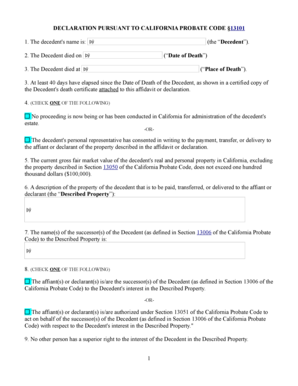
Small Estate Affidavit - Affidavit for Collection of Personal Property

ABL 500 - the South Carolina Department of Revenue - sctax
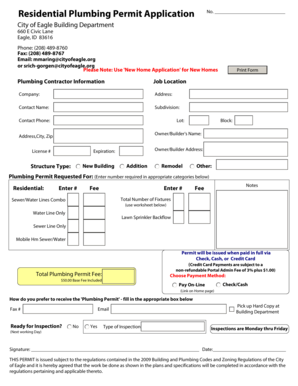
Residential Plumbing Permit Application - City of Eagle
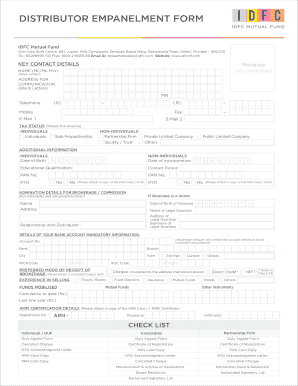
Idfc mutual fund distributor empanelment online
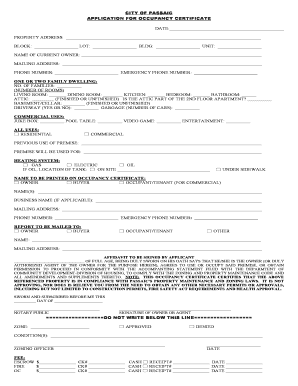
CITY OF PASSAIC APPLICATION FOR OCCUPANCY ...

Aapl form mineral
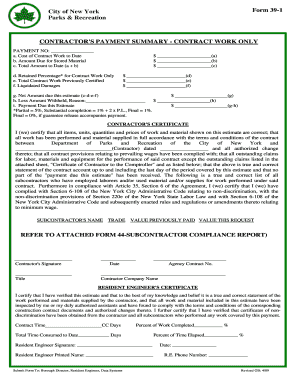
Form 39 1
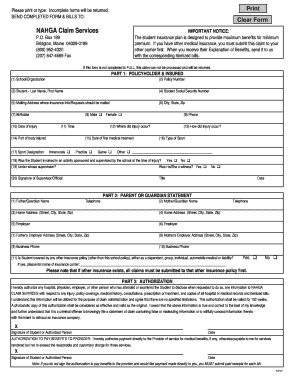
Nahga claims services
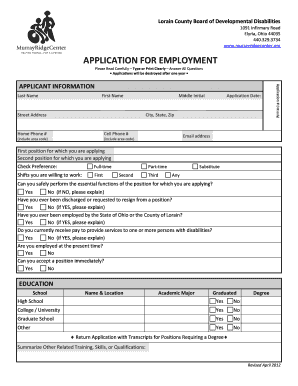
Marksman security application form online
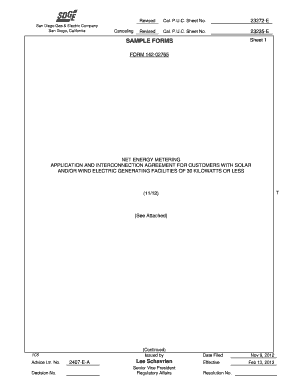
Form 142 02765
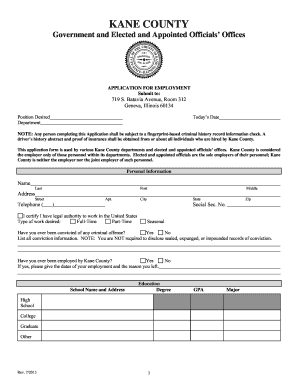
Il application employment form get
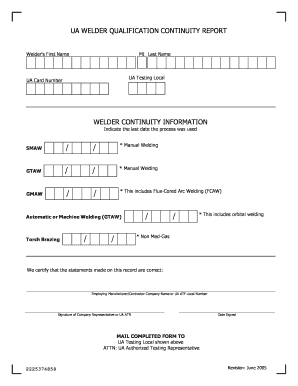
Ua welder qualification continuity report - ualocal498
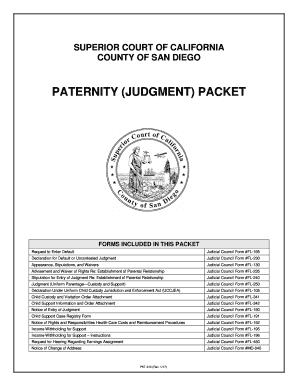
Lafla forms paternal
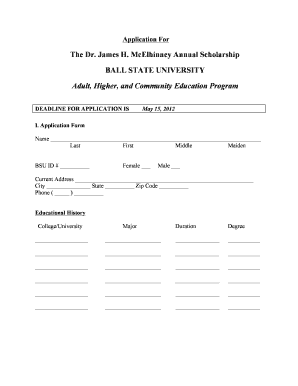
The Dr. James H. McElhinney Annual Scholarship BALL STATE ...
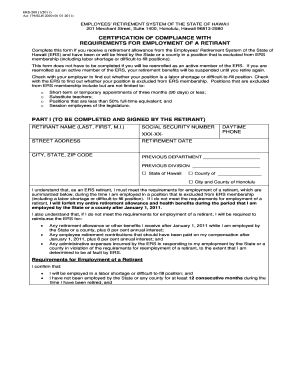
Ers 209 form
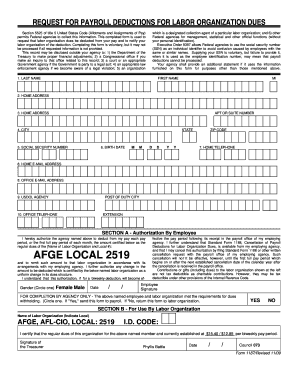
Afge 1187 2009 form

Williston application

Re 226
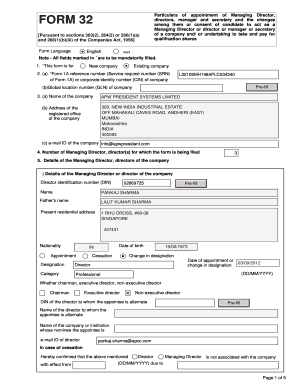
Form 32
Benefit from the DocHub online library of fillable PDF forms
Searching the PDF forms doesn't have to be a tedious and time-consuming process. With the DocHub online library, it has become easier to find the fillable PDF forms and modify them in your browser. The service allows you to adjust the document to your needs using powerful editing tools.
You can use online document editing features to modify almost any type of document with ease. You just need to find the template of your choice, open it in the editor, and use the toolbar to make the necessary corrections.
Follow this guide to get your document done with DocHub:
- Find the PDF template you need.
- Click the Get Form button to open the file in the editor.
- Use the toolbar to fill out and edit the document.
- Easily add and highlight text, insert images, checkmarks, and symbols.
- Drop new fillable fields, and rearrange or delete pages from your file.
- Save changes and download your record.
DocHub empowers everyone to streamline document editing, signing, and distribution, and form completion. Create an account and benefit from our well-organized PDF Forms library and comprehensive editor.