Manulife physician statement 2026

Get Form
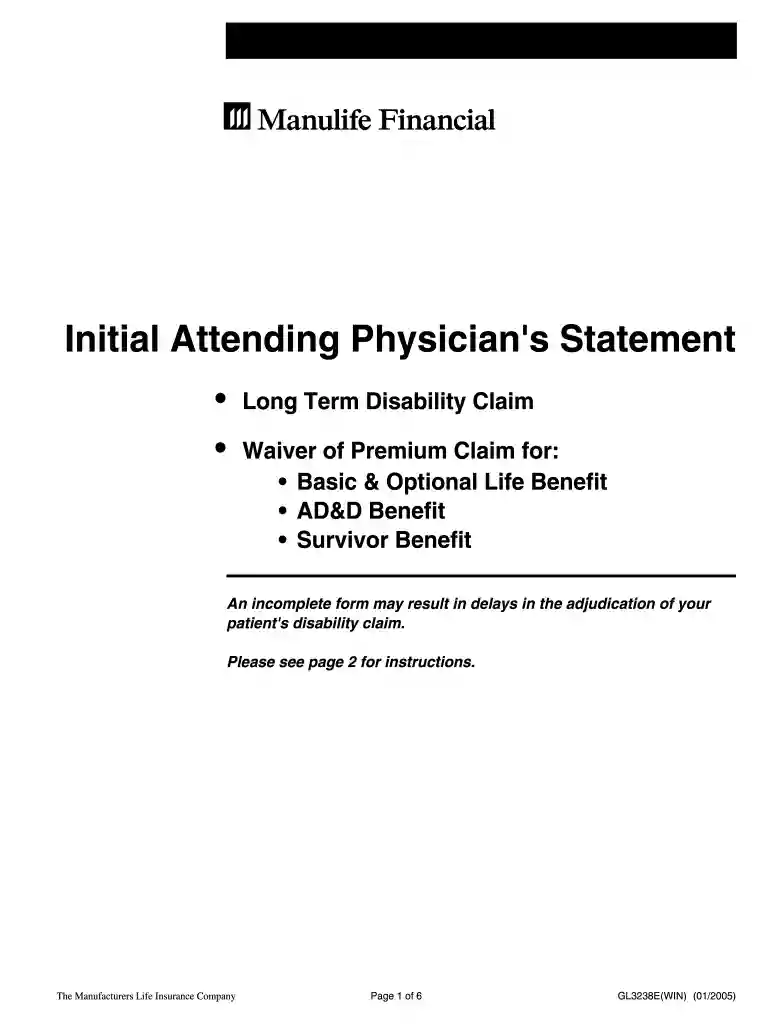
manulife attending physician statement form Preview on Page 1

Here's how it works

01. Edit your manulife attending physician statement form online
Type text, add images, blackout confidential details, add comments, highlights and more.

02. Sign it in a few clicks
Draw your signature, type it, upload its image, or use your mobile device as a signature pad.

03. Share your form with others
Send attending physician statement manulife via email, link, or fax. You can also download it, export it or print it out.

How to use or fill out manulife physician statement with our platform

Form edit decoration
9.5
Ease of Setup
DocHub User Ratings on G2
9.0
Ease of Use
DocHub User Ratings on G2
  1. Click ‘Get Form’ to open the manulife physician statement in the editor.
  2. Begin by completing the 'Patient Authorization' section on page 3. Ensure the patient’s name, plan contract number, and signature are clearly filled out along with the date.
  3. Proceed to the 'Attending Physician's Statement' section. Fill in the primary diagnosis and any additional diagnoses or complications. If applicable, provide a GAF score for psychiatric disorders or an American Heart Association classification for cardiac disorders.
  4. In the 'Clinical Information' section, document key dates such as when symptoms first appeared and when your patient's condition began. Specify if the condition is due to injury or illness and detail visit frequencies.
  5. Complete sections regarding treatment details, including names of other practitioners, current medications, and treatment responses. Make sure to include any relevant hospitalizations.
  6. Finally, review all sections for completeness before submitting. You can easily save and share the completed form directly from our platform.

Start using our platform today to streamline your document editing and submission process for free!

See more manulife physician statement versions

We've got more versions of the manulife physician statement form. Select the right manulife physician statement version from the list and start editing it straight away!
Versions Form popularity Fillable & printable
2019 4.8 Satisfied (26 Votes)
2005 4.9 Satisfied (476 Votes)
be ready to get more

Complete this form in 5 minutes or less

Get form

Got questions?

We have answers to the most popular questions from our customers. If you can't find an answer to your question, please contact us.
Contact us

Electronic document approval requires a software solution that complies with data protection and eSignature standards. DocHub is a perfect tool for that, as it fulfills all the above mentioned requirements. Whatever method you like to sign your manulife attending physician in DocHub, your eSignature will be legally binding and court-admissible.

In case your go-to electronic mail service is Gmail, it is simple to incorporate your DocHub editor into your work. Modify your manulife physician statement with DocHub tools and attach it to your drafts in Gmail. See how effortless it is to exchange files and work together having a swift PDF editing solution at hand.

Your account statements are available online. To access your online statement, follow the steps below. Sign in to the secure site. Click the View My Statements link on the homepage or go to More account options My Account menu.
An Attending Physician Statement (APS) plays a critical role when youre filing a disability insurance claim for benefits. The APS provides detailed information to insurance companies about your medical condition and how it impacts your ability to work.
0:04 1:14 And select benefits card from the main navigation. From there you can choose to add to Apple Wallet.MoreAnd select benefits card from the main navigation. From there you can choose to add to Apple Wallet. Or save it to your phone by taking a screenshot.

Security and compliance

At DocHub, your data security is our priority. We follow HIPAA, SOC2, GDPR, and other standards, so you can work on your documents with confidence.

Learn more
ccpa2
pci-dss
gdpr-compliance
hipaa
soc-compliance
be ready to get more

Complete this form in 5 minutes or less

Get form

People also ask

1-800-268-6195 (8 a.m. to 8 p.m. ET, Mon. to Fri.) General questions about group coverage, claims and more.
How to get an Attending Physician Statement. Speaking with your doctors about the APS and reviewing the document before submitting it to your insurance provider can mitigate many issues. Doctors are busy people and because drafting an APS isnt a priority, its not uncommon to find errors in their statements.
Manulife Mobile is the only app you need to manage your group benefits and group retirement plans with Manulife. Use the same login information for your benefits app and/or retirement app that you use when signing in to your account(s) on our website.
To access your online statement, follow the steps below. Sign in to the secure site. Click the View My Statements link on the homepage or go to More account options My Account menu. Under Statements, click View My Statements.
Does Manulife cover Ozempic for weight loss? No, Manulife does not cover Ozempic for weight loss when it is prescribed for off-label use. However, if Ozempic is prescribed to treat Type 2 diabetes, it may be covered, but only with prior authorization.

physician statement manulife