
Get any PDF form from the DocHub library of ready-made templates - Page 1677
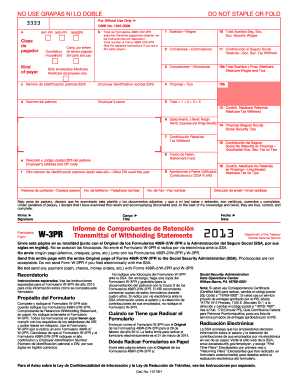
8 Fondo de Retiro
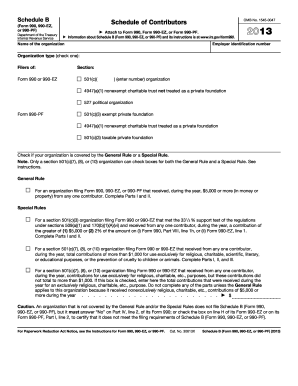
2013 form b

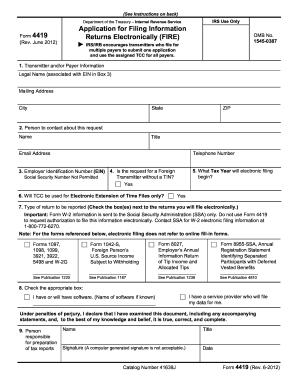
Form 4419 2013
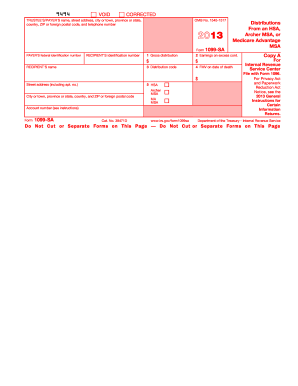
TRUSTEE'S/PAYER'S name, street address, city or town, province or state,
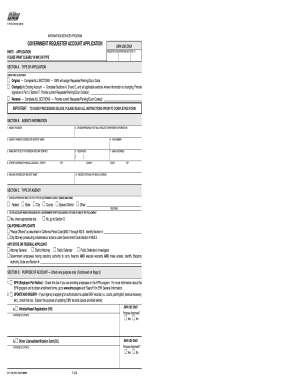
Ca dmv government
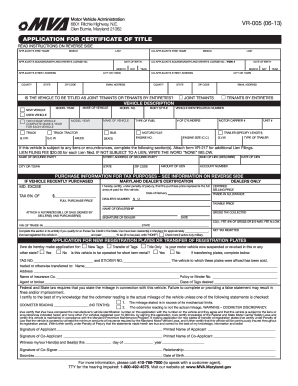
Vr 005 digital meter 2013 form
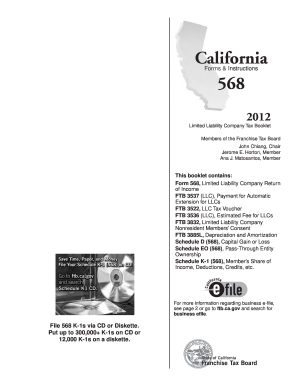
Form 568 instructions 2012
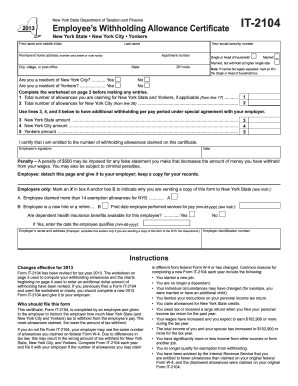
Form IT-2104-E:2018:Certificate of Exemption from ... - Clover Sites
Simple biodata format for job fresher 2012
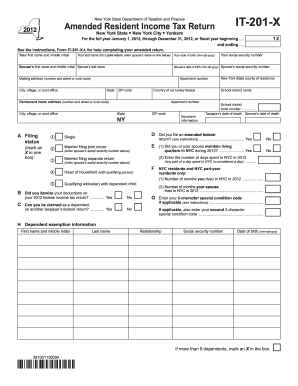
2012 form it 201 x

Da 5701 form
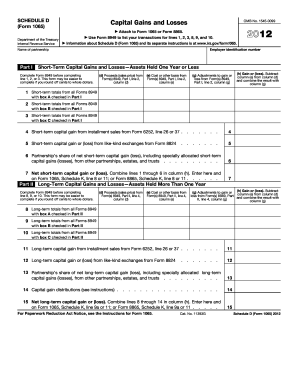
2012 irs d form
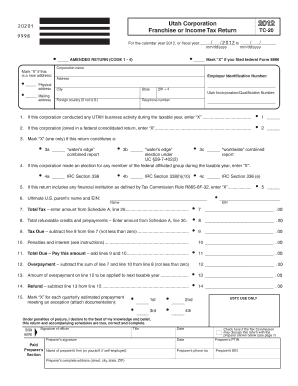
TC-20 forms - Utah State Tax Commission

Florida form 2 2012
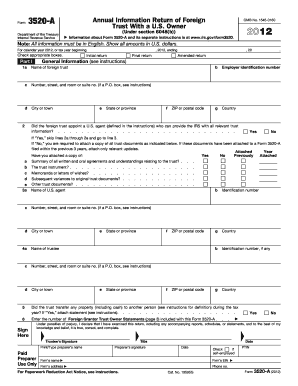
2012 form 3520 a

Hawaii 278 2011 form

Sf 294

2012 8938 form

Gen 4268 revised 0608 fillable form
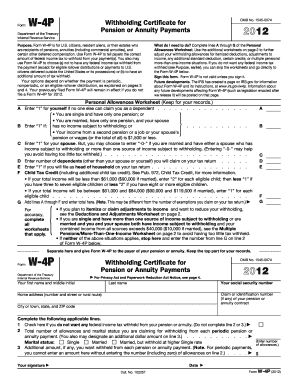
Additional amount of tax withheld

2013 ca form
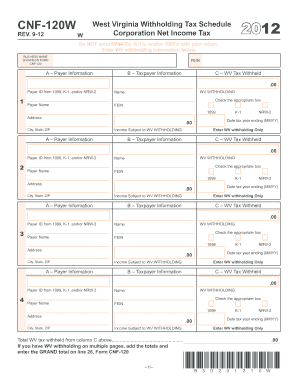
West virginia form cnf 120 w 2012

Form i 924aDocHubcom 2013

842 - Application for an Offshore Humanitarian visa Refugee and ...
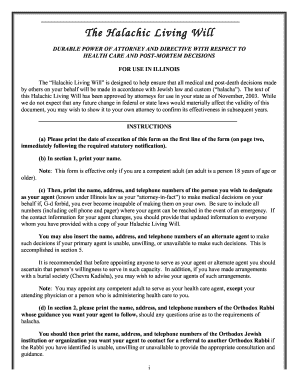
Halachic living durable mortem
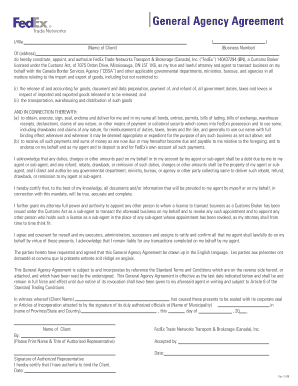
General agency agreement fedex
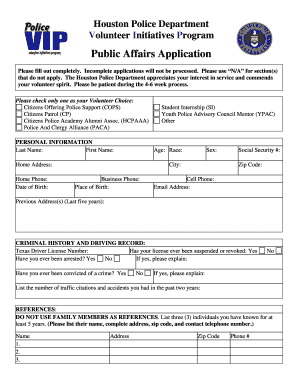
Texas police
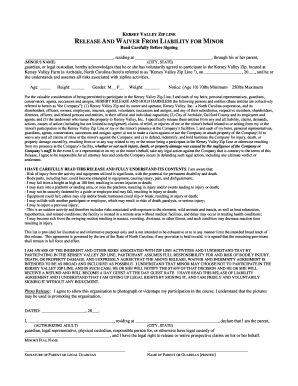
Kersey valley zip line
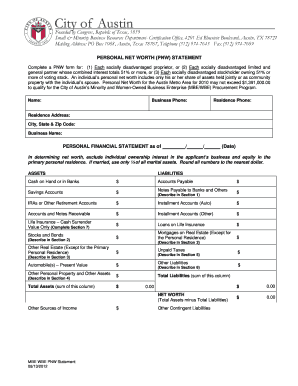
City of austin personal net worth statement form
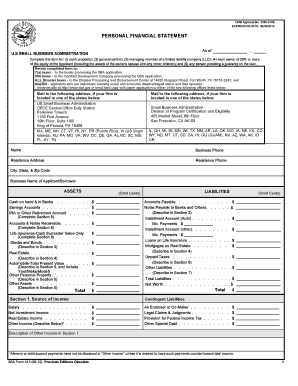
Sba personal financial statement form 5 12

Fillable personal financial statement form
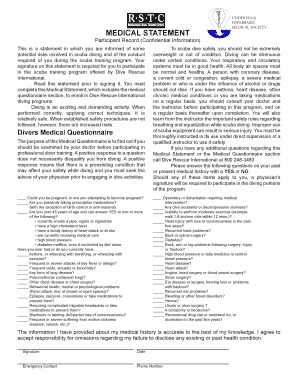
Scuba rstc liability release form
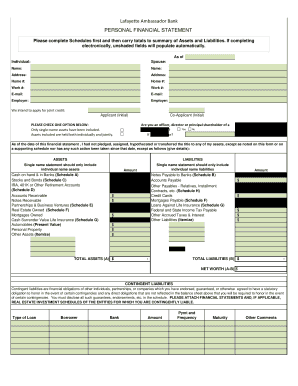
Ambassador bank statement
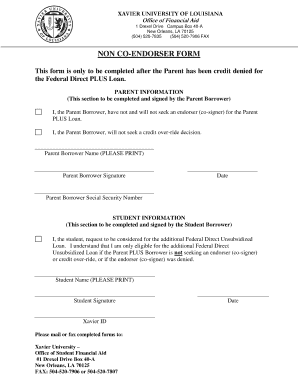
Xula non co endorser form
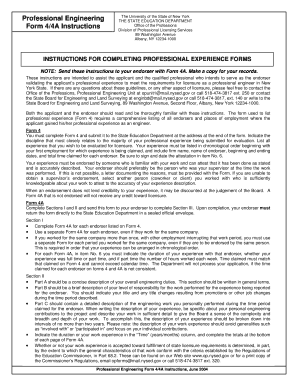
Pr application form 4a sample
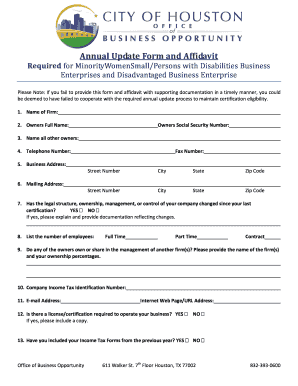
Declaration in support of application for city of houston building permit
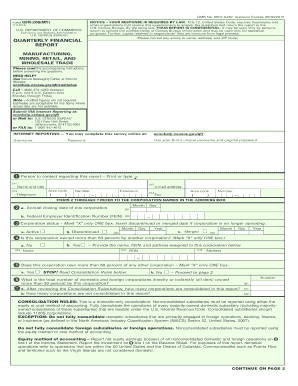
Qfr 200
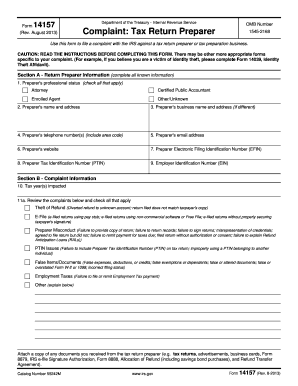
Make a Complaint About a Tax Return PreparerInternal Revenue ...

Chief association application form
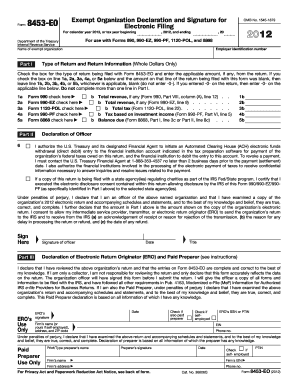
2012 Form 8453-EO. Exempt Organization Declaration and Signature for Electronic Filing
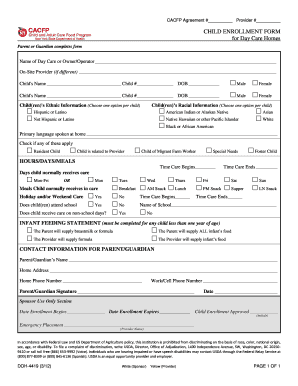
Form doh 4419
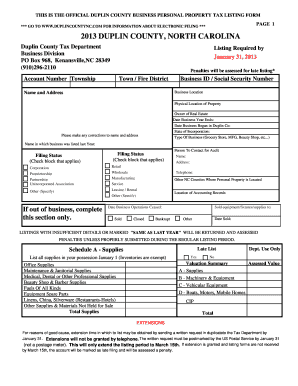
Duplin county nc business personal property tax
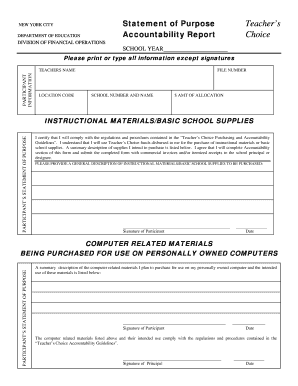
Choice accountability form
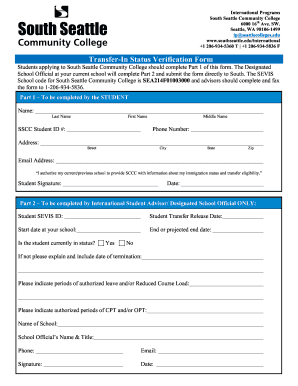
Community status verification form
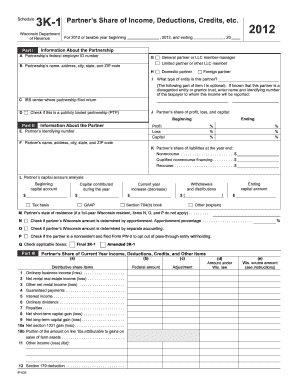
Wi schedule 3k 1 2012 form
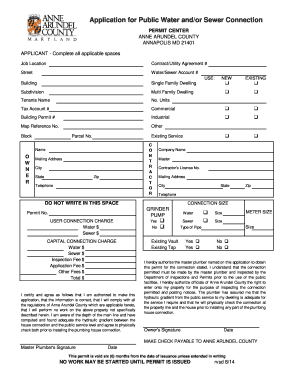
Public Water and/or Sewer Connection Permit Application - aacounty
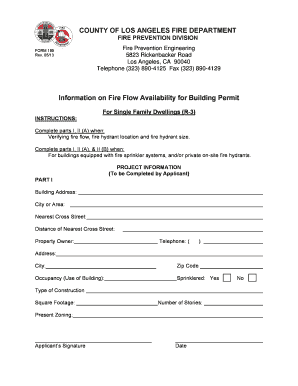
La county building and safety permits
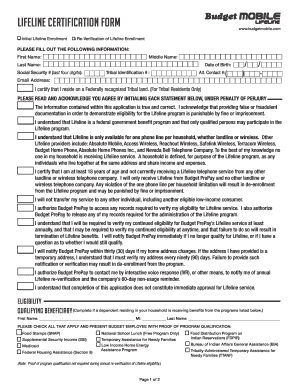
Budget mobile application

Motion to dismiss proceedings supplemental

Petition to establish paternity, legal decision-making, parenting time ... - pinalcountyaz

Printable section 8 application form
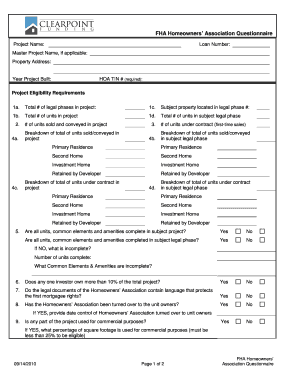
Condo questionnaire sample

Servicing sale manual

Servicelink s independent online
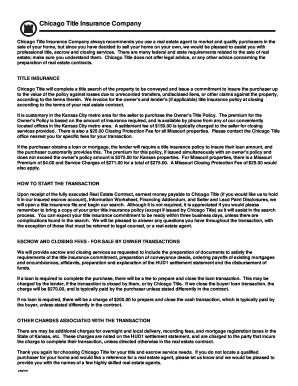
Chicago title forms illinois

Condo certification form
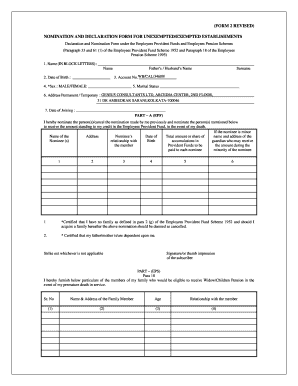
Form 2 revised filled sample
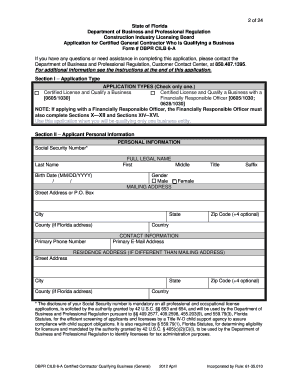
Xvifeid 2012 form

Virginia beach high school academy
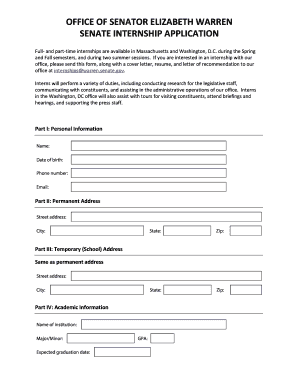
Washington dc office
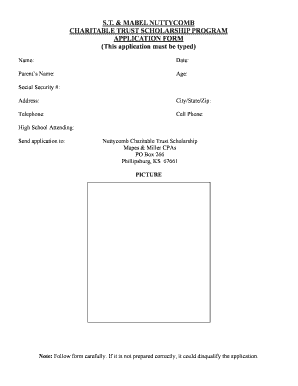
Nuttycomb

Fnma form 3180
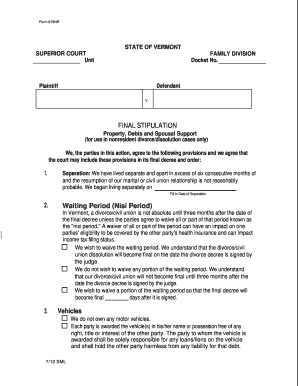
Vermont family stipulation

Re881
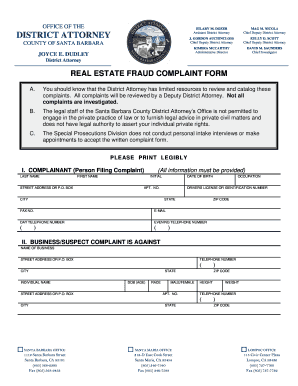
Real estate fraud complaint form
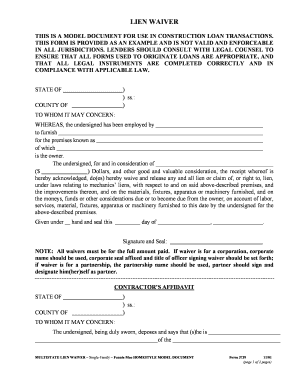
Lien waiver 3739
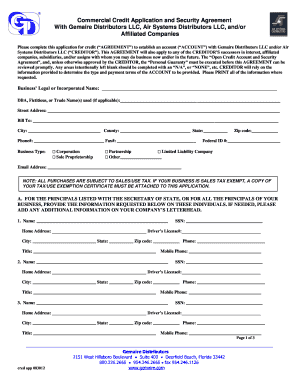
Gemaire credit air system get

Work experience application form
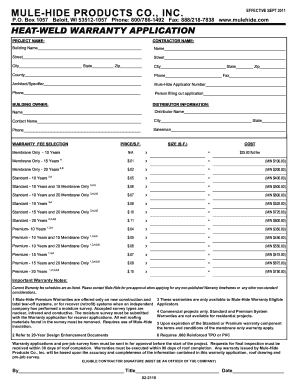
Mule hide form 2110
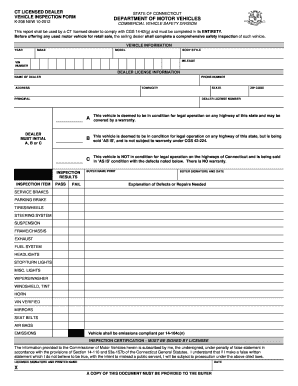
Ct k208 form
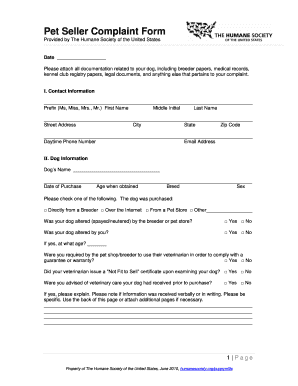
Pet Seller Complaint Form - The Humane Society of the United States - humanesociety
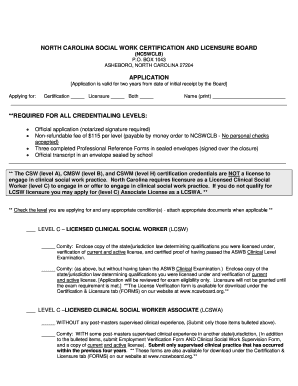
Ncswclb
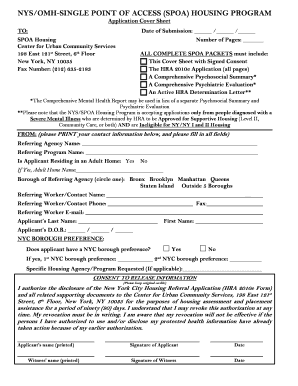
New york housing application

Background check crims form
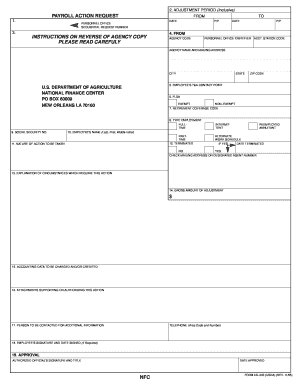
Ad 343
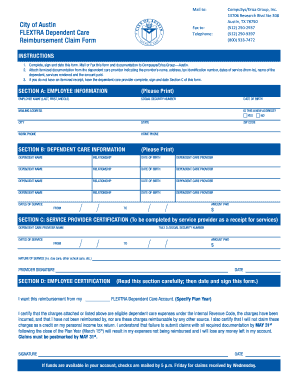
Austin claim form
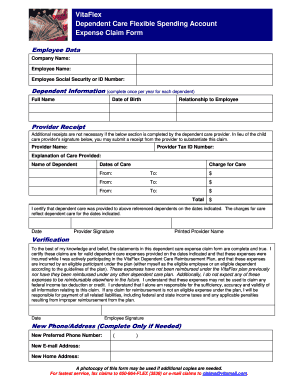
Vitaflex login
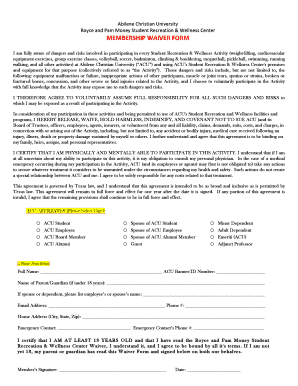
Acu srwc
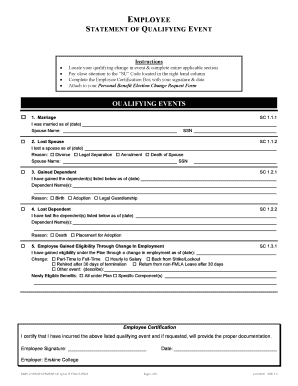
Qualifying event form template
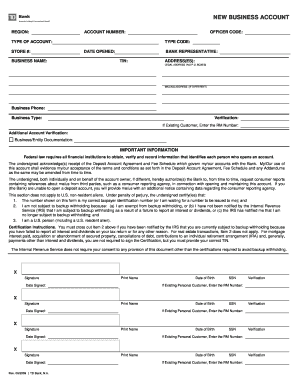
TD Bank New Business Account Application

Blue cross ma form
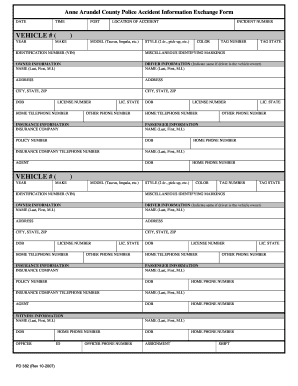
Crash information form
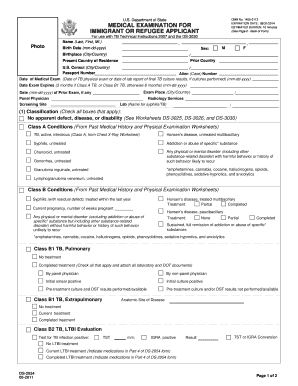
Ds 2054

345 medical request 345 pdf

Pregnancy report

Lvn refresher course online

Old participant waiver

Strike zone baseball
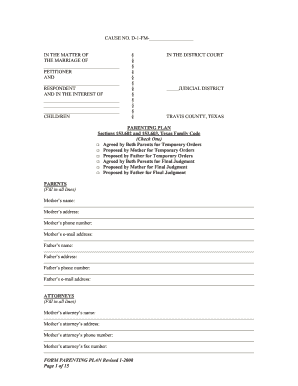
Travis County family law pretrial forms - Law Office of KG, PLLC
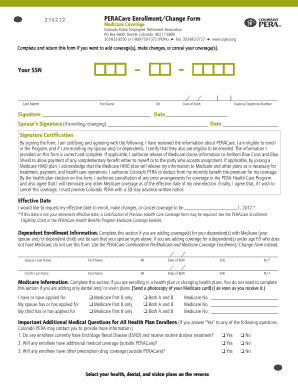
Peracare enrollment change form medicare coverage 2012

One america beneficiary change form
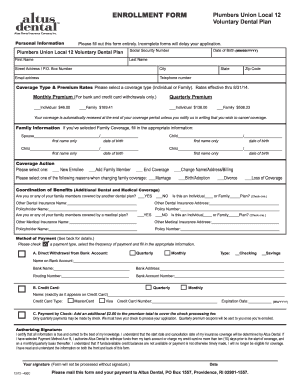
Altus form dental
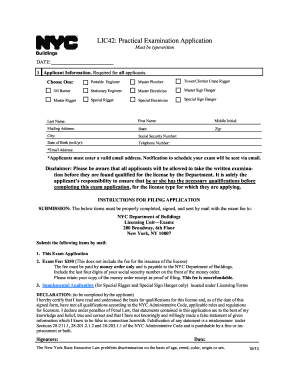
Lic42 exam 2013 form

Student data change
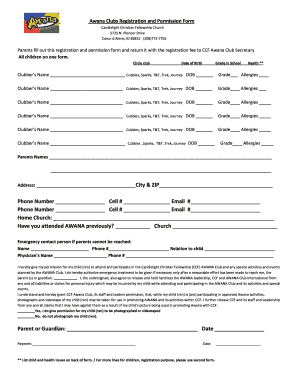
Awana clubs in coeur d alene form
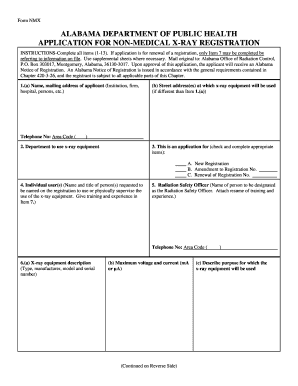
Alabama ray registration
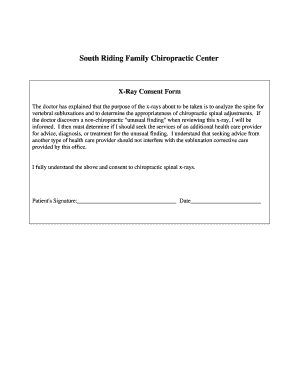
X ray consent form

Form pde 338 g
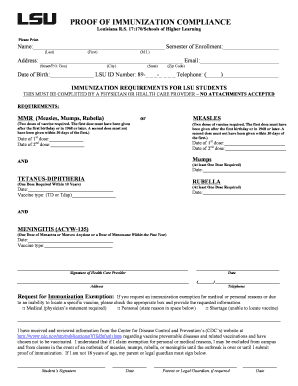
Proof of immunization form
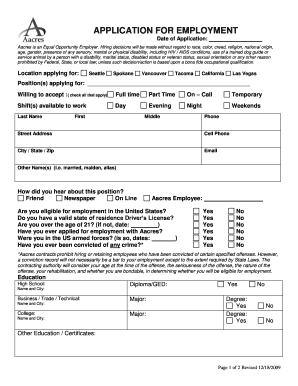
Aacres application 2009 form
Benefit from the DocHub online library of fillable PDF forms
Searching the PDF forms doesn't have to be a tedious and time-consuming process. With the DocHub online library, it has become easier to find the fillable PDF forms and modify them in your browser. The service allows you to adjust the document to your needs using powerful editing tools.
You can use online document editing features to modify almost any type of document with ease. You just need to find the template of your choice, open it in the editor, and use the toolbar to make the necessary corrections.
Follow this guide to get your document done with DocHub:
- Find the PDF template you need.
- Click the Get Form button to open the file in the editor.
- Use the toolbar to fill out and edit the document.
- Easily add and highlight text, insert images, checkmarks, and symbols.
- Drop new fillable fields, and rearrange or delete pages from your file.
- Save changes and download your record.
DocHub empowers everyone to streamline document editing, signing, and distribution, and form completion. Create an account and benefit from our well-organized PDF Forms library and comprehensive editor.