
Get any PDF form from the DocHub library of ready-made templates - Page 1667
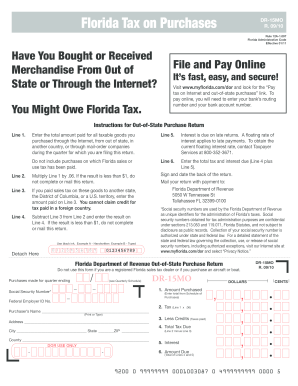
Form DR-15MO - Florida Department of Revenue - MyFlorida.com
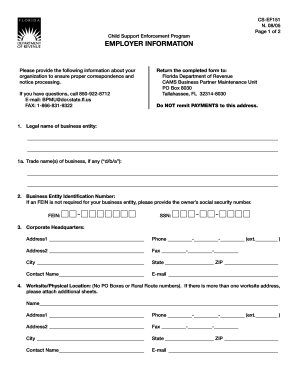
CS-EF151
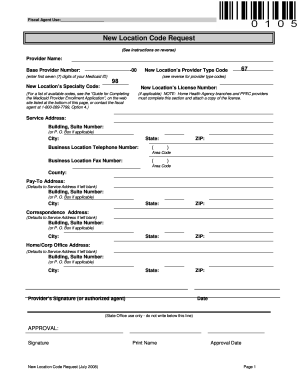
Location code request
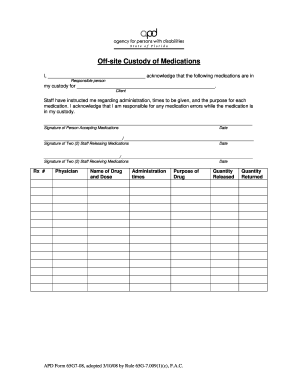
Off site custody
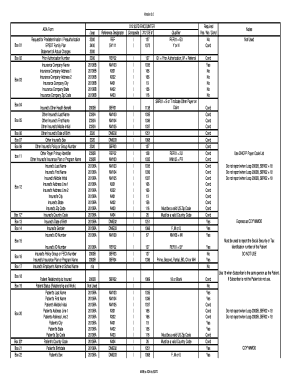
837d rosswalk to ada form837d

Care clinic surveyor worksheet
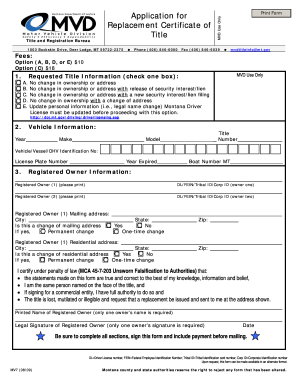
Montana form mv7 2009

What is a bid bond

Dphhs montana
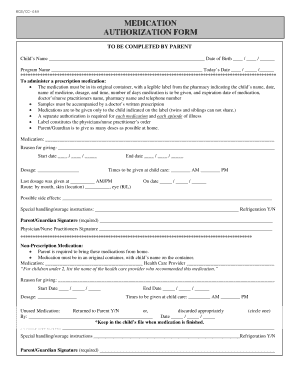
Carroll county school system medication administration form

Mt ui5a unemployment
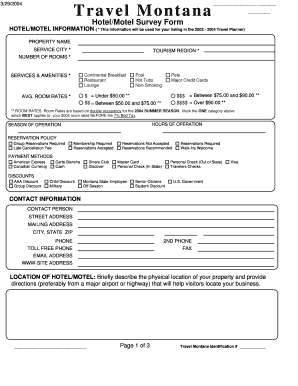
Travel Montana Hotel/Motel Survey Form - Montana Office of Tourism - travelmontana mt
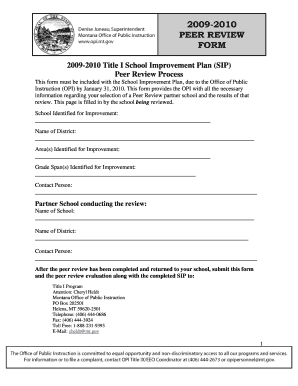
Peer review form pdf
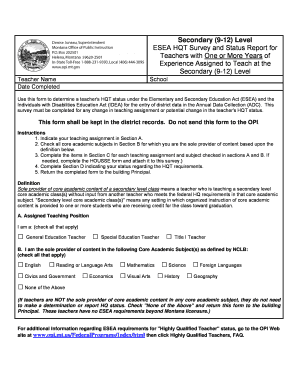
HQT Secondary Teacher Form - Montana Office of Public Instruction - opi mt
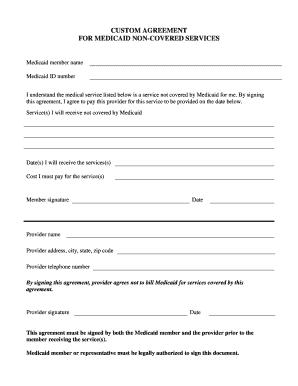
Medi cal non covered service form

Image use agreement form

Montana court forms

E104 form download pdf
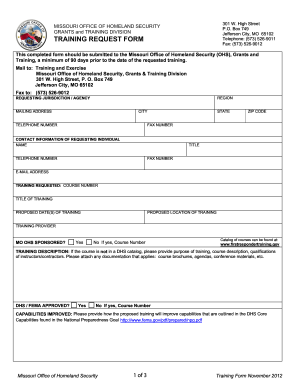
TRAINING REQUEST FORM - dps mo
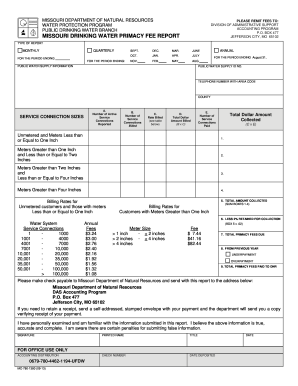
Mo primacy fee

Modnr general terms and conditions form
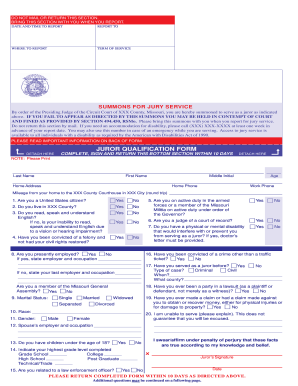
GN90 Long Form - Juror Qualification-Summons (Approved by ...
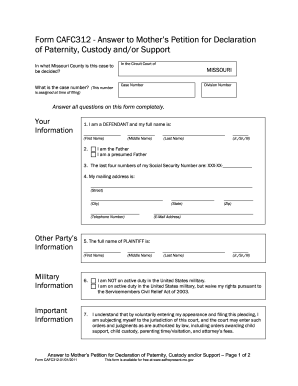
What is the procedure to file a petition for visitation in missouri
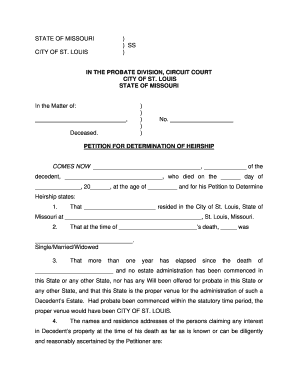
Determination of heirship missouri
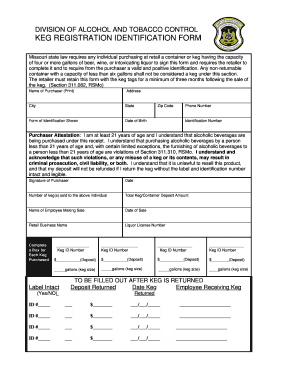
Keg Registration Identification Form - Missouri Division of Alcohol ... - atc dps mo
Vendor Application - Missouri Department of Health & Senior Services - health mo
Scoliosis screening form
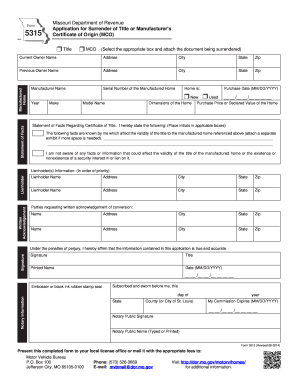
Missouri form 5315
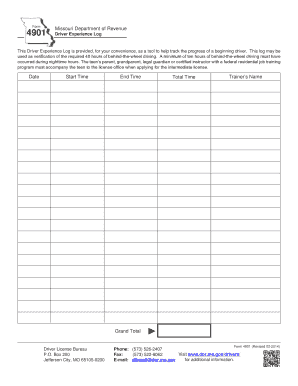
Mo driver log
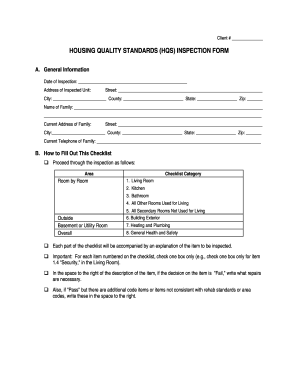
Furnace inspection form printable
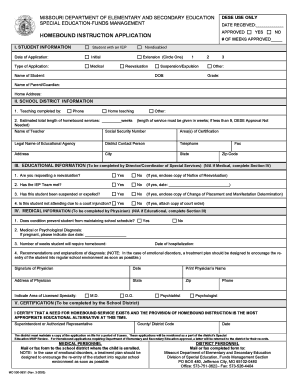
Homebound school

Tax credit accountability act form
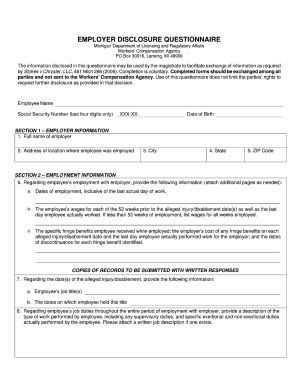
Employer Disclosure Questionnaire (fill - State of Michigan
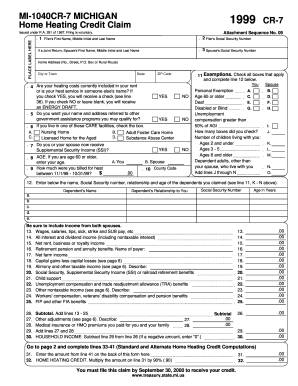
MI-1040CR-7 MICHIGAN Home Heating Credit ... - State of Michigan - michigan
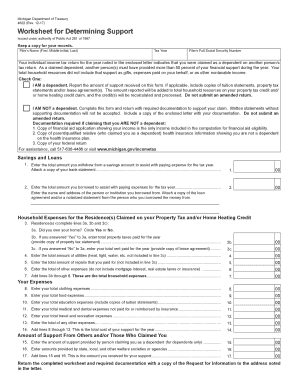
Form 4622 michigan
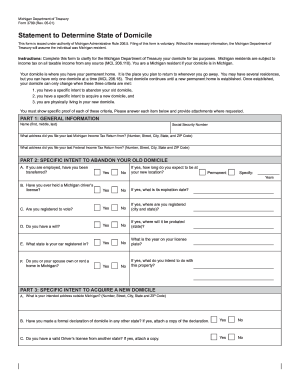
Form 3799 2001
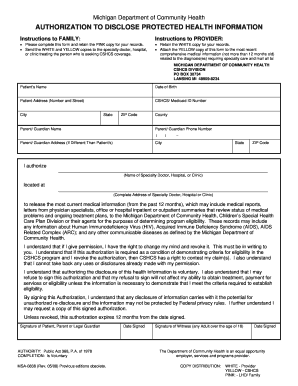
Authorization to disclose protected health ... - State of Michigan - michigan
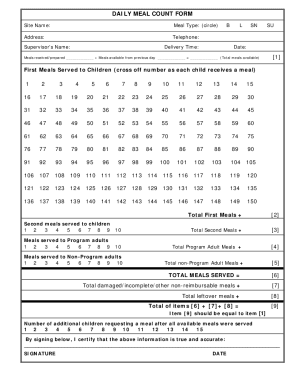
Daily meal count sheet
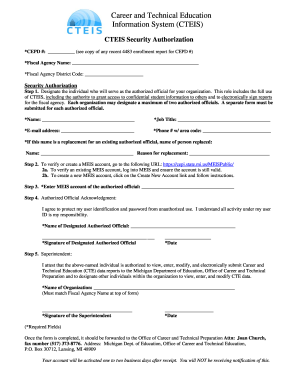
Cteis
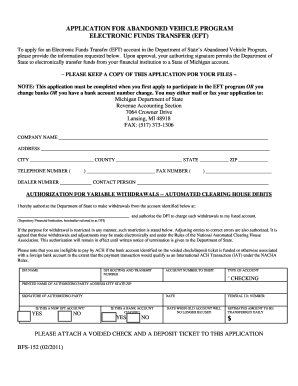
Abandoned vehicle
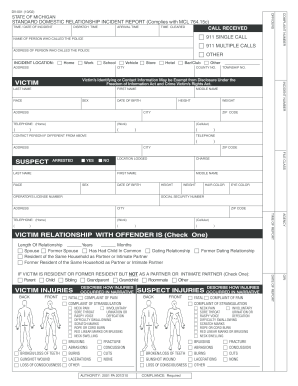
DV-001 Standard Domestic Relationship Incident Report (06/04) - michigan
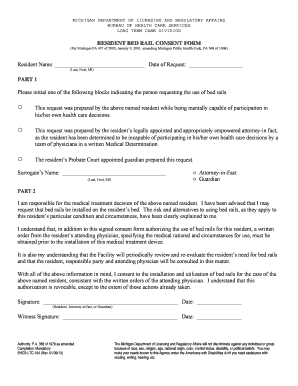
Bed rail consent form georgia

State of michigan fillable tax forms

Employee Biographical Data - Form 160 - Mass.Gov - mass
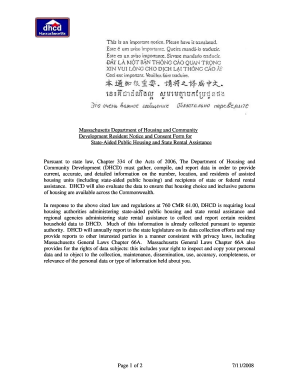
Ma form aided rental

Ride operator training form
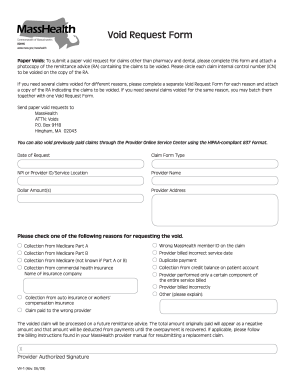
Masshealth void request form
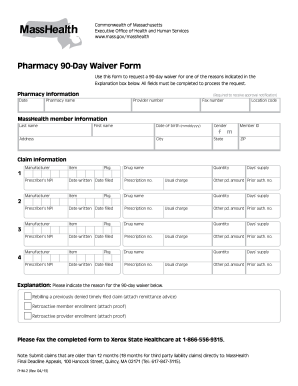
90 day waiver form
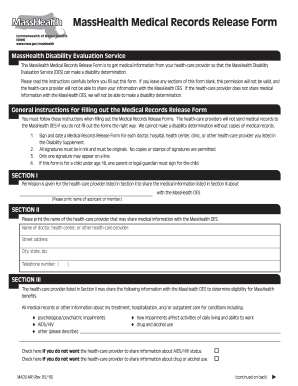
Record release form

FORM MRCP 120.020-1 - Mass.Gov

Deleading notification
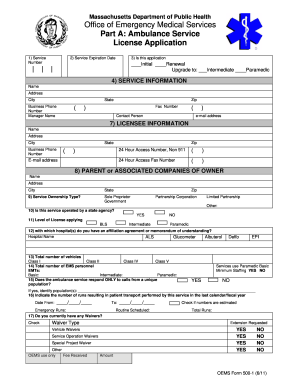
Massachusetts 500 1 part a

Dds hcp form

Ma elder abuse
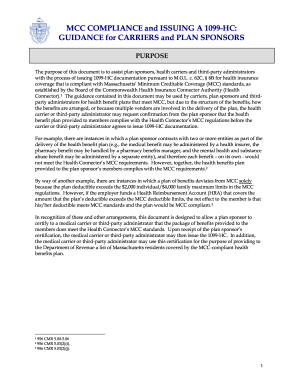
Mcc compliance
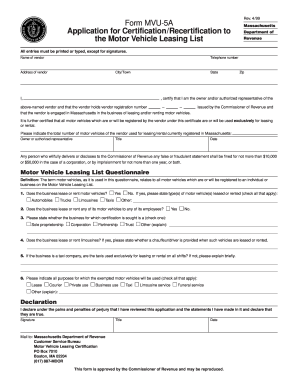
Ma certification motor vehicle
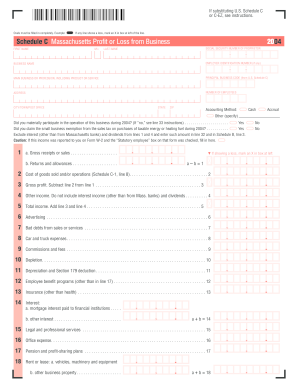
DocHub 2004 schedule c

Form 1 Massachusetts Resident Income Tax Return 2000 - Mass.Gov - mass

M-990T instructions - Mass.gov

2009 form 355s fillable
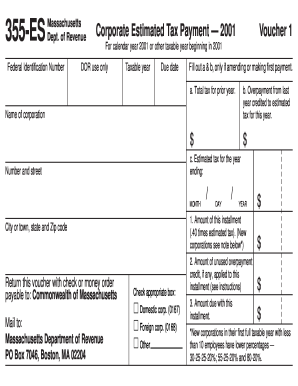
Massachusetts department of revenue form 355 es 2001
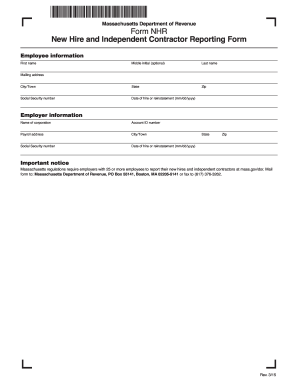
Form NHR - Massachusetts New Hire and Independent ... - Mass.Gov

Ma cj 310 form

Ma wage workplace form

Mva maryland
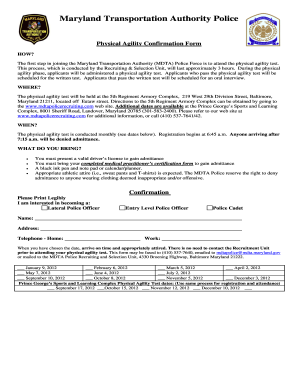
Physical agility test confirmation form 2012
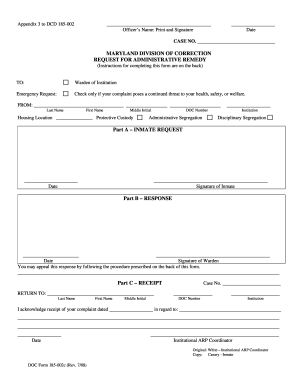
Dcdform
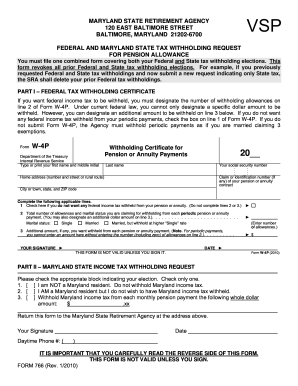
State of md withholding form 766

Solitication Nr F10B1400010 Consulting and Actuarial Services for the - dbm maryland
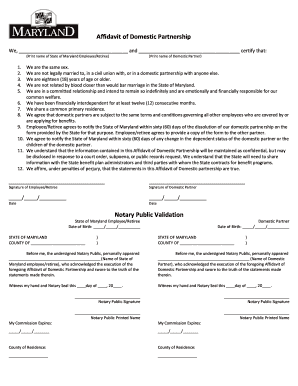
Affidavit of domestic partnership
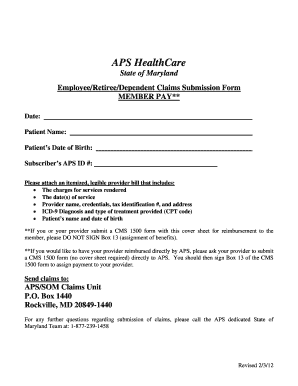
Aps claims

Frederick zip code map

Mdccspp 2010 form

Maryland application modification
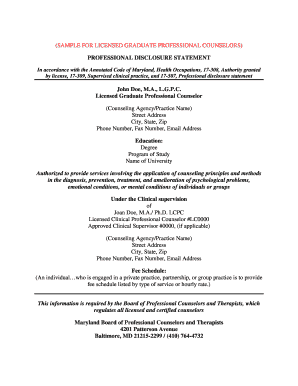
Personal disclosure statement counseling example

Mvt 103

Unified carrier registration plan and agreement
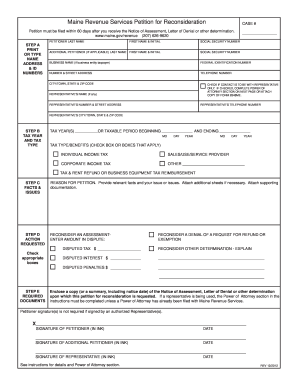
Petition of reconsideration maine printable
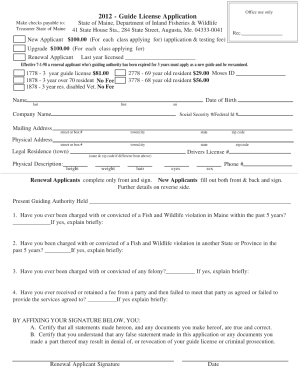
Maine guide renewal 2012 form
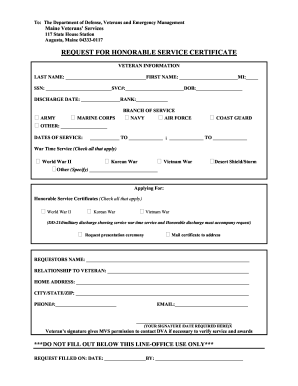
Maine honorable service
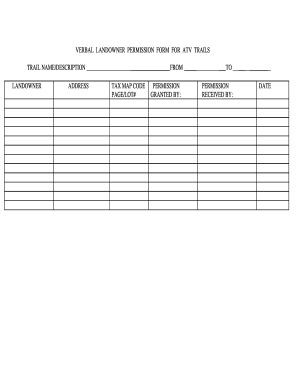
Permission atv
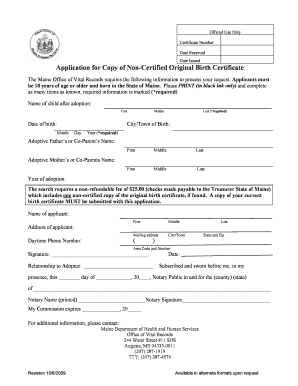
Maine birth certificate application pdf
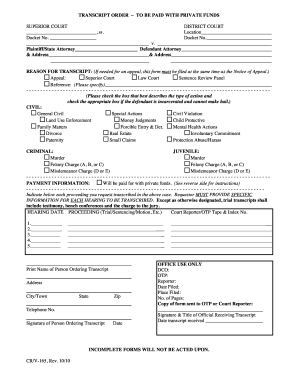
Superior court crv

Louisiana helper license wildlife fisheries

R10614

Form sev
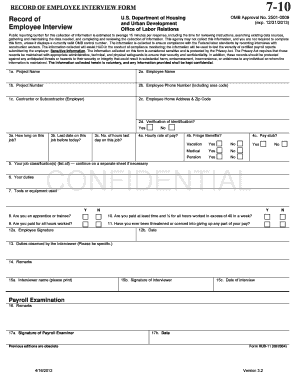
Hud form 11
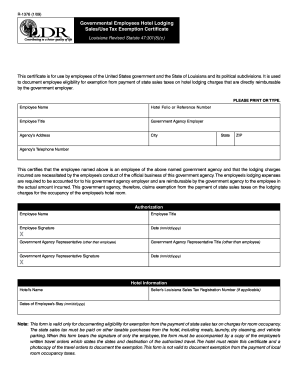
Louisiana hotel tax exempt form
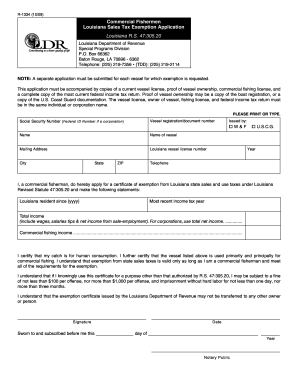
Exemption paperwork

Louisiana conrad 30 site form

Louisiana ems student

Divorce paper louisiana
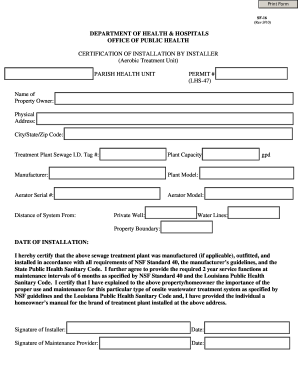
Louisiana certification by installer

Form 142

Louisiana gaming employee permit modification form

Dpssp6653
Indian application dpsweb printable
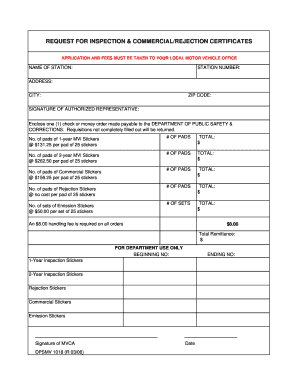
Dpsmv 1018
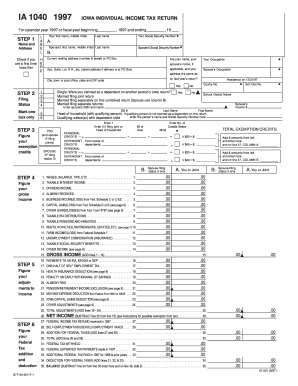
IA 1040 1997 IOWA INDIVIDUAL INCOME TAX RETURN STEP 1 ... - iowa
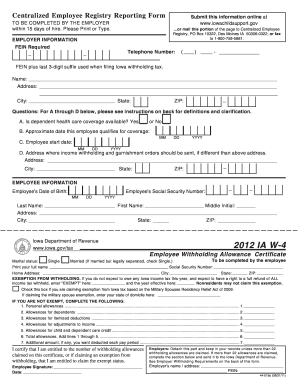
2012 iowa form
Benefit from the DocHub online library of fillable PDF forms
Searching the PDF forms doesn't have to be a tedious and time-consuming process. With the DocHub online library, it has become easier to find the fillable PDF forms and modify them in your browser. The service allows you to adjust the document to your needs using powerful editing tools.
You can use online document editing features to modify almost any type of document with ease. You just need to find the template of your choice, open it in the editor, and use the toolbar to make the necessary corrections.
Follow this guide to get your document done with DocHub:
- Find the PDF template you need.
- Click the Get Form button to open the file in the editor.
- Use the toolbar to fill out and edit the document.
- Easily add and highlight text, insert images, checkmarks, and symbols.
- Drop new fillable fields, and rearrange or delete pages from your file.
- Save changes and download your record.
DocHub empowers everyone to streamline document editing, signing, and distribution, and form completion. Create an account and benefit from our well-organized PDF Forms library and comprehensive editor.