
Get any PDF form from the DocHub library of ready-made templates - Page 1669

Blank rfq template

2102 s form
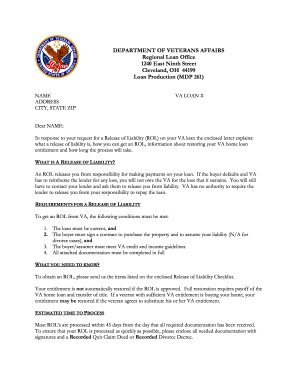
Va release of liability letter
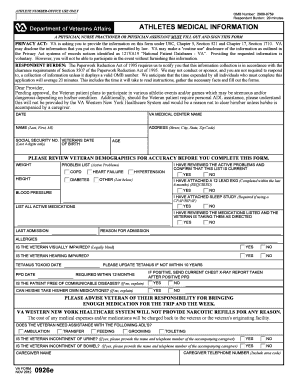
Va medical forms
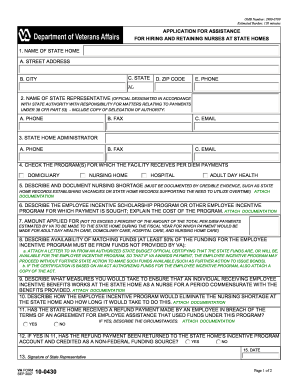
Va describe payment online
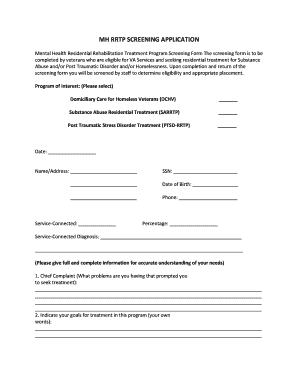
To fill out Screening Application - Tuscaloosa VA Medical Center
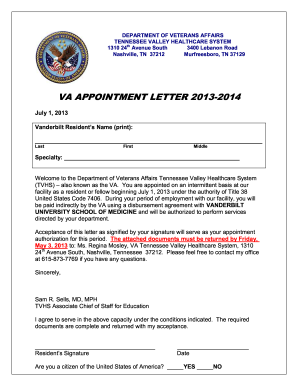
VA Appointment Letter Vanderbilt 2013. VA Appointment Letter for Vanderbilt - tennesseevalley va

Va form 10230a

2014 6251 instructions form

Irs refund

Wa pretrial order
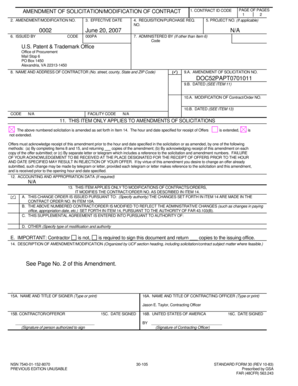
EFFECTIVE DATE 0002 PAGE OF PAGES 1 2 5 - uspto
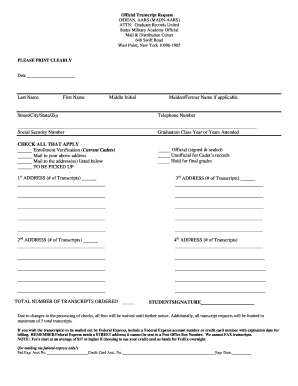
Usma transcript request
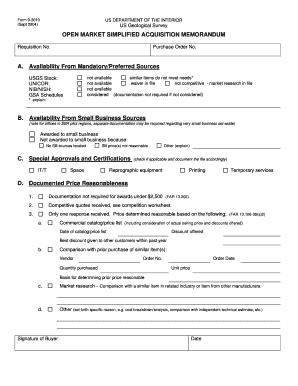
USGS Form 9-3010 (SM 403.2 Figure 1). Open Market Simplified Acquisition Memorandum - usgs
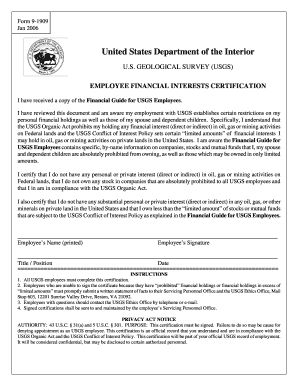
Form 9-1909 Employee Financial Interests Certification Ja - usgs
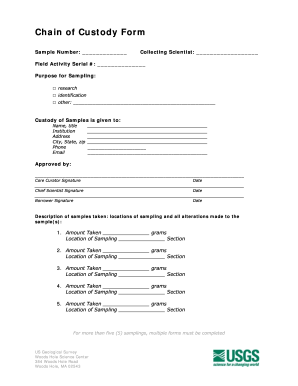
Chain of custody san benito ca
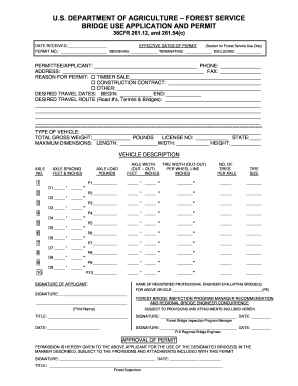
Use application permit
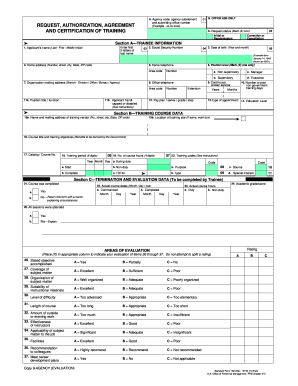
Sf182 tax
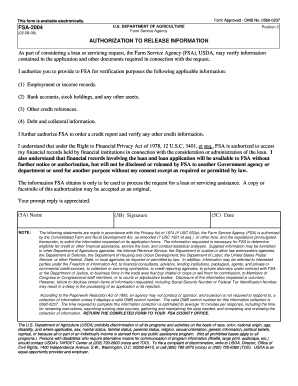
Fsa 2004
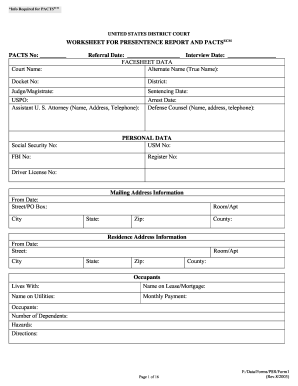
Form 48a
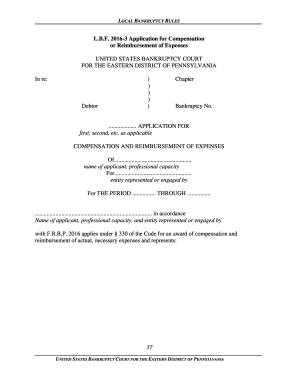
Compensation paed uscourts online
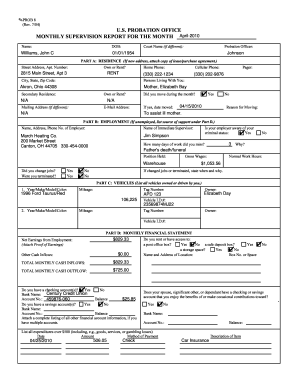
Sample of examination supervision report
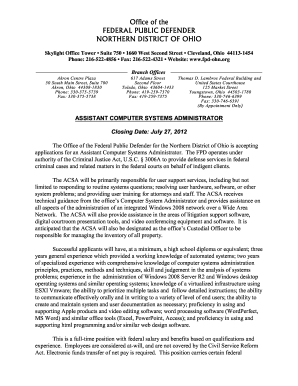
Ohio Northern Federal Public Defender, Cleveland - United States...
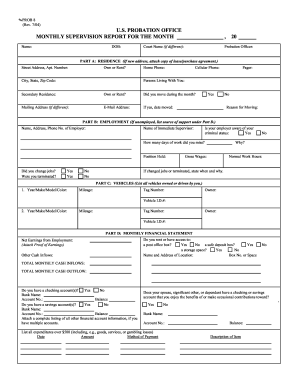
Probation Officer Jobs, Employment in Queens, NYIndeed.com
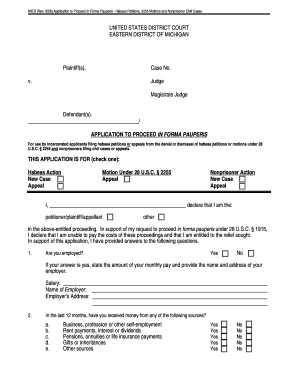
District forma mi
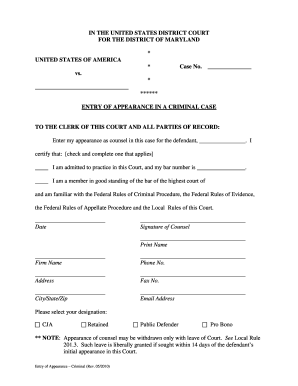
Entry of appearance form criminal california
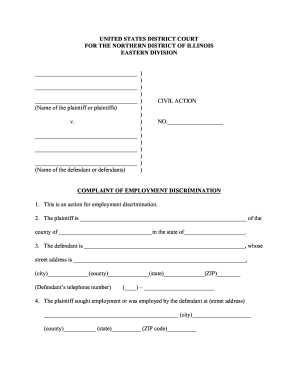
Complaint employment discrimination
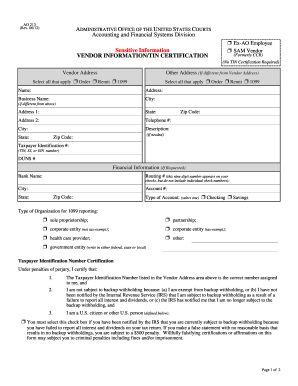
Ao 213 2012 form
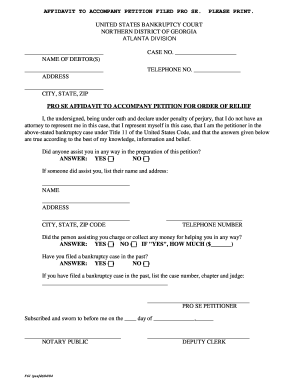
Pro se motion example

Application florida middle district
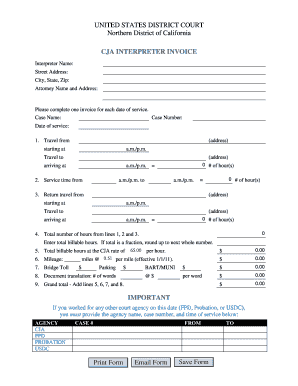
Usdcx

Form 9061 2009

Non-Prisoner IFP Form - District of Alaska - akd uscourts
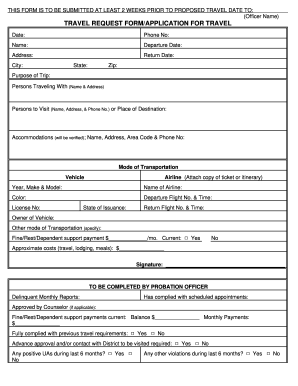
Hiv test form
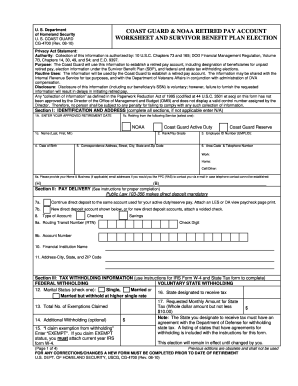
Form cg 4700DocHubcom 2010
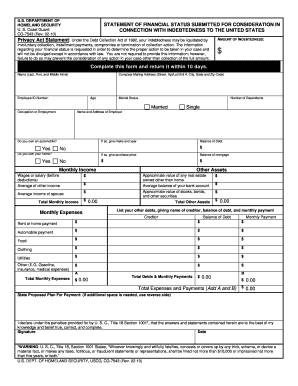
CG-7543. STATEMENT OF FINANCIAL STATUS SUBMITTED FOR CONSIDERATION IN CONNECTION WITH INDEBTEDNESS TO THE UNITED STATES - uscg

Evidence custody form

Cg 4910
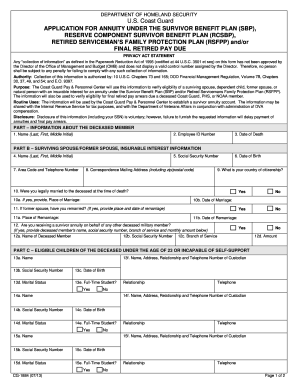
Cg 1884 form

Us army discharge forms
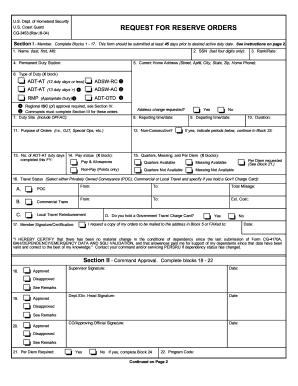
Orders coast guard form
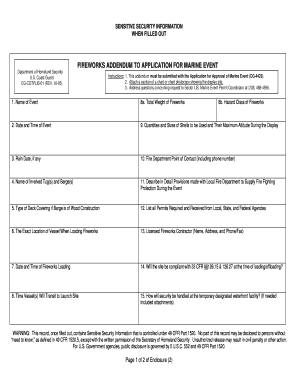
Department of Homeland Security - U.S. Coast Guard - uscg
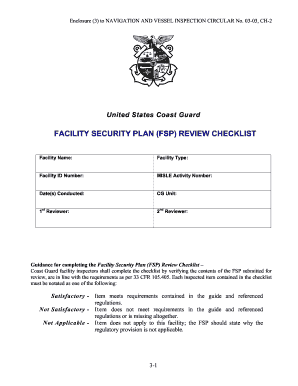
Facility security checklist
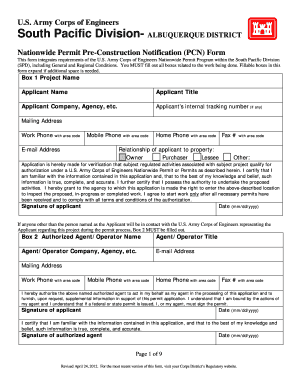
Pcn albuquerque district form
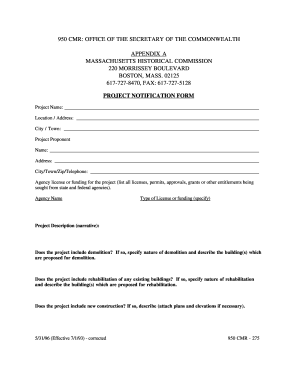
Massachusetts cmr form

Dd form 2569 2010
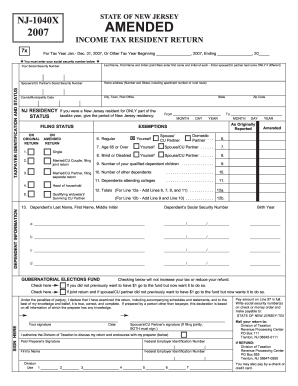
2007 nj form

2006 nj form
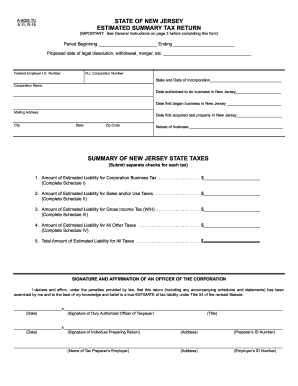
Nj form a 5052 tc 2011

2012 nj application form
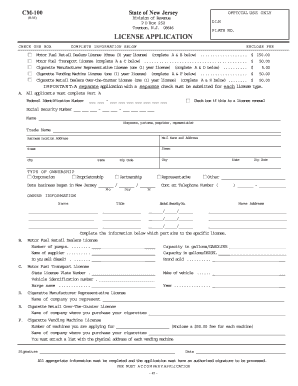
Cm 100 form
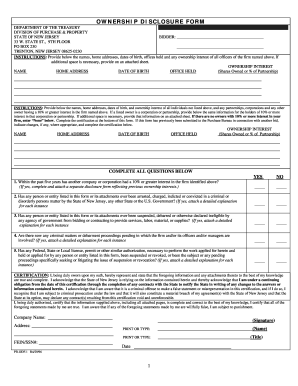
OWNERSHIP DISCLOSURE FORM - State of New Jersey - state nj
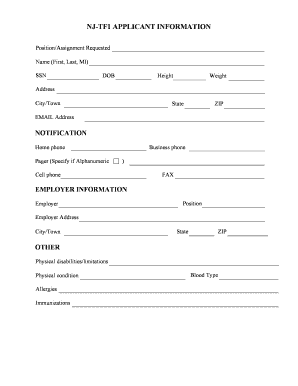
Nj tf1
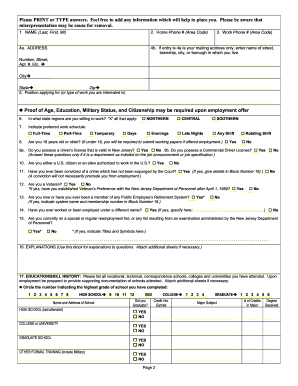
Njdot forms
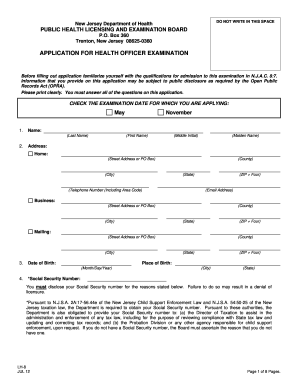
Nj application health
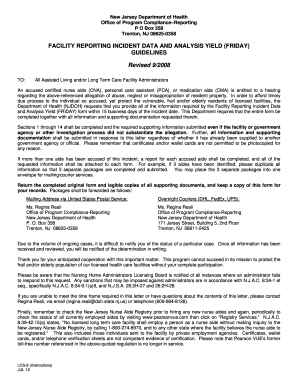
Incident statement shall form

Nj certificate of effort writable pdf
Njdep licensing form
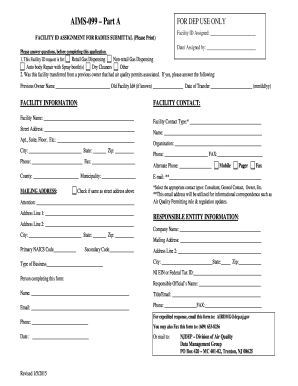
Mynjunemployment gov 1099
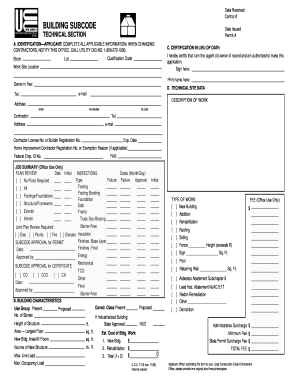
How to fill ucc forms

Nj diligent

Cn10914 form

New jersey motion to turnover funds 2006 form
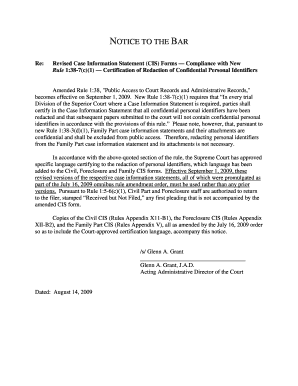
Certification regarding redaction of personal identifiers
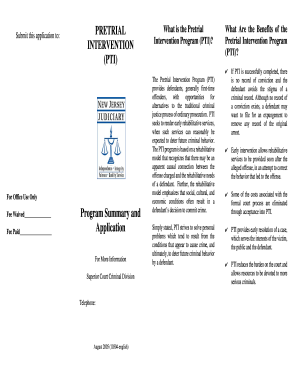
Fill a online pti 2005 form

Subpoena Duces Tecum - New Jersey Courts - judiciary state nj
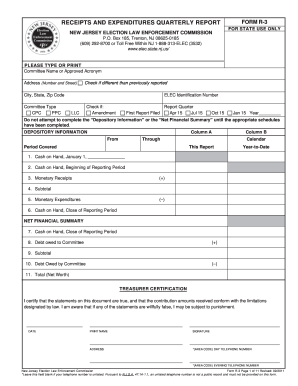
Election law enforcement form r 3 2011

Nj r 1 form

Elec nj
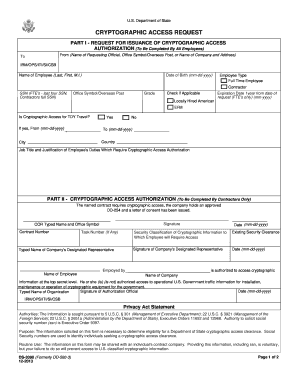
Ds 3090
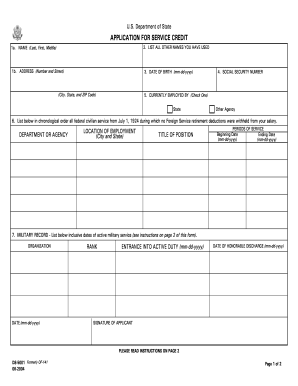
5001 form
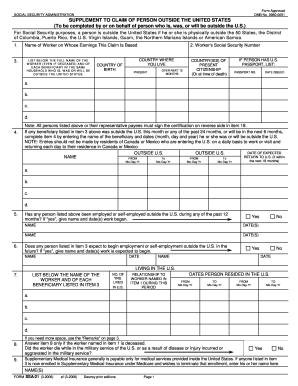
Form approved noomb 0960 0051

LETTER TO CUSTODIAN OF BIRTH RECORDS. A letter to custodian requesting proof of birth records of child - photos state

Affidavit of physical presence sample

Direct Deposit Sign-Up Form - US State Department Careers - careers state

Representations certifications
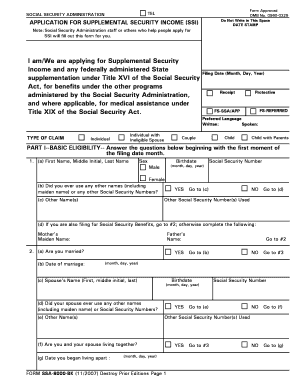
Ssa 8000
Ssa 4588 op2

Pa bco 10 online
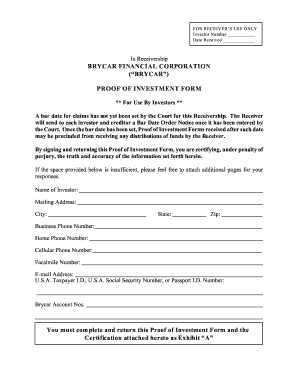
Proof of Investment Form - Securities and Exchange Commission - sec
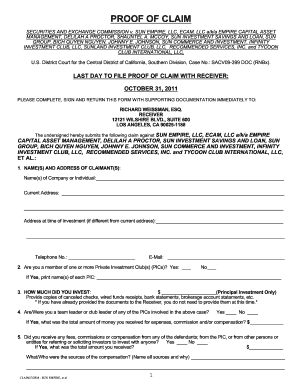
Infinity proof of claim form
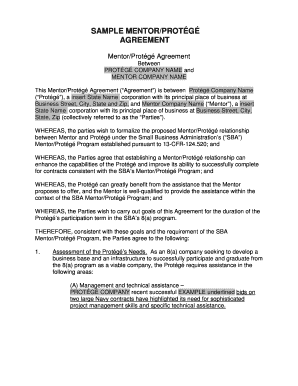
Mentor protege agreement template
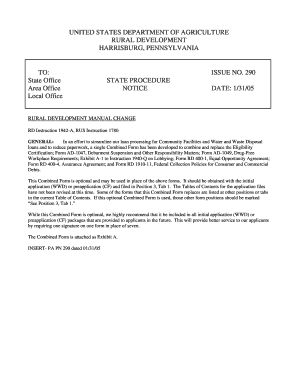
Usda certification
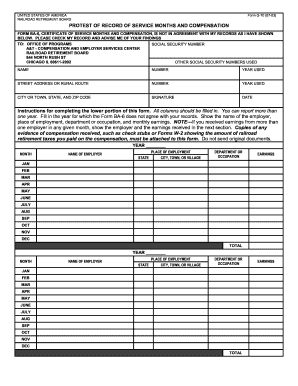
Railroad retirement board form g 70 fillable 2003
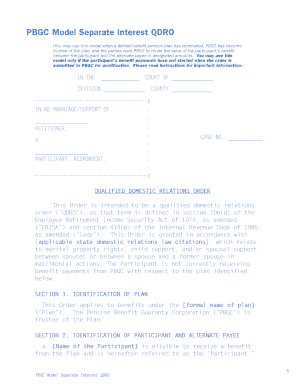
PBGC Model Separate Interest QDRO - Pension Benefit Guaranty ... - pbgc
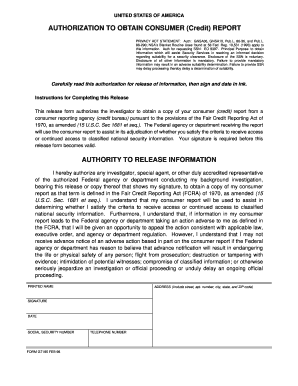
G7185
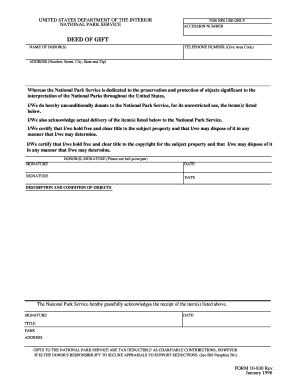
Form 10 830 printable
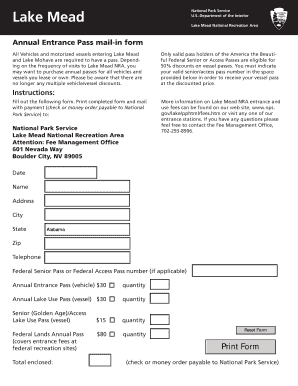
Lake mohave pass

Form nmb

Information from nlrb
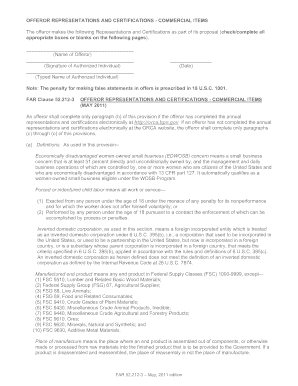
Far 52 212 3 2011 form
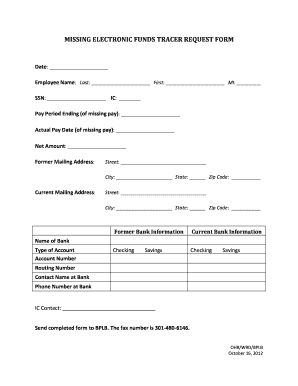
Bpi automatic debit fund form
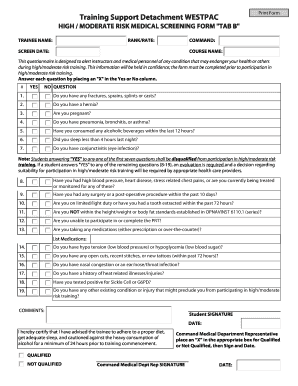
Navy high risk screening form
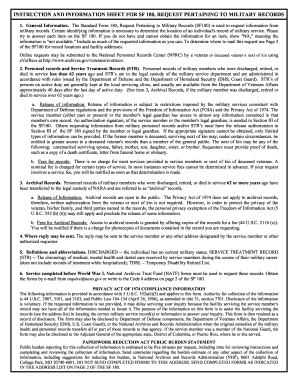
Standard form 600 rev 11 2010 army
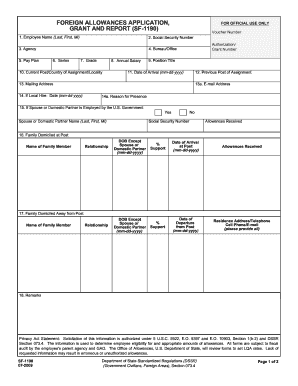
Sf1190

Milpersman 1210 310
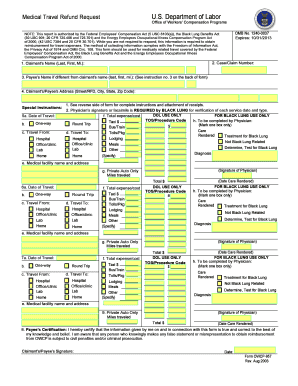
Owcp 957 fillable form
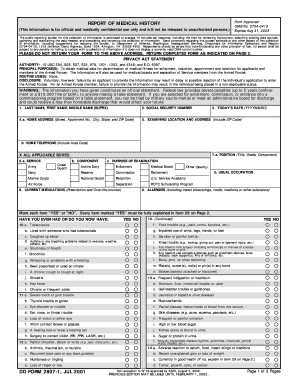
Dd form 2807 1 2018
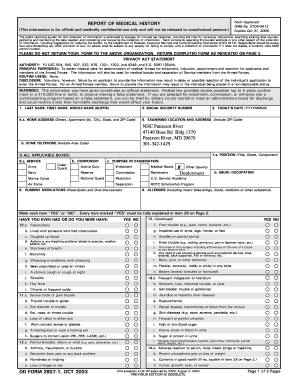
Dd form 2807 1 oct 2003

Navy reenlistment request form
Benefit from the DocHub online library of fillable PDF forms
Searching the PDF forms doesn't have to be a tedious and time-consuming process. With the DocHub online library, it has become easier to find the fillable PDF forms and modify them in your browser. The service allows you to adjust the document to your needs using powerful editing tools.
You can use online document editing features to modify almost any type of document with ease. You just need to find the template of your choice, open it in the editor, and use the toolbar to make the necessary corrections.
Follow this guide to get your document done with DocHub:
- Find the PDF template you need.
- Click the Get Form button to open the file in the editor.
- Use the toolbar to fill out and edit the document.
- Easily add and highlight text, insert images, checkmarks, and symbols.
- Drop new fillable fields, and rearrange or delete pages from your file.
- Save changes and download your record.
DocHub empowers everyone to streamline document editing, signing, and distribution, and form completion. Create an account and benefit from our well-organized PDF Forms library and comprehensive editor.