




01. Edit your crv form online
Type text, add images, blackout confidential details, add comments, highlights and more.

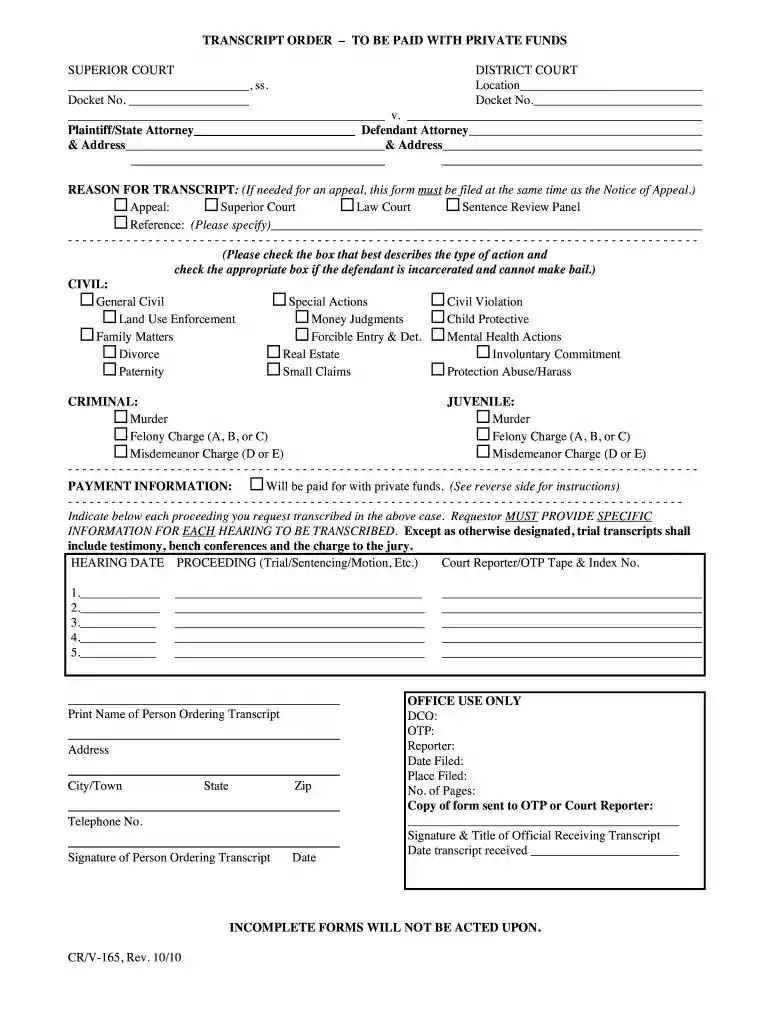
Type text, add images, blackout confidential details, add comments, highlights and more.

Draw your signature, type it, upload its image, or use your mobile device as a signature pad.

Send it via email, link, or fax. You can also download it, export it or print it out.

Start using our platform today to streamline your document editing and submission process for free!
We've got more versions of the crv form form. Select the right crv form version from the list and start editing it straight away!
| Versions | Form popularity | Fillable & printable |
|---|---|---|
| 2010 | 4.8 Satisfied (63 Votes) |
At DocHub, your data security is our priority. We follow HIPAA, SOC2, GDPR, and other standards, so you can work on your documents with confidence.
Aug 23, 2025 The protocols governance token, CRV, had an unusual launch on August 13, 2020. The lawsuit, filed in the Superior Court of California, CountyRead more
Criminal Courthouse. 1111 Third Street, Napa, CA 94559 (707) 299-1100 Historic Courthouse. 825 Brown Street, Napa, CA 94559 (707) 299-1100 Juvenile HallRead more
Strictly speaking, CRV is neither a revocation nor special probation. And because the right to appeal in North Carolina is purely statutory, there is a senseRead more


