
Get any PDF form from the DocHub library of ready-made templates - Page 1668

Veteran Application for Admission - Iowa Veterans Home - State of ...
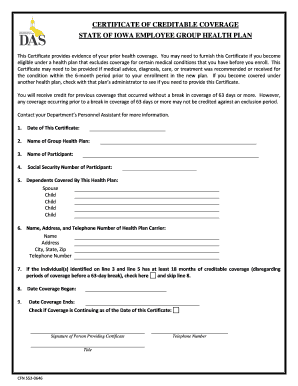
Certificate of credible coverage
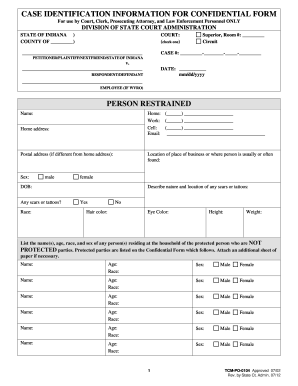
Protected indiana form
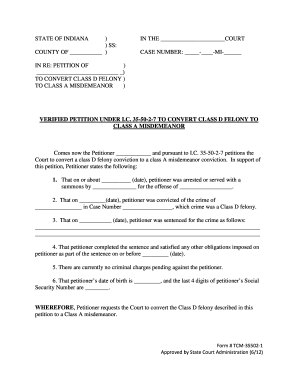
STATE OF INDIANA ) IN THE ) SS: COUNTY OF ) CASE ... - in

Indiana qma curriculum

Indiana 362

Indiana Lobby Registration Commission Form to Appeal Imposition ... - in

Naic rrg search
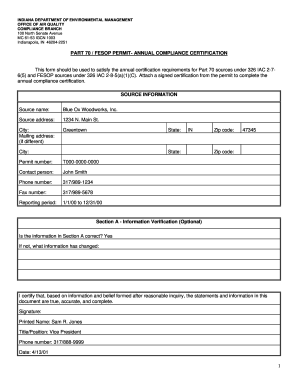
Indiana fesop permit
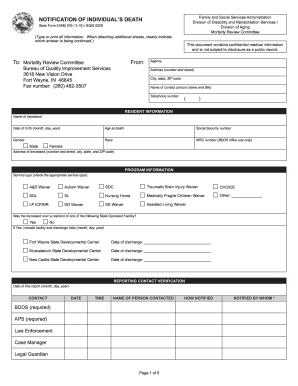
Fssa notification of individuals death form 51685

What is a notice of availability of completed reports and information
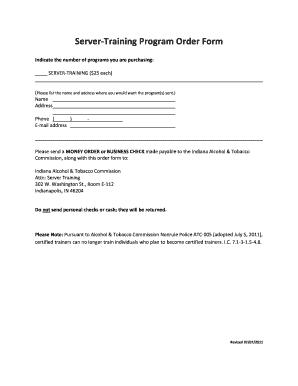
Training program order form template
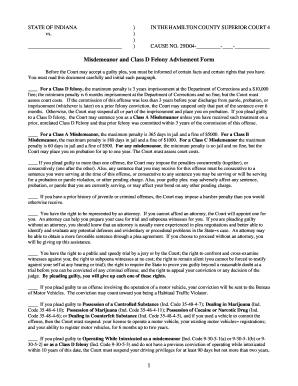
Indiana misdemeanor advisement of rights form
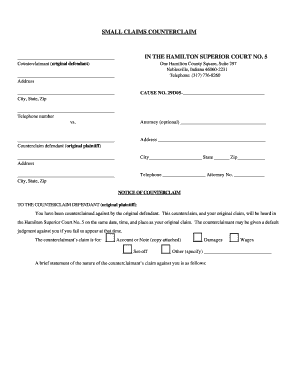
Indiana counterclaim form

Burn permit mishawaka in form
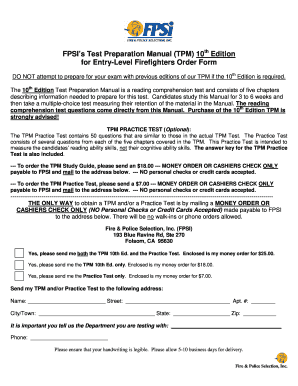
The tpm edition

Illinois unemployment
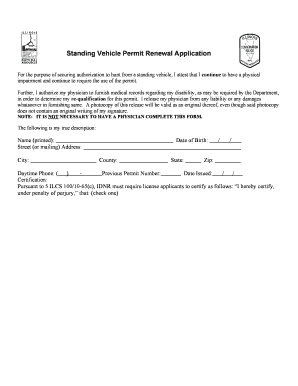
Illinois permit hunting from vehicle
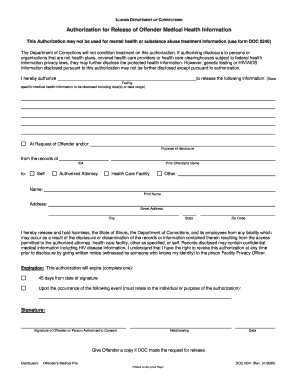
Il department of corrections authorization for release of offender information
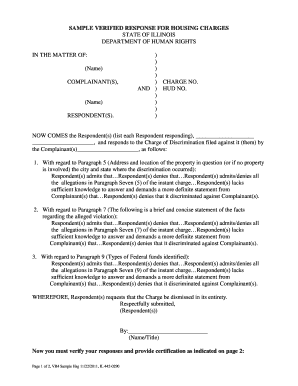
Responds responses illinois
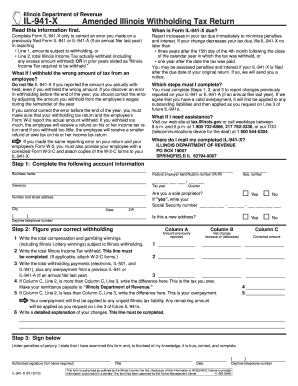
941 x 2010 form
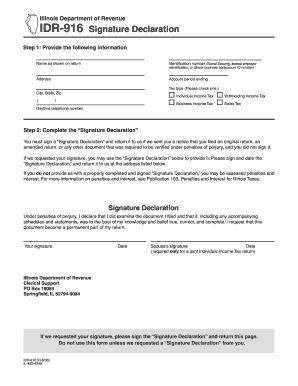
Illinois form idr 916
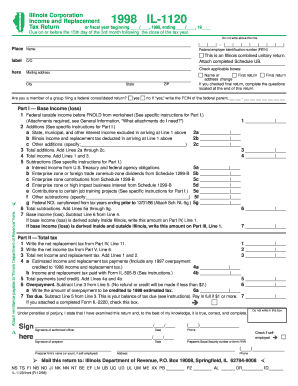
Il1120 1998 form
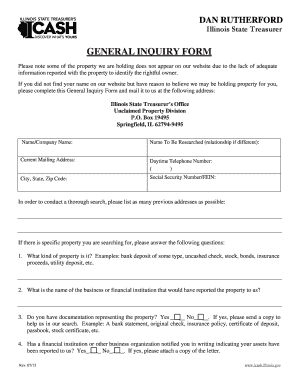
GENERAL INQUIRY FORM - icash illinois
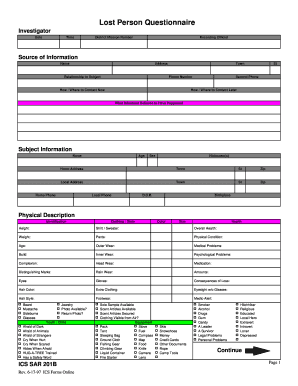
Lost person questionnaire

Sample petition for grandparent visitation
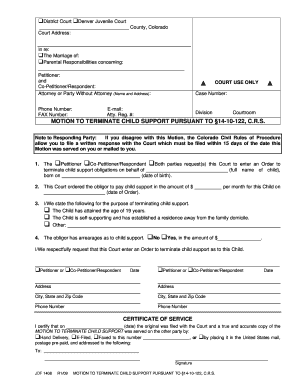
Jdf 1408 fillable form

Chapter 790 florida statutes pdf
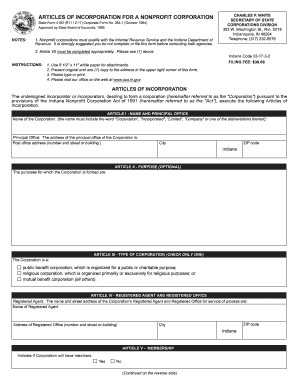
Form 4162 indiana 2011
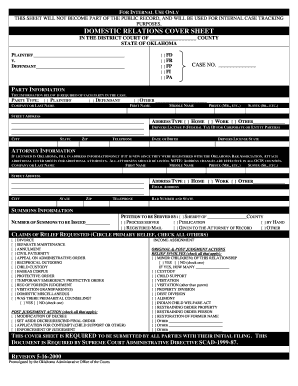
Domestic relations cover sheet
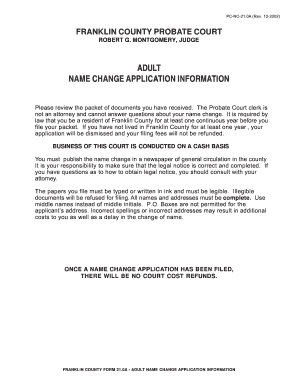
Name change application
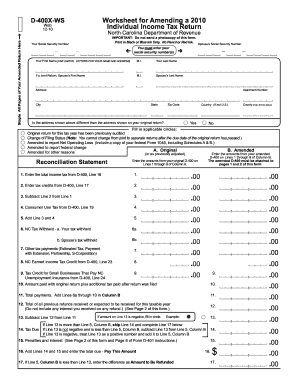
D 400x ws 2010 form
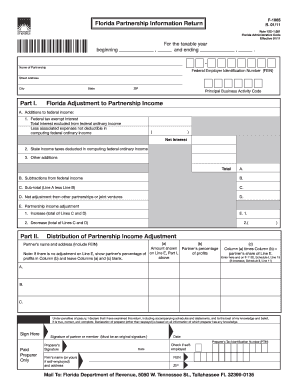
Florida form f 1065 instructions 2011
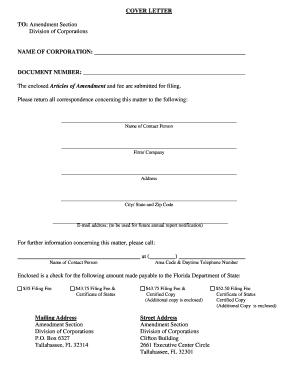
Florida profit corporation amendment form
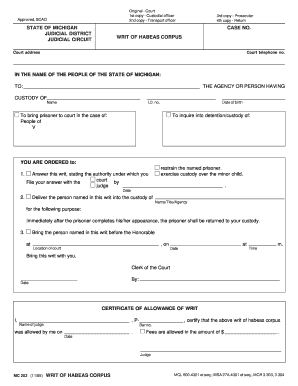
Michigan writ of habeas corpus fillable form 1985
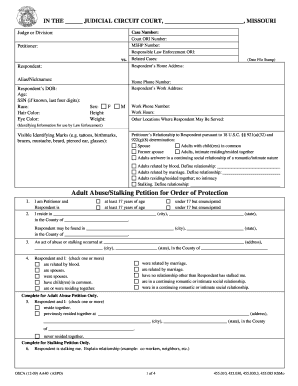
Order of protection missouri
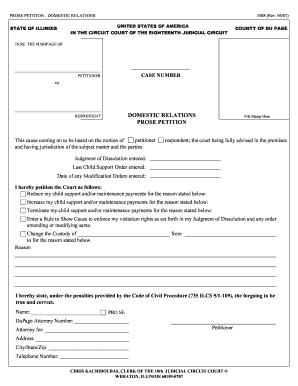
Form 3408
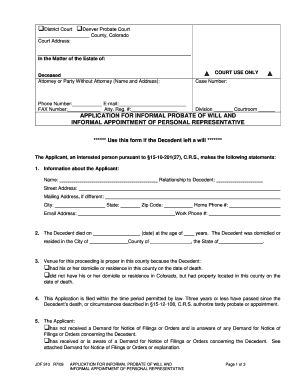
Application For Informal Probate Of Will And Informal Appointment Of Personal Representative

Florida Supreme Court Approved Family Law Form 12.903(c)(2), Answer to Petition and Counterpetition for Dissolution of Marriage with Property but No Dependent or Minor Child(ren) (----). Florida Supreme Court Approved Family Law Form
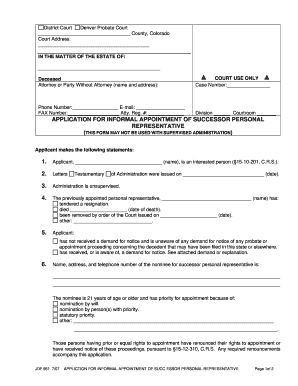
Personal representative florida form
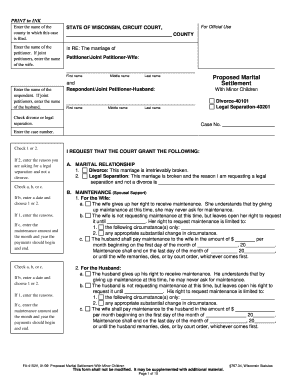
Fa 4152v form
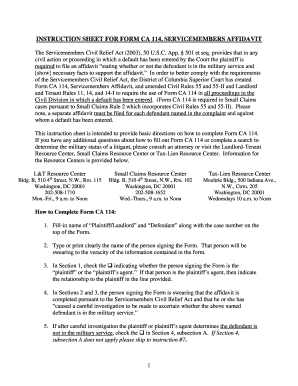
Form ca 114 form
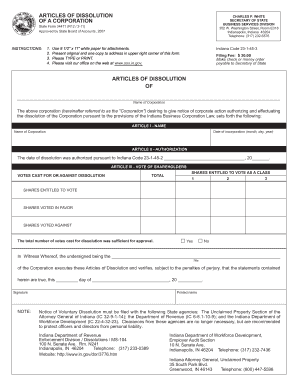
Form 34471
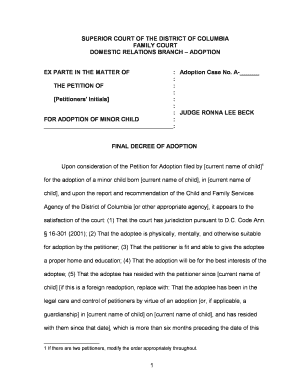
Adoption decree sample
Form 2300

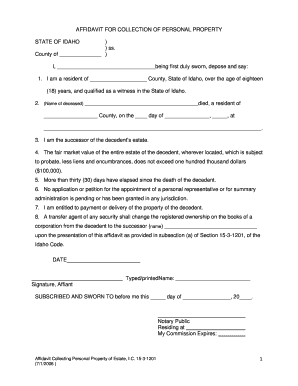
Affidavit of collection of personal property
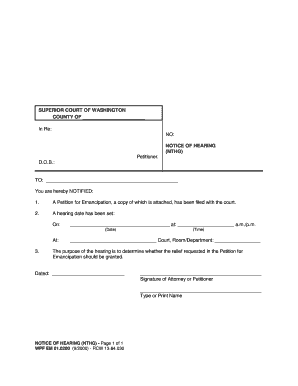
Notice of hearing

Child support papers print 2007 form
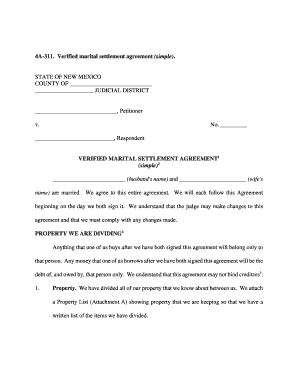
4a 311
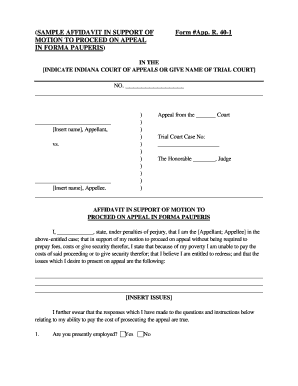
Indiana forma pauperis

Divorce in sc
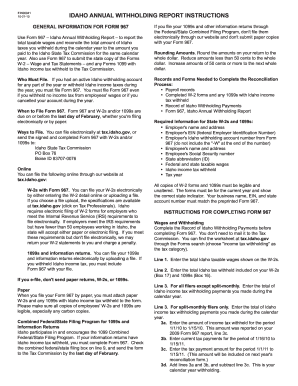
Idaho form 967
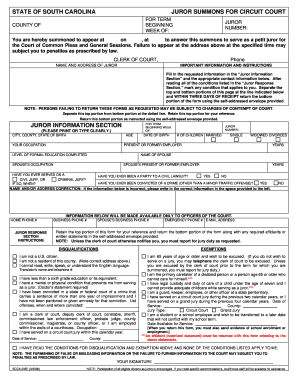
Scca 235e form

Form 4 3 child support
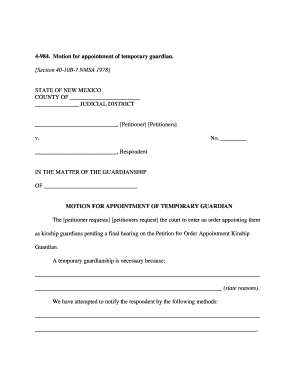
Sample motion to appoint guardian ad litem
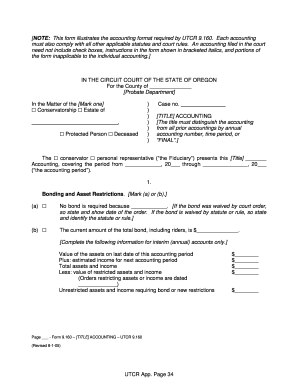
Utcr 9 160
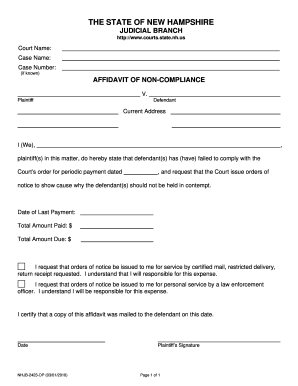
Affidavit of non compliance nh 2010 form
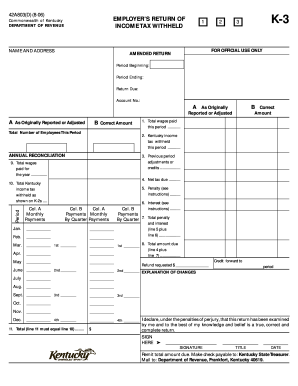
Kentucky employers income tax withheld worksheet k 1 2006 form
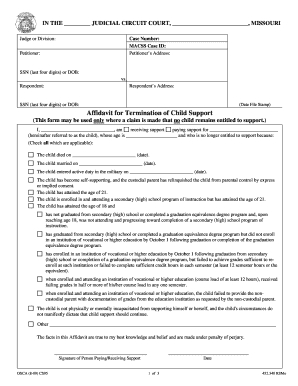
DocHub com child support termimation
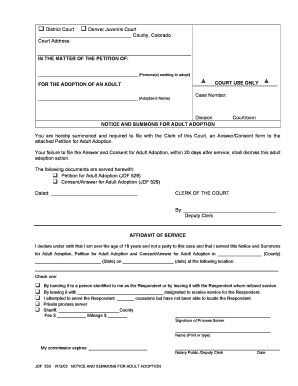
Adult adoption form
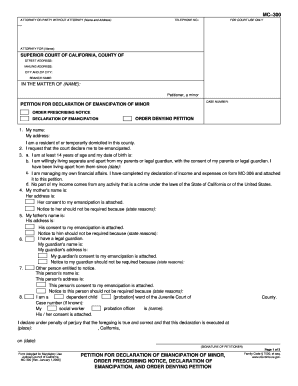
Missouri emancipation forms
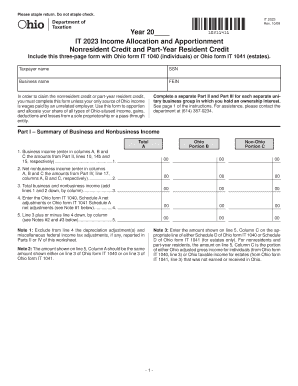
Ohio nonresident allocation and apportionment fillable
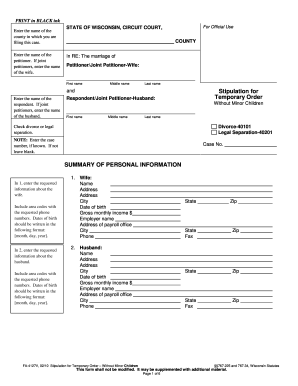
Fa 4127v
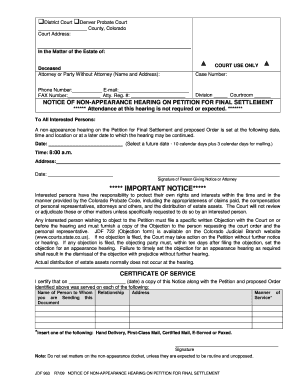
Affidavit of non appearance

Renewal application form ca
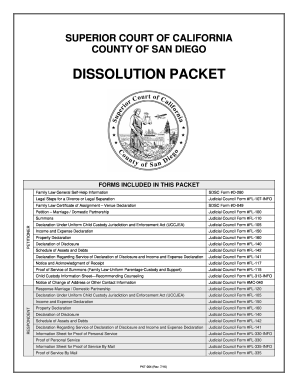
Forms to fill for the court marriage
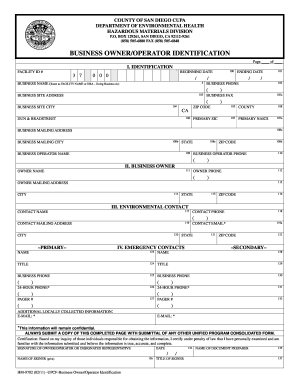
Business owner/operator identification - County of San Diego - sdcounty ca

Complaint form termite state of calif dept of pesticide

Aim saratoga application
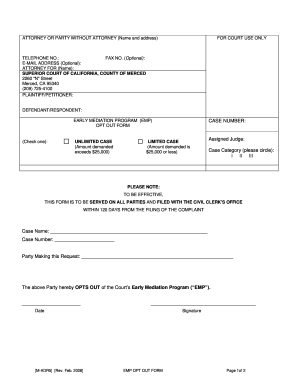
California adr5 form
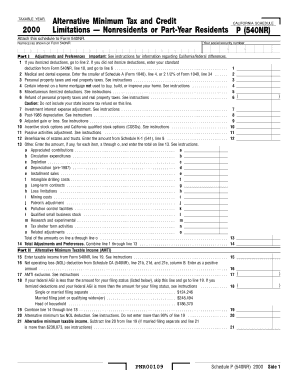
Tax california
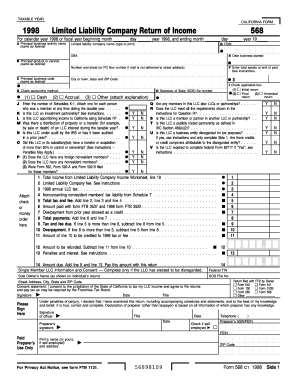
1998 form 568
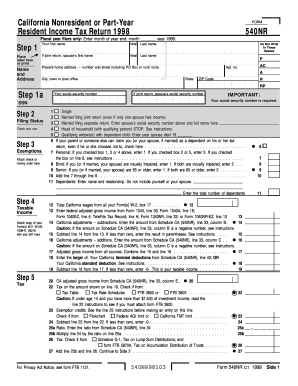
1998 Form 540NR - California Nonresident or Part-Year Resident Income Tax Return - ftb ca

1996 Form 568 - California Franchise Tax Board - State of California - ftb ca
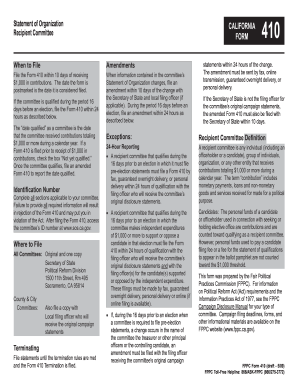
Form 410 - Fair Political Practices Commission - State of California - fppc ca
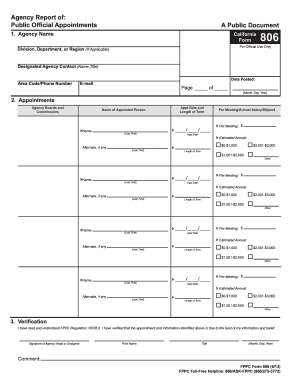
Form 806 - fppc ca

Cec pre certification application form
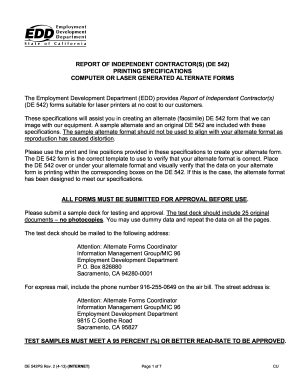
DE 542 - Employment Development Department

Re415a form
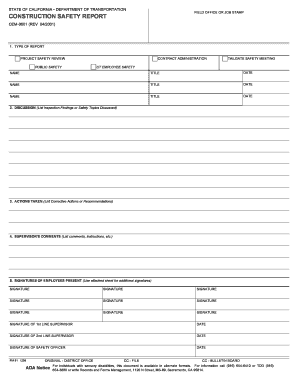
California construction
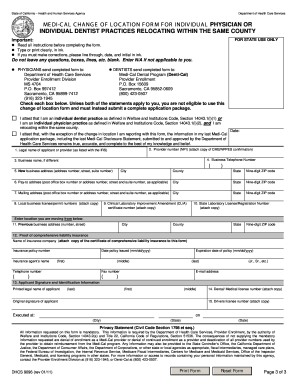
Medi cal change form
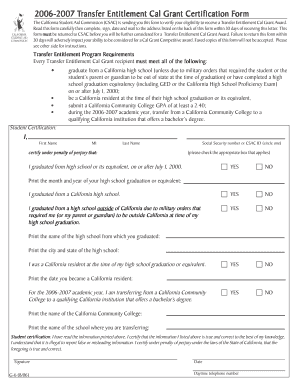
G6 form

California subpoena state

Judicial council form mc 050 2008
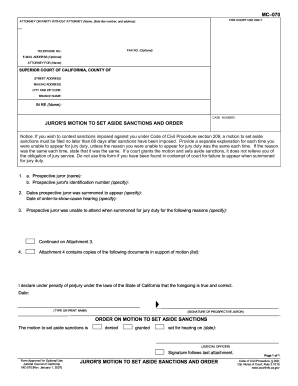
Mc 070
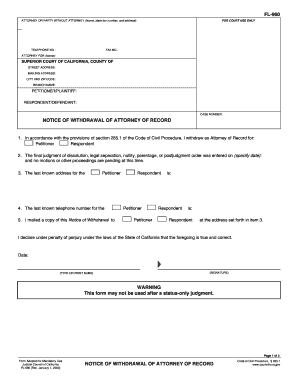
Fl 960
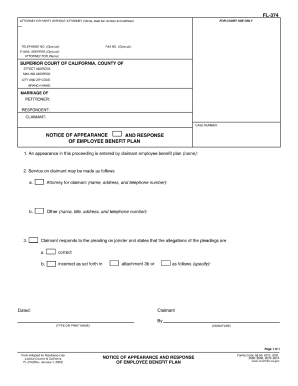
Fl374 form
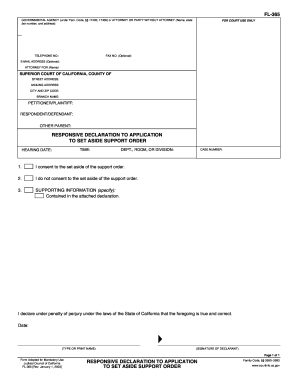
Fl 365
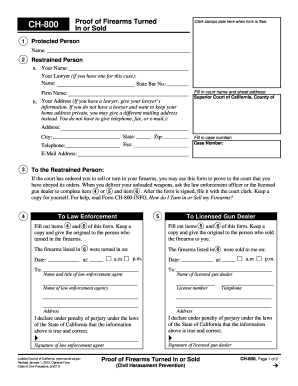
Ch 800 proof of firearms 2012 form
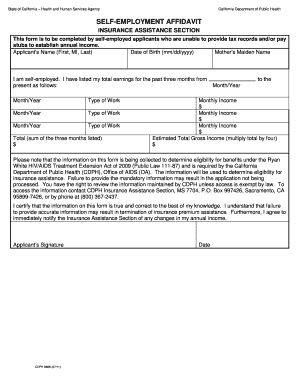
Form 1049 client's statement of self employment

Independent study operations manual
Suspicious injury report california 2003 form
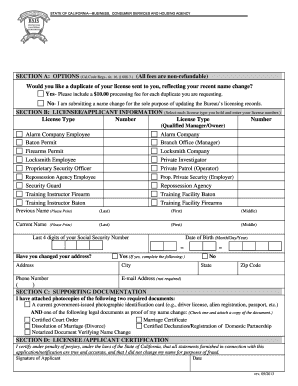
Bsis change of address
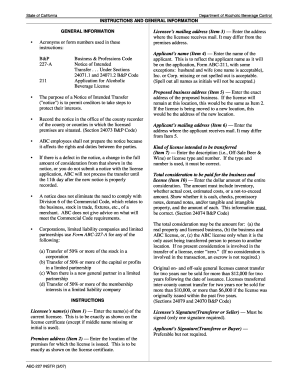
Abc 227 form
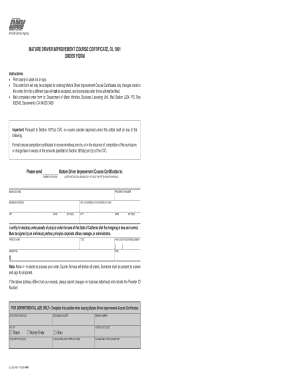
Reg 51
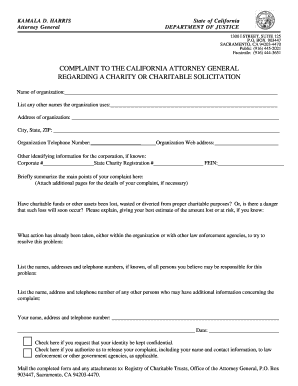
Tennessee department of professional responsibility printable complaint form
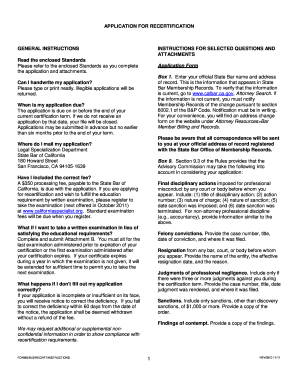
APPLICATION FOR RECERTIFICATION GENERAL ... - ls calbar ca

Ol 16s 2012 form
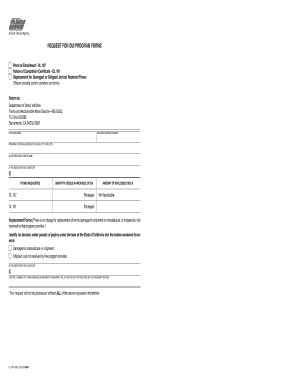
Dl 101
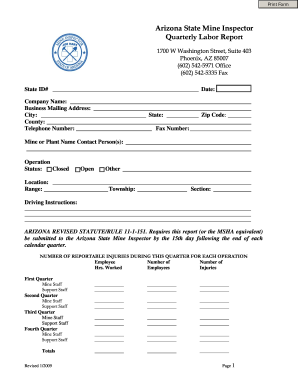
Arizona state mine inspector labor
Benefit from the DocHub online library of fillable PDF forms
Searching the PDF forms doesn't have to be a tedious and time-consuming process. With the DocHub online library, it has become easier to find the fillable PDF forms and modify them in your browser. The service allows you to adjust the document to your needs using powerful editing tools.
You can use online document editing features to modify almost any type of document with ease. You just need to find the template of your choice, open it in the editor, and use the toolbar to make the necessary corrections.
Follow this guide to get your document done with DocHub:
- Find the PDF template you need.
- Click the Get Form button to open the file in the editor.
- Use the toolbar to fill out and edit the document.
- Easily add and highlight text, insert images, checkmarks, and symbols.
- Drop new fillable fields, and rearrange or delete pages from your file.
- Save changes and download your record.
DocHub empowers everyone to streamline document editing, signing, and distribution, and form completion. Create an account and benefit from our well-organized PDF Forms library and comprehensive editor.