
Get any PDF form from the DocHub library of ready-made templates - Page 1653
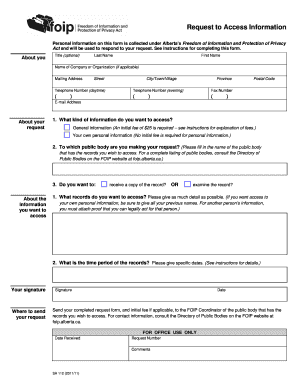
Foip form template

Ontario added respondent

Motion without notice
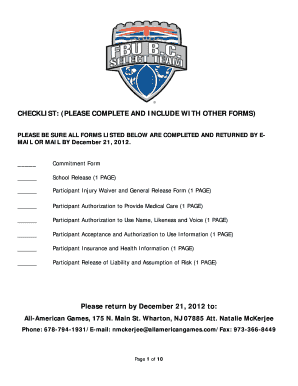
Fbu

Oap 4 2004 form
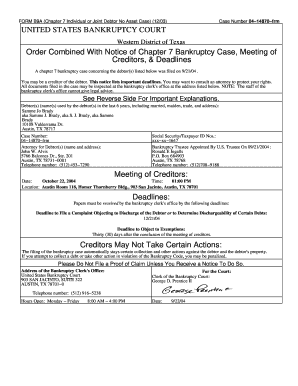
Form notice meeting creditors
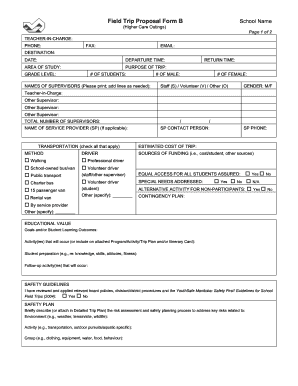
School district of mystery lake form

Form affidavit execution
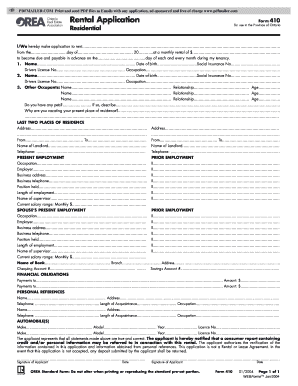
Residential Rental Application Form - web.295.ca

Jason lang scholarship
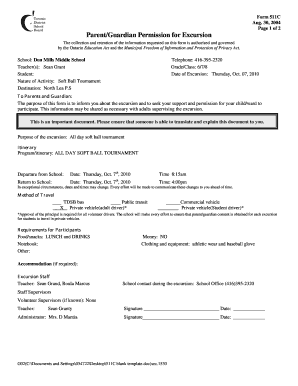
School excursion letter

511j
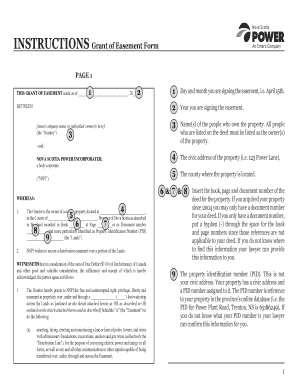
Nova scotia power easement
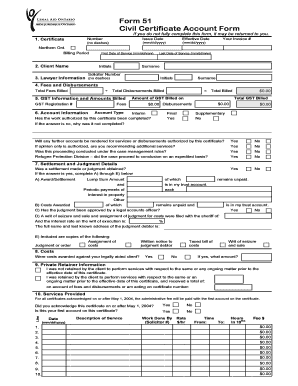
Form 51 Civil Certificate Account Form - Legal Aid Ontario - legalaid on
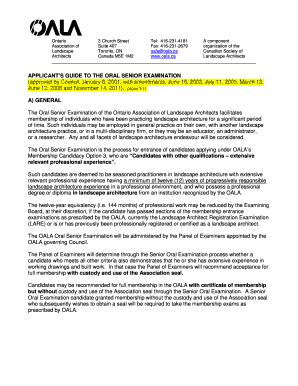
Applicant's Guide to Senior Oral Exam - The Ontario Association of ...
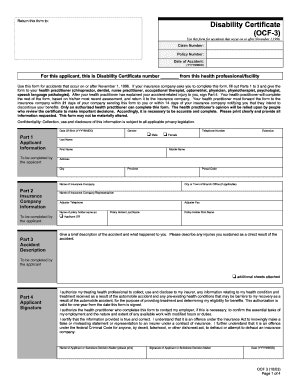
Ocf 3 disability certificate 2003 form

Health care directive manitoba
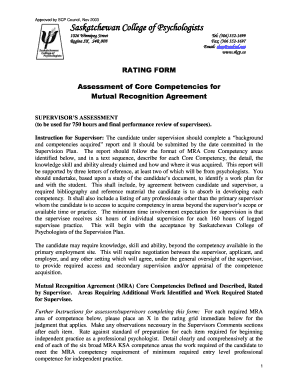
Mra rating form
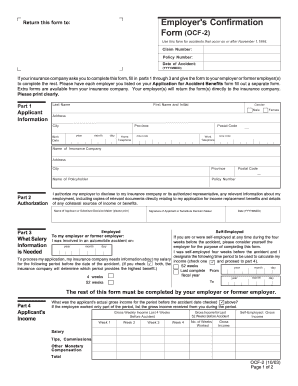
Ocf 2 fillable form 2003

Application - York Region District School Board
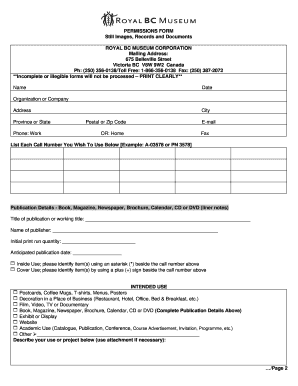
Application For Permission Form, Still Images and ... - BC Archives
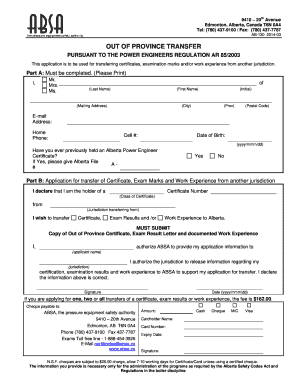
Absa ab 130
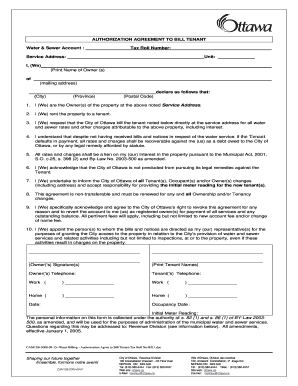
Tenant application and owner authorization to bill tenant city of ottawa 2008 form

Cfia form 5289 seed analysis certificate
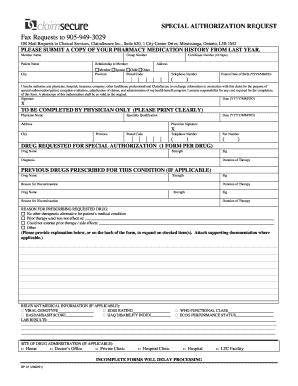
Garage keepers lien florida tallahassee form
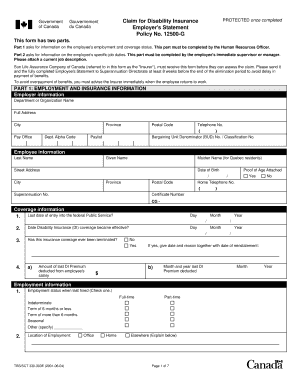
Tbssct 330
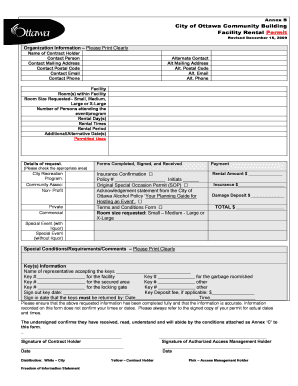
City of Ottawa Community Building Facility Rental ... - General Burns
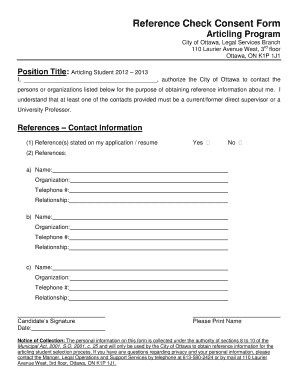
Reference Check Consent Form Articling Program - City of Ottawa - ottawa
Travel screening form

106f1
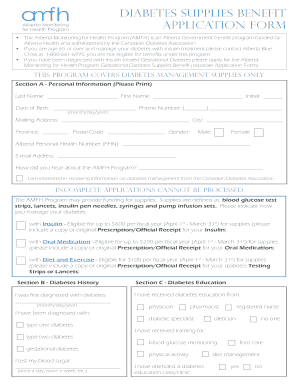
Ns goverment
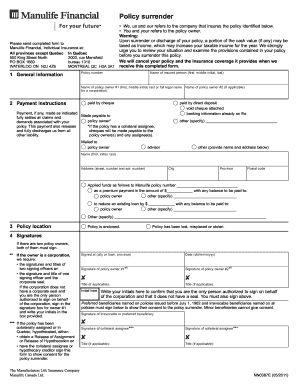
Manulife financial surrender form

Csio application pdf

Export declaration form philippines

51 105f3a
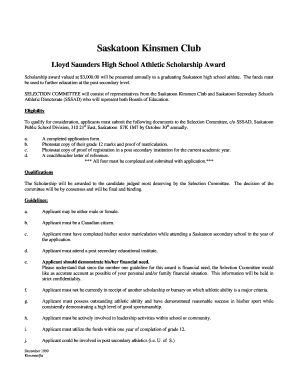
Kinsmen Scholarship Application - SSSAD Saskatoon Secondary ...
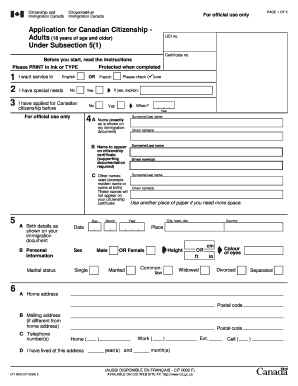
Canadian citizenship application form
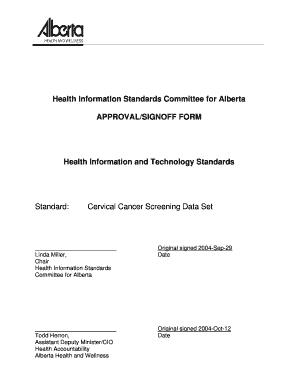
Hisca cancer

Retirement income
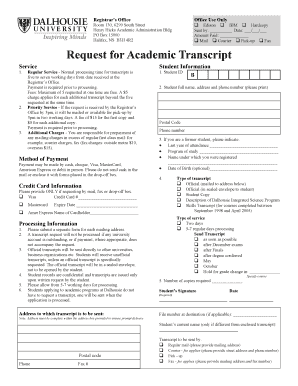
Dalhousie official transcript
Ca groundwater authorization alberta
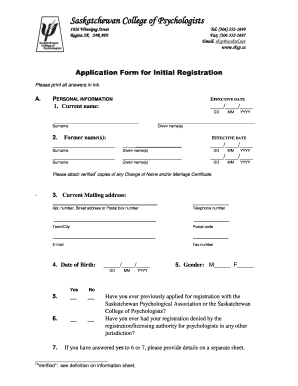
Saskatchewan psychologist initial registration

Business license swift current 2011 form
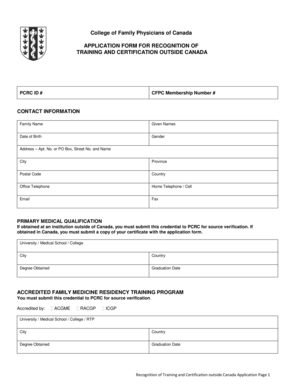
College of Family Physicians of Canada - cfpc
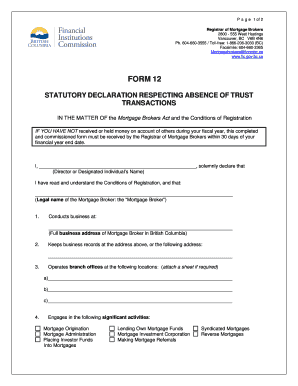
Stat dec form bc

Ocf 1 blank

Groupsearch true groupsearch

Loyalist college transcript

Form 1 - Articles of Incorporation - ISC - isc
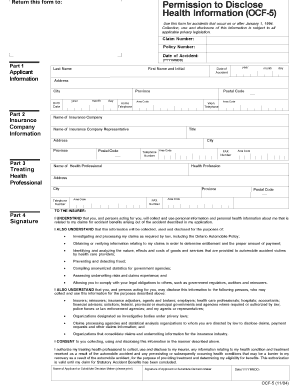
Ocf 5 fillable form 2004

Carter place calgary
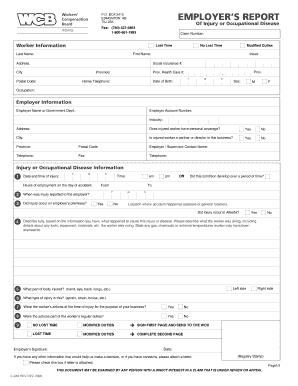
Wcb c040 fillable 2006 form
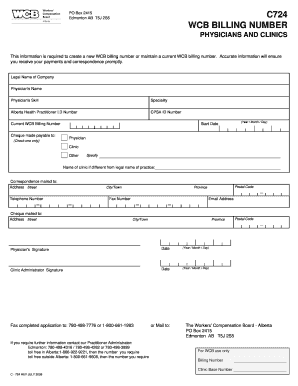
Wcb audio billing form

Wellsite reclamation certificate application in alberta form 2010
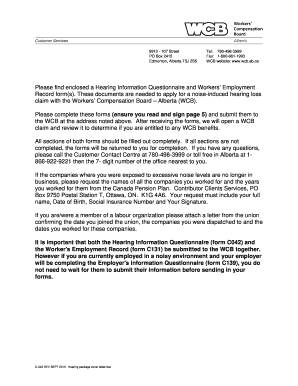
Wcb form c042

APPLICATION FORM AND GUIDE FOR AN EPEA REGISTRATION ...

Ivari provisions
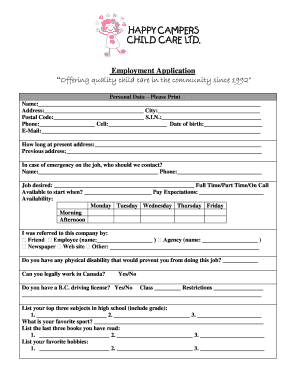
Child care government form school strike
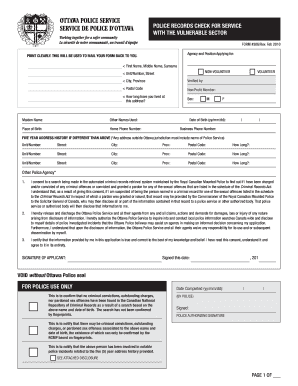
Ottawa criminal record check seal form
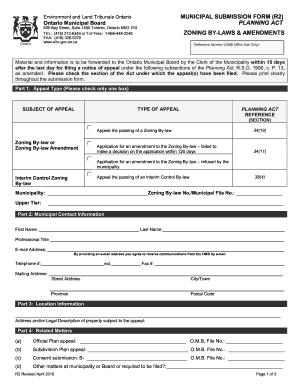
MUNICIPAL SUBMISSION FORM (R2) PLANNING ACT ZONING BY ... - omb gov on

Employment standards act form a 103 fillable 2013

Olrb forms
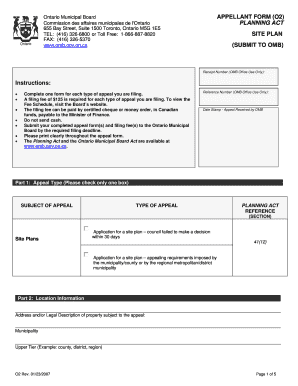
Ontario Municipal Board MUNICIPAL SUBMISSION FORM - omb gov on
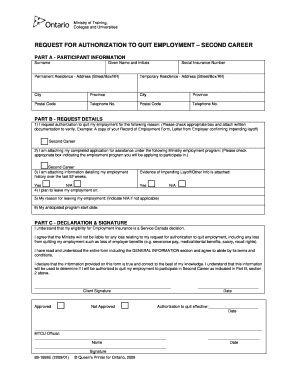
Authorization to quit form
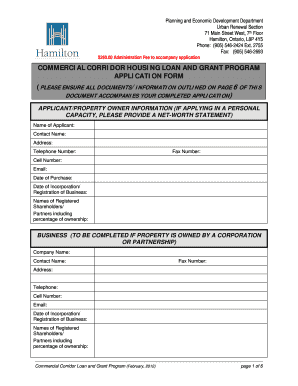
Commercial Corridor Housing Loan and Grant Application - Hamilton

Vsb resource book download
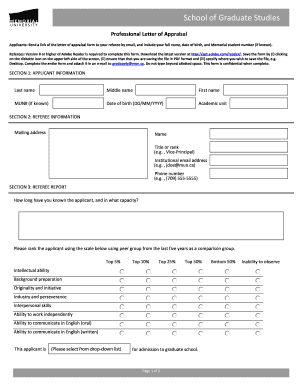
Professional letter appraisal
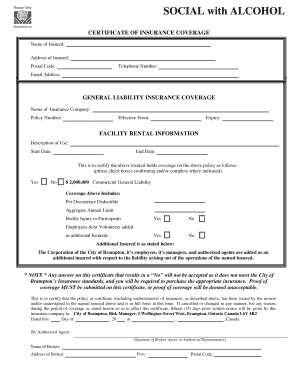
Canada certificate
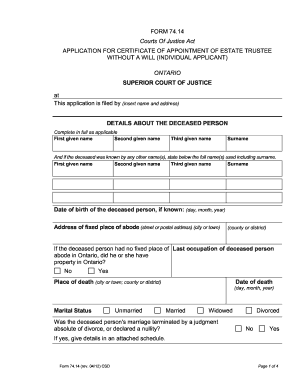
Form 74.14 Application for Certificate of Appointment of Estate Trustee ...
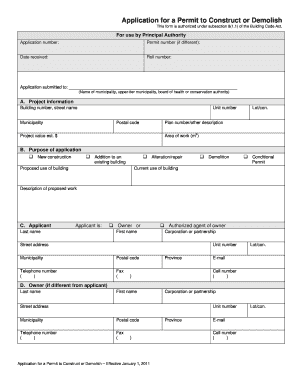
Application for a Permit to Construct or Demolish
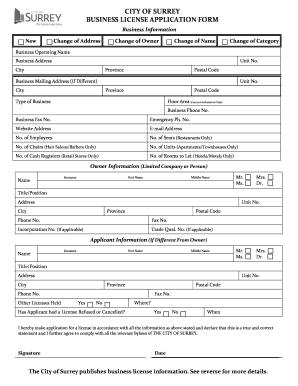
Surrey business license
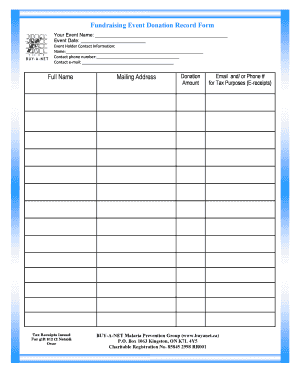
Fundraising Event Donation Record Form Full Name ... - Buy-a-Net
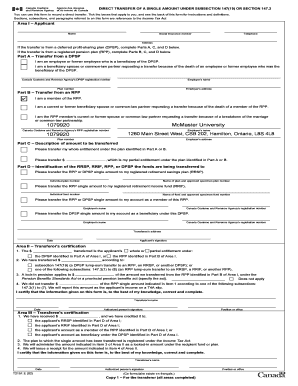
T2151

Vcr form
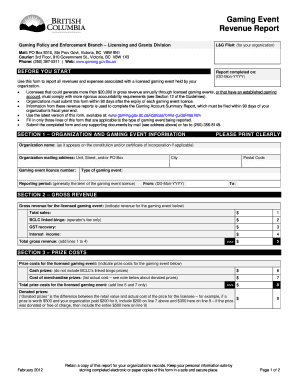
Bc gaming account summary report
White pages phone book

Subdivision Condominium Application Form - The County of Lambton
Circle f horse rescue
Acura credit application
Certificate status form

Salary form tqs

Application For Wedding Photography Permit
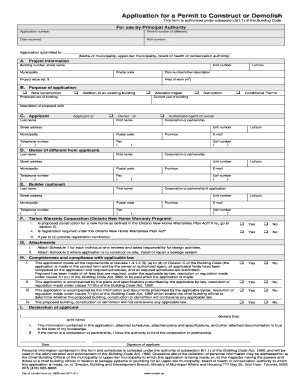
Hot work permit pdf forms
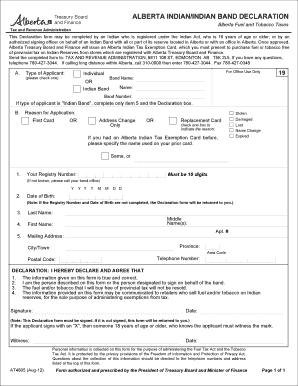
At4805 form
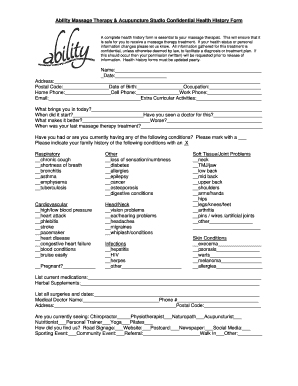
Acupuncture health history form
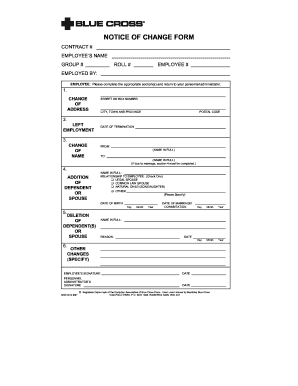
Cross notice change form
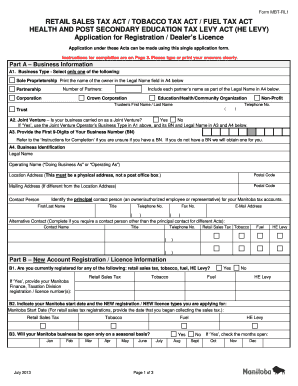
Mbt rl1 2013 form
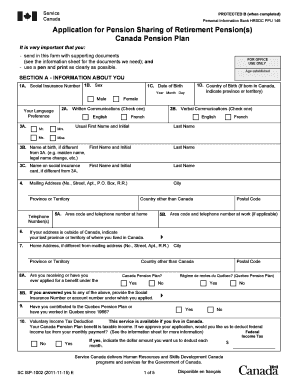
Isp1002

Rsp benificiary form
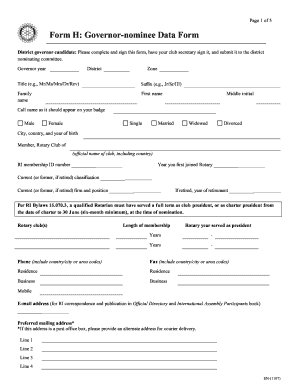
Form h governor

Centennial college readmit form
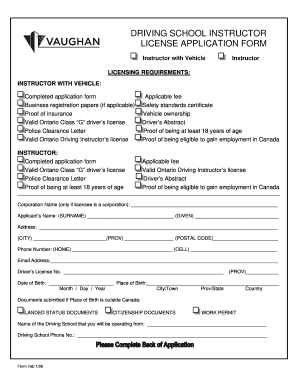
Driving school registration form pdf

Renew fishing license bc
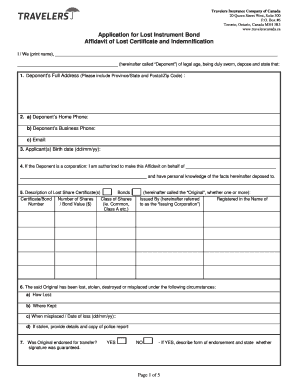
Lost instrument bond form
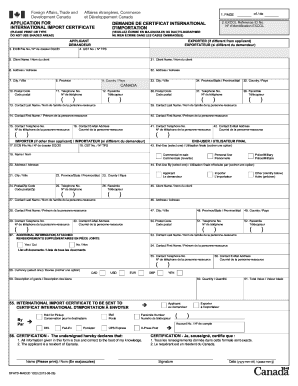
Dfatd maecd 1020 form

Seed purchase order
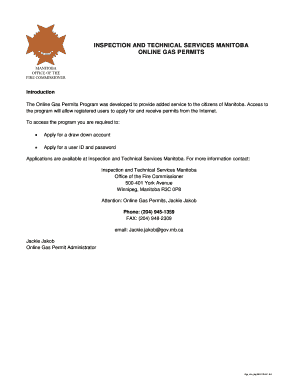
Gas permits online
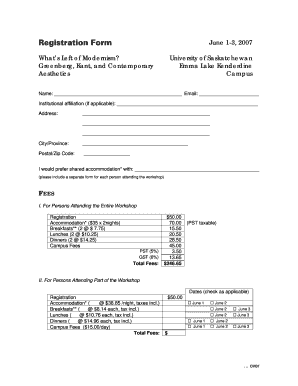
Registration Form June 1-3, 2007 What s Left of Modernism - usask

Fin 542s 2011 form
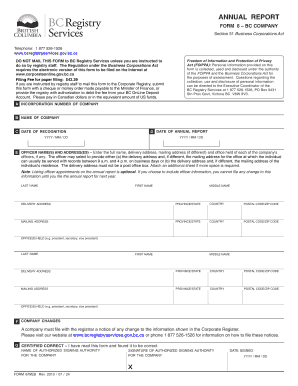
Form 6 annual report
Benefit from the DocHub online library of fillable PDF forms
Searching the PDF forms doesn't have to be a tedious and time-consuming process. With the DocHub online library, it has become easier to find the fillable PDF forms and modify them in your browser. The service allows you to adjust the document to your needs using powerful editing tools.
You can use online document editing features to modify almost any type of document with ease. You just need to find the template of your choice, open it in the editor, and use the toolbar to make the necessary corrections.
Follow this guide to get your document done with DocHub:
- Find the PDF template you need.
- Click the Get Form button to open the file in the editor.
- Use the toolbar to fill out and edit the document.
- Easily add and highlight text, insert images, checkmarks, and symbols.
- Drop new fillable fields, and rearrange or delete pages from your file.
- Save changes and download your record.
DocHub empowers everyone to streamline document editing, signing, and distribution, and form completion. Create an account and benefit from our well-organized PDF Forms library and comprehensive editor.