
Get any PDF form from the DocHub library of ready-made templates - Page 1644
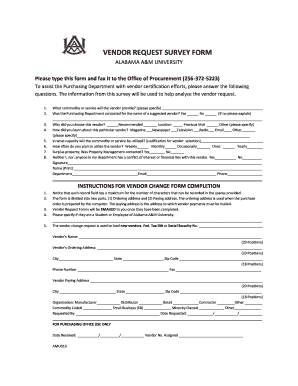
Vendor request you

Cancellation of Registration Form - Welcome to Alabama A&M ... - www2 aamu

Pdf fillable uk form 42 2011

Ft gratiot twp electrical permit form

Nevada real estate license
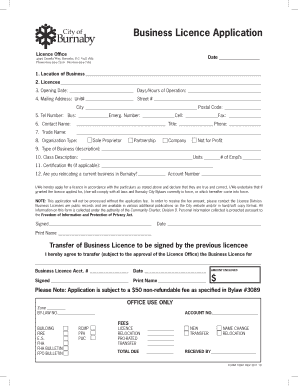
Burnaby business license
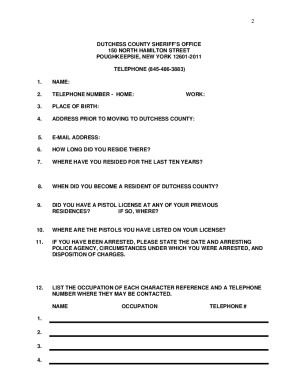
Dutchess county pistol permit
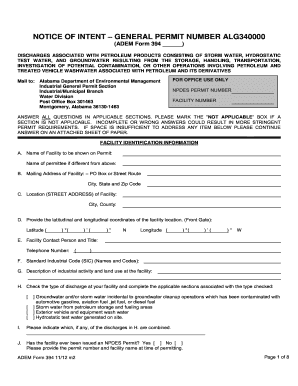
Form 394 - ALG340000 - Alabama Department of ...

Activity plan example

Online 1000 auto aplichon 2014 form
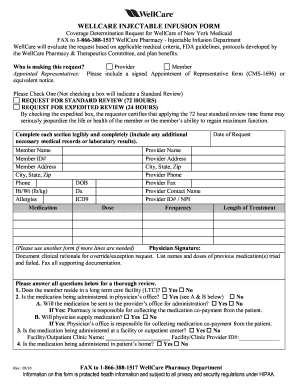
Injectable form
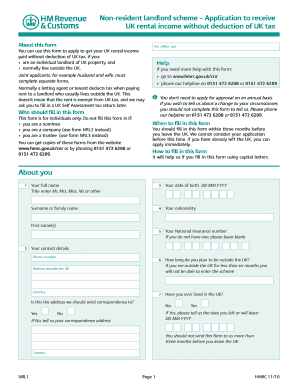
Non resident landlord application

Wellcare letter of intent form
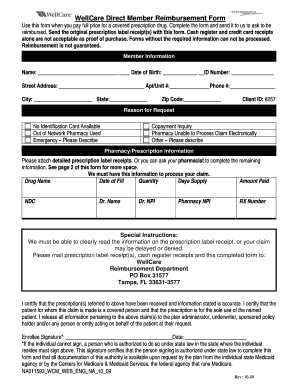
Wellcare reimbursement form
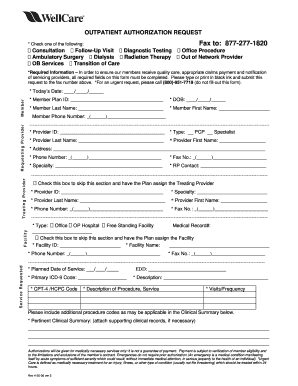
Wellcare outpatient authorization request form
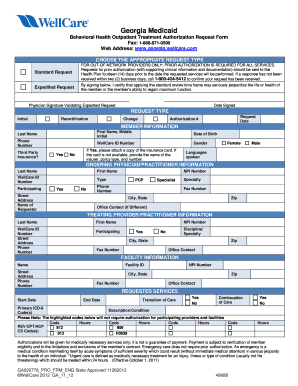
Wellcare eft form

Wellmed prior authorization form

Does wellcare provide retro authorizations
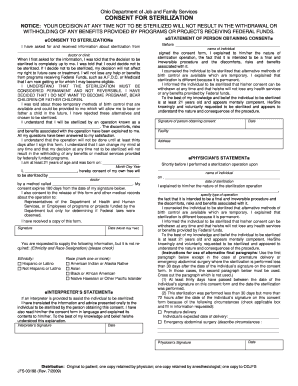
Ohio medicaid sterilization consent form 2022
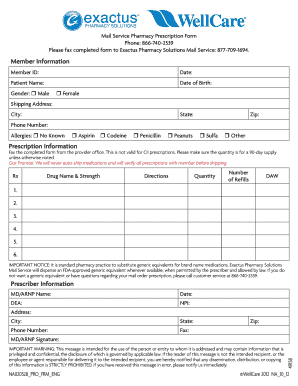
Intended prescription form blank
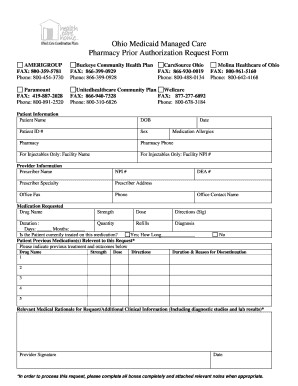
Buckeye medicare prior authorization form

Marriage license in san benito county 2009 form
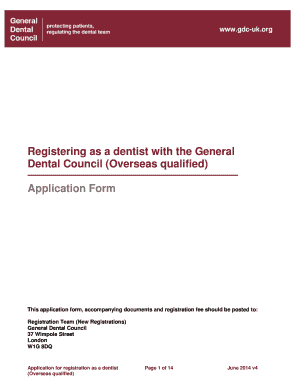
Gdc form

Business license portsmouth va

Australia south national police check application

Mother s Worksheet for Child s Birth Certificate - Louisiana ... - new dhh louisiana
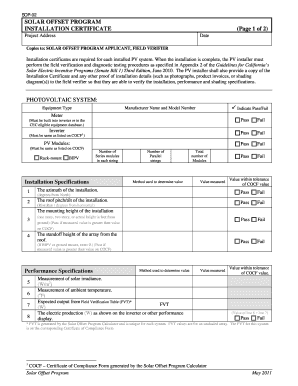
Solar project completion certificate format
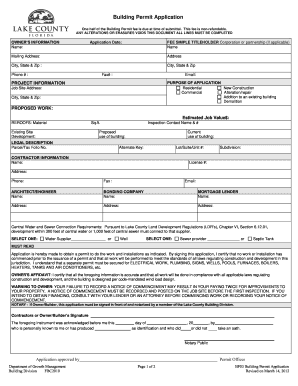
Building Permit Application (BF03) - Lake County - lakecountyfl
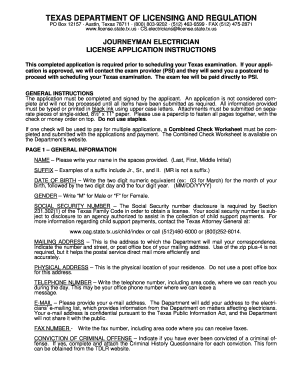
Master application tdlr pdf 2010 form
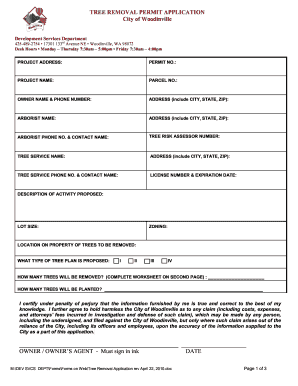
Woodinville tree permits
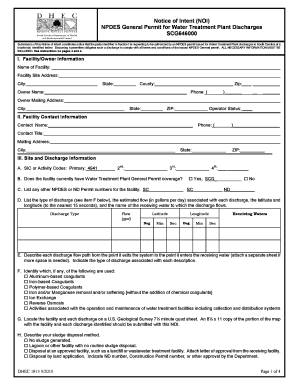
Notice of Intent (NOI) - Department of Health and Environmental ... - scdhec
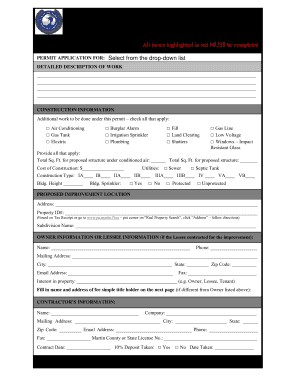
Martin county permit applaction form

Business letter template
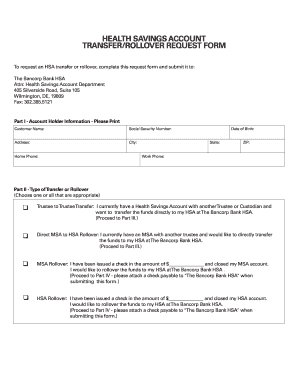
City bank online

Request change existing template
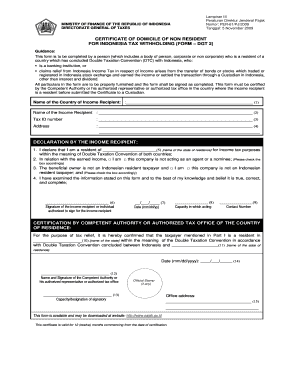
Indonesia certificate

Alaska dig wainwright get
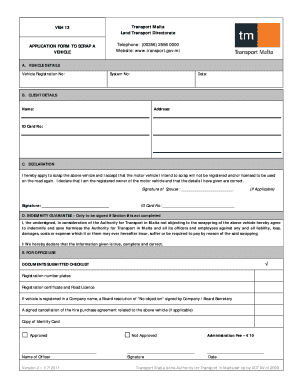
Veh13
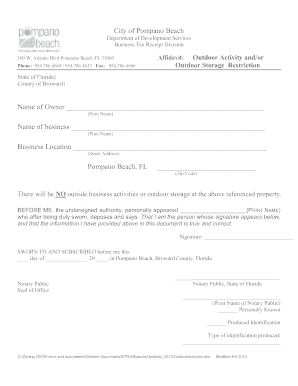
City of pompano beach zoning
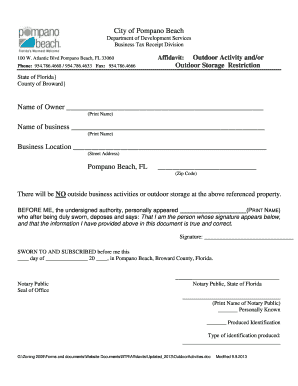
Pompano beach zoning use certificate

Nyc form htxhtxb cert of reg
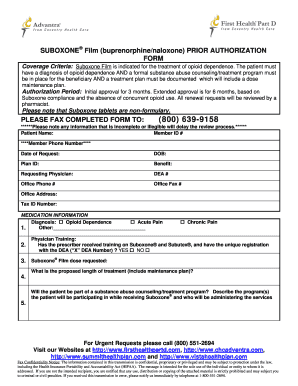
Coventry advantra prior authorization form

Altius health plans
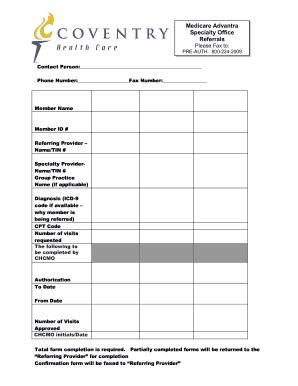
Assessment form ahca

Coventry authorization forms
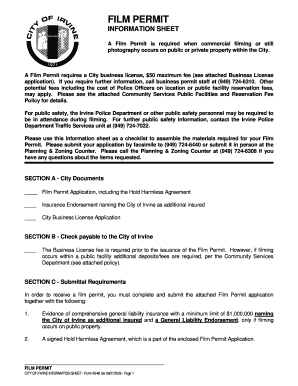
Irvine film permit

Patient care assistant application form

Amerigroup notification form
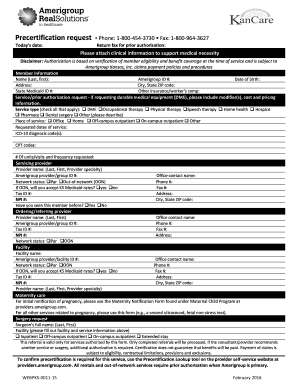
Precertification template form
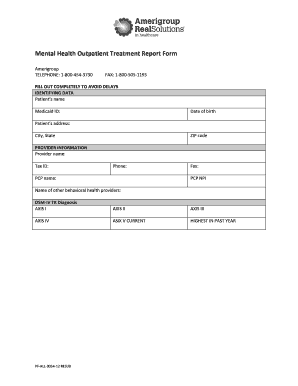
Treatment report form

Cf 1r alt reroof
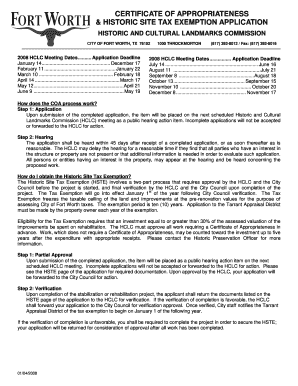
Tax coa hste

Sltg 1c form
Field trip forms in car
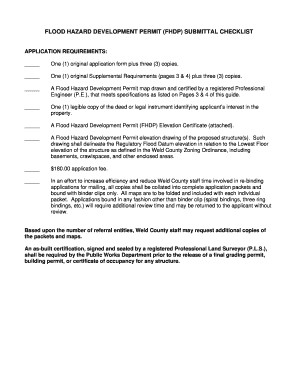
Weld county flood hazard development permit form
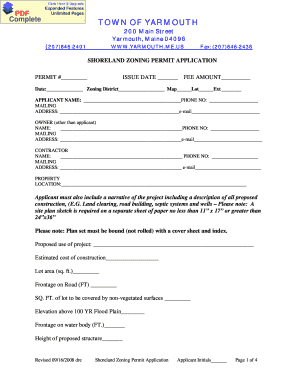
Me shoreland application
IRS Form 1099A.pdf - 1099 Software
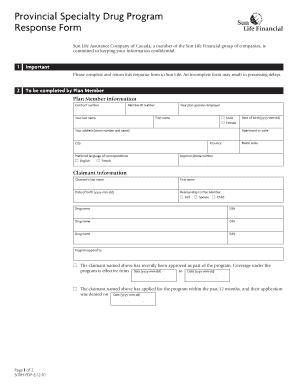
Sun provincial drug
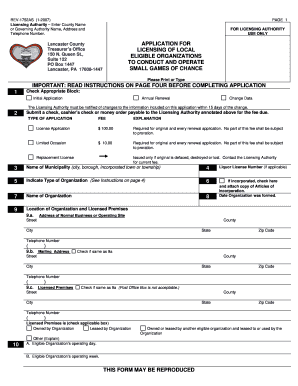
Small games of chance lancaster county pa 2007 form

Form coh texas

Fill in format 1040n nebraska state income tax forms
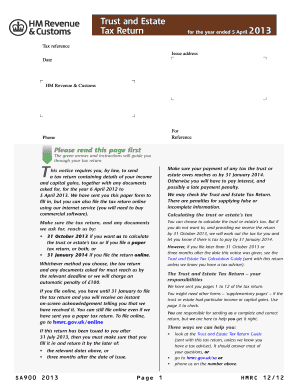
Which tax office issues form sa900
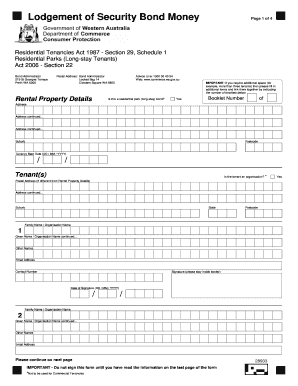
Lodgement Of Security Bond Money - Department of Commerce - commerce wa gov
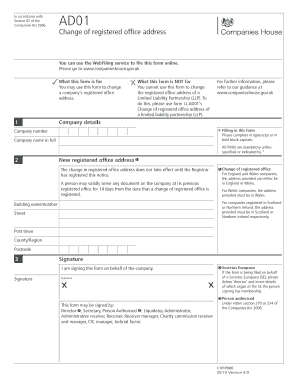
Ad01 form
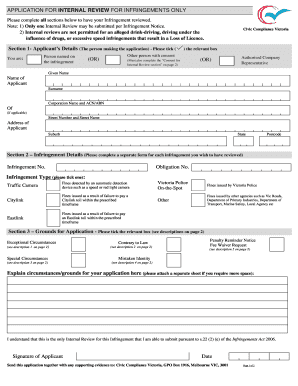
Internal Review form - Fines Victoria
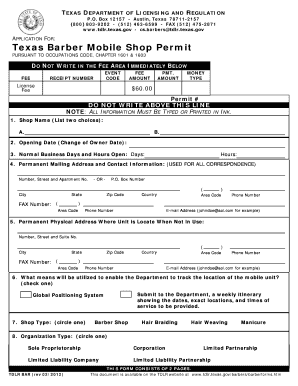
Barber license
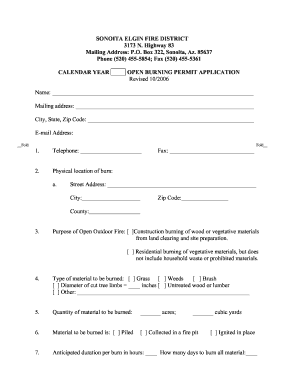
Permit sonoita
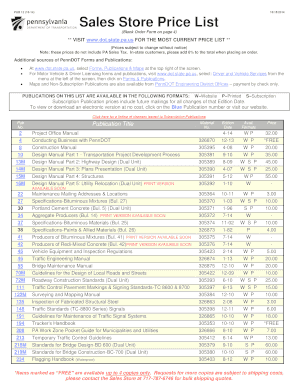
Penndot sales store

Premium plus variable annuity

Long term care insurance policy illustration form
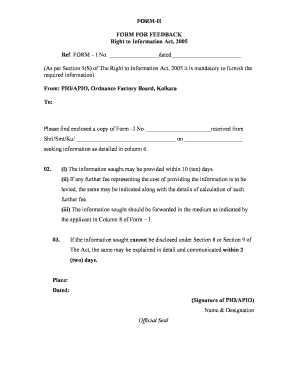
Attestation form

Domiciliary care allowance form download

127 Printable Medical Certificate Sample Forms and Templates ...

Citizenship 1359 form
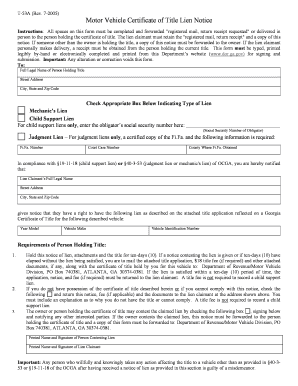
Form t 53 notice of security interest
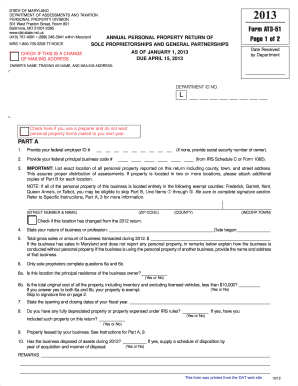
Form at3 51 2013
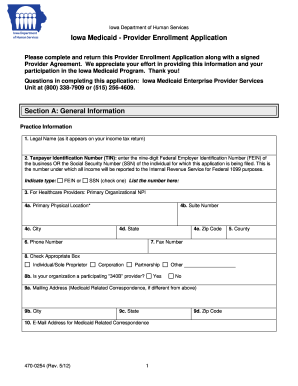
470 0254 2012 form
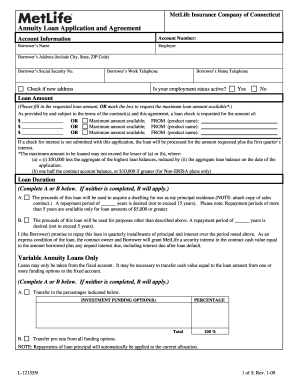
Metlife loan
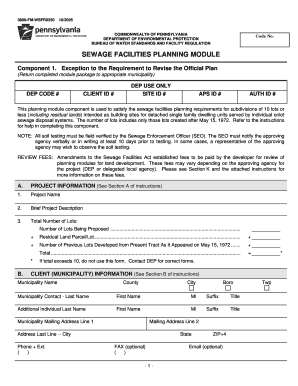
Dep 3800 fm wsfr0104

Gazette form for name change
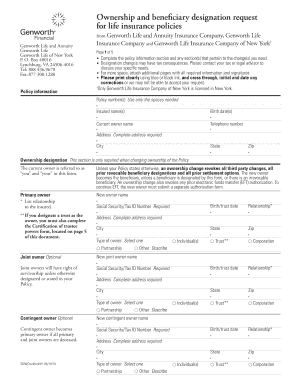
Genworth beneficiary change form
Charles county permits

Dl 288 form

Application low tension
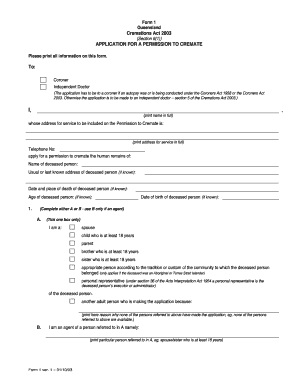
Form 1 - Application for a permission to cremate - Queensland Courts - courts qld gov

Volunteer confirmation letter
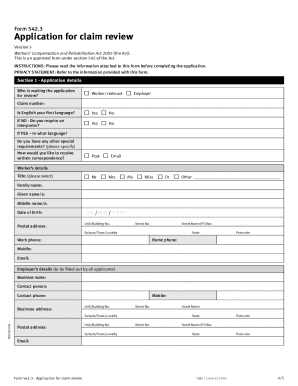
Claim review form 542 3
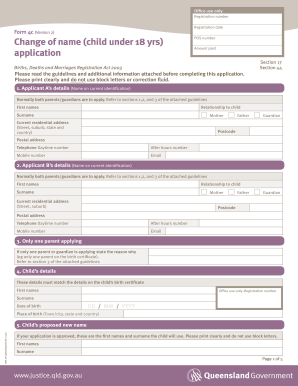
Form 4c
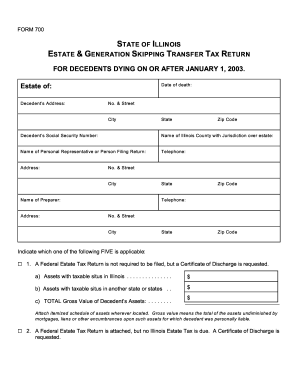
Illinois form 700 2003
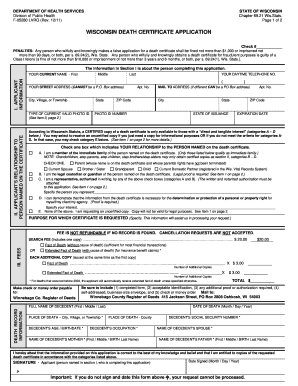
State of wisconsin death certificate application form
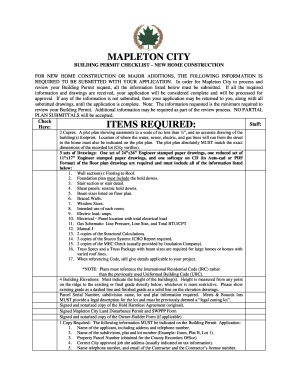
Mapleton city building permit fees form

Coverage Selection form - If you can see this page, check your URL ...
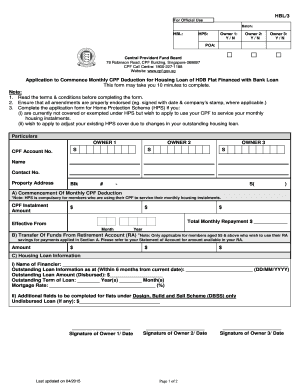
Fnf unb
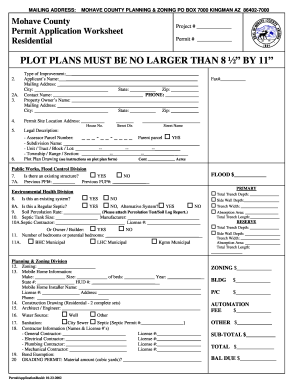
Mohave county building permit application
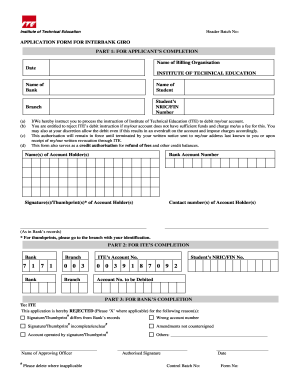
Ite giro
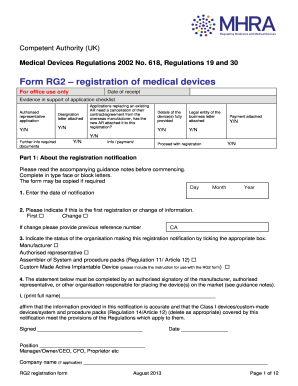
Mhra application form
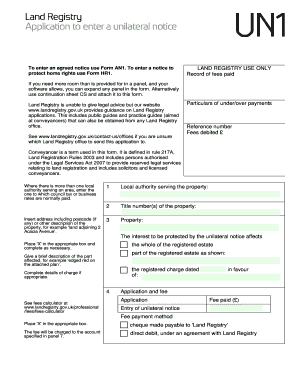
Un1
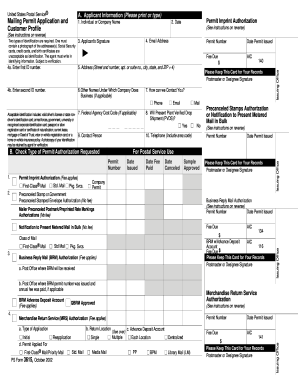
Ps form 3615 fillable 2002

Livingston county electrical permit application form
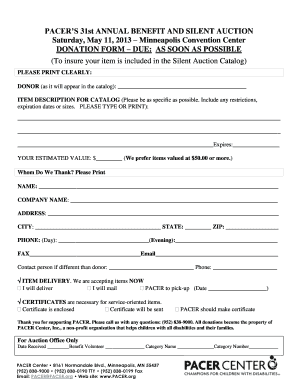
Silent auction form donation form fillable
Benefit from the DocHub online library of fillable PDF forms
Searching the PDF forms doesn't have to be a tedious and time-consuming process. With the DocHub online library, it has become easier to find the fillable PDF forms and modify them in your browser. The service allows you to adjust the document to your needs using powerful editing tools.
You can use online document editing features to modify almost any type of document with ease. You just need to find the template of your choice, open it in the editor, and use the toolbar to make the necessary corrections.
Follow this guide to get your document done with DocHub:
- Find the PDF template you need.
- Click the Get Form button to open the file in the editor.
- Use the toolbar to fill out and edit the document.
- Easily add and highlight text, insert images, checkmarks, and symbols.
- Drop new fillable fields, and rearrange or delete pages from your file.
- Save changes and download your record.
DocHub empowers everyone to streamline document editing, signing, and distribution, and form completion. Create an account and benefit from our well-organized PDF Forms library and comprehensive editor.