
Get any PDF form from the DocHub library of ready-made templates - Page 1645

Jkr agreement
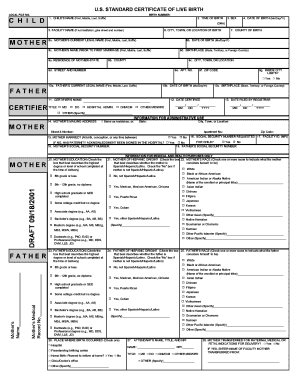
Birth certificate catawba county nc
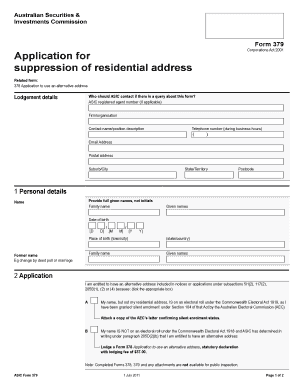
Asic form 379
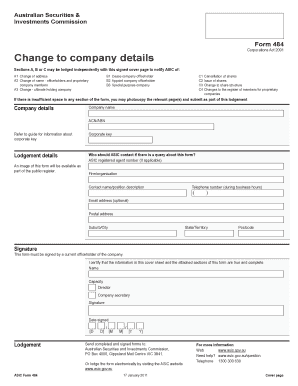
Asic form 388 in ms word

Asic form 205

Oregon permit
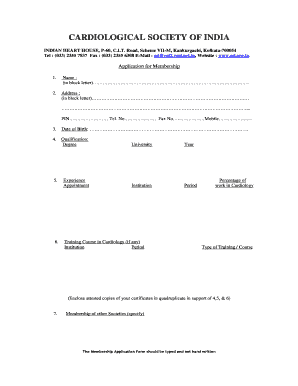
Csi membership form
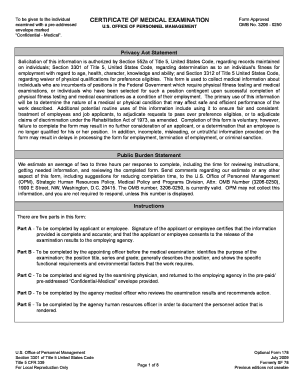
Of 178

How to fill form 109 for transfer of articleship

Dch transmittal
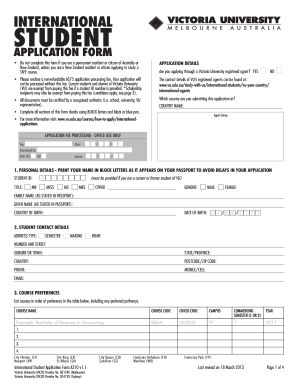
Application form of victoria university 2013
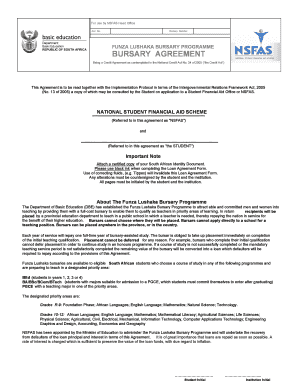
Funza lushaka application form 2022 pdf
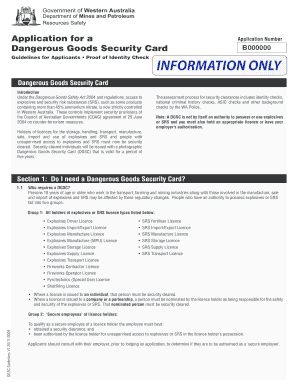
Dangerous goods security card

Napit application form

Sassa application forms 2021
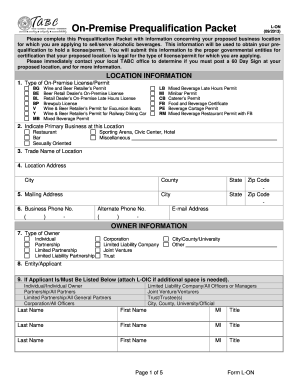
Templetes plain tabs
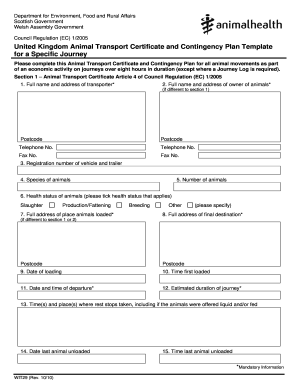
Animal transport form

Illinois work permit pdf

CLEAN AND GREEN APPLICATION - Tioga County - tiogacountypa
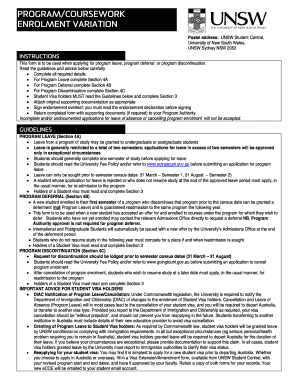
Program variation pdf
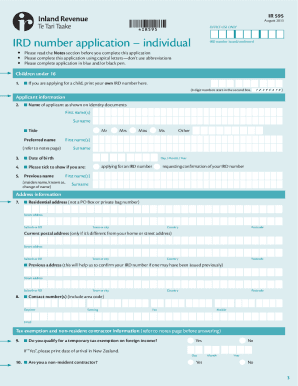
Ird application form nz
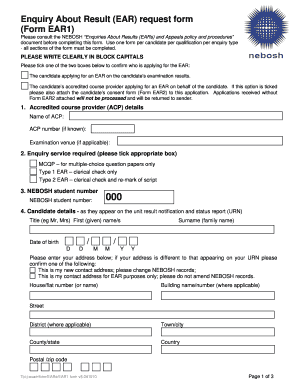
Form ear request
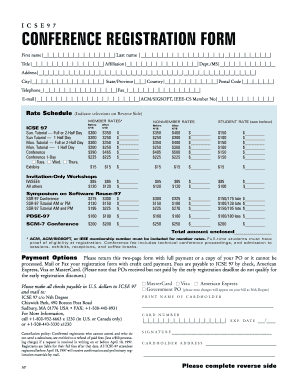
Registration form for conference

Certificate of creditable coverage

Thames valley police firearms variation form

Msf 4210
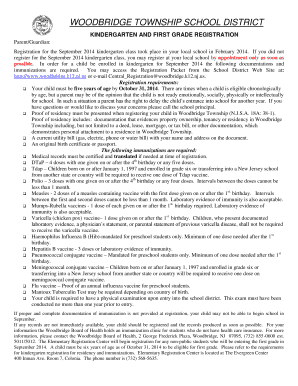
Woodbridge preschool registration
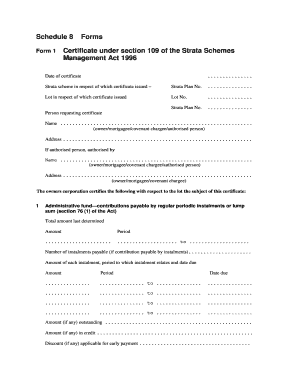
Certificate 109

Online electrical certificate ofcompliance in sa form
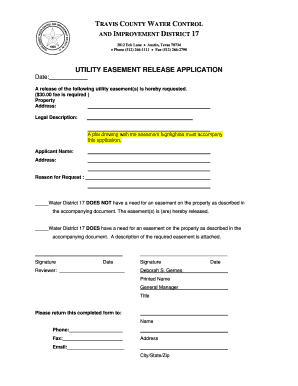
Release of easement template

Contact Lens Permit Application Form - Individual
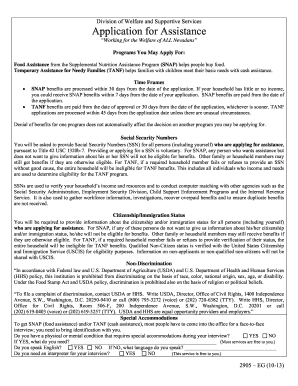
How to recertivse snap in las vegas 2009 form
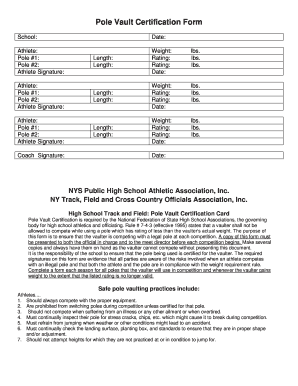
Pole vault certification form

Retirement Checklist - North Carolina Department of State...
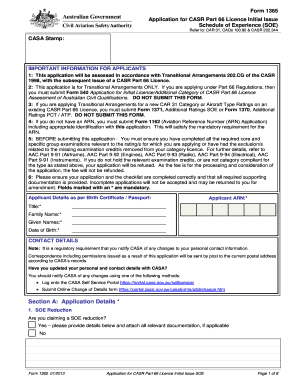
Casa form 1365 2013
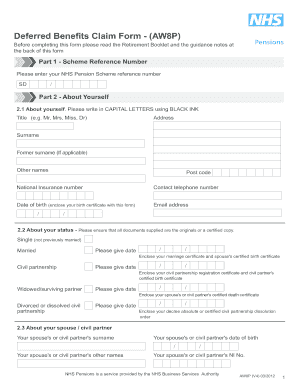
Aw8pform

Casa instrument rating

Addendum contract contractul

F3520 2012 form

Fines enforcement

Queensland operator accreditation workbook form

Vat431nb 2013 form
Smog check manual 2021
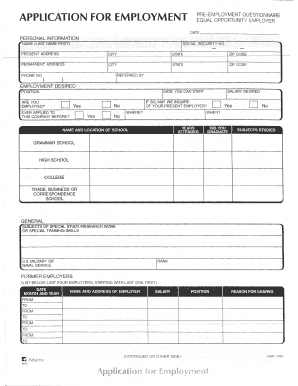
Tops form 32851 application for employment fillable
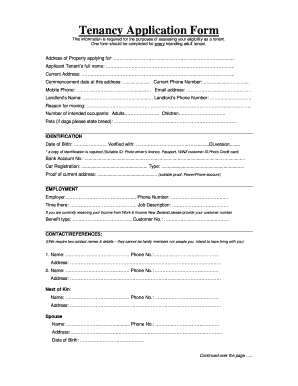
Tinz application

Onkaparinga fire ban

Aspeq exams sample questions

What is bcscd 518 certificate of correction form

Fl recordable
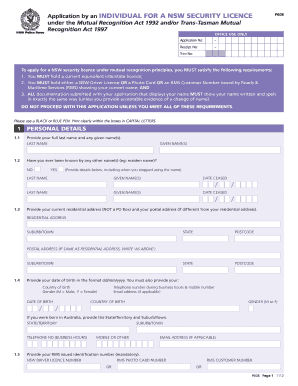
P608 security form

Acma r057 2012 form
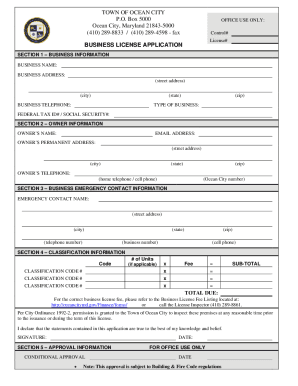
Town of ocean city business license

Where to send helpsheet 295 2013 form
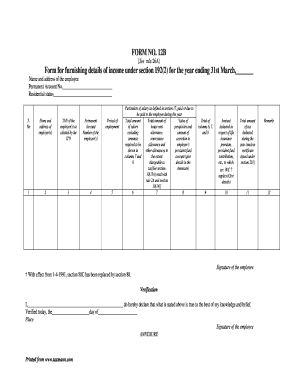
Form 12b sample filled
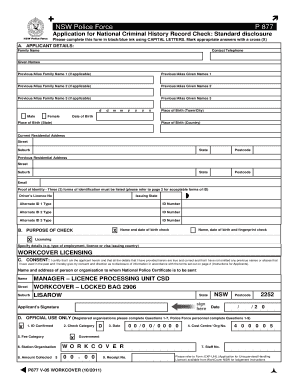
P877 form

Royal borough of kensington car parking permits
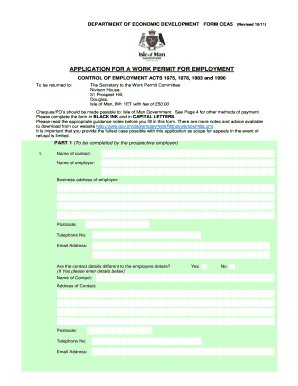
Iom permit form

Form4b change of conditions
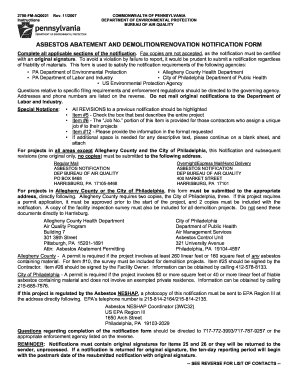
Pennsylvania dep neshap forms
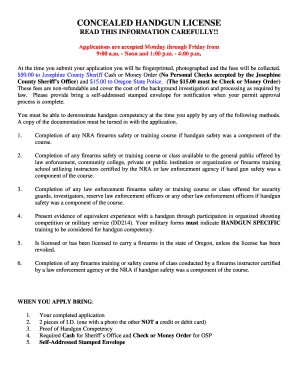
Josephine county concealed carry permit

Navajo nation rural addressing

Document acceptance form
Kelseytrailcom kelsey
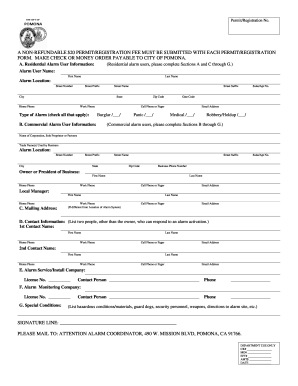
Pomona alarm permit form
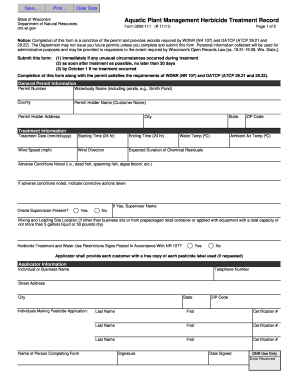
Wi do not resuscitate bracelet

Mississippi demolition renovation form
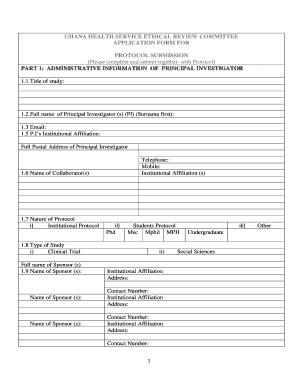
Ghana health service medical report form

Msf5100 2010 form

Vp form
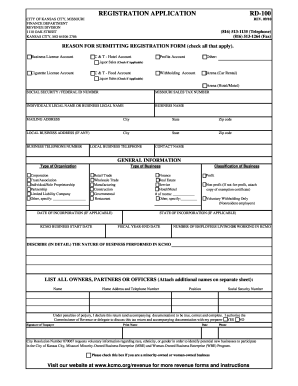
Application in kansas city 2010 form
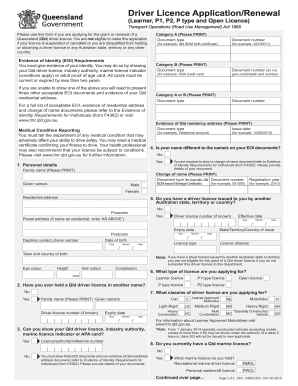
Content form

Permit template word
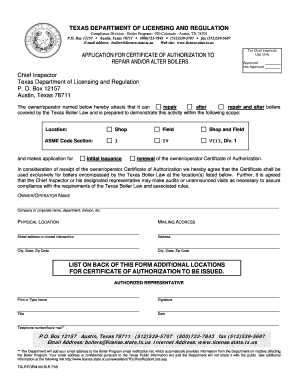
Tdlr

Town of colonie building department

Baytown alarm permit form

Septic inspection report

Monitoring Well and Boring Permit Application - County of Mendocino - co mendocino ca

Harris county coin operated machine permit
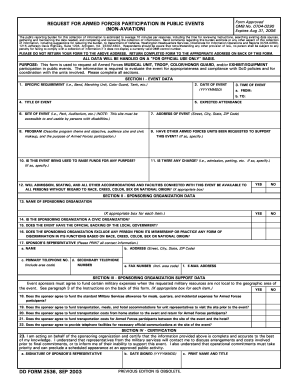
Dd form 2536 2003
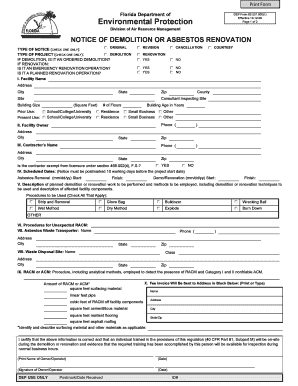
Notice of asbestos renovation of demolition dep form 62 2579001
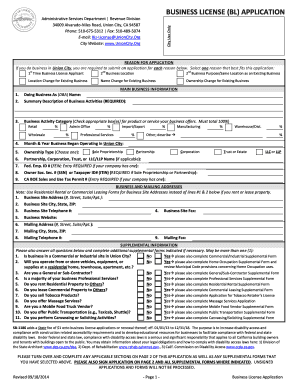
City of union city business license
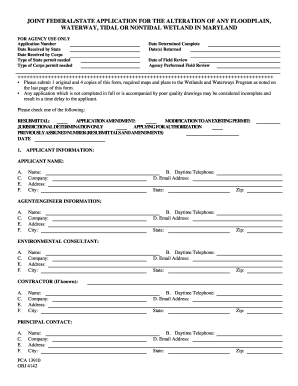
Maryland obj application plan

Ems 1650 online

Bloodsworth island hunting permit
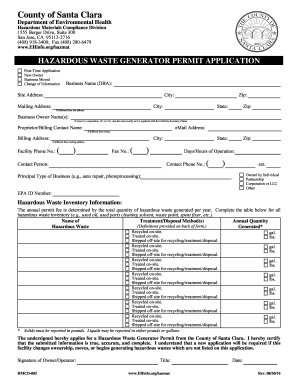
Epa hazardous waste generator check list
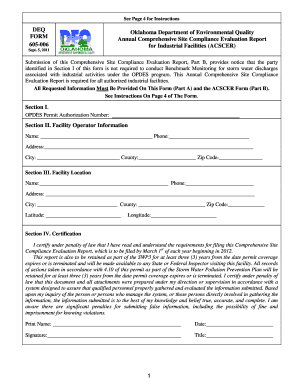
Oklahoma acscer

Rtb 10
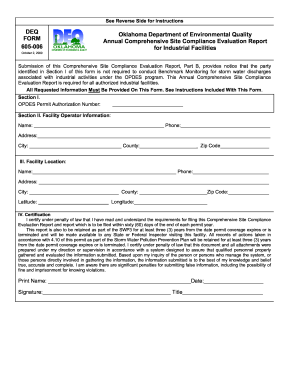
DEQ FORM 605-006 Oklahoma Department of Environmental ... - deq state ok

Site Care Monthly Overtime Claim Form - London Borough of ... - lbhf gov

Off site field trip
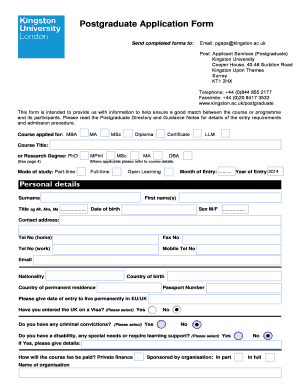
United kingdom kingston london
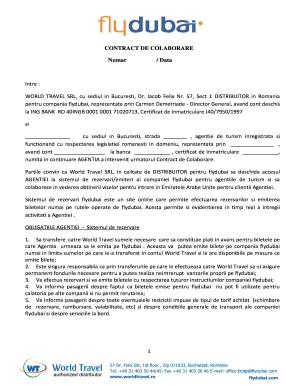
World travel colaborare form

H 2b visa application forms
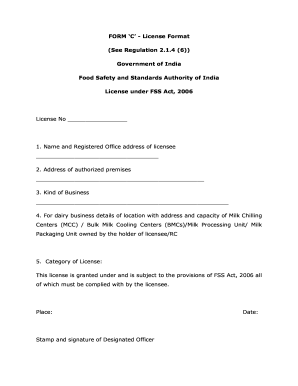
Fssai form c download
Pnb form fill up image

Ecs form sbi
Form 10i
Consent letter for oci application
Bsnl static ip application form
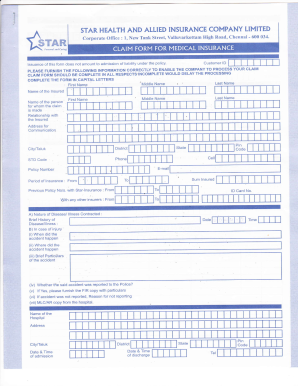
Star health claim form
Benefit from the DocHub online library of fillable PDF forms
Searching the PDF forms doesn't have to be a tedious and time-consuming process. With the DocHub online library, it has become easier to find the fillable PDF forms and modify them in your browser. The service allows you to adjust the document to your needs using powerful editing tools.
You can use online document editing features to modify almost any type of document with ease. You just need to find the template of your choice, open it in the editor, and use the toolbar to make the necessary corrections.
Follow this guide to get your document done with DocHub:
- Find the PDF template you need.
- Click the Get Form button to open the file in the editor.
- Use the toolbar to fill out and edit the document.
- Easily add and highlight text, insert images, checkmarks, and symbols.
- Drop new fillable fields, and rearrange or delete pages from your file.
- Save changes and download your record.
DocHub empowers everyone to streamline document editing, signing, and distribution, and form completion. Create an account and benefit from our well-organized PDF Forms library and comprehensive editor.