
Get any PDF form from the DocHub library of ready-made templates - Page 1642
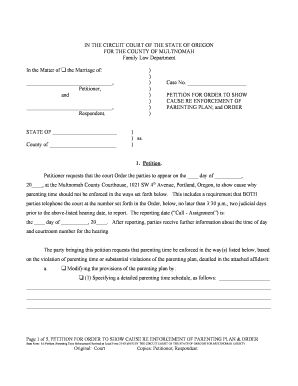
Multnomah county circuit court forms
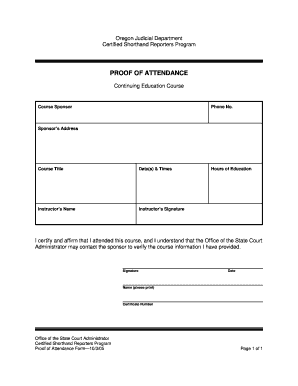
Proof of attendance form
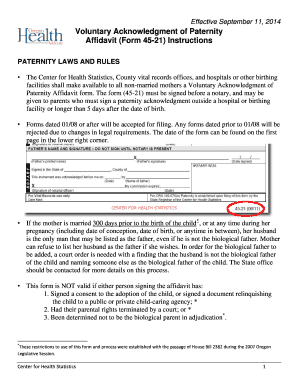
Acknowledgment paternity affidavit

107 174

Proposed order oregon form
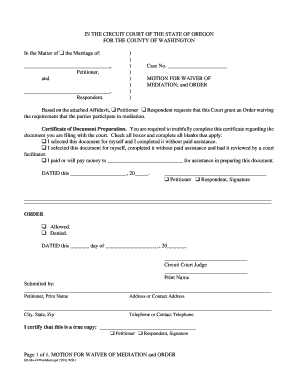
Motion to waive mediation florida
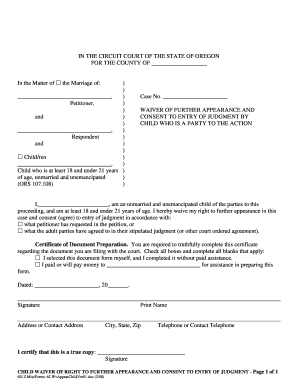
Waiver of appearance divorce form
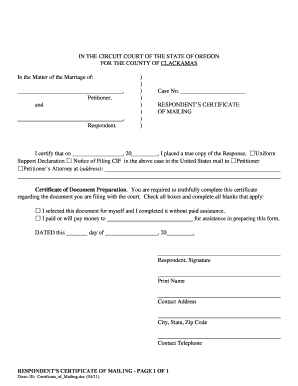
Can i mail certificate of mailing to court oregon form
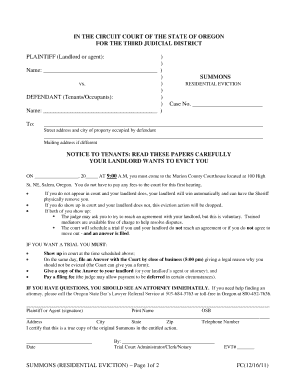
Evictions lincoln
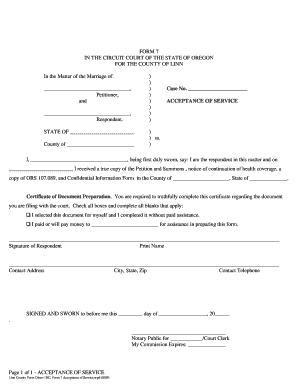
Acceptance of service oregon

Cms 116 pdf
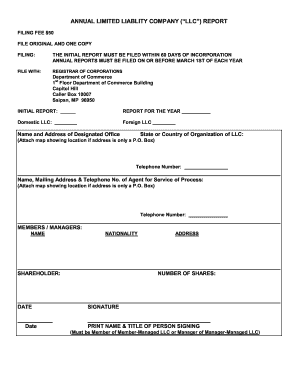
Annual limited liability report
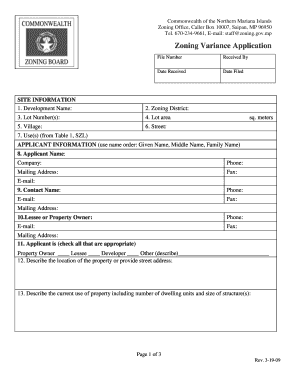
Land utiliazation application

Absentee ballot form

Vsp enrollment form 2022 pdf
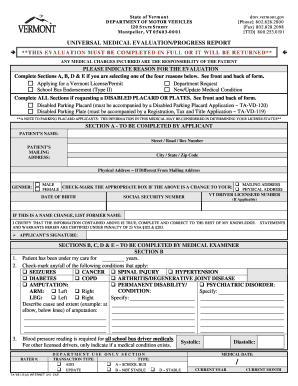
Vermont dmv medical evaluation forms

1 South Carolina Lifeline Application Instructions Application for ... - regulatorystaff sc

Tennessee attestation performance form

Printable form for tennessee release from compulsory attendance 2016
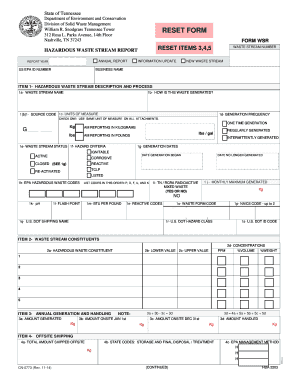
Form WSR - CN0773 - Tennessee.gov - tn
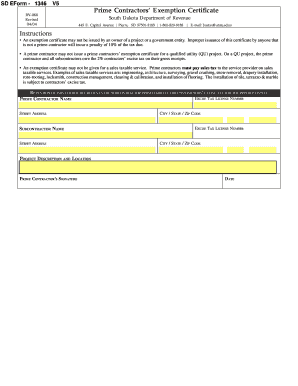
Form sd

South dakota license plate stickers
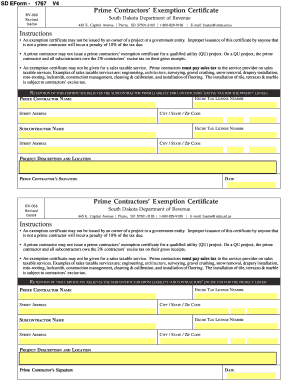
South dakota exemption certificate 2004 form

Sd eform 1365 v3 2010
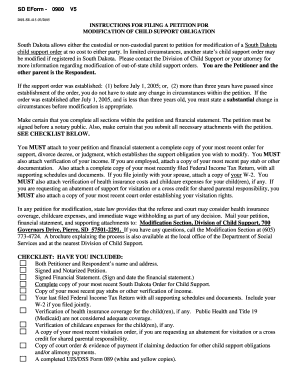
South dakota child custody modification forms
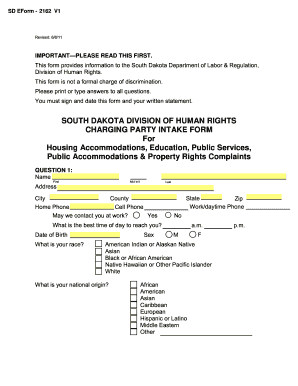
Charging party intake form - State of South Dakota - state sd
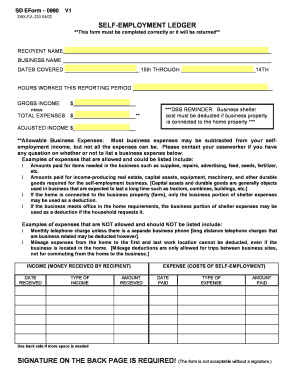
Self-Employment Ledger - state sd
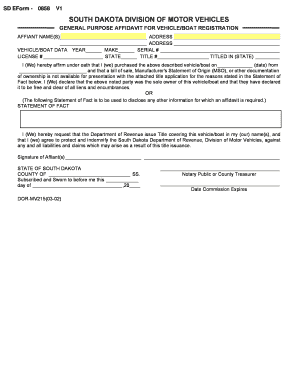
Affidavit for Vehicle/Boat Registration - State of South Dakota - state sd

Sd eform 1832
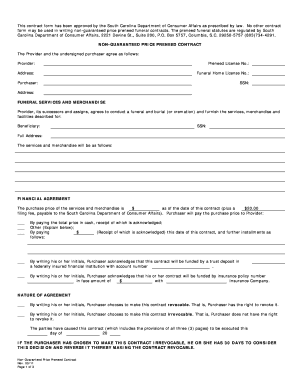
Funeral contract sample

Dss 2941 form

Town of bluffton business license

Pa verified statement

Blank sales agreement real estate

Oklahoma land contract
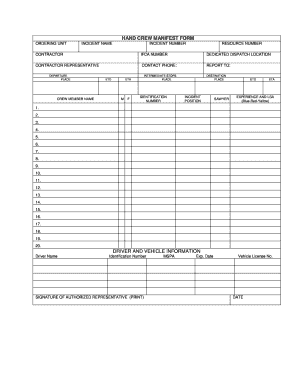
Manifest crew
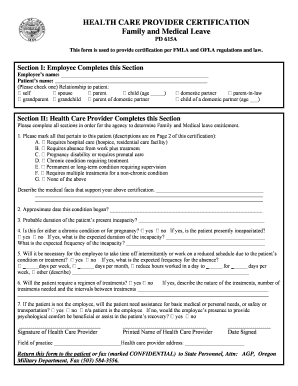
HEALTH CARE PROVIDER CERTIFICATION ... - State of Oregon - oregon

BUREAU OF LABOR AND INDUSTRIES NOTICE ... - State of Oregon - oregon

Adult foster home floor plans oregon 2001 form
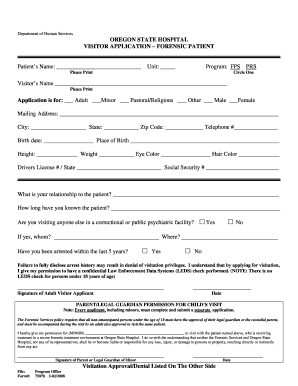
Pastoral visitation form

Sealed bid template

COMMERCIAL IMPROVED - State of Oklahoma - ok
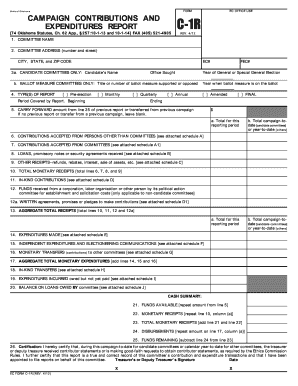
Oklahoma c 1r

Evidence destruction forms
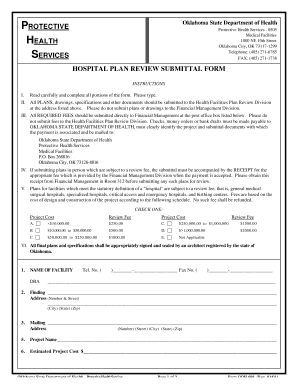
Oklahoma odh form 698
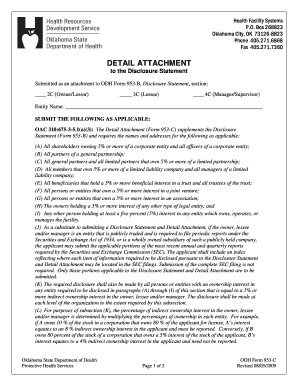
Form 953c
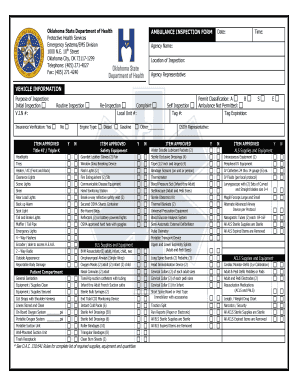
Ambulance inspection form
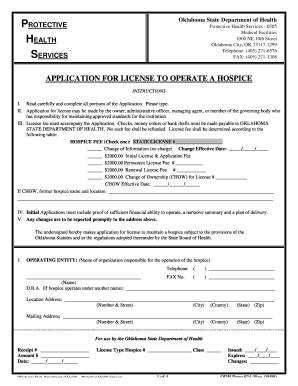
APPLICATION FOR LICENSE TO OPERATE A HOSPICE - State of ... - ok
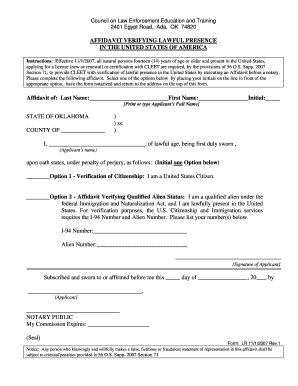
Omma affidavit of lawful presence
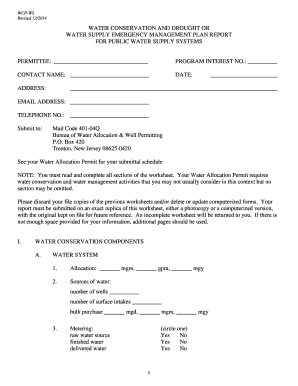
Public Water Supply Systems - State of New Jersey - state nj

Tddd license application
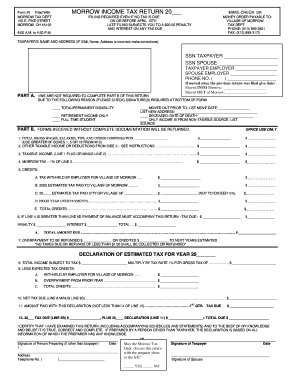
Oh morrow tax

Dd 2870
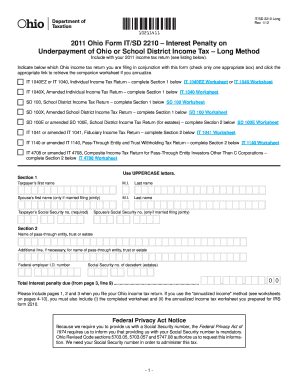
2011 2210 form

Ohio form

Application for Child Care Benefits - Ohio Department of Job and ... - jfs ohio

Ohio hazardous waste report
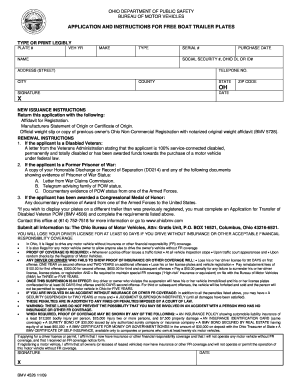
Ohio trailer weight slip
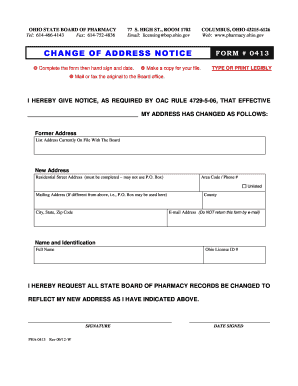
Ohio oarrs
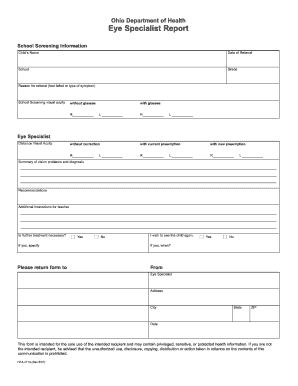
Eye prescription template word
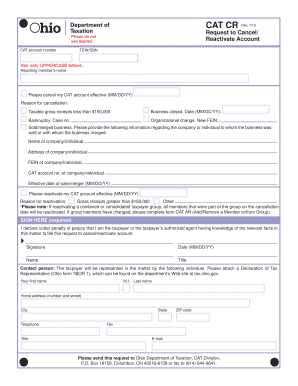
Ohio cat form and instructions

Ohio reinstatement dental license

Ohio hunting permission slip
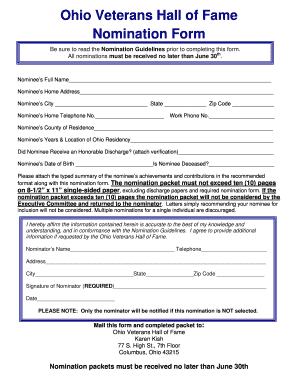
Sample of nomination for veterans hall of fame
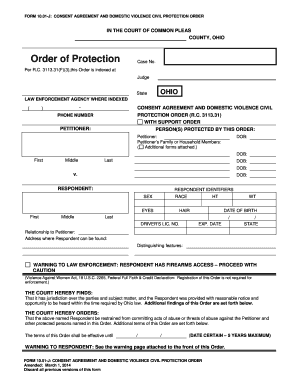
Civil protection order cuyahoga county form
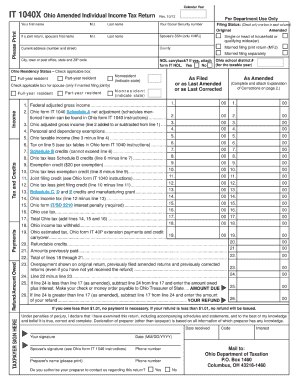
2012 ohio amended return form

Notice of appeal ohio form 2002

Ohio ifta online application

Ohio board dietetics form

Advance Action Notice: - State of Michigan - michigan

Michigan stfu intent to operate

Hiv consent form template
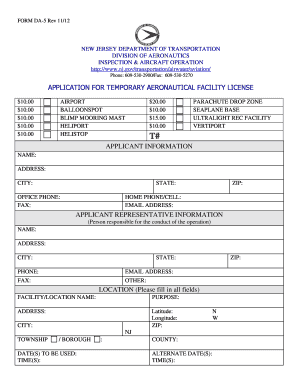
5application of microsoft word form
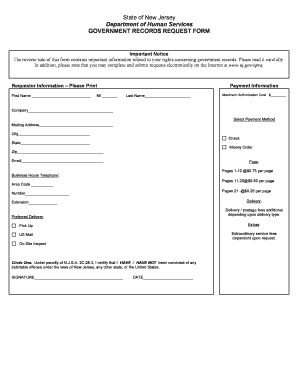
DHS OPRA Request Form - State of New Jersey - state nj

New Jersey Department of Health RABIES VACCINATION ... - state nj

Nj state ems training fund form
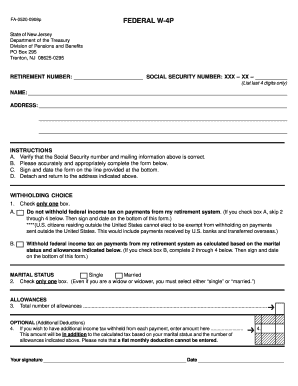
Fa 0520 0908p 2008 form

Hearing aid purchase agreement
State of maine section 28 comprehensive assessment form
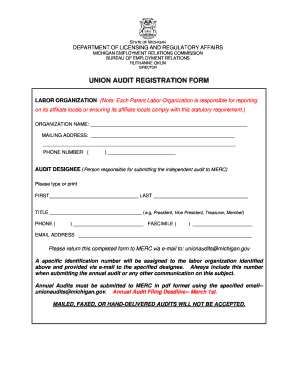
Merc audit michigan form
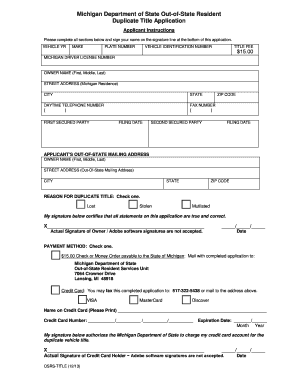
Michigan duplicate title form

51a written report mass

2012 Massachusetts Corporate Excise Tax Forms and Instructions ...
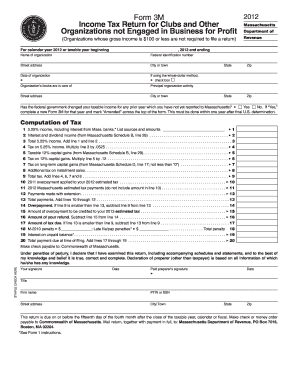
Editable massachusetts form 3m 2012

Mcdhh interpreter rates

Cori form
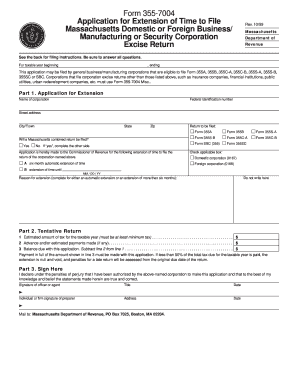
Form 355-7004 Application for Extension of Time to File ... - Mass.Gov

Massachusetts fertilizer registration

Maine mv request registration online
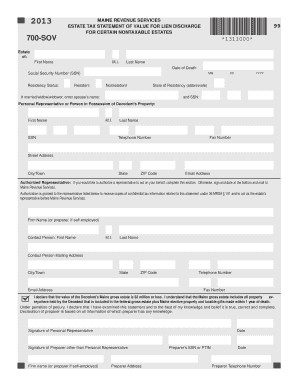
2013 706me ez form
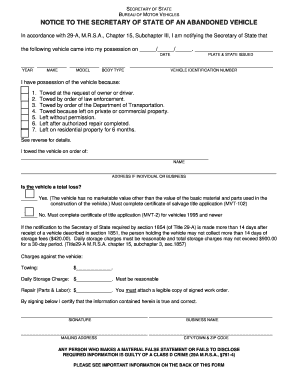
Maine abandoned vehicle law
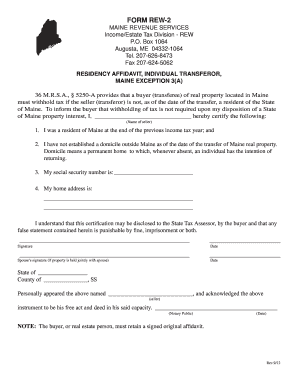
Fillable rew 2 maine

Form rew 5 2013
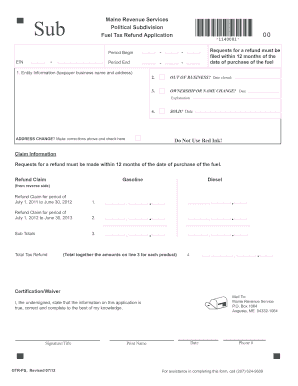
Political subdivision form gtr ps 2012
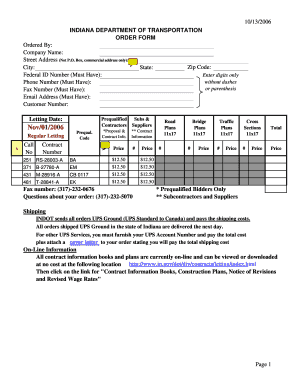
Federal ID Number (Must Have):
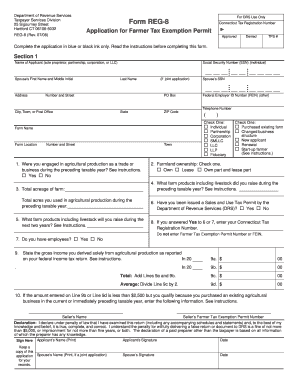
Form reg 8
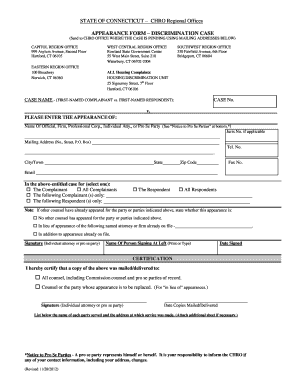
Chro appearance form
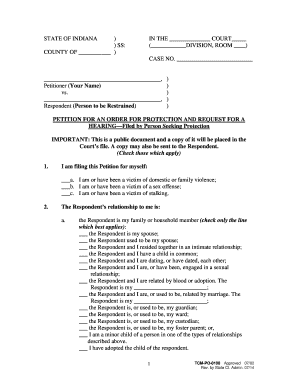
Protection order forms in indiana

Indiana m203 form 2007

Ct 1040es 2013 form
Benefit from the DocHub online library of fillable PDF forms
Searching the PDF forms doesn't have to be a tedious and time-consuming process. With the DocHub online library, it has become easier to find the fillable PDF forms and modify them in your browser. The service allows you to adjust the document to your needs using powerful editing tools.
You can use online document editing features to modify almost any type of document with ease. You just need to find the template of your choice, open it in the editor, and use the toolbar to make the necessary corrections.
Follow this guide to get your document done with DocHub:
- Find the PDF template you need.
- Click the Get Form button to open the file in the editor.
- Use the toolbar to fill out and edit the document.
- Easily add and highlight text, insert images, checkmarks, and symbols.
- Drop new fillable fields, and rearrange or delete pages from your file.
- Save changes and download your record.
DocHub empowers everyone to streamline document editing, signing, and distribution, and form completion. Create an account and benefit from our well-organized PDF Forms library and comprehensive editor.