
Get any PDF form from the DocHub library of ready-made templates - Page 1643

Lmhca indiana application 2012 form
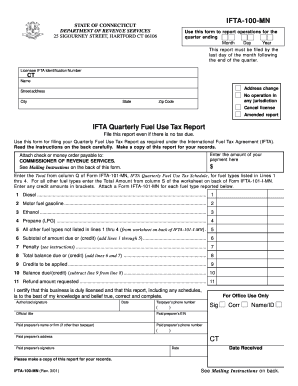
Ct ifta 100 form

6010.1 - Bid Release Form - Instructions 121212.doc. 2001 Form CT-1120SI
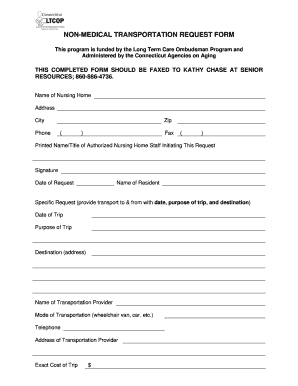
Transportation request form template

Title 19 application ct

Form ct 1065ct 1120si ext 2012
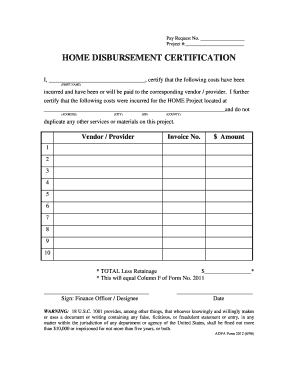
ADFA Form 2012 - Arkansas - state ar
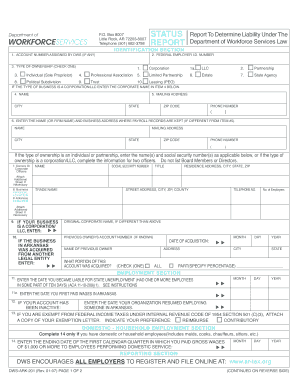
Dws ark 201

How to fill out aia08 forms
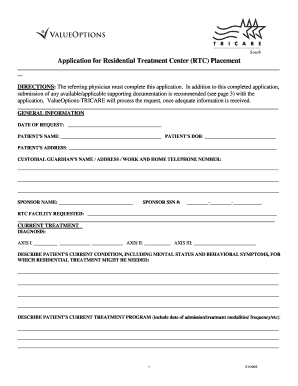
Tricare residential treatment center application 2005 form

Request for place of trial form 5

Form 4288 3

Nrc transaction report

3107 retirement form
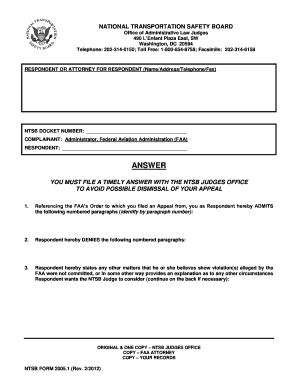
Ntsb 2005 1

FORM NO. 10-344 (Rev. 3-73) - National Park Service - nps
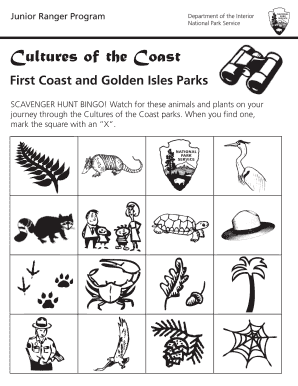
Cultures of the coast booklet for web may - National Park Service - nps

Collecting permit application in shenandoah national park form
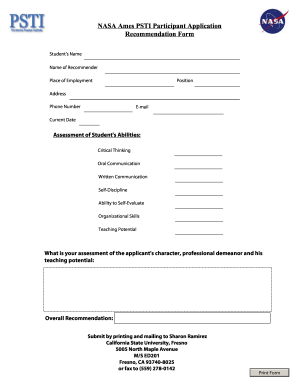
Nasa application form for students

Msha district 9 certification of electrical experience form
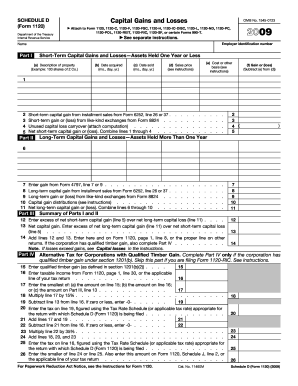
2009 form 1120
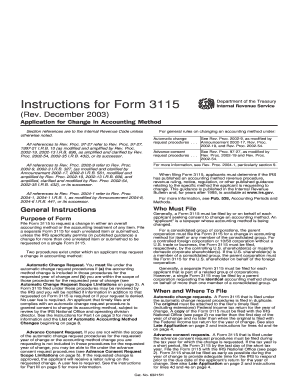
Form 3115 pdf

What is a v21 form

40 112 fillable

Ambassade de la republique du cameroun a washington dc form

Total motion release pdf
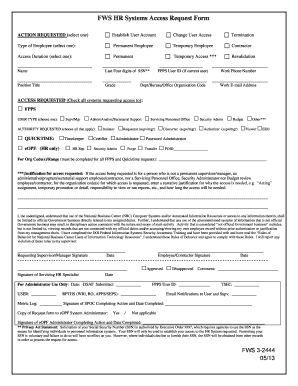
Fws 3 2444

Statement consent states
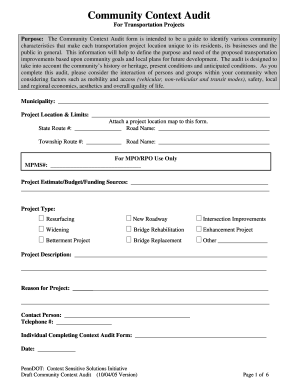
Community context
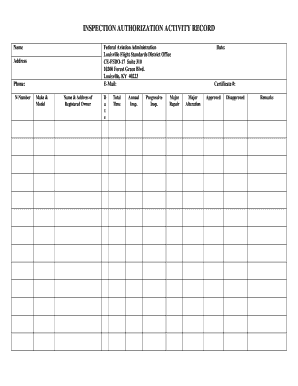
Ia activity report

Aircraft air carrier operations
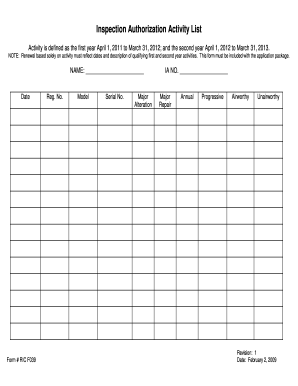
Form inspection authorization
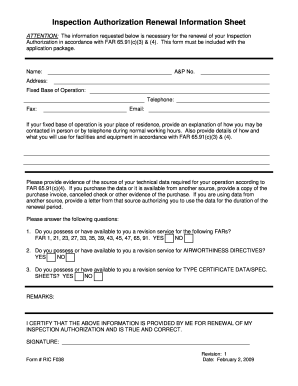
Faa ric f038 2009 form

Ad 3030
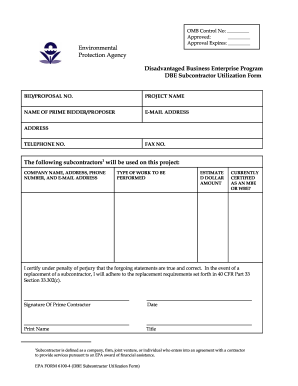
6100 4 form

Program 3 checklist for risk management investigations and audits form

Form idse

Release forms
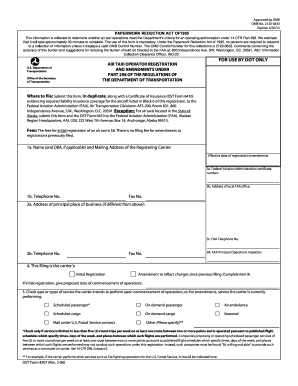
16360207 form
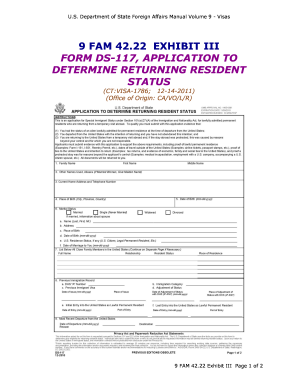
Green card application form pdf
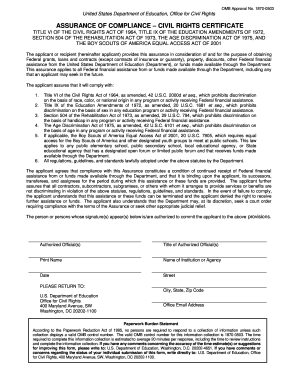
Omb approval no 1870 0503 form

Dd 2875 army fillable

Dfas form 9221

Form 16 4 court
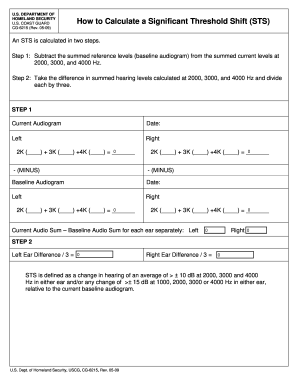
CG6215.pdf. How to Calculate a Significant Threshold Shift - uscg
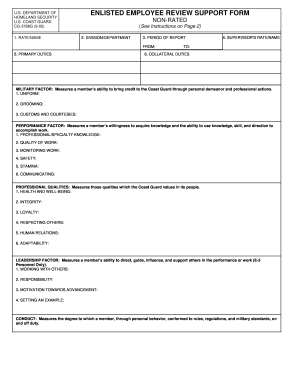
Enlisted employee review support form 2005
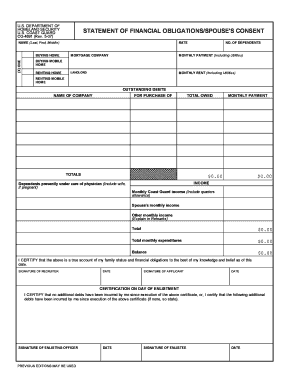
Statement of financial form

Cg 5100b
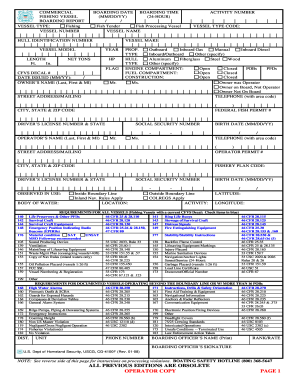
Dhs homeland 4100f form
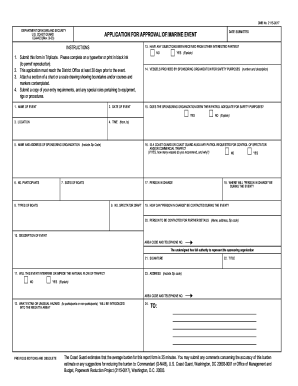
Cg 4423 2003 form
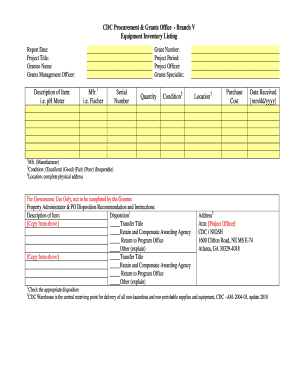
Cdc equipment inventory form

Omb no 0938 0242 form
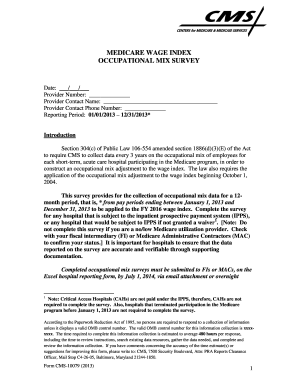
Cms 10079
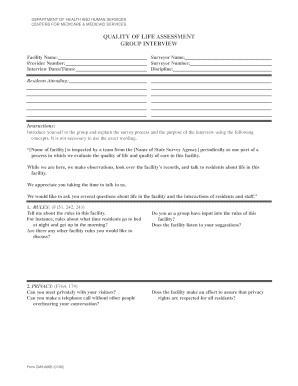
Form CMS-806B - Centers for Medicare & Medicaid Services - cms
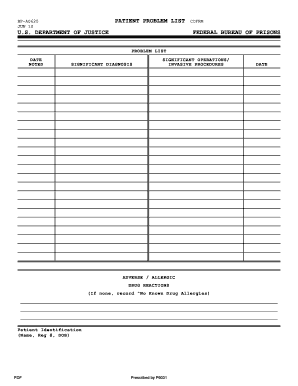
Medical problem list pdf
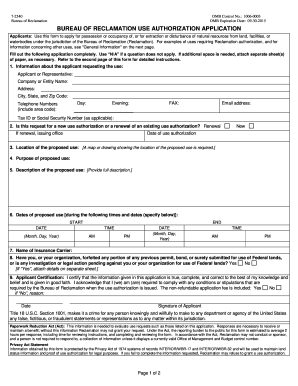
Use authorization application

Form caribbean printable

Skins israel

Omb 1513 0007
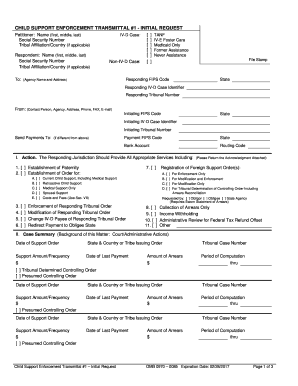
Support enforcement request

Valencia 1098 t

How to complete dependent verification worksheet for valencia 2012 form
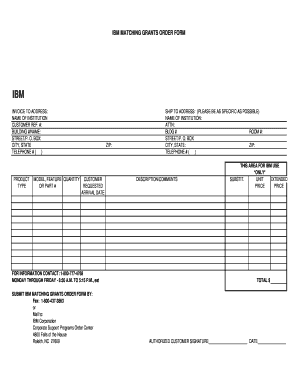
Ibm matching grants
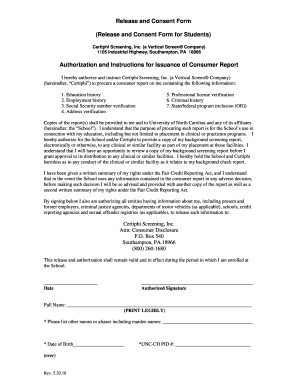
Social work consent form template
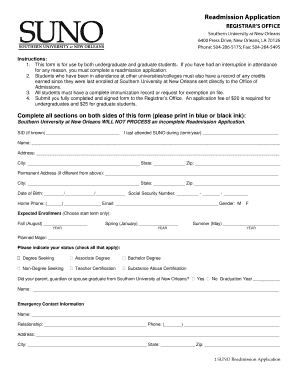
Sunoedu readmission application form

Nyack college transcript
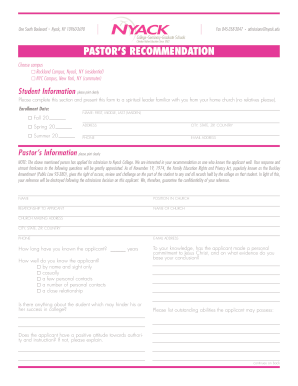
Pastor recommendation letter for student admission pdf

Fnu withdrawal online form

How to write a letter to a football club for trials

Blank travel itinerary

Keller graduate school of management locations 2011 form
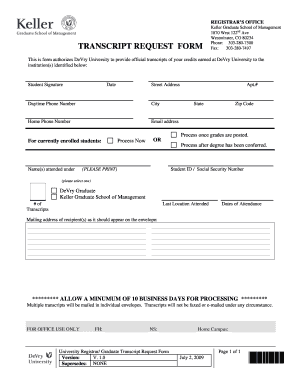
Devry westminster transcript request form 2009
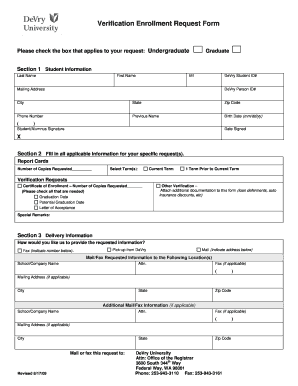
Verivy student from devry 2009 form
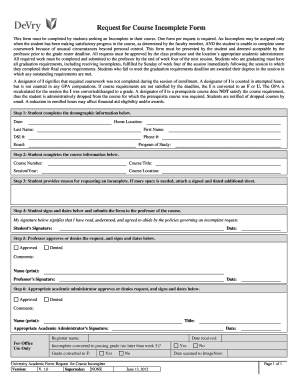
Incomplete devry form
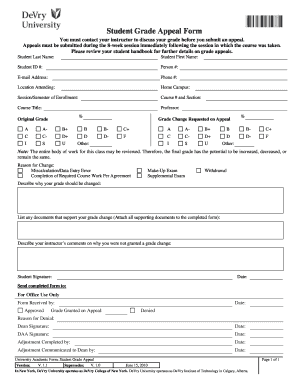
Devry student grade appeal form
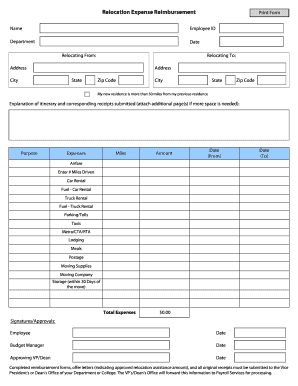
Relocation Expense Reimbursement Form - Financial Affairs - financialaffairs depaul

General release form

Depaul university ferpa waiver form
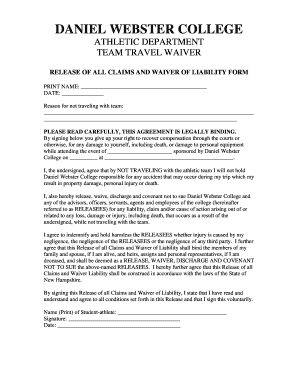
Travel waiver

Blank photo release form
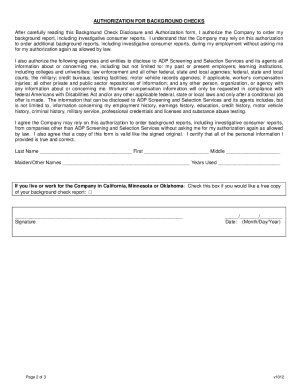
Adp background check authorization form

TRANSIENT STUDENT FORM AVE MARIA UNIVERSITY - avemaria

University william tamblyn scholarship search

Affidavit of Completion of Secondary School Education - students asu
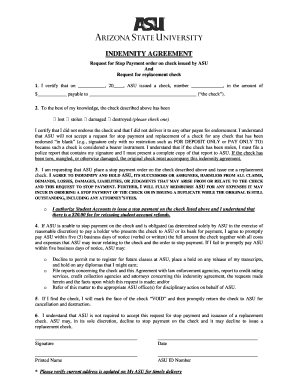
Stop payment indemnity agreement asu

Social work confidentiality agreement template
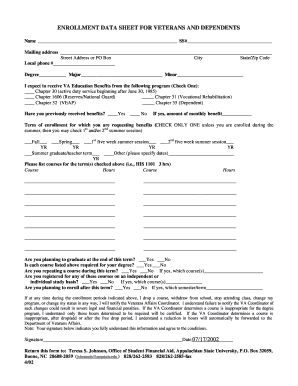
Enrollment data sheet
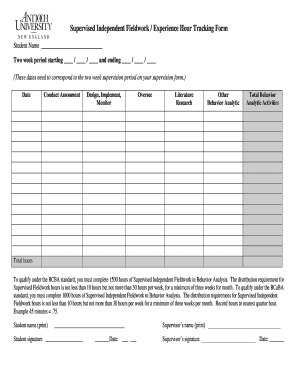
Bcba hours tracking form
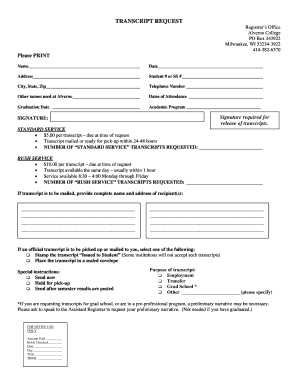
Alverno college transcript request

Alcorn career plan

Crb
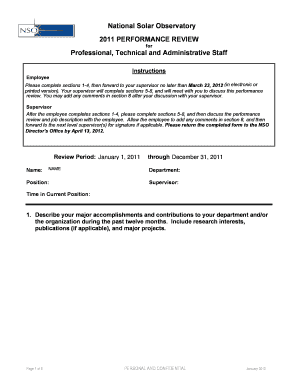
Funny employee evaluation form
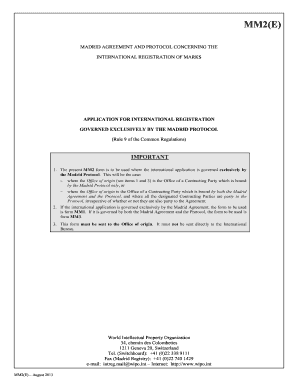
Sample filled mm2form 2013
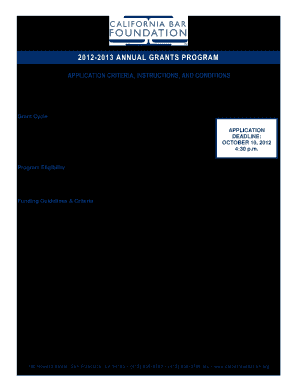
Annual Grant Application - California Bar Foundation - calbarfoundation
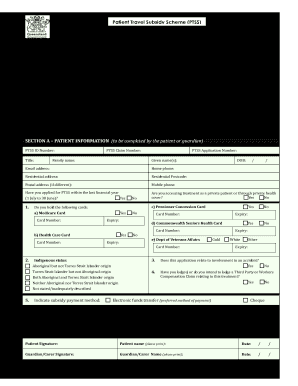
Ptss forms qld

Application for efda certification by examination - Commonwealth of ... - portal state pa
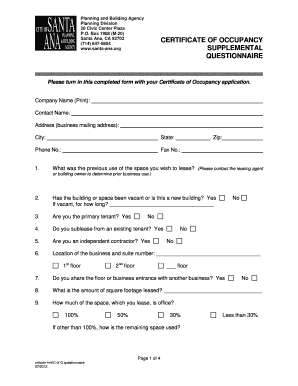
2012 supplemental questionnaire
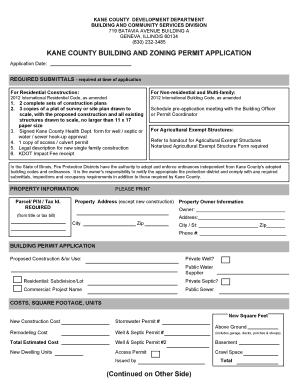
Kane county building permit
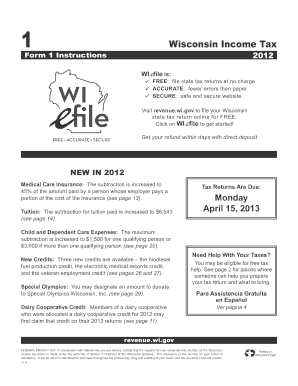
2012 wisconsin form

Nyk fil online application
Benefit from the DocHub online library of fillable PDF forms
Searching the PDF forms doesn't have to be a tedious and time-consuming process. With the DocHub online library, it has become easier to find the fillable PDF forms and modify them in your browser. The service allows you to adjust the document to your needs using powerful editing tools.
You can use online document editing features to modify almost any type of document with ease. You just need to find the template of your choice, open it in the editor, and use the toolbar to make the necessary corrections.
Follow this guide to get your document done with DocHub:
- Find the PDF template you need.
- Click the Get Form button to open the file in the editor.
- Use the toolbar to fill out and edit the document.
- Easily add and highlight text, insert images, checkmarks, and symbols.
- Drop new fillable fields, and rearrange or delete pages from your file.
- Save changes and download your record.
DocHub empowers everyone to streamline document editing, signing, and distribution, and form completion. Create an account and benefit from our well-organized PDF Forms library and comprehensive editor.