
Get any PDF form from the DocHub library of ready-made templates - Page 1619

Credentialing and Enrollment - Alliance Behavioral Healthcare

Mileage reimbursement
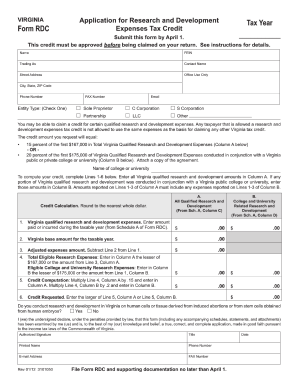
Download Form RDC - formuPack
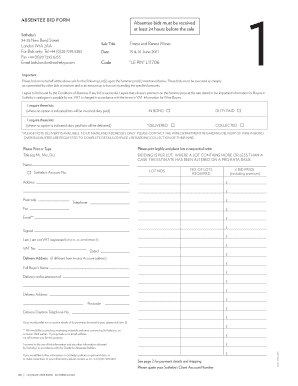
Absentee Bid Form - Sotheby's
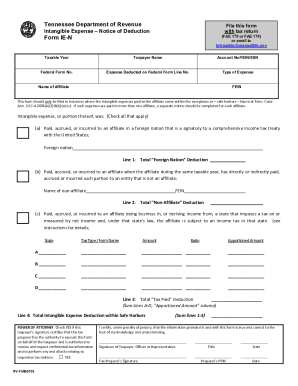
Download Form FAE-IEN - formuPack
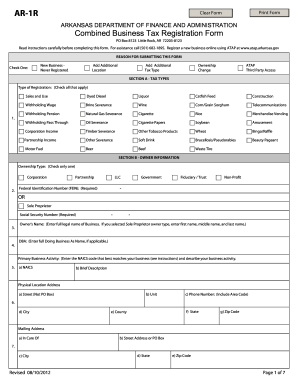
2012 AR DFA AR-1R
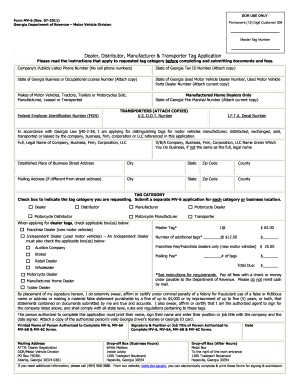
Georgia form mv 6a 2011
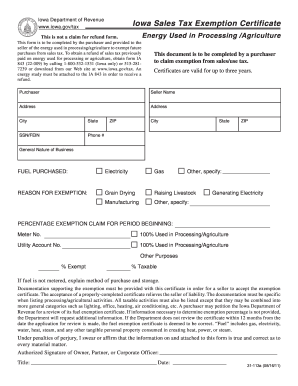
Gov/tax Iowa Sales Tax Exemption Certificate Energy Used in Processing /Agriculture This is not a claim for refund form
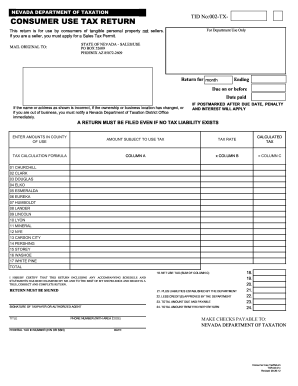
Tid no 002tx 2020
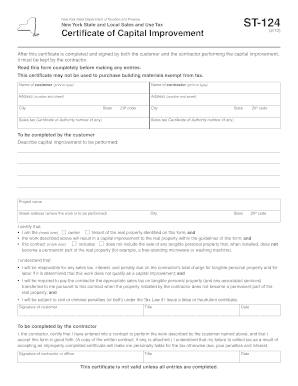
St 124 form
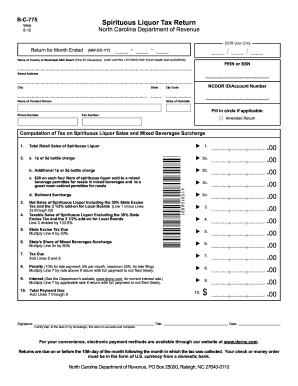
Download Form B-C-775 - formuPack
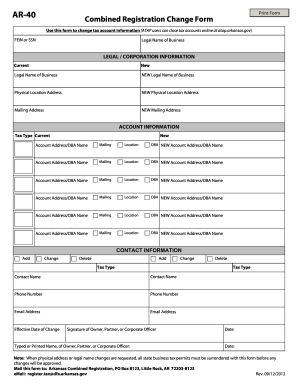
Atapoov form
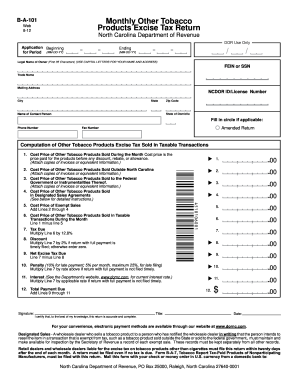
Download Form B-A-101 - formuPack

2009 Print form n 648
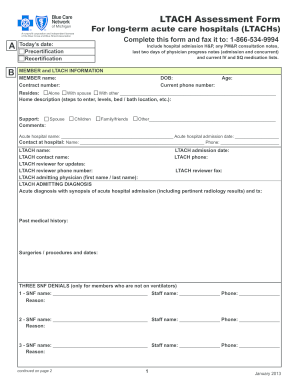
Bcn authorization forms
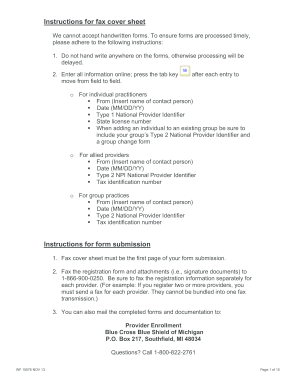
Identifier form
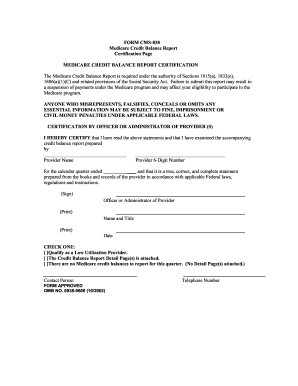
Cgs credit balance report 2002 form
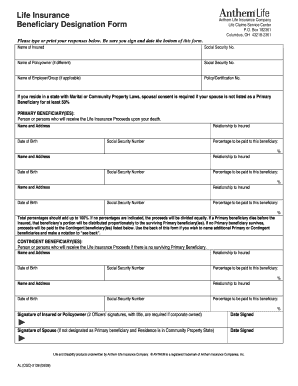
Life Insurance Beneficiary Designation Form - Anthem
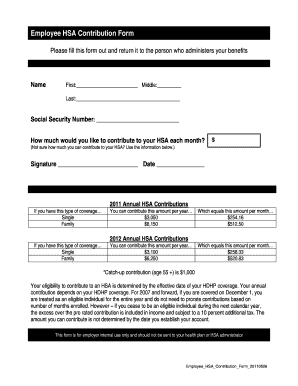
Employee HSA Contribution Form 20110526 - HealthEquity
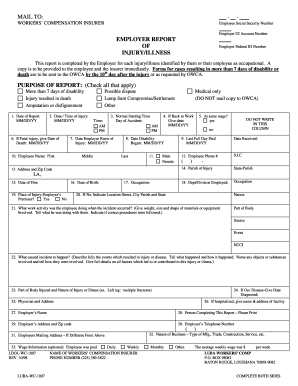
Louisiana First Report of Injury - LUBA Workers
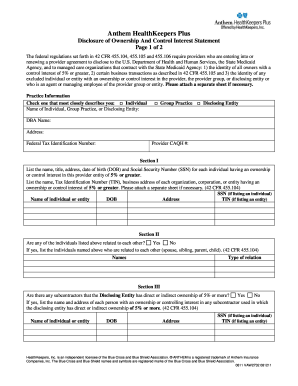
Caqh la printable disclosure information page

Quantum health prior authorization form pdf
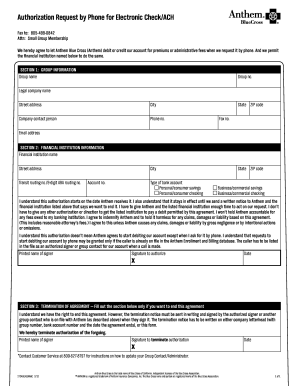
Authorization Request by Phone for Electronic Check/ACH - Anthem

Anthem prior authorization form pdf
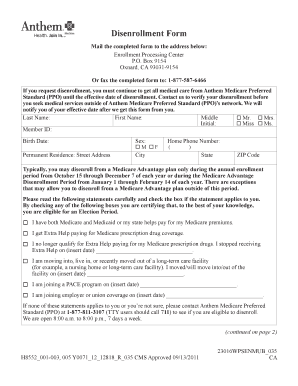
Disenrollment letter

Blue Cross and Blue Shield Letter of Intent

Anthem change form 2011

Enrollment application anthem form
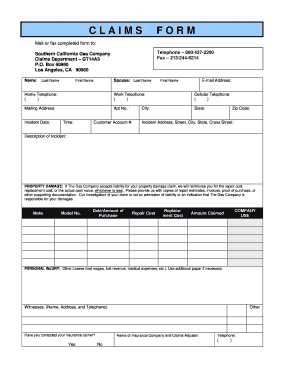
Gas company form online
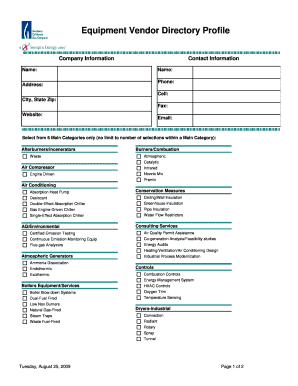
Adobe fillable profile template form
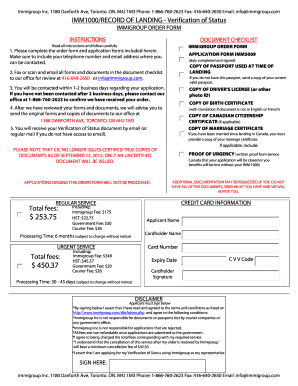
Imm 5009 pdf download

Mass mandatory licensee consumer relationship disclosure real estate form
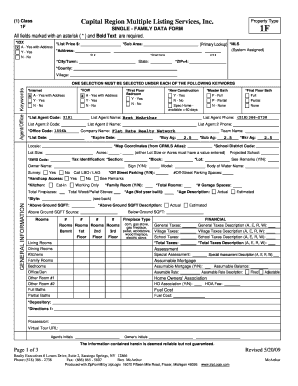
Hud housing application online
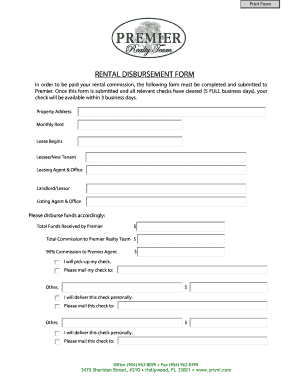
RENTAL DISBURSEMENT FORM
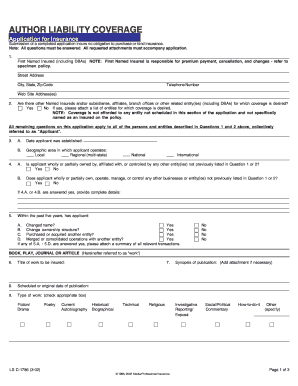
Ls c1786 pdf
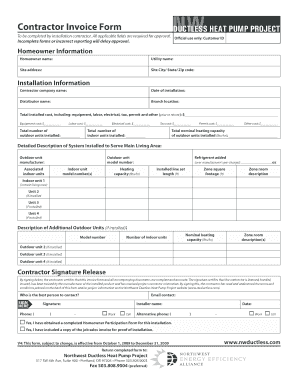
How to fill out an invoice
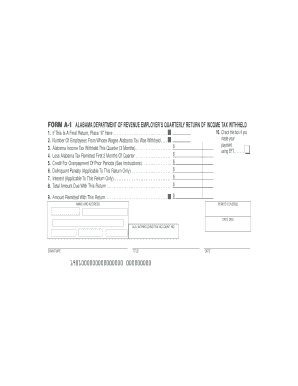
Alabama form a 1 1998
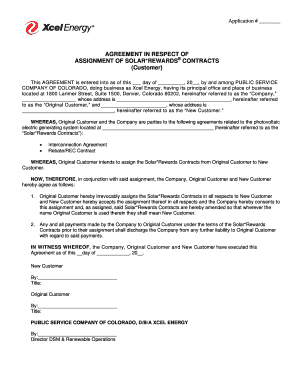
Xcel energy assignment of contract
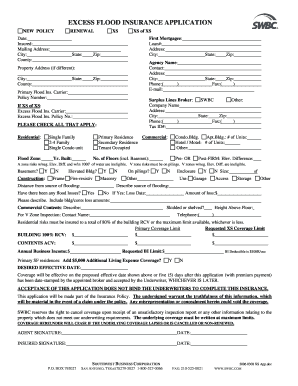
Swbc excess flood
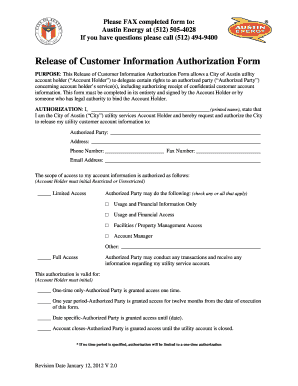
City of austin release authirization form
EZ Pay Customer Authorization Form - NineStar Connect
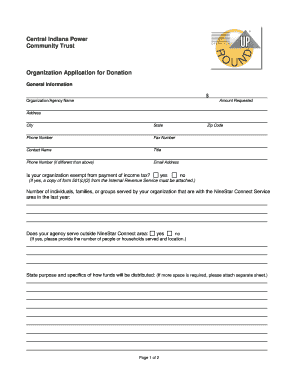
Operation Roundup Application Organization - NineStar Connect

Ace fillable
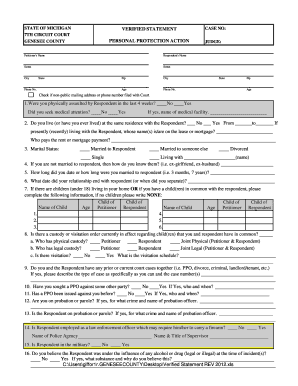
Genesee county ppo
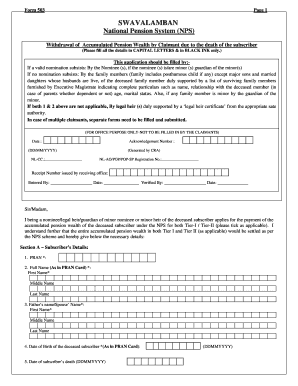
Nps from
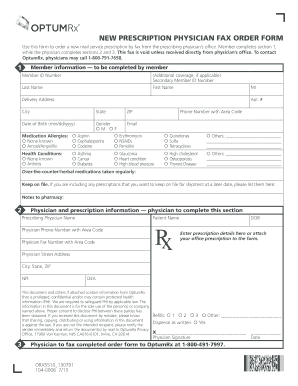
104-0006 (ORX5510F_120601 + UHC) FORM_Fax.indd
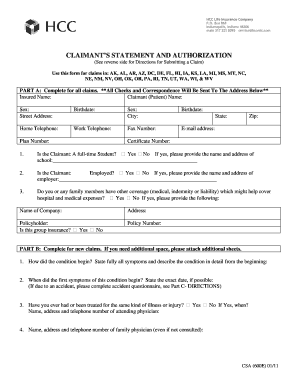
Life statement in form of images 2011
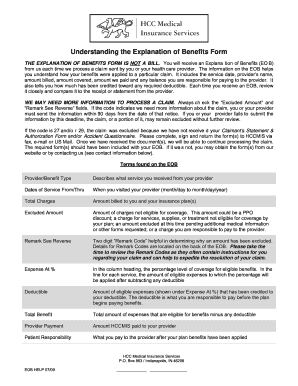
Hccmis explanation benefits eob sample
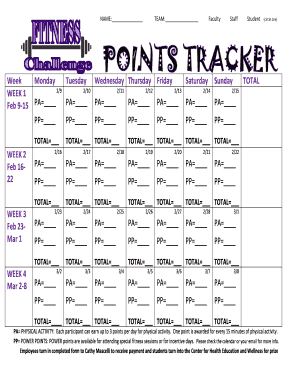
Fitness Challenge Points Tracker - Wellness Proposals
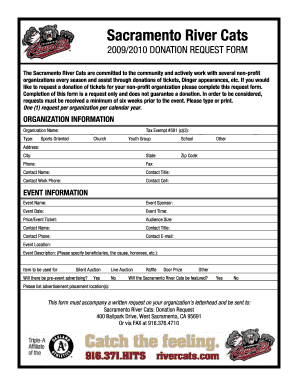
Sacramento river cats donation request

Btec sa16 form

IRA Beneficiary Claim Request - Wells Fargo Advantage Funds

Apsc f3 2009 form
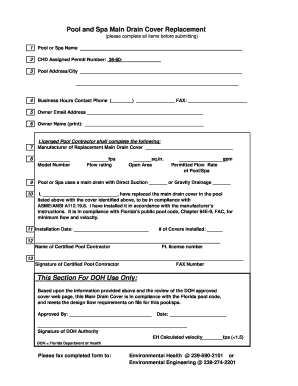
Florida main drain form

Lee county utilities

Consent for autopsy in idaho

Tuition reimbursement form

Inverter confirmation
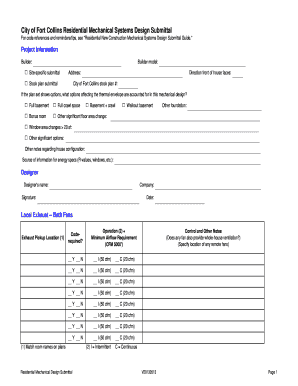
CFC Mech Sys Design Submittal Form V20130513 - City of Fort ...
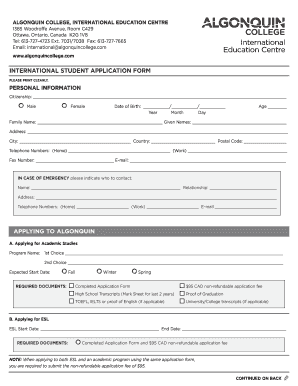
How to fill application form for algonquin college canada
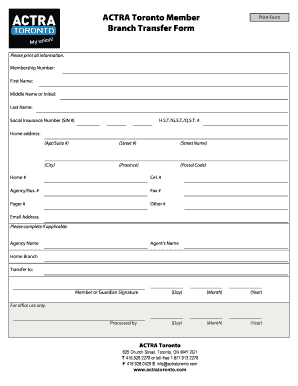
ACTRA Toronto Member Branch Transfer Form

Homeowners affidavit form
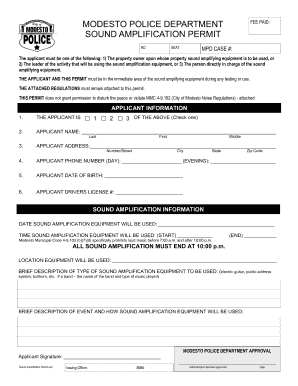
Modesto sound permits form
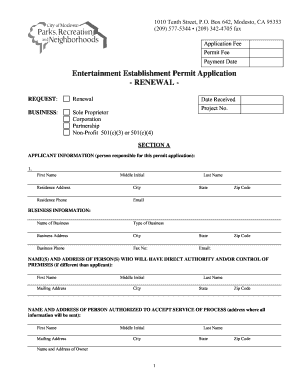
Entertainment establishment permit application
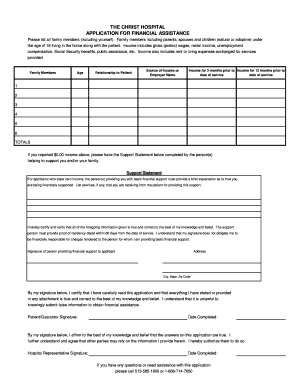
Christ hospital financial assistance
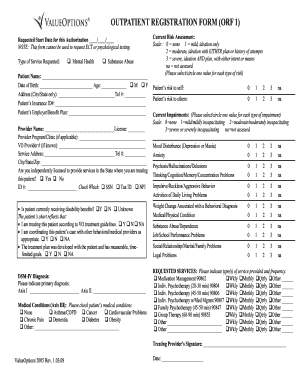
Outpatient registration form orf 1
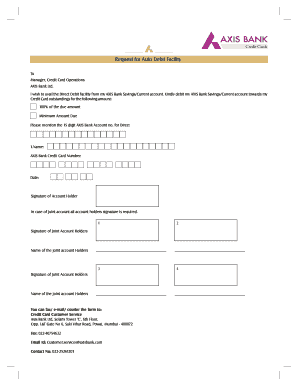
Axis bank credit card cancellation form pdf

Axis loan application form
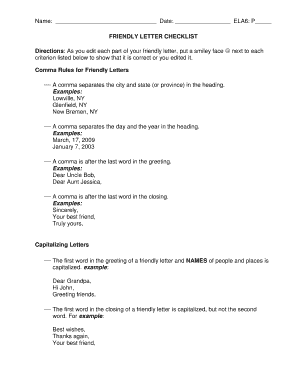
Example of a friendly letter to a best friend pdf
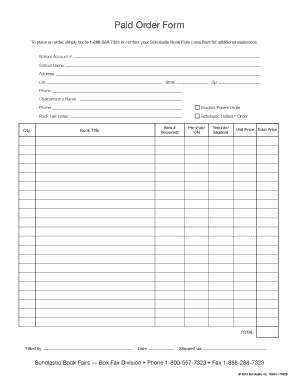
Scholastic book fair order form
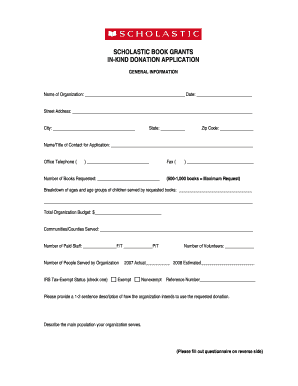
SCHOLASTIC BOOK GRANTS IN-KIND DONATION APPLICATION
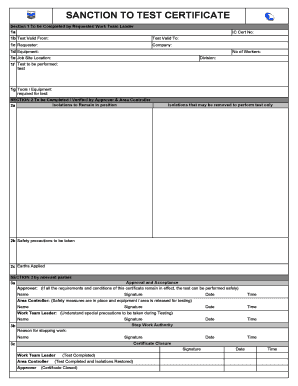
Sanction to Test Form
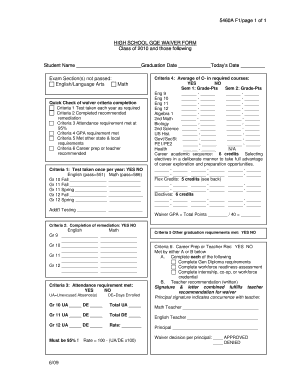
Indiana graduation waiver

Wiley colour work agreement form
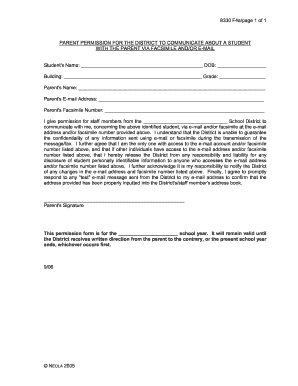
Permission district communicate
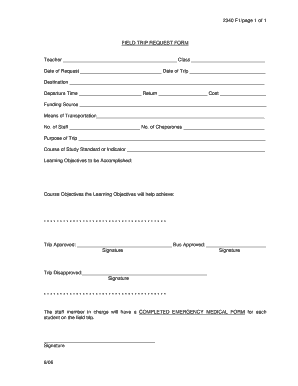
Field trip request form template
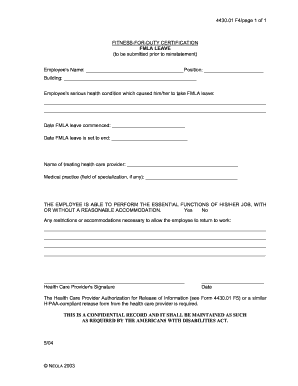
Duty slip format

Form 3362 form
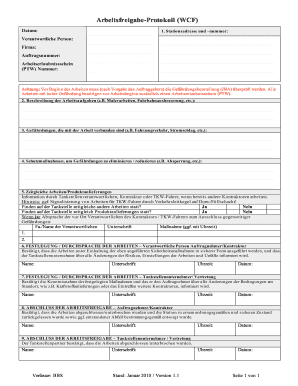
BbsArbeitsfreigabe-ProtokollV1-1.doc
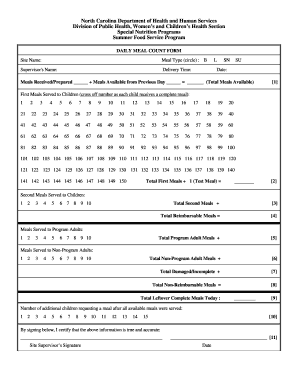
Daily meal form sample
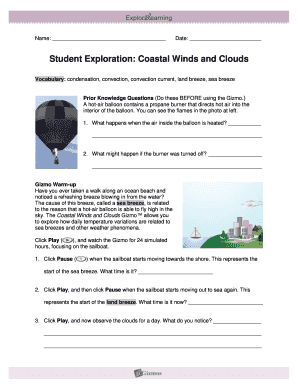
Coastal winds and clouds gizmo answer key

Test correction template
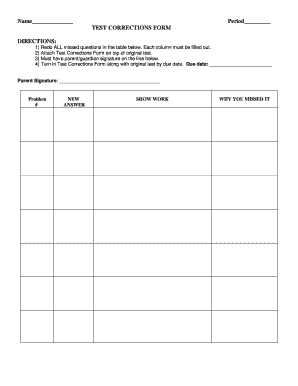
Test correction form

Travel release form

Fbisd card application
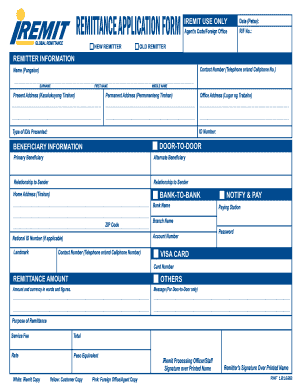
Iremit usa
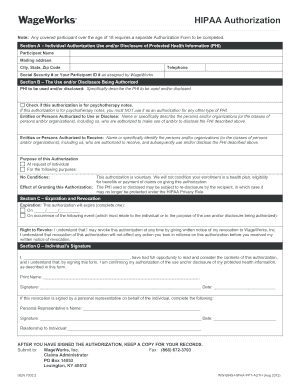
Authorization described

Sebu7148 09
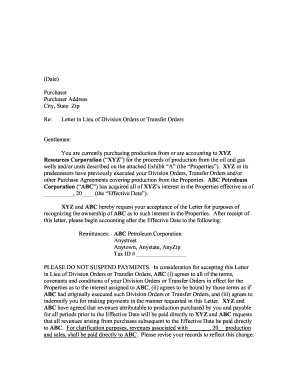
Letter orders transfer
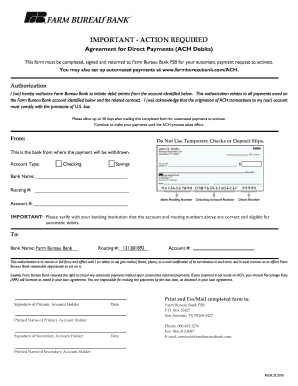
Ach payment authorization form pdf

Form 2488
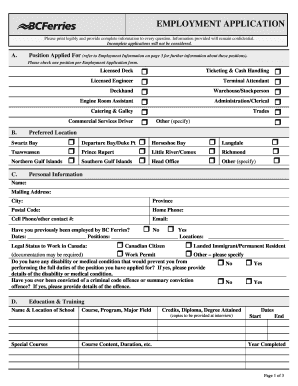
Bc ferries employment application
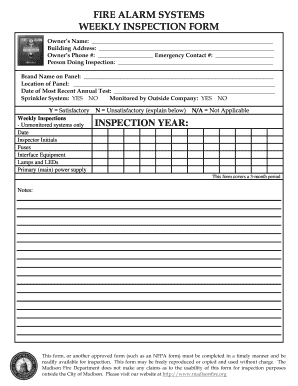
Smoke detector inspection form
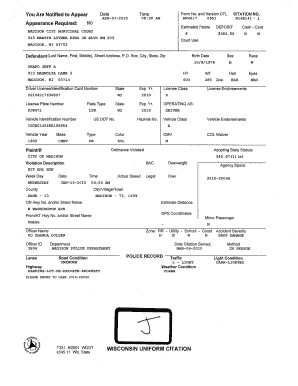
Mv4017

Trinidad and tobago immigration arrival card
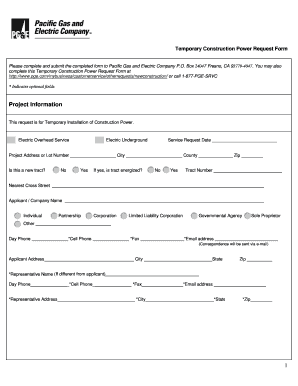
Temporary power request form
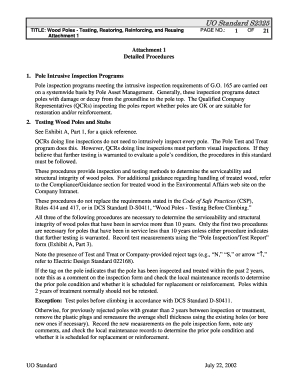
Attachment 1 - Pacific Gas and Electric Company
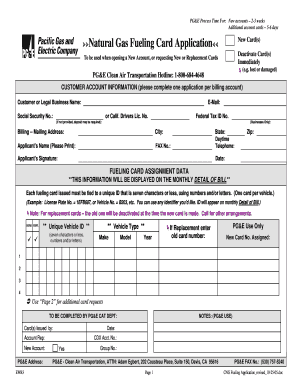
Valero com newcard

Sheriff's Instruction Form - Sacramento County Sheriff's Department

Mililani volleyball club
Benefit from the DocHub online library of fillable PDF forms
Searching the PDF forms doesn't have to be a tedious and time-consuming process. With the DocHub online library, it has become easier to find the fillable PDF forms and modify them in your browser. The service allows you to adjust the document to your needs using powerful editing tools.
You can use online document editing features to modify almost any type of document with ease. You just need to find the template of your choice, open it in the editor, and use the toolbar to make the necessary corrections.
Follow this guide to get your document done with DocHub:
- Find the PDF template you need.
- Click the Get Form button to open the file in the editor.
- Use the toolbar to fill out and edit the document.
- Easily add and highlight text, insert images, checkmarks, and symbols.
- Drop new fillable fields, and rearrange or delete pages from your file.
- Save changes and download your record.
DocHub empowers everyone to streamline document editing, signing, and distribution, and form completion. Create an account and benefit from our well-organized PDF Forms library and comprehensive editor.