




01. Edit your usma cfa online
Type text, add images, blackout confidential details, add comments, highlights and more.

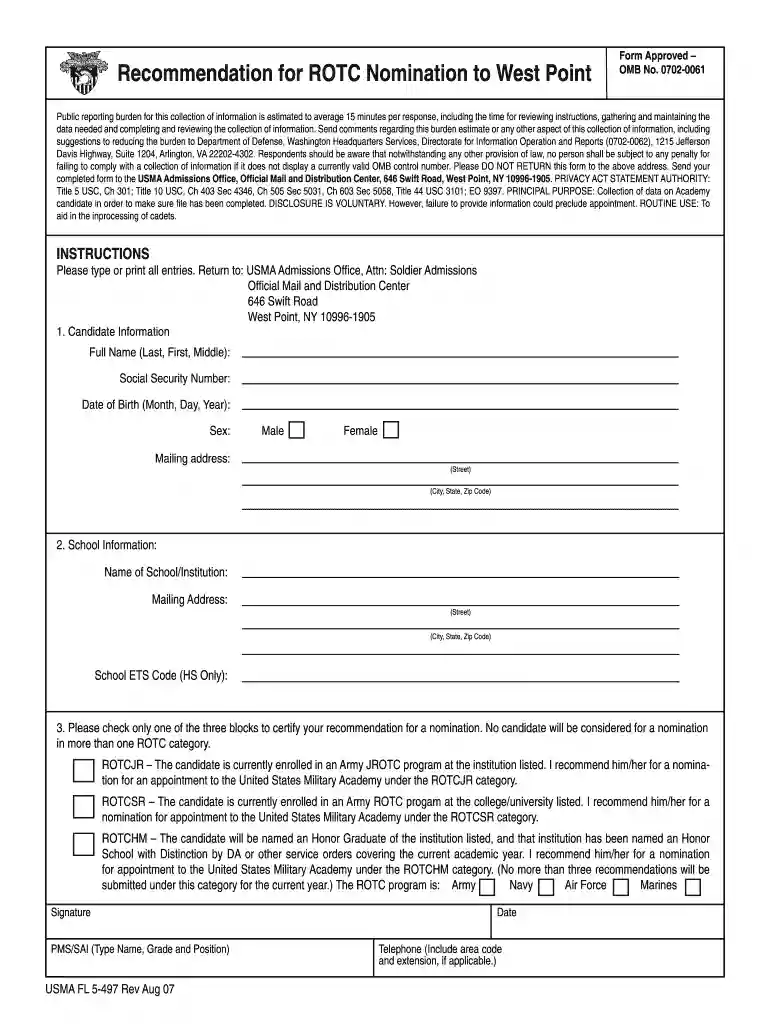
Type text, add images, blackout confidential details, add comments, highlights and more.

Draw your signature, type it, upload its image, or use your mobile device as a signature pad.

Send it via email, link, or fax. You can also download it, export it or print it out.

Start using our platform today to streamline your nominations process for free!
Log in to your DocHub account and import your nominations forms forms for usma to our editor using one of its upload methods - from your device, cloud storage, protected URL, or your DocHub folders if you have already processed your document before. Open our editor, click the Sign key in the top toolbar, and choose your signing method. You can upload an image of your handwritten signature, draw it, enter your name, or utilize a QR code instead.
If you are using Chrome, there are two easy methods to edit your nominations forms forms for usma online. First, visit the DocHub website, add your file, and edit it utilizing our toolbar. You may also set up our Chrome extension and edit any document by dragging and dropping it in your browser tab.
At DocHub, your data security is our priority. We follow HIPAA, SOC2, GDPR, and other standards, so you can work on your documents with confidence.
The honor of attending a service academy comes with the obligation and commitment to serve in the military for a minimum of five years upon graduation.
Complete USMA Forms. Apply for a Nomination. Start a File at West Point Deadlines: JAN 31 Application / Nominations (DEC 15 for Service-. Connected);Read more


