
Get any PDF form from the DocHub library of ready-made templates - Page 1598
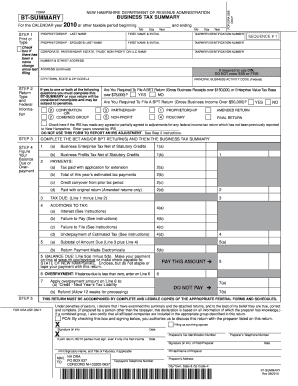
Nh bt summary 2010 form
Form IT-201-D:2017:Resident Itemized Deduction Schedule:it201d ...
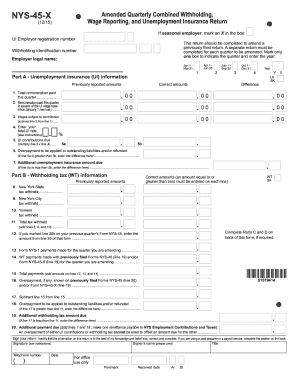
Nys 45 x 2013 form

Usda existing dwelling certification form
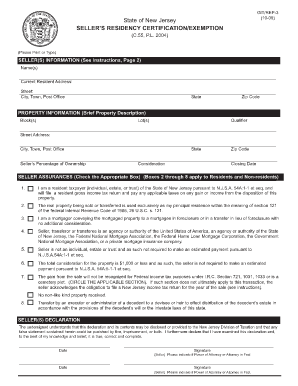
Seller residency certificationexemption c 55 pl 2004 form
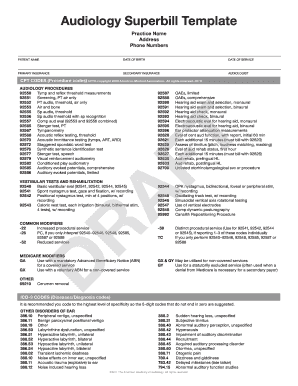
Audiology superbill 2019
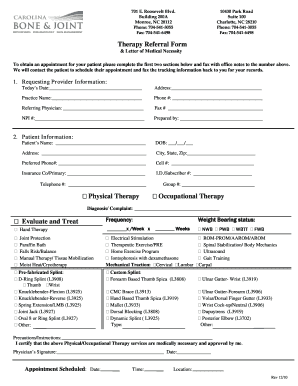
Physical Therapy Referral Form - Carolina Bone and Joint

Frequently Asked Questions Whom can I contact with ... - Office Depot
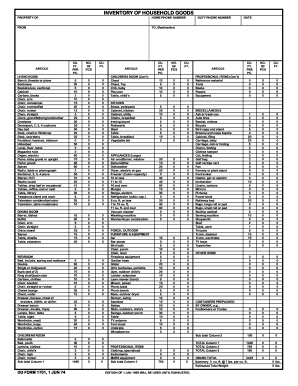
Army inventory sheet
Md contribution report form
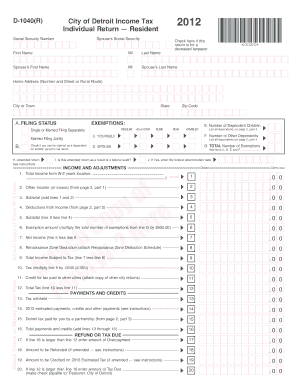
Detroit d 1040 r 2012 form

Il reemployment eligibility
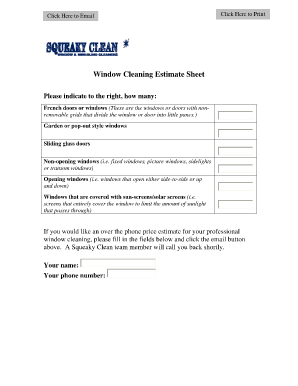
Window cleaning estimate sheet
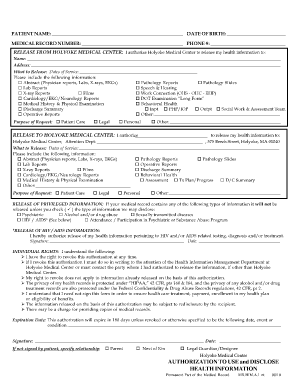
Authorization release of information form raleigh cardiology
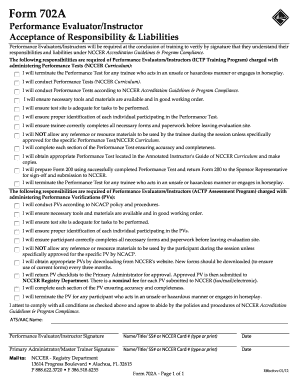
The form 702a printable

Far bar addendum to contract pdf
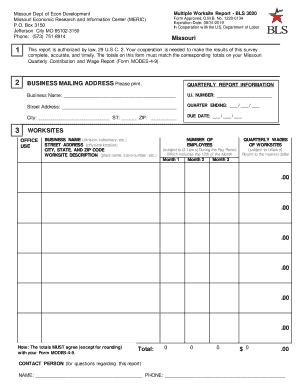
MO.gov Guide to Government - Missouri Department of Economic ...

Abp 1676 1
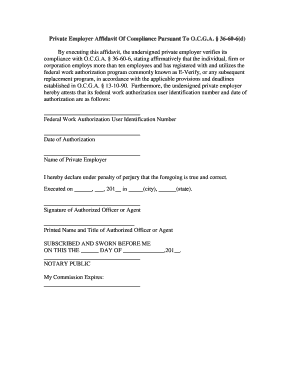
Private employer affidavit pursuant
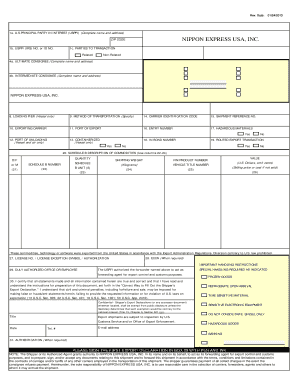
Nippon letter
Minnesota care assistance pca

Business owner form for unemployment
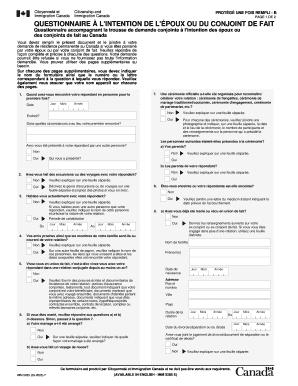
Revenu canada formulaire pdf a remplir
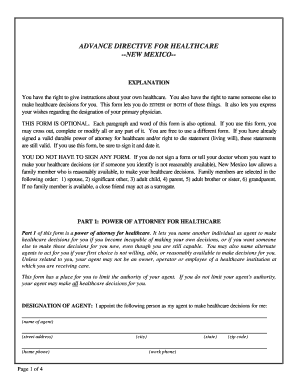
Nj advance directive template fillable form

Form bca 4 15 4 20 2003
Manual de rutinas de pandero basico pdf
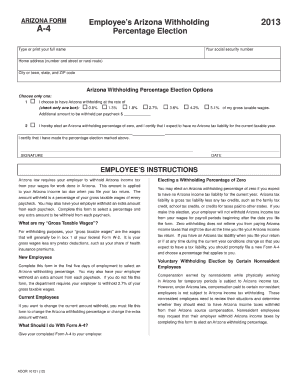
2013 form a 4
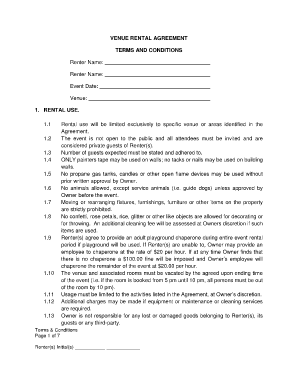
Rental venue contract images
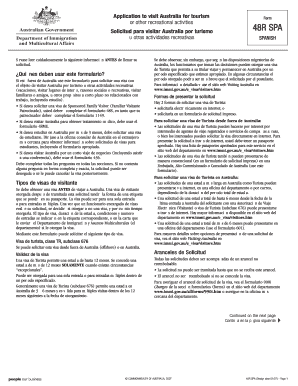
Australia visa
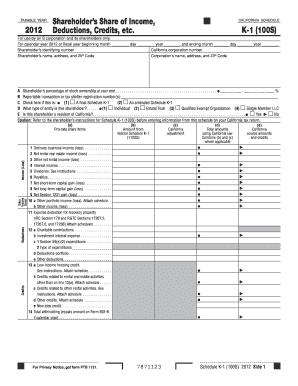
Online ftb state of ca schedule k 1 for s corp 2012 form

Pta receipt form 2011

2013 wi form pa 003

Personal Financial Statement Form - FNB - Pacific Western Bank

Iowa state extension profit and loss statement form
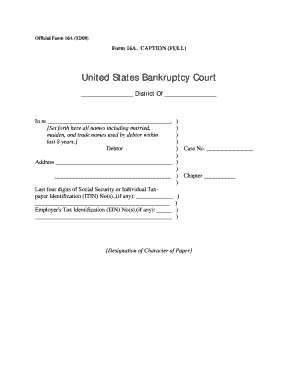
Official form 16a
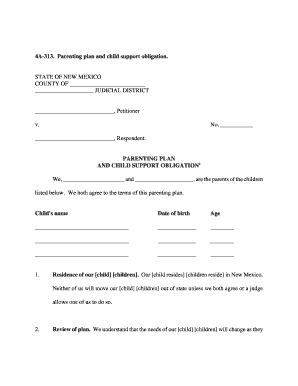
Form 4a 322 nmra 2005
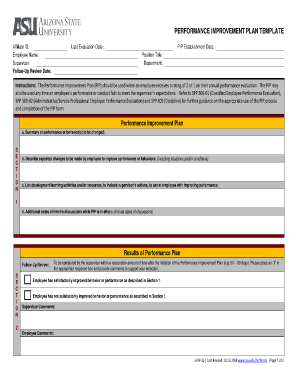
Improvment initiative template
Chicago association of realtors exclusive listing agreement form
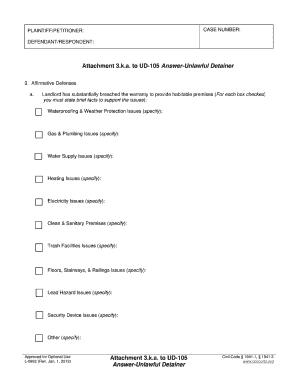
What is an affirmative defense
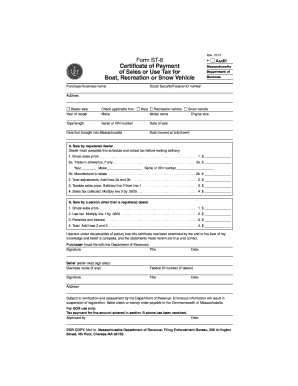
Massachusetts form st 2012

What is an exempt organization certificate #ex 1971 form

DD Form 1351-2, Travel Voucher or Subvoucher, May 2011 - msc navy
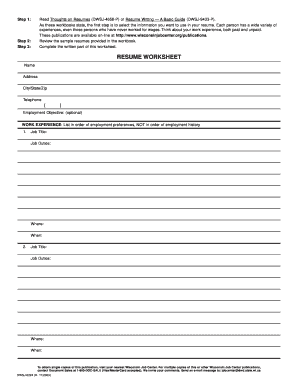
Resume worksheet
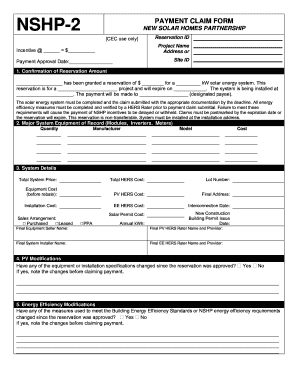
Nshp 2 form

The old guard 4187 form

Form authorization use form
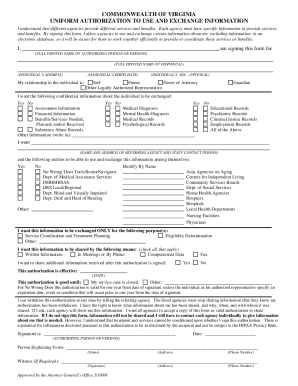
Virginia exchange information

Form prob48b

California probate code sections 4400 4465

St 12 wisconsin

Mo pts
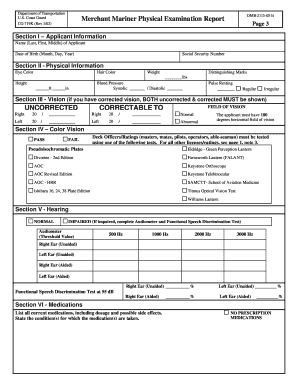
Merchant mariner physical form
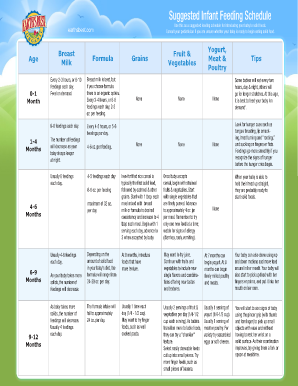
Baby solid food schedule
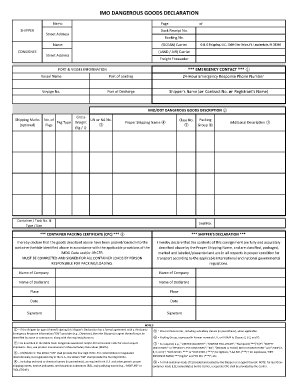
Hazardous declaration form ocean

Notification of transfer of registration license plate 1997 form
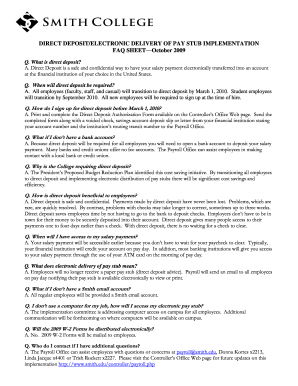
Deposit electronic sheet

Cert 115
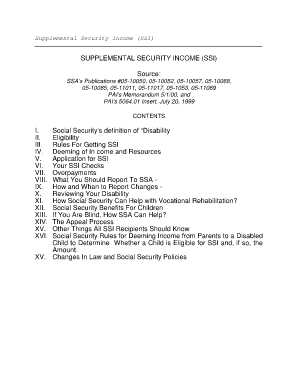
Pub 05 11069
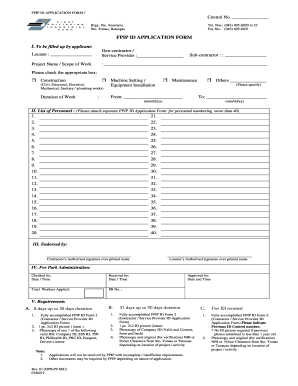
Fpip vehicles sticker application form rev 18
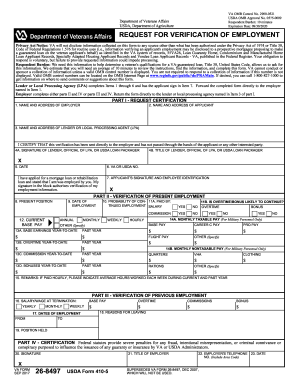
Va 26 8497 form
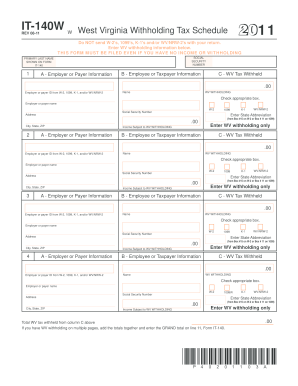
It140w form 2011
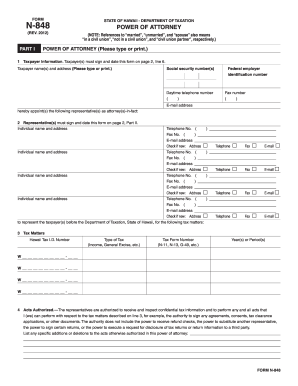
Irs form n 848DocHubcom 2012

Rental application pdf from coldwell banker chicago form

Filled form of accord130
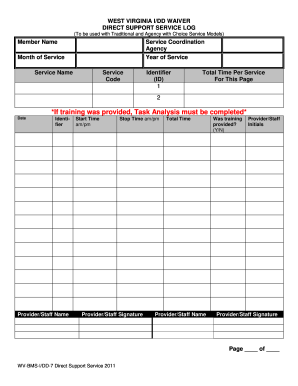
Wv bms idd 7 direct support service forms 2011
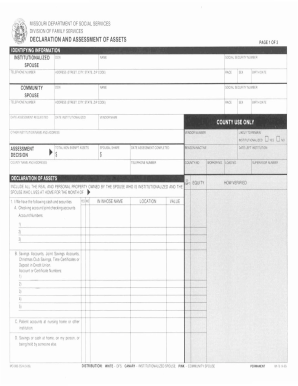
Mo assets

TEXAS DIRECTIVE TO PHYSICIANS AND FAMILY OR ...
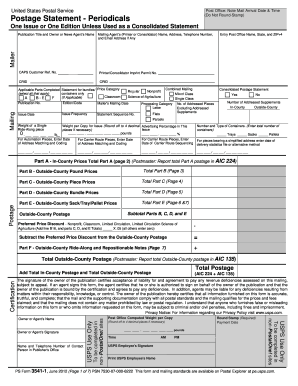
Ps form 3541
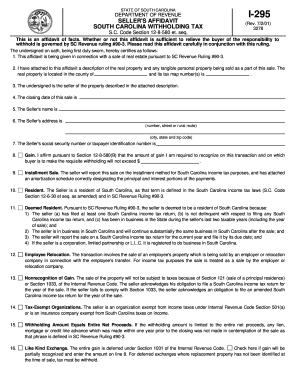
Instructions for south carolina sellers affidavit nonresident seller withholding code section 12 8 580i 295 form 2001

Homeowner contractor agreement
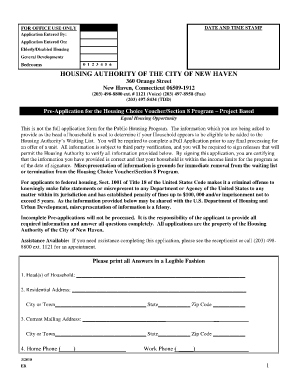
Section 8 printable application
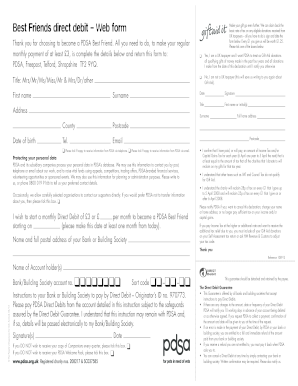
Best friend application google form
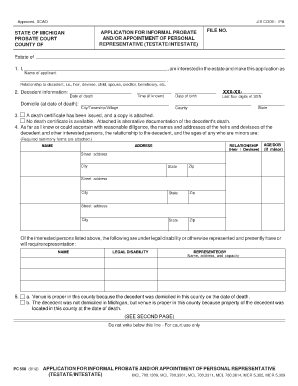
Mi application probate
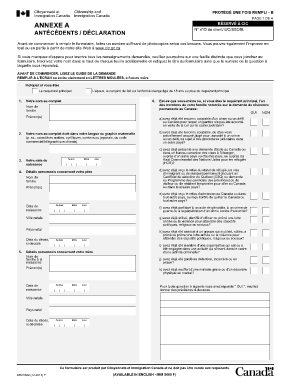
Imm 5669

Mv 664
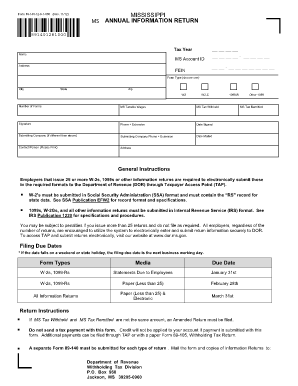
Form 89 140 12 8 1 000

Tcc form
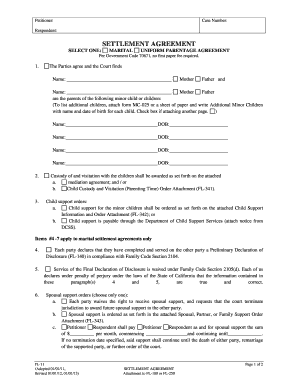
Love agreement maker online
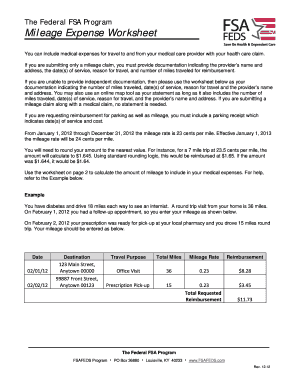
Fsa mileage worksheet fillable form
Sd 101 ohio 2012 form
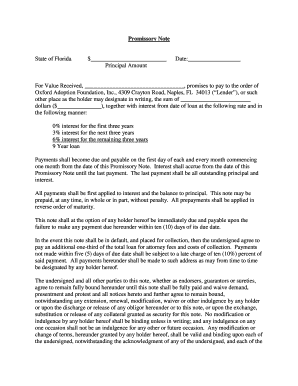
Promissory note template florida

California wg claim
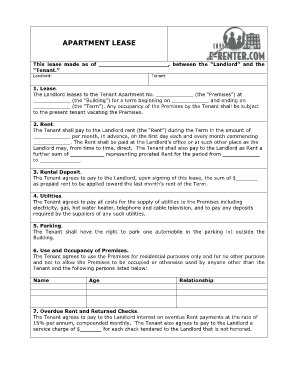
The landlord the tenant from the house form
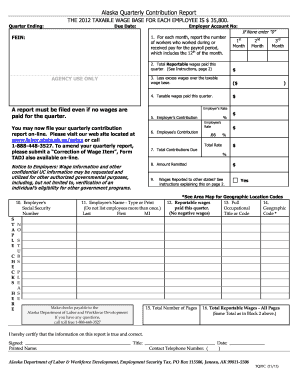
Alaska department of labor quarterly report forms 2011

2012 hawaii form n 288c 2013
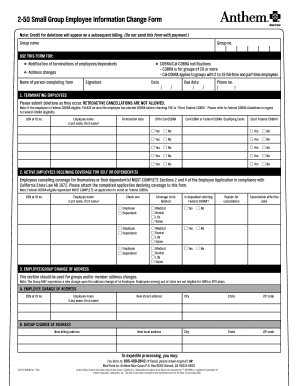
Anthem change form 2009

2012 ct 34 sh form

How to fill tsgli refund form 2012
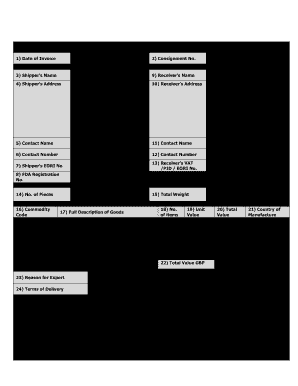
Iod invoice template v3 0 06 2013

Uiconnect nebraska
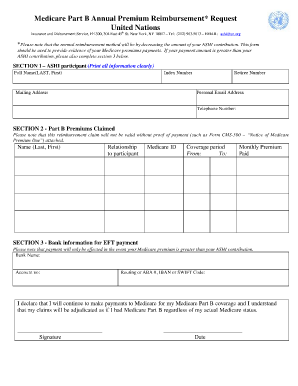
Un ashi medicare

Fha amendatory clause fillable

Direct care worker competency test answers pa

Embarkation form

Da pam 738 750
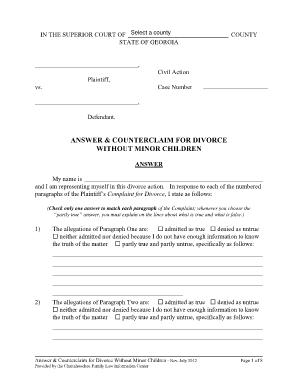
Clayton county magistrate court forms

Addendum to closing statement
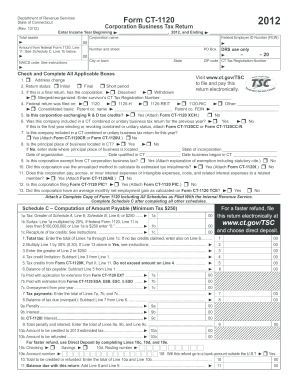
CT-1120, 2012 Corporation Business Tax Return - CT.gov

Fdacs 13606 2009 form
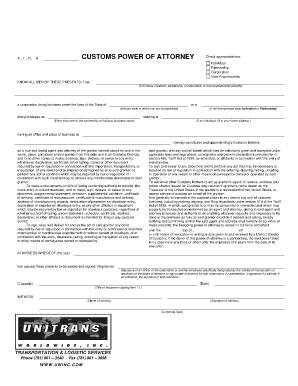
Customs power of attorney form fillable
Benefit from the DocHub online library of fillable PDF forms
Searching the PDF forms doesn't have to be a tedious and time-consuming process. With the DocHub online library, it has become easier to find the fillable PDF forms and modify them in your browser. The service allows you to adjust the document to your needs using powerful editing tools.
You can use online document editing features to modify almost any type of document with ease. You just need to find the template of your choice, open it in the editor, and use the toolbar to make the necessary corrections.
Follow this guide to get your document done with DocHub:
- Find the PDF template you need.
- Click the Get Form button to open the file in the editor.
- Use the toolbar to fill out and edit the document.
- Easily add and highlight text, insert images, checkmarks, and symbols.
- Drop new fillable fields, and rearrange or delete pages from your file.
- Save changes and download your record.
DocHub empowers everyone to streamline document editing, signing, and distribution, and form completion. Create an account and benefit from our well-organized PDF Forms library and comprehensive editor.