
Get any PDF form from the DocHub library of ready-made templates - Page 1575

Rutgers official transcript
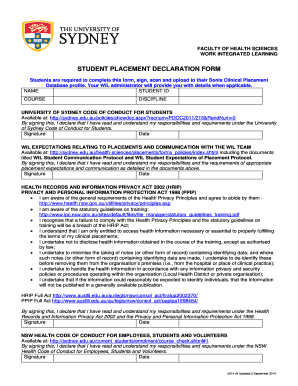
Student declaration
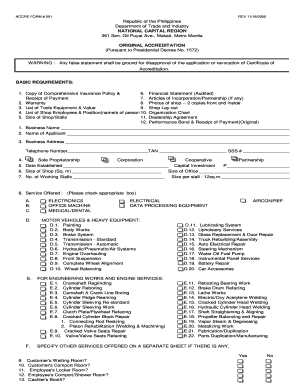
Dti accreditation
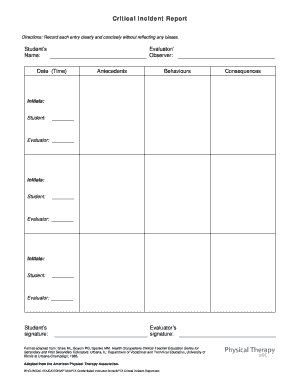
Physical therapy incident report
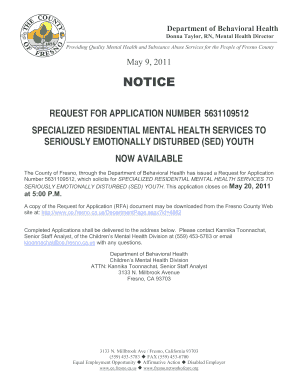
Department of Behavioral Health - Fresno County - co fresno ca
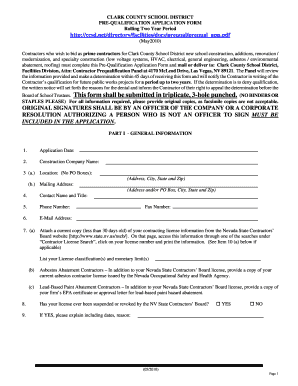
Pre-Qualification Application - Clark County School District

Cte 36
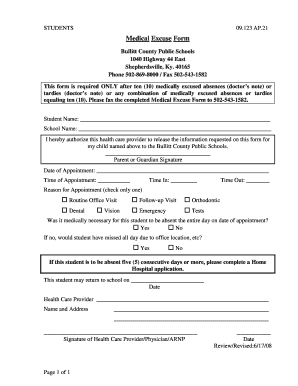
Medical Excuse Form Yes No Yes No - Bullitt County Public Schools - bullittschools
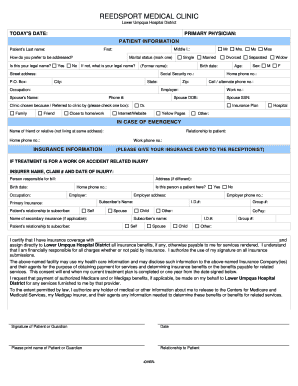
New Patient Application - Lower Umpqua Hospital - lowerumpquahospital

Sanitary Sewer Overflow 5-Day Follow Up Report - epa ohio

IMM 1249E : Application to Change Conditions, Extend my Stay or ... - umanitoba
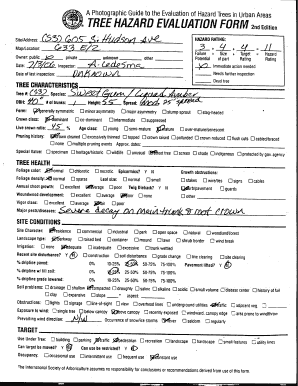
Hazard tree assessment
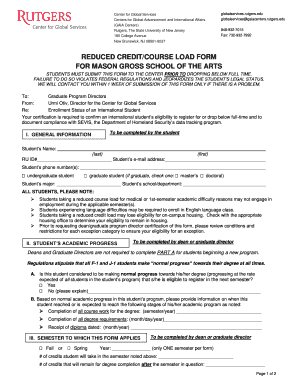
Reduced credit
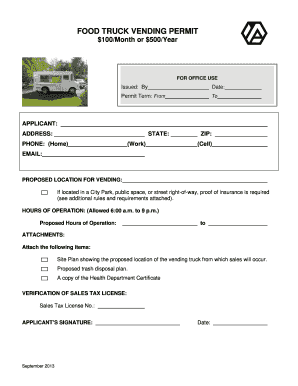
FOOD TRUCK VENDING PERMIT - Arvada - static arvada

Cantax allowable cca form

I129
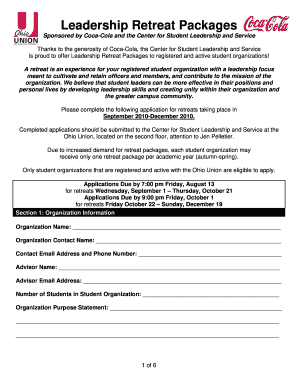
Coke cola application online

Band Drumline Camp Application - Southern Arkansas University - web saumag

SEL 114 - Oregon Secretary of State - oregonvotes
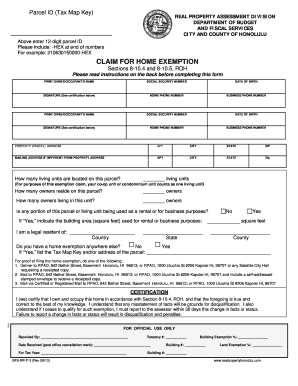
Forms
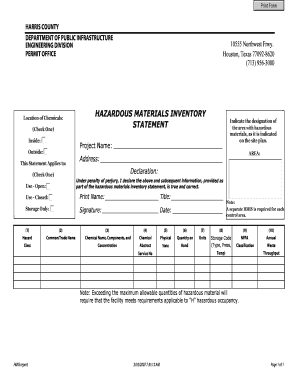
Report Form - Harris County Public Infrastructure Department - hcpid
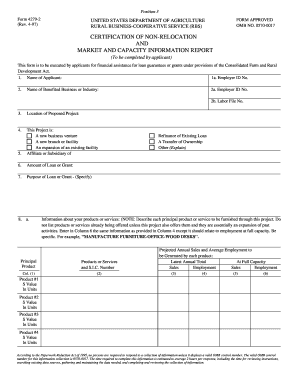
Form RD 4279-2 - Forms - forms sc egov usda
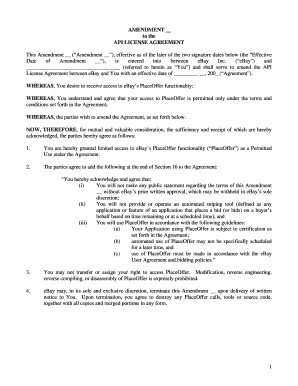
Ebay license agreement
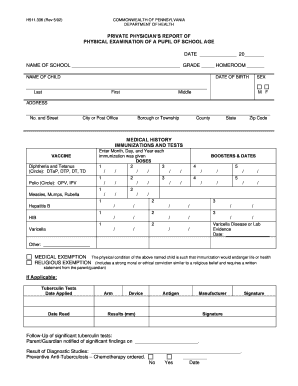
Pa school physical form pdf
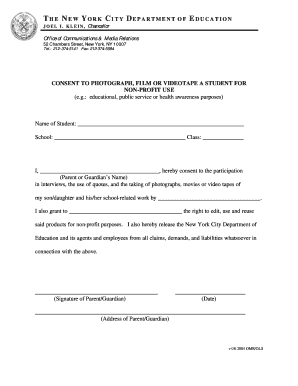
Consent to photograph form nyc doe
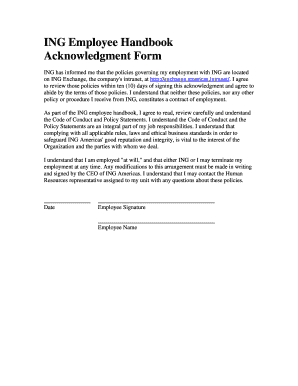
Employee handbook signature page template

Frederick county regulation 400 15 form
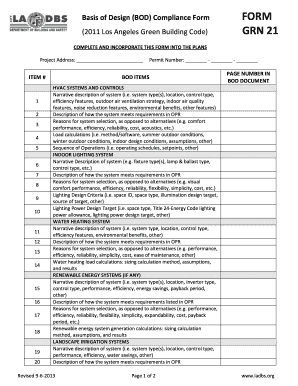
FORM GRN 21 - ladbs
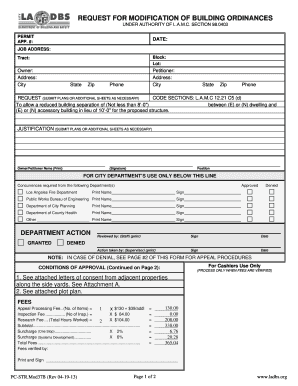
Ladbs permit form

Festival of Lights ARTISANS COLLECTIVE APPLICATION ... - riversideca

HOME CARE TRANSFER FORM AGENCY TO AGENCY - gov mb

Digital products and remote access software exemption certificate
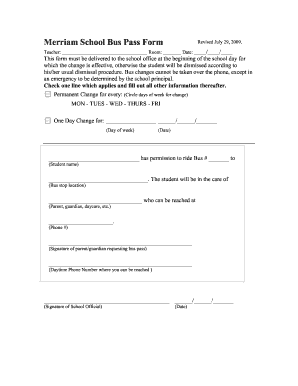
Fillable bus pass form

Priority partners prior auth form
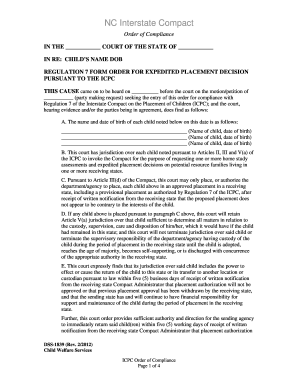
Dss 1839
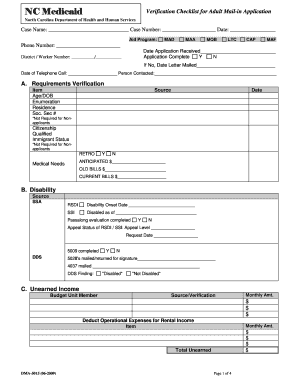
Dma-5015pdf Adult Mail-In Application Verificaiton Checklist - info dhhs state nc
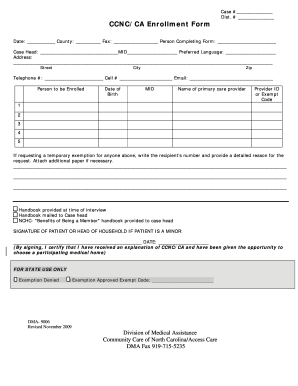
Dma 9006
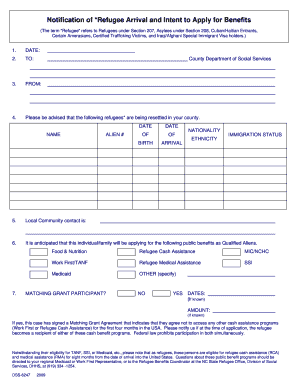
DSS-6247 Notification of Refugee Arrival and Intent to Apply for Benefits - info dhhs state nc
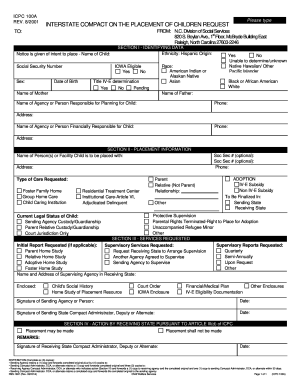
DSS-1837 Interstate Compact on the Placement of Children Request ICPC 100A - info dhhs state nc
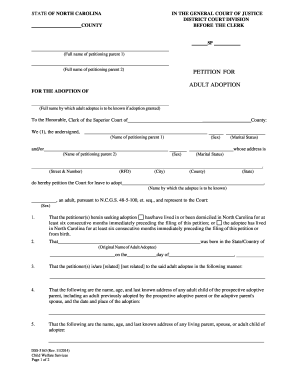
DSS-5163 Petition for Adult Adoption - info dhhs state nc

Dss 5191
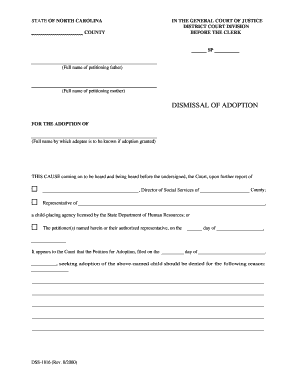
DSS-1816 Dismissal of Adoption - info dhhs state nc
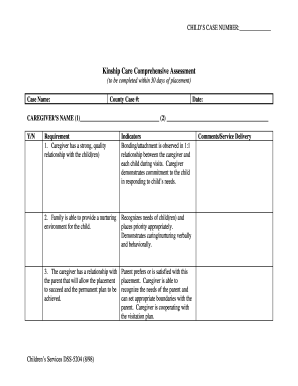
Dss 5204
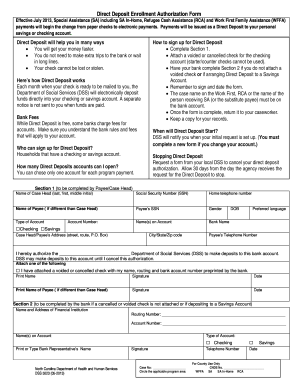
Dss 5023
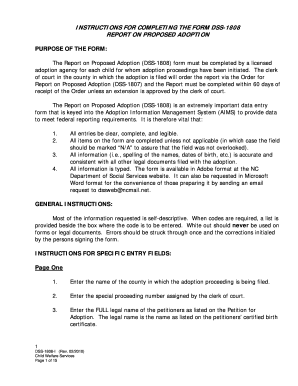
Dss 1808
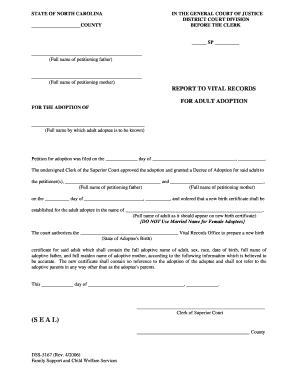
DSS-5167. Report to Vital Records for Adult Adoption - info dhhs state nc
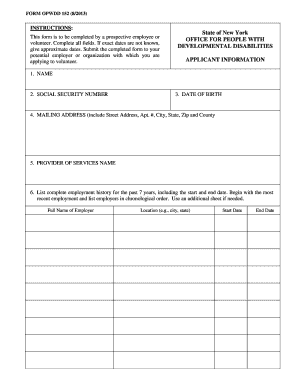
Opwdd forms

Business loan application form
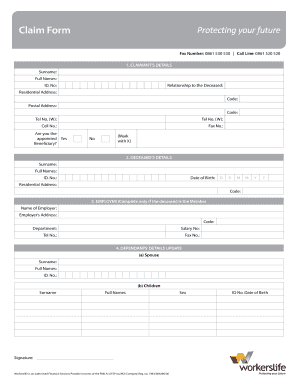
Workers life claims
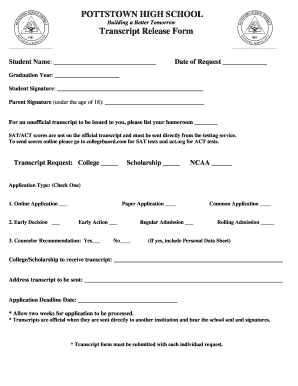
Transcript Request Form - Pottstown School District
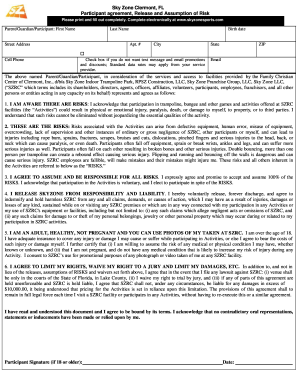
Skyzone waiver
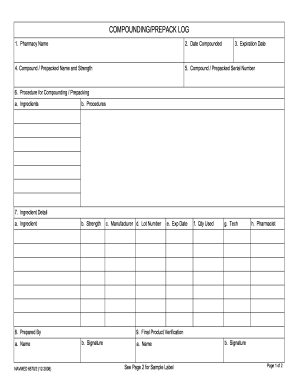
COMPOUNDINGPREPACK LOG

Guide to procedures in employment equality and pension cases
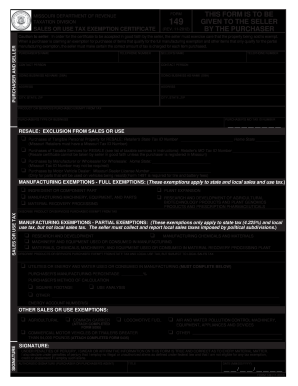
Pennsylvania Exemption Certificate (REV-1220) - PA Department of...
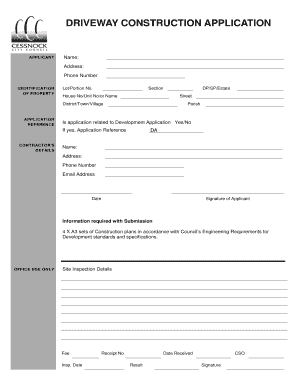
Driveway application city council
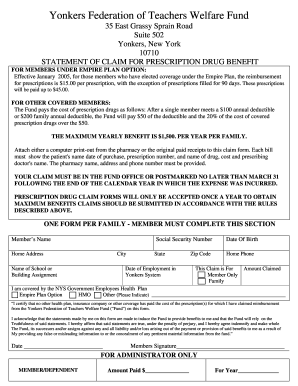
Yft welfare fund
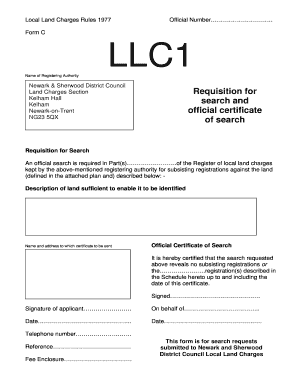
Llc1 form download
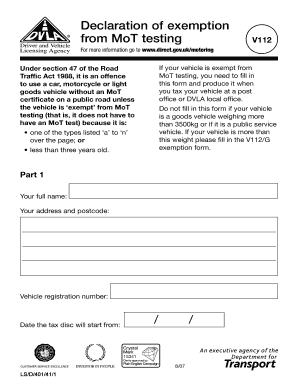
V112 form
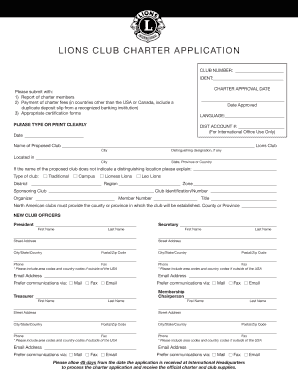
TK38A EN - Lions Clubs International - lionsclubs
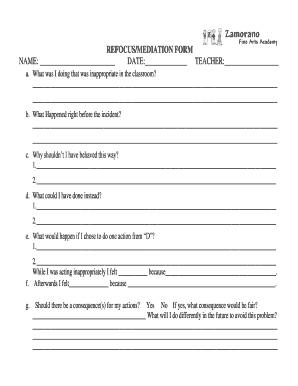
Refocus form

Marna kuehne foundation scholarship
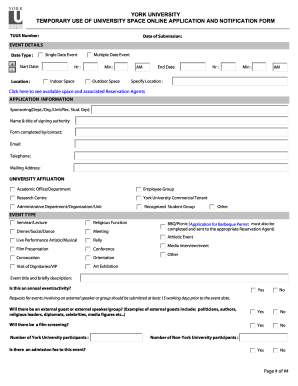
Tuusinfo
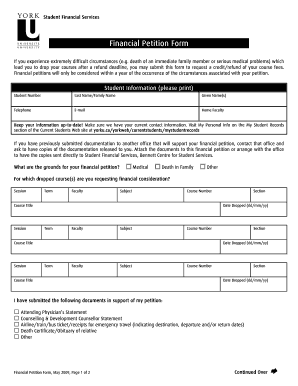
Canada services
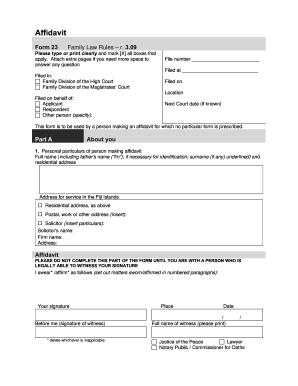
Fiji form 23
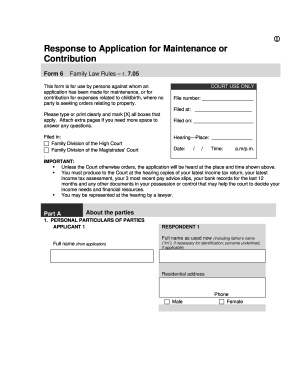
Divorce papers pdf download in hindi
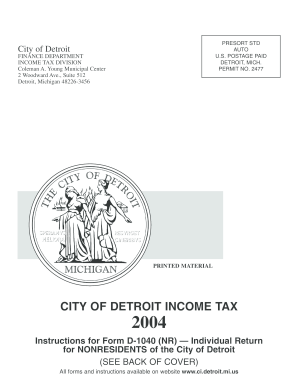
Form D1040(NR) - 2004 Detroit Non-Resident ... - City of Detroit - detroitmi
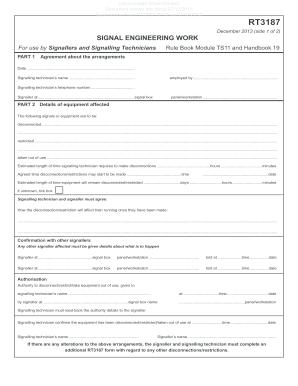
Rt3187

Apwu grievance timeline
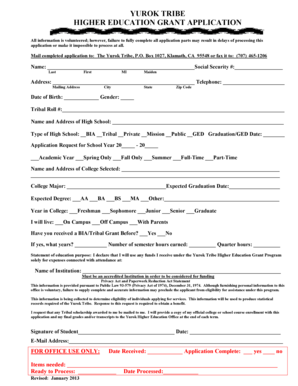
Download the Higher Education Application Now - Yurok Tribe - yuroktribe

Gv207a form
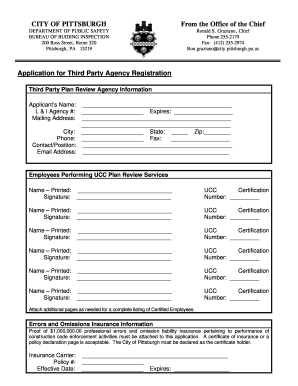
CITY OF PITTSBURGH From the Office of the Chief Application for ... - city pittsburgh pa
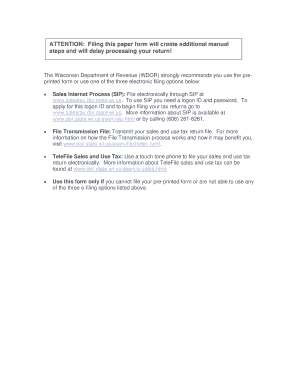
St 12tel
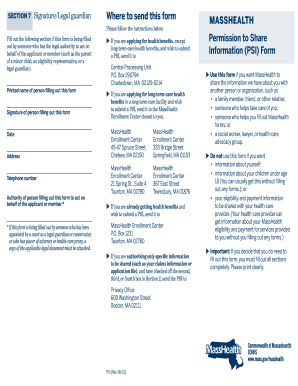
Form psi 2012

Licensing - Temporary Event Notice - Bracknell Forest Council - bracknell-forest gov

Ct retiree
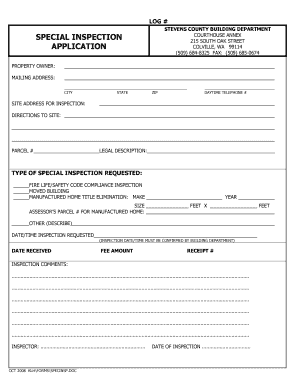
Title elimination manufactured home

Apply for postal vote on line

Filled attestation form sample

Heriot watt reference

Hw watt capitals

Brighton hove city council

Financial assessment example

Florida special move form
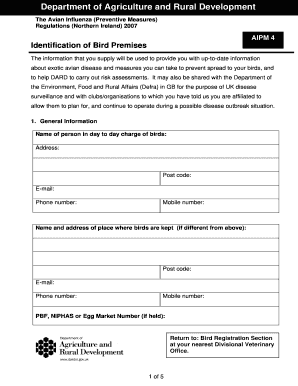
Bird Registration Form - Department of Agriculture and Rural ...
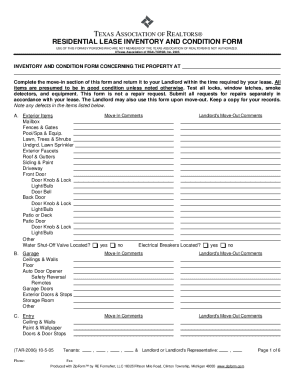
Residential lease inventory and condition form - Texas Homes ...
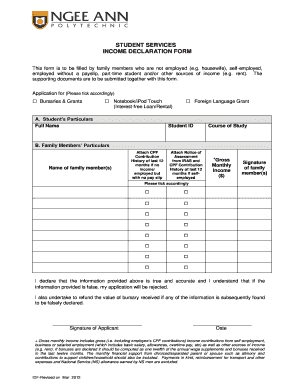
Income declaration form
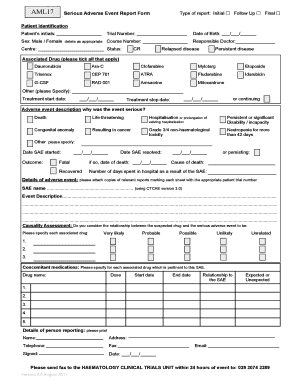
Sae form

Epf missing details format

Regulation 38 Fire Safety and Thermal L1 Declaration Form - charnwood gov

Form 507 Report as to affairs & Form 507A ... - de Vries Tayeh
Kinship assistance california

Transport access form victoria
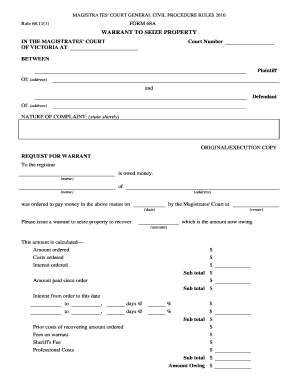
Court form 68a

DENTIST'S CLAIM FORM - United Concordia
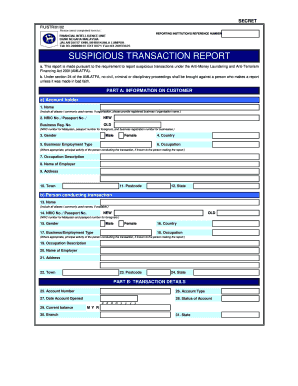
Form r bank negara malaysia
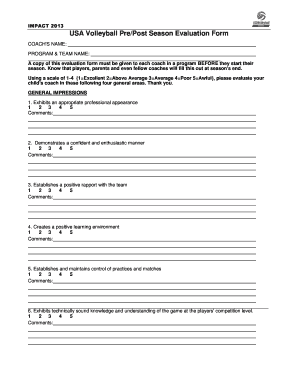
Volleyball tryout evaluation form excel
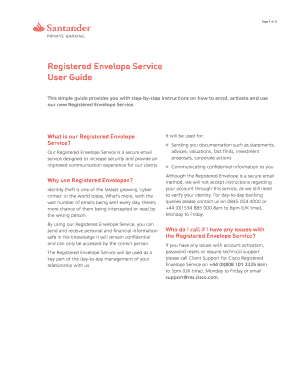
Transfer certificate application download
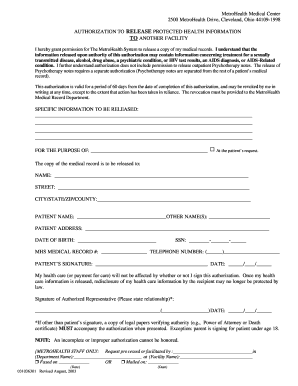
Metro health release form
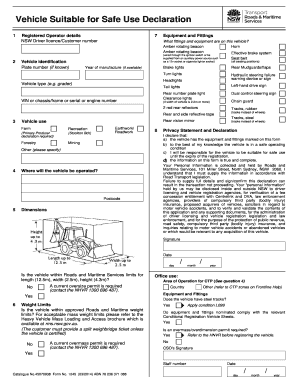
Vehicle suitable for safe use declaration 2014 form
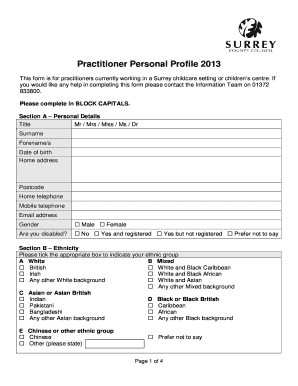
What key practitioners do we associate with the style pantomime
Benefit from the DocHub online library of fillable PDF forms
Searching the PDF forms doesn't have to be a tedious and time-consuming process. With the DocHub online library, it has become easier to find the fillable PDF forms and modify them in your browser. The service allows you to adjust the document to your needs using powerful editing tools.
You can use online document editing features to modify almost any type of document with ease. You just need to find the template of your choice, open it in the editor, and use the toolbar to make the necessary corrections.
Follow this guide to get your document done with DocHub:
- Find the PDF template you need.
- Click the Get Form button to open the file in the editor.
- Use the toolbar to fill out and edit the document.
- Easily add and highlight text, insert images, checkmarks, and symbols.
- Drop new fillable fields, and rearrange or delete pages from your file.
- Save changes and download your record.
DocHub empowers everyone to streamline document editing, signing, and distribution, and form completion. Create an account and benefit from our well-organized PDF Forms library and comprehensive editor.