




Here's how it works



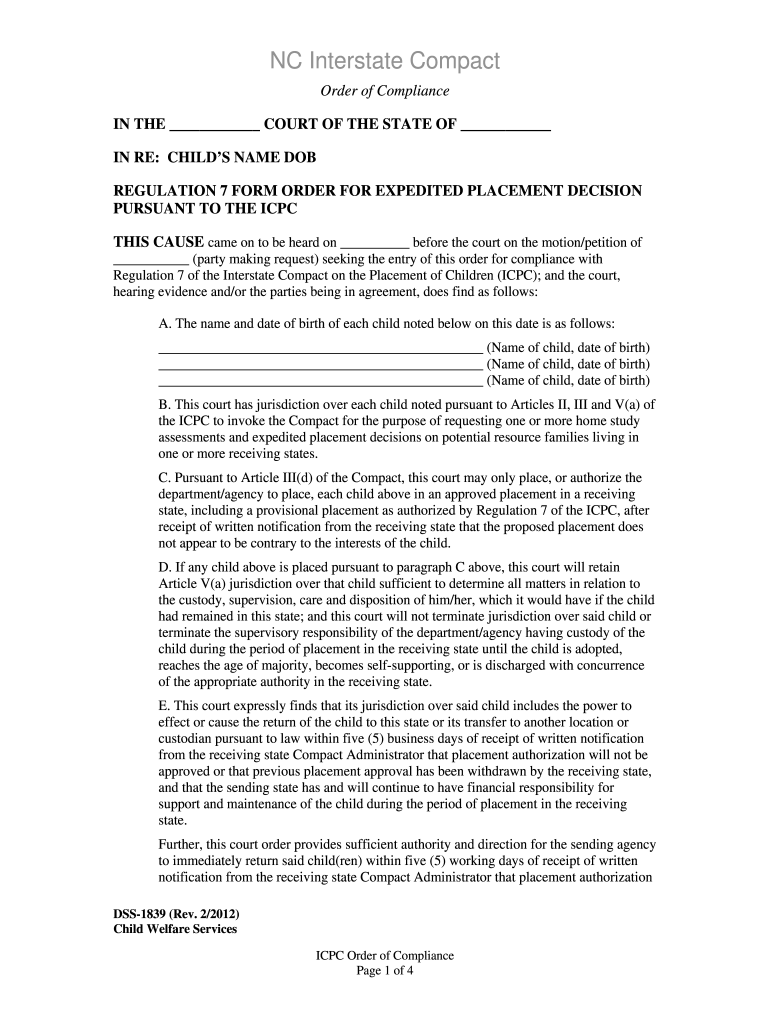
How to use or fill out dss 1839 with our platform

- Click ‘Get Form’ to open the dss 1839 in the editor.
- Begin by entering the court name and state in the designated fields at the top of the form.
- Fill in the child's name and date of birth in section A, ensuring accuracy for each child listed.
- In section G, specify the proposed placement resource's details, including their relationship to the child and their location.
- Complete sections I and J by checking applicable criteria that justify the child's placement request.
- Review all entries for completeness and correctness before submitting your form through our platform.
Start using our platform today to streamline your document editing and form completion process for free!
It's free
See more dss 1839 versions
| Versions | Form popularity | Fillable & printable |
|---|---|---|
| 2012 | 4.8 Satisfied (183 Votes) |
Got questions?
Can I fill out and sign my 1839 2022 online?
Sure, and it’s really straightforward! DocHub is a web-based PDF editor with advanced document processing capabilities that allow you rapidly adjust your forms, complete blank fields and insert new ones for others to fill out, and create electronic signatures in several ways. Import your 1839 2022, provide information as required, and decide how you want to eSign your document - by typing your name, drawing your signature, uploading its image, or using a QR code.
Can I print my dhs 6155 and finish it on my own?
When you go for analog ways of completing your dhs 6155, you can easily download your file for printing. Search DocHub’s Forms & Templates catalog to locate the exact document template you require and open it for editing or download it on your gadget in the format of your liking. It is easy to complete your form electronically and place your handwritten signature on it after printing or eSign your document with DocHub.
Security and compliance
At DocHub, your data security is our priority. We follow HIPAA, SOC2, GDPR, and other standards, so you can work on your documents with confidence.
Learn more


