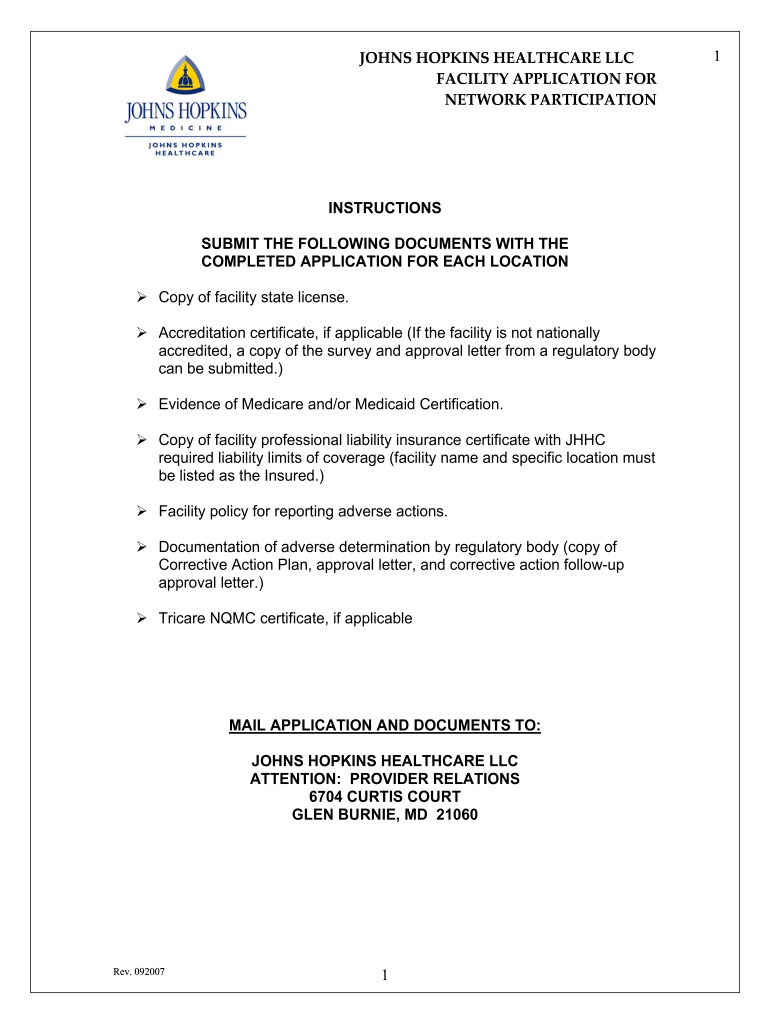
Priority partners prior auth form 2026

Get Form
priority partners phone number Preview on Page 1

Here's how it works

01. Edit your priority partners phone number online
Type text, add images, blackout confidential details, add comments, highlights and more.
02. Sign it in a few clicks
Draw your signature, type it, upload its image, or use your mobile device as a signature pad.
03. Share your form with others
Send jhhc forms via email, link, or fax. You can also download it, export it or print it out.

How to use or fill out priority partners prior auth form with our platform

Form edit decoration
9.5
Ease of Setup
DocHub User Ratings on G2
9.0
Ease of Use
DocHub User Ratings on G2
  1. Click ‘Get Form’ to open the priority partners prior auth form in the editor.
  2. Begin by filling out the 'Facility Location' section. Enter the name, address, service area, city, state, phone, fax, and zip code of your facility.
  3. In the 'Facility Contact Person' section, provide the contact person's name, phone number, email address, and fax number.
  4. Complete the 'Facility Services' section by indicating any special services offered and specifying the type of facility from the provided options.
  5. Fill in the 'Billing Information' with your facility's federal tax ID number, Medicare and Medicaid numbers, taxonomy number, NPI number, vendor/billing name, and billing address if different.
  6. Proceed to 'License Information' and list all states for which your facility is licensed along with their respective license numbers.
  7. In 'Accreditation Information', check any applicable accreditations your facility holds.
  8. Attach a copy of your professional liability insurance coverage certificate in the designated section.
  9. Answer all additional questions truthfully in the 'Additional Questions' section. Provide explanations where necessary.
  10. Finally, review all entered information for accuracy before signing and dating at the end of the form.

Start using our platform today to streamline your document editing and submission process for free!

See more priority partners prior auth form versions

We've got more versions of the priority partners prior auth form form. Select the right priority partners prior auth form version from the list and start editing it straight away!
Versions Form popularity Fillable & printable
2007 4.8 Satisfied (145 Votes)
be ready to get more

Complete this form in 5 minutes or less

Get form

Got questions?

We have answers to the most popular questions from our customers. If you can't find an answer to your question, please contact us.
Contact us
How To Get Prior Authorization: Step-by-Step Guide Step 1: Check client eligibility. Step 2: Determine if a code or service requires Prior Authorization. Step 3: Find and complete forms. Step 4: Submit a PA request. Step 5: Check the status of an authorization.
Heres how it typically works: Consult Your Doctor. Start by discussing your treatment plan and any specific medications your provider recommends. Contact Your Insurance Provider. Call your insurance company or log into their online portal to check if prior authorization is required. Submit the Request. Await Approval.
A number, code, or other value that indicates the services provided on this claim have been authorized by the payee or other service organization, or that a referral for services has been approved. (Also called Prior Authorization or Referral Number). SOURCE: T-MSIS Analytic File (TAF) Claims.
Questions regarding enrollment or procedures that require prior authorization should be directed to the SmartHealth Customer Service Department at (888) 492-6811. (Hours of operation are 8:30am-4:30pm EST) Monday-Friday, excluding holidays.
Call your insurance company or log into their online portal to check if prior authorization is required. Some plans have searchable databases or medication lists to confirm this quickly. Ask for details about the documentation required to request approval.

People also ask

The patient or their representative can contact their insurance company and provide the relevant information to start the Prior Authorization process. Its best to confirm with the healthcare provider if they have the information and are willing to submit the request.
Call Utilization Management (UM) at (952)883-6333with questions. Incomplete forms will be returned. Submit clinical documentation to support your request. Sign in at healthpartners.com/provider and use the Authorizations and referrals link to check the status of your prior authorization request.

priority partners authorization form