
Get any PDF form from the DocHub library of ready-made templates - Page 1548
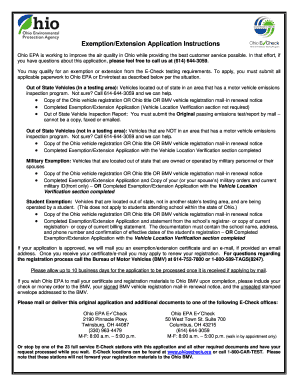
Echeck ohio form
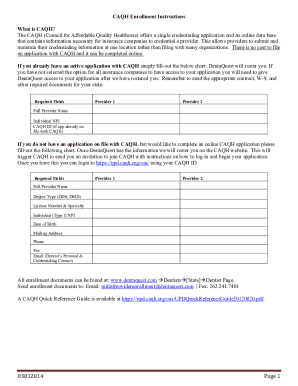
Dentaquest credentialing
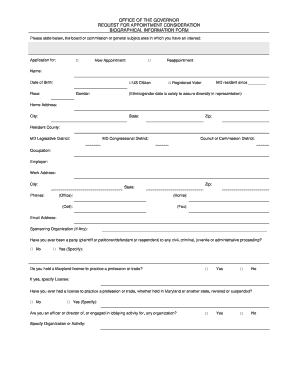
What appointment consideration make
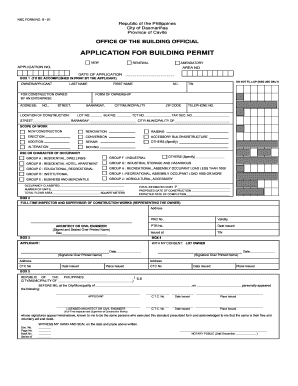
Nbc form
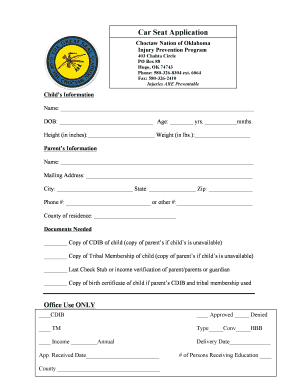
Choctaw nation car seat application
Northeast Texas Treatment Center - Nttcrusk.org
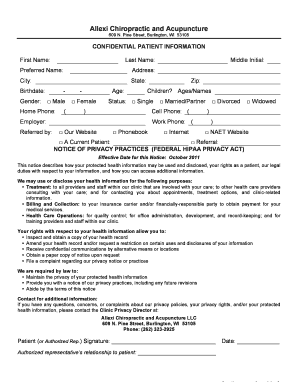
FORM Acupuncture HIPAA Consent new - DrAllexi.com

Patient consent form case report

PATIENT HIPAA CONSENT FORM - Remedy Weight Loss

Part 390 - Regulations SectionFederal Motor Carrier Safety ...

Performance 1829q f2 pdf

HIPAA Privacy Authorization Form - evendaleohio
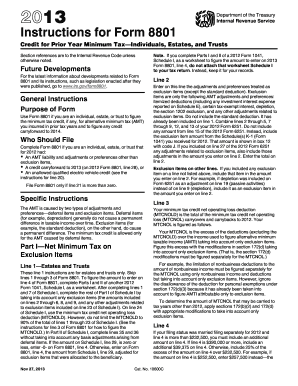
2013 Instructions for Form 8801 - Internal Revenue Service - irs

Massdot form t21516 1011
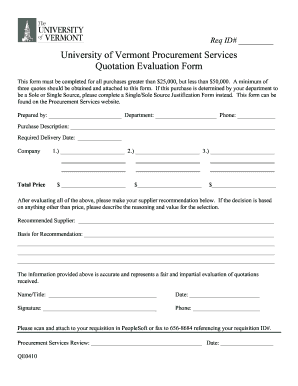
Quotation evaluation template excel

Rac bol

VICS BOLBill of lading requiring additional specific ... - A....

Maryland certification insurance
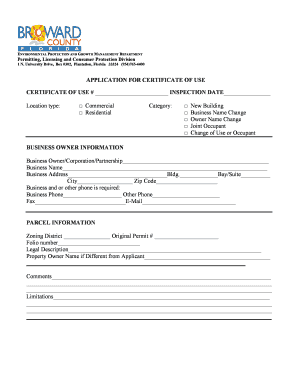
Certificate of use broward county

Preliminary notice
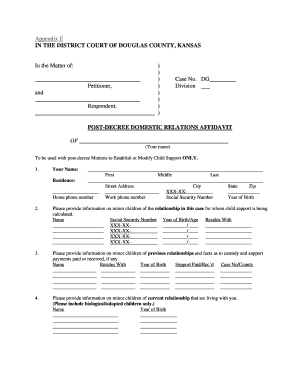
Kansas domestic relations affidavit instructions

Subpoena - Franklin County, Ohio - franklincountyohio
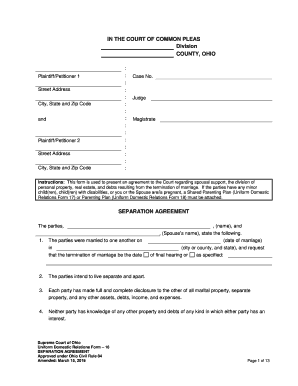
Separation Agreement - Supreme Court - State of Ohio - supremecourt ohio
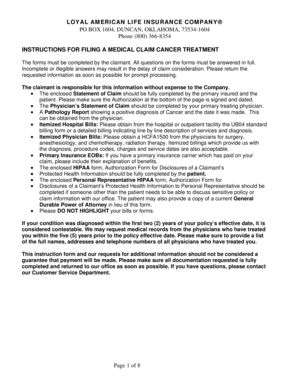
Loyal Cancer Claim Form
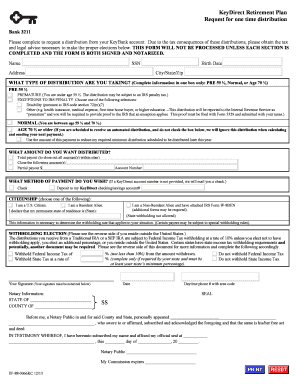
Keydirect
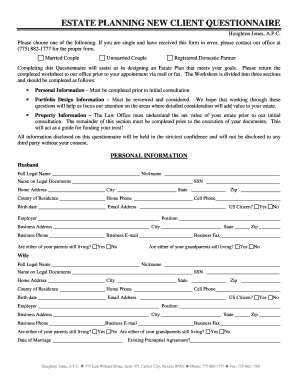
ESTATE PLANNING NEW CLIENT QUESTIONNAIRE - Houghton
Charter School Application for OU Sponsorship of John W, Rex ...
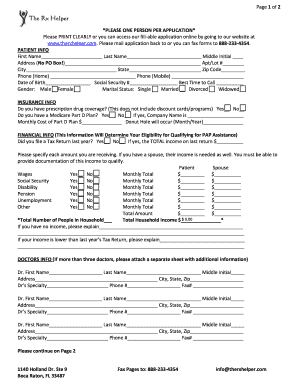
Rx helper form
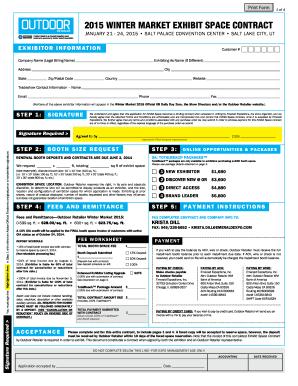
PDF Contract - Outdoor Retailer
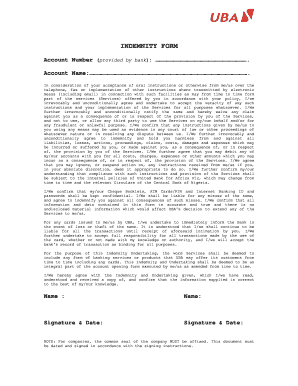
How to fill uba indemnity form

Summons # Date of Offense Details about the prohibited ... - mta.info
Contra costa county marriage license form
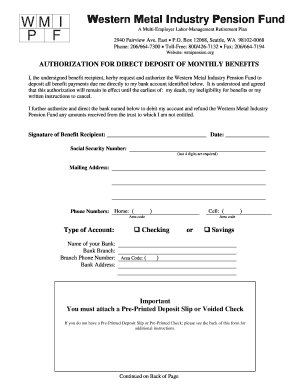
Direct Deposit Form - Western Metal Industry Pension Fund
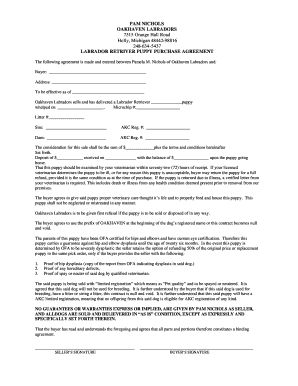
Oakhaven labradors
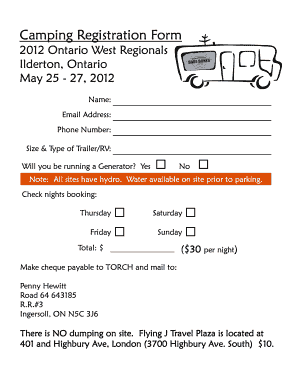
Camping form - Breederoo.com
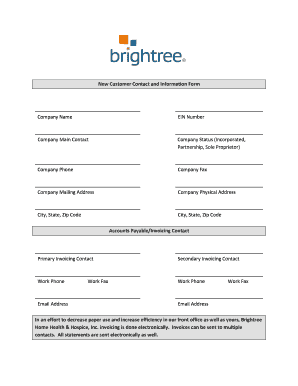
Brightree information form

Sierra nevada memorial hospital

Guarantor Application - 865 East

Beneficiary Designation Form- BEN-001 - rol.frs.state.fl.us - Retirement - rol frs state fl

Qdro form texas

Skyzone waiver form

Printable new hire packet
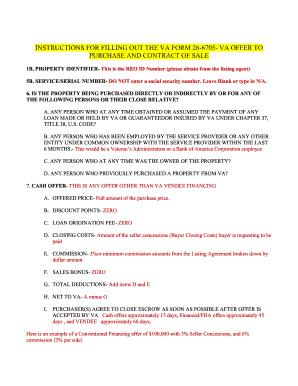
How to fill out the VA Offer to Purchase form

Resident information form
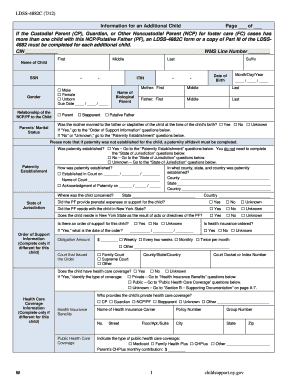
Ldss 4882c
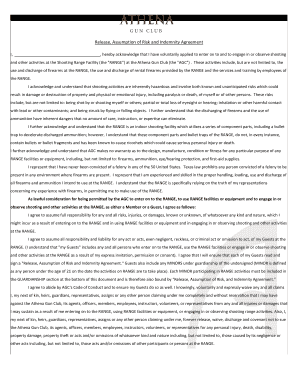
Gun indemnity

WAIVER AND RELEASE OF LIABILITY FORM ... - NEO Laser Tag

BReleaseb and Waiver of Liability and Indemnity Agreement for bb - lprg

Waiver of first refusal form
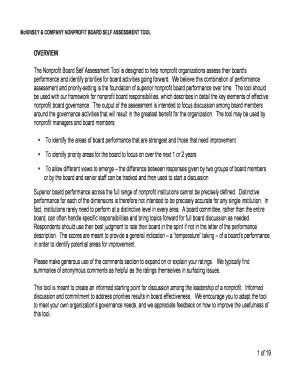
Nonprofit board self assessment tool mckinsey company
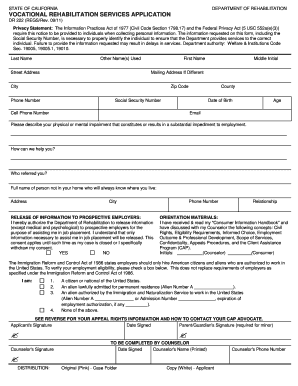
Dr222

Bbusinessb
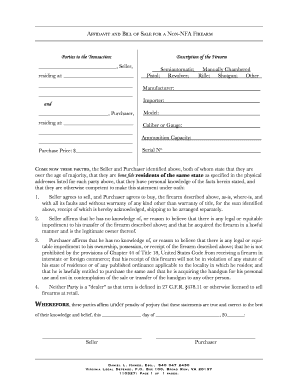
Oklahoma gun bill of sale
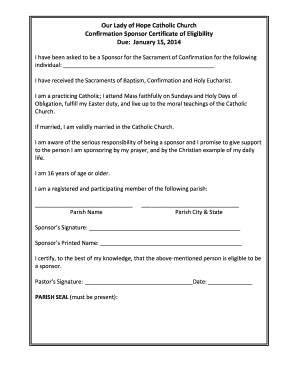
Sponsor Eligibility Form - Our Lady of Hope Catholic Church
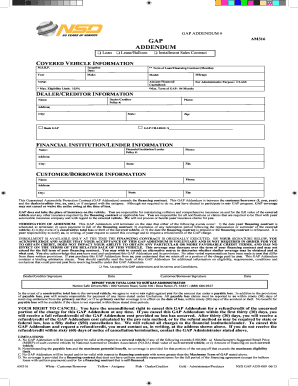
Gap addendum
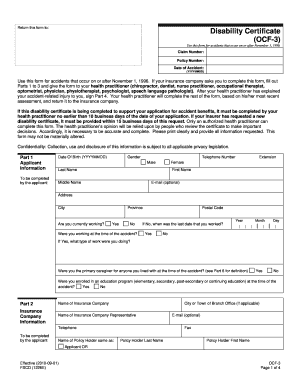
Ocf 3 2010 form

EDI Setup Request Form - Unified Grocers

2013 ops001e
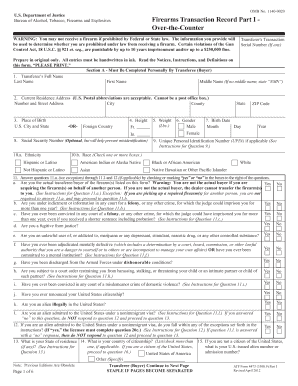
Atf form 4473

Dart reduced fare application
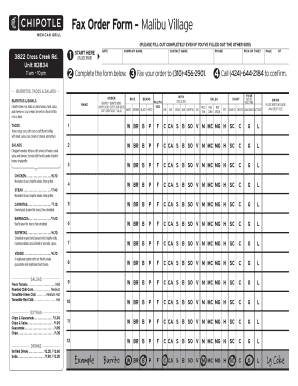
Chipotle fax order form

New Account Packet - Hallandale Pharmacy
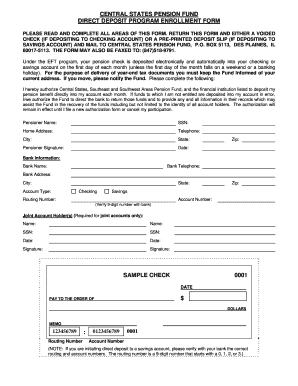
Pension direct deposit form
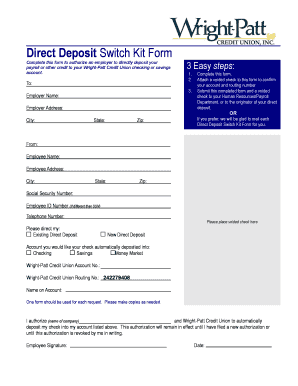
Wpcu direct deposit form

Direct Deposit / Access Card Employee Signup Form - SearchLogic ...
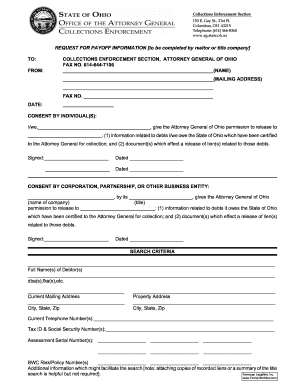
Ohio payoff
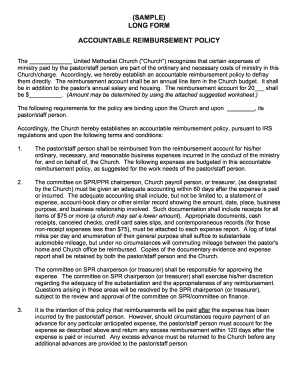
(SAMPLE) LONG FORM ACCOUNTABLE REIMBURSEMENT POLICY

Membership Application - International Society for Hair Restoration ... - ishrs
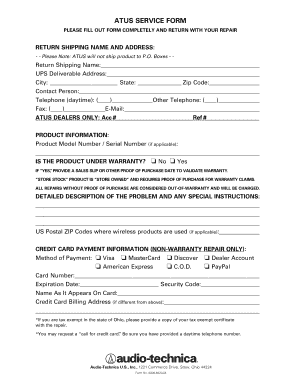
Atus service form
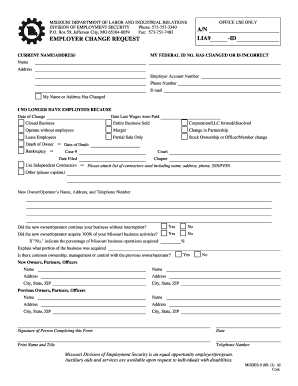
Employer change request missouri
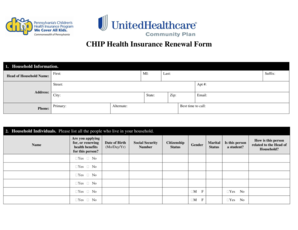
CHIP Health Insurance Renewal Form - UHCCommunityPlan.com
Passport correction form bd
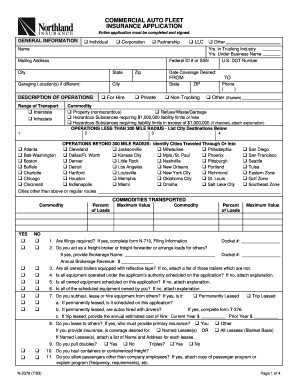
Insurance auto 2003 form
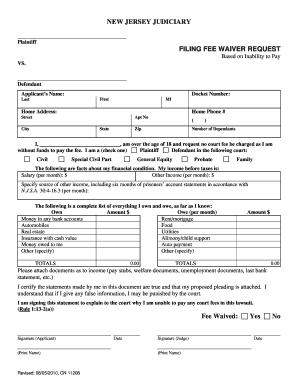
How to ask for fee waiver nj form
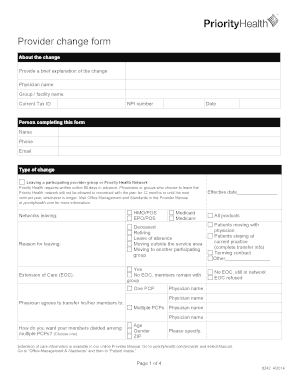
Priority health provider change form

Manila application checklist inz download
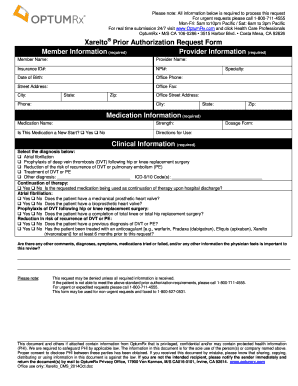
Optumrx prior authorization form pdf 2021
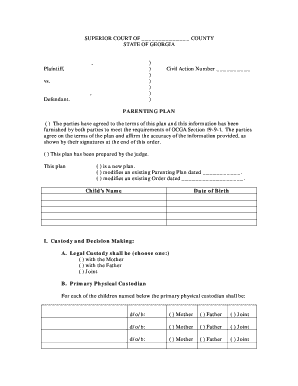
Parenting Plan Form - Adobe PDF - Georgia's Eighth Judicial District - eighthdistrict
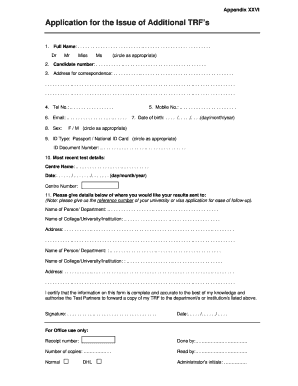
Trf application

Additional form supplemental incident
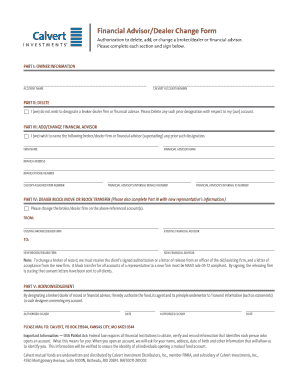
Financial Advisor/Dealer Change Form - Calvert Investments
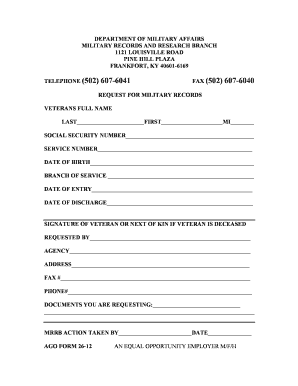
Kentucky ago form 26 12

Example of a filled apartment lease

Room rental agreement washington state
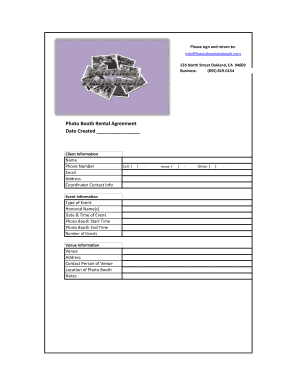
Rental Agreement Form - Photo Booth Rentals, Special Event Photos
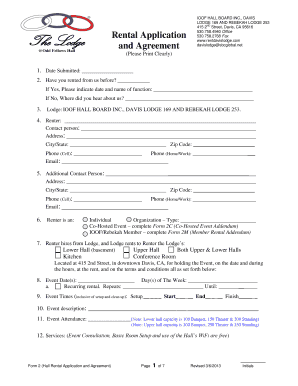
Hall Rental Agreement - The Odd Fellows Hall

View/download our Rental Agreement - Drummond Island Vacation ...

Sample Cottage Rental Contract - Spirit of the North
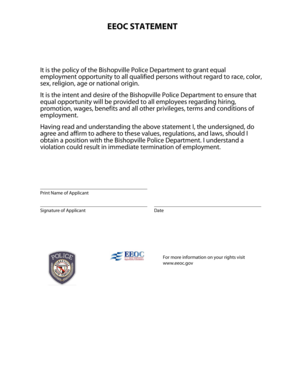
BEEOCb STATEMENT - Bishopville Police Department - bishopvillepd

R1331
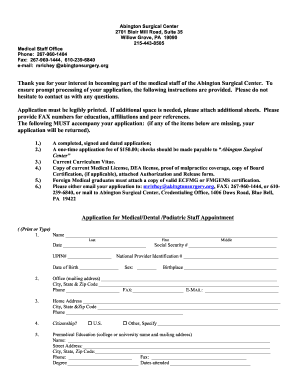
Abington surgical application

Contractor's Certificate of Workers' Compensation Insurance - City of ... - harrisonburgva

Stipend request form - Charles R. Drew University of Medicine and ... - cdrewu

Editable fundraiser order form template
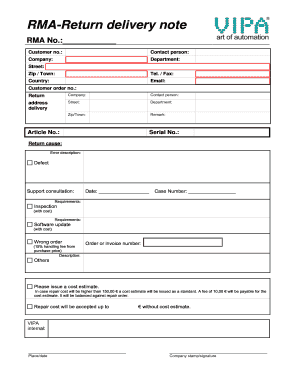
Open RMA-Form - VIPA UK
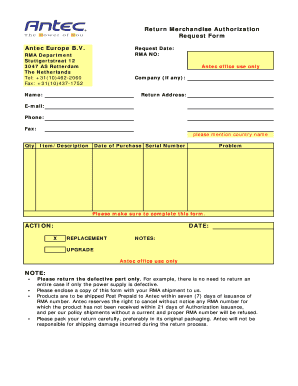
Antec EU RMA Request Form.pdf

Il486 1730 lcpc

Gym membership form template word
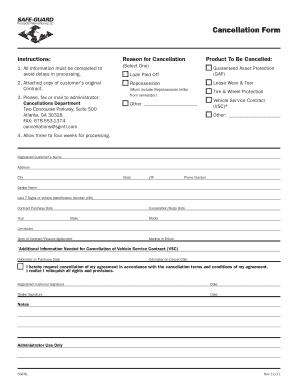
Safeguard gap cancellation
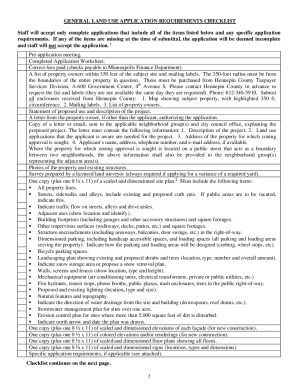
General land use application minneapolis
Benefit from the DocHub online library of fillable PDF forms
Searching the PDF forms doesn't have to be a tedious and time-consuming process. With the DocHub online library, it has become easier to find the fillable PDF forms and modify them in your browser. The service allows you to adjust the document to your needs using powerful editing tools.
You can use online document editing features to modify almost any type of document with ease. You just need to find the template of your choice, open it in the editor, and use the toolbar to make the necessary corrections.
Follow this guide to get your document done with DocHub:
- Find the PDF template you need.
- Click the Get Form button to open the file in the editor.
- Use the toolbar to fill out and edit the document.
- Easily add and highlight text, insert images, checkmarks, and symbols.
- Drop new fillable fields, and rearrange or delete pages from your file.
- Save changes and download your record.
DocHub empowers everyone to streamline document editing, signing, and distribution, and form completion. Create an account and benefit from our well-organized PDF Forms library and comprehensive editor.