
Get any PDF form from the DocHub library of ready-made templates - Page 1549

Fl 180

FL-180 FOR COURT USE ONLY ATTORNEY OR PARTY WITHOUT ATTORNEY (Name, State Bar number, and address): Lew OwenAmack, California State Bar number 177774 2037 Woods Avenue Monterey Park, CA 91754-5913 TELEPHONE NO
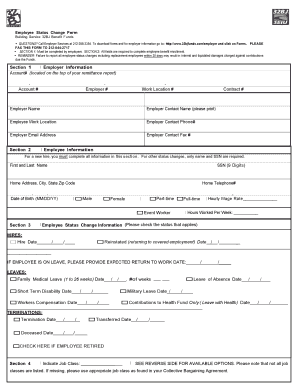
Status change
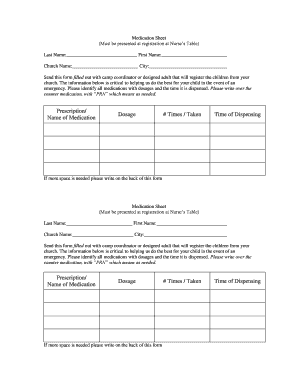
Camp medication form
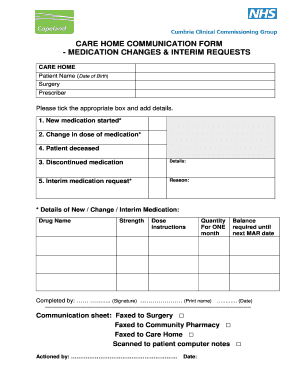
Care home communication form
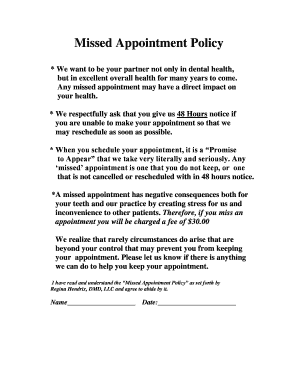
Appointment policy

Nuh medical records office opening hours
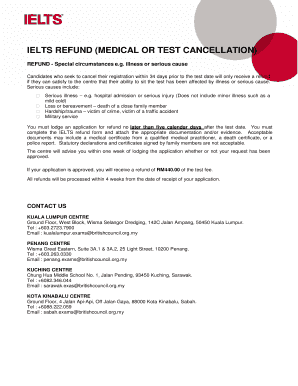
Ielts request for refund form example
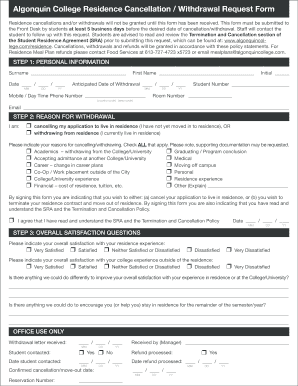
Cancellation/Withdrawal Request Form - Algonquin Residence
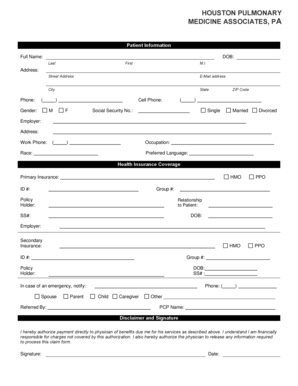
New Patient Forms - Houston Pulmonary Medicine
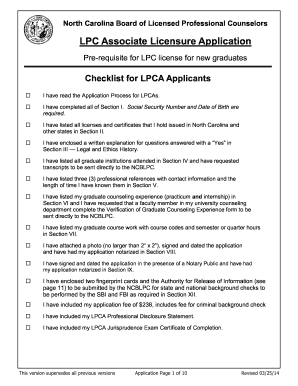
Hm ncblpc lpc

Westpac form loan

Signature authority document

Affidavit of Residency - Forsyth County Schools - forsyth k12 ga

2013 Annual Conference Report Form - Society of St. Vincent de Paul
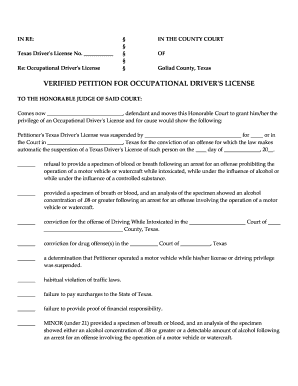
Occupational license texas
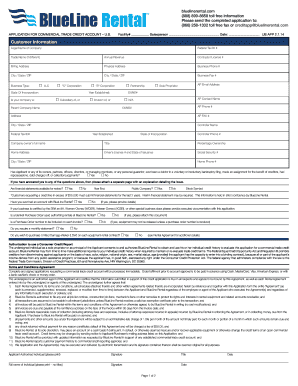
Credit Application - BlueLine Rental
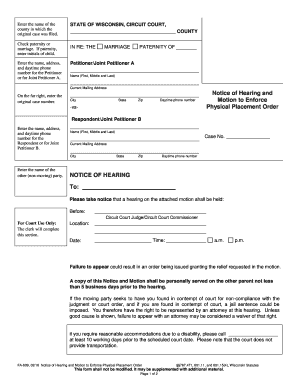
FA-609: Petition to Enforce Physical Placement Order - Wisconsin ... - wicourts

Please click here to download our cremation paperwork

Gexpro credit application 2013 form
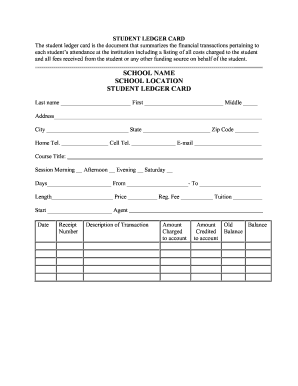
Student ledger template
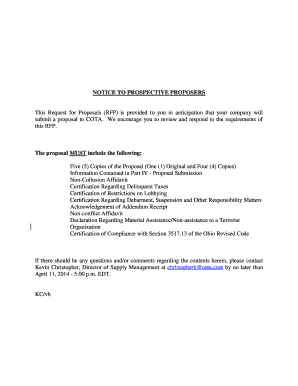
Cota rfp
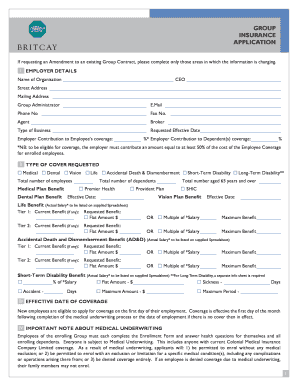
BritCay bMedb Group Insurance Applicationindd - Cayman Islands
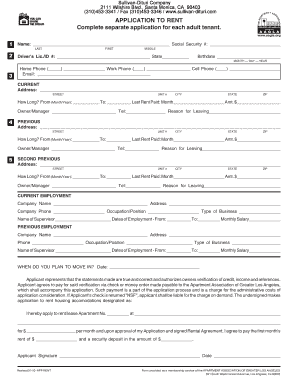
Sullivan dituri

Rental agreement california

Exclusive right to lease listing agreement florida

Motor Vehicle Bill of Sale Through Public Auction Form - dot gov nt

Ofsaa interprovincial

Mdc declaration domestic
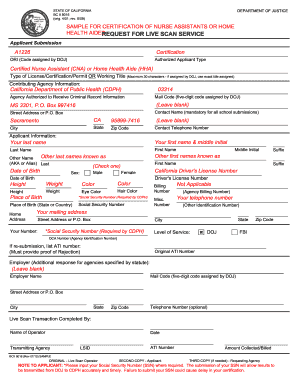
Sample live scan report
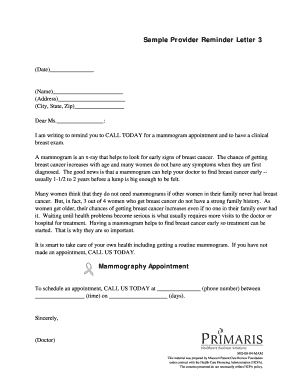
Mammogram reminder letter template

Lifeguard application form
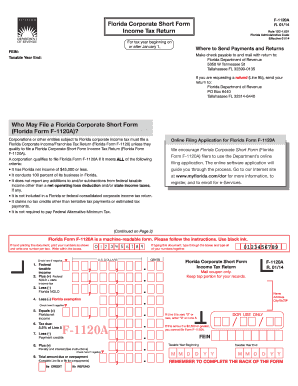
F-1120A R 01-14 final.pdf - Florida Administrative Weekly
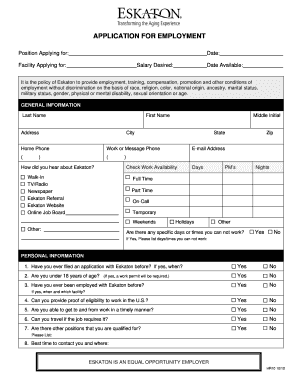
APPLICATION FOR EMPLOYMENT - Eskaton - eskaton

PARTIAL WAIVER OF LIEN (FOR EACH SUBCONTRACTOR), FORM 9 - taftconstruction
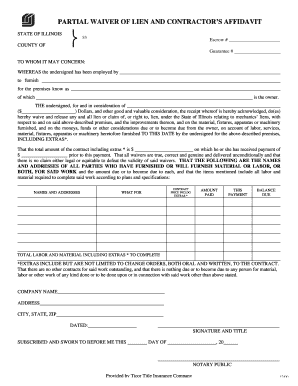
Partial bWaiverb and Affidavit - ServiceMaster DCS

F625 054 000 construction lien
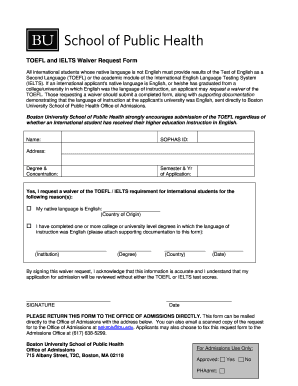
Bu ielts

Adult Emergency Department General Medical Evaluation Form - musc
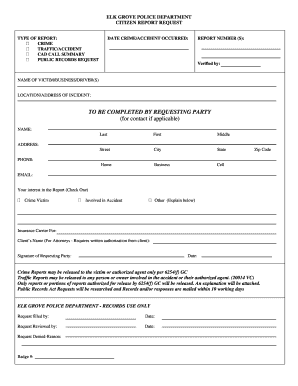
Recordsrequest elkgrovepd org
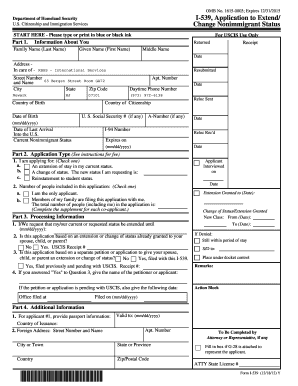
I 539
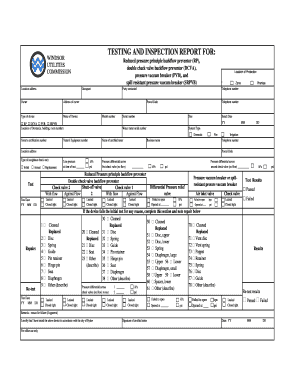
Backflow testing forms
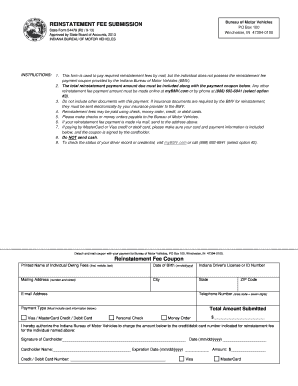
Reinstatement fee coupon

Myupmc proxy access

Jeppe college
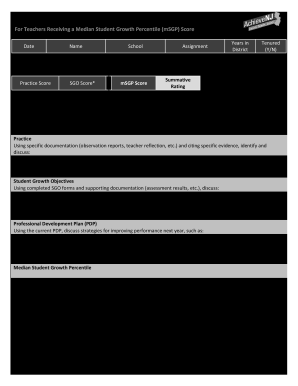
Annual Summary Conference Form - State of New Jersey - nj
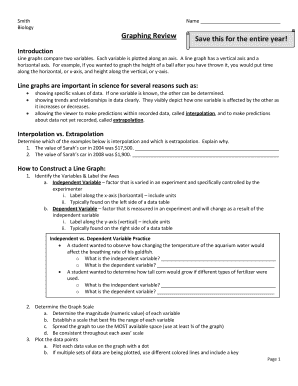
Graphing review answer key
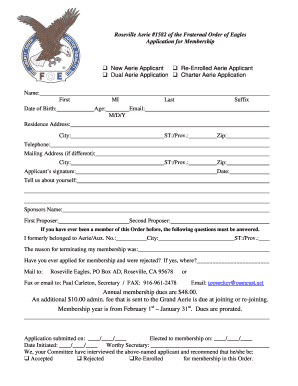
Aerie job application pdf
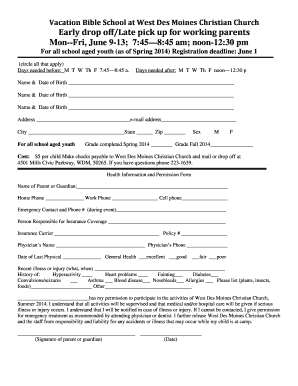
Early drop off/Late pick up form - West Des Moines Christian Church
Home care acknowledgement
Comprehensive home care license pdf
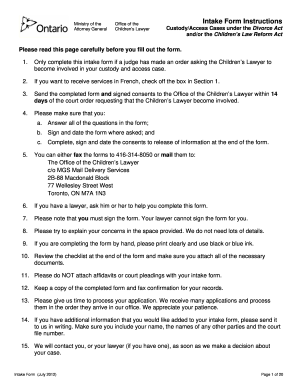
Get intake ontariocourtforms form
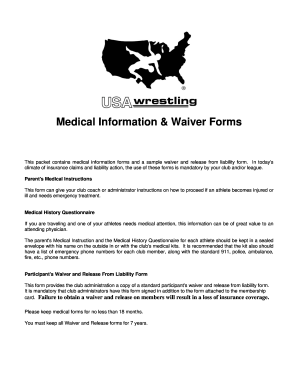
Wrestling camp liability waiver form
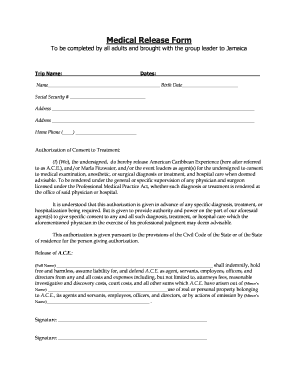
Medical Release Form - ACE
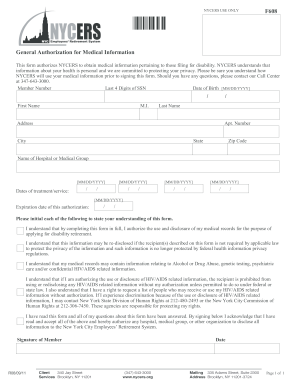
F608

2011 Form 3533 -- Change of Address - Franchise Tax Board - CA.gov
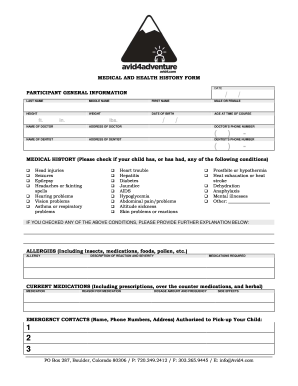
Day Camp Health Form - Avid4 Adventure
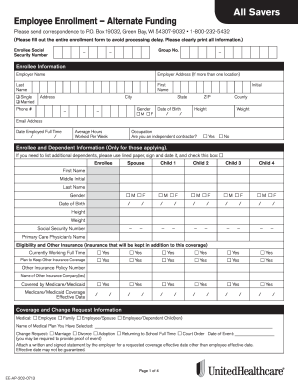
Ee ap 202 0713
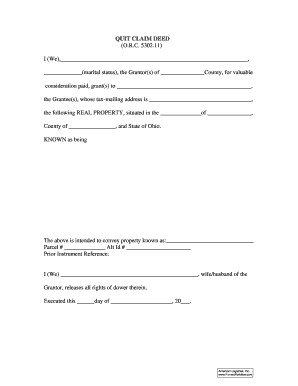
Orc 5302 11
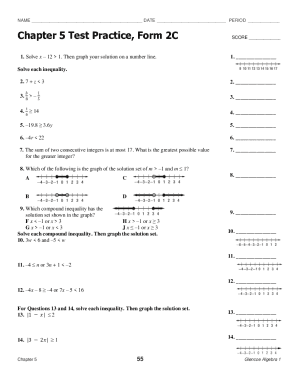
Chapter 2c glencoe algebra
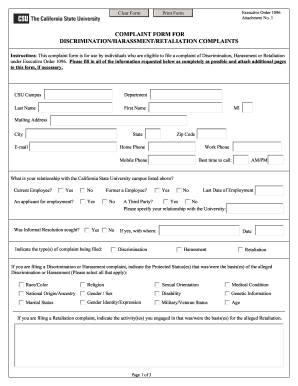
Complaint form discrimination harassment

Instructions - Brandon W. Frazier, Attorney at Law, PLLC
PIND Biodata Form 25032013 - NDLink - ndlink
Rbi form
New hampshire form dp 10
Ir37
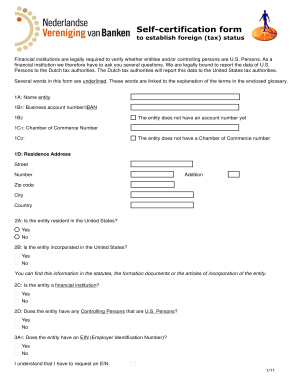
Rabobank fatca email form
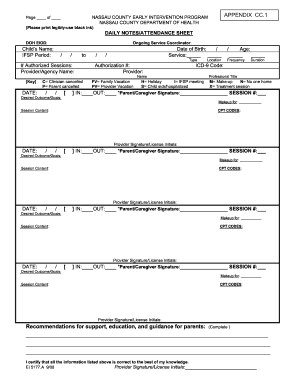
DOH EI Treatment log Daily Notes
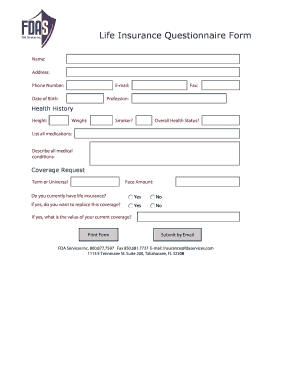
Life insurance questionnaire form
Mahc 10

Veletri enrollment forms

Business license edmonton

Downloadable forms for oconnors texas causes of action pleadings 2018
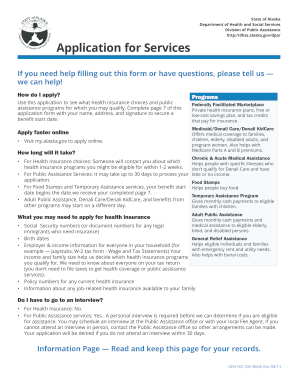
Alaska assistance gen50 c form
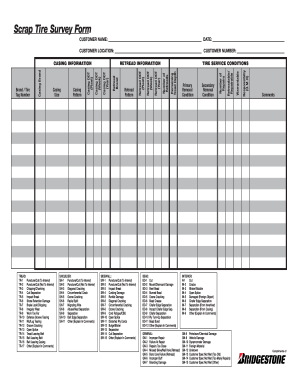
Trucktires com

Nevada quit claim deed pdf
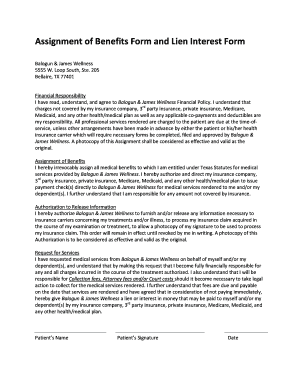
Chiropractic lien form
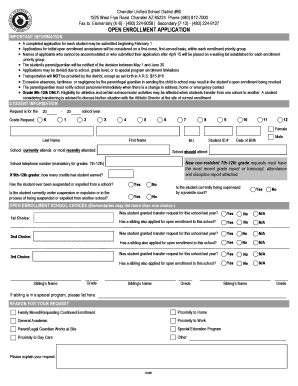
Open Enrollment Application - Chandler Unified School District

Norcostco form
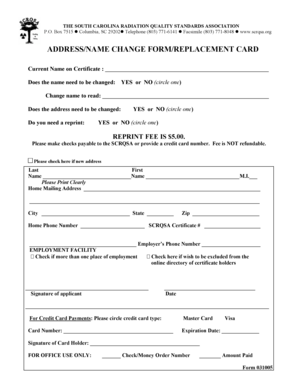
Scrqsa
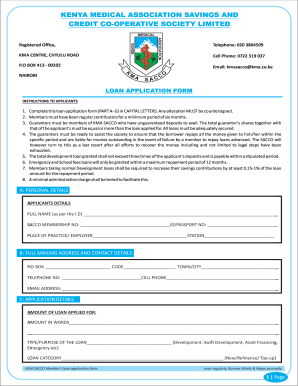
Stima sacco loan application form
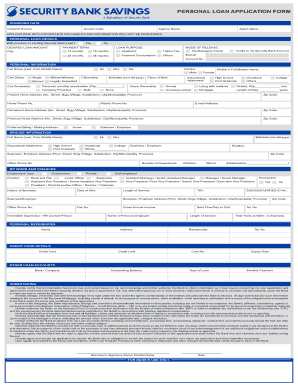
Security bank personal loan application form pdf
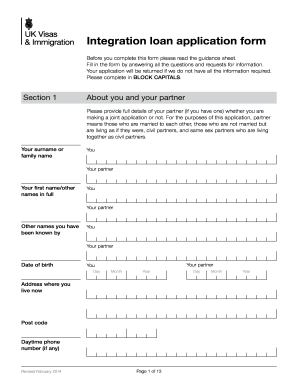
Integration loan application form
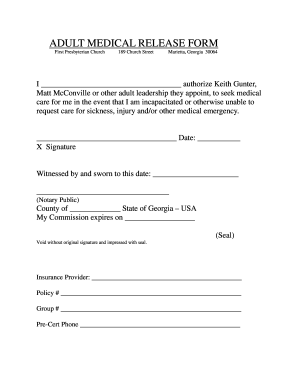
Adult Medical Release Form (18+ years) - First Presbyterian Church
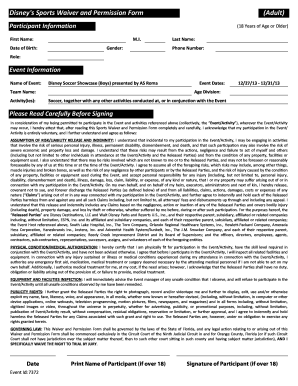
Sports waiver permission
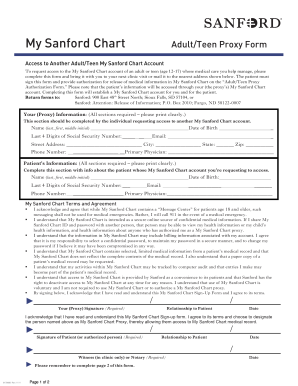
Sanford mychart
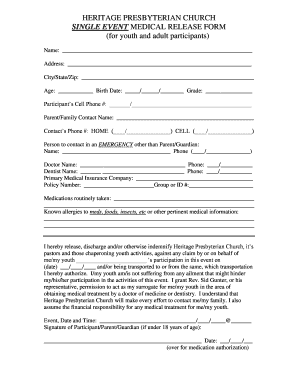
Single Event Medical Release Form . pdf - Heritage Presbyterian ...
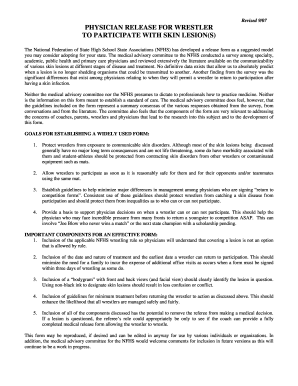
Vhsl skin lesion form
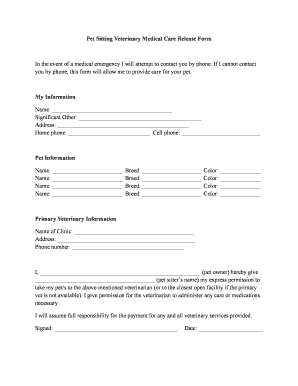
Pet sitting release form
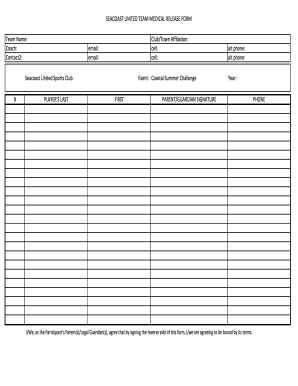
Seacoast united form
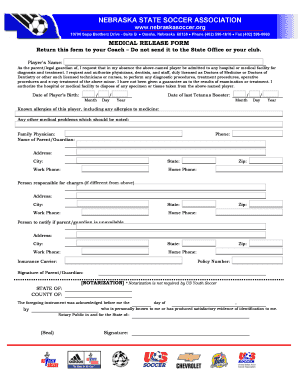
Medical Release Form - Capital Soccer Association
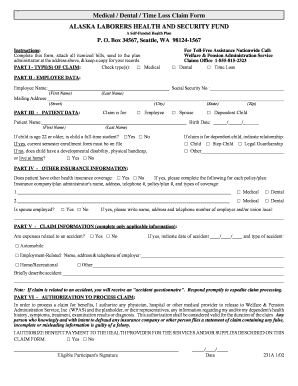
Medical / Dental / Time Loss Claim Form ALASKA ... - WPAS, Inc.

Ssa 1695
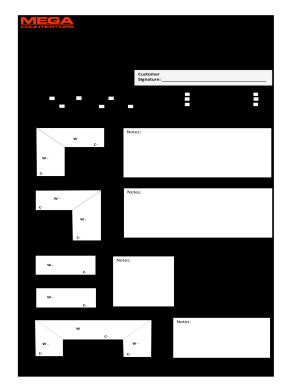
Supply Measure Form - Mega Countertops

Annual Giving Form: AFP Foundation for Philanthropy-Canada - afpnet
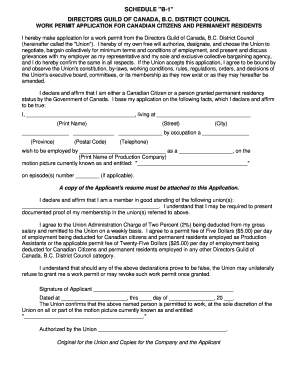
Canada work permit application
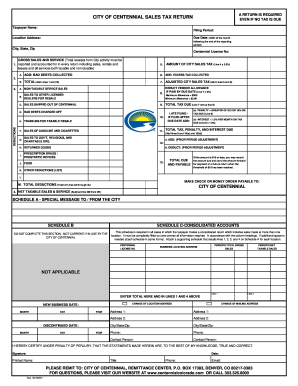
Centennial sales tax
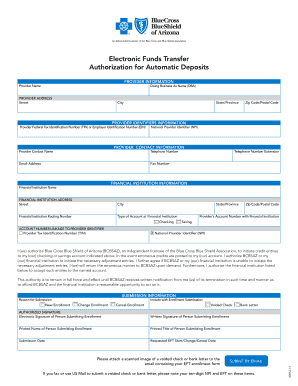
EFT Enrollment Form - Blue Cross Blue Shield of Arizona
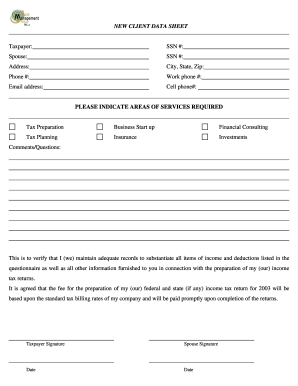
NEW CLIENT DATA SHEET Taxpayer: SSN - Ace Management Group
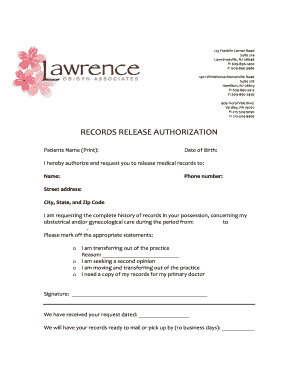
Lawerence obgyn
Benefit from the DocHub online library of fillable PDF forms
Searching the PDF forms doesn't have to be a tedious and time-consuming process. With the DocHub online library, it has become easier to find the fillable PDF forms and modify them in your browser. The service allows you to adjust the document to your needs using powerful editing tools.
You can use online document editing features to modify almost any type of document with ease. You just need to find the template of your choice, open it in the editor, and use the toolbar to make the necessary corrections.
Follow this guide to get your document done with DocHub:
- Find the PDF template you need.
- Click the Get Form button to open the file in the editor.
- Use the toolbar to fill out and edit the document.
- Easily add and highlight text, insert images, checkmarks, and symbols.
- Drop new fillable fields, and rearrange or delete pages from your file.
- Save changes and download your record.
DocHub empowers everyone to streamline document editing, signing, and distribution, and form completion. Create an account and benefit from our well-organized PDF Forms library and comprehensive editor.