
Get any PDF form from the DocHub library of ready-made templates - Page 1550
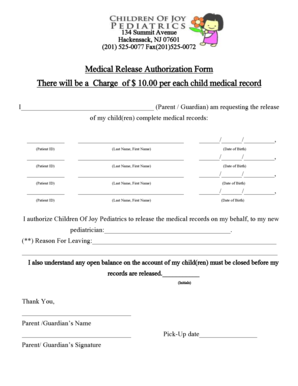
New jersey medical release
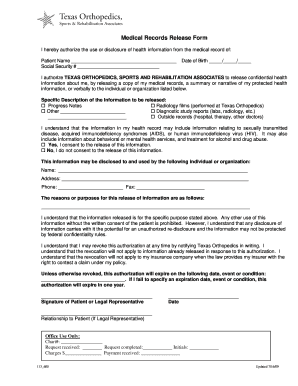
Medical records release form
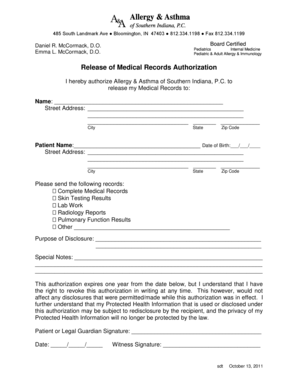
Release of Medical Records Authorization - Allergy and Asthma
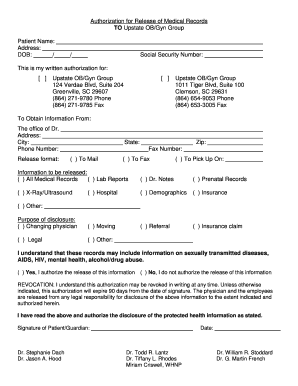
Medical Records Release Form - Upstate OB-GYN Group - upstateobgyngroup
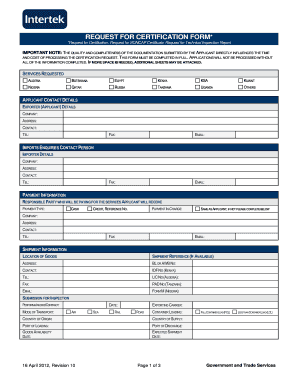
*Request for Certification, Request for SONCAP Certificate, Request for Technical Inspection Report

Oral Health Assessment Form (Spanish) - Health Services & School ... - lakeport k12 ca
Masthope mountain community job application pdf form

Ancestry blank forms for download
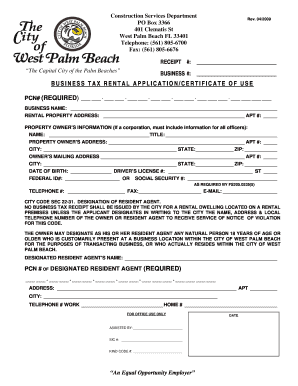
Business tax rental application/certificate of use - City of West Palm ... - wpb
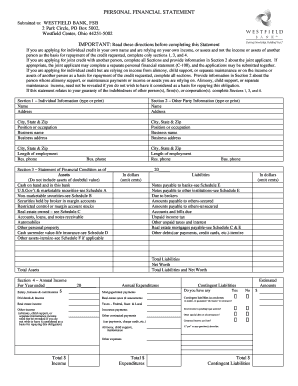
Westfield financial statement form

Form for employee download pdf sample

Print choice psychosis form
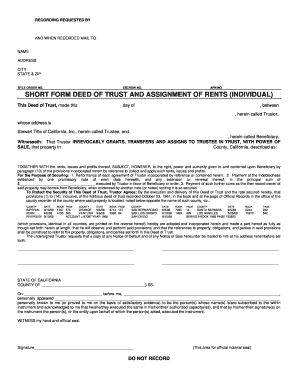
SHORT FORM DEED OF TRUST AND ASSIGNMENT OF ... - Stewart

Brief pain inventory short form
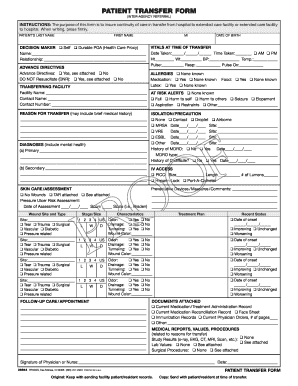
PATIENT TRANSFER FORM - Health Care Improvement Foundation
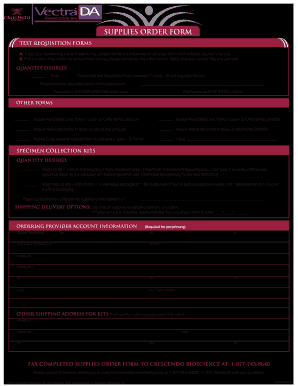
FM-00550 SUPPLIES ORDER Form OUTLINED - Vectra DA

Garnet valley craft fair 2019
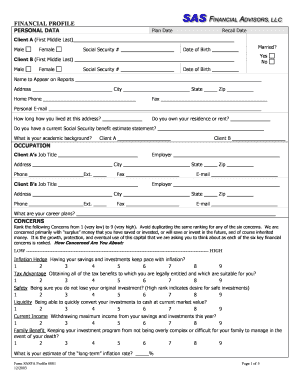
Financial advisor client questionnaire
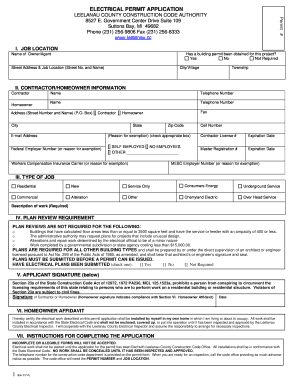
Leelanau county electrical permit

Ewr form pdf
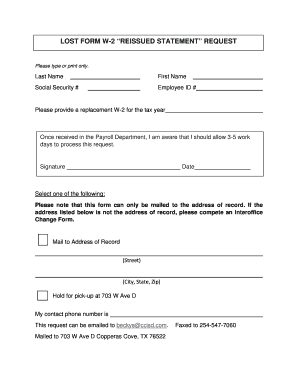
LOST FORM W-2 REISSUED STATEMENT REQUEST

Mvr33a fax number raliegh nc 2014 form

Police check sudbury
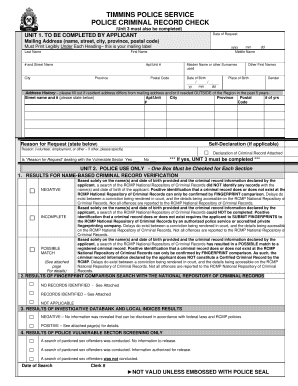
Police information and vulnerable sector check form - timminspolice
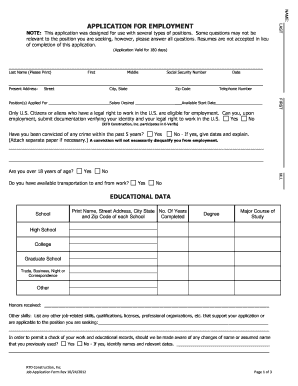
To download a Job Application Form - RTD Construction, Inc

Commercial invoice and packing list
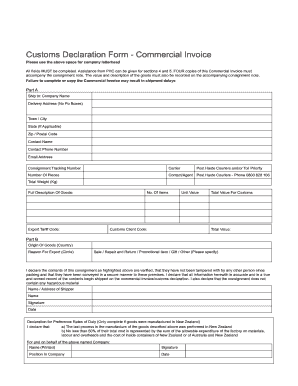
Customs declaration commercial invoice

Fascnet
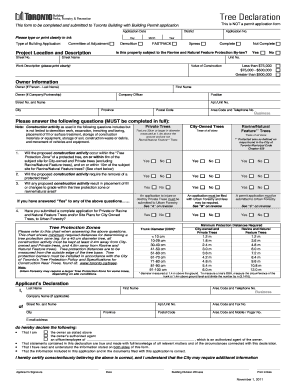
Toronto tree declaration form
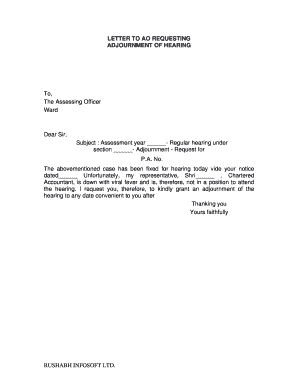
Adjournment letter format for gst
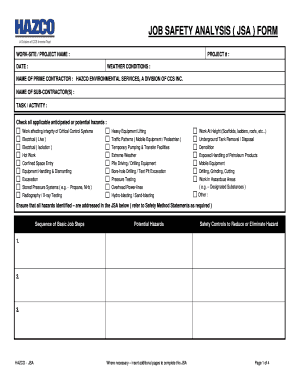
Printable jsa form
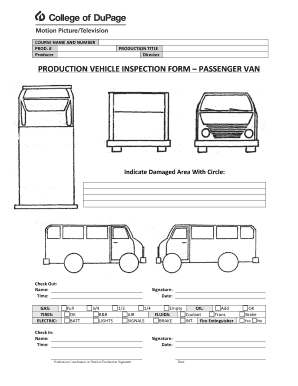
PRODUCTION VEHICLE INSPECTION FORM PASSENGER VAN - cod
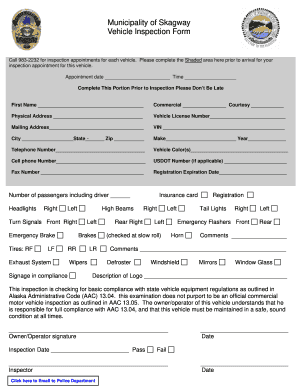
Police officers inspection sheetdoc form

Ford multi point inspection form pdf
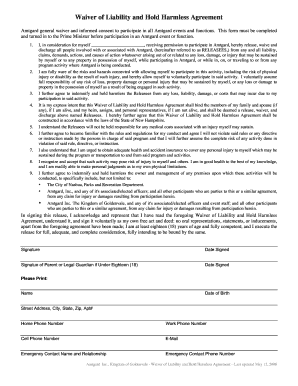
Liability hold harmless agreement

Release and Hold Harmless Agreement - Pony Tail Ranch
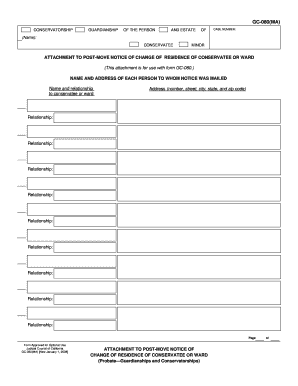
Judicial council form gc 080
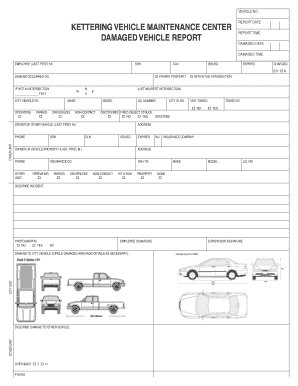
Kettering vehicle maintenance center damaged bb - City of Kettering - ketteringoh

Fl410
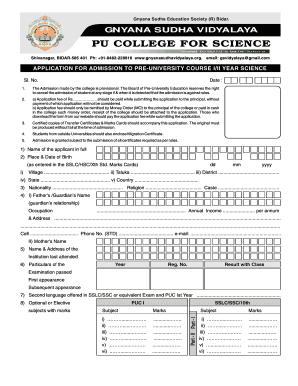
Form 17 mh hsc ac in
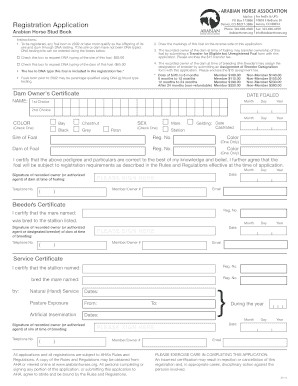
Arabian horse association
Security d license application
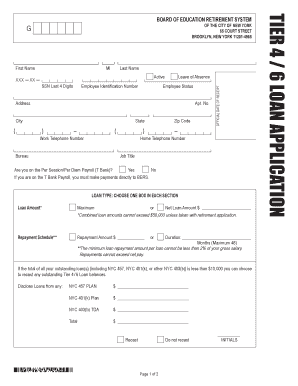
Nycbers
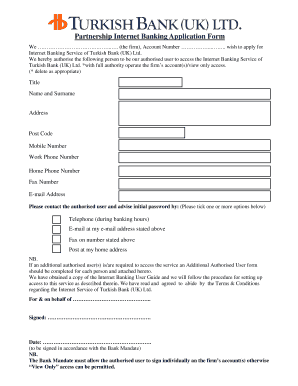
Account opening form turkiye bankasi

I&m bank logo download form

Taco bueno application form
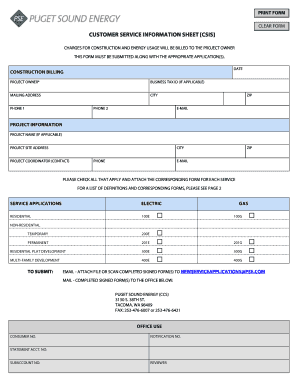
Customer service information sheet csis - Puget Sound Energy
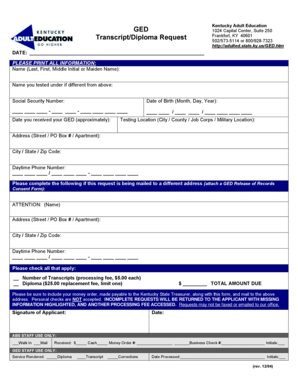
GED Transcript/Diploma Request
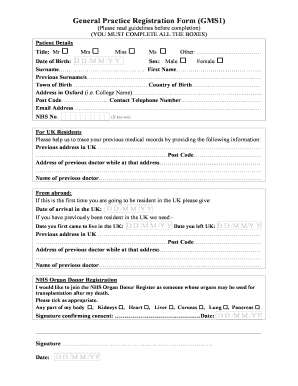
Gp form
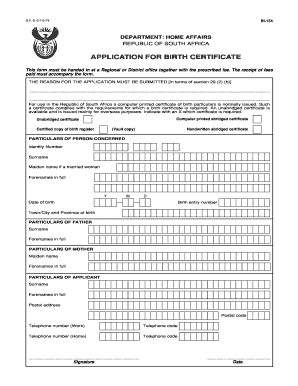
Bi 154
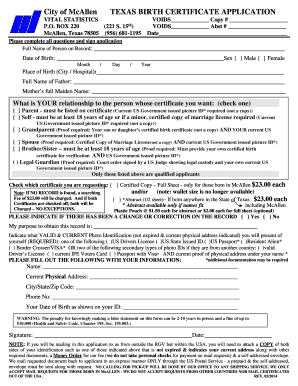
Mcallen vital statistics
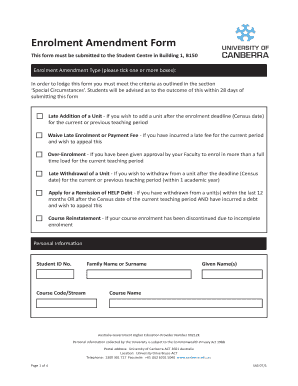
Enrolment Amendment Form - University of Canberra - canberra edu
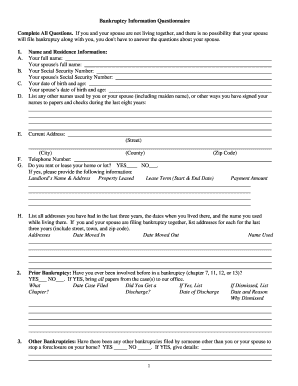
Bankruptcy Questionnaire - preudhommelaw.com
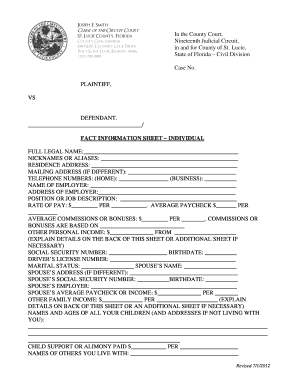
Fact Information Sheet - St Lucie County Clerk
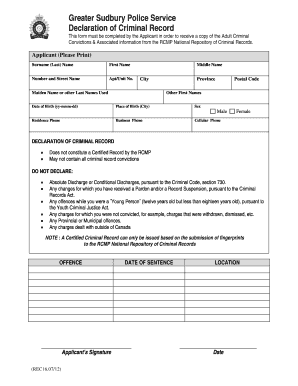
Police declaration form
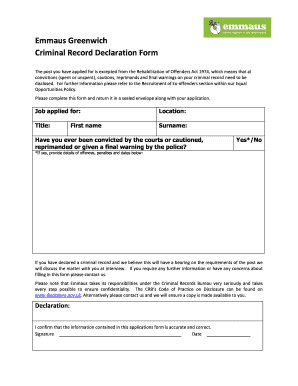
Sample criminal conviction form
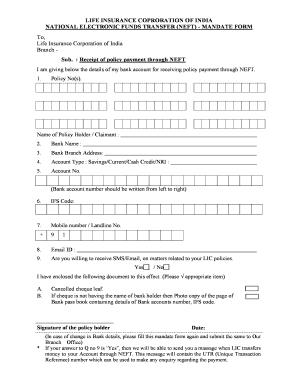
Neft lic form
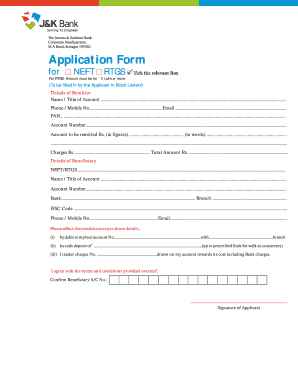
J k bank pay in slip download
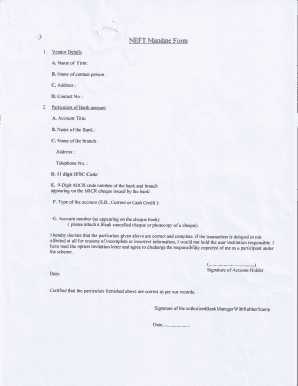
Neft mandate form sbi

Microdermabrasion template
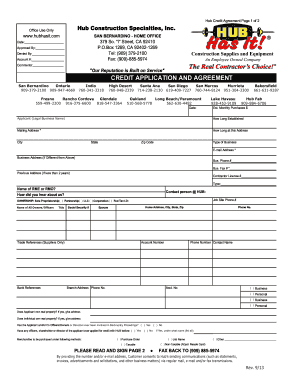
CREDIT APPLICATION AND AGREEMENT - HUB Has It!
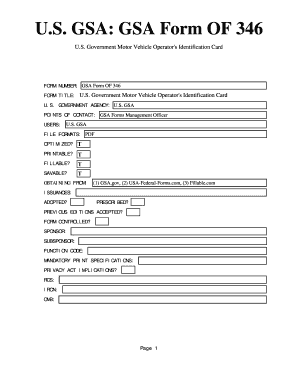
Of346
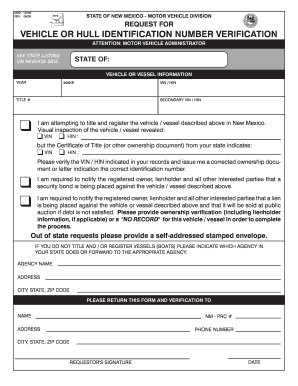
Mvd 10705
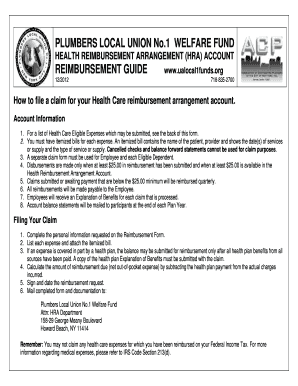
718 223 4313

Bucks community withdrawal
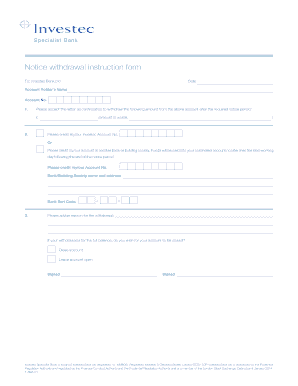
Notice withdrawal form - Investec
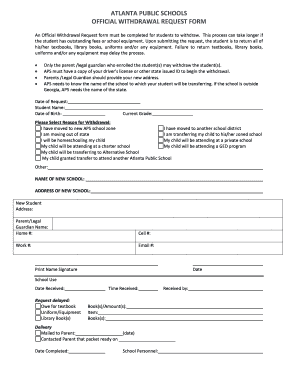
Atlanta public schools withdrawal

Temporary Transfer Form - SunWater
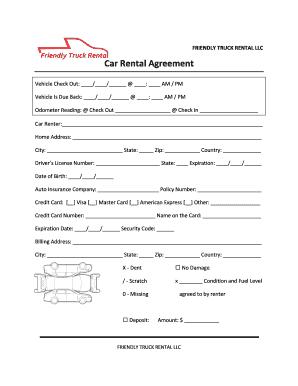
FRIENDLY TRUCK RENTAL LLC
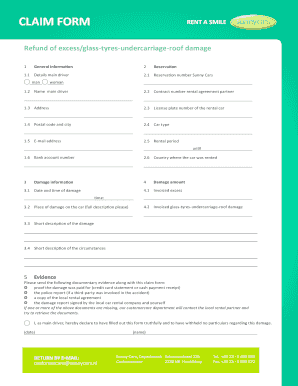
CLAIM FORM - Sunny Cars - sunnycars
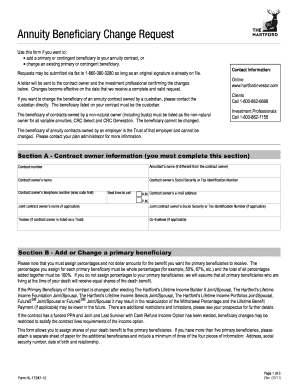
Annuity Beneficiary Change Request - Benefit Concepts

Da form 4082

Nbcn client authorization for electronic funds transfer form
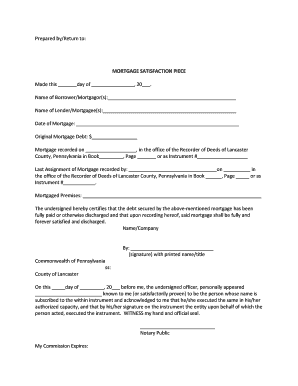
Pa satisfaction piece
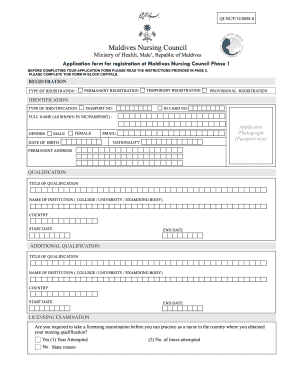
Maldives nursing and midwifery council

Job evaluation form 939 online
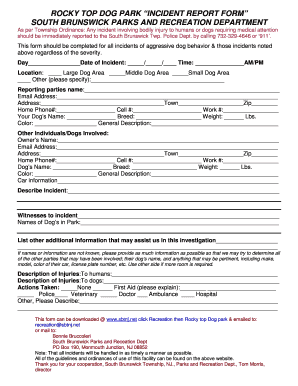
New jersey south brunswick
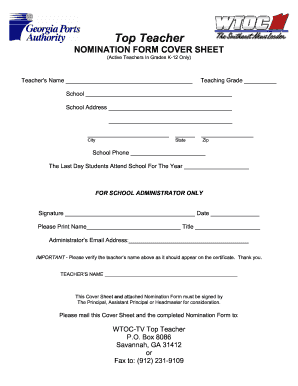
Wtoc top teacher form
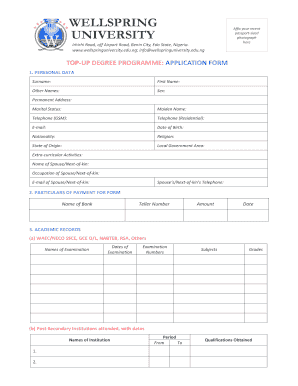
Wellspring university

School recognition renewal form 1
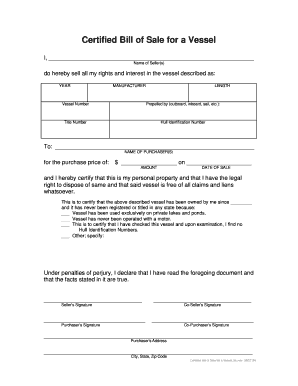
Certified bill of sale
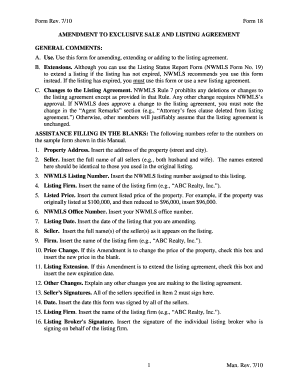
Form Rev. 7/10 Form 18 AMENDMENT TO EXCLUSIVE SALE AND ...
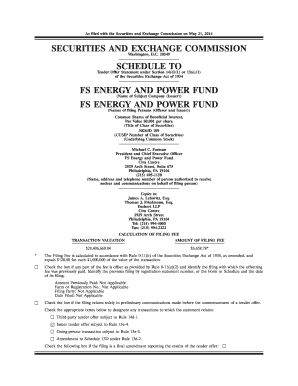
FSEP Quarterly Tender Offer Form - Franklin Square Capital Partners
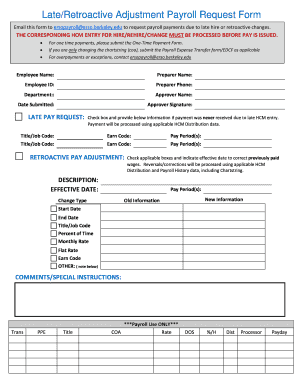
Internal payment request form template
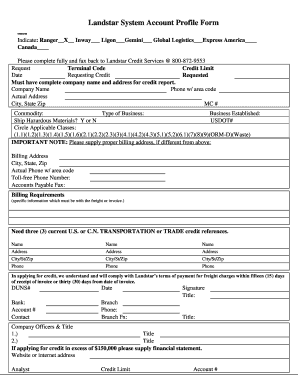
Landstar maintenance report
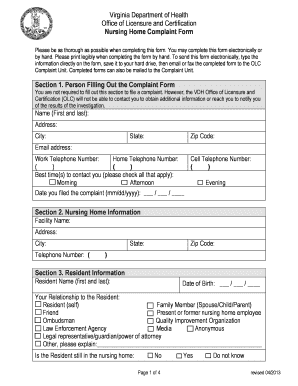
Virginia nursing home complaints
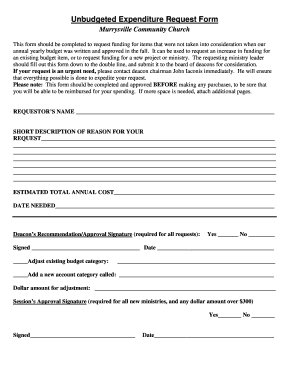
Unbudgeted expense approval request form

Vbs volunteer sign up sheet

EMERGENCY CONTACT FORM - Save the Children - savethechildren
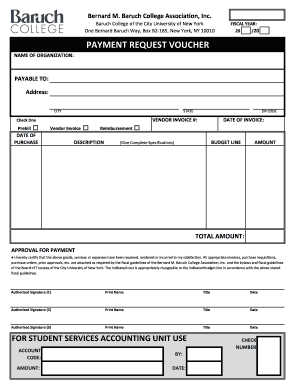
Payment request voucher

Veteran Application - Honor Flight Houston - honorflighthouston
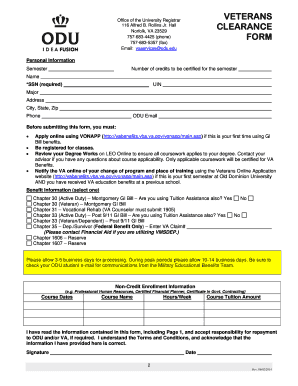
Veterans Clearance Form.pdf - Old Dominion University - odu
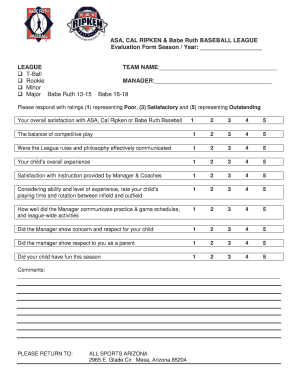
Babe league evaluation form
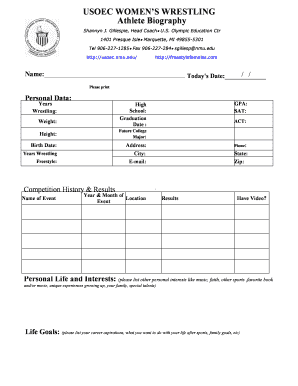
Military bio template fill in blank
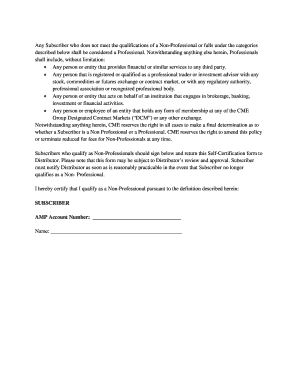
Cme non professional self certification form
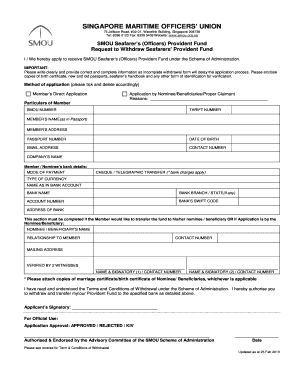
Smou request to withdraw smou officers provided fund latest form
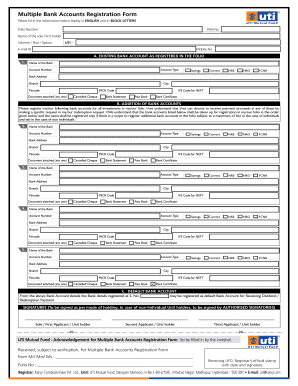
Karvy change of bank form
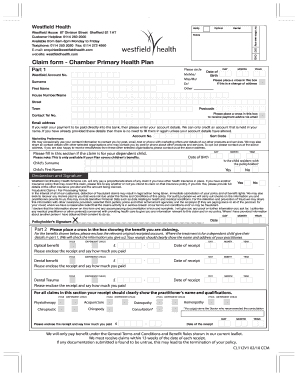
Claim form - Chamber Primary Health Plan - Westfield Health
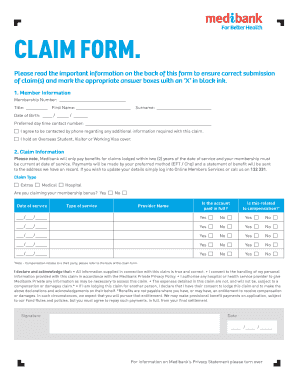
Medibank claim form pdf
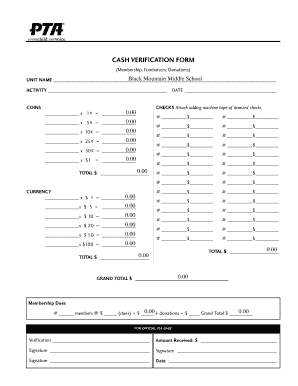
Pta cash verification form
Benefit from the DocHub online library of fillable PDF forms
Searching the PDF forms doesn't have to be a tedious and time-consuming process. With the DocHub online library, it has become easier to find the fillable PDF forms and modify them in your browser. The service allows you to adjust the document to your needs using powerful editing tools.
You can use online document editing features to modify almost any type of document with ease. You just need to find the template of your choice, open it in the editor, and use the toolbar to make the necessary corrections.
Follow this guide to get your document done with DocHub:
- Find the PDF template you need.
- Click the Get Form button to open the file in the editor.
- Use the toolbar to fill out and edit the document.
- Easily add and highlight text, insert images, checkmarks, and symbols.
- Drop new fillable fields, and rearrange or delete pages from your file.
- Save changes and download your record.
DocHub empowers everyone to streamline document editing, signing, and distribution, and form completion. Create an account and benefit from our well-organized PDF Forms library and comprehensive editor.