
Get any PDF form from the DocHub library of ready-made templates - Page 1547
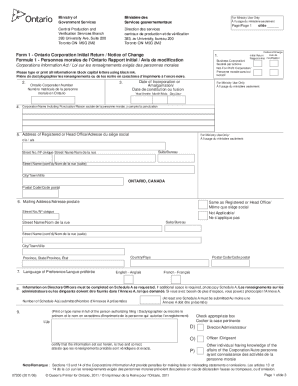
Initial Return/Notice of Change by an Ontario Corporation Form 1 - forms ssb gov on
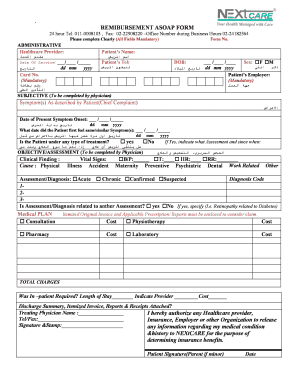
Nextcare reimbursement form

Medication

Delaware spay and neuter program
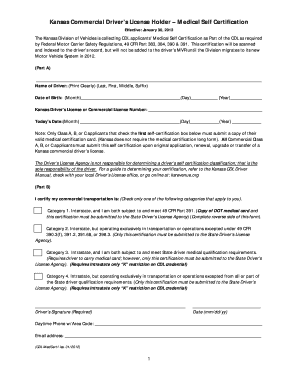
Kansas cdl self certification
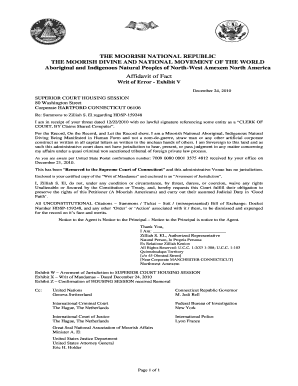
Affidavit of facts texas

85A - First Quarter Diesel Form - Kansas Department of Revenue - ksrevenue
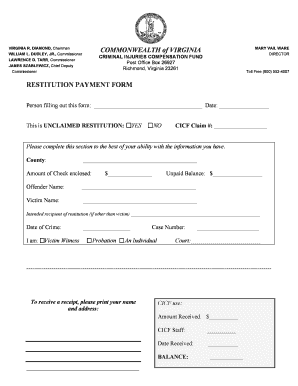
Restitution payment
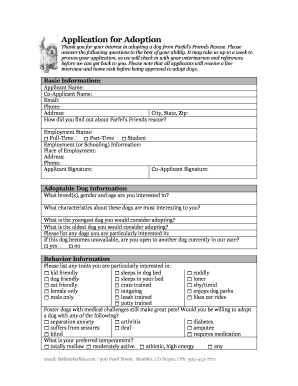
Farfel adoption
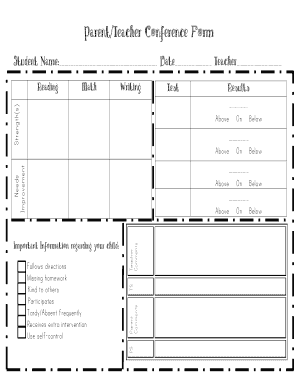
Parent teacher conference form
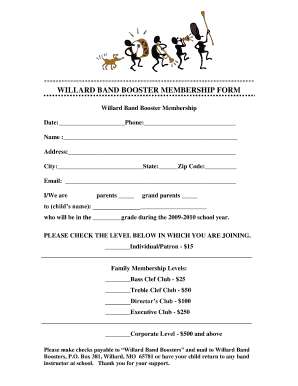
WILLARD BAND BOOSTER MEMBERSHIP FORM
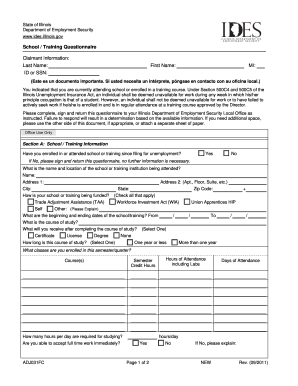
Ides school training questionnaire
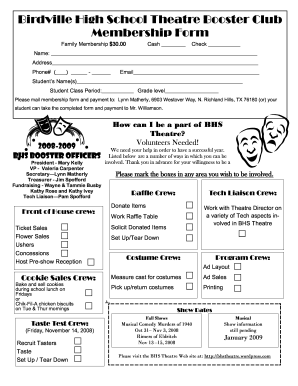
Theatre Booster Club Membership Form 2008-2009 - Birdville High ...
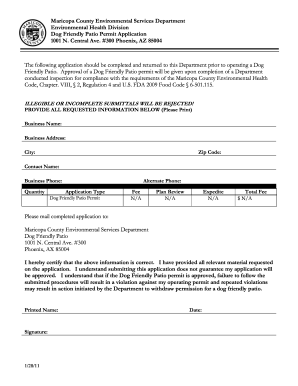
Fill out form for dog friendly patio permit
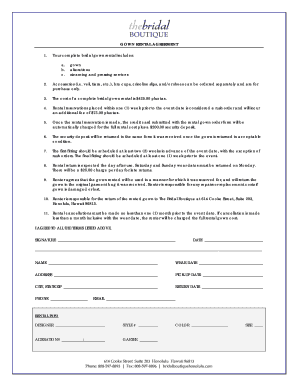
Printable gown rental agreement form

Mpworkx
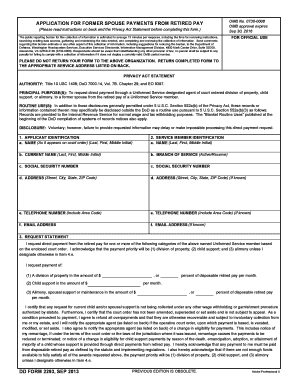
Dd form 2293
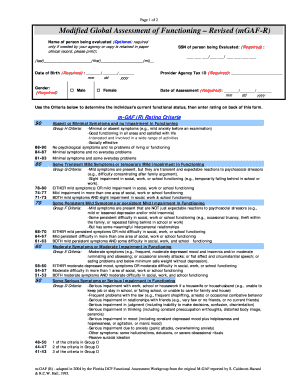
Gaf test printable
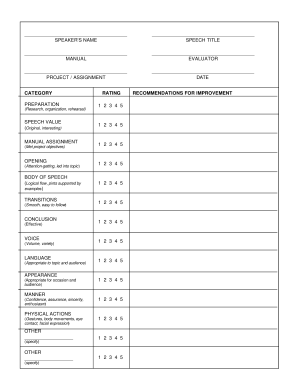
Individual speech evaluation form
Usda rd 449 34
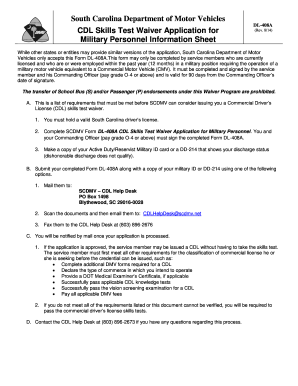
DL-408A CDL Skills Test Waiver Application for Military ...

Usda 1927 19
Rd form 1940 43

Dangerous goods form pdf
Aetc 708
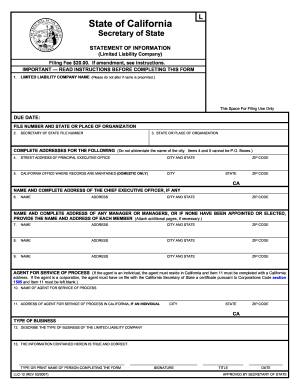
Complete the Statement of Information (Form LLC-12) as ... - LNA, Inc.
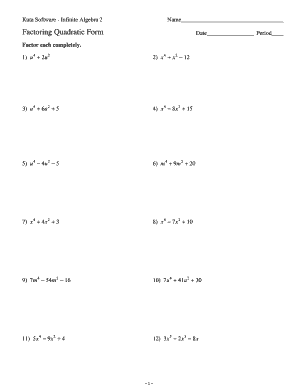
Kuta software infinite algebra 2 factoring quadratic expressions
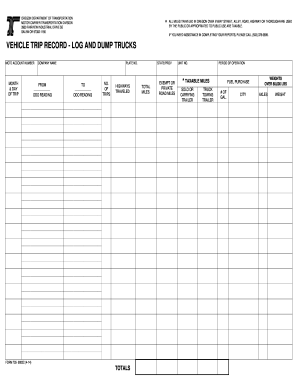
Trip record form
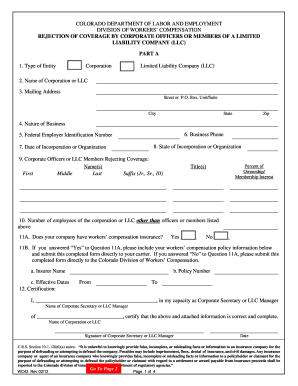
Rejection of Coverage - Colorado.gov
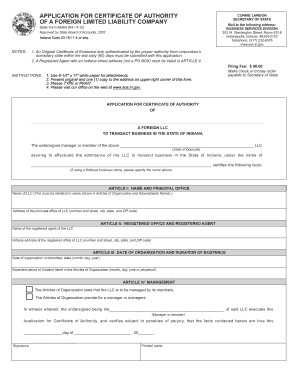
Application for certificate of authority of a foreign limited ... - IN.gov
U.S. USDA Form usda-rd-3560-11-fmi - U.S. Federal Forms
Form 39 approval assets
Form af2453 form
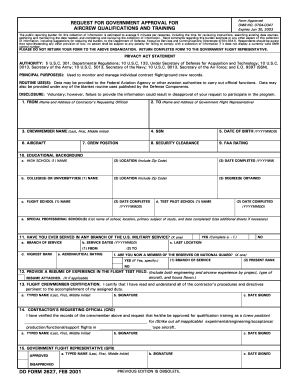
U.S. DOD Form dod-dd-2627 - U.S. Federal Forms
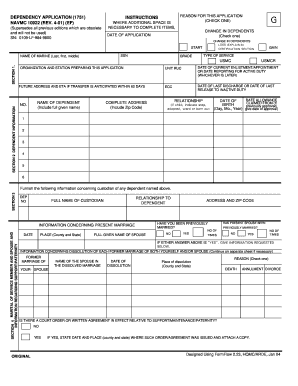
Navmc 10922

Farm Endorsement Application - Oregon Department of Transportation - odot state or

Ngb form 36 4
U.S. DOC Form doc-cd-29 - U.S. Federal Forms

Form 1628 federal
Form 442 21
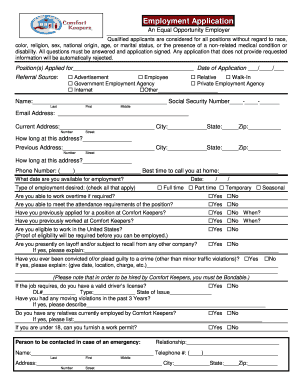
Application Comfort Keepers. Free download: U.S. Federal Form sf-2800

Cd 527
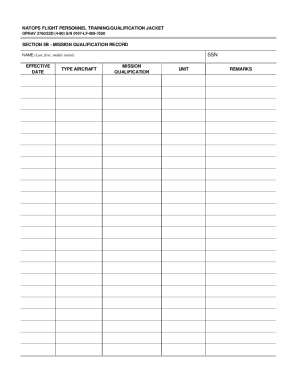
Opnav 3760 32b

Sf 1418

U.S. DOD Form dod-da-4067-r - U.S. Federal Forms

Form 2064

Da1380
U.S. USDA Form usda-rd-4279-5. Free download

Preliminary title opinion form
Rd 1951 10 form
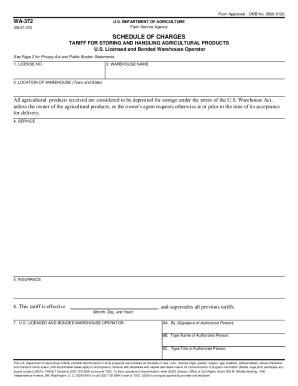
Wa 372
Rd 1942 46
U.S. USDA Form usda-ccc-297 - U.S. Federal Forms
Usda rd 4279 1 2005 form

Va form 3831b

U.S. USDA Form usda-rd-1924-4. Free download

IRREVOCABLE TRUST AGREEMENT - legal forms - legalforms
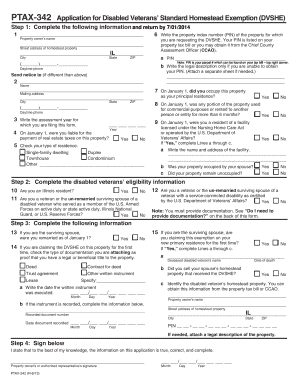
St clair county illinois disabled veteran property tax exemption form

Vpdes general registration
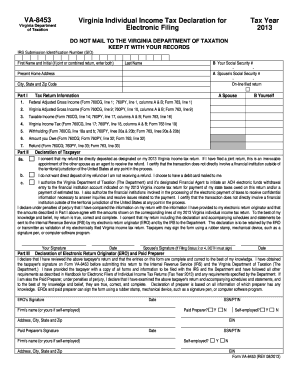
Form VA-8453 - Virginia Department of Taxation - tax virginia
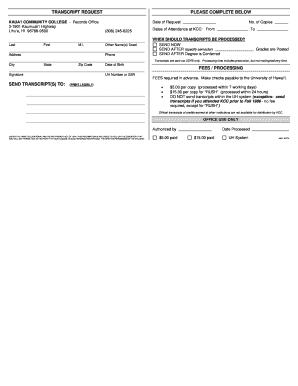
TRANSCRIPT REQUEST - Kaua`i Community College - info kauaicc hawaii
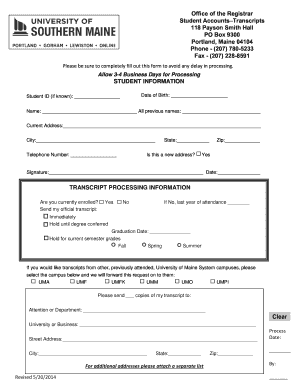
Usm transcript request

CR-115 DEFENDANT'S STATEMENT OF ASSETS. Judicial Council forms - courtinfo ca
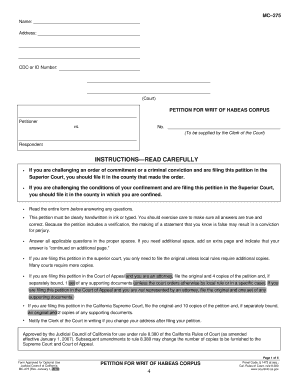
Law california

Virginia sales tax exemption form st 12 2006

Jv 580
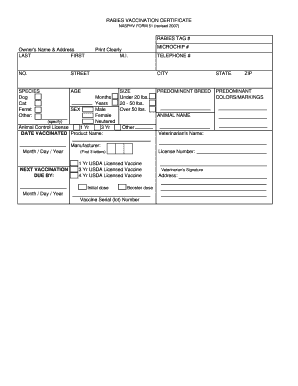
Nasphv form 51
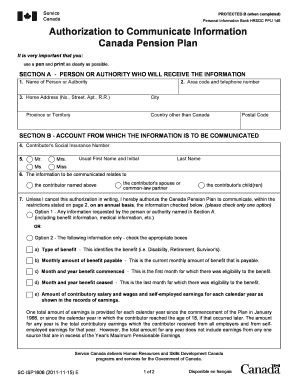
Canada pension plan
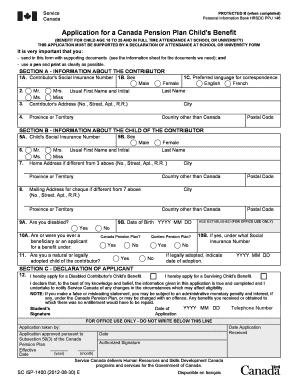
Isp 400 forms canada

Form ssta specific
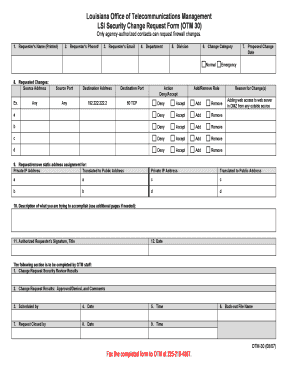
Firewall change management template
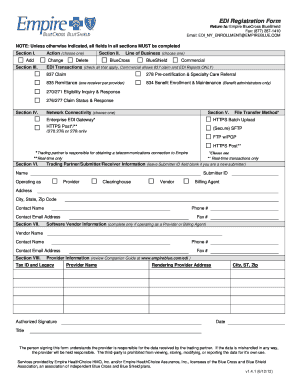
EDI Registration Form - Empire Blue Cross Blue Shield
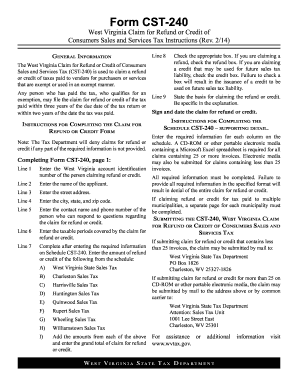
Wv cst 240 2014 form
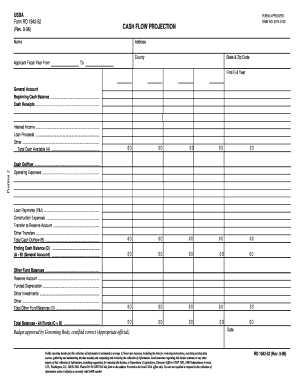
Projection sc egov
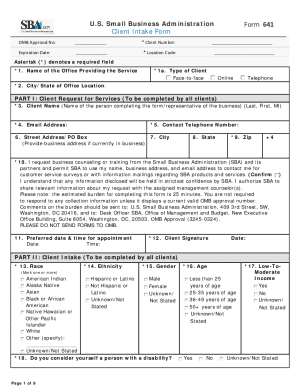
Sba 641

The EPIC Application - New York State Department of Health - health ny
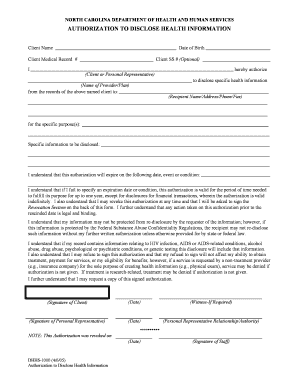
Dhhs-1000-iapdf DSB Authorization to Disclose Health Information - info dhhs state nc
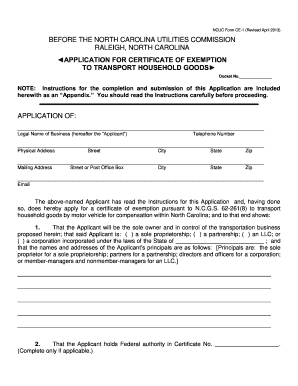
The ncuc form
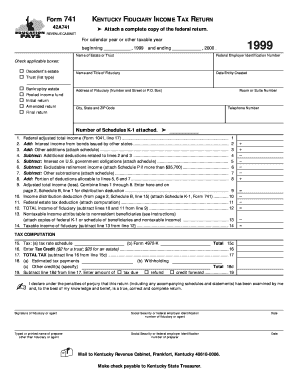
Kentucky form 741

Pag ibig loan form sample with answers

Boc 3 form pdf

Form 804
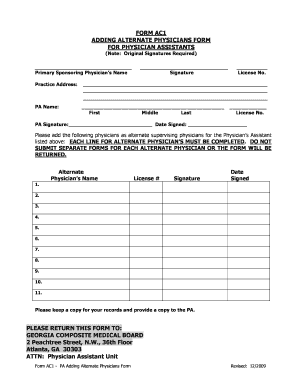
Form ac1 pa adding alternate physicians form fillable

Hl restructuring
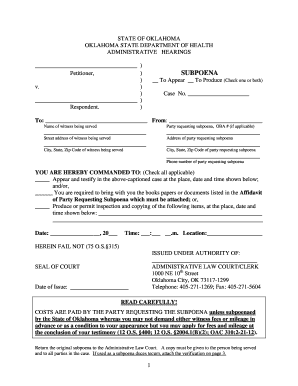
OAH Subpoena Form - Oklahoma - ok
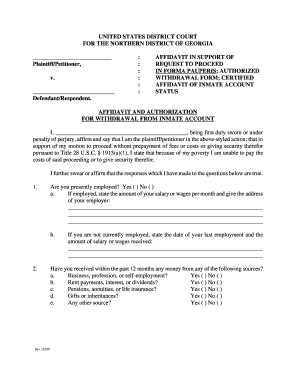
In forma pauperis definition

Uk form 42

Case summary form
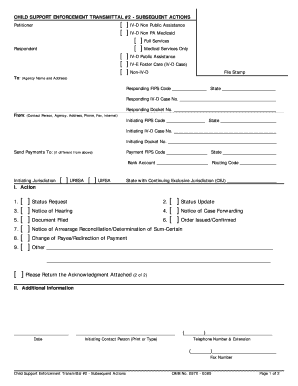
Transmittal 2
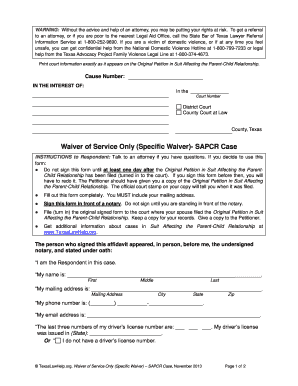
Service sapcr
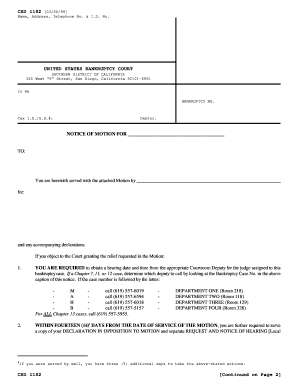
Csd registration forms pdf
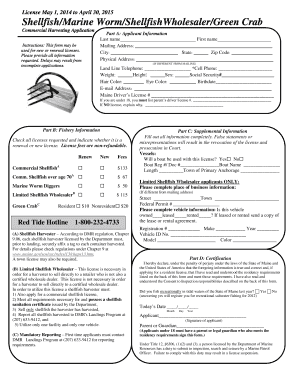
Marine worm license online form

Apprentice/Student Lobster and - maine
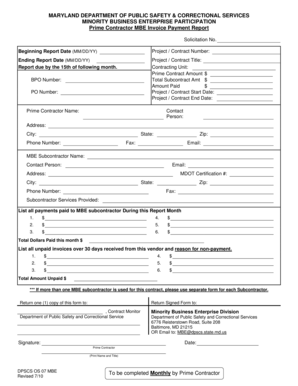
MARYLAND DEPARTMENT OF PUBLIC SAFETY and - dpscs maryland
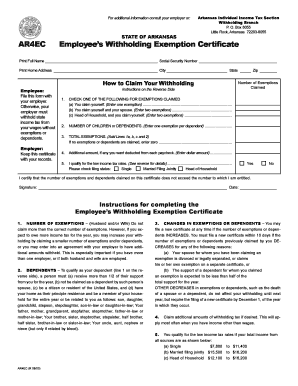
Ar4ec
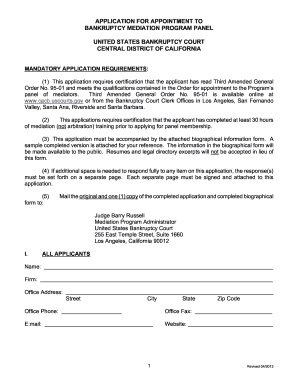
Application appointment mediation program

Certificate of Exportation (REG 32). index-ready This form is used by individuals and industry customers when a vehicle titled in California and subject to registration is being exported out of the United States, by means other than its own
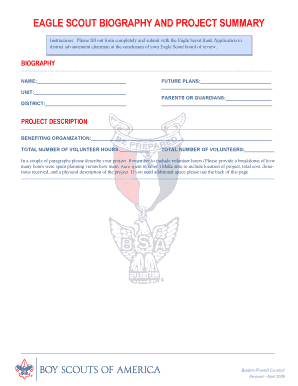
Eagle Scout Biography and Project Summary Report - Scouting - scouting

AAA eBook order form for website, v 1.doc
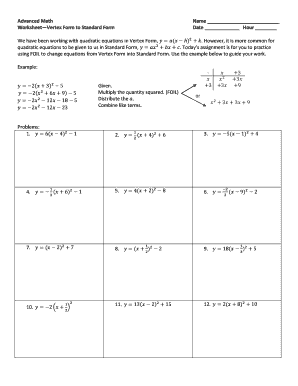
Standard factored vertex form table practice
Benefit from the DocHub online library of fillable PDF forms
Searching the PDF forms doesn't have to be a tedious and time-consuming process. With the DocHub online library, it has become easier to find the fillable PDF forms and modify them in your browser. The service allows you to adjust the document to your needs using powerful editing tools.
You can use online document editing features to modify almost any type of document with ease. You just need to find the template of your choice, open it in the editor, and use the toolbar to make the necessary corrections.
Follow this guide to get your document done with DocHub:
- Find the PDF template you need.
- Click the Get Form button to open the file in the editor.
- Use the toolbar to fill out and edit the document.
- Easily add and highlight text, insert images, checkmarks, and symbols.
- Drop new fillable fields, and rearrange or delete pages from your file.
- Save changes and download your record.
DocHub empowers everyone to streamline document editing, signing, and distribution, and form completion. Create an account and benefit from our well-organized PDF Forms library and comprehensive editor.